
DISSERTATIONTHESIS FORMATTING SUBMISSION WORKSHOP Amanda Wong Trina Elerts
DISSERTATION/THESIS FORMATTING & SUBMISSION WORKSHOP Amanda Wong & Trina Elerts Graduate Academic Affairs
Introduction The purpose of this workshop is to provide information about formatting the document and the steps involved in submission and graduation. Graduate Academic Affairs, Graduate Division § Amanda Wong (A-L) and Trina Elerts (M-Z) § 140 University Office Building, 951 -827 -3315 § M-F, 10 am to 5 pm (closed 12 -1 for lunch) – We will be working remotely through 2020. § amanda. wong@ucr. edu § trina. elerts@ucr. edu § https: //graduate. ucr. edu/
General Resources • i. Learn Course - UCR Graduate Community, includes announcements and La. Tex Discussion Board • Grad. Success including the Graduate Writing Resource Center – gwrc. ucr. edu • Dissertation Writing Support https: //gwrc. ucr. edu/programs/dissertationsupport/occasions • Dissertation Support Group @ Counseling Center – counseling. ucr. edu, 951 -827 -5531 Elizabeth Mondragon
Document Style • FIRST RULE: Format must conform to Graduate Division requirements – Format Guide • Style is at the discretion of your committee • May choose to use MLA or APA or another style manual as a guide, but be careful, these guides do not match the Graduate Division requirements exactly. • Journal format or scientific format • Each chapter is a separate paper • Must have a general introduction and conclusion • Be consistent! Must use the same style for each chapter (including abstract, bibliography and footnotes/endnotes)
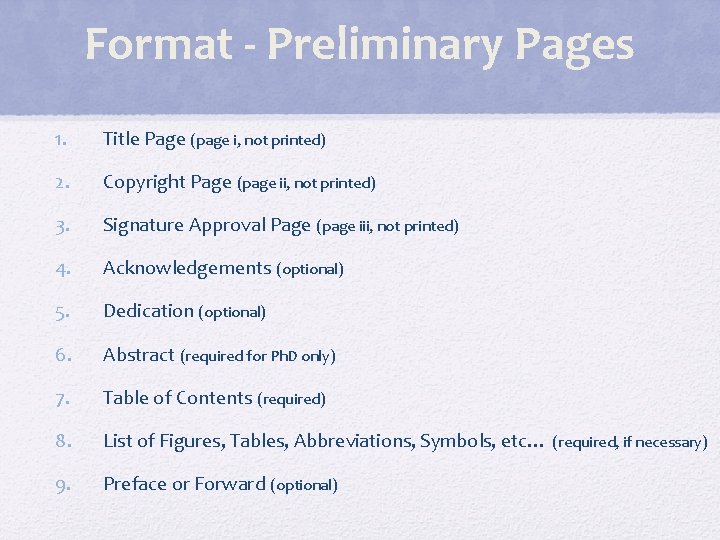
Format - Preliminary Pages 1. Title Page (page i, not printed) 2. Copyright Page (page ii, not printed) 3. Signature Approval Page (page iii, not printed) 4. Acknowledgements (optional) 5. Dedication (optional) 6. Abstract (required for Ph. D only) 7. Table of Contents (required) 8. List of Figures, Tables, Abbreviations, Symbols, etc… (required, if necessary) 9. Preface or Forward (optional)
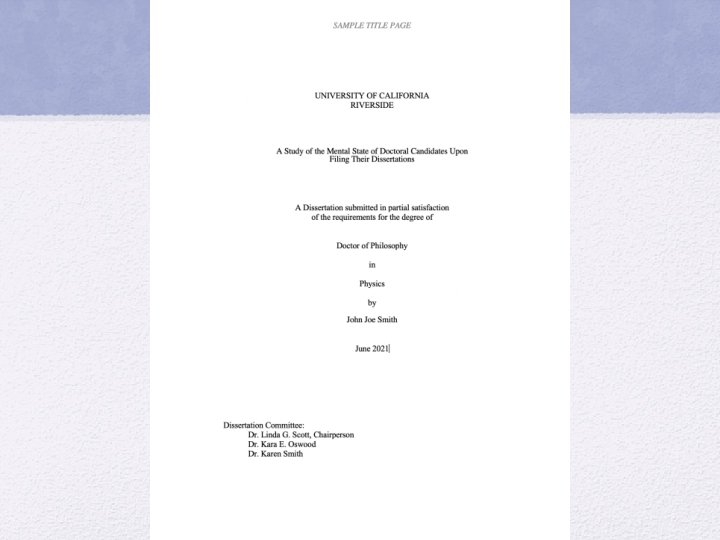


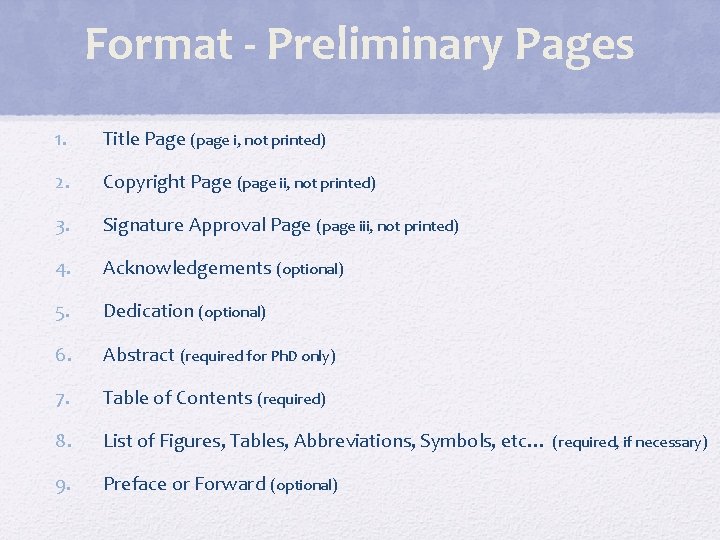
Format - Preliminary Pages 1. Title Page (page i, not printed) 2. Copyright Page (page ii, not printed) 3. Signature Approval Page (page iii, not printed) 4. Acknowledgements (optional) 5. Dedication (optional) 6. Abstract (required for Ph. D only) 7. Table of Contents (required) 8. List of Figures, Tables, Abbreviations, Symbols, etc… (required, if necessary) 9. Preface or Forward (optional)

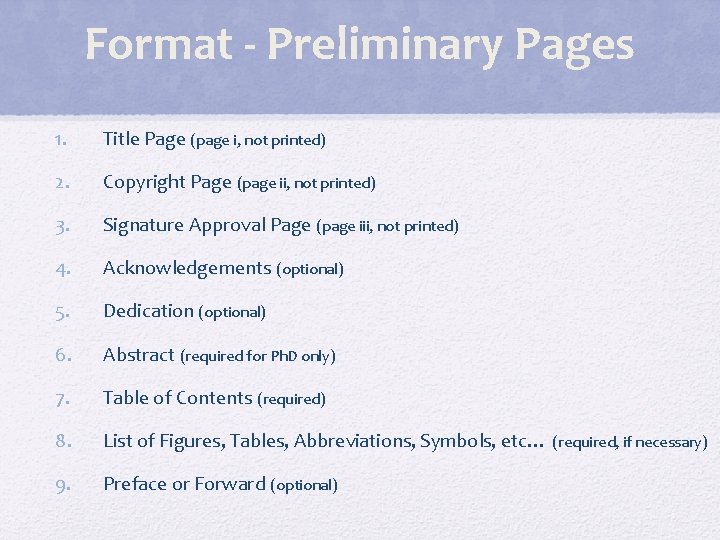
Format - Preliminary Pages 1. Title Page (page i, not printed) 2. Copyright Page (page ii, not printed) 3. Signature Approval Page (page iii, not printed) 4. Acknowledgements (optional) 5. Dedication (optional) 6. Abstract (required for Ph. D only) 7. Table of Contents (required) 8. List of Figures, Tables, Abbreviations, Symbols, etc… (required, if necessary) 9. Preface or Forward (optional)
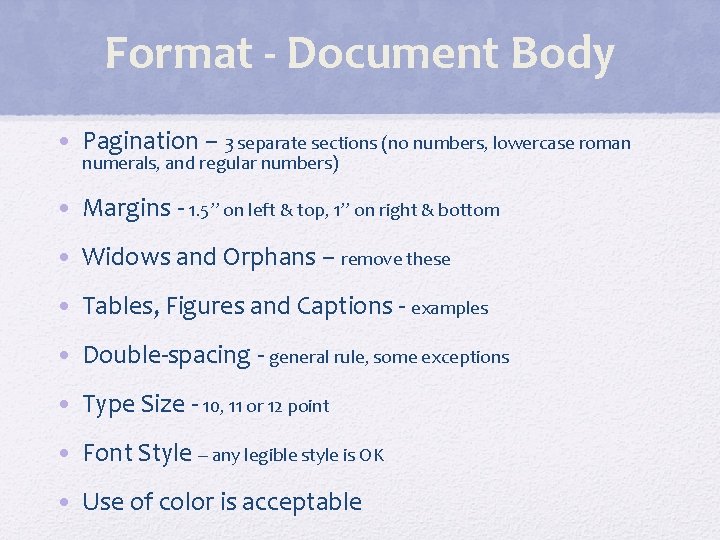
Format - Document Body • Pagination – 3 separate sections (no numbers, lowercase roman numerals, and regular numbers) • Margins - 1. 5” on left & top, 1” on right & bottom • Widows and Orphans – remove these • Tables, Figures and Captions - examples • Double-spacing - general rule, some exceptions • Type Size - 10, 11 or 12 point • Font Style – any legible style is OK • Use of color is acceptable

Widow Line
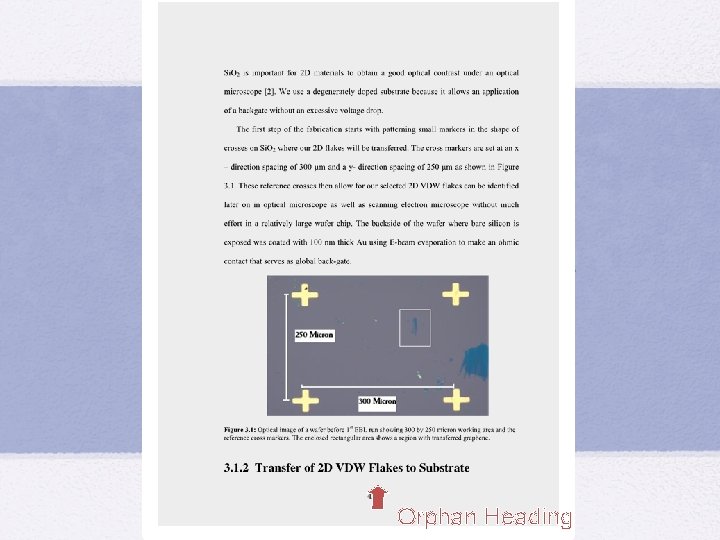
Orphan Heading
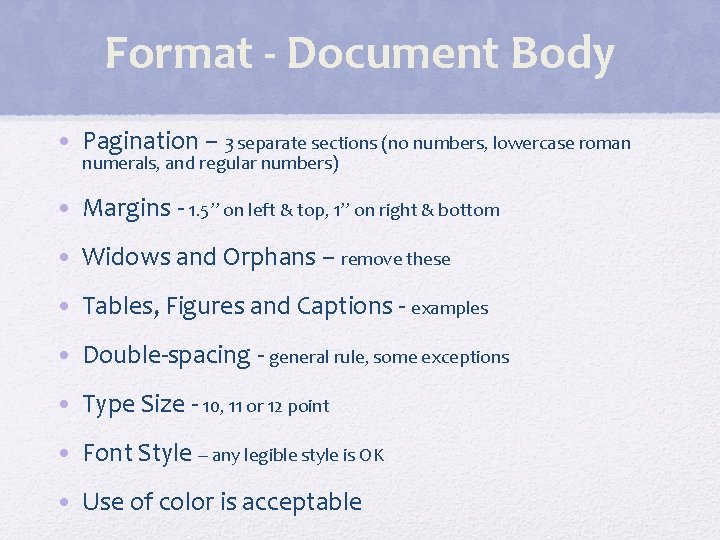
Format - Document Body • Pagination – 3 separate sections (no numbers, lowercase roman numerals, and regular numbers) • Margins - 1. 5” on left & top, 1” on right & bottom • Widows and Orphans – remove these • Tables, Figures and Captions - examples • Double-spacing - general rule, some exceptions • Type Size - 10, 11 or 12 point • Font Style – any legible style is OK • Use of color is acceptable
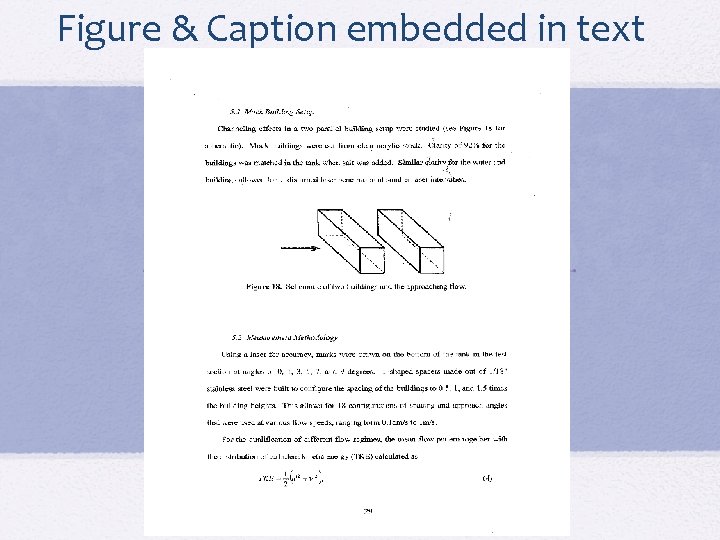
Figure & Caption embedded in text
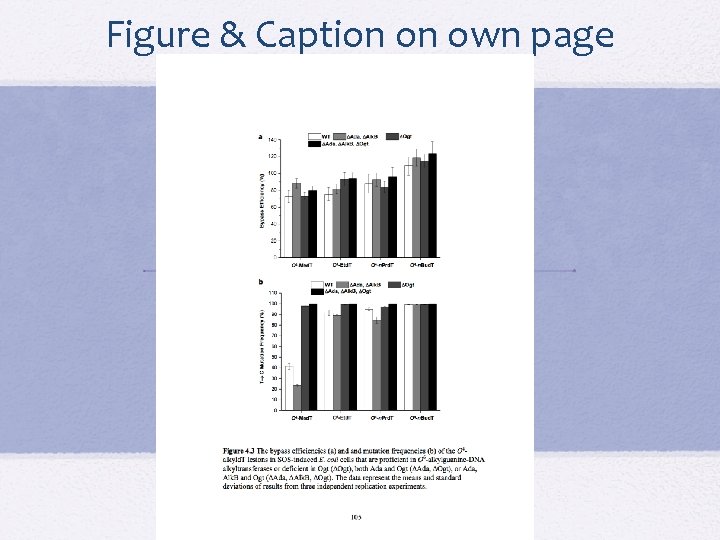
Figure & Caption on own page
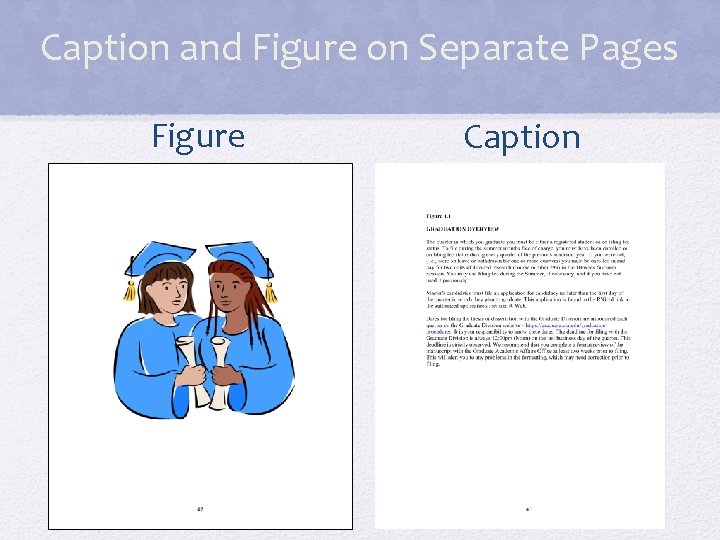
Caption and Figure on Separate Pages Figure Caption
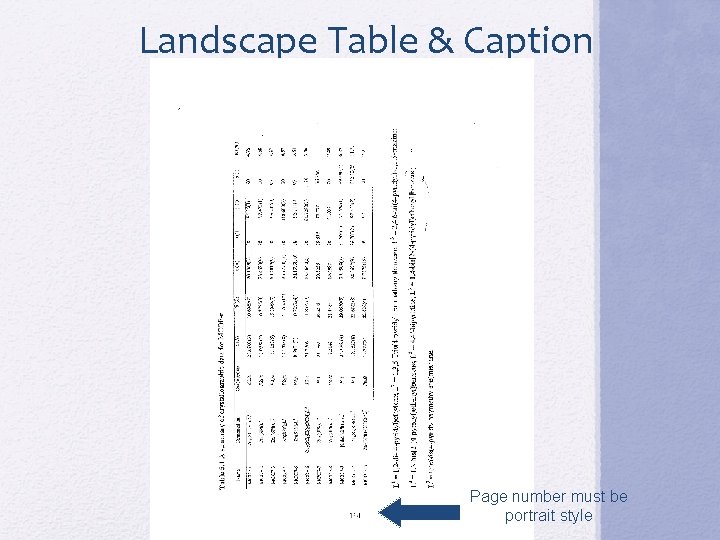
Landscape Table & Caption Page number must be portrait style
Format - Document Body • Pagination – 3 separate sections (no numbers, lowercase roman numerals, and regular numbers) • Margins - 1. 5” on left & top, 1” on right & bottom • Widows and Orphans – remove these • Tables, Figures and Captions - examples • Double-spacing - general rule, some exceptions • Type Size - 10, 11 or 12 point • Font Style – any legible style is OK • Use of color is acceptable
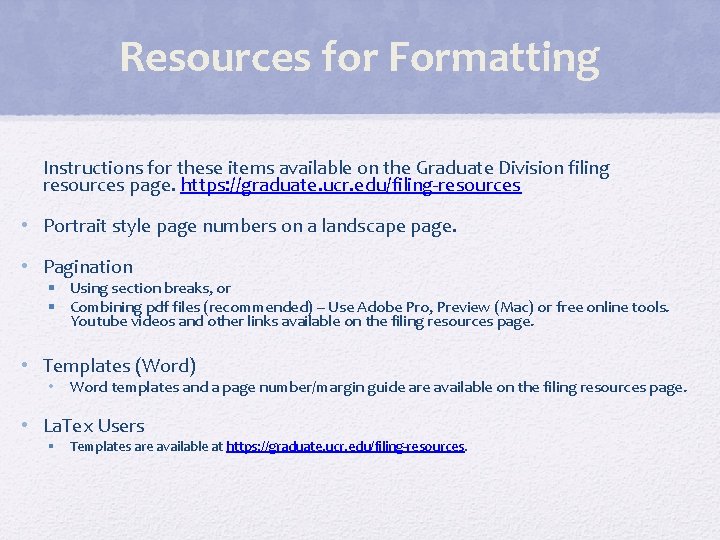
Resources for Formatting Instructions for these items available on the Graduate Division filing resources page. https: //graduate. ucr. edu/filing-resources • Portrait style page numbers on a landscape page. • Pagination § Using section breaks, or § Combining pdf files (recommended) – Use Adobe Pro, Preview (Mac) or free online tools. Youtube videos and other links available on the filing resources page. • Templates (Word) • Word templates and a page number/margin guide are available on the filing resources page. • La. Tex Users § Templates are available at https: //graduate. ucr. edu/filing-resources.
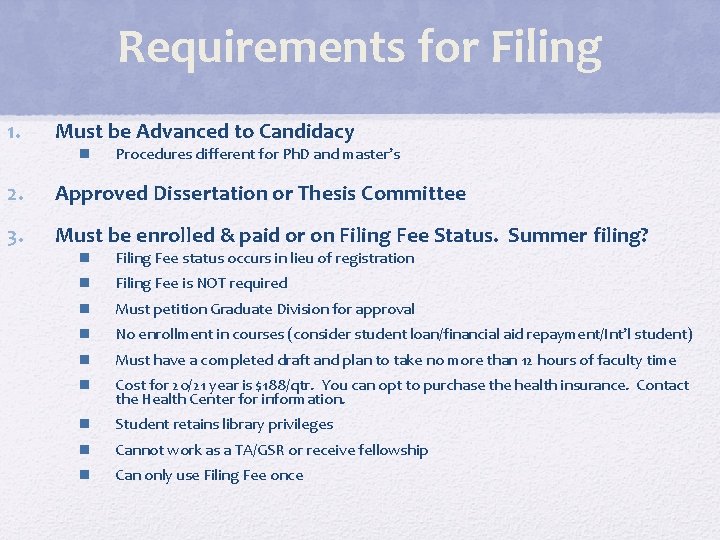
Requirements for Filing 1. Must be Advanced to Candidacy 2. Approved Dissertation or Thesis Committee 3. Must be enrolled & paid or on Filing Fee Status. Summer filing? Procedures different for Ph. D and master’s Filing Fee status occurs in lieu of registration Filing Fee is NOT required Must petition Graduate Division for approval No enrollment in courses (consider student loan/financial aid repayment/Int’l student) Must have a completed draft and plan to take no more than 12 hours of faculty time Cost for 20/21 year is $188/qtr. You can opt to purchase the health insurance. Contact the Health Center for information. Student retains library privileges Cannot work as a TA/GSR or receive fellowship Can only use Filing Fee once
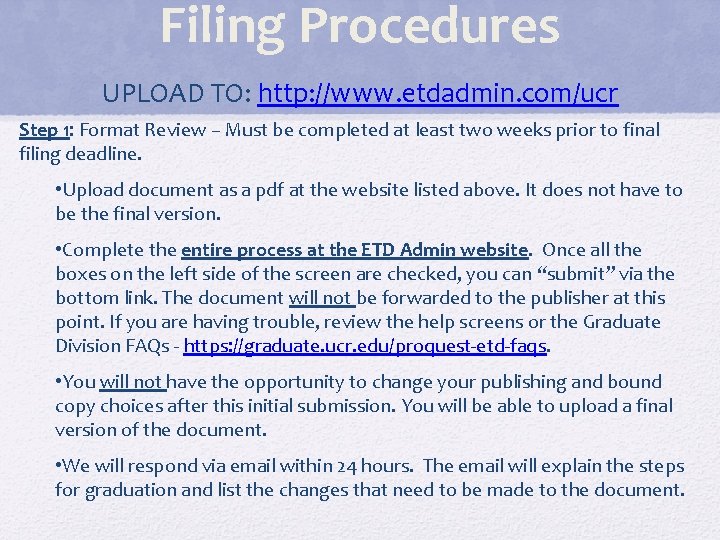
Filing Procedures UPLOAD TO: http: //www. etdadmin. com/ucr Step 1: Format Review – Must be completed at least two weeks prior to final filing deadline. • Upload document as a pdf at the website listed above. It does not have to be the final version. • Complete the entire process at the ETD Admin website. Once all the boxes on the left side of the screen are checked, you can “submit” via the bottom link. The document will not be forwarded to the publisher at this point. If you are having trouble, review the help screens or the Graduate Division FAQs - https: //graduate. ucr. edu/proquest-etd-faqs. • You will not have the opportunity to change your publishing and bound copy choices after this initial submission. You will be able to upload a final version of the document. • We will respond via email within 24 hours. The email will explain the steps for graduation and list the changes that need to be made to the document.
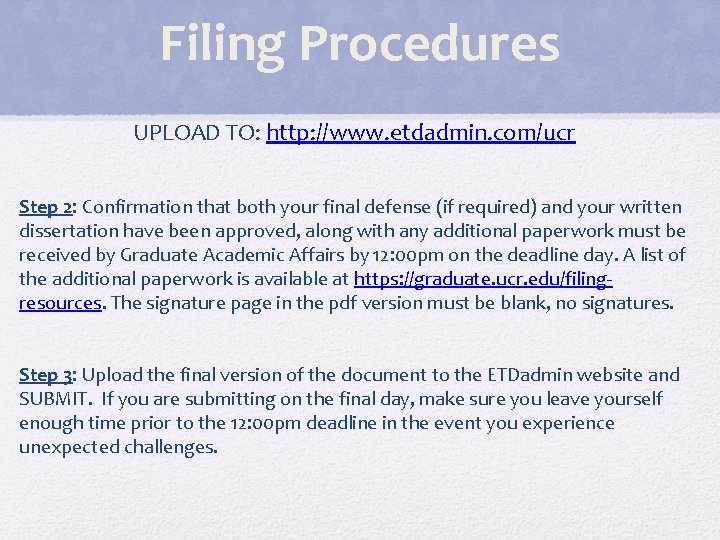
Filing Procedures UPLOAD TO: http: //www. etdadmin. com/ucr Step 2: Confirmation that both your final defense (if required) and your written dissertation have been approved, along with any additional paperwork must be received by Graduate Academic Affairs by 12: 00 pm on the deadline day. A list of the additional paperwork is available at https: //graduate. ucr. edu/filingresources. The signature page in the pdf version must be blank, no signatures. Step 3: Upload the final version of the document to the ETDadmin website and SUBMIT. If you are submitting on the final day, make sure you leave yourself enough time prior to the 12: 00 pm deadline in the event you experience unexpected challenges.
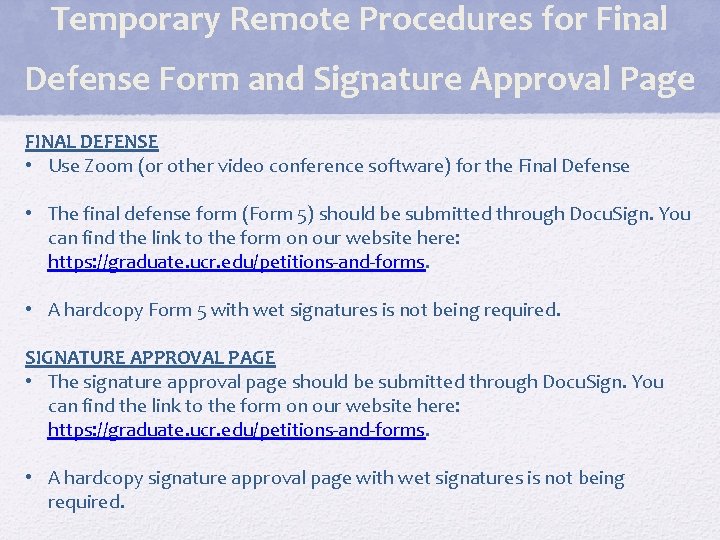
Temporary Remote Procedures for Final Defense Form and Signature Approval Page FINAL DEFENSE • Use Zoom (or other video conference software) for the Final Defense • The final defense form (Form 5) should be submitted through Docu. Sign. You can find the link to the form on our website here: https: //graduate. ucr. edu/petitions-and-forms. • A hardcopy Form 5 with wet signatures is not being required. SIGNATURE APPROVAL PAGE • The signature approval page should be submitted through Docu. Sign. You can find the link to the form on our website here: https: //graduate. ucr. edu/petitions-and-forms. • A hardcopy signature approval page with wet signatures is not being required.
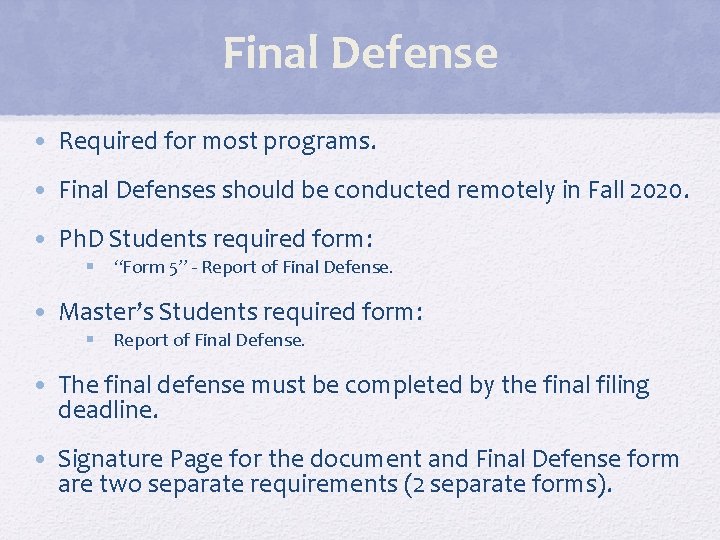
Final Defense • Required for most programs. • Final Defenses should be conducted remotely in Fall 2020. • Ph. D Students required form: § “Form 5” - Report of Final Defense. • Master’s Students required form: § Report of Final Defense. • The final defense must be completed by the final filing deadline. • Signature Page for the document and Final Defense form are two separate requirements (2 separate forms).
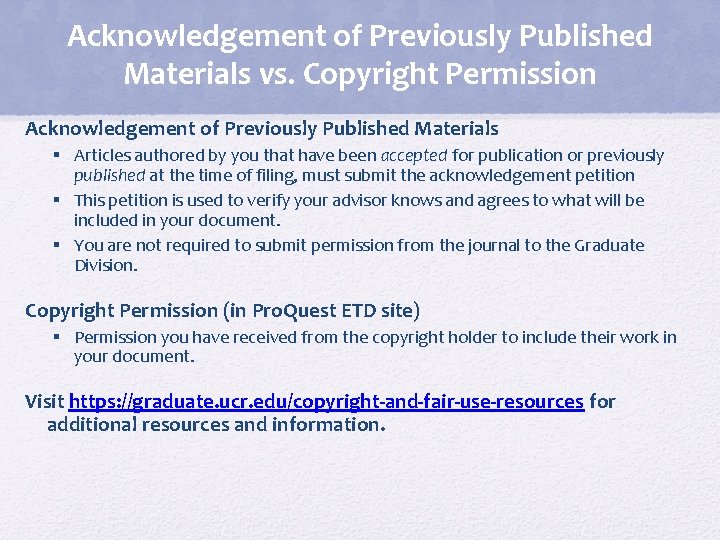
Acknowledgement of Previously Published Materials vs. Copyright Permission Acknowledgement of Previously Published Materials § Articles authored by you that have been accepted for publication or previously published at the time of filing, must submit the acknowledgement petition § This petition is used to verify your advisor knows and agrees to what will be included in your document. § You are not required to submit permission from the journal to the Graduate Division. Copyright Permission (in Pro. Quest ETD site) § Permission you have received from the copyright holder to include their work in your document. Visit https: //graduate. ucr. edu/copyright-and-fair-use-resources for additional resources and information.
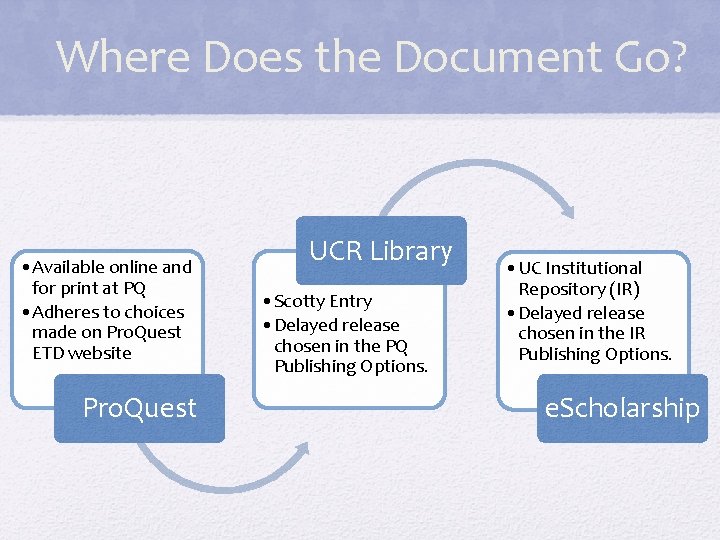
Where Does the Document Go? • Available online and for print at PQ • Adheres to choices made on Pro. Quest ETD website Pro. Quest UCR Library • Scotty Entry • Delayed release chosen in the PQ Publishing Options. • UC Institutional Repository (IR) • Delayed release chosen in the IR Publishing Options. e. Scholarship
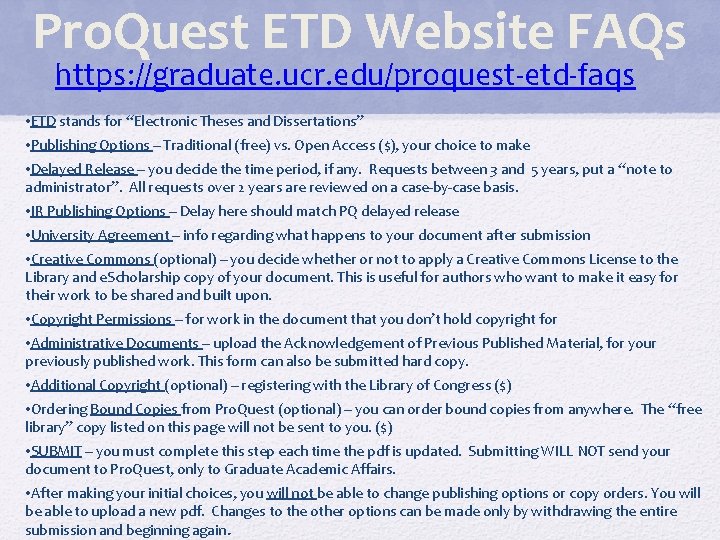
Pro. Quest ETD Website FAQs https: //graduate. ucr. edu/proquest-etd-faqs • ETD stands for “Electronic Theses and Dissertations” • Publishing Options – Traditional (free) vs. Open Access ($), your choice to make • Delayed Release – you decide the time period, if any. Requests between 3 and 5 years, put a “note to administrator”. All requests over 2 years are reviewed on a case-by-case basis. • IR Publishing Options – Delay here should match PQ delayed release • University Agreement – info regarding what happens to your document after submission • Creative Commons (optional) – you decide whether or not to apply a Creative Commons License to the Library and e. Scholarship copy of your document. This is useful for authors who want to make it easy for their work to be shared and built upon. • Copyright Permissions – for work in the document that you don’t hold copyright for • Administrative Documents – upload the Acknowledgement of Previous Published Material, for your previously published work. This form can also be submitted hard copy. • Additional Copyright (optional) – registering with the Library of Congress ($) • Ordering Bound Copies from Pro. Quest (optional) – you can order bound copies from anywhere. The “free library” copy listed on this page will not be sent to you. ($) • SUBMIT – you must complete this step each time the pdf is updated. Submitting WILL NOT send your document to Pro. Quest, only to Graduate Academic Affairs. • After making your initial choices, you will not be able to change publishing options or copy orders. You will be able to upload a new pdf. Changes to the other options can be made only by withdrawing the entire submission and beginning again.
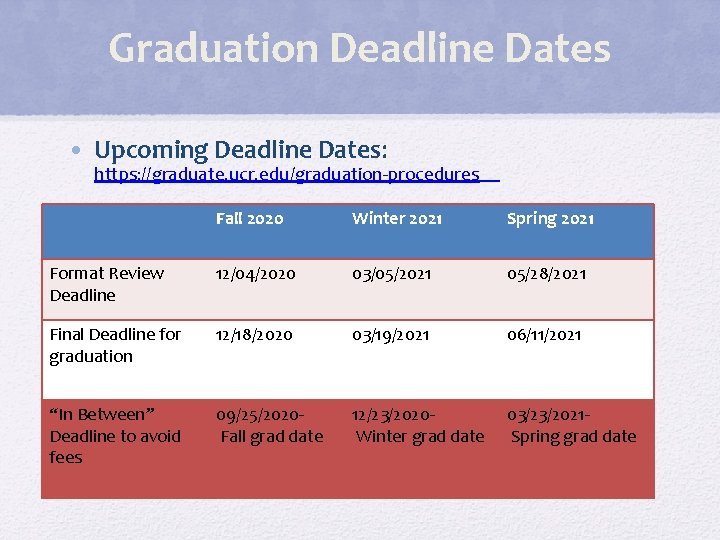
Graduation Deadline Dates • Upcoming Deadline Dates: https: //graduate. ucr. edu/graduation-procedures Fall 2020 Winter 2021 Spring 2021 Format Review Deadline 12/04/2020 03/05/2021 05/28/2021 Final Deadline for graduation 12/18/2020 03/19/2021 06/11/2021 “In Between” Deadline to avoid fees 09/25/2020 Fall grad date 12/23/2020 Winter grad date 03/23/2021 Spring grad date
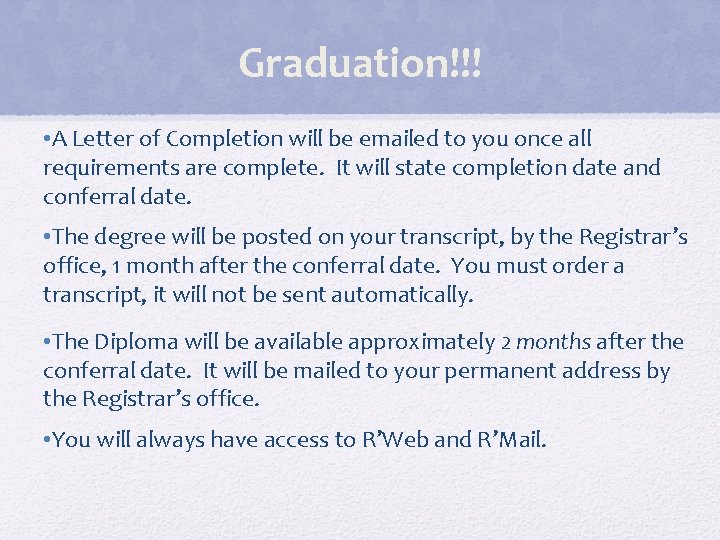
Graduation!!! • A Letter of Completion will be emailed to you once all requirements are complete. It will state completion date and conferral date. • The degree will be posted on your transcript, by the Registrar’s office, 1 month after the conferral date. You must order a transcript, it will not be sent automatically. • The Diploma will be available approximately 2 months after the conferral date. It will be mailed to your permanent address by the Registrar’s office. • You will always have access to R’Web and R’Mail.
- Slides: 31