
Discovering Computers Microsoft Office 2010 Discovering Computers Chapter
- Slides: 46
Discovering Computers & Microsoft Office 2010 Discovering Computers Chapter 4
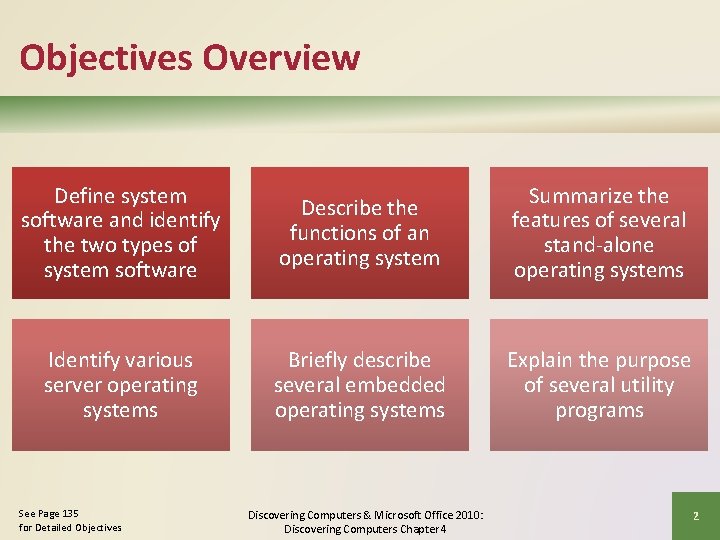
Objectives Overview Define system software and identify the two types of system software Describe the functions of an operating system Summarize the features of several stand-alone operating systems Identify various server operating systems Briefly describe several embedded operating systems Explain the purpose of several utility programs See Page 135 for Detailed Objectives Discovering Computers & Microsoft Office 2010: Discovering Computers Chapter 4 2
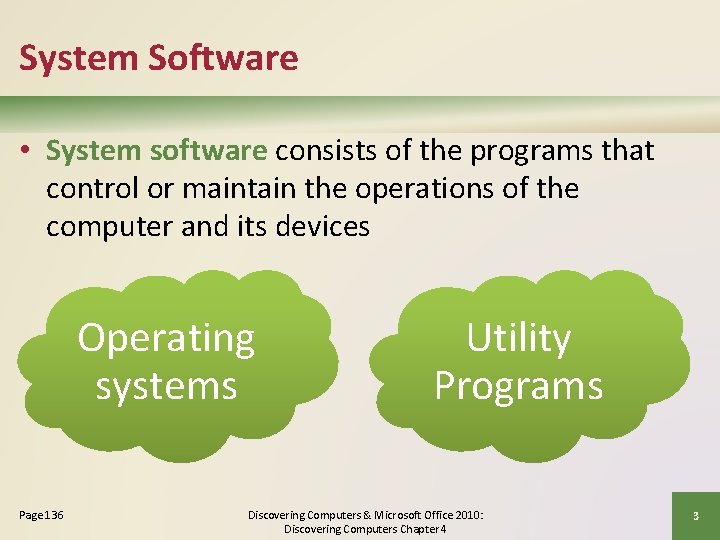
System Software • System software consists of the programs that control or maintain the operations of the computer and its devices Operating systems Page 136 Utility Programs Discovering Computers & Microsoft Office 2010: Discovering Computers Chapter 4 3
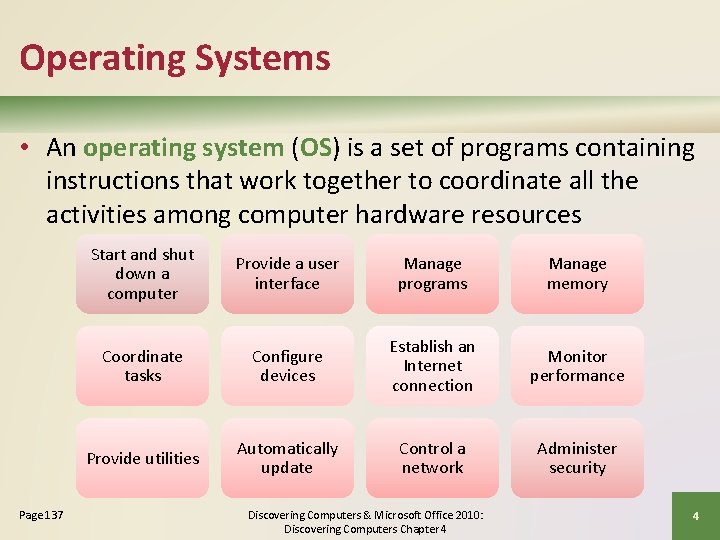
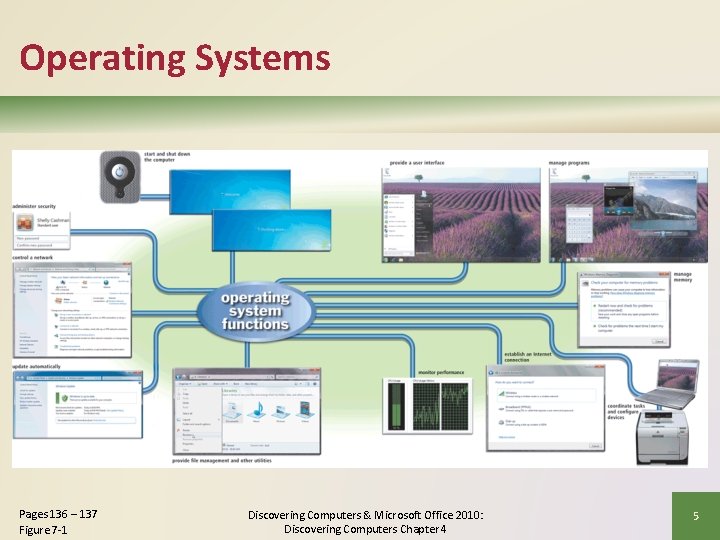
Operating Systems • An operating system (OS) is a set of programs containing instructions that work together to coordinate all the activities among computer hardware resources Page 137 Start and shut down a computer Provide a user interface Manage programs Manage memory Coordinate tasks Configure devices Establish an Internet connection Monitor performance Provide utilities Automatically update Control a network Administer security Discovering Computers & Microsoft Office 2010: Discovering Computers Chapter 4 4
Operating Systems Pages 136 – 137 Figure 7 -1 Discovering Computers & Microsoft Office 2010: Discovering Computers Chapter 4 5
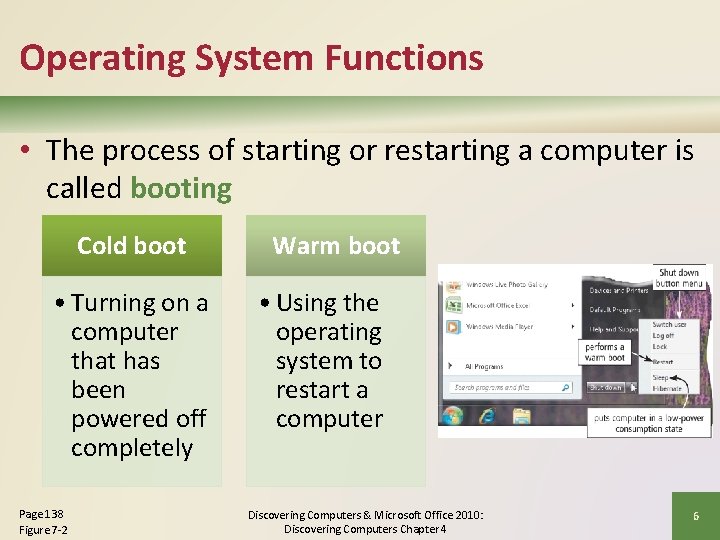
Operating System Functions • The process of starting or restarting a computer is called booting Cold boot • Turning on a computer that has been powered off completely Page 138 Figure 7 -2 Warm boot • Using the operating system to restart a computer Discovering Computers & Microsoft Office 2010: Discovering Computers Chapter 4 6
Operating System Functions • An operating system includes various shut down options Sleep mode saves any open documents and programs to RAM, turns off all unneeded functions, and then places the computer in a lowpower state Page 138 Hibernate saves any open documents and programs to a hard disk before removing power from the computer Discovering Computers & Microsoft Office 2010: Discovering Computers Chapter 4 7
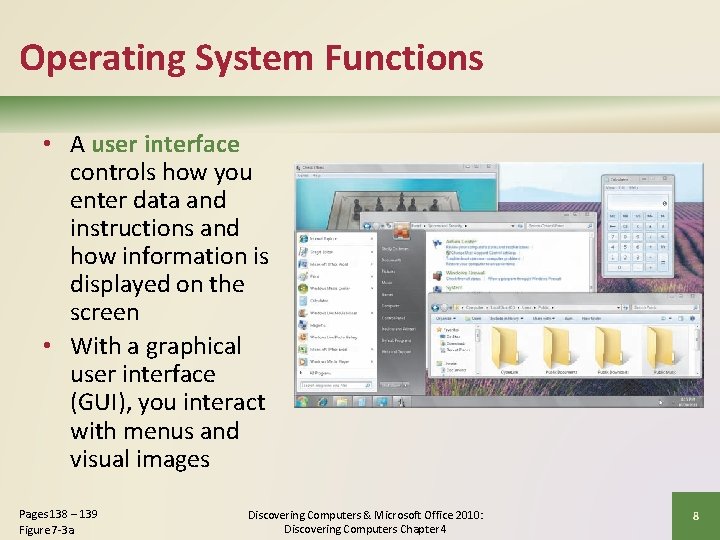
Operating System Functions • A user interface controls how you enter data and instructions and how information is displayed on the screen • With a graphical user interface (GUI), you interact with menus and visual images Pages 138 – 139 Figure 7 -3 a Discovering Computers & Microsoft Office 2010: Discovering Computers Chapter 4 8
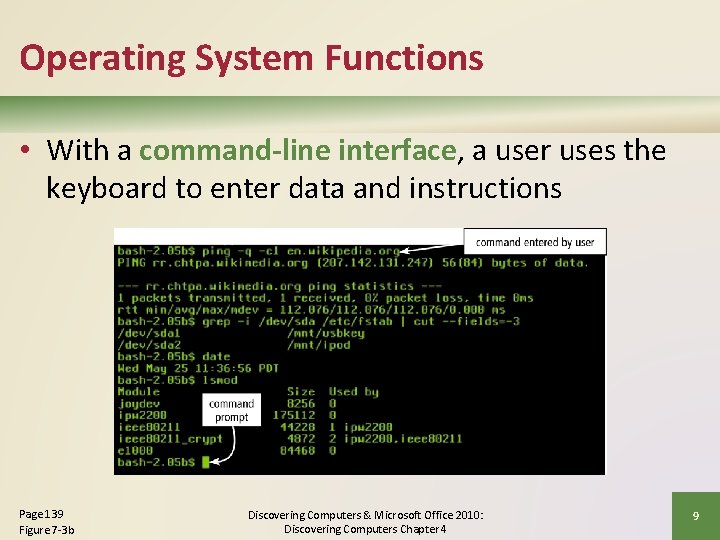
Operating System Functions • With a command-line interface, a user uses the keyboard to enter data and instructions Page 139 Figure 7 -3 b Discovering Computers & Microsoft Office 2010: Discovering Computers Chapter 4 9
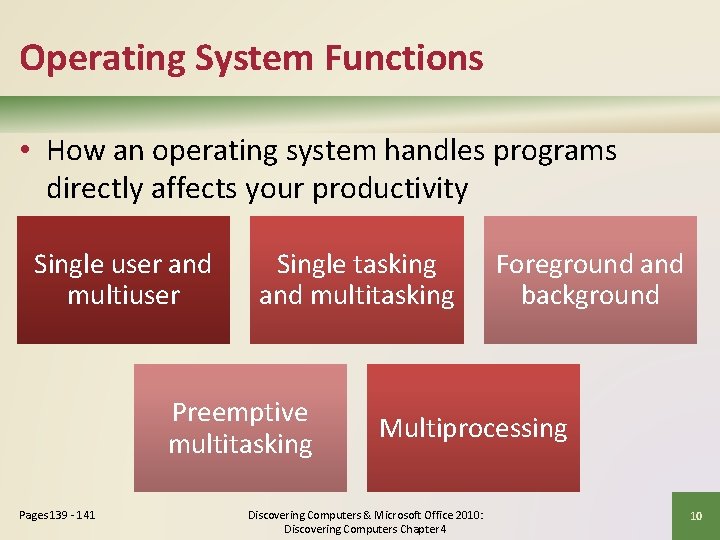
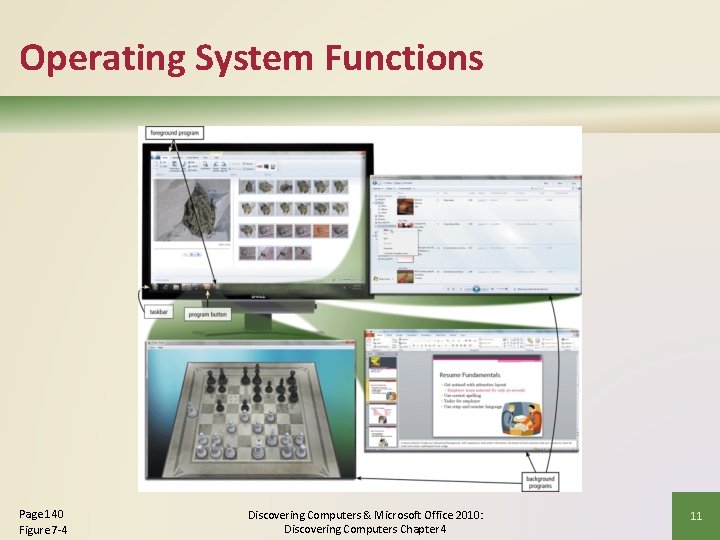
Operating System Functions • How an operating system handles programs directly affects your productivity Single user and multiuser Single tasking and multitasking Preemptive multitasking Pages 139 - 141 Foreground and background Multiprocessing Discovering Computers & Microsoft Office 2010: Discovering Computers Chapter 4 10
Operating System Functions Page 140 Figure 7 -4 Discovering Computers & Microsoft Office 2010: Discovering Computers Chapter 4 11
Operating System Functions • Memory management optimizes the use of RAM • Virtual memory is a portion of a storage medium functioning as additional RAM • Windows Ready. Boost can allocate available memory in flash memory devices as additional memory cache Page 141 Discovering Computers & Microsoft Office 2010: Discovering Computers Chapter 4 12
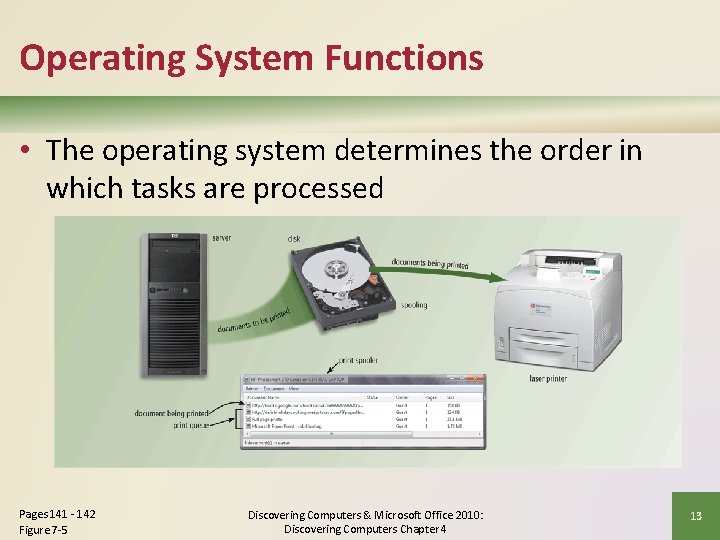
Operating System Functions • The operating system determines the order in which tasks are processed Pages 141 - 142 Figure 7 -5 Discovering Computers & Microsoft Office 2010: Discovering Computers Chapter 4 13
Operating System Functions A driver is a small program that tells the operating system hot to communicate with a specific device Page 142 Plug and Play automatically configures new devices as you install them Discovering Computers & Microsoft Office 2010: Discovering Computers Chapter 4 14
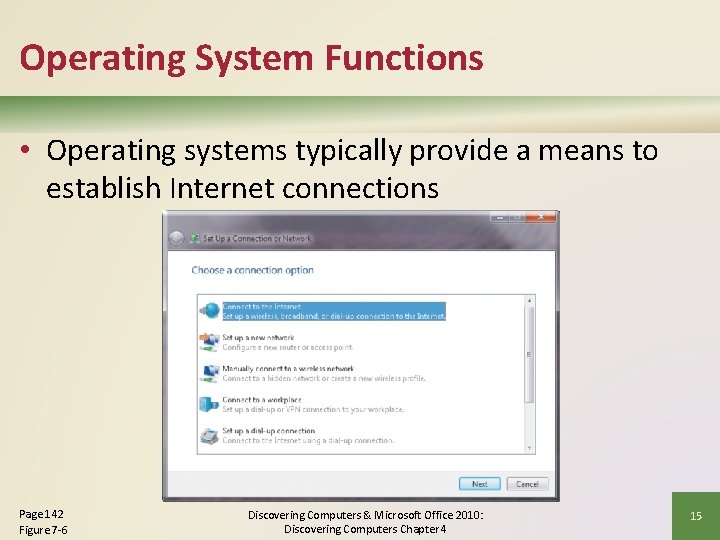
Operating System Functions • Operating systems typically provide a means to establish Internet connections Page 142 Figure 7 -6 Discovering Computers & Microsoft Office 2010: Discovering Computers Chapter 4 15
Operating System Functions • A performance monitor is a program that assesses and reports information about various computer resources and devices Page 143 Discovering Computers & Microsoft Office 2010: Discovering Computers Chapter 4 16
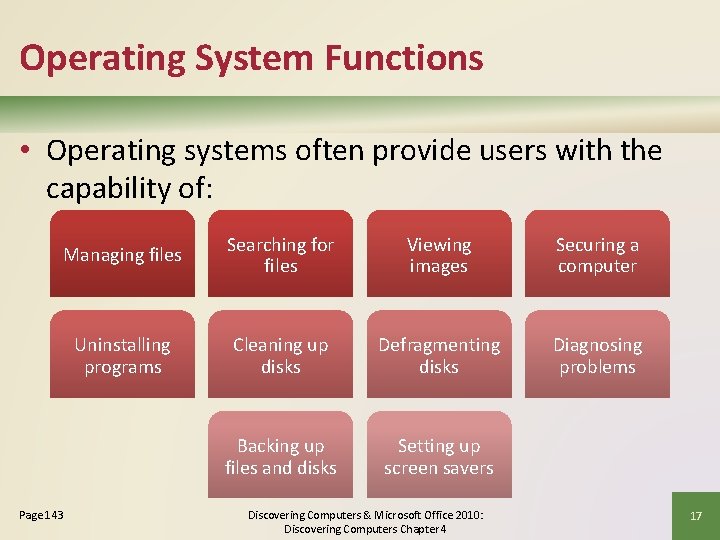
Operating System Functions • Operating systems often provide users with the capability of: Managing files Searching for files Viewing images Securing a computer Uninstalling programs Cleaning up disks Defragmenting disks Diagnosing problems Backing up files and disks Setting up screen savers Page 143 Discovering Computers & Microsoft Office 2010: Discovering Computers Chapter 4 17
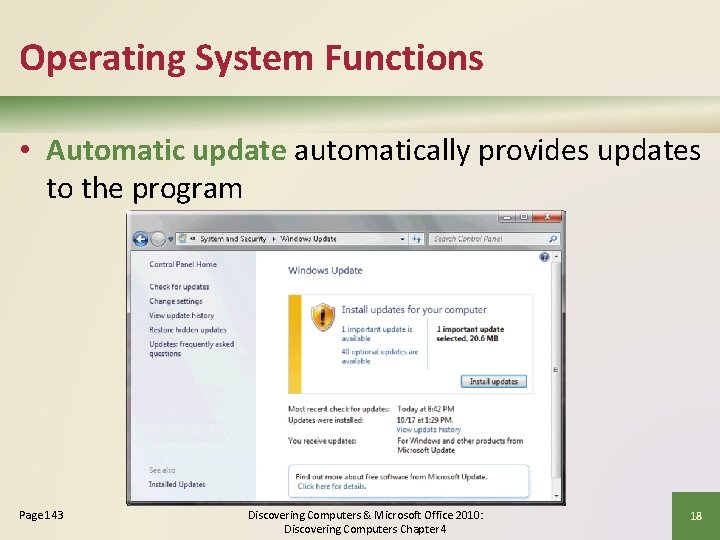
Operating System Functions • Automatic update automatically provides updates to the program Page 143 Discovering Computers & Microsoft Office 2010: Discovering Computers Chapter 4 18
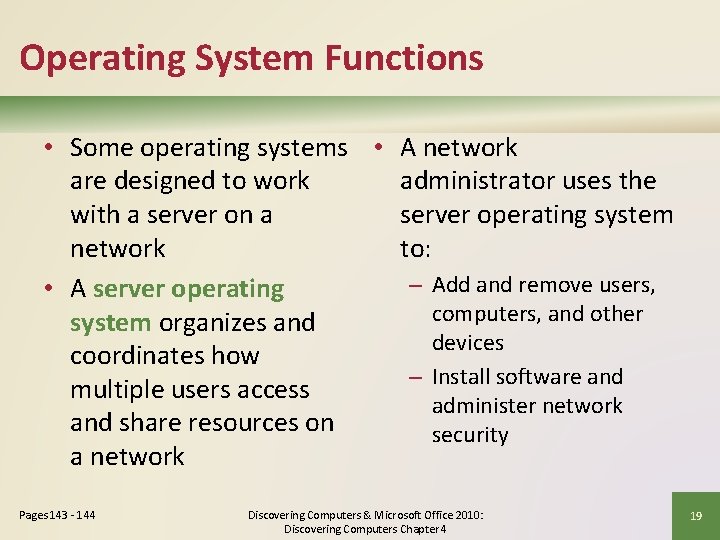
Operating System Functions • Some operating systems • A network are designed to work administrator uses the with a server on a server operating system network to: – Add and remove users, • A server operating computers, and other system organizes and devices coordinates how – Install software and multiple users access administer network and share resources on security a network Pages 143 - 144 Discovering Computers & Microsoft Office 2010: Discovering Computers Chapter 4 19
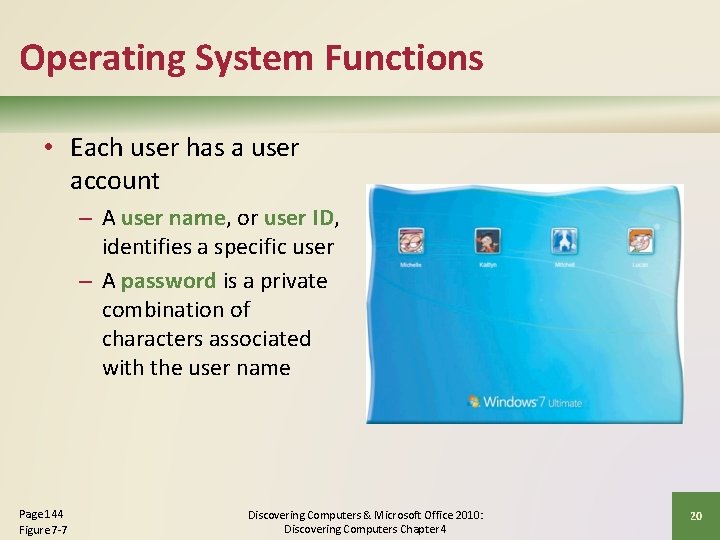
Operating System Functions • Each user has a user account – A user name, or user ID, identifies a specific user – A password is a private combination of characters associated with the user name Page 144 Figure 7 -7 Discovering Computers & Microsoft Office 2010: Discovering Computers Chapter 4 20
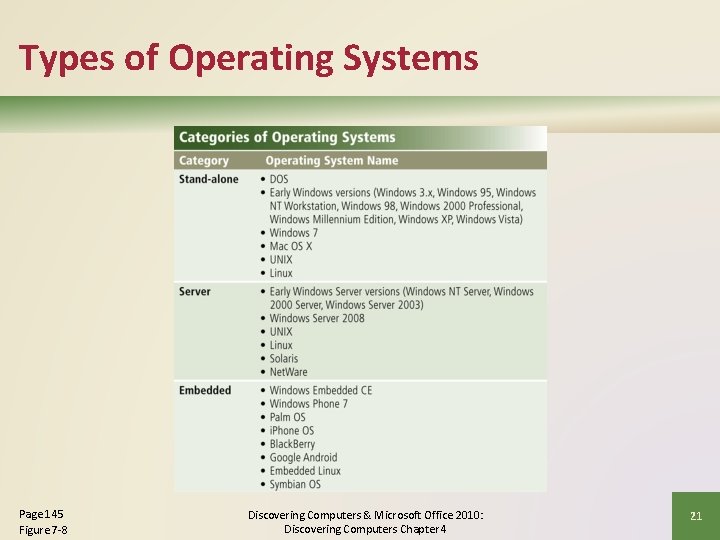
Types of Operating Systems Page 145 Figure 7 -8 Discovering Computers & Microsoft Office 2010: Discovering Computers Chapter 4 21
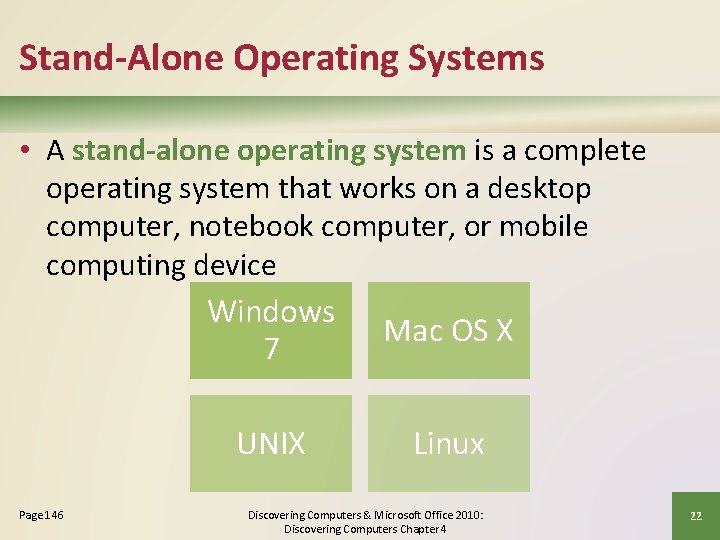
Stand-Alone Operating Systems • A stand-alone operating system is a complete operating system that works on a desktop computer, notebook computer, or mobile computing device Windows Mac OS X 7 UNIX Page 146 Linux Discovering Computers & Microsoft Office 2010: Discovering Computers Chapter 4 22
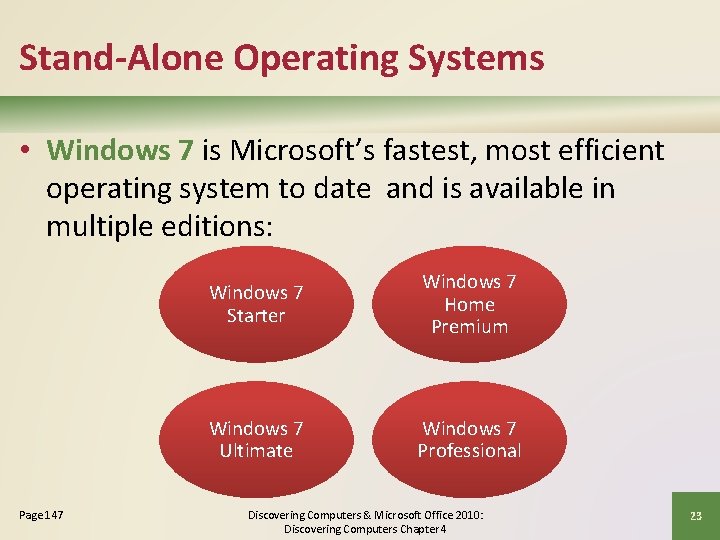
Stand-Alone Operating Systems • Windows 7 is Microsoft’s fastest, most efficient operating system to date and is available in multiple editions: Page 147 Windows 7 Starter Windows 7 Home Premium Windows 7 Ultimate Windows 7 Professional Discovering Computers & Microsoft Office 2010: Discovering Computers Chapter 4 23
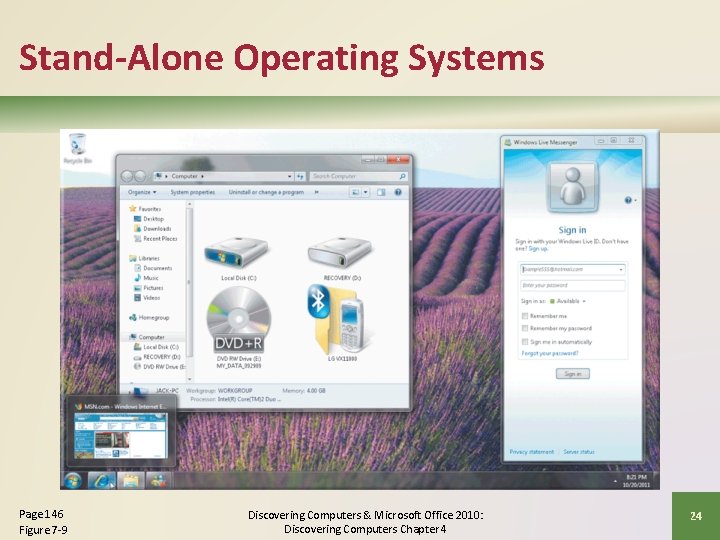
Stand-Alone Operating Systems Page 146 Figure 7 -9 Discovering Computers & Microsoft Office 2010: Discovering Computers Chapter 4 24
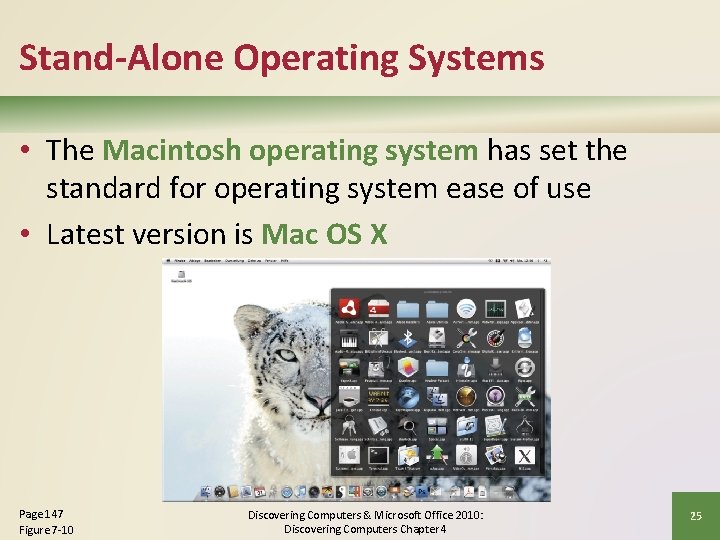
Stand-Alone Operating Systems • The Macintosh operating system has set the standard for operating system ease of use • Latest version is Mac OS X Page 147 Figure 7 -10 Discovering Computers & Microsoft Office 2010: Discovering Computers Chapter 4 25
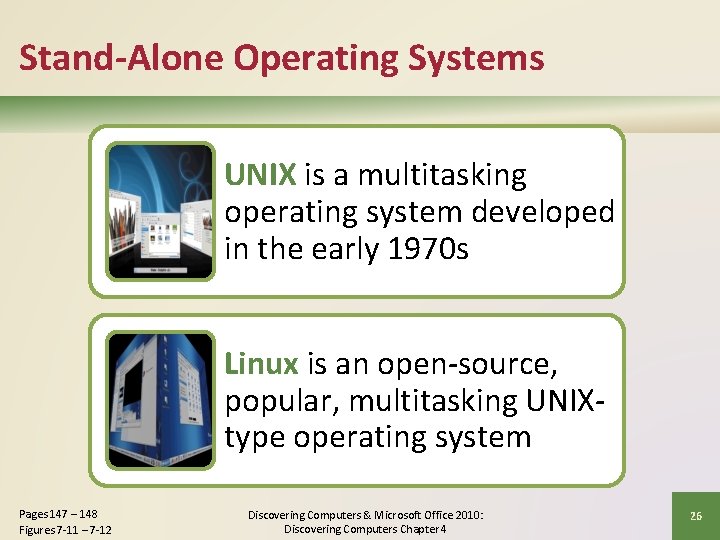
Stand-Alone Operating Systems UNIX is a multitasking operating system developed in the early 1970 s Linux is an open-source, popular, multitasking UNIXtype operating system Pages 147 – 148 Figures 7 -11 – 7 -12 Discovering Computers & Microsoft Office 2010: Discovering Computers Chapter 4 26
Server Operating Systems Windows Server 2008 UNIX Linux Solaris Pages 148 - 149 Discovering Computers & Microsoft Office 2010: Discovering Computers Chapter 4 27
Embedded Operating Systems • An embedded operating system resides on a ROM chip on a mobile device or consumer electronic device Windows Embedded CE Windows Phone 7 Palm OS i. Phone OS Blackberry Google Android Embedded Linux Symbian OS Page 149 Discovering Computers & Microsoft Office 2010: Discovering Computers Chapter 4 28
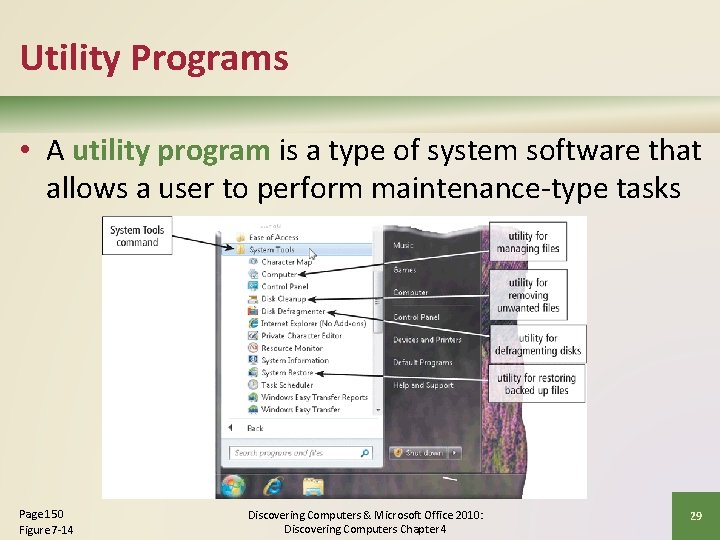
Utility Programs • A utility program is a type of system software that allows a user to perform maintenance-type tasks Page 150 Figure 7 -14 Discovering Computers & Microsoft Office 2010: Discovering Computers Chapter 4 29
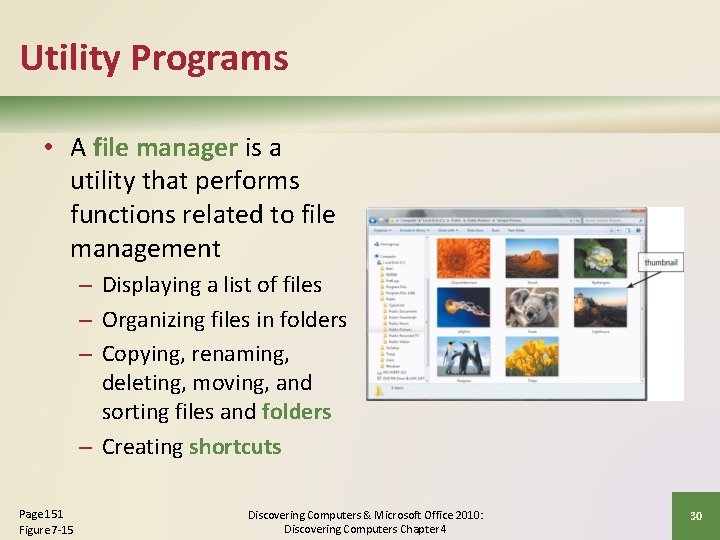
Utility Programs • A file manager is a utility that performs functions related to file management – Displaying a list of files – Organizing files in folders – Copying, renaming, deleting, moving, and sorting files and folders – Creating shortcuts Page 151 Figure 7 -15 Discovering Computers & Microsoft Office 2010: Discovering Computers Chapter 4 30
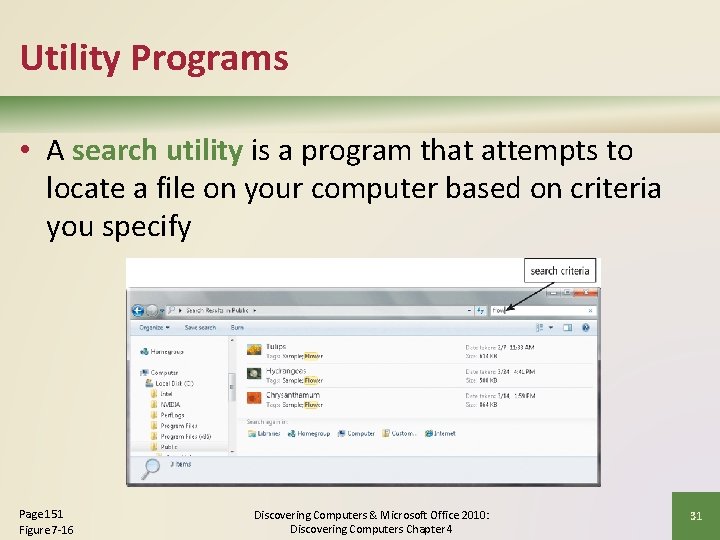
Utility Programs • A search utility is a program that attempts to locate a file on your computer based on criteria you specify Page 151 Figure 7 -16 Discovering Computers & Microsoft Office 2010: Discovering Computers Chapter 4 31
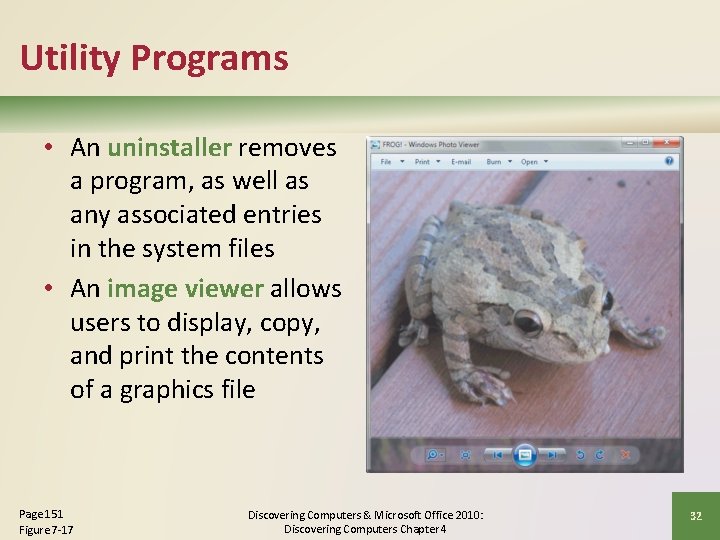
Utility Programs • An uninstaller removes a program, as well as any associated entries in the system files • An image viewer allows users to display, copy, and print the contents of a graphics file Page 151 Figure 7 -17 Discovering Computers & Microsoft Office 2010: Discovering Computers Chapter 4 32
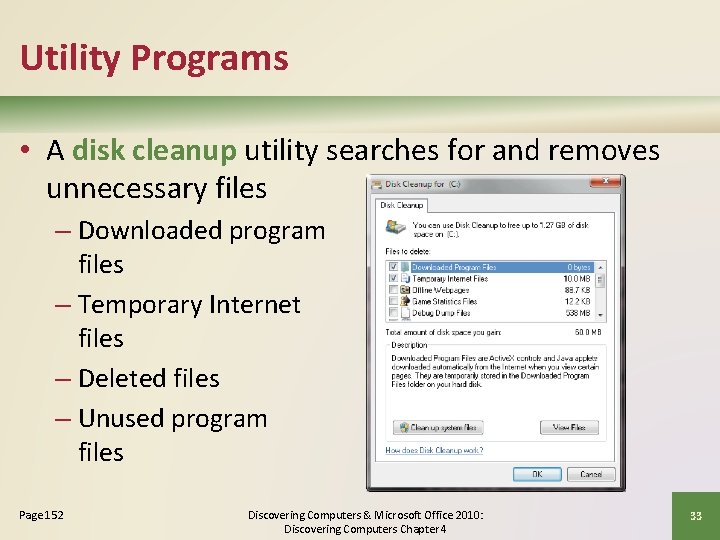
Utility Programs • A disk cleanup utility searches for and removes unnecessary files – Downloaded program files – Temporary Internet files – Deleted files – Unused program files Page 152 Discovering Computers & Microsoft Office 2010: Discovering Computers Chapter 4 33
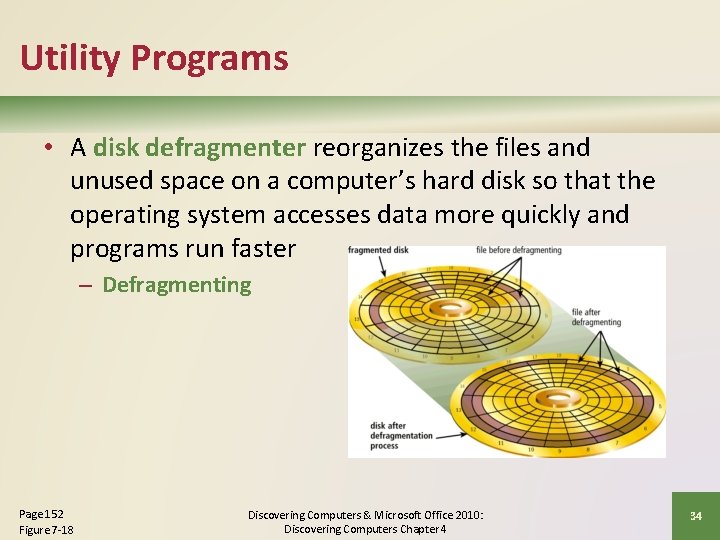
Utility Programs • A disk defragmenter reorganizes the files and unused space on a computer’s hard disk so that the operating system accesses data more quickly and programs run faster – Defragmenting Page 152 Figure 7 -18 Discovering Computers & Microsoft Office 2010: Discovering Computers Chapter 4 34
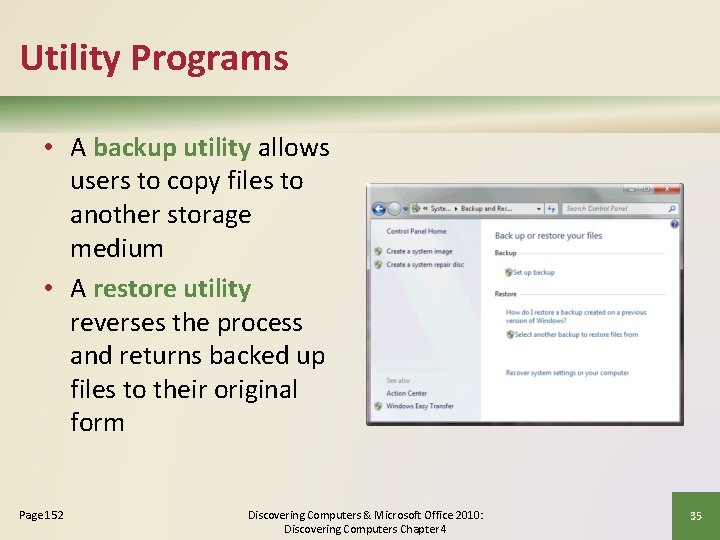
Utility Programs • A backup utility allows users to copy files to another storage medium • A restore utility reverses the process and returns backed up files to their original form Page 152 Discovering Computers & Microsoft Office 2010: Discovering Computers Chapter 4 35
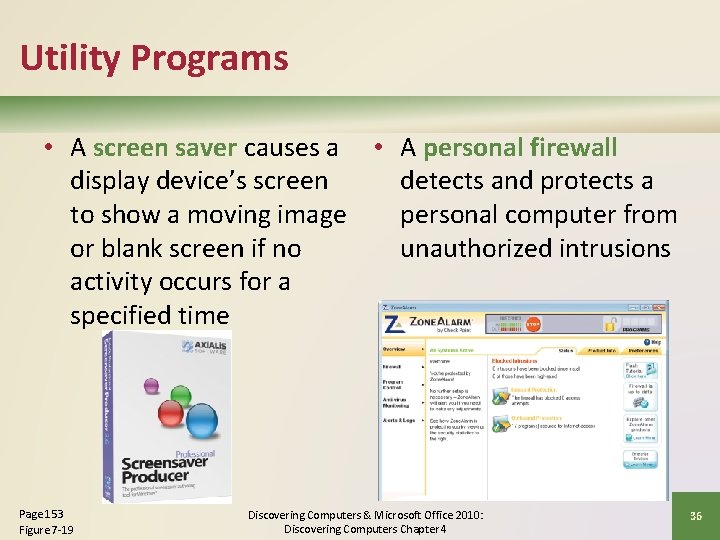
Utility Programs • A screen saver causes a • A personal firewall display device’s screen detects and protects a to show a moving image personal computer from or blank screen if no unauthorized intrusions activity occurs for a specified time Page 153 Figure 7 -19 Discovering Computers & Microsoft Office 2010: Discovering Computers Chapter 4 36
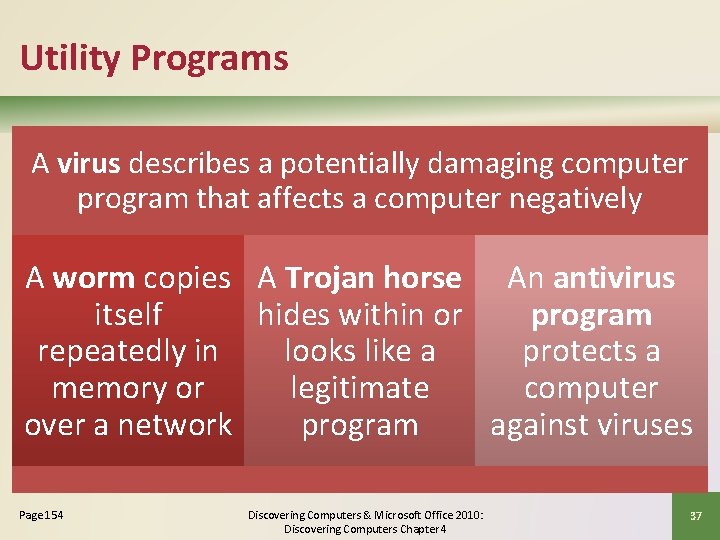
Utility Programs A virus describes a potentially damaging computer program that affects a computer negatively A worm copies A Trojan horse An antivirus itself hides within or program repeatedly in looks like a protects a memory or legitimate computer over a network program against viruses Page 154 Discovering Computers & Microsoft Office 2010: Discovering Computers Chapter 4 37
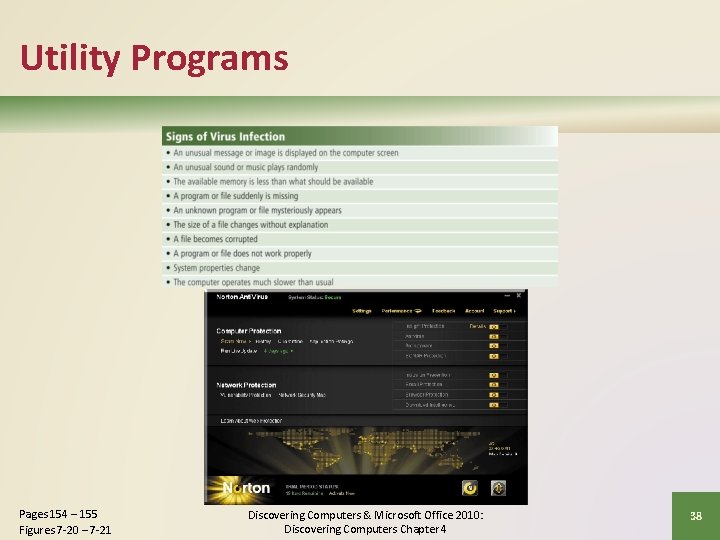
Utility Programs Pages 154 – 155 Figures 7 -20 – 7 -21 Discovering Computers & Microsoft Office 2010: Discovering Computers Chapter 4 38
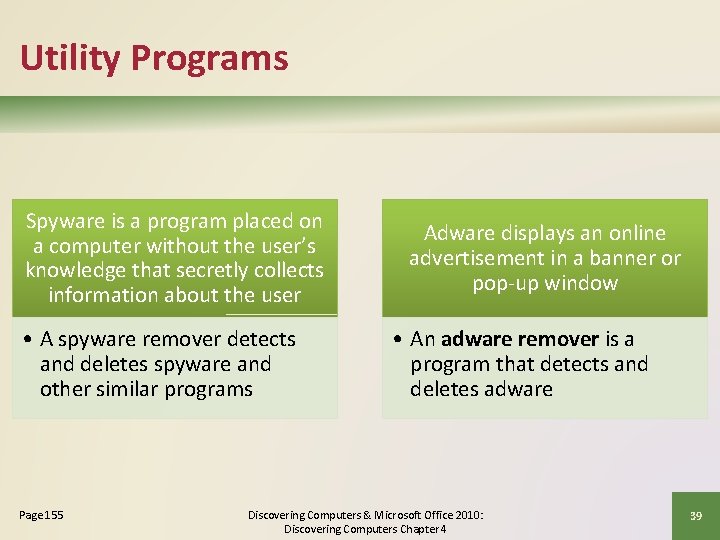
Utility Programs Spyware is a program placed on a computer without the user’s knowledge that secretly collects information about the user • A spyware remover detects and deletes spyware and other similar programs Page 155 Adware displays an online advertisement in a banner or pop-up window • An adware remover is a program that detects and deletes adware Discovering Computers & Microsoft Office 2010: Discovering Computers Chapter 4 39
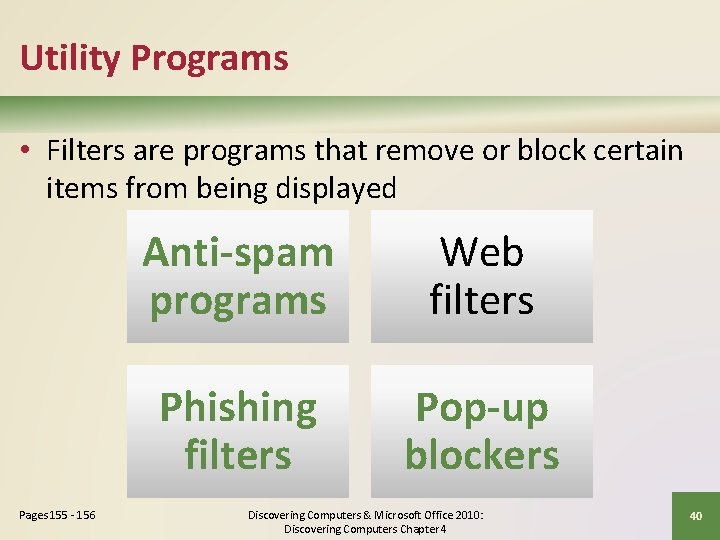
Utility Programs • Filters are programs that remove or block certain items from being displayed Pages 155 - 156 Anti-spam programs Web filters Phishing filters Pop-up blockers Discovering Computers & Microsoft Office 2010: Discovering Computers Chapter 4 40
Utility Programs • A file compression utility shrinks the size of a file(s) – Compressing files frees up room on the storage media • Compressed files sometimes are called zipped files – Can be uncompressed Page 156 Discovering Computers & Microsoft Office 2010: Discovering Computers Chapter 4 41
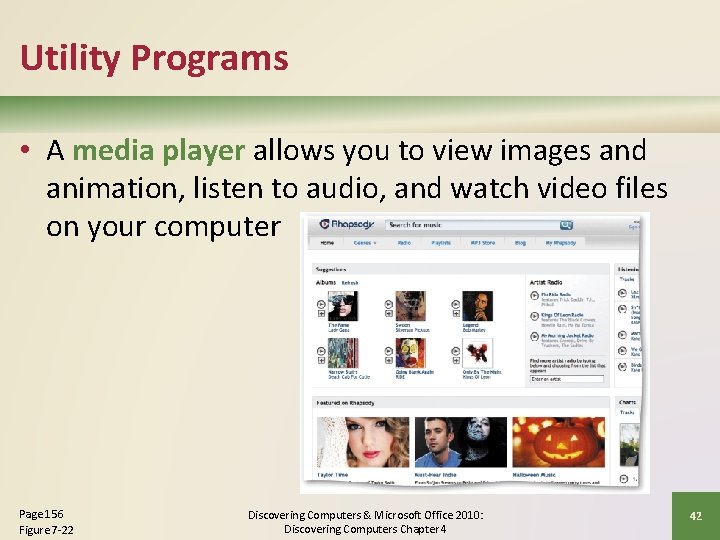
Utility Programs • A media player allows you to view images and animation, listen to audio, and watch video files on your computer Page 156 Figure 7 -22 Discovering Computers & Microsoft Office 2010: Discovering Computers Chapter 4 42
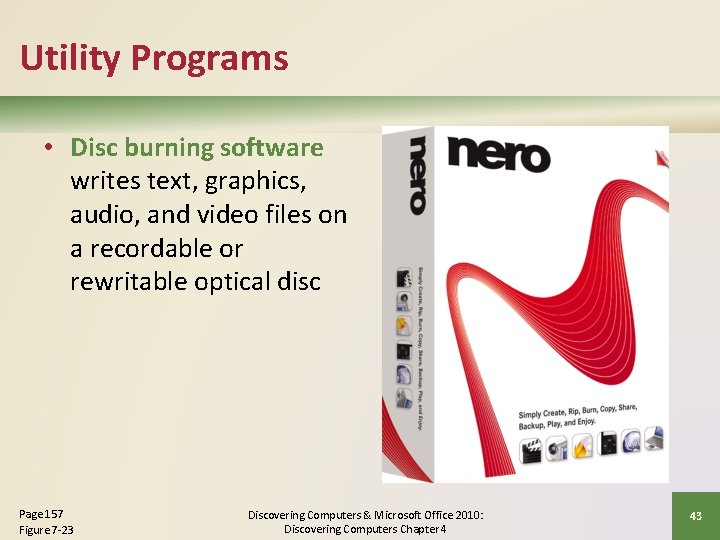
Utility Programs • Disc burning software writes text, graphics, audio, and video files on a recordable or rewritable optical disc Page 157 Figure 7 -23 Discovering Computers & Microsoft Office 2010: Discovering Computers Chapter 4 43
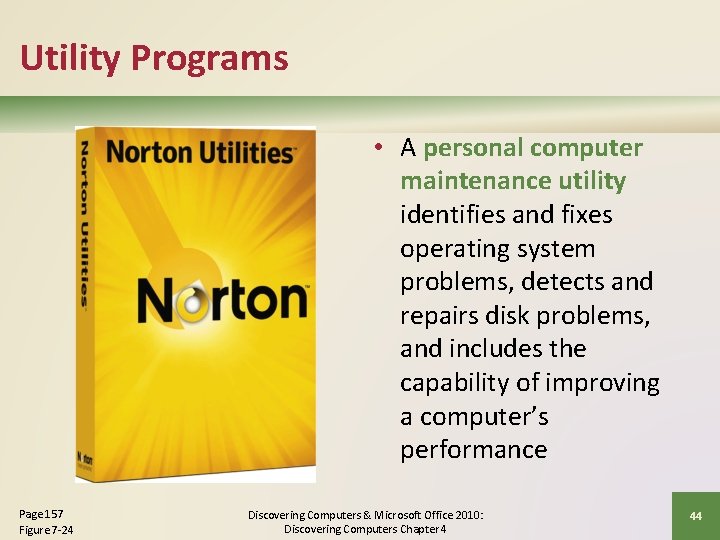
Utility Programs • A personal computer maintenance utility identifies and fixes operating system problems, detects and repairs disk problems, and includes the capability of improving a computer’s performance Page 157 Figure 7 -24 Discovering Computers & Microsoft Office 2010: Discovering Computers Chapter 4 44
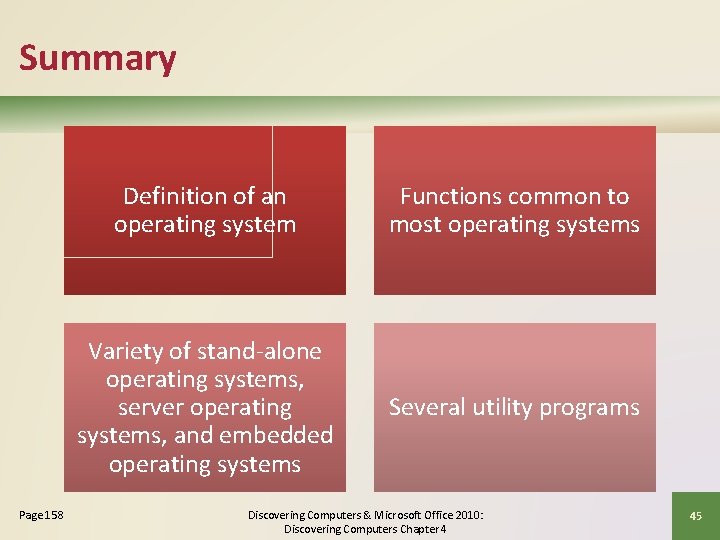
Summary Page 158 Definition of an operating system Functions common to most operating systems Variety of stand-alone operating systems, server operating systems, and embedded operating systems Several utility programs Discovering Computers & Microsoft Office 2010: Discovering Computers Chapter 4 45
Discovering Computers & Microsoft Office 2010 Discovering Computers Chapter 4 Complete