
Digital Teaching Tools Clinical Experience with Medical Students
- Slides: 24
Digital Teaching Tools: Clinical Experience with Medical Students, Residents and Patients Michael Henehan, DO San Jose-O’Connor Hospital Family Medicine Residency Program
Objectives n n n Present a model for integrating digital patient education materials into a busy practice setting. Review the key elements of an effective digital patient education tool. Present strategies for introducing Family Medicine Residents to the use of digital patient education tools.
Achieving the Objectives n n Briefly review the findings of a pilot study using digital teaching tools to supplement a course in physical exam skills Present a strategy to utilize digital teaching tools for in-office n Development n Experience
Part I - Development Pilot Study n Hypothesis: Digital teaching tools will improve the teaching of musculoskeletal exam skills as measured by an Observed Structured Clinical Exam (OSCE)
Subjects n Students enrolled in the Family Medicine Core Clerkship 301 A from September 2004 through June 2005
Methods n n An OSCE was performed at the beginning and end of each rotation. Ability to describe the exam and proficiency in doing it were assessed. During the rotation, all students participated in a problem based session on the back and knee, including anatomy, pathology, clinical reasoning, and exam skills.
Methods, cont. n n Students in each 4 week rotation were treated as a convenience sample, and were randomized to intervention (regular lectures + DVD + video clip) or control groups (regular lectures + DVD). OSCE examiners and subjects were blinded as to control and intervention groupings.
Results
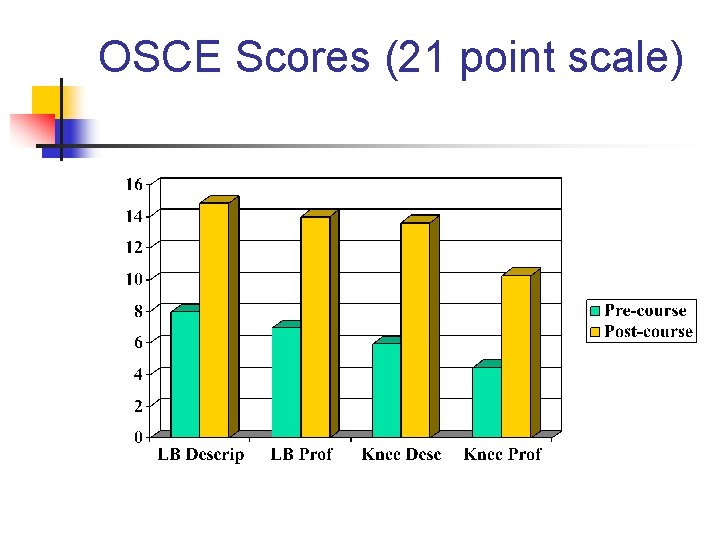
OSCE Scores (21 point scale)
Digital Teaching Tools n n Students using the digital teaching tools showed greater improvement with the low back exam, but not with the knee exam. Neither finding was significant. Real value of the study - attitudes about digital teaching tools and barriers to using them.
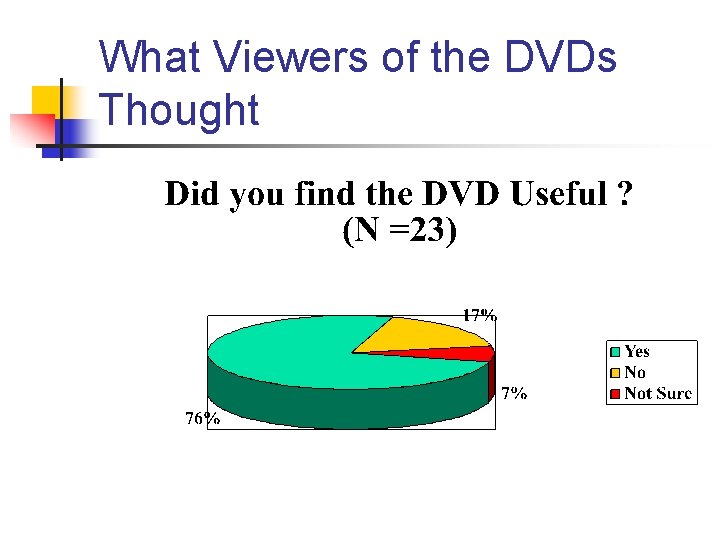
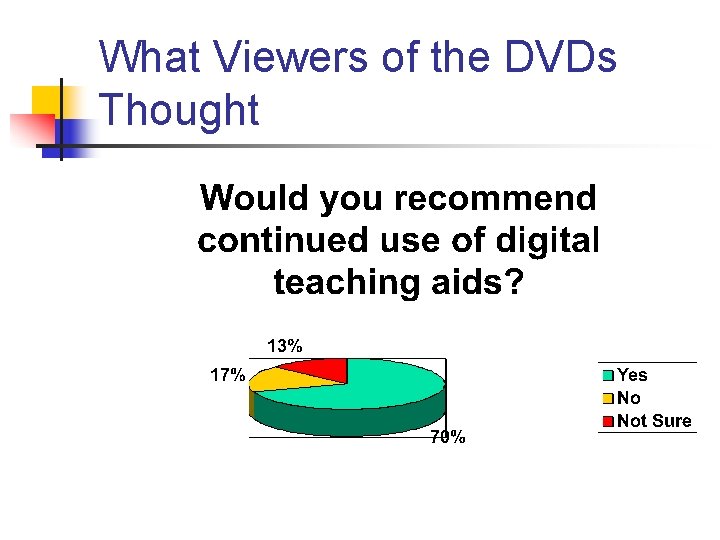
What Viewers of the DVDs Thought
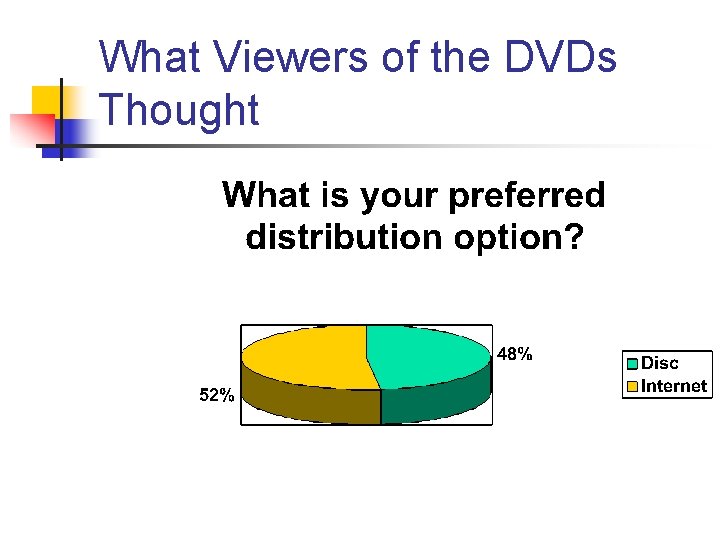
What Viewers of the DVDs Thought Most common comment about DVDs: “Too slow moving”
What Viewers of the DVDs Thought
What Viewers of the DVDs Thought
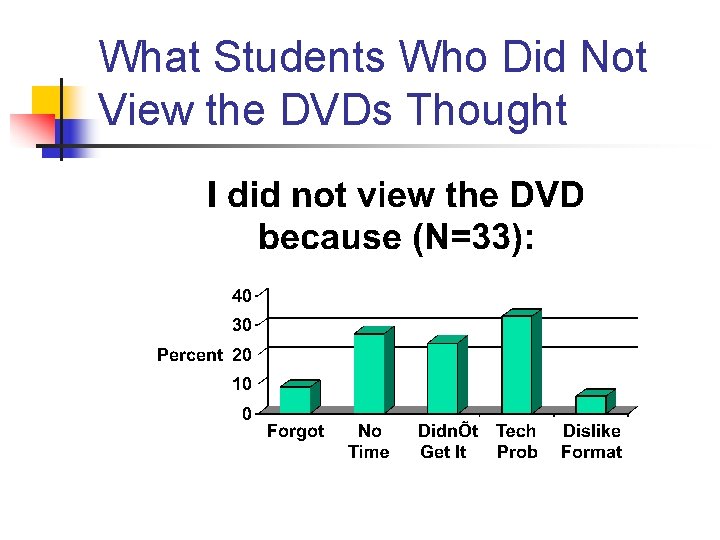
What Students Who Did Not View the DVDs Thought
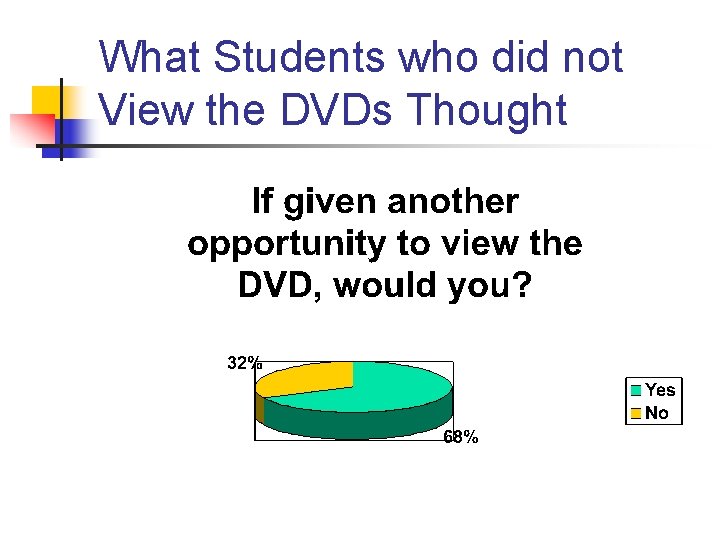
What Students who did not View the DVDs Thought
Summary of Barriers to Use of Digital Teaching Tools n n Must be “fast moving” No technical “glitches” Must be seen as valuable Ideally, modifiable to individual learning styles
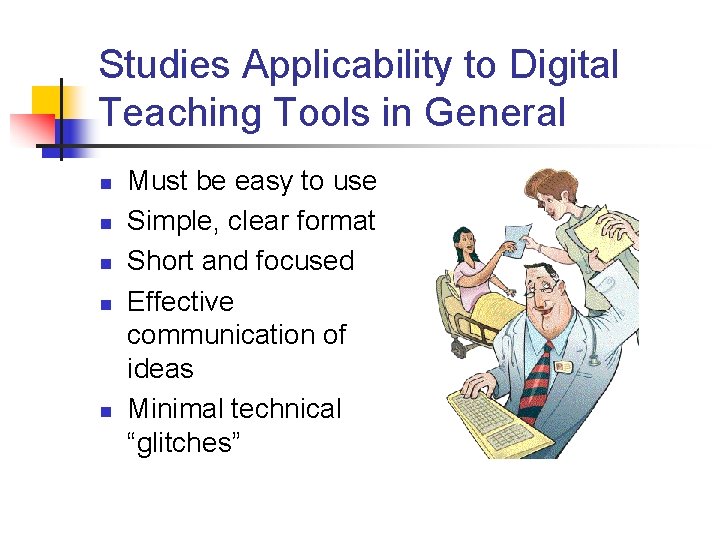
Studies Applicability to Digital Teaching Tools in General n n n Must be easy to use Simple, clear format Short and focused Effective communication of ideas Minimal technical “glitches”
Part II - Experience Digital Teaching Tools Used in the Clinical Setting
Objectives n n Review characteristics of an effective office patient education tool Present a patient education model being used at the San Jose - O’Connor Hospital Family Medicine Residency Program
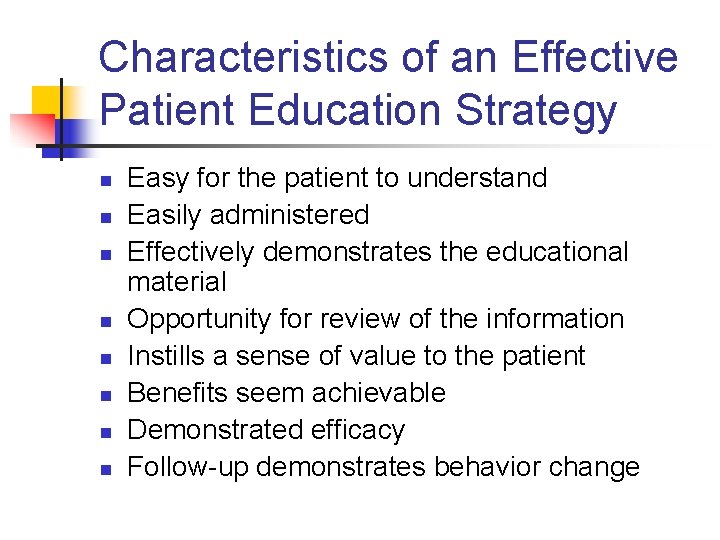
Characteristics of an Effective Patient Education Strategy n n n n Easy for the patient to understand Easily administered Effectively demonstrates the educational material Opportunity for review of the information Instills a sense of value to the patient Benefits seem achievable Demonstrated efficacy Follow-up demonstrates behavior change
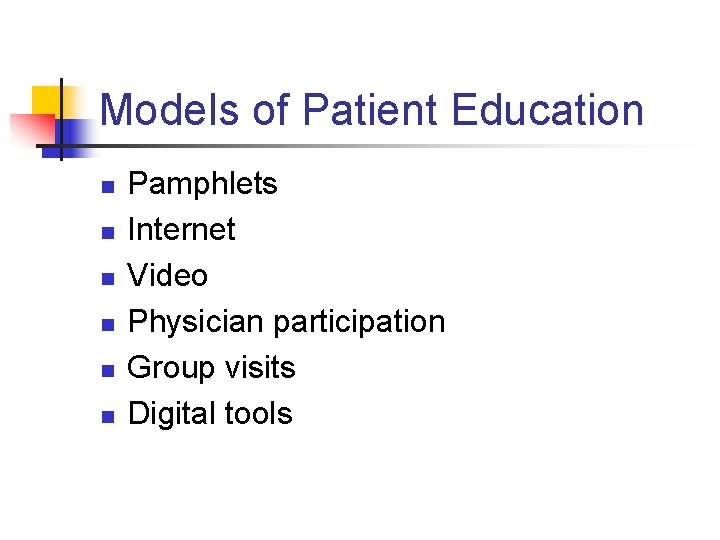
Models of Patient Education n n n Pamphlets Internet Video Physician participation Group visits Digital tools
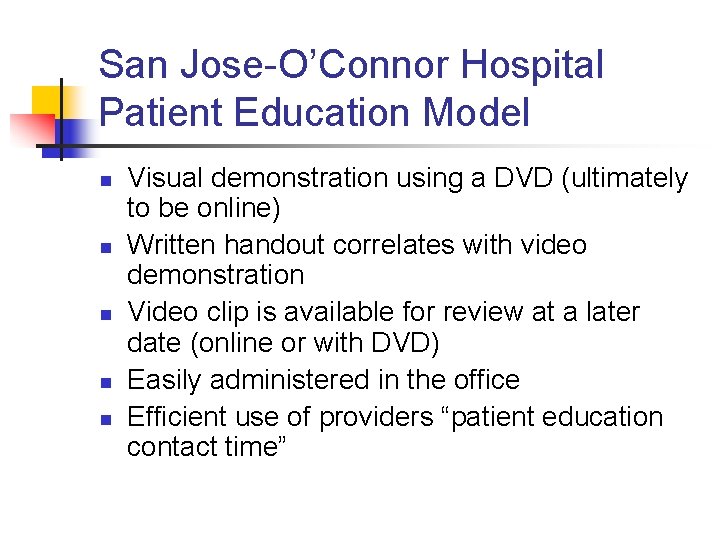
San Jose-O’Connor Hospital Patient Education Model n n n Visual demonstration using a DVD (ultimately to be online) Written handout correlates with video demonstration Video clip is available for review at a later date (online or with DVD) Easily administered in the office Efficient use of providers “patient education contact time”
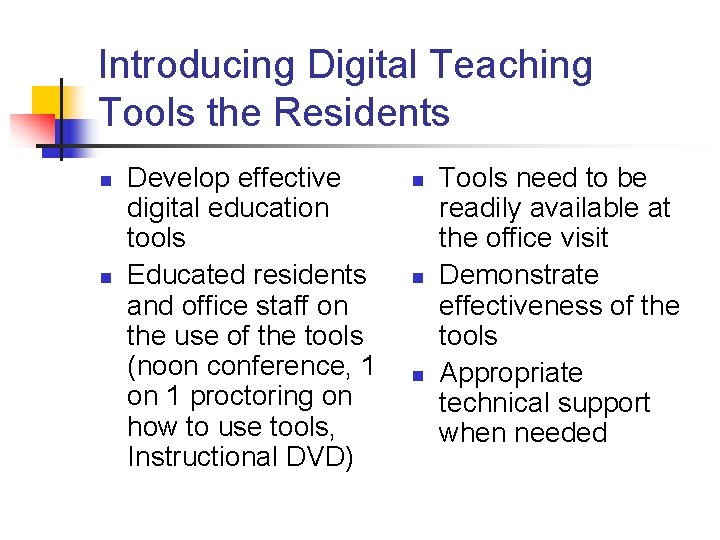
Introducing Digital Teaching Tools the Residents n n Develop effective digital education tools Educated residents and office staff on the use of the tools (noon conference, 1 on 1 proctoring on how to use tools, Instructional DVD) n n n Tools need to be readily available at the office visit Demonstrate effectiveness of the tools Appropriate technical support when needed