
Digital Photography 101 Beginning Concepts for taking great
Digital Photography 101 Beginning Concepts for taking great pictures! SD Andrews-2016
Understanding your digital Camera Models Subcompact ¡ Compact ¡ Super Zoom ¡ Advanced ¡ SLR ¡ SD Andrews-2016
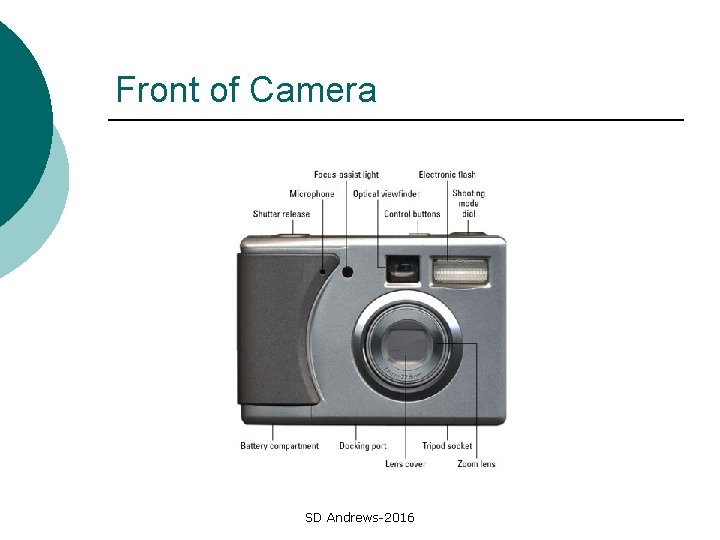
Front of Camera SD Andrews-2016
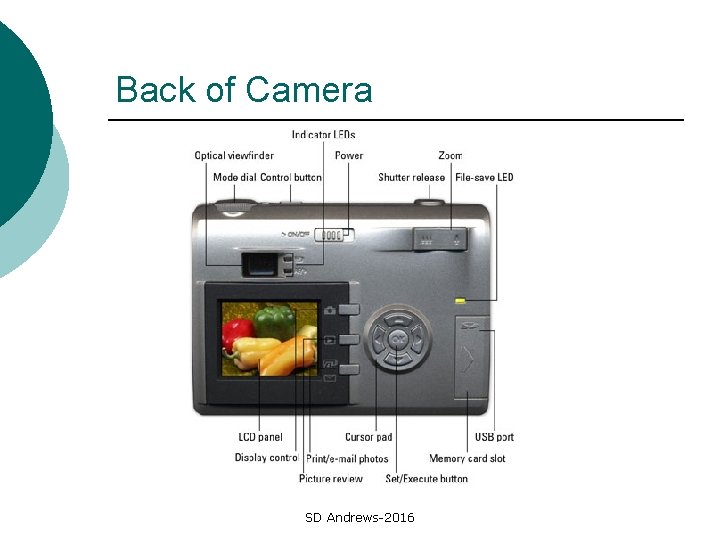
Back of Camera SD Andrews-2016
Features ¡ ¡ ¡ ¡ ¡ Most cameras have sufficient megapixels for everyday picture taking. For editing and professional printing you need 8 to 10 megapixels Optical Zoom vs. Digital Zoom – always go with at least 3 X optical External memory card USB connectivity Good flash Easy to under buttons/features Batteries that can be recharged Lens can be protected Sturdy SD Andrews-2016
Things to know ¡ ¡ ¡ Shutter Button- Half down is focus and light adapter – always pre-focus How to turn you flash on, auto, off, or red -eye… Take lens cover off If you use red-eye option, tell your subject – flash is delayed Turn your macro function on and off – for extreme close-ups Where the focus points are for your camera SD Andrews-2016
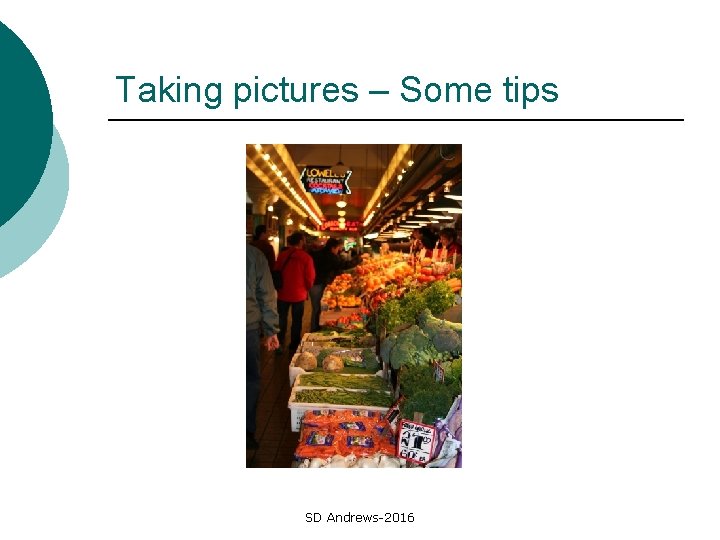
Taking pictures – Some tips SD Andrews-2016
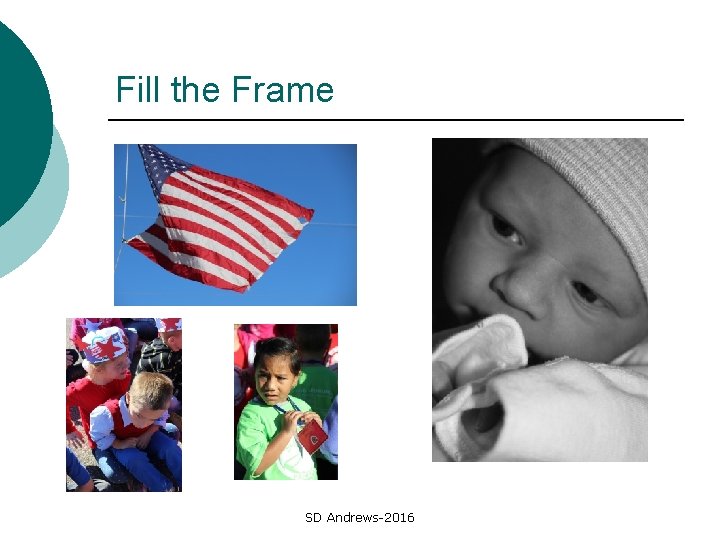
Fill the Frame SD Andrews-2016
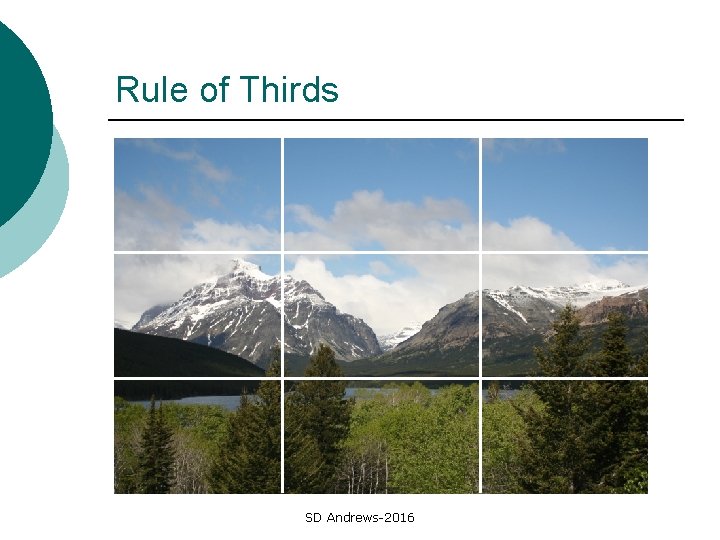
Rule of Thirds SD Andrews-2016
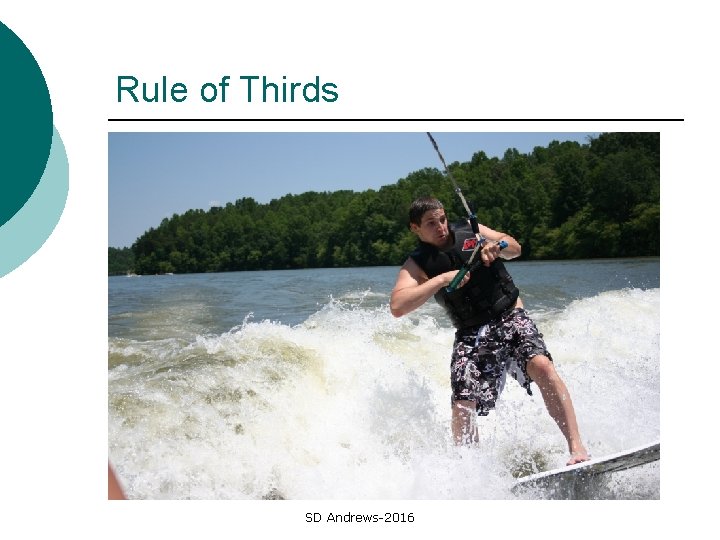
Rule of Thirds SD Andrews-2016
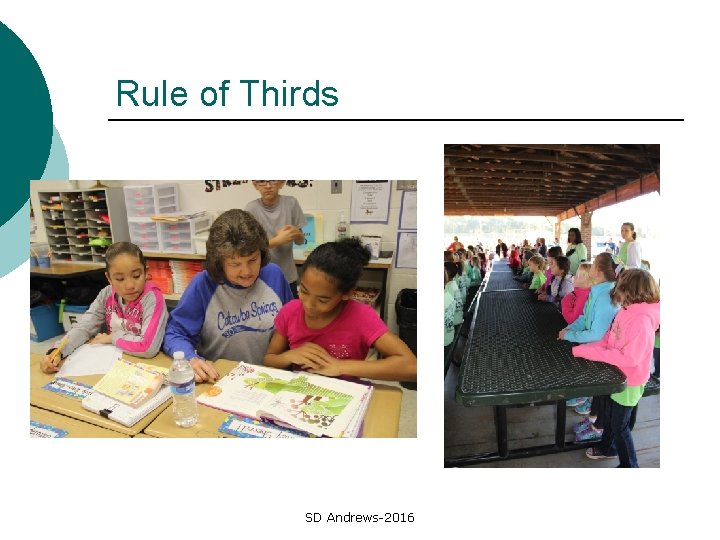
Rule of Thirds SD Andrews-2016
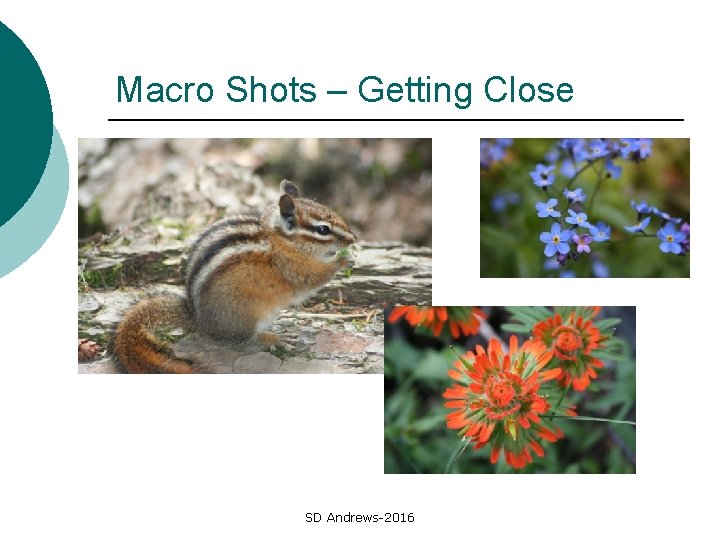
Macro Shots – Getting Close SD Andrews-2016
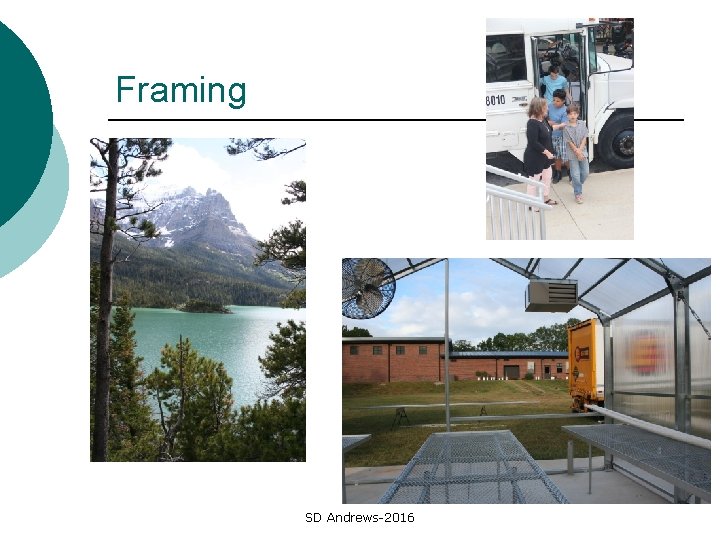
Framing SD Andrews-2016
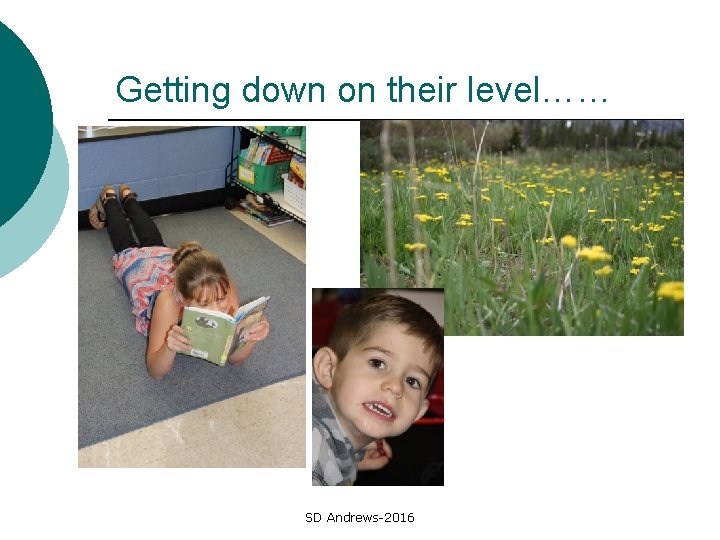
Getting down on their level…… SD Andrews-2016

Getting down on their level…. . SD Andrews-2016
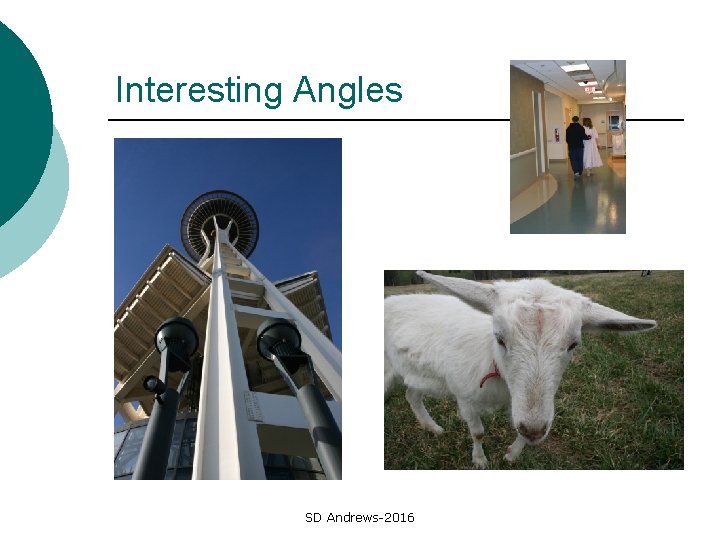
Interesting Angles SD Andrews-2016
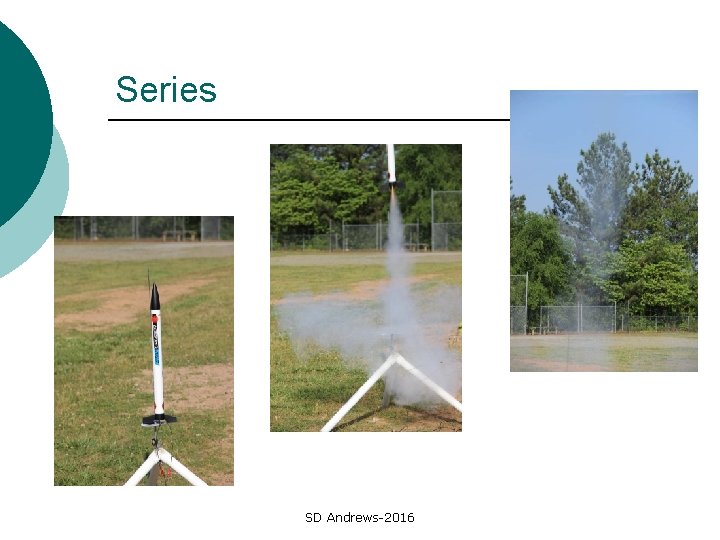
Series SD Andrews-2016
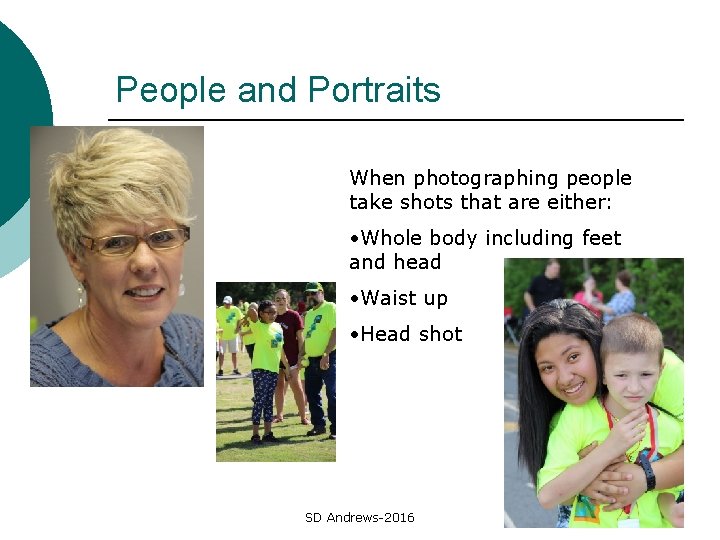
People and Portraits When photographing people take shots that are either: • Whole body including feet and head • Waist up • Head shot SD Andrews-2016
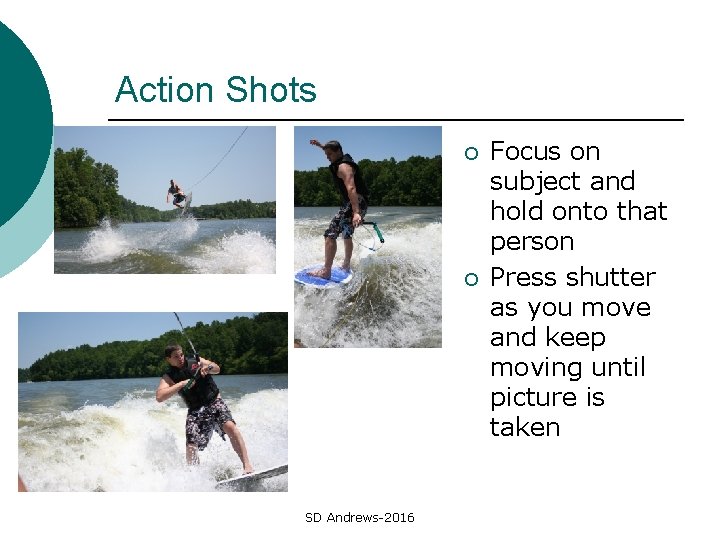
Action Shots ¡ ¡ SD Andrews-2016 Focus on subject and hold onto that person Press shutter as you move and keep moving until picture is taken
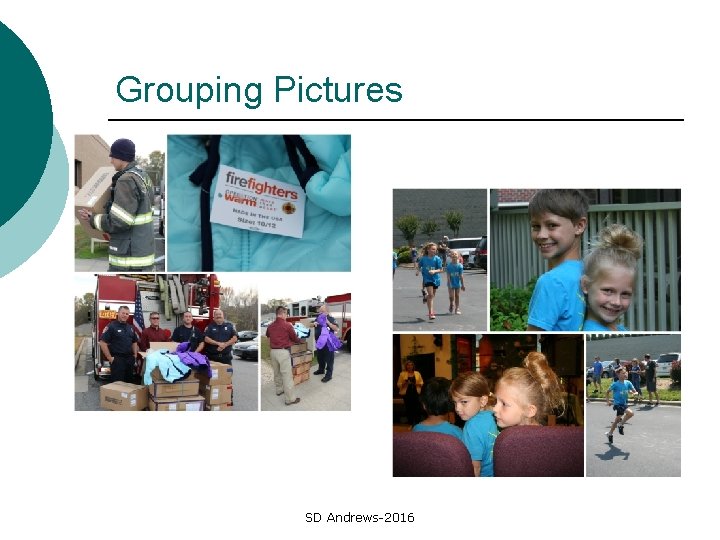
Grouping Pictures SD Andrews-2016
Resolution ¡ Use highest resolution for pictures that will be printed or cropped ¡ Use 640 X 840 for web pages and power point SD Andrews-2016
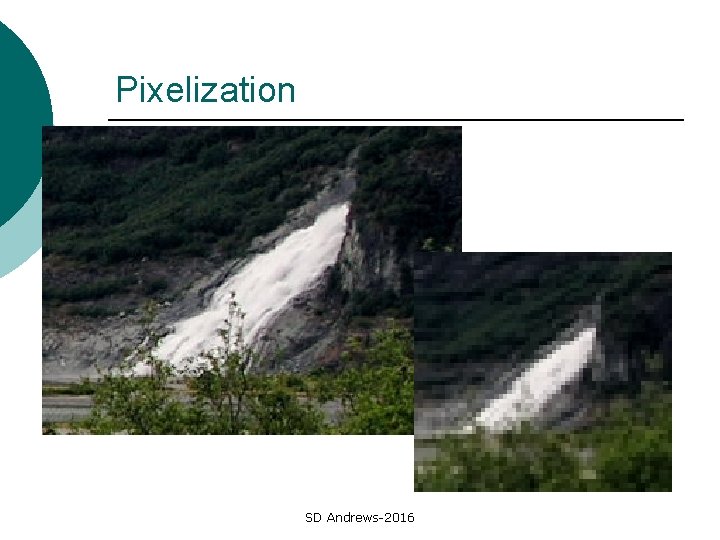
Pixelization SD Andrews-2016
Your camera and the computer ¡ Upload your pictures to a computer and erase your storage device: l ¡ Always name your folder (including data and activity) You can use a variety of programs and online services to display and print your photos including powerpoint or an editor like pixlr SD Andrews-2016
Formats. JPG or. JPEG– easiest format to save ¡. TIF – higher quality but uses more space ¡. JPG and. GIF are used on web sites ¡. RAW is highest quality but difficulty to work with ¡ SD Andrews-2016
Some tips and suggestions Avoid mergers – telephone poles and strange objects sticking out of heads ¡ Never shoot into a light source ¡ Use your flash when shooting pictures in bright daylight ¡ Low light is best for outdoor shots – early morning, late in the day, cloudy ¡ SD Andrews-2016
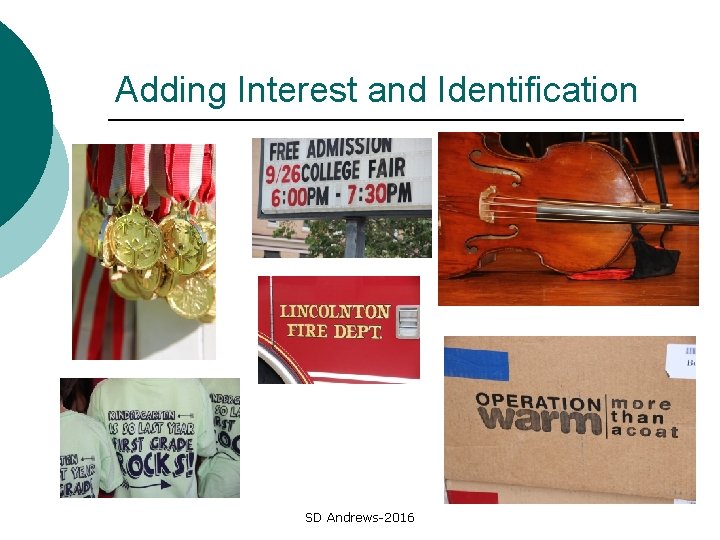
Adding Interest and Identification SD Andrews-2016
Plan your photos Take pictures of signs or plaques to help place your photos ¡ Consider the background – a simple background works best ¡ Take pictures in a series ¡ Think of your pictures as a group or set – how could they be used? ¡ SD Andrews-2016
Plan your photos Take lots of pictures – they won’t all be great ¡ Take 2 shots of every person or scene every time ¡ Overlapping 1/3 or ½ of a previous shot allows you to create a series of shots that can be stitched together ¡ SD Andrews-2016
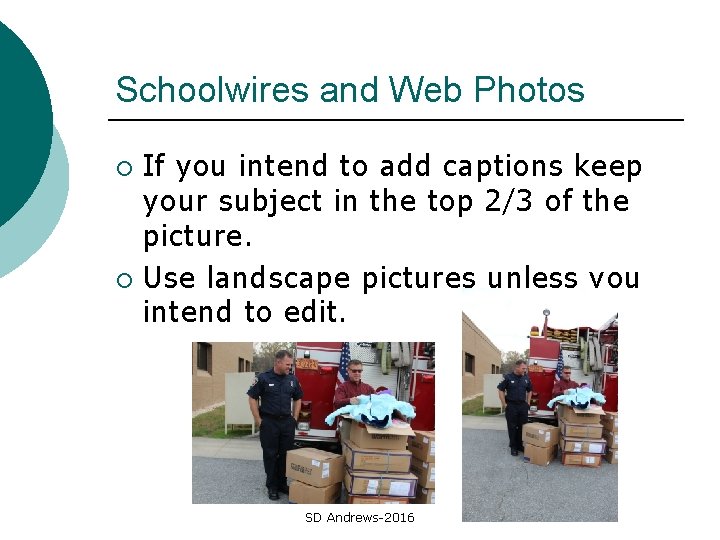
Schoolwires and Web Photos If you intend to add captions keep your subject in the top 2/3 of the picture. ¡ Use landscape pictures unless you intend to edit. ¡ SD Andrews-2016

SD Andrews-2016
- Slides: 30