
Digital Modes RTTY PSK 31 Packet Pactor Clover

- Slides: 28
Digital Modes RTTY, PSK 31, Packet, Pactor, Clover, Hellschreiber, MFSK, G-TOR, MT-63, Throb, Q 15 X 25
PSK 31 n Cousin of RTTY n Excellent weak-signal performance n Not error free
History n n n Created by Peter Martinez, G 3 PLX At first, not very popular because special DSP hardware was needed. 1999 - Peter designed a version of PSK 31 that needed nothing more than a common computer sound card.
History n n n Simple piece of software that ran under Windows. Software available free on Internet Uses soundcard interface to the transceiver.
History n n n PSK 31 exploded in the HF digital community. Most popular mode for casual QSO’s. PSK 63 appeared in 2003 and is used by contesters.
What is PSK 31? PSK = Phase Shift Keying n 31 = bit rate (31. 25 baud) ============== n Compare to CW n • Simple binary code n n Short pulses (Dits) Long pulses (Dahs) Communicate the whole English language by combining strings of dits and dahs. Gaps separate characters and words.
n Compared to RTTY • Still binary Instead of on/off (CW), shift frequencies (FSK) n 5 bits plus start and stop pulses. n n PSK uses Varicode • Varying number of bits representing each character. Shorter for often used characters n Longer for less often used characters n
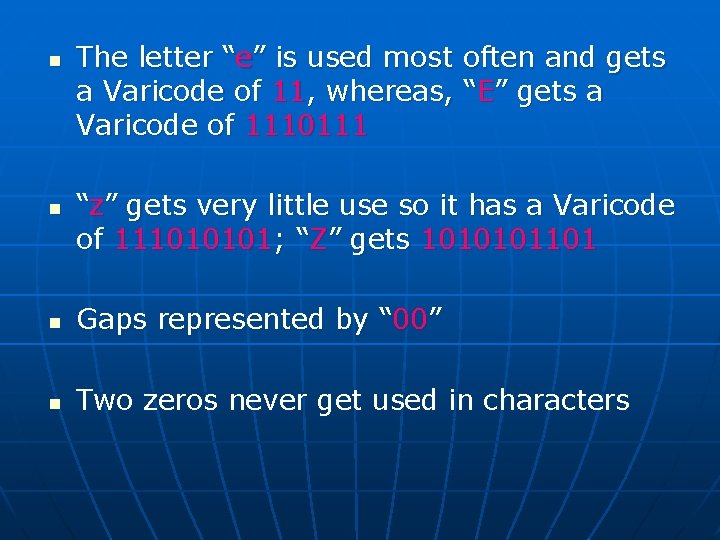
n n The letter “e” is used most often and gets a Varicode of 11, whereas, “E” gets a Varicode of 1110111 “z” gets very little use so it has a Varicode of 111010101; “Z” gets 1010101101 n Gaps represented by “ 00” n Two zeros never get used in characters
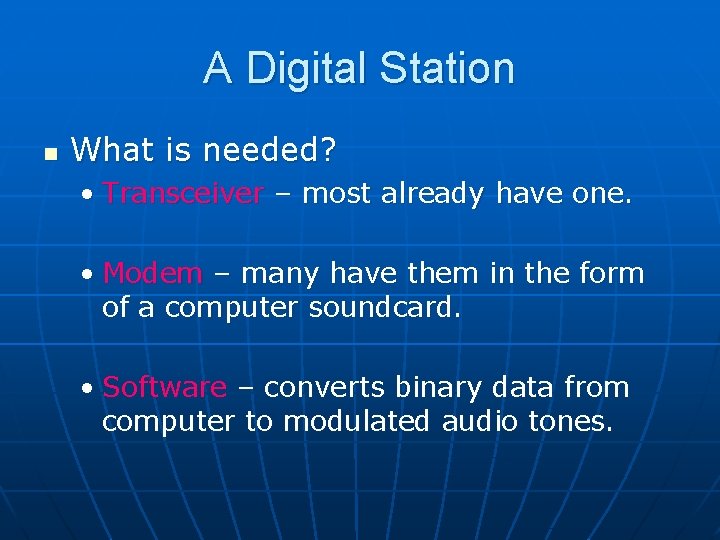
A Digital Station n What is needed? • Transceiver – most already have one. • Modem – many have them in the form of a computer soundcard. • Software – converts binary data from computer to modulated audio tones.
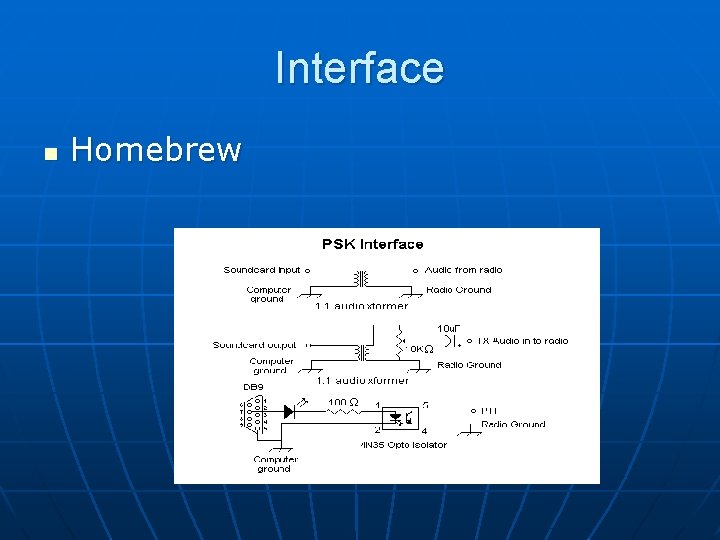
A Digital Station n Interface – the connection between the computer soundcard and the transceiver. • Audio from soundcard to transceiver • Audio from transceiver to soundcard • PTT
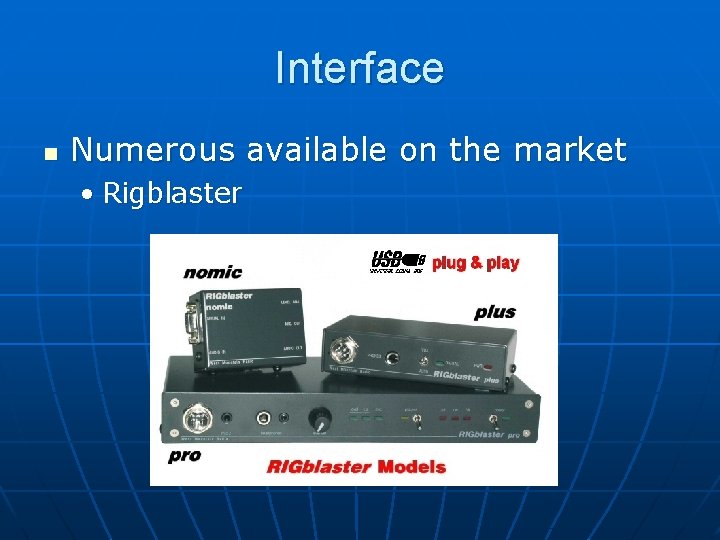
Interface n Numerous available on the market • Rigblaster
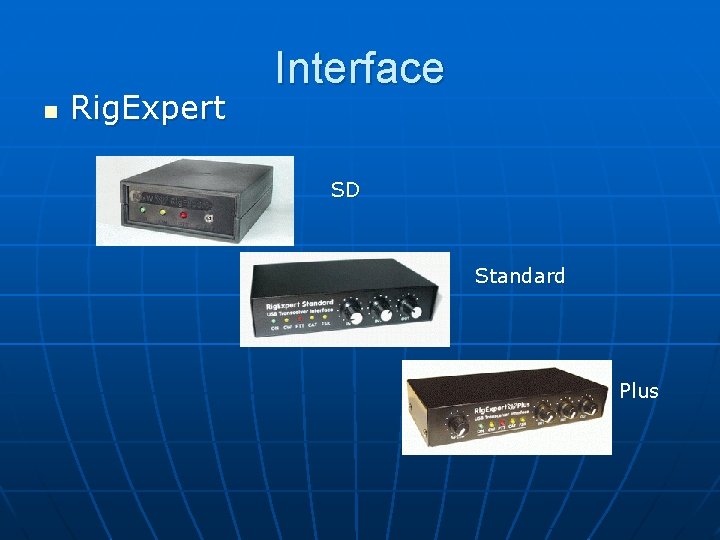
n Rig. Expert Interface SD Standard Plus
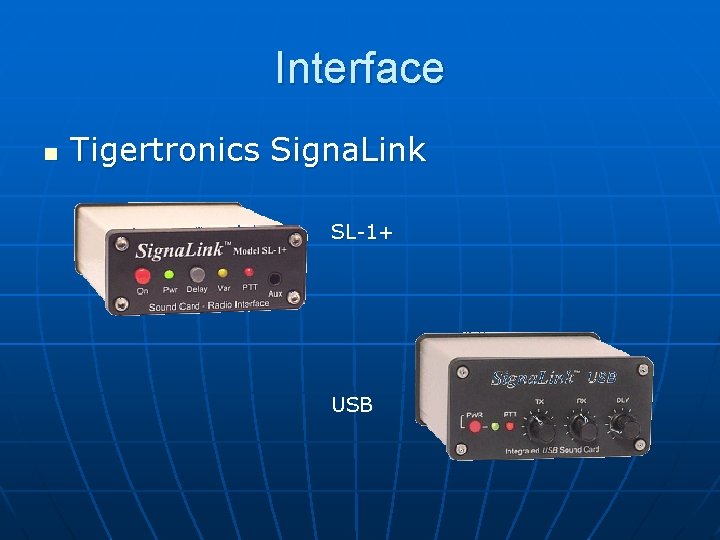
Interface n Tigertronics Signa. Link SL-1+ USB
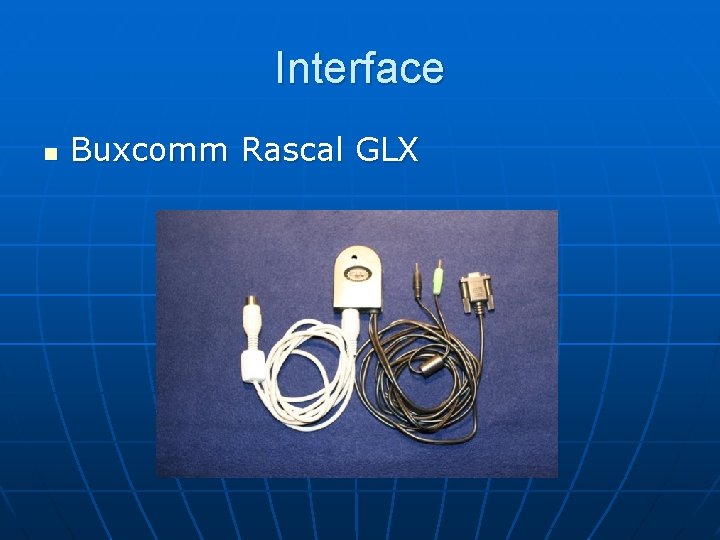
Interface n Buxcomm Rascal GLX
Interface n Homebrew
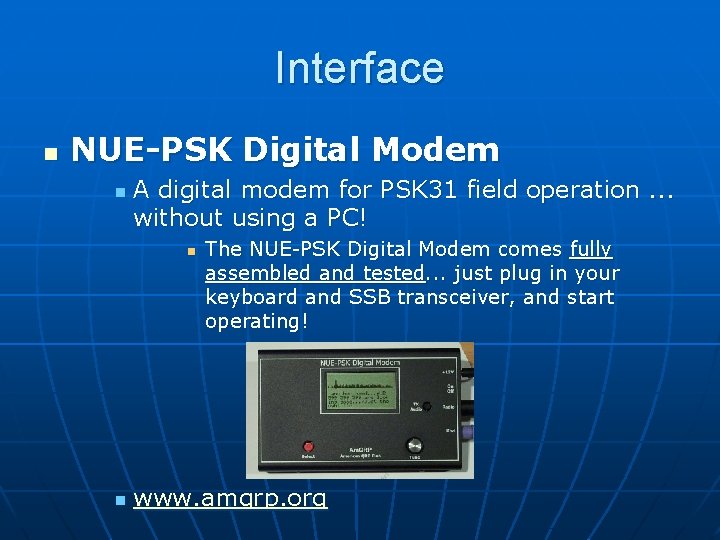
Interface n NUE-PSK Digital Modem n A digital modem for PSK 31 field operation. . . without using a PC! n n The NUE-PSK Digital Modem comes fully assembled and tested. . . just plug in your keyboard and SSB transceiver, and start operating! www. amqrp. org
n How do we generate BPSK signal and transmit Varicode over the airwaves? • Use DSP capabilities of soundcard n Create audio signal that shifts phase angle 180 degrees in sync with 31. 25 bps data stream n “ 0” bit generates phase shift n “ 1” bit does not n Hence, Binary Phase-Shift Keying
n n n When the BPSK audio signal is applied to an SSB transceiver we get BPSK modulated RF. Only 31. 25 Hz wide, narrower than CW. Concentrating RF into narrow bandwidth produces good reception. Receiving station must sync with transmitting station (Software) Phase transitions are mathematically predictable due to the structure of Varicode.
PSK 31 Software n n n Download off Internet: Many are freeware or shareware with a requested donation. Popular programs: • HRD/DM 780 (IMHO, the best) • Mix. W • Digipan • Multi. PSK • Others
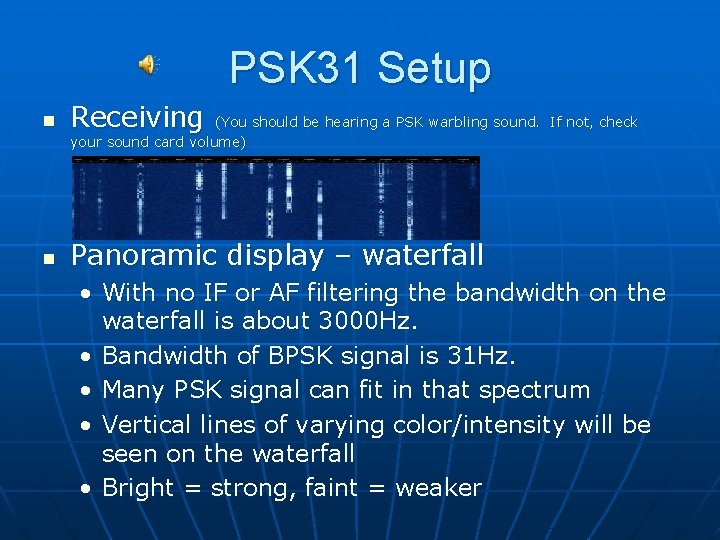
PSK 31 Setup n Receiving n Panoramic display – waterfall (You should be hearing a PSK warbling sound. If not, check your sound card volume) • With no IF or AF filtering the bandwidth on the waterfall is about 3000 Hz. • Bandwidth of BPSK signal is 31 Hz. • Many PSK signal can fit in that spectrum • Vertical lines of varying color/intensity will be seen on the waterfall • Bright = strong, faint = weaker
ACTIVITY n PSK 31 activity found on: • 160 M • 80 M • 40 M • • n 30 M 20 M 17 M 15 M 12 M 10 M 6 M 1807 k. Hz (USA) 1838 k. Hz (Europe) 3580 k. Hz 7070 k. Hz (USA) 7035 k. Hz (Europe) 7028 k. Hz (Japan) 10138 -10142 k. Hz (Digital Only) 14070 k. Hz – most activity 18100 k. Hz 21070 k. Hz 24920 k. Hz 28120 k. Hz 50290 k. Hz (USA) 50250 k. Hz (Europe) Let’s get started…
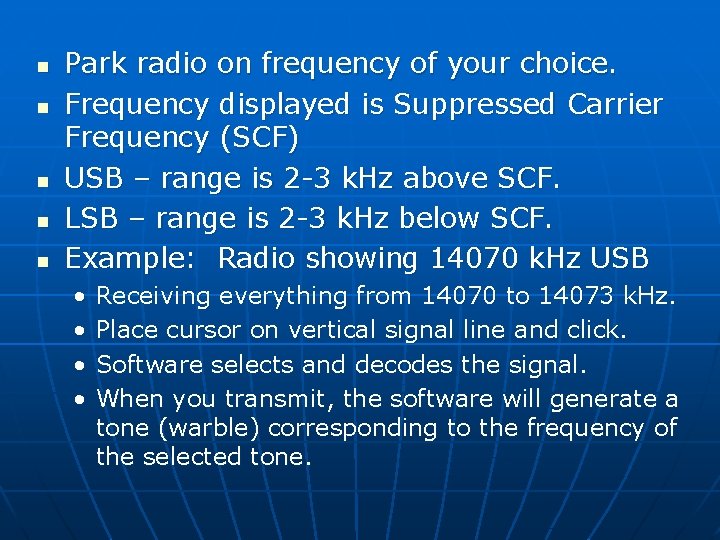
n n n Park radio on frequency of your choice. Frequency displayed is Suppressed Carrier Frequency (SCF) USB – range is 2 -3 k. Hz above SCF. LSB – range is 2 -3 k. Hz below SCF. Example: Radio showing 14070 k. Hz USB • • Receiving everything from 14070 to 14073 k. Hz. Place cursor on vertical signal line and click. Software selects and decodes the signal. When you transmit, the software will generate a tone (warble) corresponding to the frequency of the selected tone.
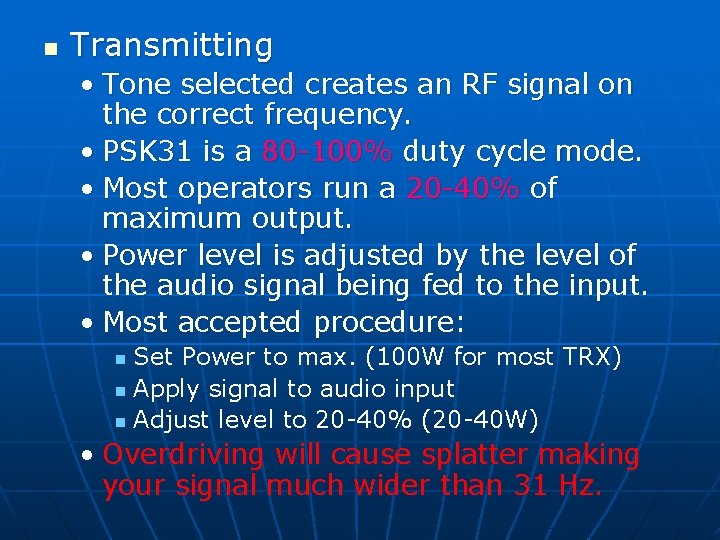
n Transmitting • Tone selected creates an RF signal on the correct frequency. • PSK 31 is a 80 -100% duty cycle mode. • Most operators run a 20 -40% of maximum output. • Power level is adjusted by the level of the audio signal being fed to the input. • Most accepted procedure: Set Power to max. (100 W for most TRX) n Apply signal to audio input n Adjust level to 20 -40% (20 -40 W) n • Overdriving will cause splatter making your signal much wider than 31 Hz.
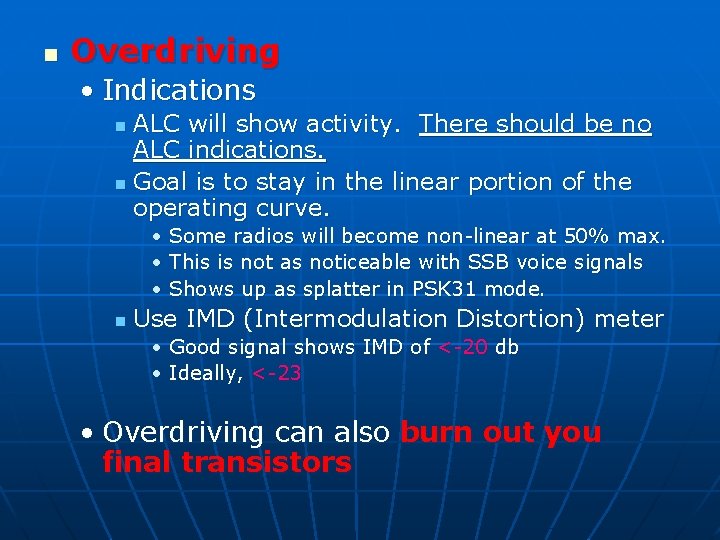
n Overdriving • Indications ALC will show activity. There should be no ALC indications. n Goal is to stay in the linear portion of the operating curve. n • Some radios will become non-linear at 50% max. • This is not as noticeable with SSB voice signals • Shows up as splatter in PSK 31 mode. n Use IMD (Intermodulation Distortion) meter • Good signal shows IMD of <-20 db • Ideally, <-23 • Overdriving can also burn out you final transistors
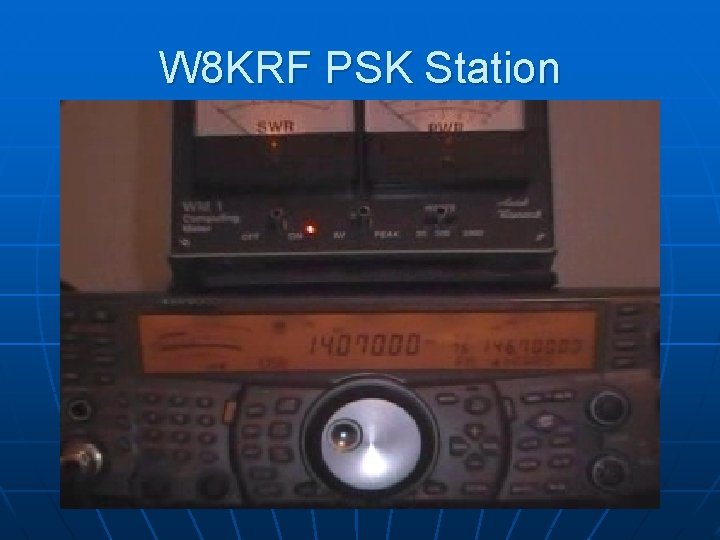
W 8 KRF PSK Station
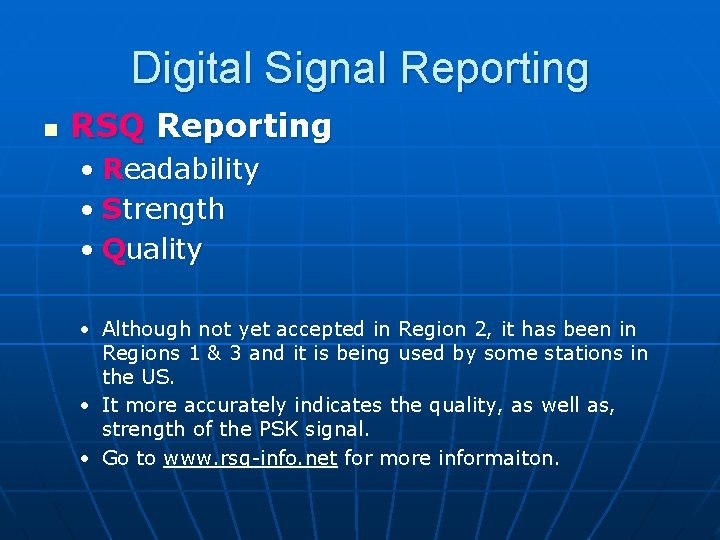
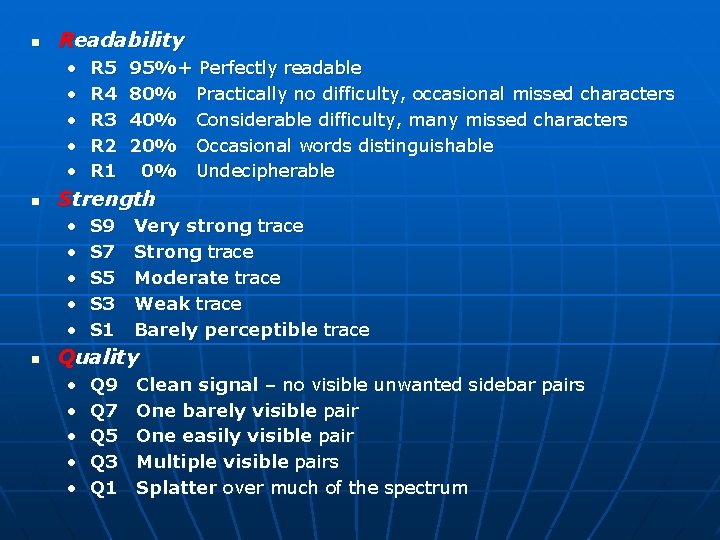
Digital Signal Reporting n RSQ Reporting • Readability • Strength • Quality • Although not yet accepted in Region 2, it has been in Regions 1 & 3 and it is being used by some stations in the US. • It more accurately indicates the quality, as well as, strength of the PSK signal. • Go to www. rsq-info. net for more informaiton.
n Readability • • • n 95%+ Perfectly readable 80% Practically no difficulty, occasional missed characters 40% Considerable difficulty, many missed characters 20% Occasional words distinguishable 0% Undecipherable Strength • • • n R 5 R 4 R 3 R 2 R 1 S 9 S 7 S 5 S 3 S 1 Very strong trace Strong trace Moderate trace Weak trace Barely perceptible trace Quality • • • Q 9 Q 7 Q 5 Q 3 Q 1 Clean signal – no visible unwanted sidebar pairs One barely visible pair One easily visible pair Multiple visible pairs Splatter over much of the spectrum
Resources n n ARRL’s HF Digital Handbook, Third Edition by Steve Ford, WA 8 IMY Websites: • www. westmountainradio. com • www. rigexpert. com • www. tigertronics. com • www. buxcomm. com • www. geocities. com/n 2 uhc/interface. html • http: //forums. ham-radio. ch/ (HRD)