
Digital Literacy and Internet Safety Keeping our kids
- Slides: 10
Digital Literacy and Internet Safety Keeping our kids safe Ms. Danforth
Internet Safety
Personal Information • NEVER give out your name, age, phone number, town you live in, or address to anyone.
User Names and Passwords • NEVER let another person use your username or password. • To keep you safe, your parents should have a list of your username and passwords for the sites you visit.
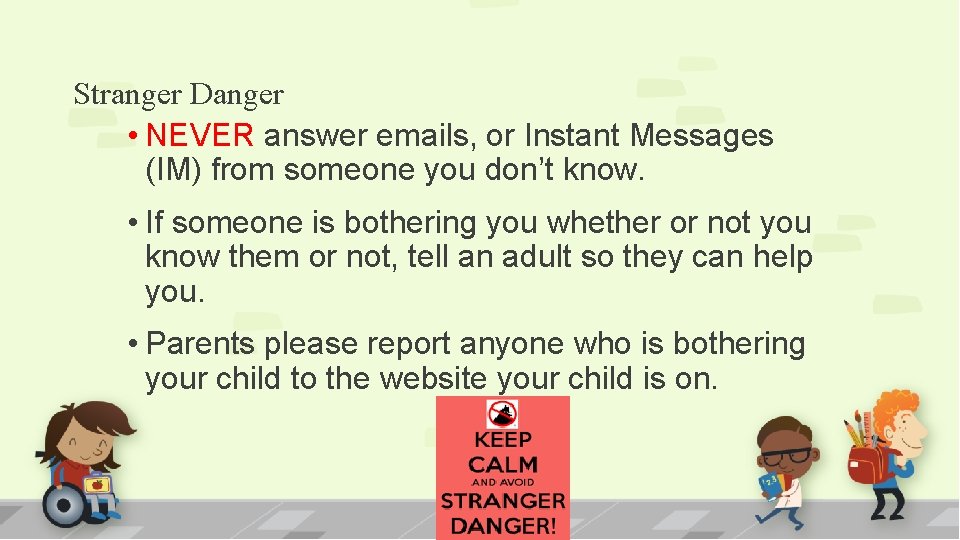
Stranger Danger • NEVER answer emails, or Instant Messages (IM) from someone you don’t know. • If someone is bothering you whether or not you know them or not, tell an adult so they can help you. • Parents please report anyone who is bothering your child to the website your child is on.
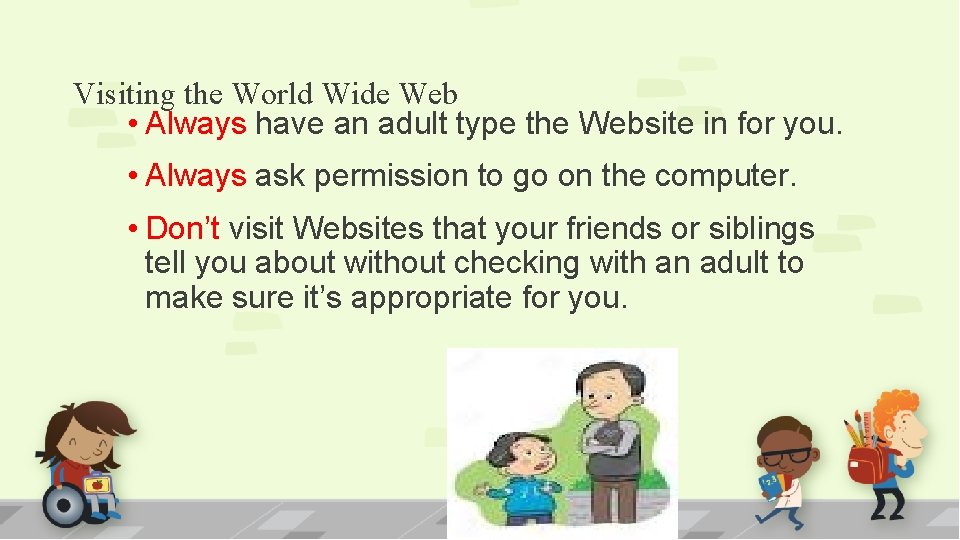
Visiting the World Wide Web • Always have an adult type the Website in for you. • Always ask permission to go on the computer. • Don’t visit Websites that your friends or siblings tell you about without checking with an adult to make sure it’s appropriate for you.
Digital Literacy
First Grade • Digital Literacy is very limited in first grade. Students will only be visiting school approved Websites. • As your child gets older they will be required to interact with more technology and even do homework and projects using technology.
Things to Remember • NEVER type your whole email, IM, or assignment in all caps. It is considered shouting and it is very rude. • NEVER type anything inappropriate, or that would hurt someone’s feelings. This could be viewed as Cyber Bullying.
Conclusion • Always remember to use what you learned on this Website. • The World Wide Web is a fun, and exciting place. Please use it responsibly.