
Digital Imaging Fundamentals Ms Hema C R School
- Slides: 20
Digital Imaging Fundamentals Ms. Hema C. R. School of Mechatronic Engineering Hema - Digital Image Fundamental
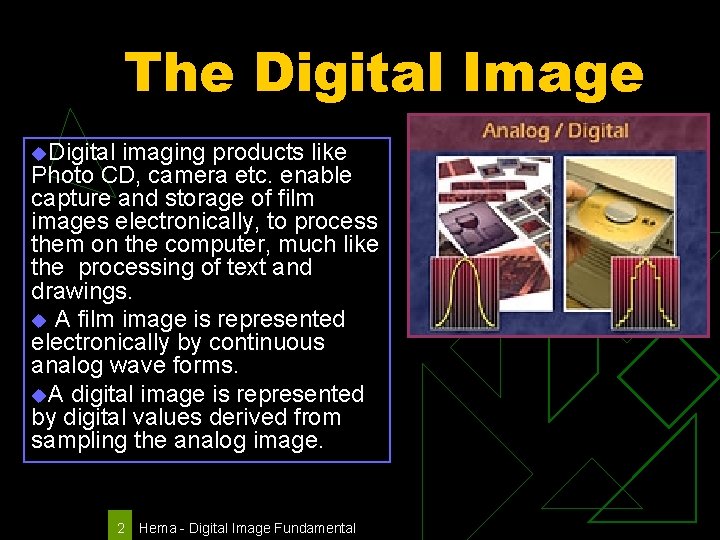
The Digital Image u. Digital imaging products like Photo CD, camera etc. enable capture and storage of film images electronically, to process them on the computer, much like the processing of text and drawings. u A film image is represented electronically by continuous analog wave forms. u. A digital image is represented by digital values derived from sampling the analog image. 2 Hema - Digital Image Fundamental
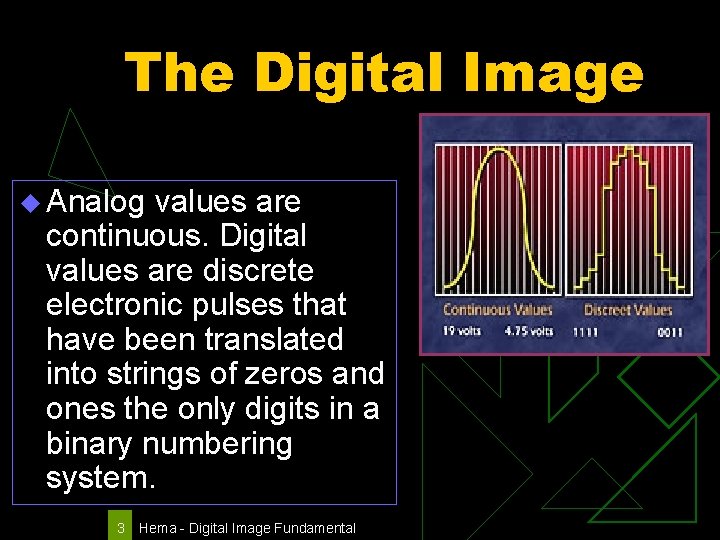
The Digital Image u Analog values are continuous. Digital values are discrete electronic pulses that have been translated into strings of zeros and ones the only digits in a binary numbering system. 3 Hema - Digital Image Fundamental
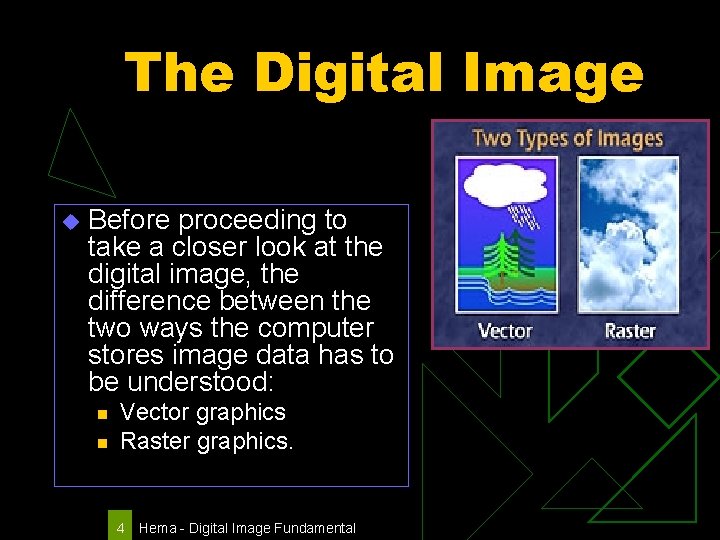
The Digital Image u Before proceeding to take a closer look at the digital image, the difference between the two ways the computer stores image data has to be understood: n n Vector graphics Raster graphics. 4 Hema - Digital Image Fundamental
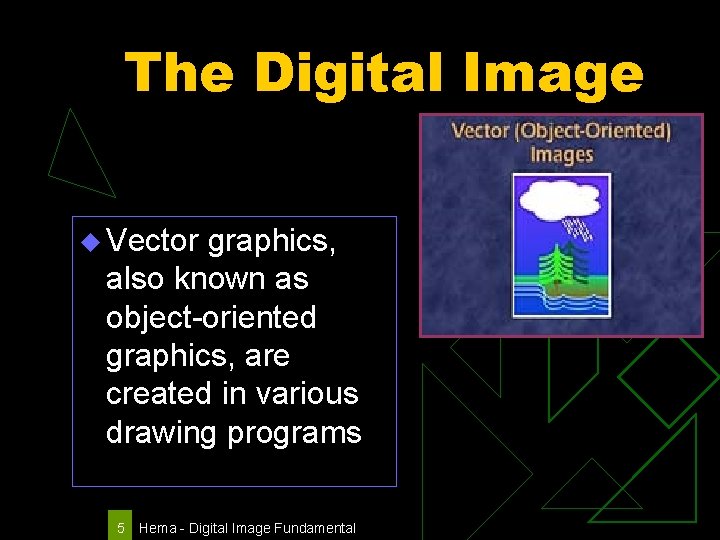
The Digital Image u Vector graphics, also known as object-oriented graphics, are created in various drawing programs 5 Hema - Digital Image Fundamental
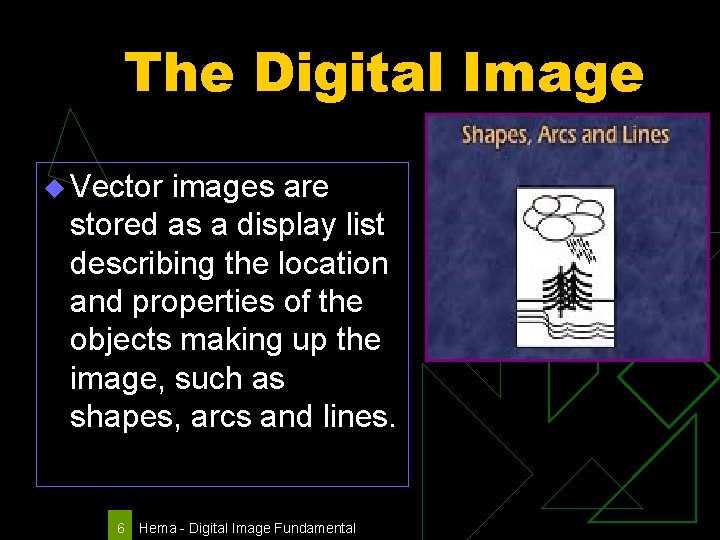
The Digital Image u Vector images are stored as a display list describing the location and properties of the objects making up the image, such as shapes, arcs and lines. 6 Hema - Digital Image Fundamental
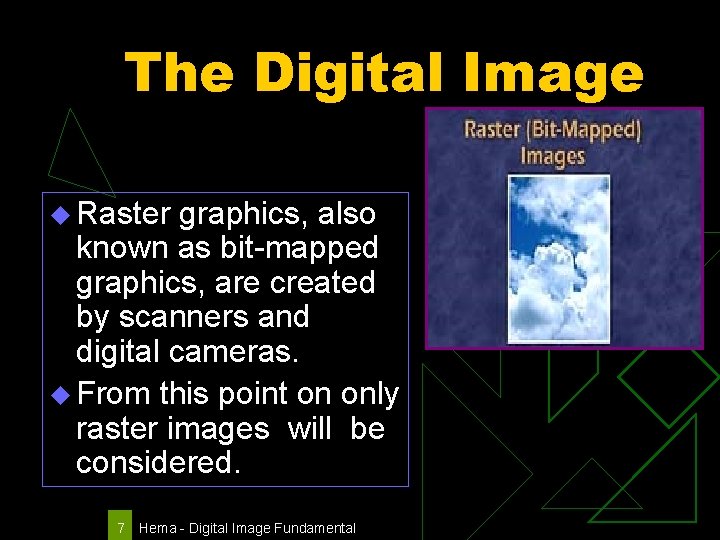
The Digital Image u Raster graphics, also known as bit-mapped graphics, are created by scanners and digital cameras. u From this point on only raster images will be considered. 7 Hema - Digital Image Fundamental
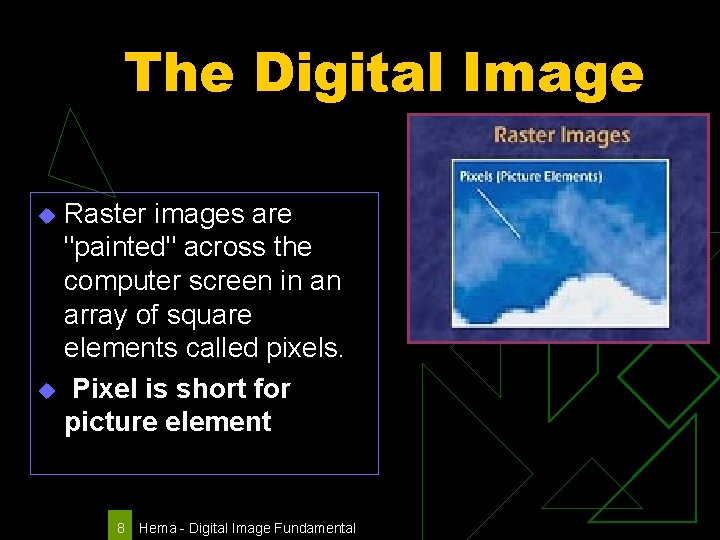
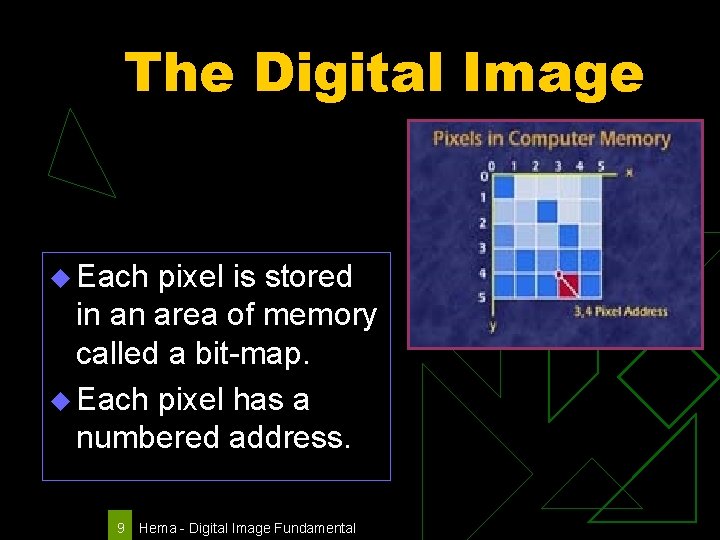
The Digital Image Raster images are "painted" across the computer screen in an array of square elements called pixels. u Pixel is short for picture element u 8 Hema - Digital Image Fundamental
The Digital Image u Each pixel is stored in an area of memory called a bit-map. u Each pixel has a numbered address. 9 Hema - Digital Image Fundamental
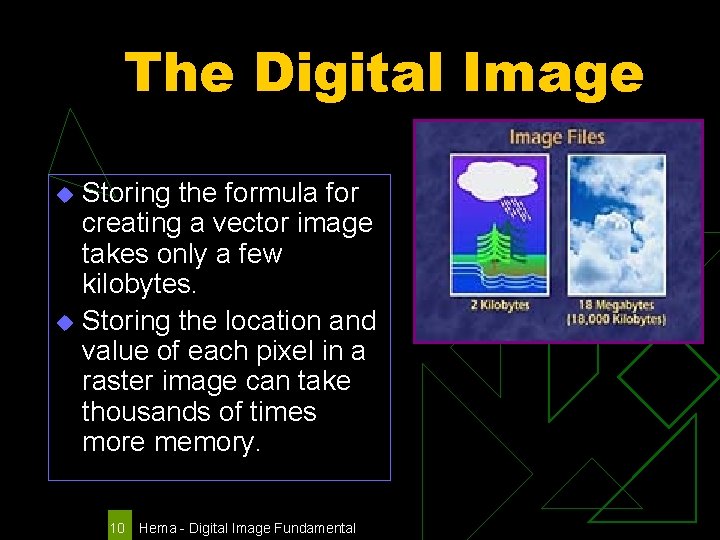
The Digital Image Storing the formula for creating a vector image takes only a few kilobytes. u Storing the location and value of each pixel in a raster image can take thousands of times more memory. u 10 Hema - Digital Image Fundamental
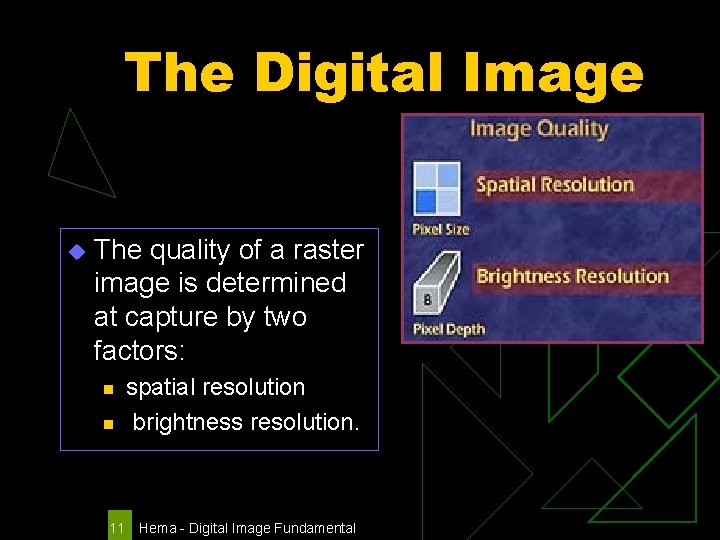
The Digital Image u The quality of a raster image is determined at capture by two factors: n n 11 spatial resolution brightness resolution. Hema - Digital Image Fundamental
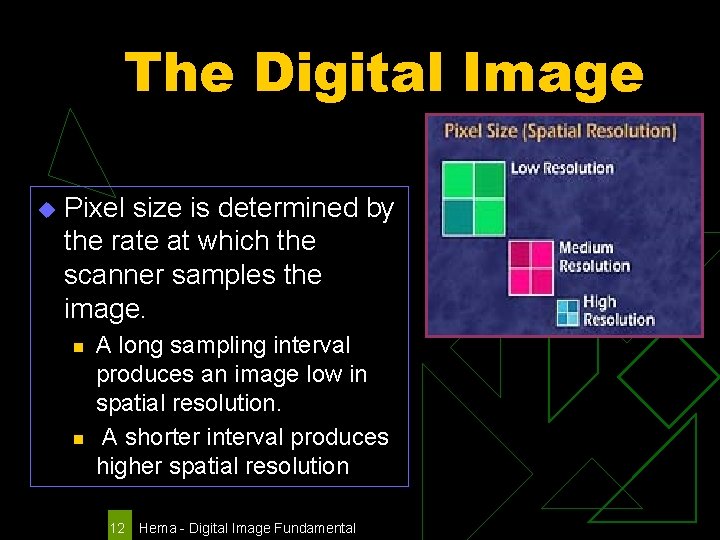
The Digital Image u Pixel size is determined by the rate at which the scanner samples the image. n n A long sampling interval produces an image low in spatial resolution. A shorter interval produces higher spatial resolution 12 Hema - Digital Image Fundamental
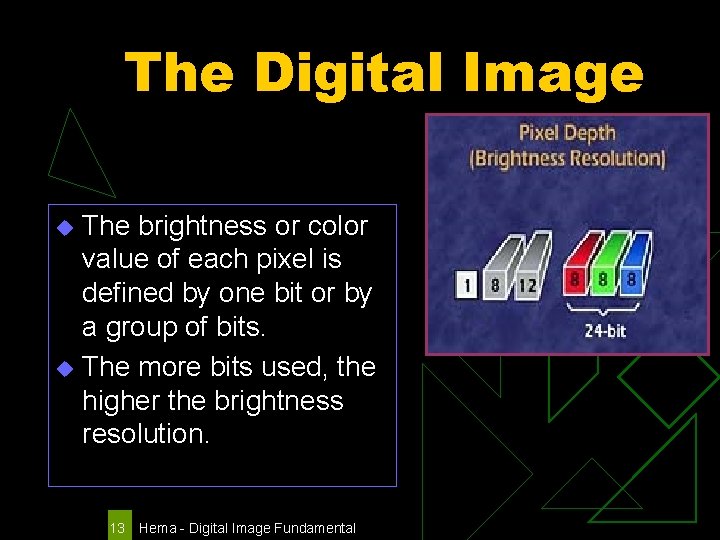
The Digital Image The brightness or color value of each pixel is defined by one bit or by a group of bits. u The more bits used, the higher the brightness resolution. u 13 Hema - Digital Image Fundamental
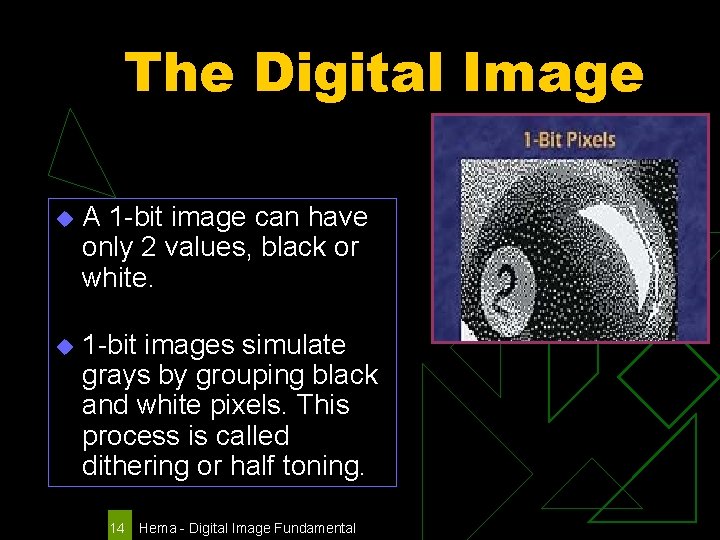
The Digital Image u A 1 -bit image can have only 2 values, black or white. u 1 -bit images simulate grays by grouping black and white pixels. This process is called dithering or half toning. 14 Hema - Digital Image Fundamental
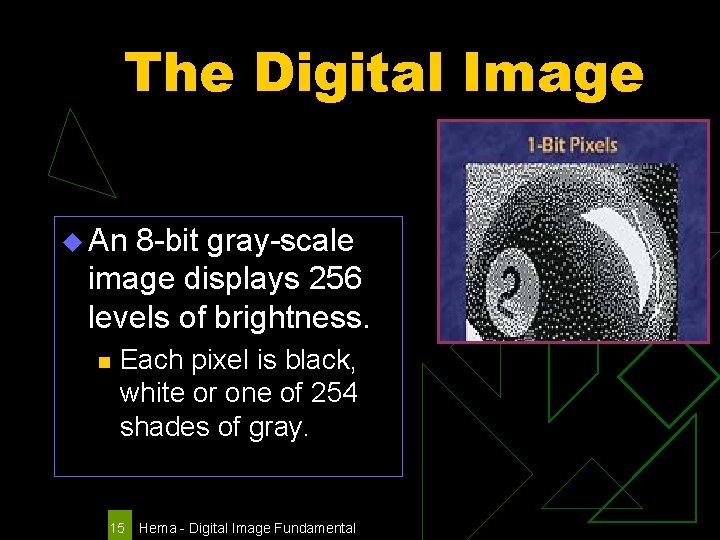
The Digital Image u An 8 -bit gray-scale image displays 256 levels of brightness. n Each pixel is black, white or one of 254 shades of gray. 15 Hema - Digital Image Fundamental
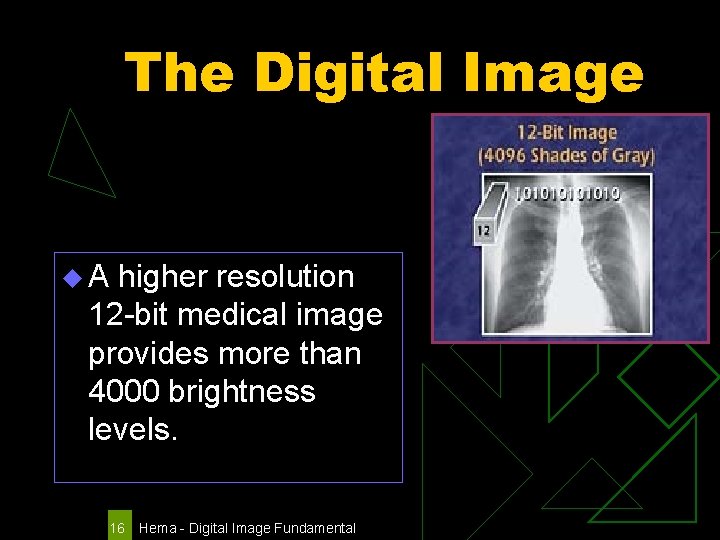
The Digital Image u. A higher resolution 12 -bit medical image provides more than 4000 brightness levels. 16 Hema - Digital Image Fundamental
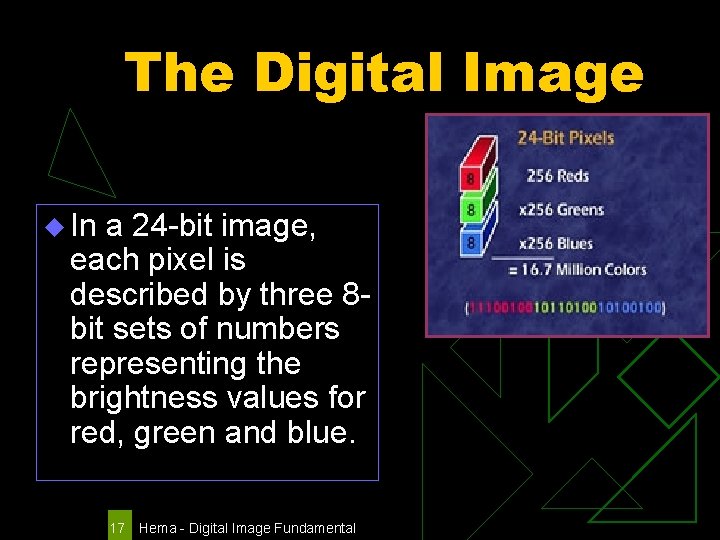
The Digital Image u In a 24 -bit image, each pixel is described by three 8 bit sets of numbers representing the brightness values for red, green and blue. 17 Hema - Digital Image Fundamental
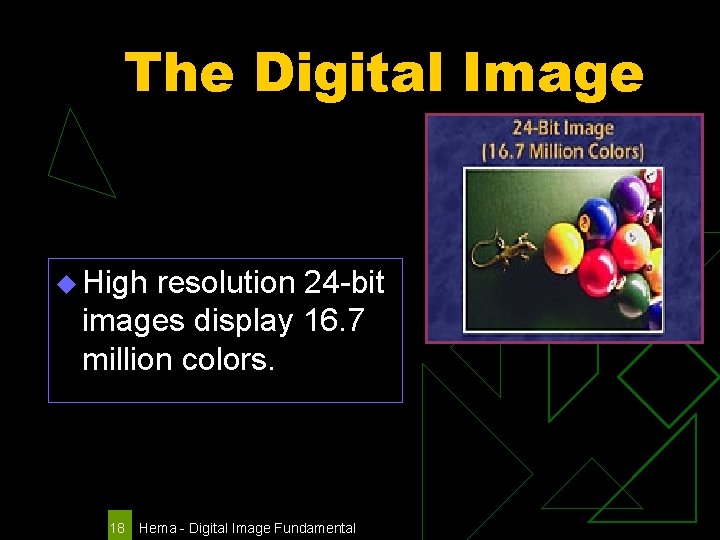
The Digital Image u High resolution 24 -bit images display 16. 7 million colors. 18 Hema - Digital Image Fundamental
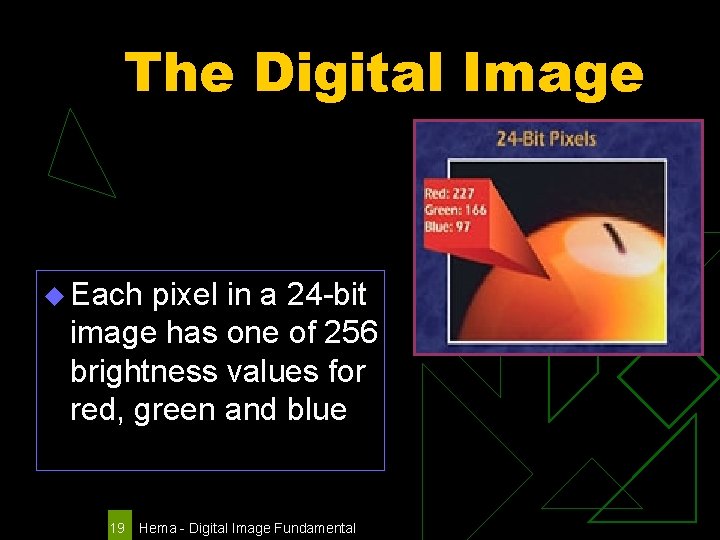
The Digital Image u Each pixel in a 24 -bit image has one of 256 brightness values for red, green and blue 19 Hema - Digital Image Fundamental
Digital Imaging Fundamentals The end Hema - Digital Image Fundamental