
Digital Health Review Kathi RossiRoh Mobile Application Process
Digital Health Review Kathi Rossi-Roh Mobile Application Process Coordinator (MAPC) February 28, 2020
What are Digital Health Methods? Digital health methods include collection, transmission and/or dissemination of private or non-private actively or passively collected data or private information using software or technology on mobile or wirelessly communicating devices such as smartphones, free-standing monitors or sensors, or wearable devices that collect information at a point in time or over a period of time. This includes: • Homegrown smartphone apps or wearables to be potentially marketed broadly, or via partnerships with a third party (software or mobile device creators, software engineer developing digital phenotype software, smartphone app developers). • Use of marketed and readily available apps or other software in the clinical research context, including wearables (Fitbit, other sensors worn on the body), smartphone apps that passively collect data, installation of monitors that use wireless, Bluetooth or other methods to create information about an individual over time. • Pervasive data collection using multiple sensors or devices placed in an individual’s or group’s environment. FAQ & more on: rc. partners. org/digitalhealth 2
What is in Scope for a Digital Health Review? In Scope Examples: • Clinical applications that are part of a research study – proposed or underway/amended • Mobile applications • Wearable technology • Patient facing or PI facing, or both • Online patient surveys completed on a mobile device Out of Scope Examples: • Non-clinical applications • Applications that are not utilized on a mobile device FAQ & more on: rc. partners. org/digitalhealth 3
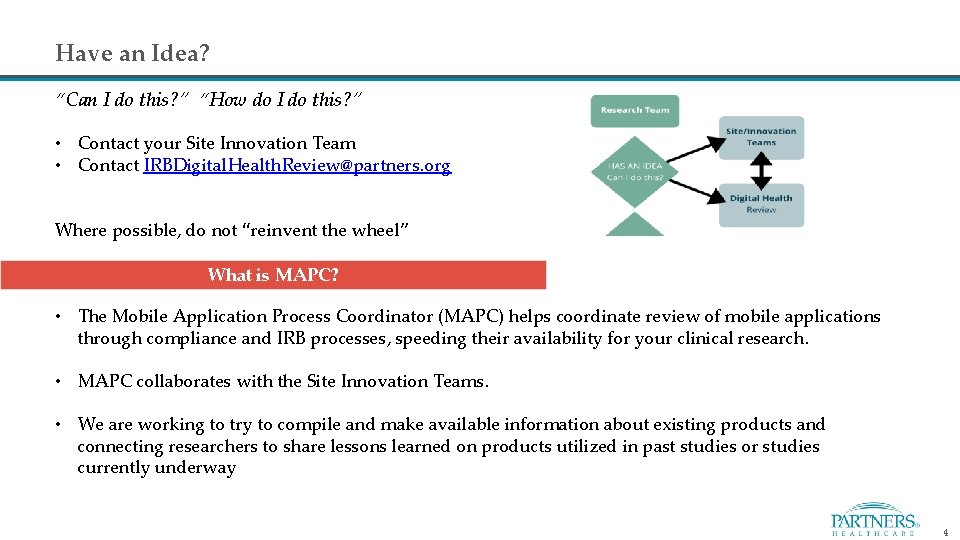
Have an Idea? “Can I do this? ” “How do I do this? ” • Contact your Site Innovation Team • Contact IRBDigital. Health. Review@partners. org Where possible, do not “reinvent the wheel” What is MAPC? • The Mobile Application Process Coordinator (MAPC) helps coordinate review of mobile applications through compliance and IRB processes, speeding their availability for your clinical research. • MAPC collaborates with the Site Innovation Teams. • We are working to try to compile and make available information about existing products and connecting researchers to share lessons learned on products utilized in past studies or studies currently underway 4
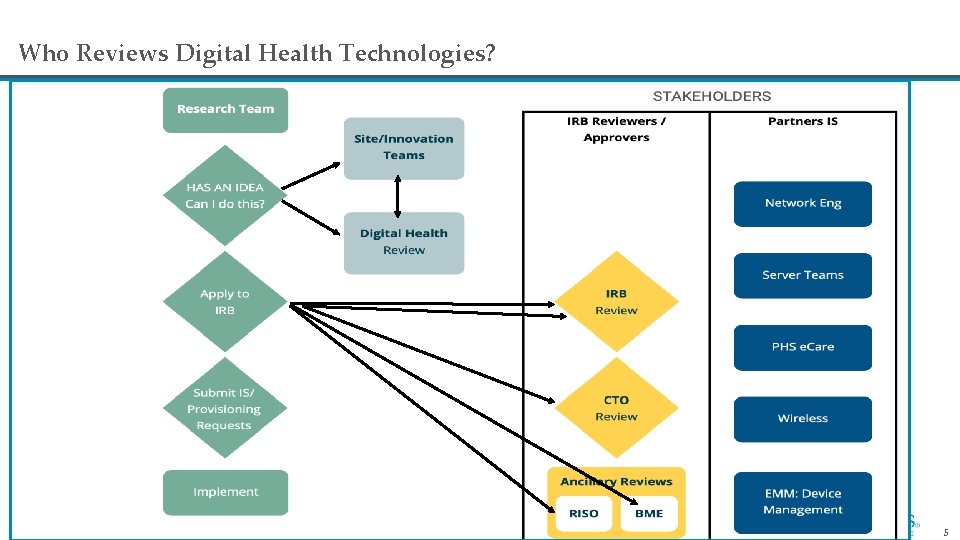
Who Reviews Digital Health Technologies? 5
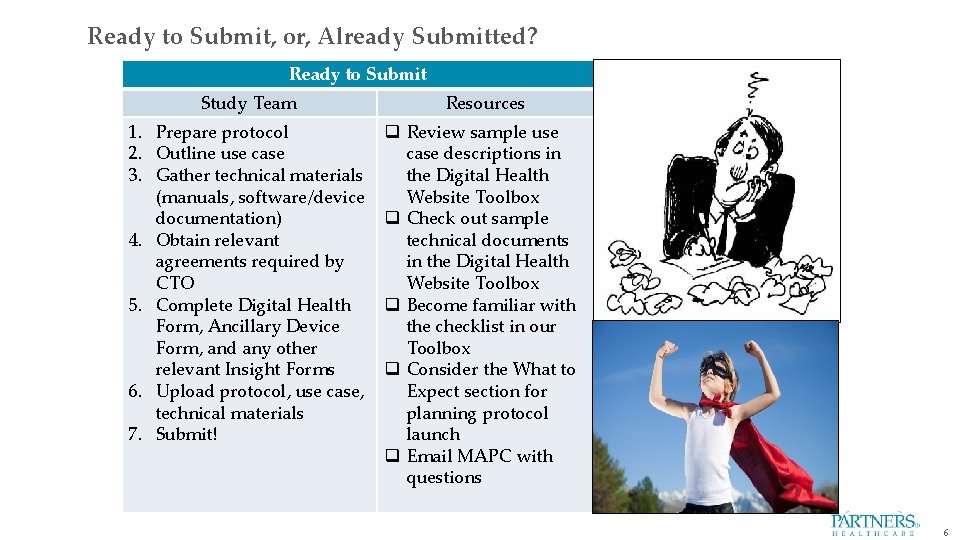
Ready to Submit, or, Already Submitted? Ready to Submit Study Team Resources 1. Prepare protocol 2. Outline use case 3. Gather technical materials (manuals, software/device documentation) 4. Obtain relevant agreements required by CTO 5. Complete Digital Health Form, Ancillary Device Form, and any other relevant Insight Forms 6. Upload protocol, use case, technical materials 7. Submit! q Review sample use case descriptions in the Digital Health Website Toolbox q Check out sample technical documents in the Digital Health Website Toolbox q Become familiar with the checklist in our Toolbox q Consider the What to Expect section for planning protocol launch q Email MAPC with questions This Photo by Unknown Author is licensed under CC BY-NC-ND This Photo by Unknown Author is licensed under CC BY-SA 6
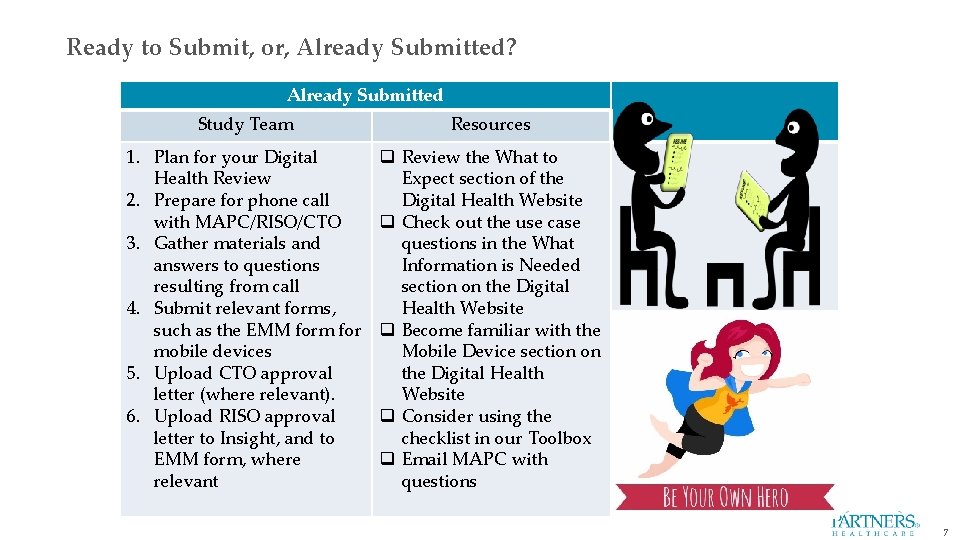
Ready to Submit, or, Already Submitted? Already Submitted Study Team Resources 1. Plan for your Digital Health Review 2. Prepare for phone call with MAPC/RISO/CTO 3. Gather materials and answers to questions resulting from call 4. Submit relevant forms, such as the EMM form for mobile devices 5. Upload CTO approval letter (where relevant). 6. Upload RISO approval letter to Insight, and to EMM form, where relevant q Review the What to Expect section of the Digital Health Website q Check out the use case questions in the What Information is Needed section on the Digital Health Website q Become familiar with the Mobile Device section on the Digital Health Website q Consider using the checklist in our Toolbox q Email MAPC with questions This Photo by Unknown Author is licensed under CC BY-SA-NC This Photo by Unknown Author is licensed under CC BY-NC-ND This Photo by Unknown Author is licensed under CC BY-SA 7
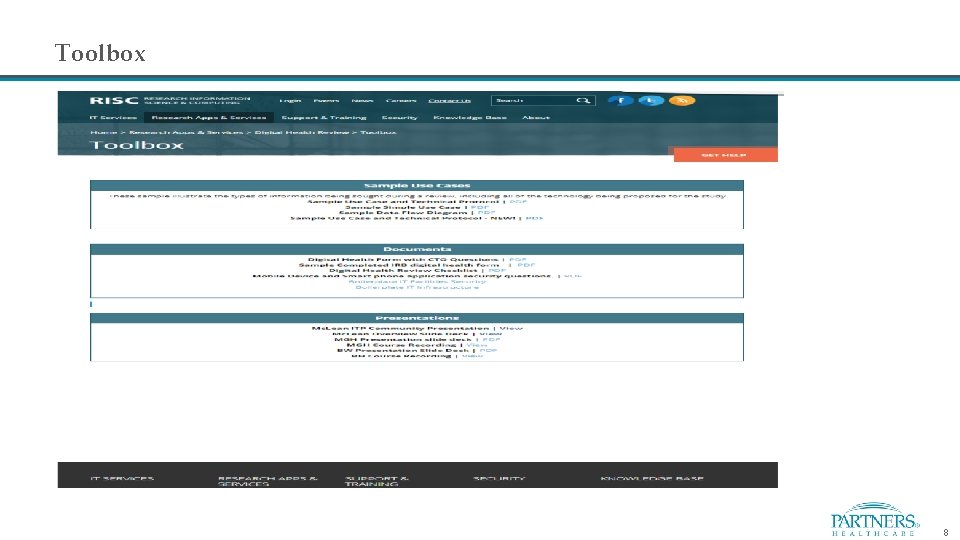
Toolbox 8
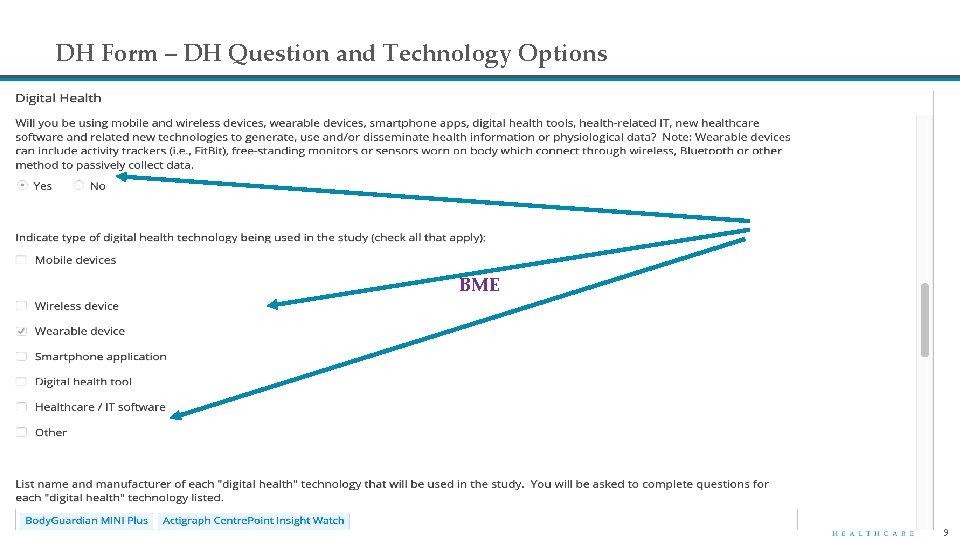
DH Form – DH Question and Technology Options BME 9
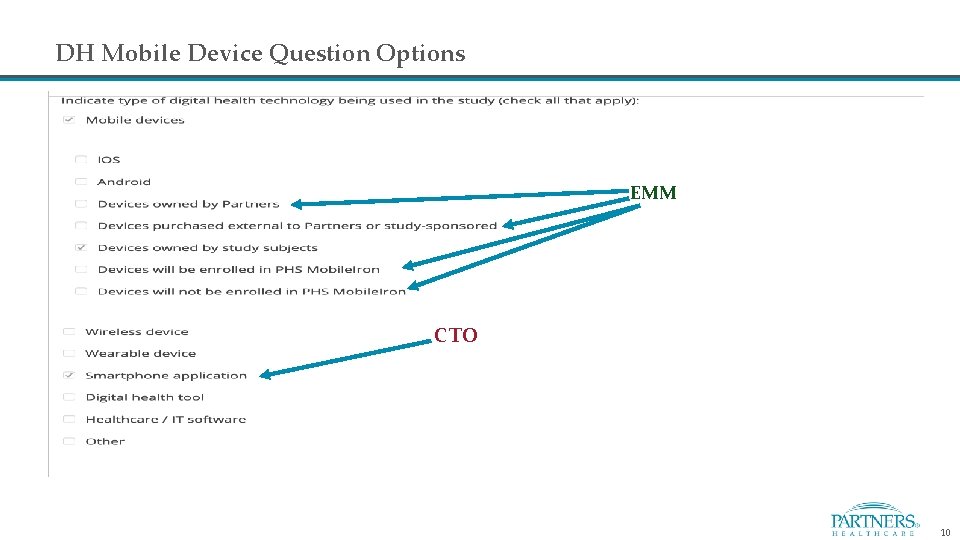
DH Mobile Device Question Options EMM CTO 10
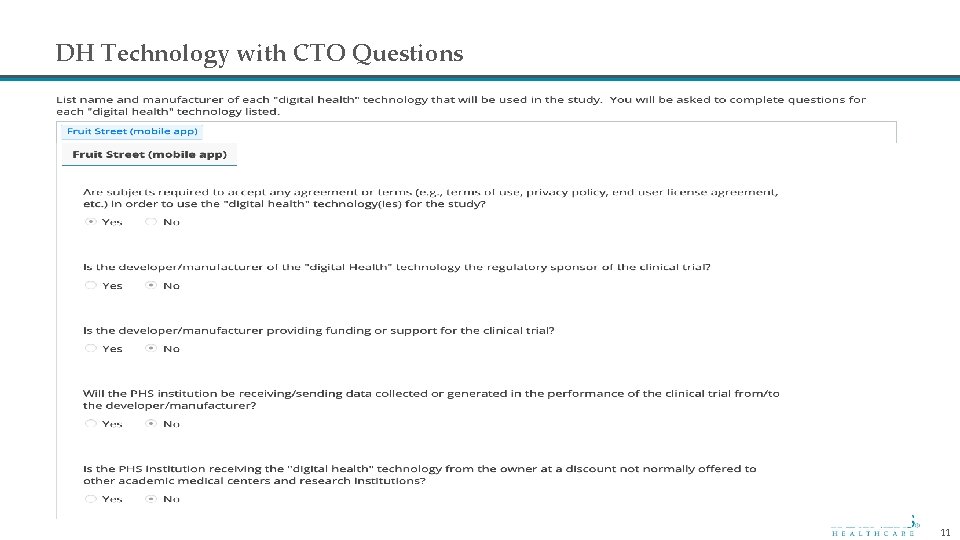
DH Technology with CTO Questions 11
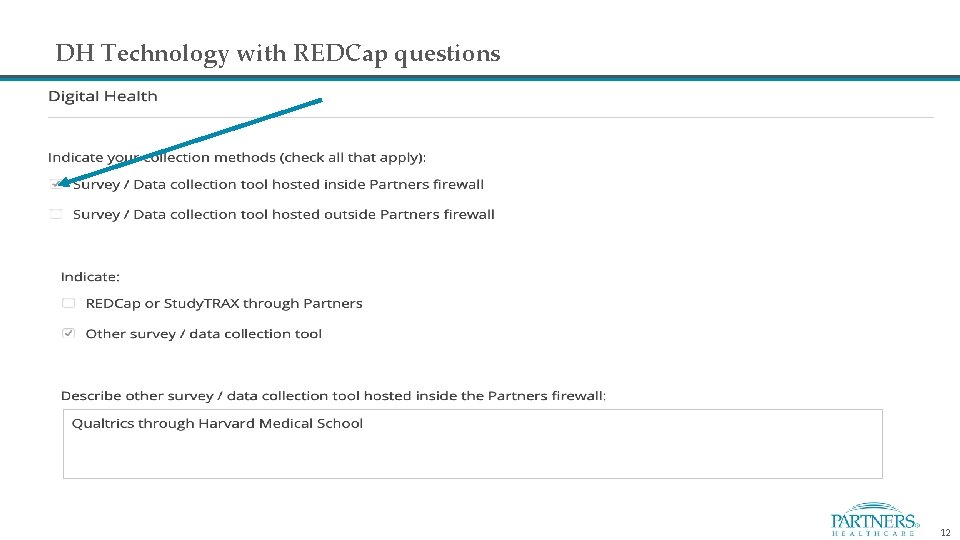
DH Technology with REDCap questions 12
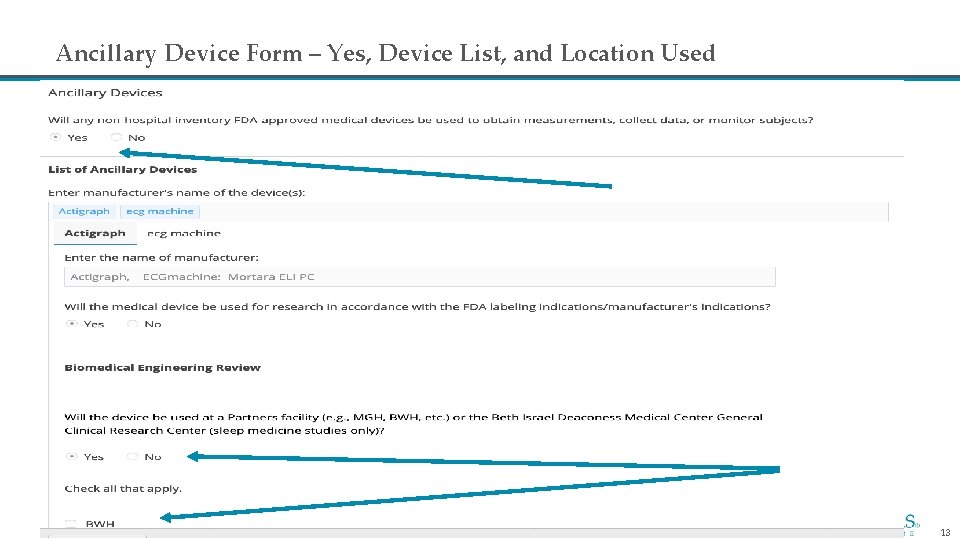
Ancillary Device Form – Yes, Device List, and Location Used 13
Securing Devices with Mobile. Iron • MAPC is now focusing on working with study teams to set up and configure their devices at the same time as their information security reviews • This change is because many study teams are not planning for the installation and configuration of Mobile. Iron on their devices in their timeline. Please note that PHS policies requires the use of Mobile. Iron on all devices being used • Best practice is acquisition of mobile devices via PHS provisioning process. If devices have not yet been acquired, please contact MAPC as soon as device requirements have been made available • If you are using mobile devices in your study that are NOT subject owned, you can initiate the process by sending an email to the MAPC mailbox. Plan to include the following: • • Protocol number Make/model/form factor/number of devices • • • (Samsung, Apple/Galaxy, i. OS/tablet, smart phone, laptop, etc. . ) OS (i. e. Android, i. OS, Windows) OS version (Kit. Kat, i. OS 8, Windows 10) Requirements, such as Mobile. Iron set up, certificate set up, generic account set up, etc. . Whether acquired yet, from where, and arrival date All RISO stipulations – PI is responsible for ensuring that devices are set up according RISO approval letter stipulations • Once we have all of the required information, a request can be sent to the mobile team (EMM) to allow for configuration and setup. EMM’s SLA is 2 -4 weeks • Contact MAPC for details/answers to your questions 14
Best Practices for using Mobile Devices in a study • Partners has adopted an i. OS First approach and recommends the uses of i. OS Devices whenever possible. The purchasing, provisioning, configuration management, and support will be smoother and faster with i. OS than with Android • All i. OS Devices (i. Phones, i. Pads, i. Pods) purchased with corporate funds will come pre-enrolled with Mobile. Iron. All devices ship from Apple or their authorized resellers enrolled in the Apple Deployment Program (also known as Device Enrollment Program - DEP). By default, all devices are automatically added to the 'i. OS - Default Partition' DEP configuration. • The DEFAULT configuration for these devices are COPE and will require the owner of the device to sign in to the device with his or her own PHS Credentials • The alternative is the Corporate Owned Single Use (COSU) / Fully Managed. COSU configurations are recommended for shared devices or devices used for research and clinical projects • If your project requires the use of Android, you must ensure that your Android tablet complies with the minimum standards • Devices not procured through the provisioning process may require installation/configuration at Assembly Row • Links to this information can be found on the MAPC website, or contact the MAPC for more information 15
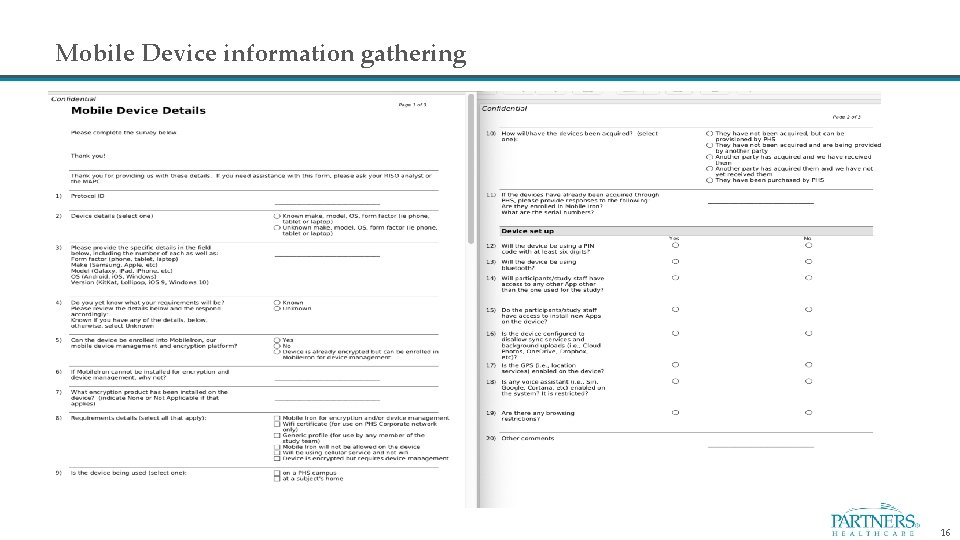
Mobile Device information gathering 16
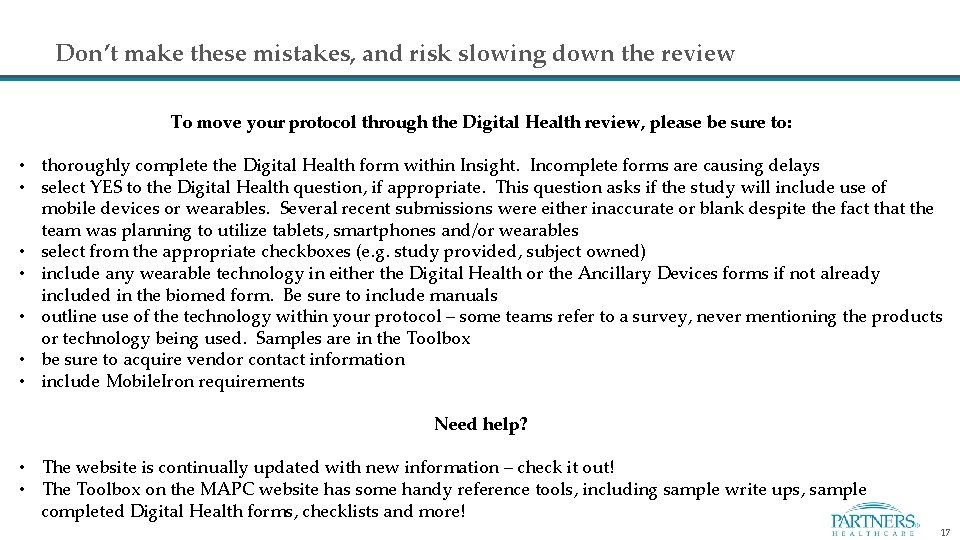
Don’t make these mistakes, and risk slowing down the review To move your protocol through the Digital Health review, please be sure to: • thoroughly complete the Digital Health form within Insight. Incomplete forms are causing delays • select YES to the Digital Health question, if appropriate. This question asks if the study will include use of mobile devices or wearables. Several recent submissions were either inaccurate or blank despite the fact that the team was planning to utilize tablets, smartphones and/or wearables • select from the appropriate checkboxes (e. g. study provided, subject owned) • include any wearable technology in either the Digital Health or the Ancillary Devices forms if not already included in the biomed form. Be sure to include manuals • outline use of the technology within your protocol – some teams refer to a survey, never mentioning the products or technology being used. Samples are in the Toolbox • be sure to acquire vendor contact information • include Mobile. Iron requirements Need help? • The website is continually updated with new information – check it out! • The Toolbox on the MAPC website has some handy reference tools, including sample write ups, sample completed Digital Health forms, checklists and more! 17
MAPC and Digital Health Review Process: Just Ask! Contact: IRBDigital. Health. Review@partners. org Website: https: //rc. partners. org/digitalhealth Toolbox: https: //rc. partners. org/research-apps-and-services/digital-healthreview/digital-health/toolbox Insight: Digital Health Form Glossary: CTO – Clinical Trials Office MAPC- Mobile Applications Process Coordinator EMM – Enterprise Mobility Management RISO – Research Information Security Office 18
Questions? 19
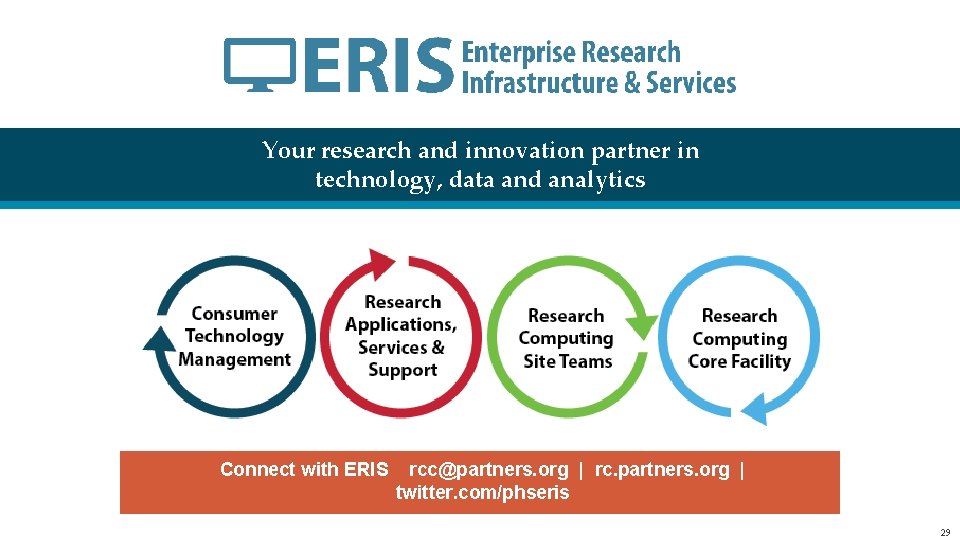
ERIS: Your research and innovation partner in technology, data and analytics Enterprise Research Infrastructure & Services (ERIS) Research Information Science & Computing (RISC) Lisa Foley Business Relationship Liaison lfoley 10@partners. org
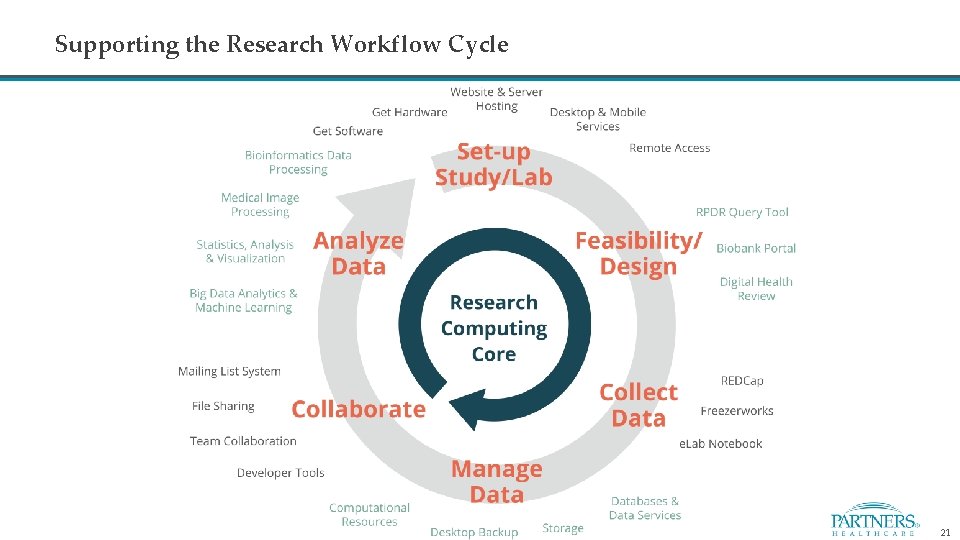
Supporting the Research Workflow Cycle 21
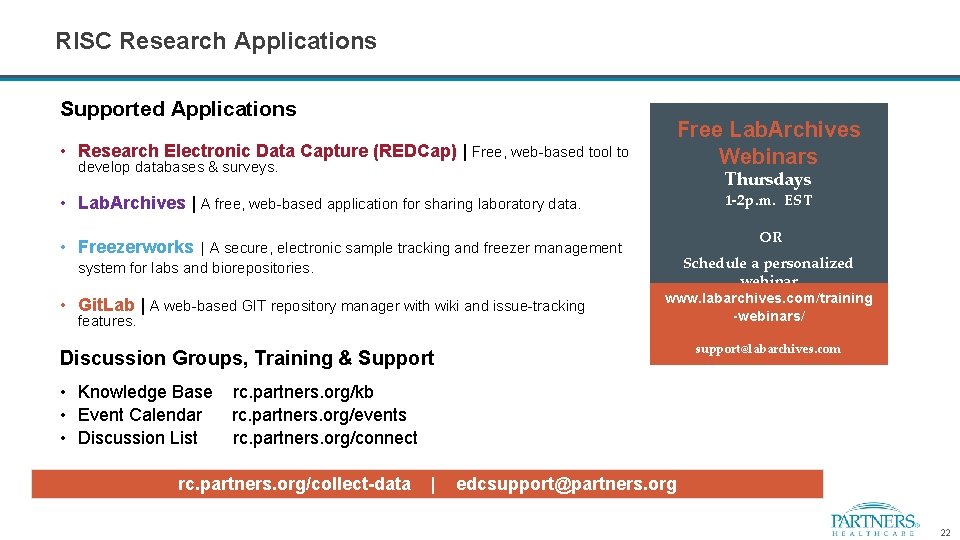
RISC Research Applications Supported Applications • Research Electronic Data Capture (REDCap) | Free, web-based tool to develop databases & surveys. Free Lab. Archives Webinars Thursdays 1 -2 p. m. EST • Lab. Archives | A free, web-based application for sharing laboratory data. OR • Freezerworks | A secure, electronic sample tracking and freezer management system for labs and biorepositories. • Git. Lab | A web-based GIT repository manager with wiki and issue-tracking features. Schedule a personalized webinar www. labarchives. com/training -webinars/ support@labarchives. com Discussion Groups, Training & Support • Knowledge Base rc. partners. org/kb • Event Calendar rc. partners. org/events • Discussion List rc. partners. org/connect rc. partners. org/collect-data | edcsupport@partners. org 22
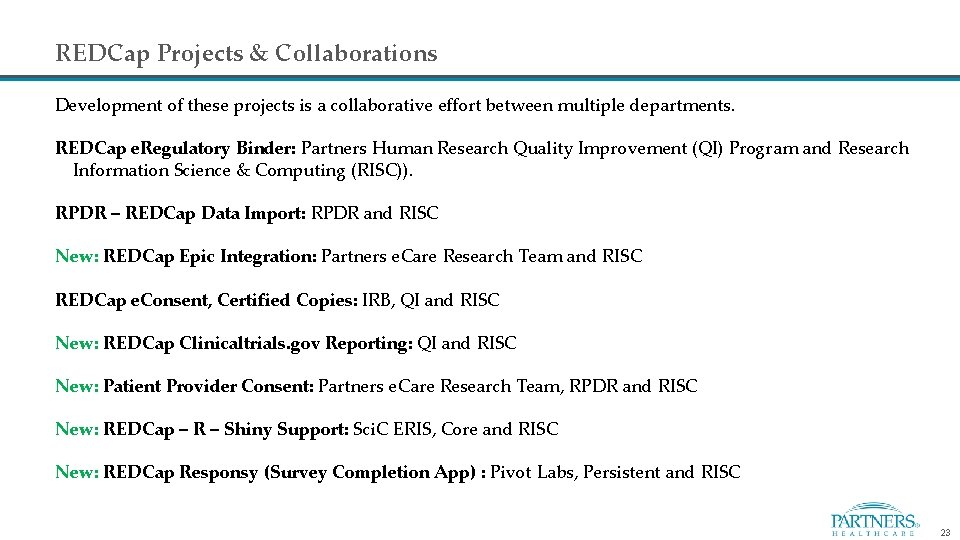
REDCap Projects & Collaborations Development of these projects is a collaborative effort between multiple departments. REDCap e. Regulatory Binder: Partners Human Research Quality Improvement (QI) Program and Research Information Science & Computing (RISC)). RPDR – REDCap Data Import: RPDR and RISC New: REDCap Epic Integration: Partners e. Care Research Team and RISC REDCap e. Consent, Certified Copies: IRB, QI and RISC New: REDCap Clinicaltrials. gov Reporting: QI and RISC New: Patient Provider Consent: Partners e. Care Research Team, RPDR and RISC New: REDCap – R – Shiny Support: Sci. C ERIS, Core and RISC New: REDCap Responsy (Survey Completion App) : Pivot Labs, Persistent and RISC 23
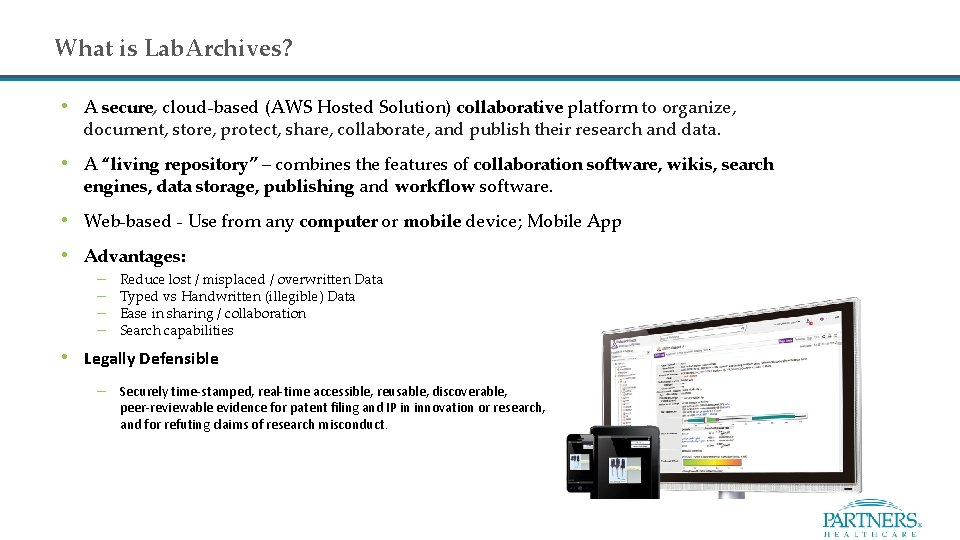
What is Lab. Archives? • A secure, cloud-based (AWS Hosted Solution) collaborative platform to organize, document, store, protect, share, collaborate, and publish their research and data. • A “living repository” – combines the features of collaboration software, wikis, search engines, data storage, publishing and workflow software. • Web-based - Use from any computer or mobile device; Mobile App • Advantages: – – Reduce lost / misplaced / overwritten Data Typed vs Handwritten (illegible) Data Ease in sharing / collaboration Search capabilities • Legally Defensible – Securely time-stamped, real-time accessible, reusable, discoverable, peer-reviewable evidence for patent filing and IP in innovation or research, and for refuting claims of research misconduct.
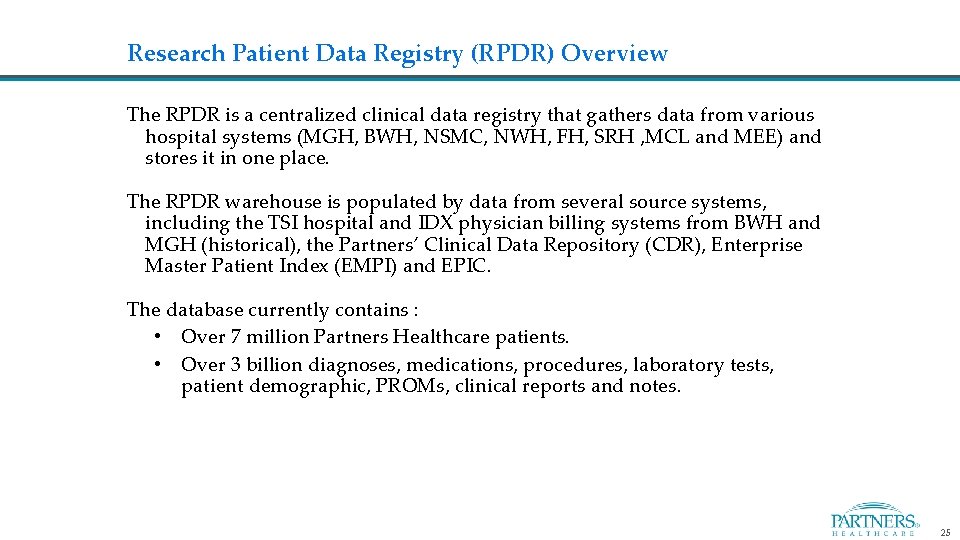
Research Patient Data Registry (RPDR) Overview The RPDR is a centralized clinical data registry that gathers data from various hospital systems (MGH, BWH, NSMC, NWH, FH, SRH , MCL and MEE) and stores it in one place. The RPDR warehouse is populated by data from several source systems, including the TSI hospital and IDX physician billing systems from BWH and MGH (historical), the Partners’ Clinical Data Repository (CDR), Enterprise Master Patient Index (EMPI) and EPIC. The database currently contains : • Over 7 million Partners Healthcare patients. • Over 3 billion diagnoses, medications, procedures, laboratory tests, patient demographic, PROMs, clinical reports and notes. 25
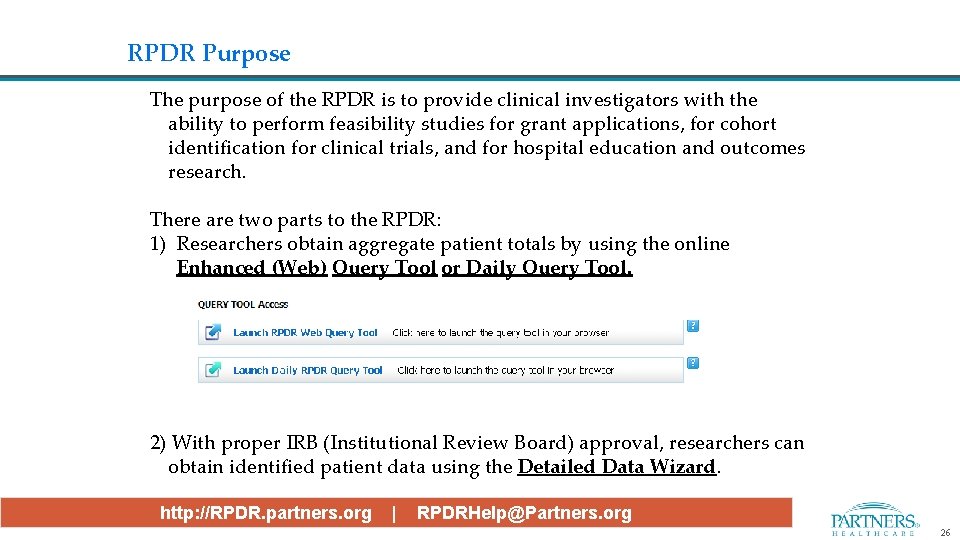
RPDR Purpose The purpose of the RPDR is to provide clinical investigators with the ability to perform feasibility studies for grant applications, for cohort identification for clinical trials, and for hospital education and outcomes research. There are two parts to the RPDR: 1) Researchers obtain aggregate patient totals by using the online Enhanced (Web) Query Tool or Daily Query Tool. 2) With proper IRB (Institutional Review Board) approval, researchers can obtain identified patient data using the Detailed Data Wizard. http: //RPDR. partners. org | RPDRHelp@Partners. org 26
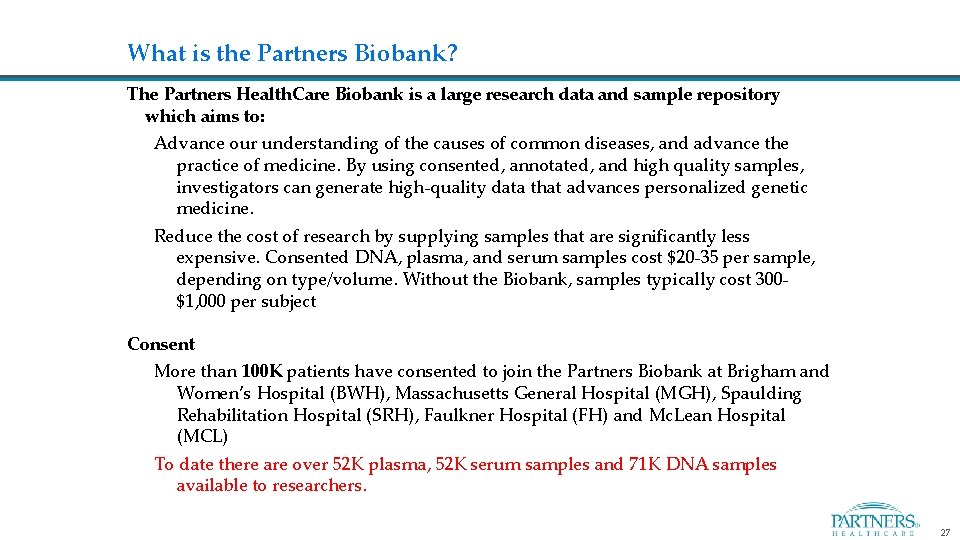
What is the Partners Biobank? The Partners Health. Care Biobank is a large research data and sample repository which aims to: Advance our understanding of the causes of common diseases, and advance the practice of medicine. By using consented, annotated, and high quality samples, investigators can generate high-quality data that advances personalized genetic medicine. Reduce the cost of research by supplying samples that are significantly less expensive. Consented DNA, plasma, and serum samples cost $20 -35 per sample, depending on type/volume. Without the Biobank, samples typically cost 300$1, 000 per subject Consent More than 100 K patients have consented to join the Partners Biobank at Brigham and Women’s Hospital (BWH), Massachusetts General Hospital (MGH), Spaulding Rehabilitation Hospital (SRH), Faulkner Hospital (FH) and Mc. Lean Hospital (MCL) To date there are over 52 K plasma, 52 K serum samples and 71 K DNA samples available to researchers. 27
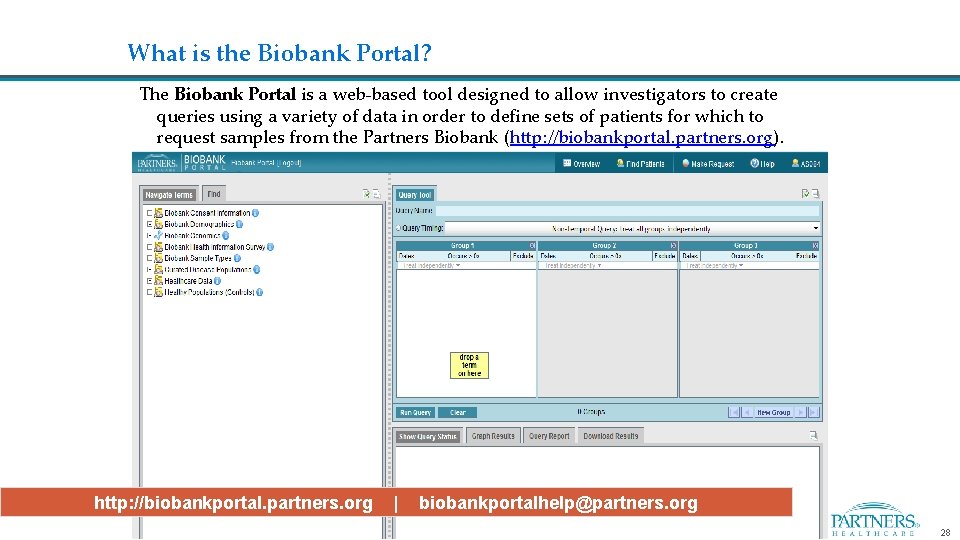
What is the Biobank Portal? The Biobank Portal is a web-based tool designed to allow investigators to create queries using a variety of data in order to define sets of patients for which to request samples from the Partners Biobank (http: //biobankportal. partners. org). http: //biobankportal. partners. org | biobankportalhelp@partners. org 28
Your research and innovation partner in technology, data and analytics Connect with ERIS rcc@partners. org | rc. partners. org | twitter. com/phseris 29
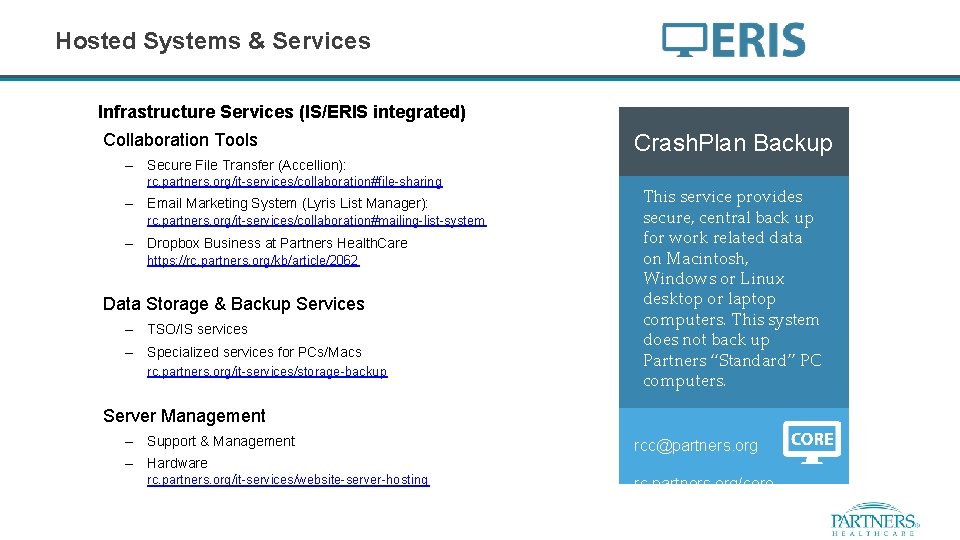
Hosted Systems & Services Infrastructure Services (IS/ERIS integrated) Collaboration Tools Crash. Plan Backup – Secure File Transfer (Accellion): rc. partners. org/it-services/collaboration#file-sharing Our team of software This service provides developers can provide secure, central back up fee-based web for work related data development. They on Macintosh, specialize in several Windows or Linux technologies like PHP, desktop or laptop Java, Word. Press and computers. This system Drupal. does not back up Partners “Standard” PC computers. – Email Marketing System (Lyris List Manager): rc. partners. org/it-services/collaboration#mailing-list-system – Dropbox Business at Partners Health. Care https: //rc. partners. org/kb/article/2062 Data Storage & Backup Services – TSO/IS services – Specialized services for PCs/Macs rc. partners. org/it-services/storage-backup Server Management – Support & Management – Hardware rc. partners. org/it-services/website-server-hosting rcc@partners. org rc. partners. org/core
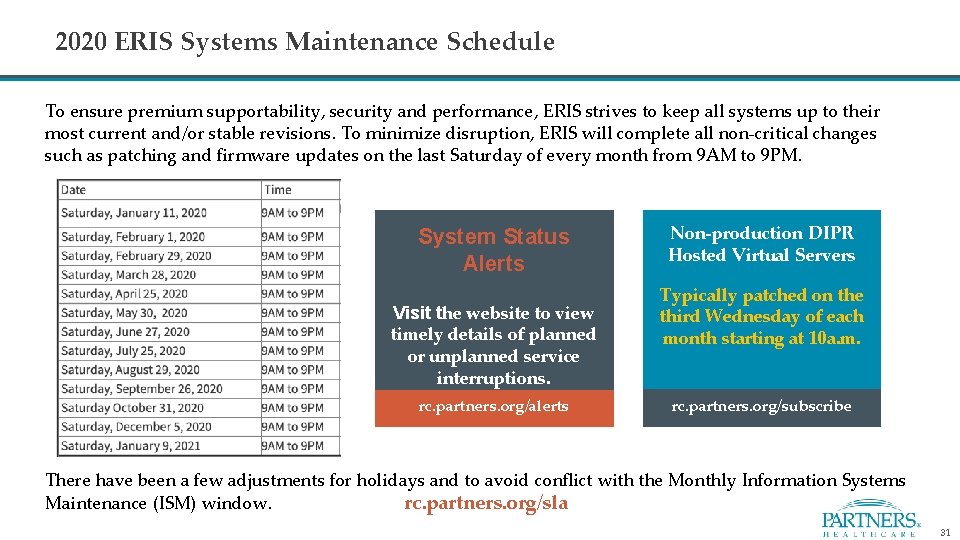
2020 ERIS Systems Maintenance Schedule To ensure premium supportability, security and performance, ERIS strives to keep all systems up to their most current and/or stable revisions. To minimize disruption, ERIS will complete all non-critical changes such as patching and firmware updates on the last Saturday of every month from 9 AM to 9 PM. System Status Alerts Visit the website to view timely details of planned or unplanned service interruptions. rc. partners. org/alerts Non-production DIPR Hosted Virtual Servers Typically patched on the third Wednesday of each month starting at 10 a. m. rc. partners. org/subscribe There have been a few adjustments for holidays and to avoid conflict with the Monthly Information Systems Maintenance (ISM) window. rc. partners. org/sla 31
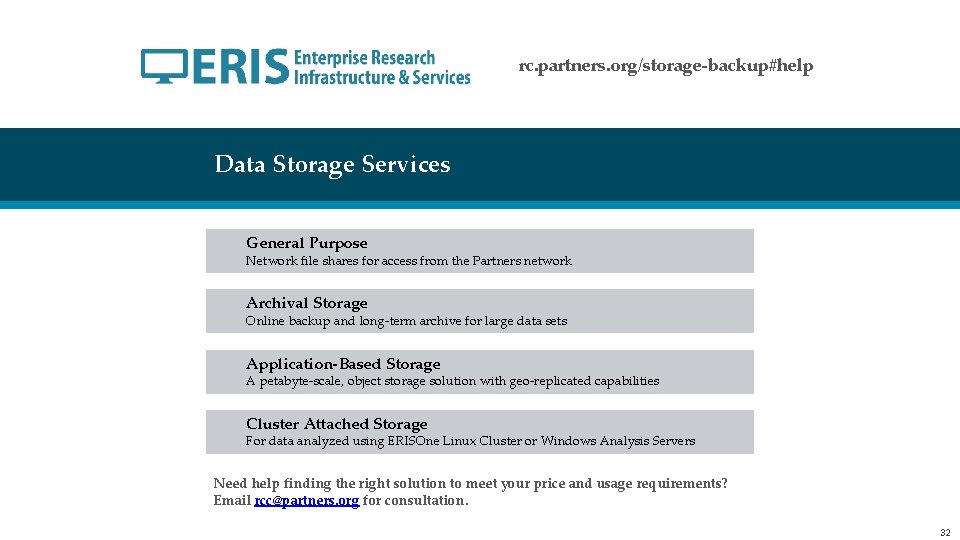
rc. partners. org/storage-backup#help Data Storage Services General Purpose Network file shares for access from the Partners network Archival Storage Online backup and long-term archive for large data sets Application-Based Storage A petabyte-scale, object storage solution with geo-replicated capabilities Cluster Attached Storage For data analyzed using ERISOne Linux Cluster or Windows Analysis Servers Need help finding the right solution to meet your price and usage requirements? Email rcc@partners. org for consultation. 32
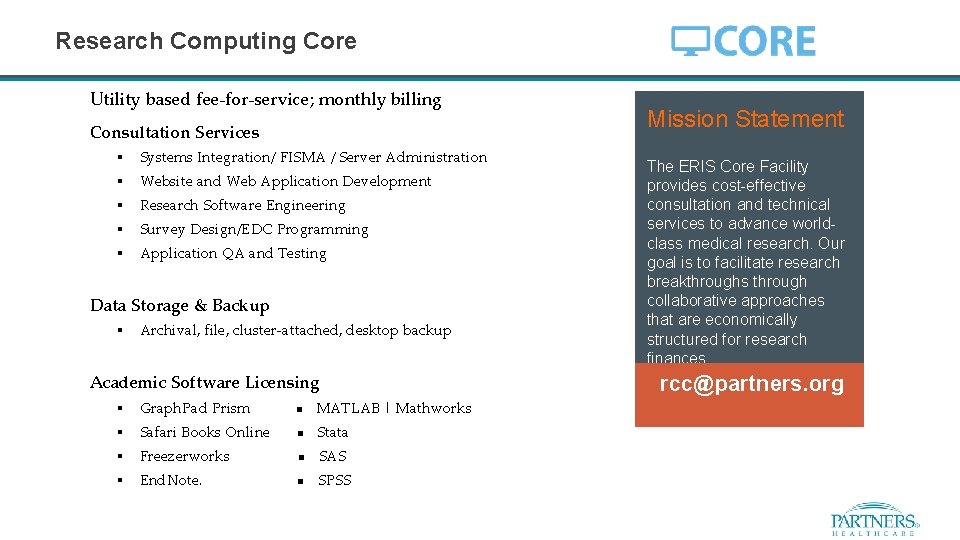
Research Computing Core Utility based fee-for-service; monthly billing Consultation Services § Systems Integration/ FISMA / Server Administration § Website and Web Application Development § Research Software Engineering § Survey Design/EDC Programming § Application QA and Testing Data Storage & Backup § Archival, file, cluster-attached, desktop backup Academic Software Licensing § Graph. Pad Prism MATLAB | Mathworks § Safari Books Online Stata § Freezerworks SAS § End. Note. SPSS Mission Statement The ERIS Core Facility provides cost-effective consultation and technical services to advance worldclass medical research. Our goal is to facilitate research breakthroughs through collaborative approaches that are economically structured for research finances. rcc@partners. org
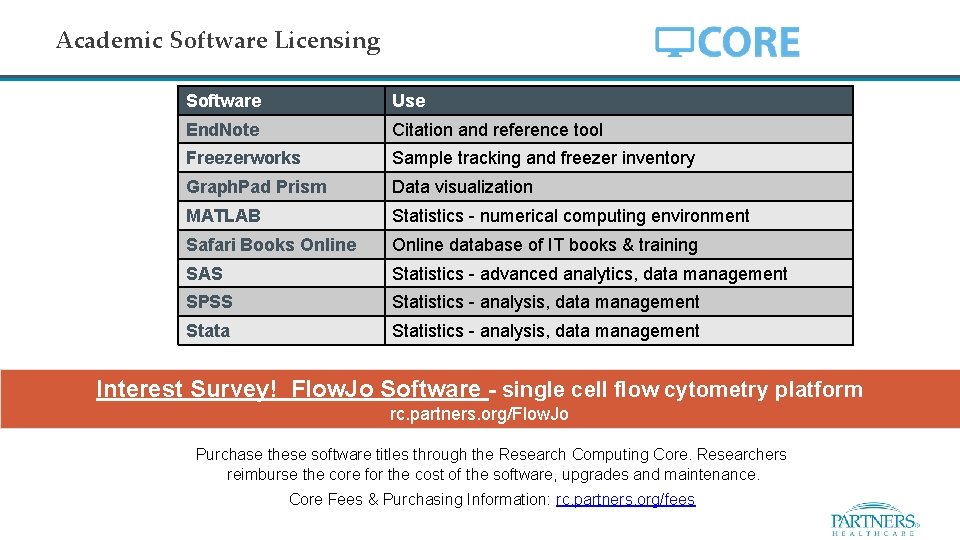
Academic Software Licensing Software Use End. Note Citation and reference tool Freezerworks Sample tracking and freezer inventory Graph. Pad Prism Data visualization MATLAB Statistics - numerical computing environment Safari Books Online database of IT books & training SAS Statistics - advanced analytics, data management SPSS Statistics - analysis, data management Stata Statistics - analysis, data management Interest Survey! Flow. Jo Software - single cell flow cytometry platform rc. partners. org/Flow. Jo Purchase these software titles through the Research Computing Core. Researchers reimburse the core for the cost of the software, upgrades and maintenance. Core Fees & Purchasing Information: rc. partners. org/fees
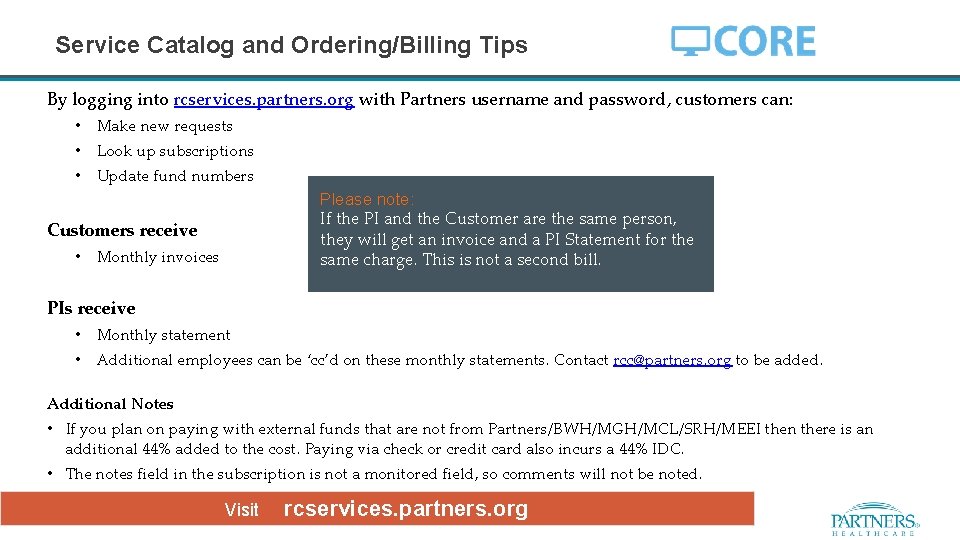
Service Catalog and Ordering/Billing Tips By logging into rcservices. partners. org with Partners username and password, customers can: • Make new requests • Look up subscriptions • Update fund numbers Please note: If the PI and the Customer are the same person, they will get an invoice and a PI Statement for the same charge. This is not a second bill. Customers receive • Monthly invoices PIs receive • Monthly statement • Additional employees can be ‘cc’d on these monthly statements. Contact rcc@partners. org to be added. Additional Notes • If you plan on paying with external funds that are not from Partners/BWH/MGH/MCL/SRH/MEEI then there is an additional 44% added to the cost. Paying via check or credit card also incurs a 44% IDC. • The notes field in the subscription is not a monitored field, so comments will not be noted. Visit rcservices. partners. org
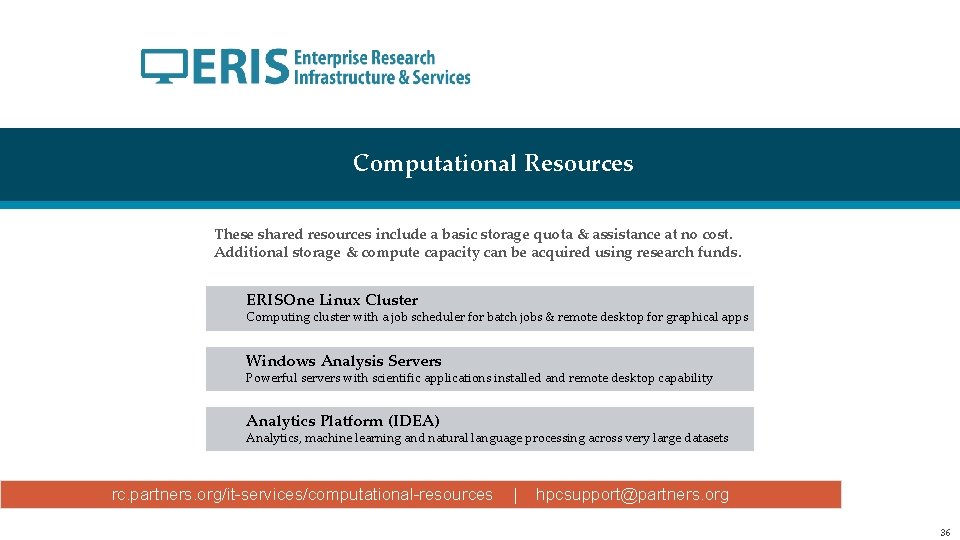
Computational Resources These shared resources include a basic storage quota & assistance at no cost. Additional storage & compute capacity can be acquired using research funds. ERISOne Linux Cluster Computing cluster with a job scheduler for batch jobs & remote desktop for graphical apps Windows Analysis Servers Powerful servers with scientific applications installed and remote desktop capability Analytics Platform (IDEA) Analytics, machine learning and natural language processing across very large datasets rc. partners. org/it-services/computational-resources | hpcsupport@partners. org 36
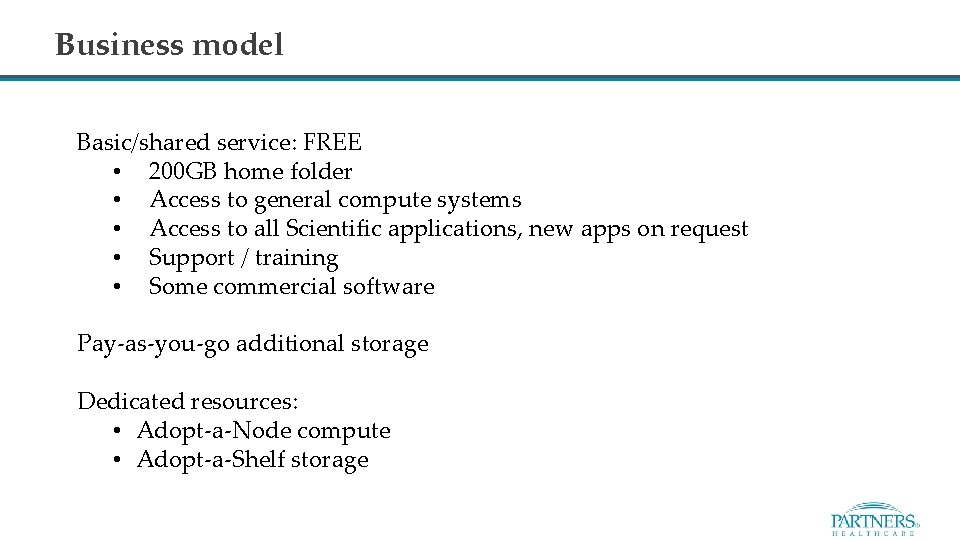
Business model Basic/shared service: FREE • 200 GB home folder • Access to general compute systems • Access to all Scientific applications, new apps on request • Support / training • Some commercial software Pay-as-you-go additional storage Dedicated resources: • Adopt-a-Node compute • Adopt-a-Shelf storage
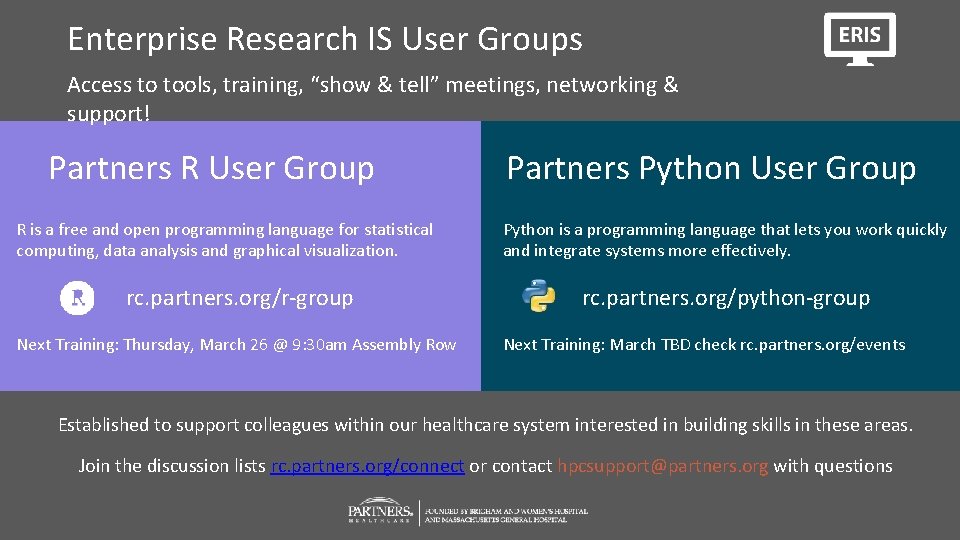
Enterprise Research IS User Groups Access to tools, training, “show & tell” meetings, networking & support! Partners R User Group Partners Python User Group R is a free and open programming language for statistical computing, data analysis and graphical visualization. Python is a programming language that lets you work quickly and integrate systems more effectively. rc. partners. org/r-group rc. partners. org/python-group Next Training: Thursday, March 26 @ 9: 30 am Assembly Row Next Training: March TBD check rc. partners. org/events Established to support colleagues within our healthcare system interested in building skills in these areas. Join the discussion lists rc. partners. org/connect or contact hpcsupport@partners. org with questions
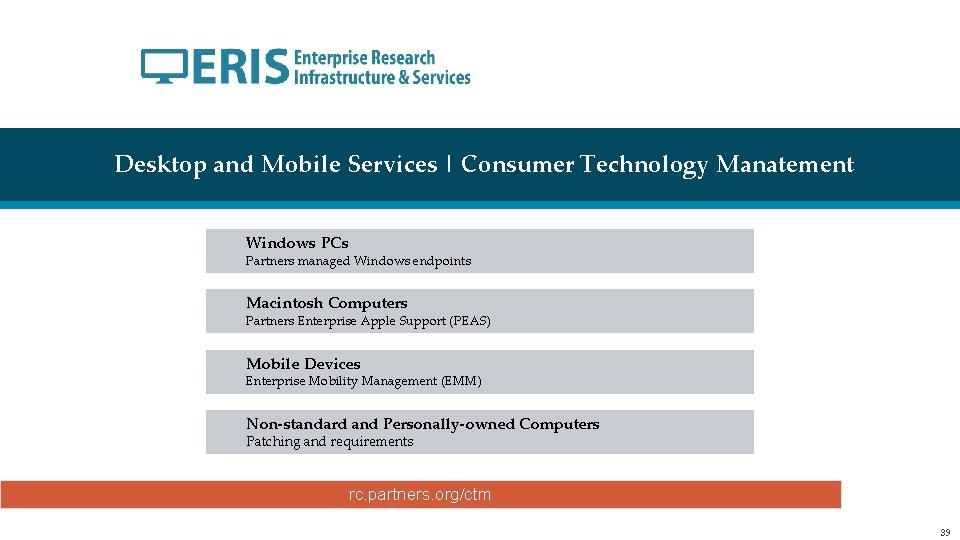
Desktop and Mobile Services | Consumer Technology Manatement Windows PCs Partners managed Windows endpoints Macintosh Computers Partners Enterprise Apple Support (PEAS) Mobile Devices Enterprise Mobility Management (EMM) Non-standard and Personally-owned Computers Patching and requirements rc. partners. org/ctm 39
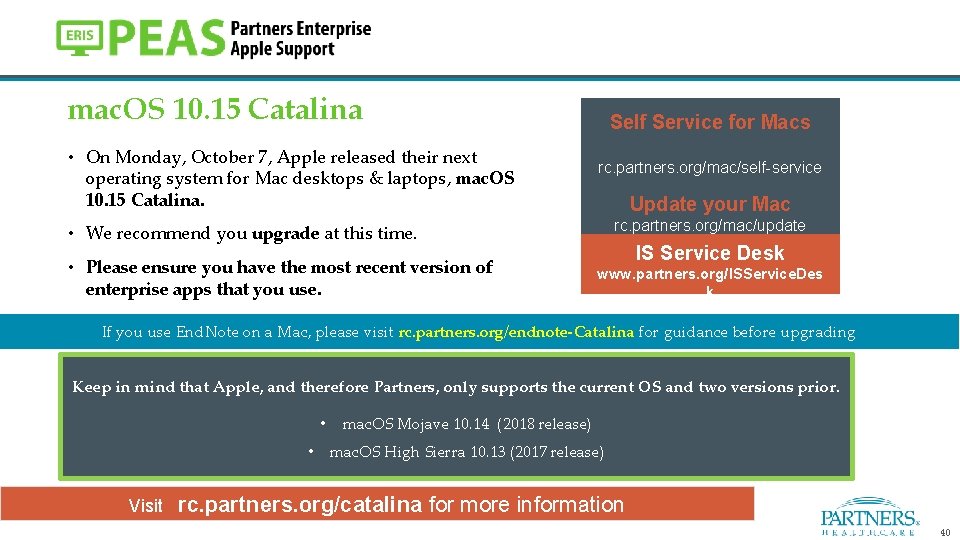
mac. OS 10. 15 Catalina Self Service for Macs • On Monday, October 7, Apple released their next operating system for Mac desktops & laptops, mac. OS 10. 15 Catalina. rc. partners. org/mac/self-service Update your Mac rc. partners. org/mac/update • We recommend you upgrade at this time. • Please ensure you have the most recent version of enterprise apps that you use. IS Service Desk www. partners. org/ISService. Des k If you use End. Note on a Mac, please visit rc. partners. org/endnote-Catalina for guidance before upgrading Keep in mind that Apple, and therefore Partners, only supports the current OS and two versions prior. • • mac. OS Mojave 10. 14 (2018 release) mac. OS High Sierra 10. 13 (2017 release) Visit rc. partners. org/catalina for more information 40
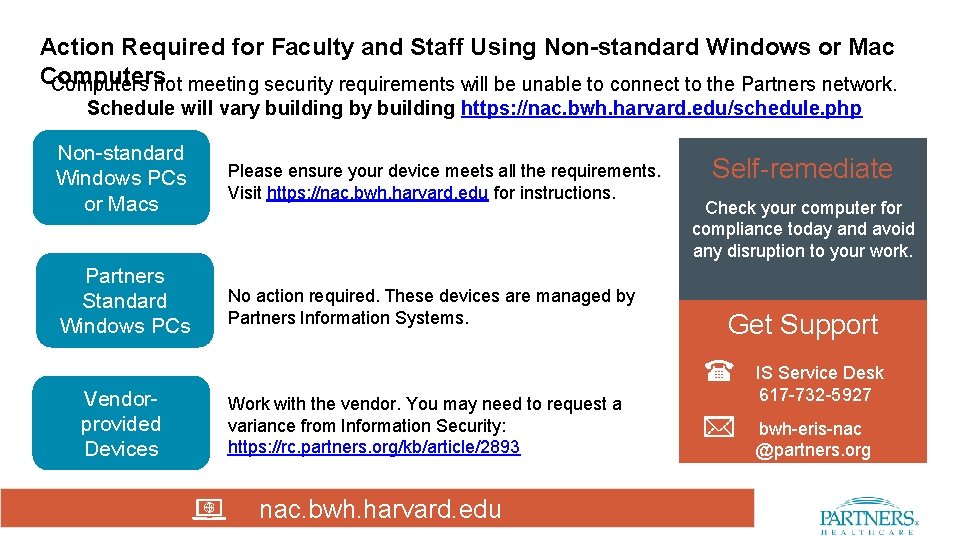
Action Required for Faculty and Staff Using Non-standard Windows or Mac Computers not meeting security requirements will be unable to connect to the Partners network. Schedule will vary building by building https: //nac. bwh. harvard. edu/schedule. php Non-standard Windows PCs or Macs Partners Standard Windows PCs Please ensure your device meets all the requirements. Visit https: //nac. bwh. harvard. edu for instructions. No action required. These devices are managed by Partners Information Systems. Self-remediate Check your computer for compliance today and avoid any disruption to your work. Get Support Vendorprovided Devices Work with the vendor. You may need to request a variance from Information Security: https: //rc. partners. org/kb/article/2893 nac. bwh. harvard. edu IS Service Desk 617 -732 -5927 bwh-eris-nac @partners. org
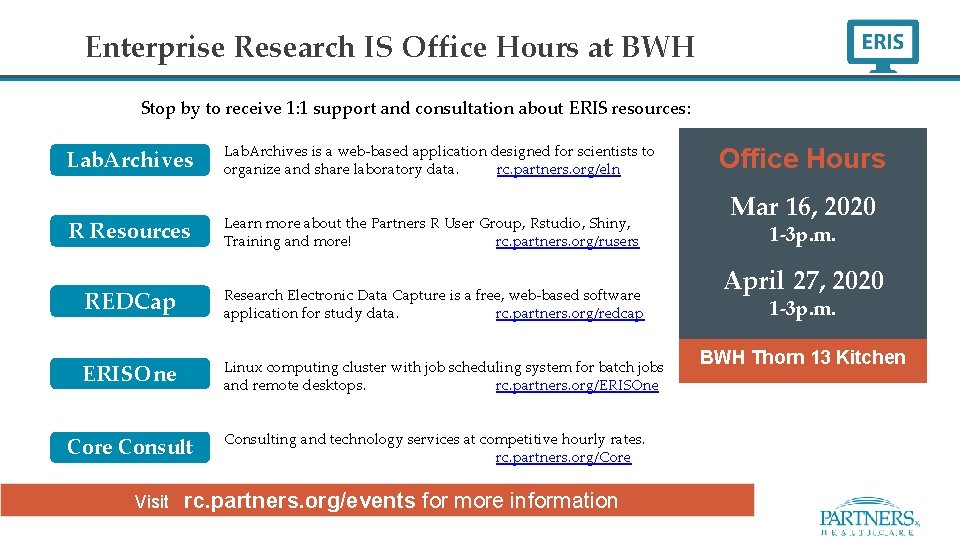
Enterprise Research IS Office Hours at BWH Stop by to receive 1: 1 support and consultation about ERIS resources: Lab. Archives is a web-based application designed for scientists to organize and share laboratory data. rc. partners. org/eln R Resources Learn more about the Partners R User Group, Rstudio, Shiny, Training and more! rc. partners. org/rusers REDCap Research Electronic Data Capture is a free, web-based software application for study data. rc. partners. org/redcap ERISOne Core Consult Linux computing cluster with job scheduling system for batch jobs and remote desktops. rc. partners. org/ERISOne Consulting and technology services at competitive hourly rates. rc. partners. org/Core Visit rc. partners. org/events for more information Office Hours Mar 16, 2020 1 -3 p. m. April 27, 2020 1 -3 p. m. BWH Thorn 13 Kitchen
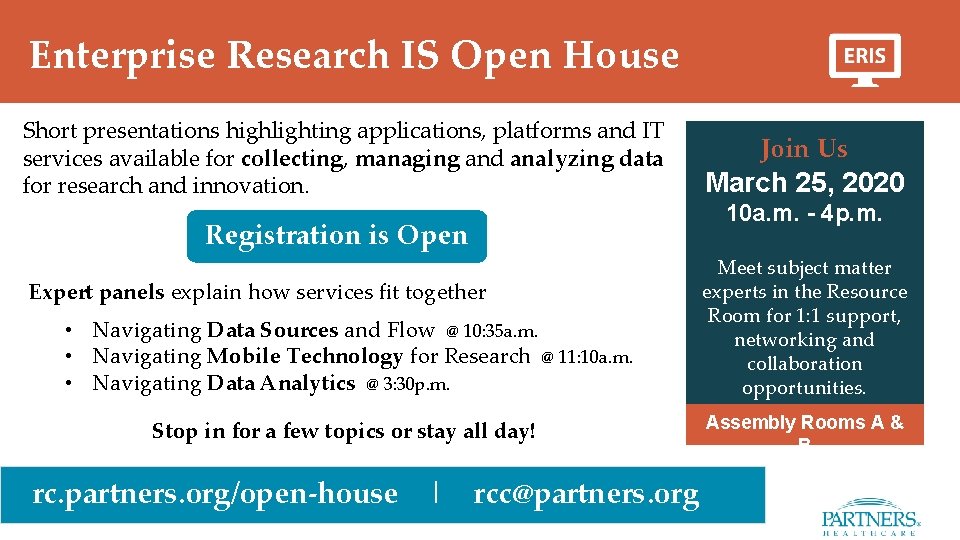
Enterprise Research IS Open House Short presentations highlighting applications, platforms and IT services available for collecting, managing and analyzing data for research and innovation. Registration is Open Expert panels explain how services fit together • Navigating Data Sources and Flow @ 10: 35 a. m. • Navigating Mobile Technology for Research @ 11: 10 a. m. • Navigating Data Analytics @ 3: 30 p. m. Stop in for a few topics or stay all day! rc. partners. org/open-house | rcc@partners. org Join Us March 25, 2020 10 a. m. - 4 p. m. Meet subject matter experts in the Resource Room for 1: 1 support, networking and collaboration opportunities. Assembly Rooms A & B
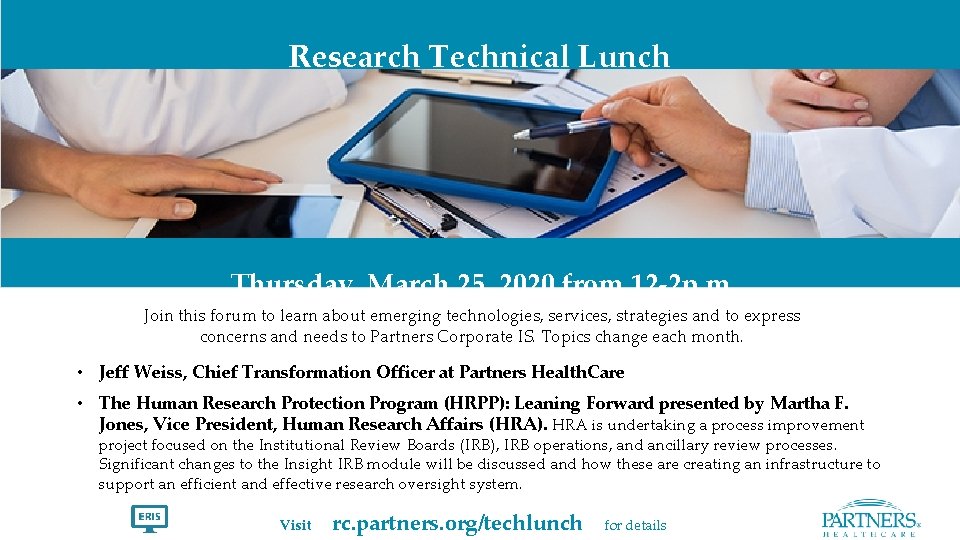
Research Technical Lunch Thursday, March 25, 2020 from 12 -2 p. m. Join this forum to learn about emerging technologies, services, strategies and to express concerns and needs to Partners Corporate IS. Topics change each month. • Jeff Weiss, Chief Transformation Officer at Partners Health. Care • The Human Research Protection Program (HRPP): Leaning Forward presented by Martha F. Jones, Vice President, Human Research Affairs (HRA). HRA is undertaking a process improvement project focused on the Institutional Review Boards (IRB), IRB operations, and ancillary review processes. Significant changes to the Insight IRB module will be discussed and how these are creating an infrastructure to support an efficient and effective research oversight system. Visit rc. partners. org/techlunch for details
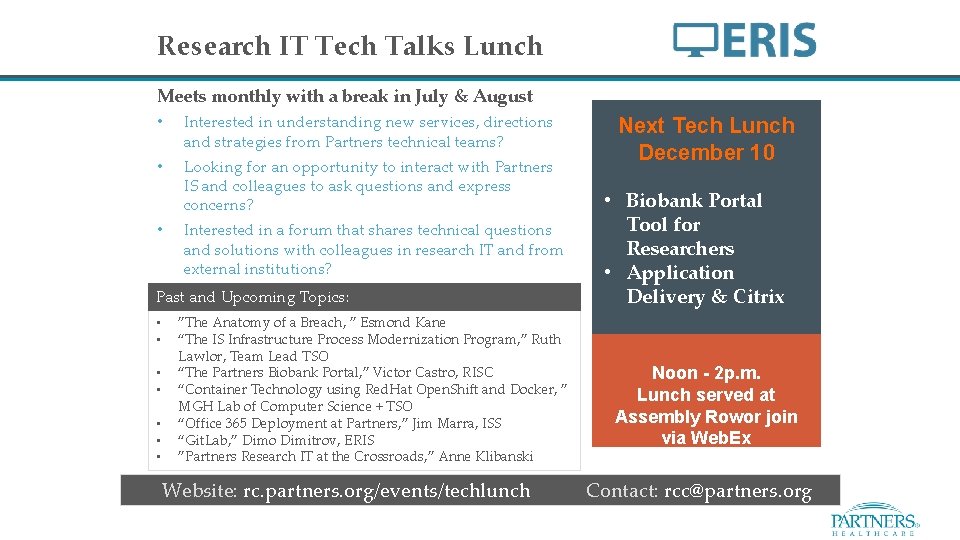
Research IT Tech Talks Lunch Meets monthly with a break in July & August • Interested in understanding new services, directions and strategies from Partners technical teams? • Looking for an opportunity to interact with Partners IS and colleagues to ask questions and express concerns? • Interested in a forum that shares technical questions and solutions with colleagues in research IT and from external institutions? Past and Upcoming Topics: • • ”The Anatomy of a Breach, ” Esmond Kane “The IS Infrastructure Process Modernization Program, ” Ruth Lawlor, Team Lead TSO “The Partners Biobank Portal, ” Victor Castro, RISC “Container Technology using Red. Hat Open. Shift and Docker, ” MGH Lab of Computer Science + TSO “Office 365 Deployment at Partners, ” Jim Marra, ISS “Git. Lab, ” Dimo Dimitrov, ERIS ”Partners Research IT at the Crossroads, ” Anne Klibanski Next Tech Lunch December 10 • Biobank Portal Tool for Researchers • Application Delivery & Citrix Noon - 2 p. m. Lunch served at Assembly Rowor join via Web. Ex Website: rc. partners. org/events/techlunch Contact: rcc@partners. org
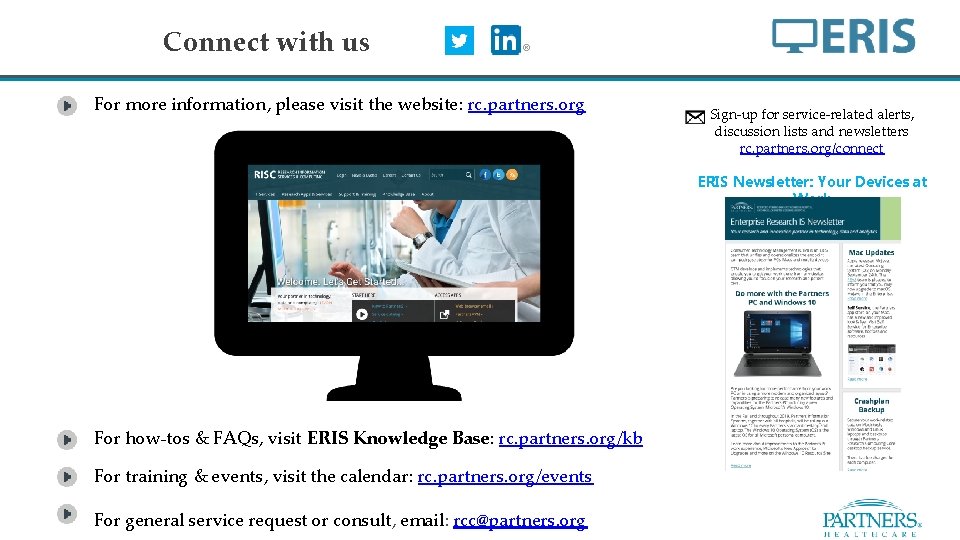
Connect with us For more information, please visit the website: rc. partners. org Sign-up for service-related alerts, discussion lists and newsletters rc. partners. org/connect ERIS Newsletter: Your Devices at Work For how-tos & FAQs, visit ERIS Knowledge Base: rc. partners. org/kb For training & events, visit the calendar: rc. partners. org/events For general service request or consult, email: rcc@partners. org
- Slides: 46