
Digital Citizenship Cyber Safety Are You A Good
Digital Citizenship & Cyber Safety
Are You A Good Cyber Citizen? 1. 2. 3. 4. Respect others’ privacy and virtual spaces. Think first, post second. Say “NO” to cyber bullying. Never write something you wouldn’t be willing to say to someone face-to-face. 5. UNDERSTAND WHEN TO USE CAPS. Caps mean you are SHOUTING! 6. Don't “steal” information. 7. Avoid passing on rumors. 8. Double check your privacy settings. 9. Learn and use emoticons. 10. Help others.
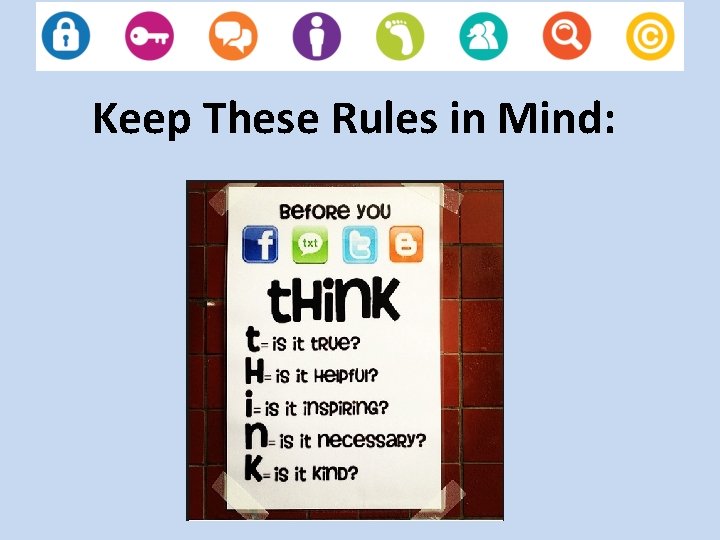
Keep These Rules in Mind:
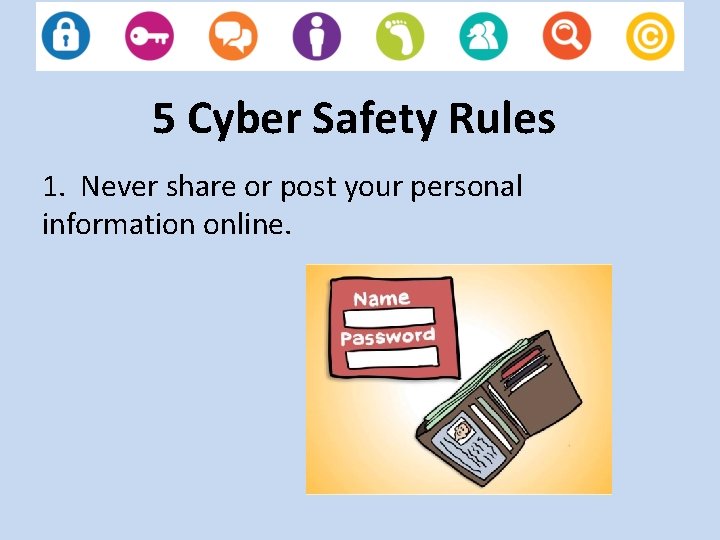
5 Cyber Safety Rules 1. Never share or post your personal information online.
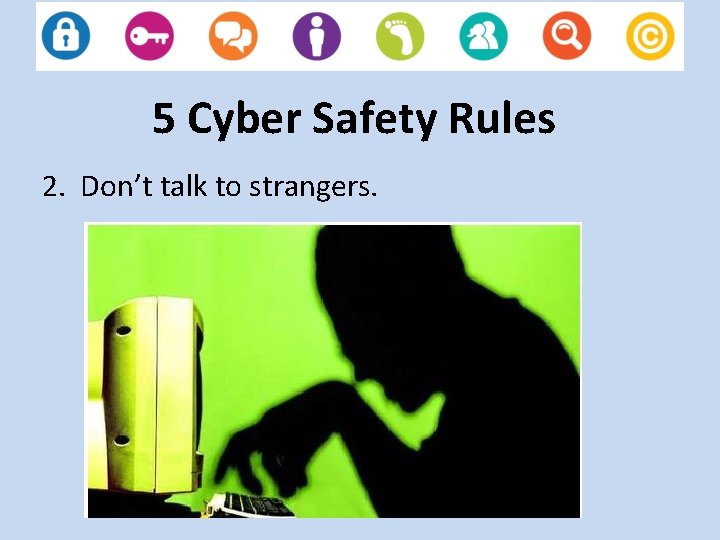
5 Cyber Safety Rules 2. Don’t talk to strangers.
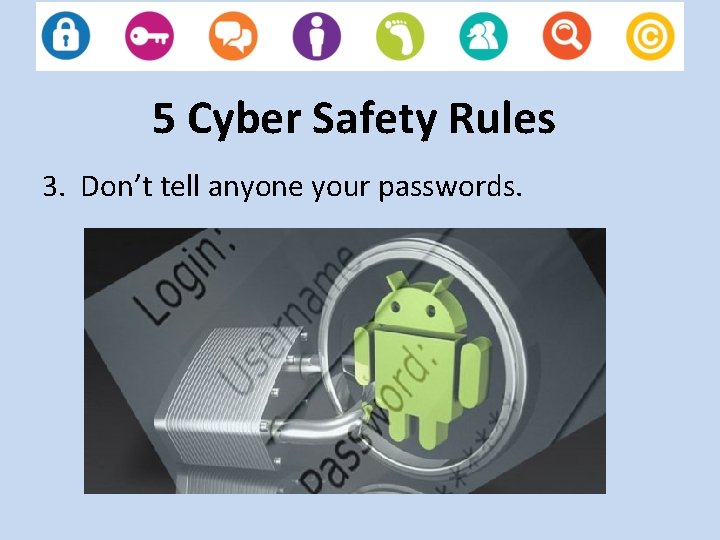
5 Cyber Safety Rules 3. Don’t tell anyone your passwords.
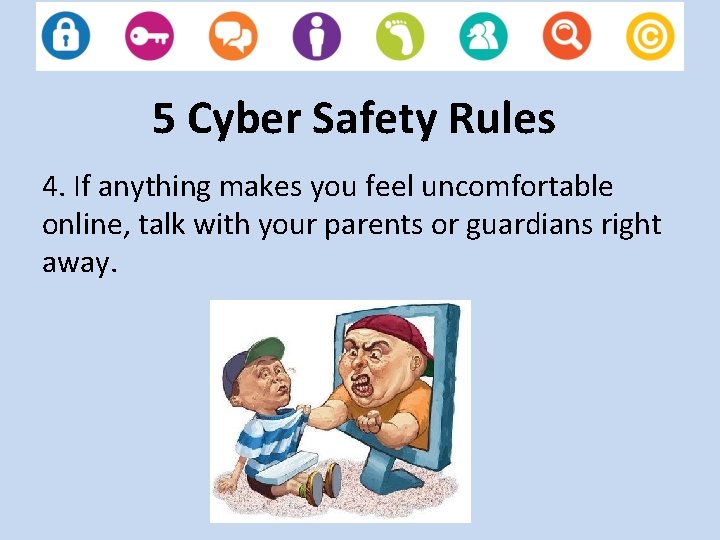
5 Cyber Safety Rules 4. If anything makes you feel uncomfortable online, talk with your parents or guardians right away.
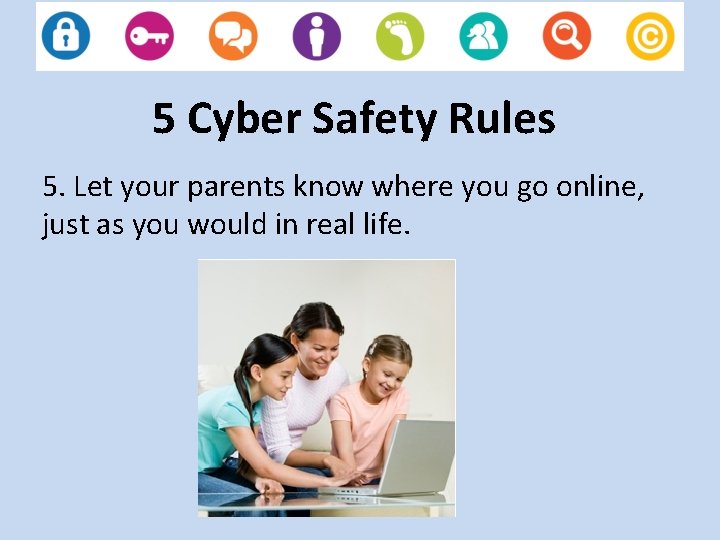
5 Cyber Safety Rules 5. Let your parents know where you go online, just as you would in real life.
Resources for Students • Game: Webonauts Internet Academy • Video: Net. Smartz. Kids • Hear other students talk about Netiquette!
Tips For Parents 1. Keep the computer in a high traffic area of your home. 2. Establish limits for which online sites children may visit and for how long. 3. Remember that internet technology can be mobile, so make sure to monitor cell phones, gaming devices, and laptops. 4. Surf the Internet with your children and let them show you what they like to do online. 5. Know who is connecting with your children online and set rules for social networking, instant messaging, e-mailing, online gaming, and using webcams.
Resources For Parents • If you know of a child in immediate risk or danger, contact law enforcement right away. www. cybertipline. com or by calling 1 -800 -843 -5678 • Webonauts Internet Academy for Parents • Raising Media Smart Citizens • Additional Tips and Links
- Slides: 11