
Digital Citizenship By Brittney Leonard Isabella Miller Digital
Digital Citizenship By Brittney Leonard & Isabella Miller
Digital Citizenship Teaching users the rules of good citizenship online; this usually includes email etiquette, and protecting private information.
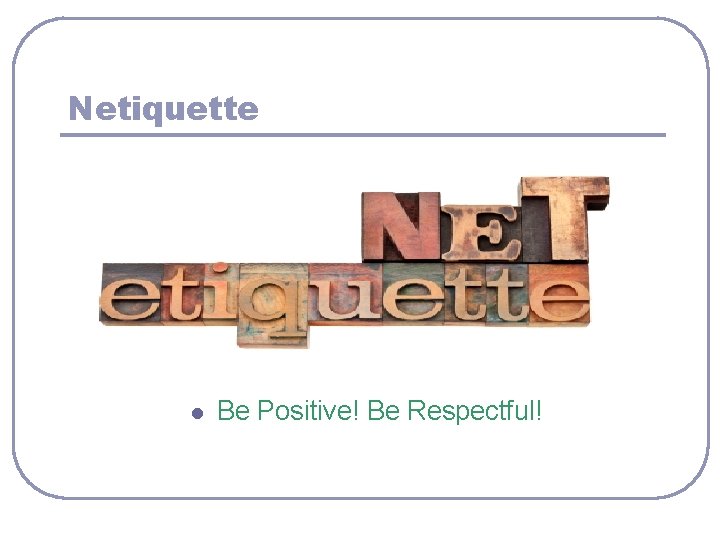
Netiquette l Be Positive! Be Respectful!
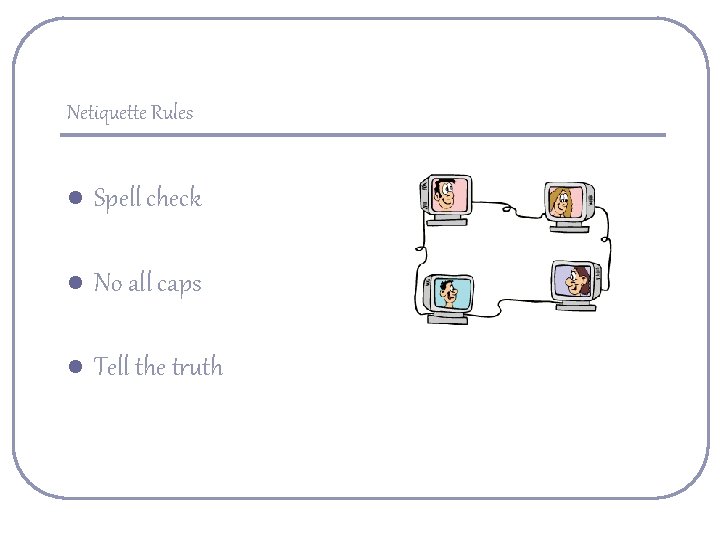
Netiquette Rules l Spell check l No all caps l Tell the truth
Netiquette Rules l l l Be Yourself Do not spam Do not send email at night
Netiquette “ITS NOT WHAT YOU SAY, BUT HOW YOU SAY IT”
Digital Safety
Digital Safety is… The security of people and their information when using the internet.
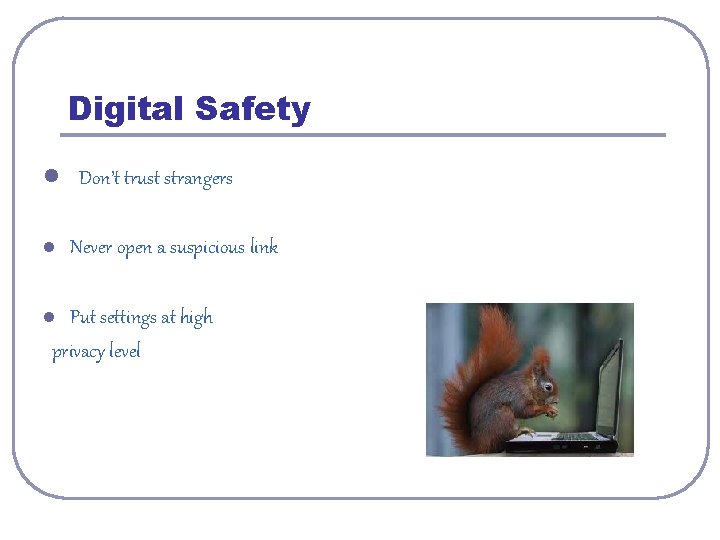
Digital Safety l Don’t trust strangers l Never open a suspicious link Put settings at high privacy level l
Digital Safety l Use a safe password - (Use @, !, &, ? , $) l Do not share passwords! l Never give away personal information!
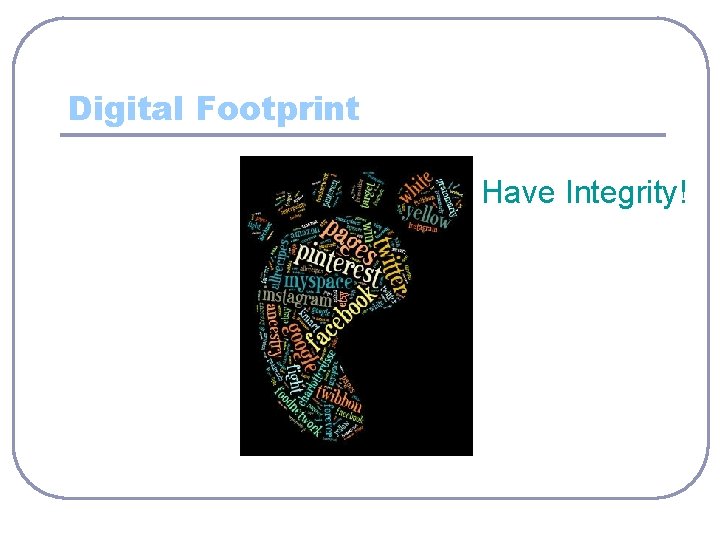
Digital Footprint Have Integrity!
Digital Footprint Digital footprint is used to describe the "footprints" that people leave online. This information is transmitted online, leaving traces of personal information about yourself available to others online.
Digital Footprint l l l Protect yourself Protect your privacy Respect each others privacy
Digital Footprint l What you post… -can be found! -can be copied! and -can be passed on!
Digital Footprint And it can be permanent! So be honest about what you post
QUIZ!
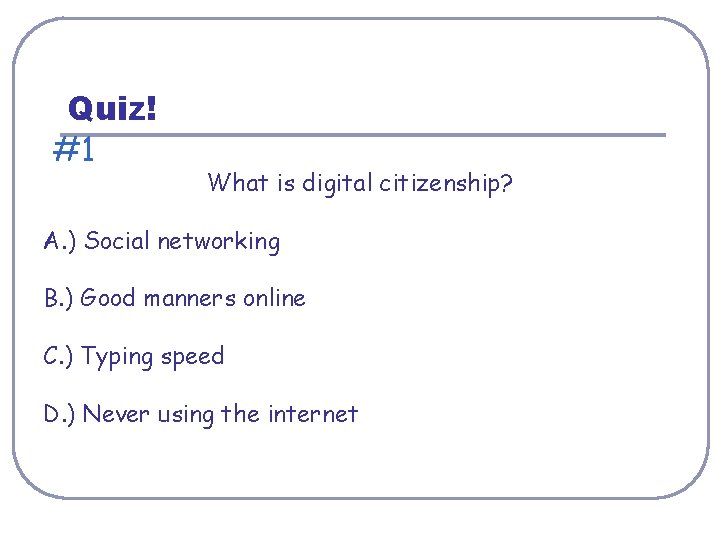
Quiz! #1 What is digital citizenship? A. ) Social networking B. ) Good manners online C. ) Typing speed D. ) Never using the internet
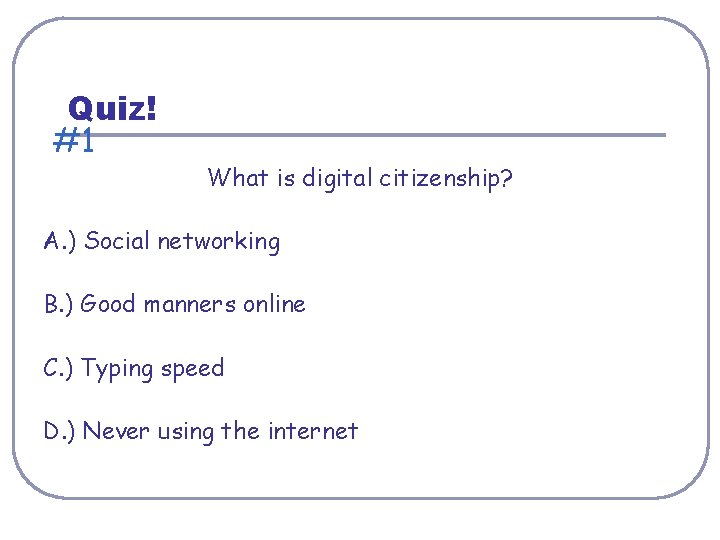
Quiz! #1 What is digital citizenship? A. ) Social networking B. ) Good manners online C. ) Typing speed D. ) Never using the internet
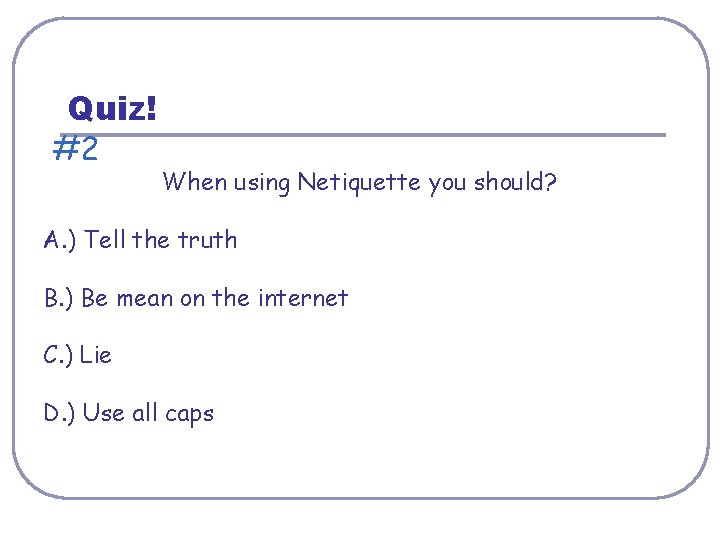
Quiz! #2 When using Netiquette you should? A. ) Tell the truth B. ) Be mean on the internet C. ) Lie D. ) Use all caps
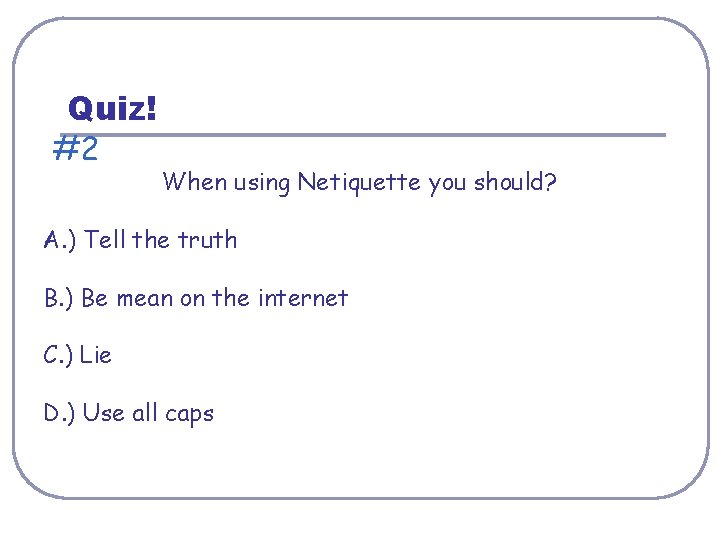
Quiz! #2 When using Netiquette you should? A. ) Tell the truth B. ) Be mean on the internet C. ) Lie D. ) Use all caps
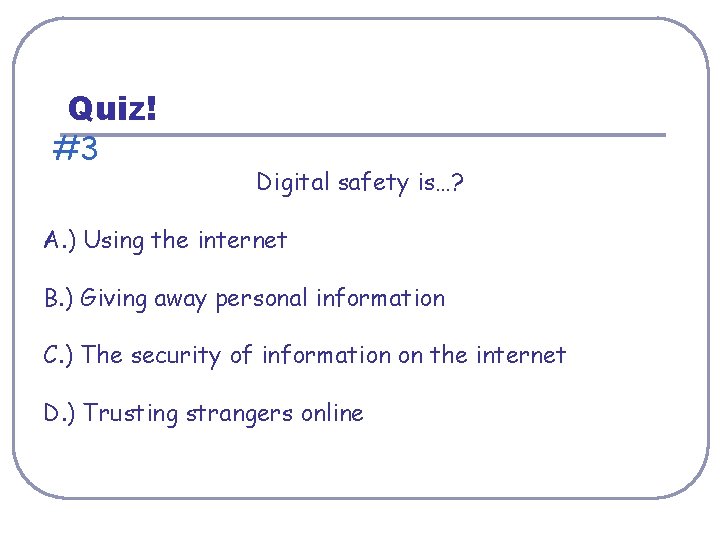
Quiz! #3 Digital safety is…? A. ) Using the internet B. ) Giving away personal information C. ) The security of information on the internet D. ) Trusting strangers online
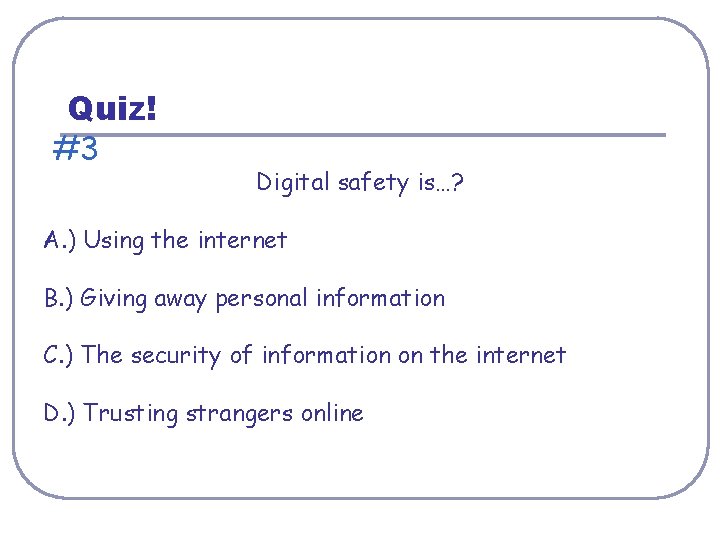
Quiz! #3 Digital safety is…? A. ) Using the internet B. ) Giving away personal information C. ) The security of information on the internet D. ) Trusting strangers online
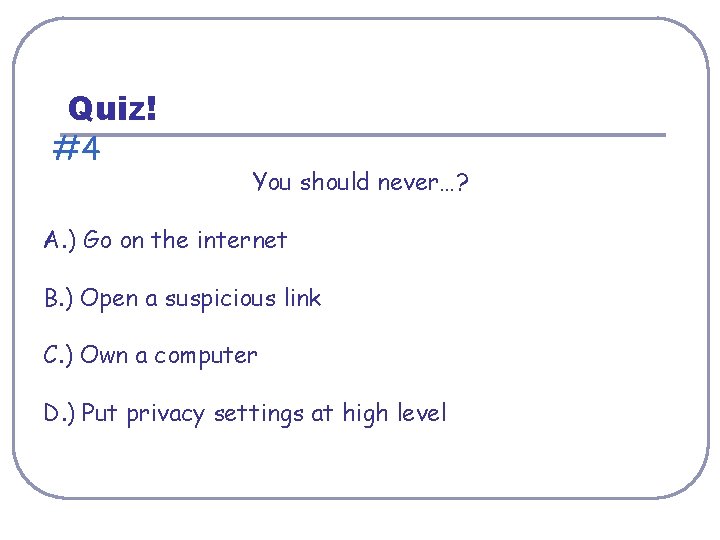
Quiz! #4 You should never…? A. ) Go on the internet B. ) Open a suspicious link C. ) Own a computer D. ) Put privacy settings at high level
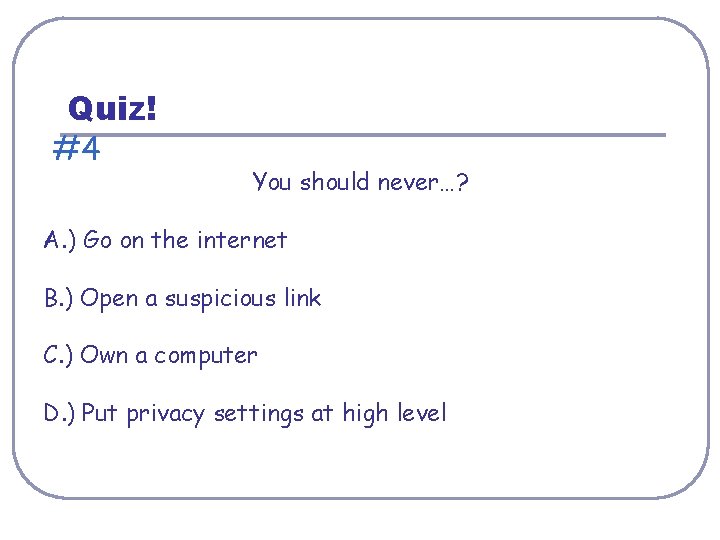
Quiz! #4 You should never…? A. ) Go on the internet B. ) Open a suspicious link C. ) Own a computer D. ) Put privacy settings at high level
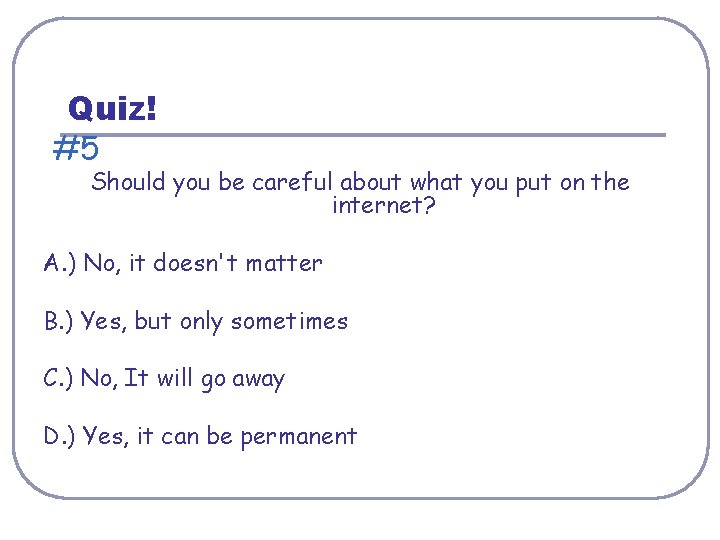
Quiz! #5 Should you be careful about what you put on the internet? A. ) No, it doesn't matter B. ) Yes, but only sometimes C. ) No, It will go away D. ) Yes, it can be permanent
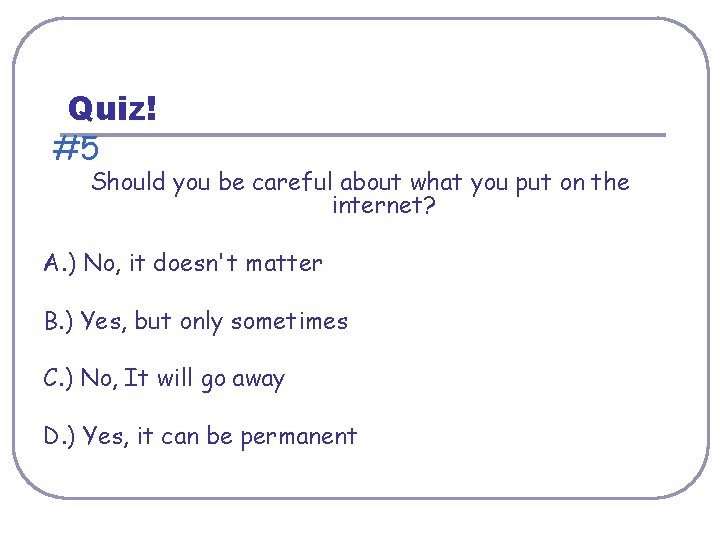
Quiz! #5 Should you be careful about what you put on the internet? A. ) No, it doesn't matter B. ) Yes, but only sometimes C. ) No, It will go away D. ) Yes, it can be permanent
- Slides: 26