
Digital Cameras Engineering Math Physics EMP Jennifer Rexford
- Slides: 25
Digital Cameras Engineering Math Physics (EMP) Jennifer Rexford http: //www. cs. princeton. edu/~jrex 1
Image Transmission Over Wireless Networks • Image capture and compression – Inner-workings of a digital camera – Manipulating & transforming a matrix of pixels – Implementing a variant of JPEG compression • Wireless networks – Wireless technology – Acoustic waves and electrical signals – Radios • Video over wireless networks – Video compression and quality – Transmitting video over wireless – Controlling a car over a radio link 2
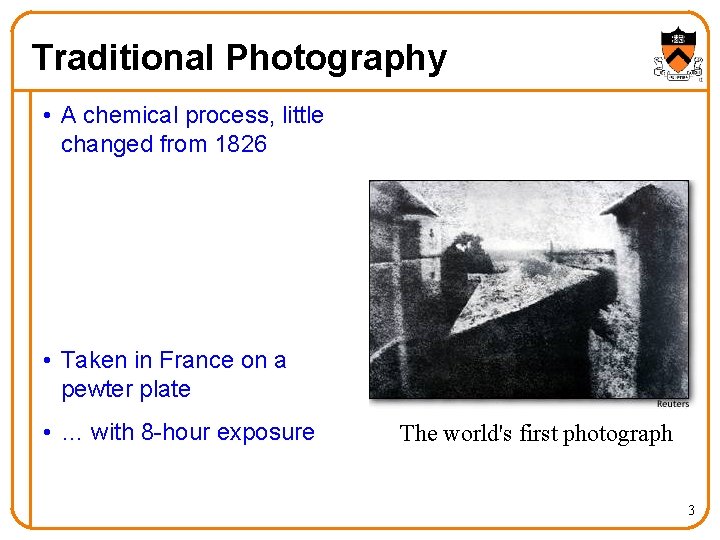
Traditional Photography • A chemical process, little changed from 1826 • Taken in France on a pewter plate • … with 8 -hour exposure The world's first photograph 3
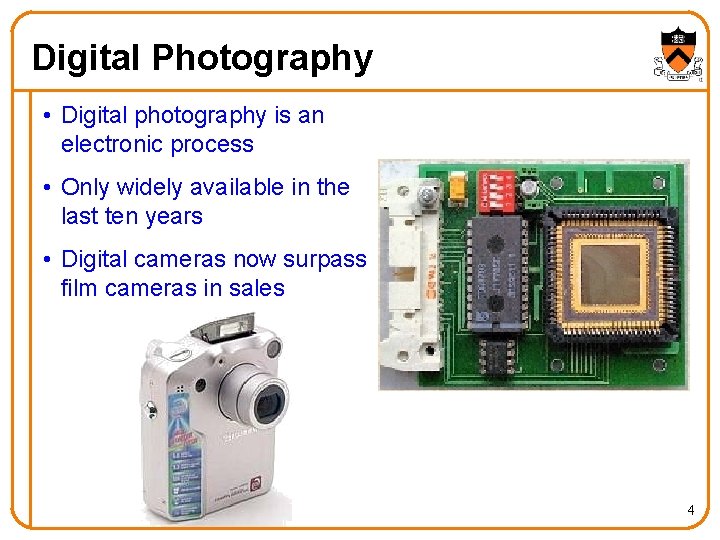
Digital Photography • Digital photography is an electronic process • Only widely available in the last ten years • Digital cameras now surpass film cameras in sales 4
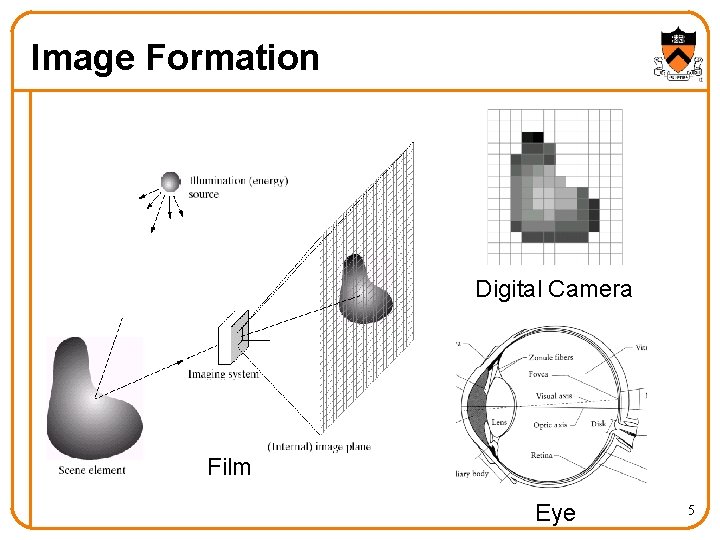
Image Formation Digital Camera Film Eye 5
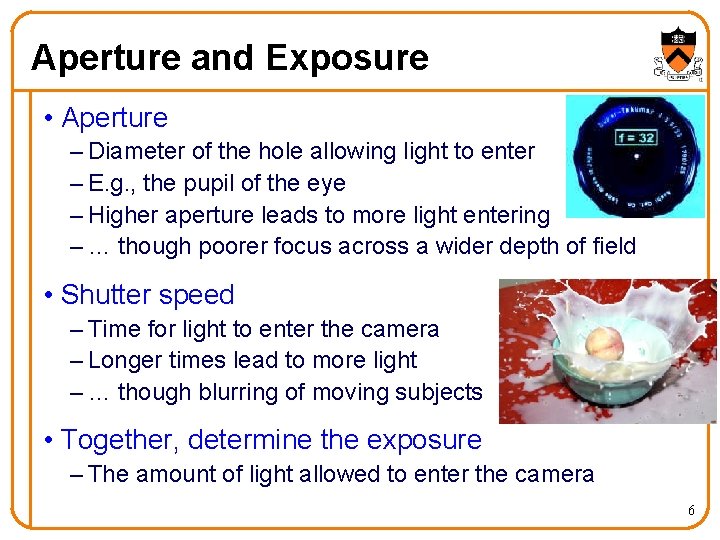
Aperture and Exposure • Aperture – Diameter of the hole allowing light to enter – E. g. , the pupil of the eye – Higher aperture leads to more light entering – … though poorer focus across a wider depth of field • Shutter speed – Time for light to enter the camera – Longer times lead to more light – … though blurring of moving subjects • Together, determine the exposure – The amount of light allowed to enter the camera 6
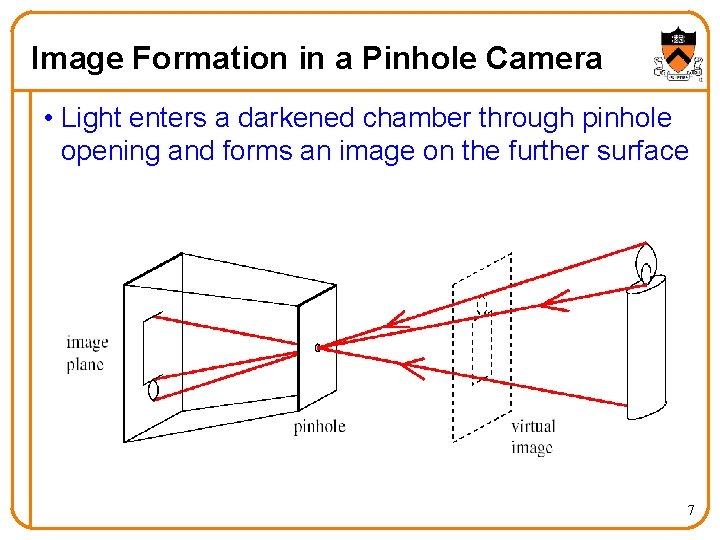
Image Formation in a Pinhole Camera • Light enters a darkened chamber through pinhole opening and forms an image on the further surface 7
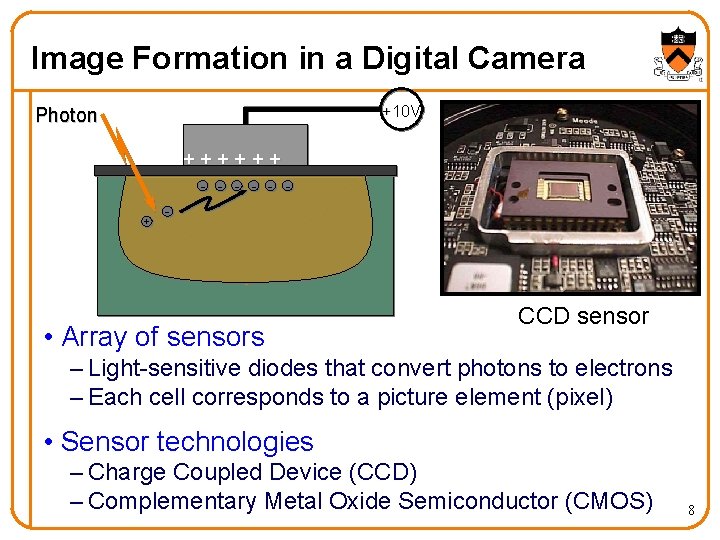
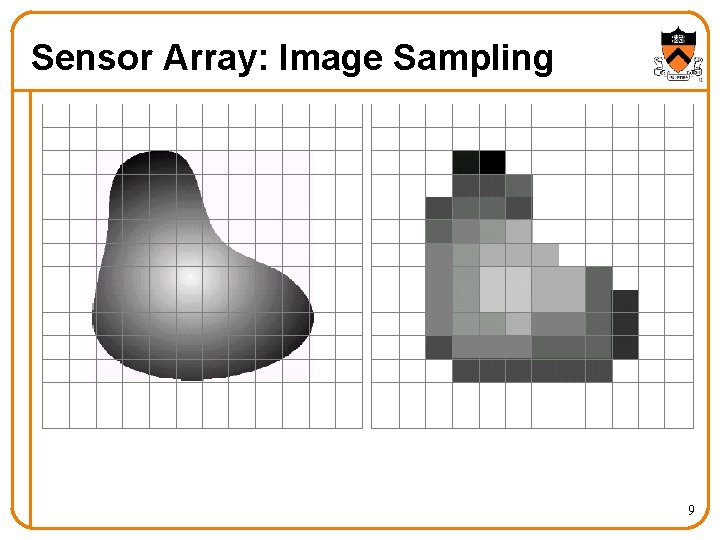
Image Formation in a Digital Camera +10 V Photon ++++++ + • Array of sensors CCD sensor – Light-sensitive diodes that convert photons to electrons – Each cell corresponds to a picture element (pixel) • Sensor technologies – Charge Coupled Device (CCD) – Complementary Metal Oxide Semiconductor (CMOS) 8
Sensor Array: Image Sampling 9
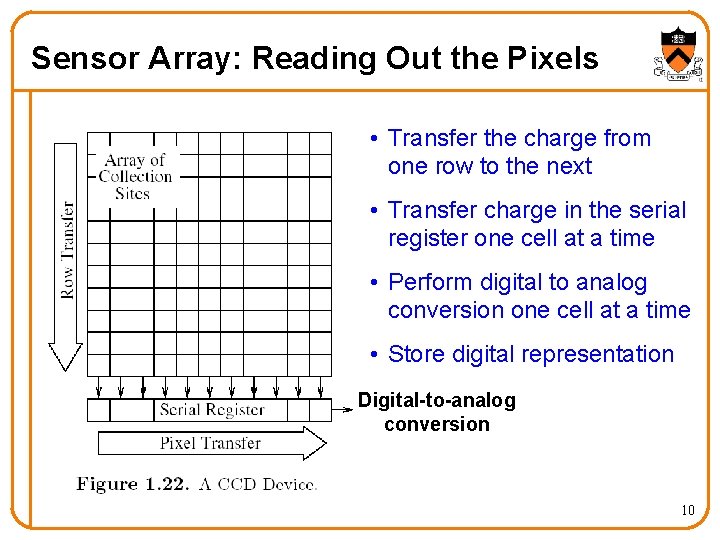
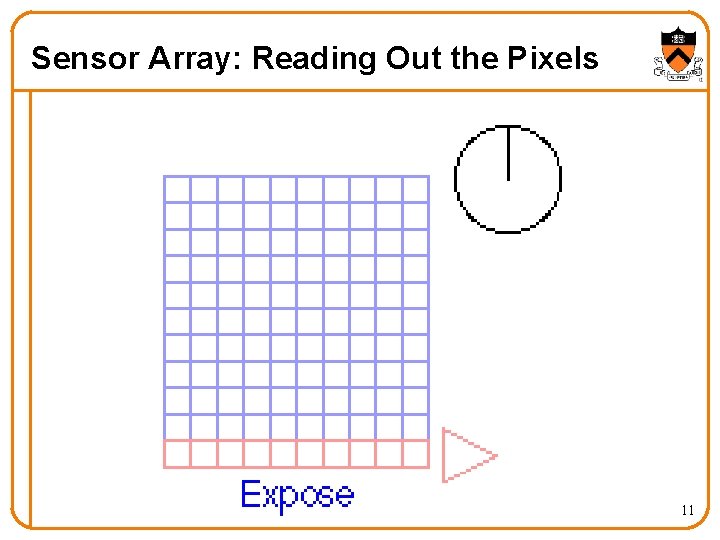
Sensor Array: Reading Out the Pixels • Transfer the charge from one row to the next • Transfer charge in the serial register one cell at a time • Perform digital to analog conversion one cell at a time • Store digital representation Digital-to-analog conversion 10
Sensor Array: Reading Out the Pixels 11
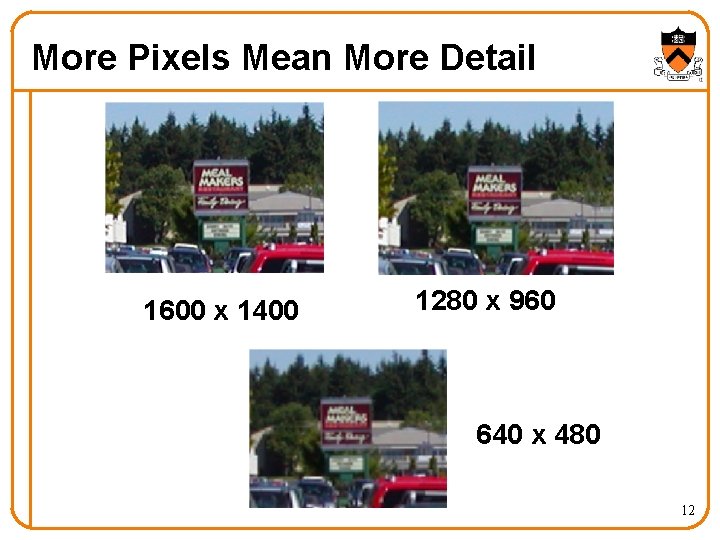
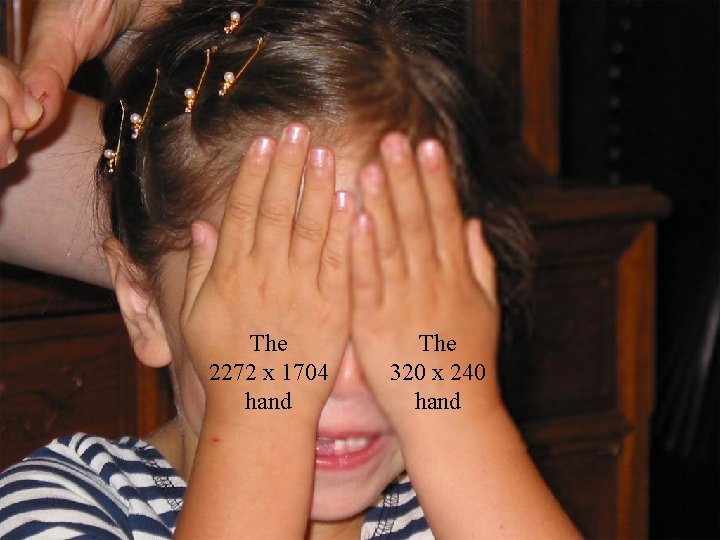
More Pixels Mean More Detail 1600 x 1400 1280 x 960 640 x 480 12
The 2272 x 1704 hand The 320 x 240 hand 13
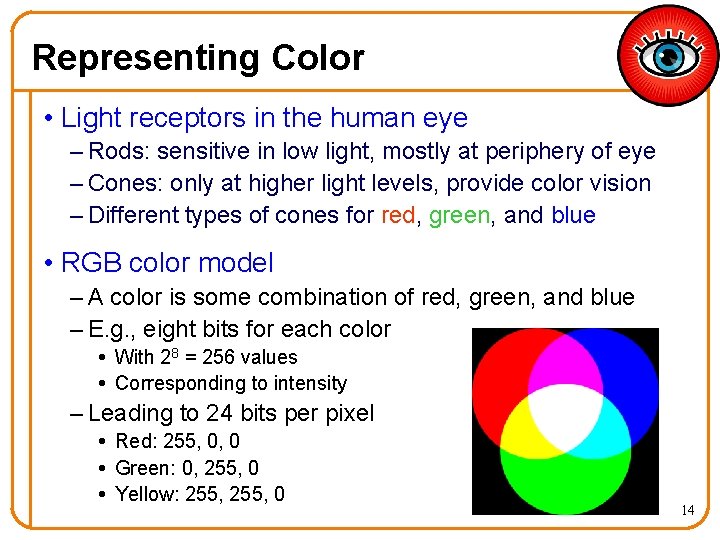
Representing Color • Light receptors in the human eye – Rods: sensitive in low light, mostly at periphery of eye – Cones: only at higher light levels, provide color vision – Different types of cones for red, green, and blue • RGB color model – A color is some combination of red, green, and blue – E. g. , eight bits for each color With 28 = 256 values Corresponding to intensity – Leading to 24 bits per pixel Red: 255, 0, 0 Green: 0, 255, 0 Yellow: 255, 0 14
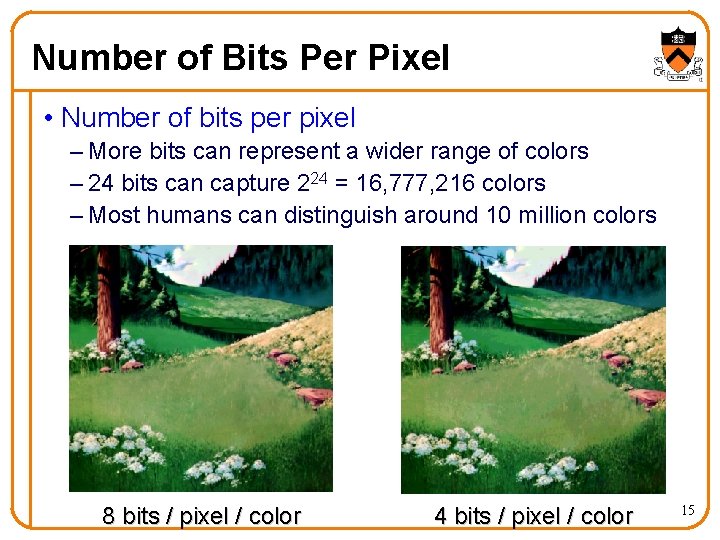
Number of Bits Per Pixel • Number of bits per pixel – More bits can represent a wider range of colors – 24 bits can capture 224 = 16, 777, 216 colors – Most humans can distinguish around 10 million colors 8 bits / pixel / color 4 bits / pixel / color 15
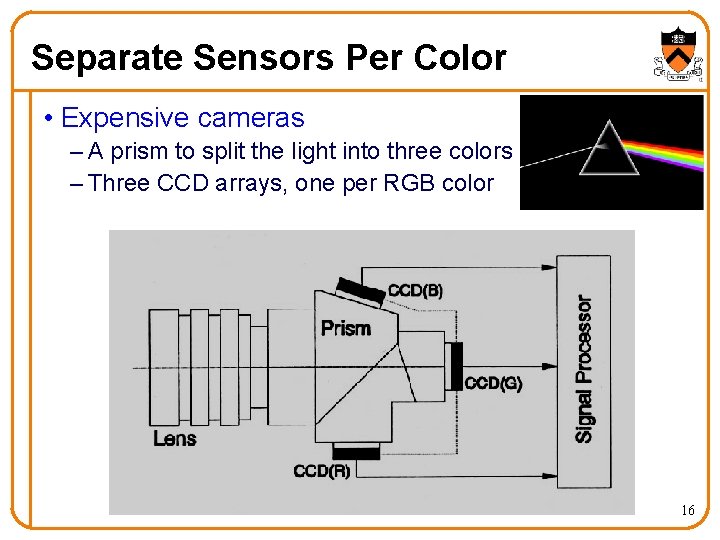
Separate Sensors Per Color • Expensive cameras – A prism to split the light into three colors – Three CCD arrays, one per RGB color 16
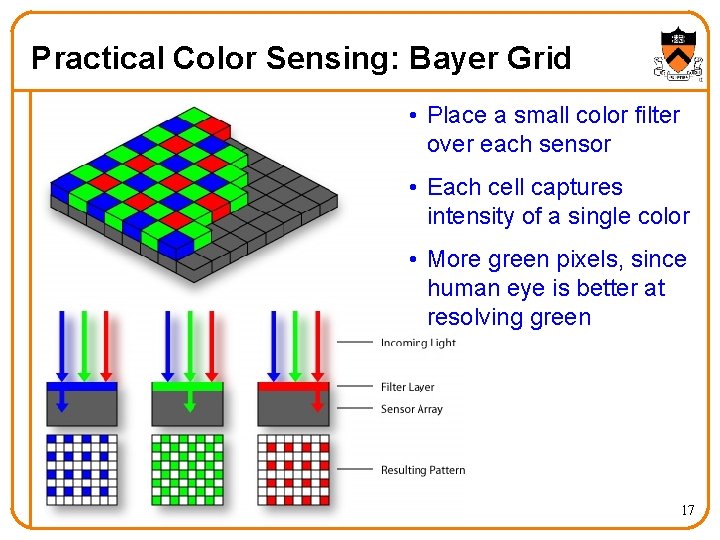
Practical Color Sensing: Bayer Grid • Place a small color filter over each sensor • Each cell captures intensity of a single color • More green pixels, since human eye is better at resolving green 17
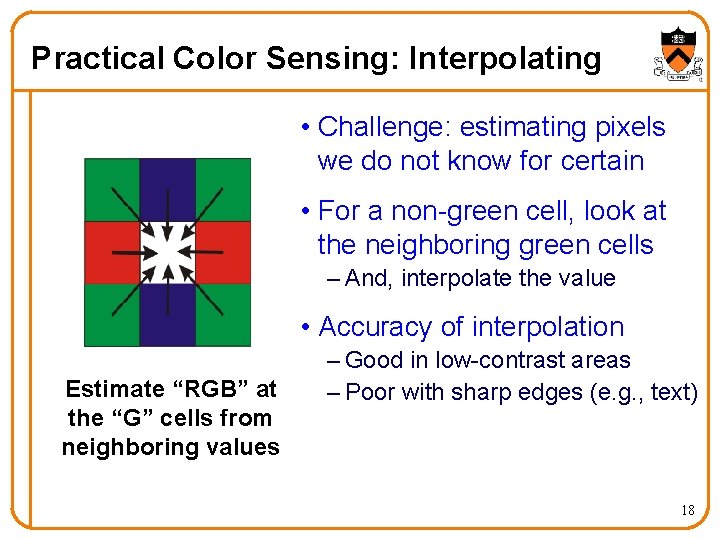
Practical Color Sensing: Interpolating • Challenge: estimating pixels we do not know for certain • For a non-green cell, look at the neighboring green cells – And, interpolate the value • Accuracy of interpolation Estimate “RGB” at the “G” cells from neighboring values – Good in low-contrast areas – Poor with sharp edges (e. g. , text) 18
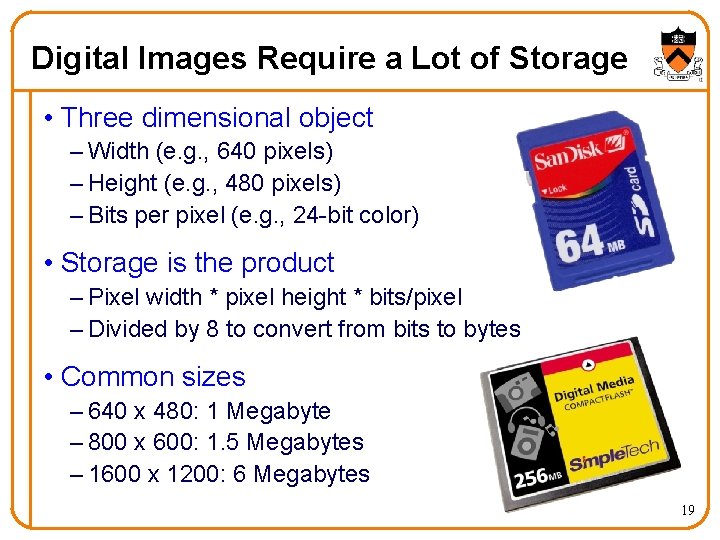
Digital Images Require a Lot of Storage • Three dimensional object – Width (e. g. , 640 pixels) – Height (e. g. , 480 pixels) – Bits per pixel (e. g. , 24 -bit color) • Storage is the product – Pixel width * pixel height * bits/pixel – Divided by 8 to convert from bits to bytes • Common sizes – 640 x 480: 1 Megabyte – 800 x 600: 1. 5 Megabytes – 1600 x 1200: 6 Megabytes 19
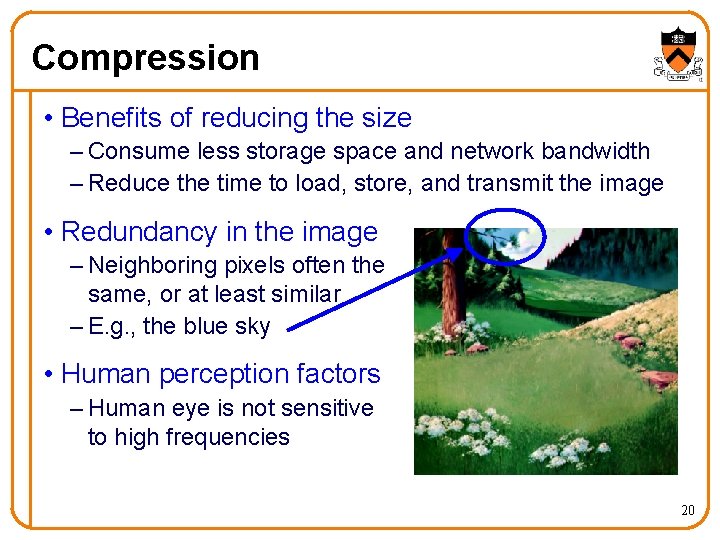
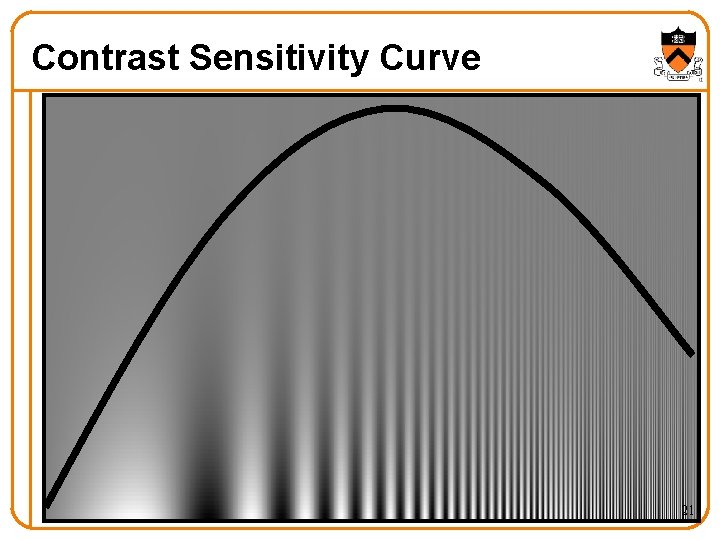
Compression • Benefits of reducing the size – Consume less storage space and network bandwidth – Reduce the time to load, store, and transmit the image • Redundancy in the image – Neighboring pixels often the same, or at least similar – E. g. , the blue sky • Human perception factors – Human eye is not sensitive to high frequencies 20
Contrast Sensitivity Curve 21
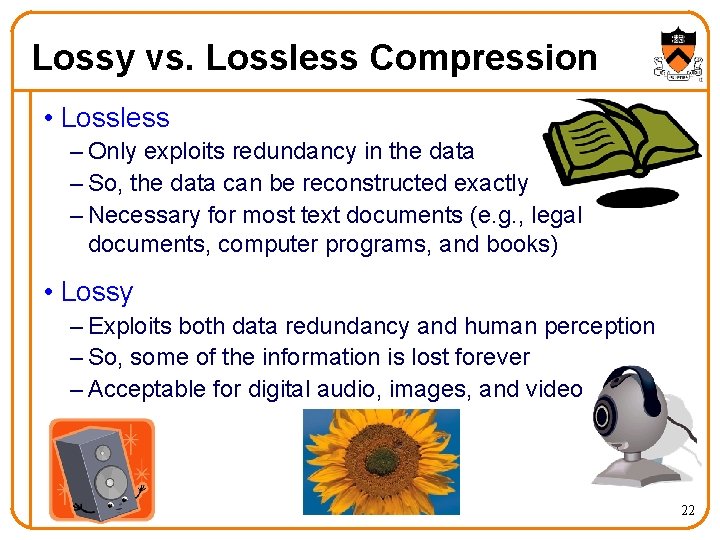
Lossy vs. Lossless Compression • Lossless – Only exploits redundancy in the data – So, the data can be reconstructed exactly – Necessary for most text documents (e. g. , legal documents, computer programs, and books) • Lossy – Exploits both data redundancy and human perception – So, some of the information is lost forever – Acceptable for digital audio, images, and video 22
Examples of Lossless Compression • Huffman encoding – Assign fewer bits to less-popular symbols – E. g. , “a” occurs more often than “i” – … so encode “a” as “ 000” and “i” as “ 00111” – Efficient when probabilities vary widely • Run-length encoding – Identify repeated occurrences of the same symbol – Capture the symbol and the number of repetitions – E. g. , “eeeeeee” “@e 7” – E. g. , “eeeeetnnnnnn” “@e 5 t@n 6” 23
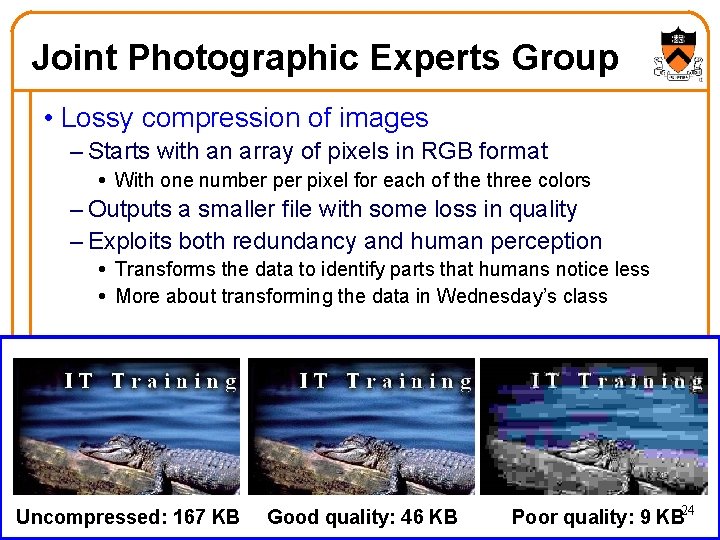
Joint Photographic Experts Group • Lossy compression of images – Starts with an array of pixels in RGB format With one number pixel for each of the three colors – Outputs a smaller file with some loss in quality – Exploits both redundancy and human perception Transforms the data to identify parts that humans notice less More about transforming the data in Wednesday’s class Uncompressed: 167 KB Good quality: 46 KB Poor quality: 9 KB 24
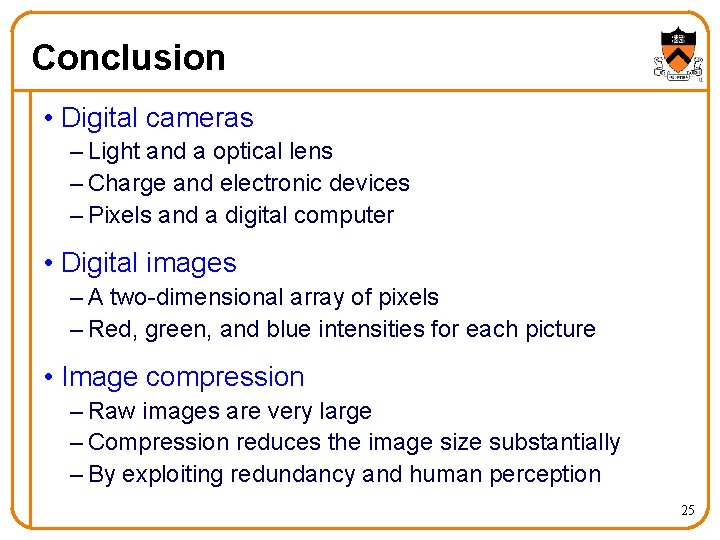
Conclusion • Digital cameras – Light and a optical lens – Charge and electronic devices – Pixels and a digital computer • Digital images – A two-dimensional array of pixels – Red, green, and blue intensities for each picture • Image compression – Raw images are very large – Compression reduces the image size substantially – By exploiting redundancy and human perception 25