
Digital Asset Registers sara thomsondpconline org sdaythomson www
- Slides: 10
Digital Asset Registers sara. thomson@dpconline. org @sdaythomson www. dpconline. org
Digital Asset Register This sessions answers: • What is a digital asset register? • • • sara. thomson@dpconline. org Why should we create one? How do we create one? What information should be collected? How do we get that information? What happens to a digital asset register after it is created? @sdaythomson www. dpconline. org
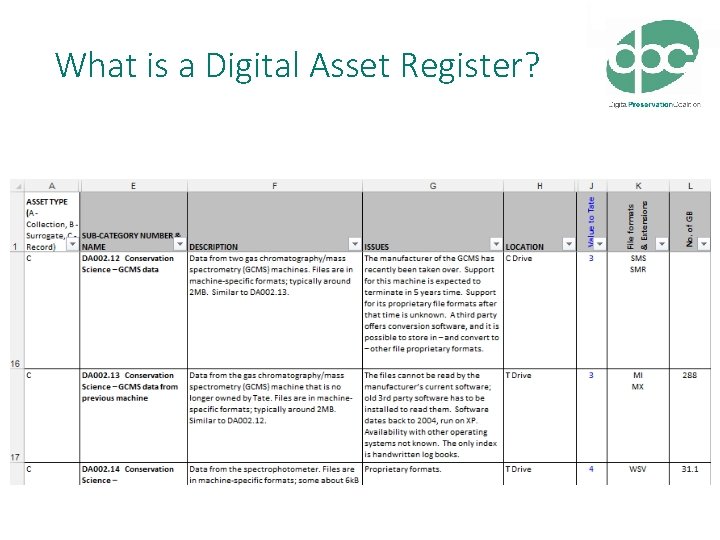
What is a Digital Asset Register? sara. thomson@dpconline. org @sdaythomson www. dpconline. org
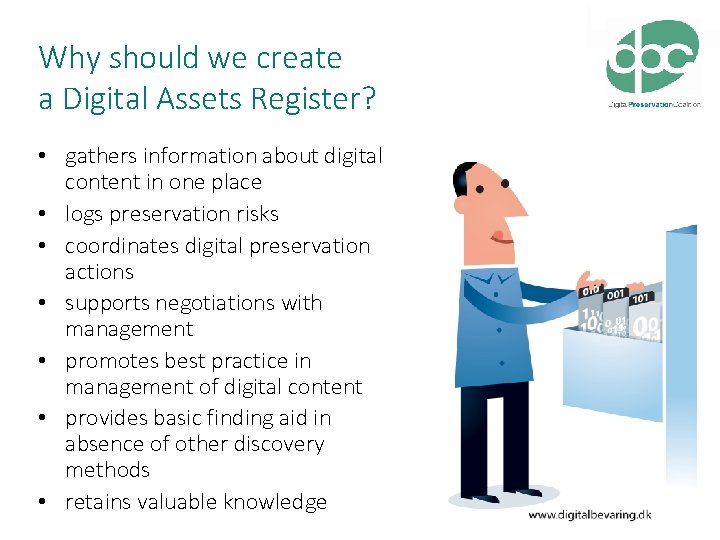
Why should we create a Digital Assets Register? • gathers information about digital content in one place • logs preservation risks • coordinates digital preservation actions • supports negotiations with management • promotes best practice in management of digital content • provides basic finding aid in absence of other discovery methods • retains valuable knowledge sara. thomson@dpconline. org @sdaythomson www. dpconline. org
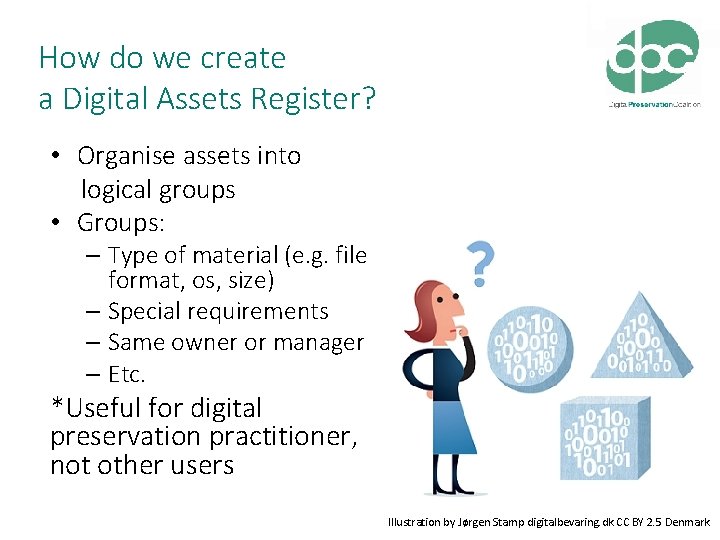
How do we create a Digital Assets Register? • Organise assets into logical groups • Groups: – Type of material (e. g. file format, os, size) – Special requirements – Same owner or manager – Etc. *Useful for digital preservation practitioner, not other users sara. thomson@dpconline. org @sdaythomson Illustration by Jørgen Stamp digitalbevaring. dk CC BY 2. 5 Denmark www. dpconline. org
What information should be collected for a Digital Asset Register? • Name of collection or content • Estimated value of • Person or department of content responsibility • Size of collection – e. g. How easy would it take to retrieve this • File formats content? How long to • Retention policy – e. g. How long does this content need to be preserved? Why? re-create it? • Ownership, rights, and data protection issues • Associated risks and impact – e. g. software or hardware dependencies sara. thomson@dpconline. org @sdaythomson www. dpconline. org
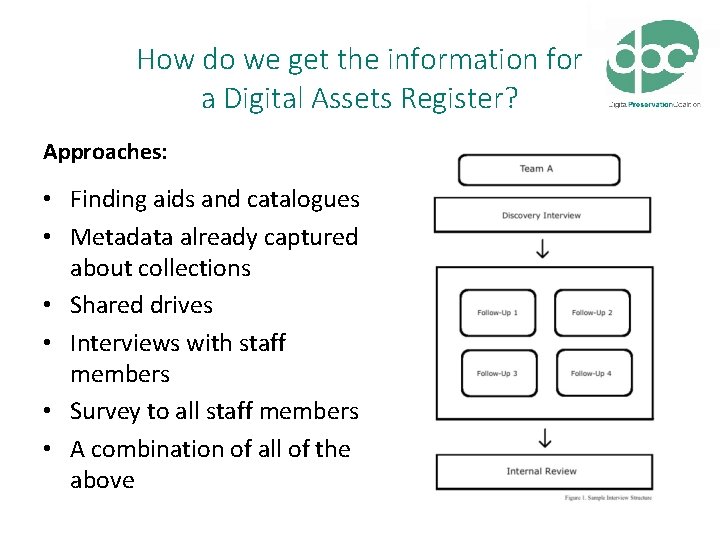
How do we get the information for a Digital Assets Register? Approaches: • Finding aids and catalogues • Metadata already captured about collections • Shared drives • Interviews with staff members • Survey to all staff members • A combination of all of the above sara. thomson@dpconline. org @sdaythomson www. dpconline. org
What happens to a Digital Asset Register after it is created? It’s not over… • • • Share across the organisation Share with management Create more granular entries Create update schedule Update sara. thomson@dpconline. org @sdaythomson www. dpconline. org
More Resources Digital Preservation Handbook, ‘Getting Started’, http: //www. dpconline. org/advice/preservationhandbook/ getting-started Digital Curation Centre, ‘Data Audit Framework Methodology’, http: //www. dataaudit. eu/ DAF_Methodology. pdf Digital Curation Centre, ‘Digital Asset Framework Implementation Guide’, http: //www. dataaudit. eu/docs/DAF_Implementation_Guide. pdf The National Archives, ‘Stage 2: Define your digital continuity requirements’, http: //www. nationalarchives. gov. uk/ information-management/manage-information/policyprocess/digital-continuity/step-by-step-guidance/step-2 sara. thomson@dpconline. org @sdaythomson www. dpconline. org
Exercise #2 Start creating your own Digital Assets Register 1. Choose the categories of information you want to know about your digital assets. 2. Consider how you will collect this information. What kinds of questions do you need to ask to get the information you need for your register? 3. Use the templates provided in your packs for ideas. sara. thomson@dpconline. org @sdaythomson www. dpconline. org