
Digital Accessibility in the Workplace What does Accessibility
Digital Accessibility in the Workplace

What does Accessibility mean? • “Accessibility is the design of environments so that they can be accessed by people with disabilities. ”
And much more • Accessibility means that disabled people are able to carry out tasks in an environment with comparable time and effort as someone who does not have a disability. • It means that barriers are removed and disabled people are not excluded. • It means that people can be independent and feel empowered.
What does it mean for digital environments? • Perceivable: Can be used by as many people as possible. • Understandable: People must be able to comprehend and process information. • Operable: People must be able to operate the website with the variety of tools that they use. • Robust: It must be able to work without errors in the variety of tools.
Technology in the Workplace Today Access to information is ubiquitous. Videoconference and cloud technology is changing the geography of the workplace. AI can process and analyse vast amount of data in seconds and has applications for every job and every task. Smartphones and apps provide powerful tools at our fingertips. Technology facilitates remote working. The capabilities are already there!
Where do we start? A change of culture: Embracing diversity in the workforce! “Our research shows a continued failure in society to accept and embrace difference and diversity at a pace required despite movement in technology” Implementing policies for accessibility and inclusion across your organisation are low cost and transformative actions you can take to create an inclusive business culture.
Transform Business Culture • Creating Accessibility champion roles within your organisation or build an accessibility team. • Provide channels for sharing accessibility knowledge and good practice. For example, you can have an accessibility channel in Microsoft teams or an accessibility resource centre, which employees can freely update. • Have processes and systems in place to report and resolve accessibility issues. • Make all your online content accessible. You can hire consultants who can help you transform your digital assets and workplace. • Commit to only use accessible suppliers who support your commitment. • Remove stigma and facilitate self-identification through your policies and internal communications.
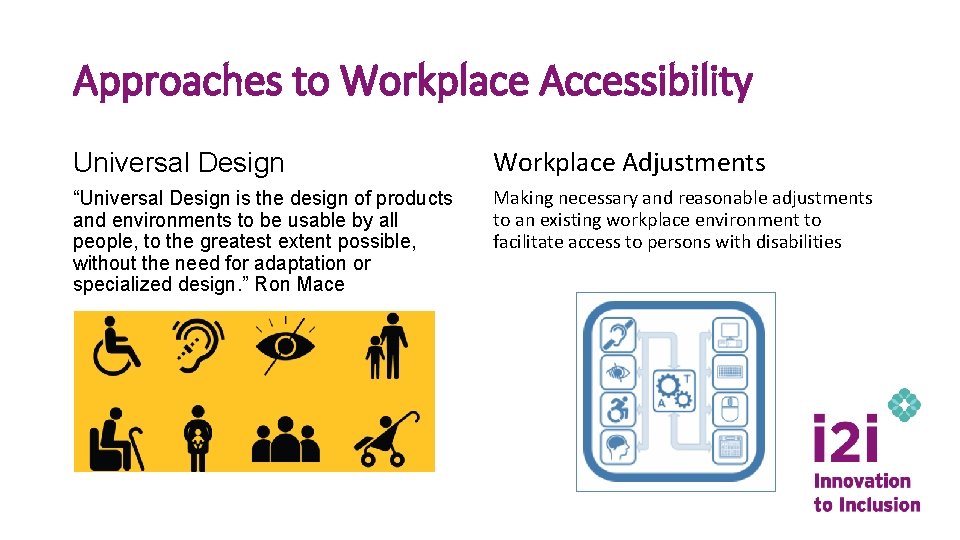
Approaches to Workplace Accessibility Universal Design Workplace Adjustments “Universal Design is the design of products and environments to be usable by all people, to the greatest extent possible, without the need for adaptation or specialized design. ” Ron Mace Making necessary and reasonable adjustments to an existing workplace environment to facilitate access to persons with disabilities
Accessible digital systems and communications • Automatically caption and transcribe video calls. • Record videoconferences, meetings and webinars. • Make your text-based communications accessible: Emails, documents, policies, databases, charts, etc. • Support staff members who want to do the right thing. • Asses your software for accessibility. • Use only technology suppliers that offer accessible software.
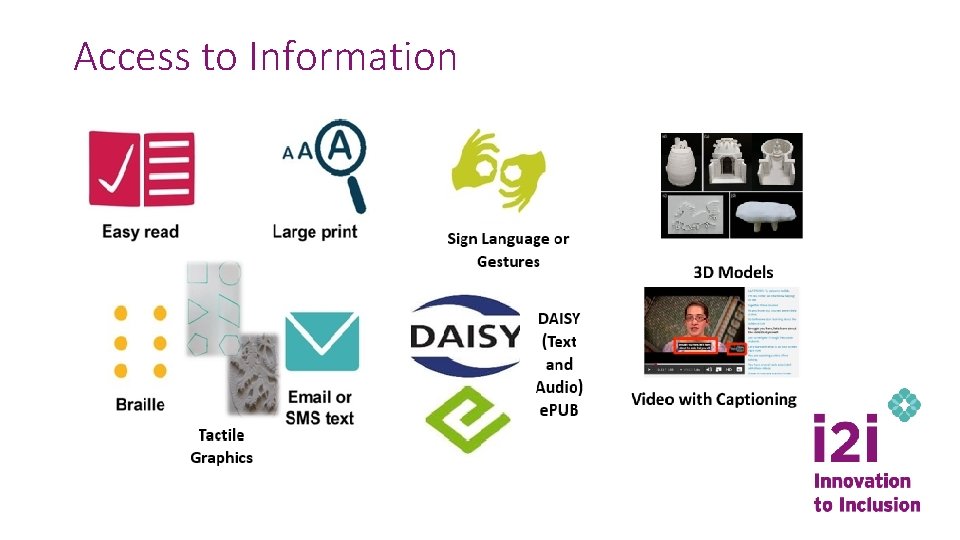
Access to Information
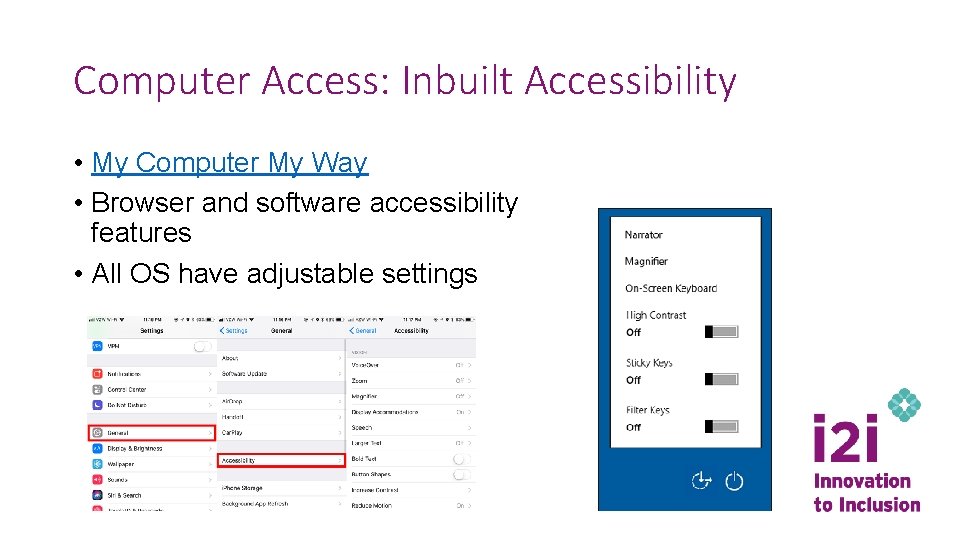
Computer Access: Inbuilt Accessibility • My Computer My Way • Browser and software accessibility features • All OS have adjustable settings
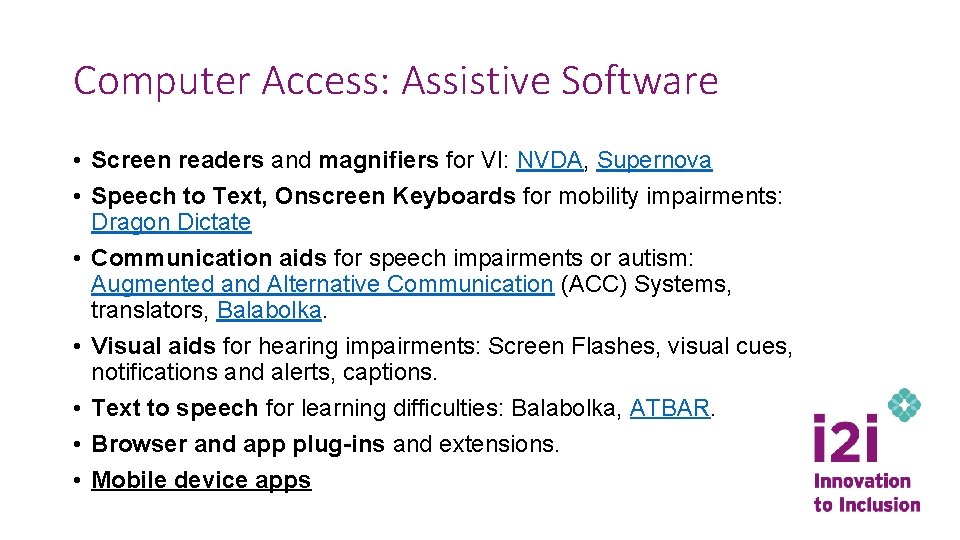
Computer Access: Assistive Software • Screen readers and magnifiers for VI: NVDA, Supernova • Speech to Text, Onscreen Keyboards for mobility impairments: Dragon Dictate • Communication aids for speech impairments or autism: Augmented and Alternative Communication (ACC) Systems, translators, Balabolka. • Visual aids for hearing impairments: Screen Flashes, visual cues, notifications and alerts, captions. • Text to speech for learning difficulties: Balabolka, ATBAR. • Browser and app plug-ins and extensions. • Mobile device apps
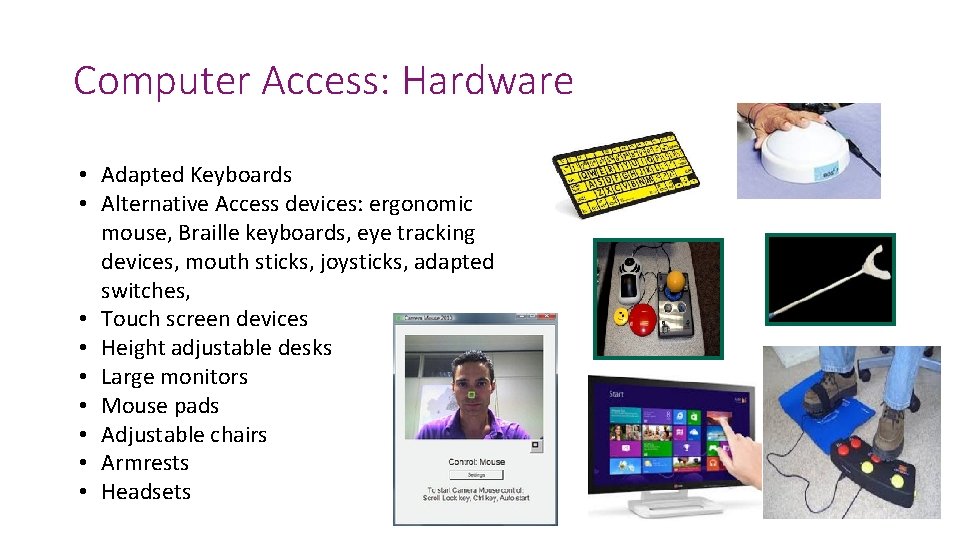
Computer Access: Hardware • Adapted Keyboards • Alternative Access devices: ergonomic mouse, Braille keyboards, eye tracking devices, mouth sticks, joysticks, adapted switches, • Touch screen devices • Height adjustable desks • Large monitors • Mouse pads • Adjustable chairs • Armrests • Headsets
Additional Access to Workplace Environments • • • Adjustable desks and chairs Lifts, railings and ramps Visual and text messaging fire alarm systems Automatic doors Parking areas Accessible transport systems Wheelchairs Quite rooms Alternative Communication devices: Tablets, communication boards, translation Screen messages Motion trackers Sound alerts
The Ideal Accessible Digital Workplace • • All digital tools for the workplace are inclusive. Assistive Technology is readily available. Flexible and adaptable working environments. Improved mobility through technology: Geolocation for employees with disabilities. • Enhanced communication: automatic translators, sign language, synthesized voices. • AI personal assistants and task automation. • Image recognition and information processing through AI. 15
Angel Perez Senior Technology and Innovation Lead Angel. perez@leonardcheshire. org
- Slides: 16