
Different Types of File Formats BY MICHAL WARD
Different Types of File Formats BY MICHÉAL WARD
Introduction In this powerpoint I will discuss the different types of file formats, these include: Bitmap 1. JPEG 2. GIF 3. EXIF Vector 1. AI 2. PDF 3. DXF
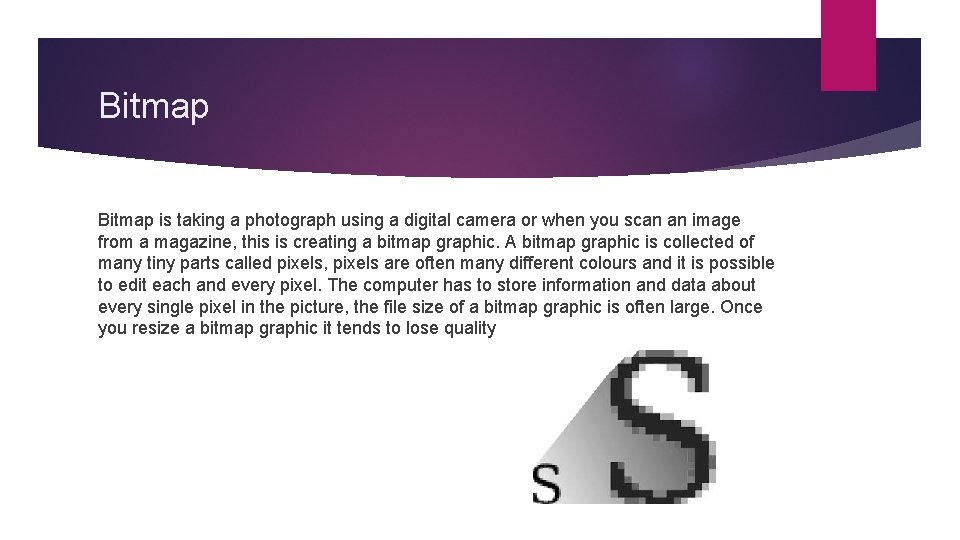
Bitmap is taking a photograph using a digital camera or when you scan an image from a magazine, this is creating a bitmap graphic. A bitmap graphic is collected of many tiny parts called pixels, pixels are often many different colours and it is possible to edit each and every pixel. The computer has to store information and data about every single pixel in the picture, the file size of a bitmap graphic is often large. Once you resize a bitmap graphic it tends to lose quality
JPEG A JPEG (joint photographic experts group) is a common file format for digital photos and other digital graphics, when a JPEG file is saved, it uses ‘lossy’ compression, meaning image quality is lost as file size decreases. JPEG files have the file extension. jpg or. jpeg. They are the most common file type for images taken with digital cameras, and widely used for photos and other graphics used on websites. JPEGs allow for some degree of file size reduction without losing too much image quality.
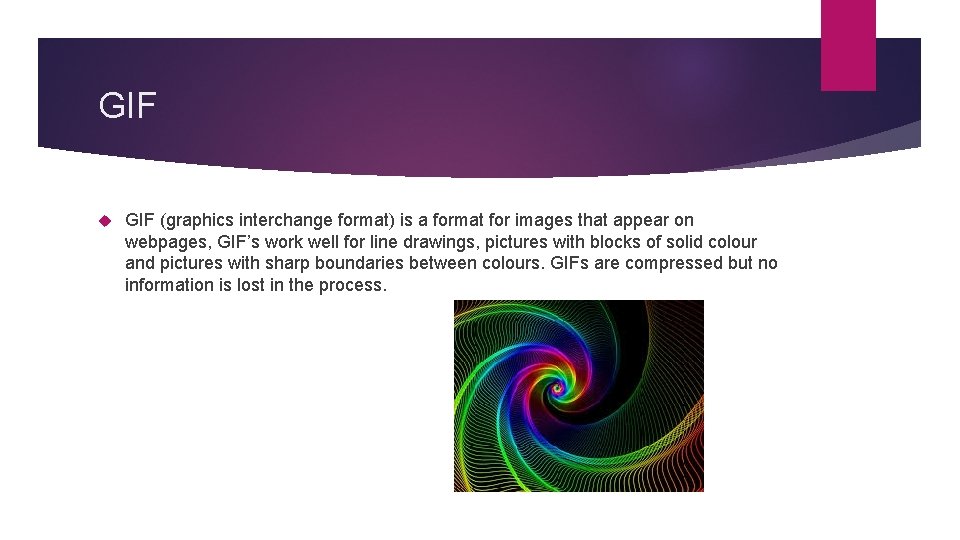
GIF (graphics interchange format) is a format for images that appear on webpages, GIF’s work well for line drawings, pictures with blocks of solid colour and pictures with sharp boundaries between colours. GIFs are compressed but no information is lost in the process.
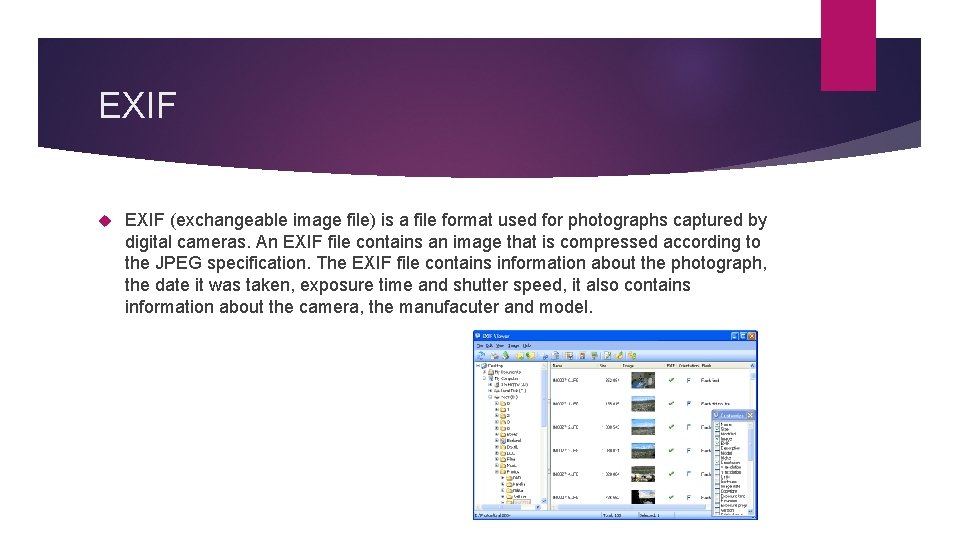
EXIF (exchangeable image file) is a file format used for photographs captured by digital cameras. An EXIF file contains an image that is compressed according to the JPEG specification. The EXIF file contains information about the photograph, the date it was taken, exposure time and shutter speed, it also contains information about the camera, the manufacuter and model.
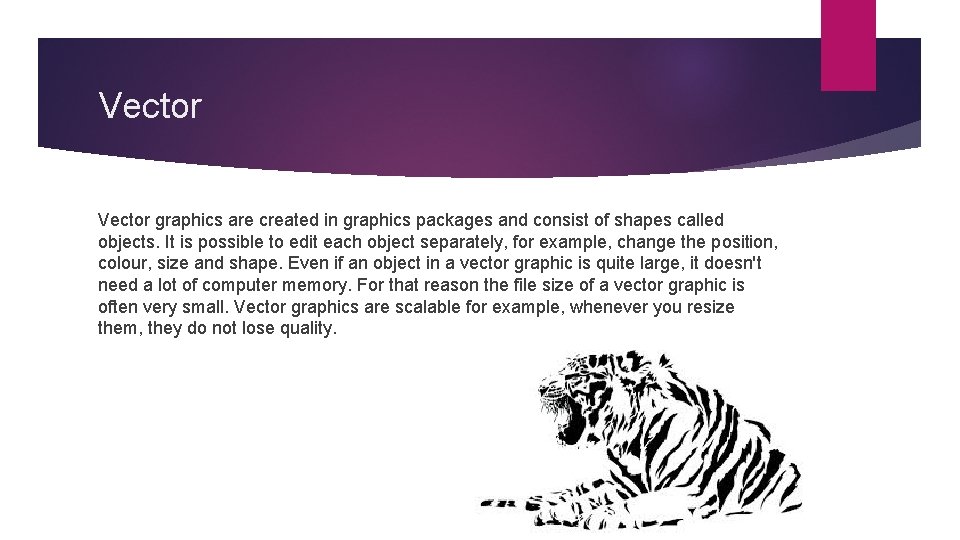
Vector graphics are created in graphics packages and consist of shapes called objects. It is possible to edit each object separately, for example, change the position, colour, size and shape. Even if an object in a vector graphic is quite large, it doesn't need a lot of computer memory. For that reason the file size of a vector graphic is often very small. Vector graphics are scalable for example, whenever you resize them, they do not lose quality.
AI AI (adobe illustrator) is a modified version of the odler EPS format, the AI format is fairly widely supported, but is less present than the EPS format, and most programs that read the AI can also read the EPS.
PDF (portable document format) is very widely used as a general purpose platform. Even though it is not exclusively used, it is also a very good vector image format, adobe give away the acrobat PDF reader, but they sell the tools that are required to create the actual PDF files, the tools work with any program that is able to print.
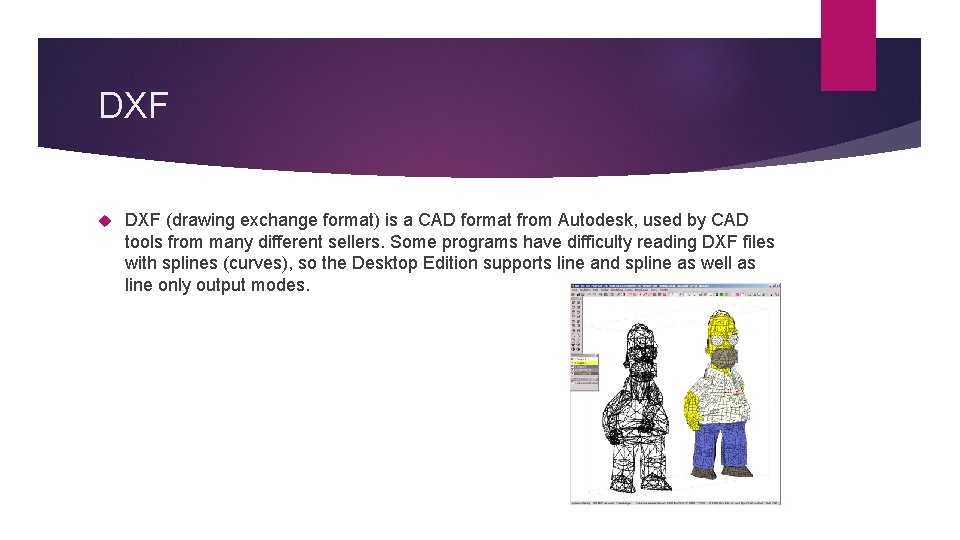
DXF (drawing exchange format) is a CAD format from Autodesk, used by CAD tools from many different sellers. Some programs have difficulty reading DXF files with splines (curves), so the Desktop Edition supports line and spline as well as line only output modes.
- Slides: 10