
Dialog design How do we communicate with computers

- Slides: 63
Dialog design How do we communicate with computers?
Agenda n Syllabus modification n Part 1 due next week! n Interaction modalities and styles
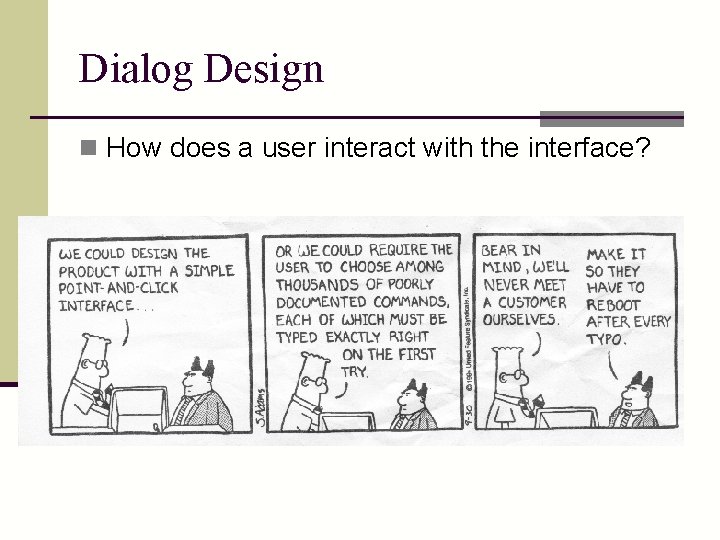
Dialog Design n How does a user interact with the interface?
Interaction Styles n 1. Command languages n 2. WIMP - Window, Icon, Menu, Pointer n 3. Direct manipulation n 4. Speech/Natural language n 5. Pen & Mobile
General Issues in Choosing Dialogue Style n n n n Who is in control - user or computer Initial training required Learning time to become proficient Speed of use Generality/flexibility/power Special skills - typing Screen space required Computational resources required
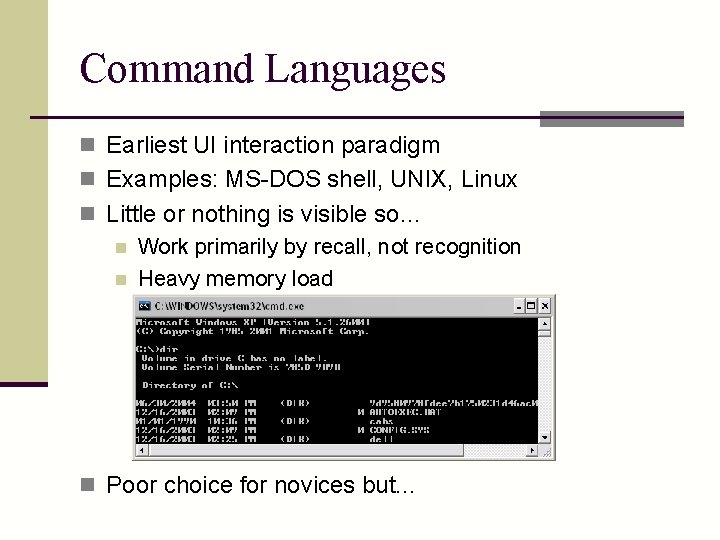
Command Languages n Earliest UI interaction paradigm n Examples: MS-DOS shell, UNIX, Linux n Little or nothing is visible so… n Work primarily by recall, not recognition n Heavy memory load n Poor choice for novices but. . .
CL Advantages n Advantages for experts n Speed, conciseness n % ls (hard to beat) n Can express actions beyond a limited set n Flags, piping one command to another n Repetition, extensibility n Scripting, macros n Easier implementation, less overhead n Power n Abstraction, wild cards
CL Dangers n With added power, comes added responsibility and danger n UNIX n n % rm -r * Deletes every file that you have, and you can’t get them back
CL Design Goals n Consistency n Have options and arguments expressed the same way everywhere n Good naming and abbreviations n UNIX fails here because commands were developed by lots of different people at different organizations n No guidelines provided
General Issues - CL n n n n Who is in control - user or computer Initial training required Learning time to become proficient Speed of use Generality/flexibility/power Special skills - typing Screen space required Computational resources required
Direct Manipulation Definition: n 1) Continuous visibility of the objects and actions of interest n 2) Rapid, reversible, incremental actions whose effect is immediately noticeable n 3) Replacement of command language syntax by direct manipulation of object of interest (physical actions, buttons, etc. ) Shneiderman ‘ 82
DM Essence n Representation of reality that can be manipulated n The user is able to apply intellect directly to the task n The tool itself seems to disappear n Related to n Directness n Engagement
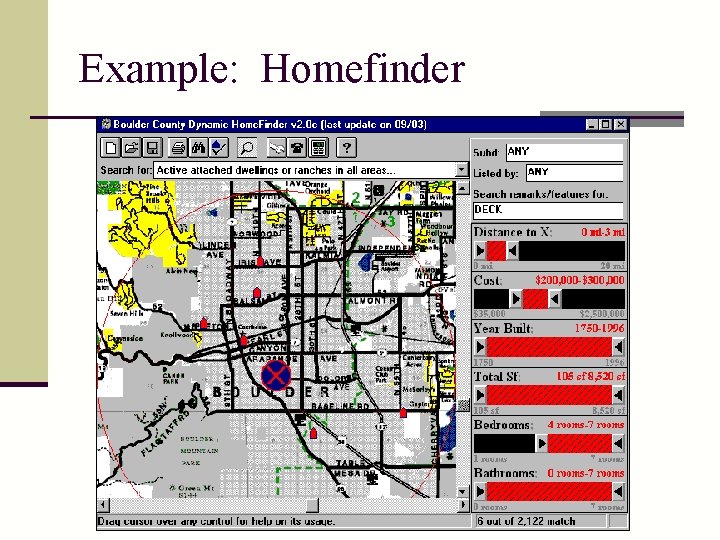
Direct Manipulation n See pgs 171 -174 in DFAB n Examples n WYSIWYG editors and word processors n VISICALC - 1 st electronic spreadsheet n CAD n Desktop metaphor n Video games
Example: Homefinder
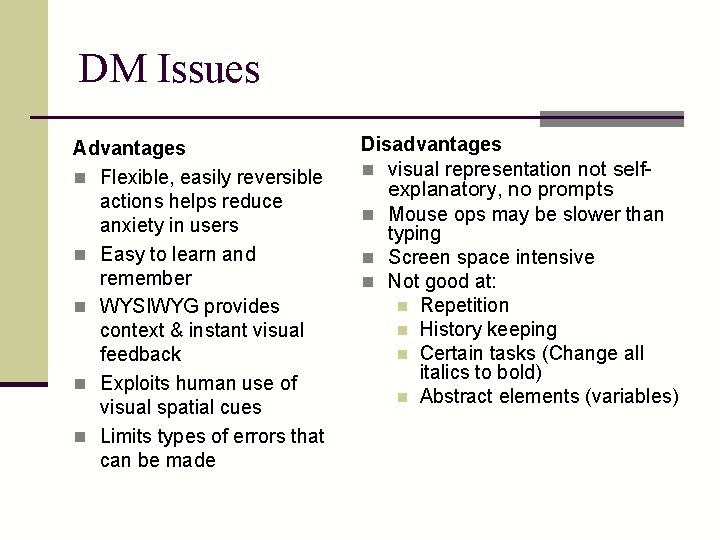
DM Issues Advantages n Flexible, easily reversible actions helps reduce anxiety in users n Easy to learn and remember n WYSIWYG provides context & instant visual feedback n Exploits human use of visual spatial cues n Limits types of errors that can be made Disadvantages n visual representation not self- explanatory, no prompts n Mouse ops may be slower than typing n Screen space intensive n Not good at: n Repetition n History keeping n Certain tasks (Change all italics to bold) n Abstract elements (variables)
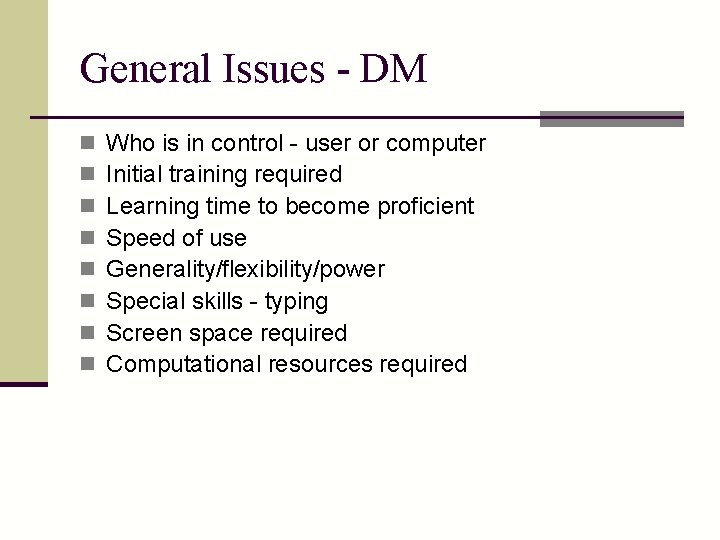
General Issues - DM n n n n Who is in control - user or computer Initial training required Learning time to become proficient Speed of use Generality/flexibility/power Special skills - typing Screen space required Computational resources required
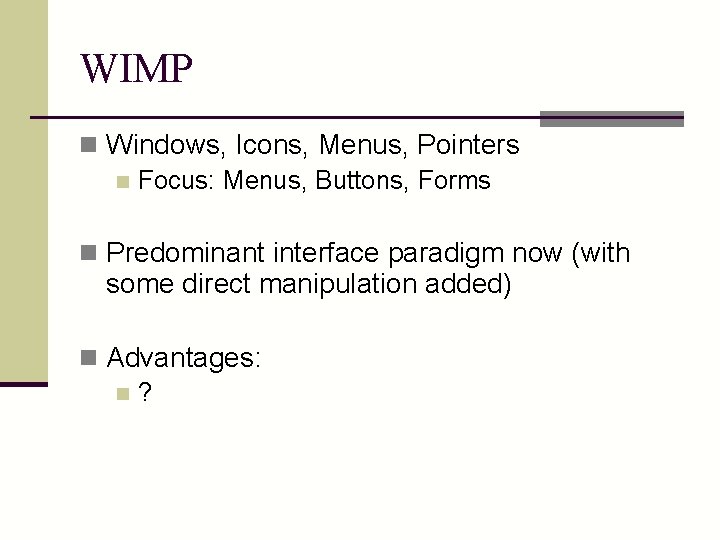
WIMP n Windows, Icons, Menus, Pointers n Focus: Menus, Buttons, Forms n Predominant interface paradigm now (with some direct manipulation added) n Advantages: n?
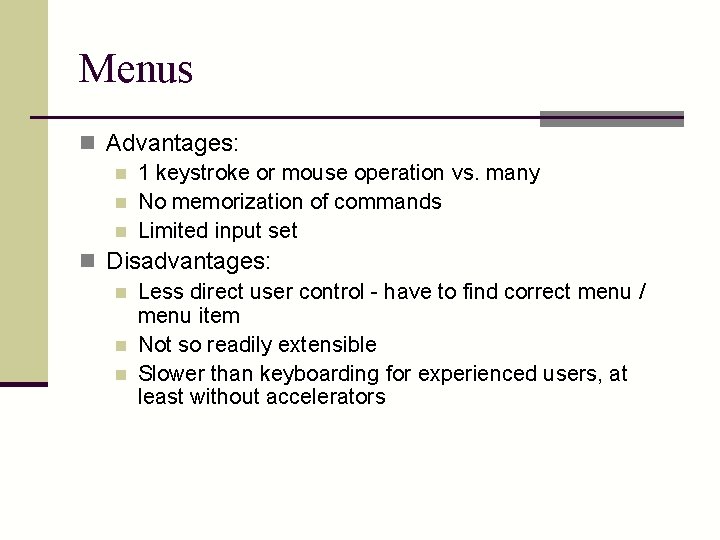
Menus n Advantages: n 1 keystroke or mouse operation vs. many n No memorization of commands n Limited input set n Disadvantages: n Less direct user control - have to find correct menu / menu item n Not so readily extensible n Slower than keyboarding for experienced users, at least without accelerators
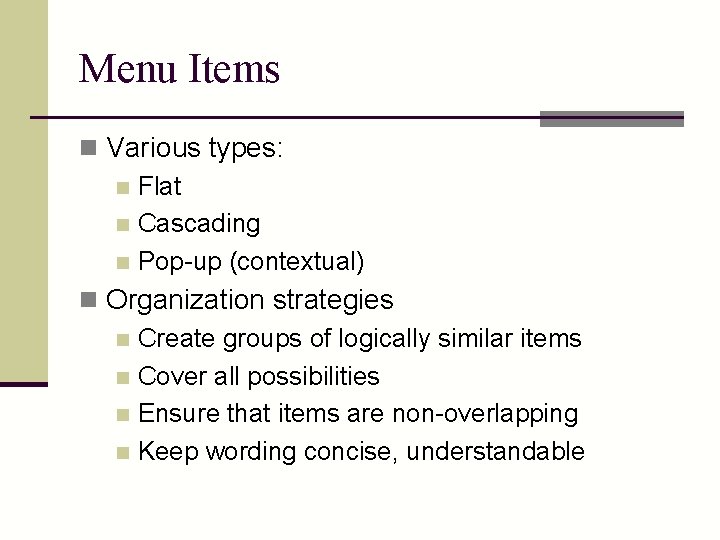
Menu Items n Various types: n Flat n Cascading n Pop-up (contextual) n Organization strategies n Create groups of logically similar items n Cover all possibilities n Ensure that items are non-overlapping n Keep wording concise, understandable
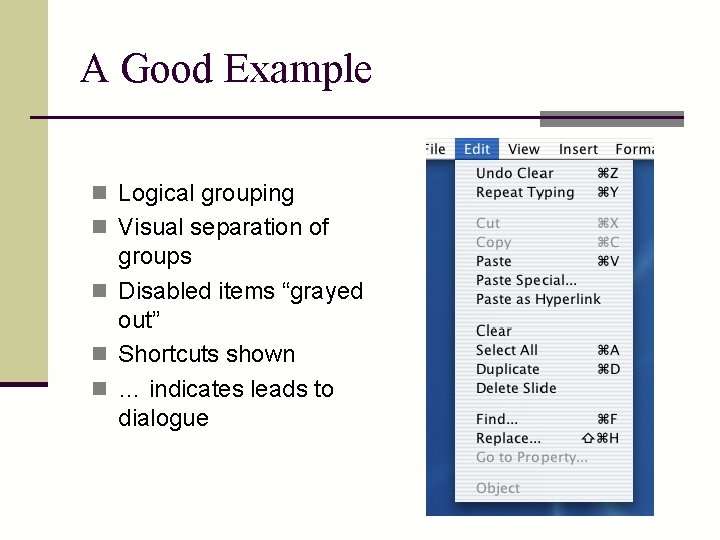
A Good Example n Logical grouping n Visual separation of groups n Disabled items “grayed out” n Shortcuts shown n … indicates leads to dialogue
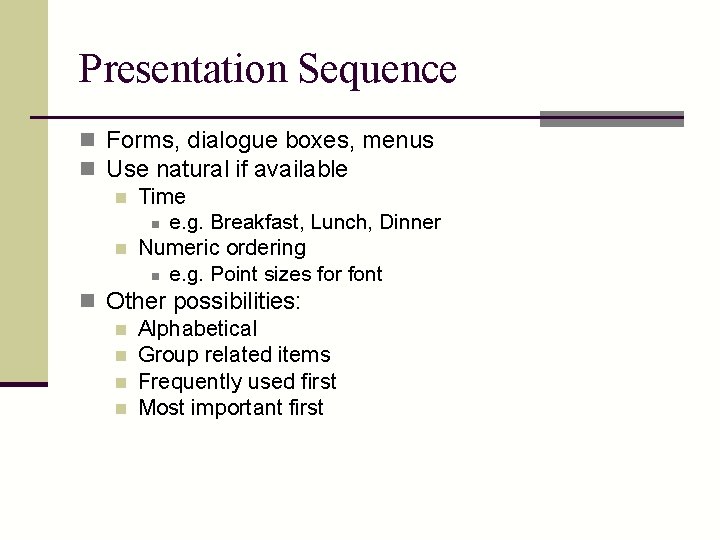
Presentation Sequence n Forms, dialogue boxes, menus n Use natural if available n Time n e. g. Breakfast, Lunch, Dinner n Numeric ordering n e. g. Point sizes for font n Other possibilities: n Alphabetical n Group related items n Frequently used first n Most important first
Pointers n Allows users to specify location parameter of a command n n Provides for some of that direct manipulation Put this file HERE n Also displays system state info: n Tracking n Busy n Hints n Modes (text cursor vs. selection pointer)
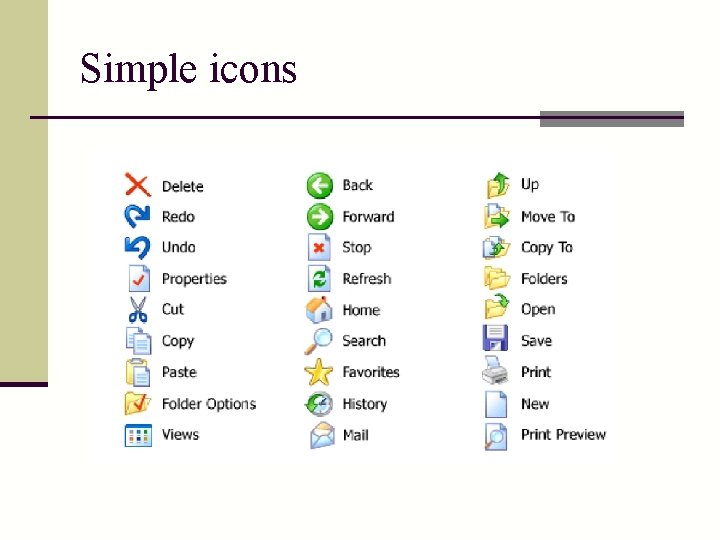
Other WIMP issues n Windows management n How to locate, move, find n Transfer information between n Switch attention between n Icons n Need graphic design attention n Toolbars
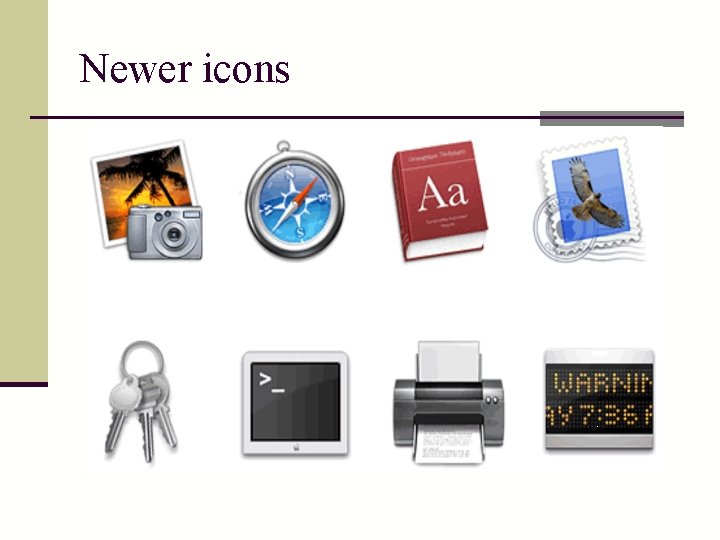
Newer icons
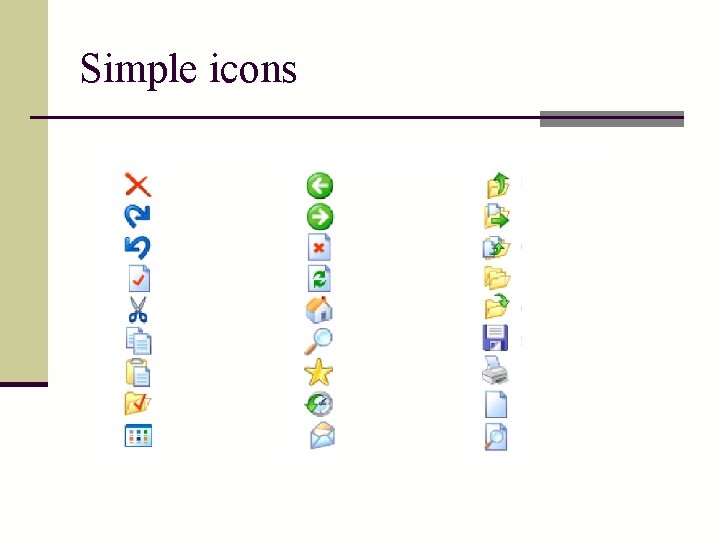
Simple icons
Simple icons
General Issues - WIMP n n n n Who is in control - user or computer Initial training required Learning time to become proficient Speed of use Generality/flexibility/power Special skills - typing Screen space required Computational resources required
Natural input n Universal design n Take advantage of familiarity, existing knowledge n Alternative input & output n Multi-modal interfaces n Getting “off the desktop”
Speech dialogue n Why use it? n Hands busy n Mobility required n Eyes occupied n Conditions preclude use of keyboard n Visual impairment n Physical limitation
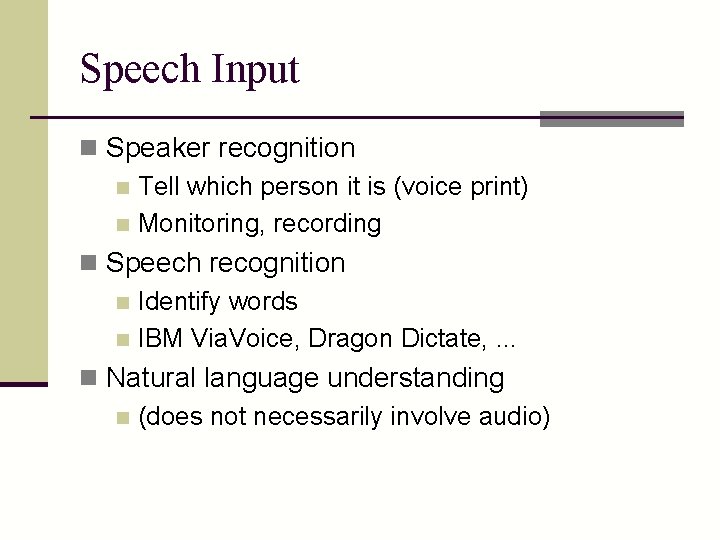
Speech Input n Speaker recognition n Tell which person it is (voice print) n Monitoring, recording n Speech recognition n Identify words n IBM Via. Voice, Dragon Dictate, . . . n Natural language understanding n (does not necessarily involve audio)
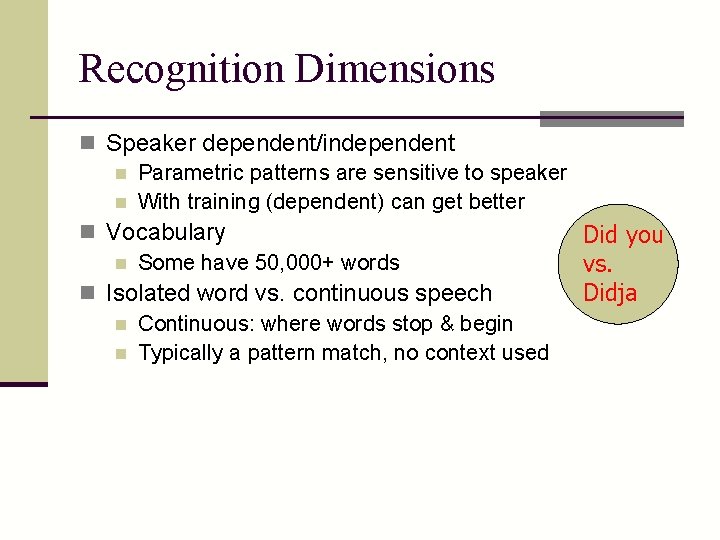
Recognition Dimensions n Speaker dependent/independent n Parametric patterns are sensitive to speaker n With training (dependent) can get better n Vocabulary Did you n Some have 50, 000+ words vs. Didja n Isolated word vs. continuous speech n Continuous: where words stop & begin n Typically a pattern match, no context used
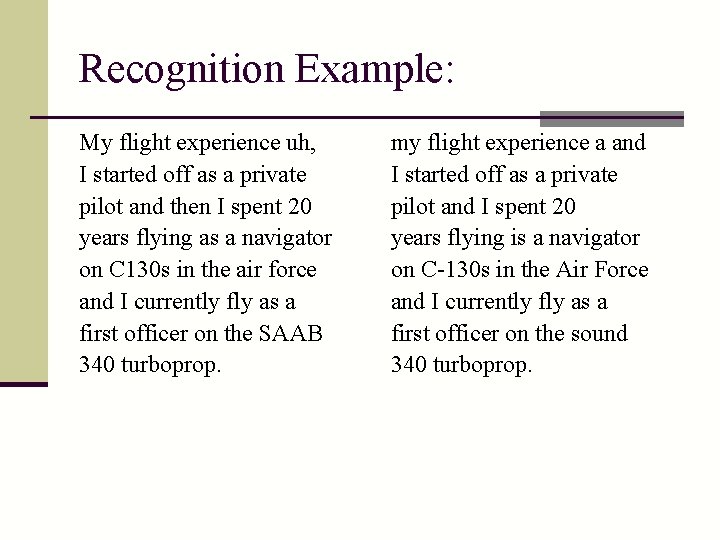
Recognition Example: My flight experience uh, I started off as a private pilot and then I spent 20 years flying as a navigator on C 130 s in the air force and I currently fly as a first officer on the SAAB 340 turboprop. my flight experience a and I started off as a private pilot and I spent 20 years flying is a navigator on C-130 s in the Air Force and I currently fly as a first officer on the sound 340 turboprop.
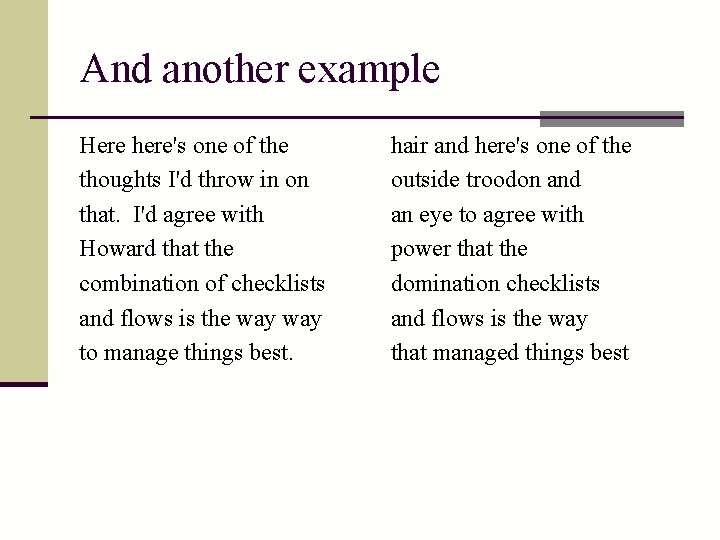
And another example Here here's one of the thoughts I'd throw in on that. I'd agree with Howard that the combination of checklists and flows is the way to manage things best. hair and here's one of the outside troodon and an eye to agree with power that the domination checklists and flows is the way that managed things best
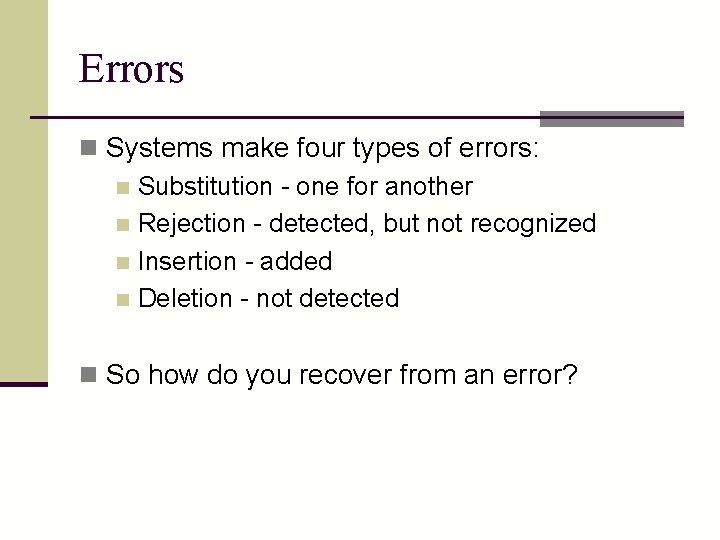
Errors n Systems make four types of errors: n Substitution - one for another n Rejection - detected, but not recognized n Insertion - added n Deletion - not detected n So how do you recover from an error?
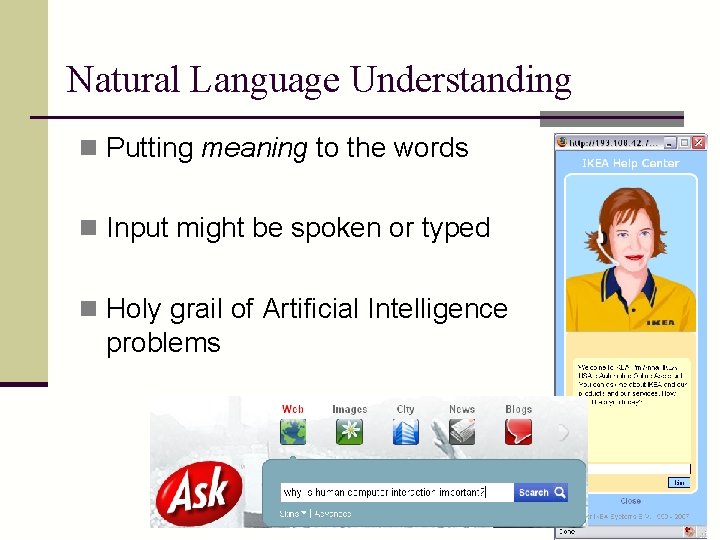
Natural Language Understanding n Putting meaning to the words n Input might be spoken or typed n Holy grail of Artificial Intelligence problems
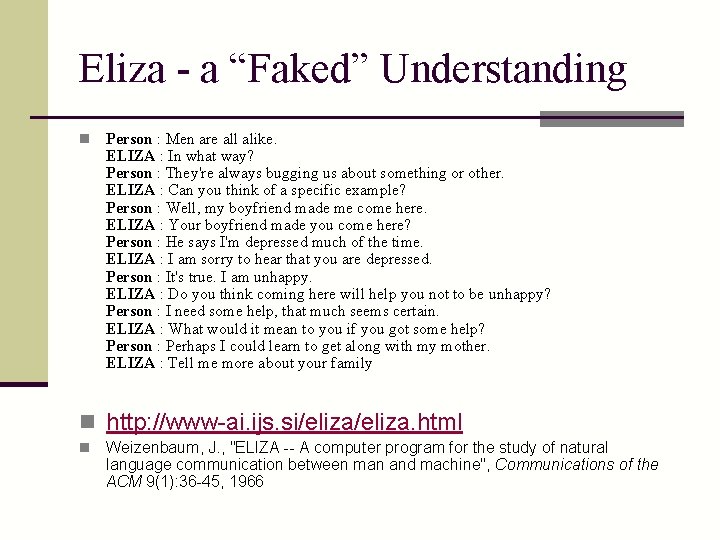
Eliza - a “Faked” Understanding n Person : Men are all alike. ELIZA : In what way? Person : They're always bugging us about something or other. ELIZA : Can you think of a specific example? Person : Well, my boyfriend made me come here. ELIZA : Your boyfriend made you come here? Person : He says I'm depressed much of the time. ELIZA : I am sorry to hear that you are depressed. Person : It's true. I am unhappy. ELIZA : Do you think coming here will help you not to be unhappy? Person : I need some help, that much seems certain. ELIZA : What would it mean to you if you got some help? Person : Perhaps I could learn to get along with my mother. ELIZA : Tell me more about your family n http: //www-ai. ijs. si/eliza. html n Weizenbaum, J. , "ELIZA -- A computer program for the study of natural language communication between man and machine", Communications of the ACM 9(1): 36 -45, 1966
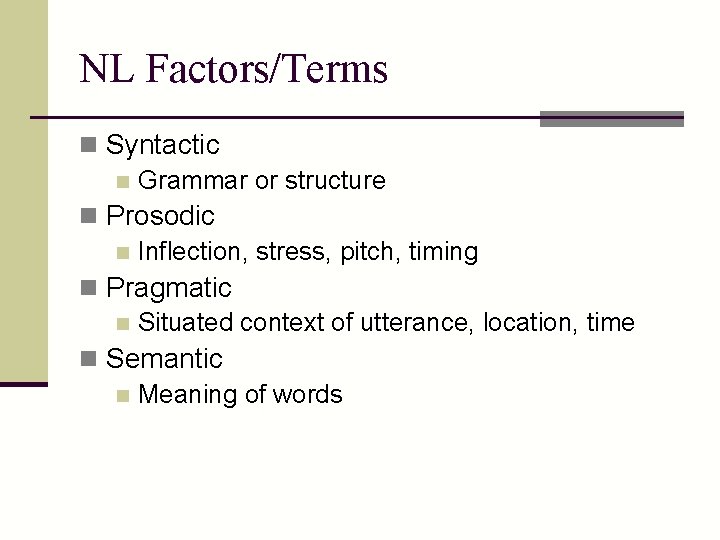
NL Factors/Terms n Syntactic n Grammar or structure n Prosodic n Inflection, stress, pitch, timing n Pragmatic n Situated context of utterance, location, time n Semantic n Meaning of words
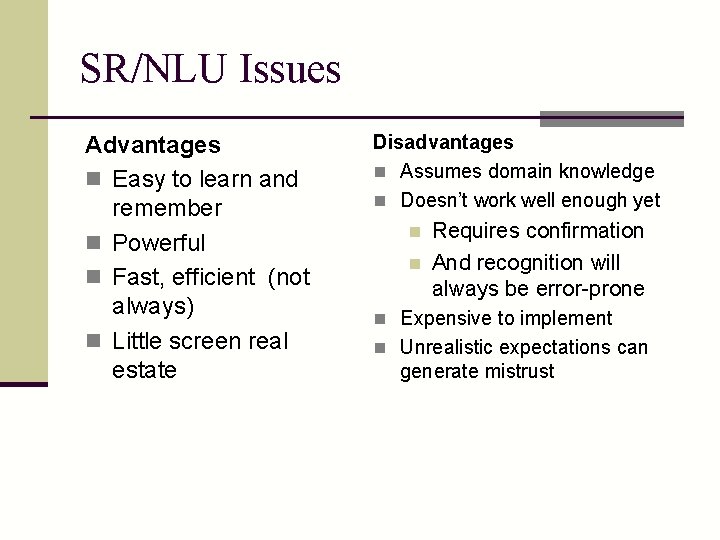
SR/NLU Issues Advantages n Easy to learn and remember n Powerful n Fast, efficient (not always) n Little screen real estate Disadvantages n Assumes domain knowledge n Doesn’t work well enough yet n n Requires confirmation And recognition will always be error-prone n Expensive to implement n Unrealistic expectations can generate mistrust
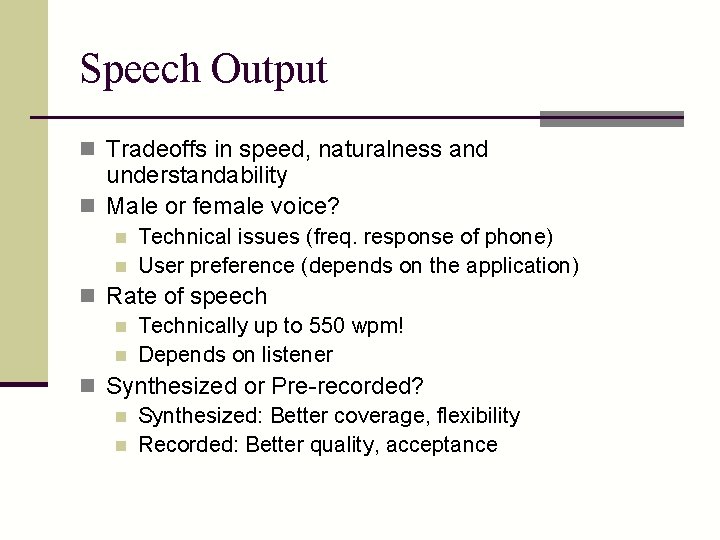
Speech Output n Tradeoffs in speed, naturalness and understandability n Male or female voice? n n Technical issues (freq. response of phone) User preference (depends on the application) n Rate of speech n Technically up to 550 wpm! n Depends on listener n Synthesized or Pre-recorded? n Synthesized: Better coverage, flexibility n Recorded: Better quality, acceptance
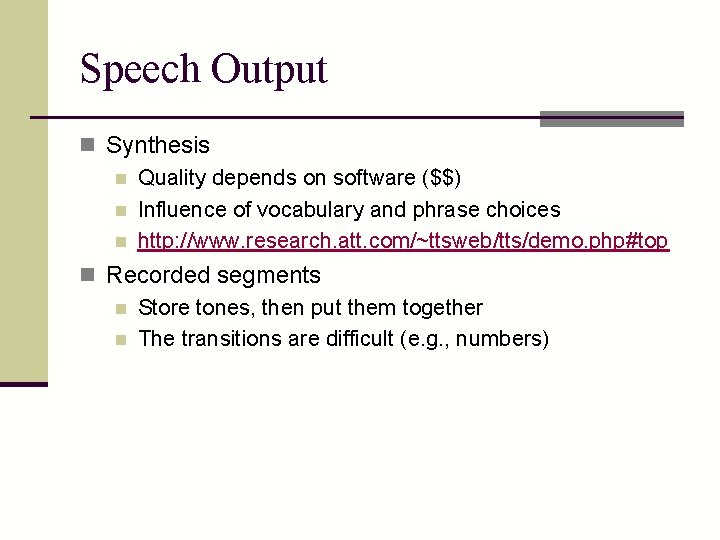
Speech Output n Synthesis n Quality depends on software ($$) n Influence of vocabulary and phrase choices n http: //www. research. att. com/~ttsweb/tts/demo. php#top n Recorded segments n Store tones, then put them together n The transitions are difficult (e. g. , numbers)
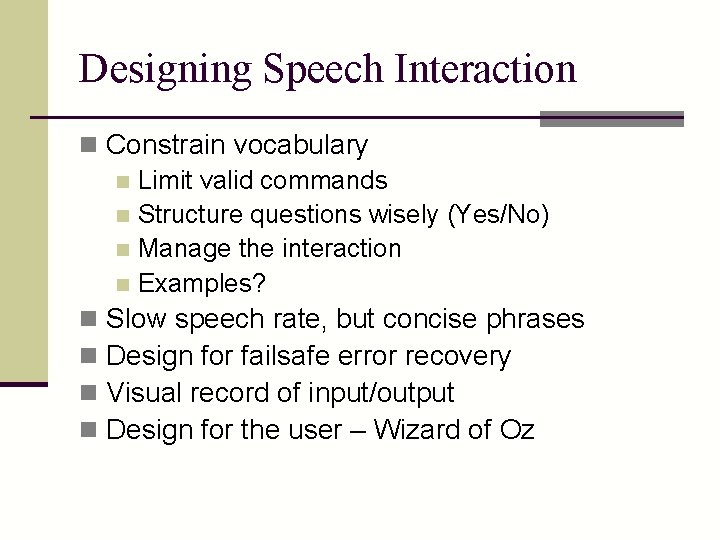
Designing Speech Interaction n Constrain vocabulary n Limit valid commands n Structure questions wisely (Yes/No) n Manage the interaction n Examples? n Slow speech rate, but concise phrases n Design for failsafe error recovery n Visual record of input/output n Design for the user – Wizard of Oz
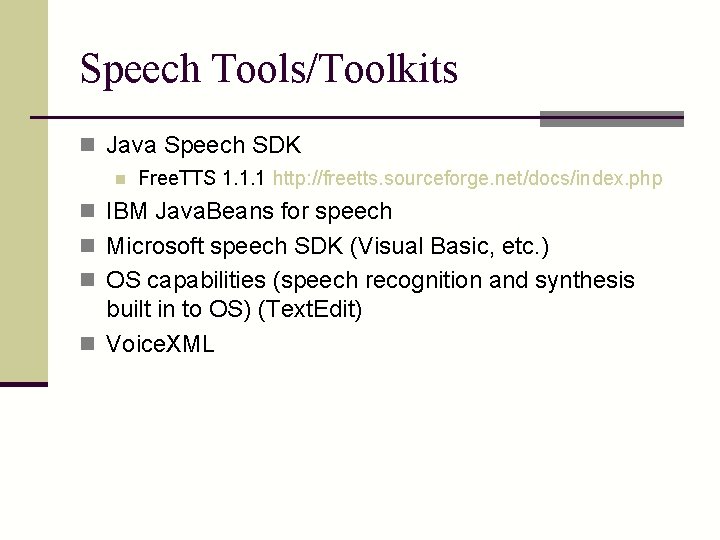
Speech Tools/Toolkits n Java Speech SDK n Free. TTS 1. 1. 1 http: //freetts. sourceforge. net/docs/index. php n IBM Java. Beans for speech n Microsoft speech SDK (Visual Basic, etc. ) n OS capabilities (speech recognition and synthesis built in to OS) (Text. Edit) n Voice. XML
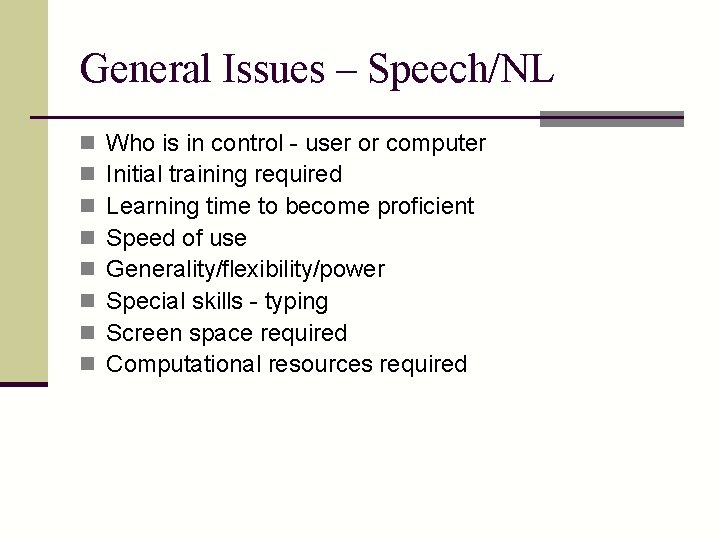
General Issues – Speech/NL n n n n Who is in control - user or computer Initial training required Learning time to become proficient Speed of use Generality/flexibility/power Special skills - typing Screen space required Computational resources required
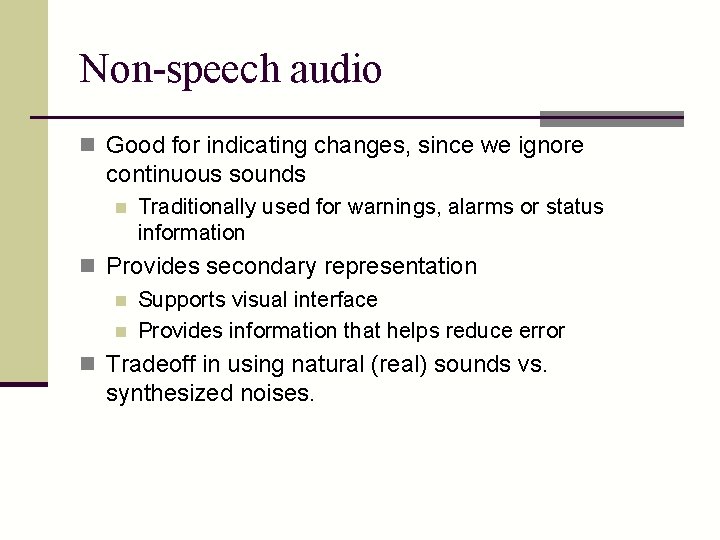
Non-speech audio n Good for indicating changes, since we ignore continuous sounds n Traditionally used for warnings, alarms or status information n Provides secondary representation n Supports visual interface n Provides information that helps reduce error n Tradeoff in using natural (real) sounds vs. synthesized noises.
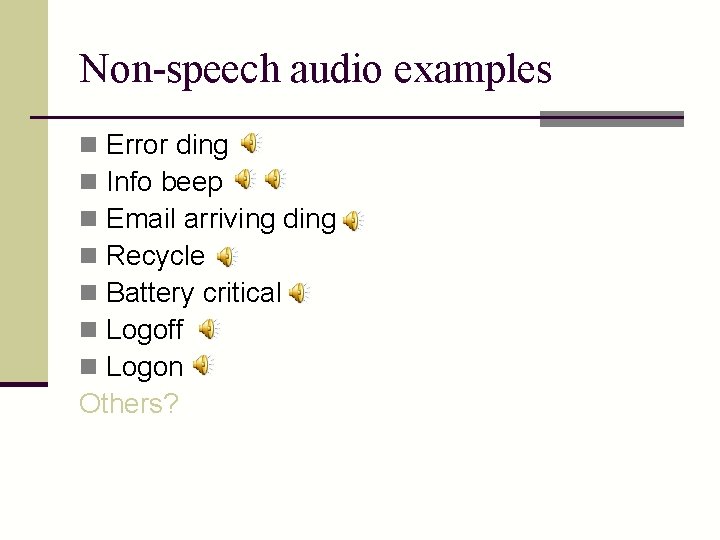
Non-speech audio examples Error ding Info beep Email arriving ding Recycle Battery critical Logoff Logon Others? n n n n
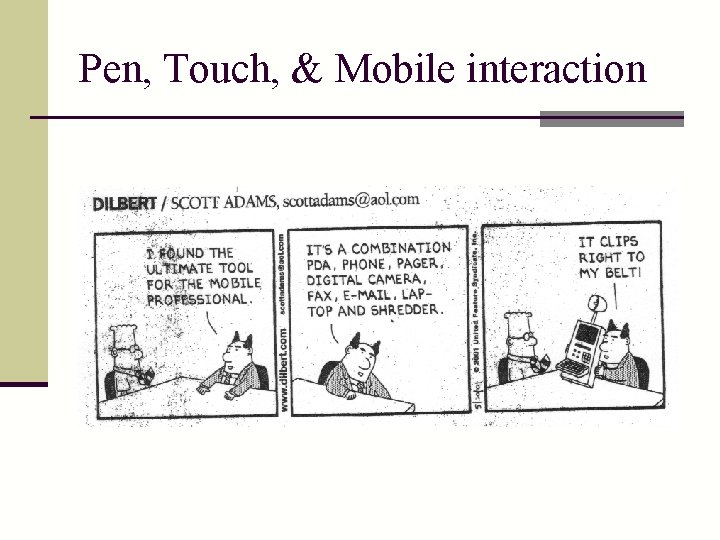
Pen, Touch, & Mobile interaction
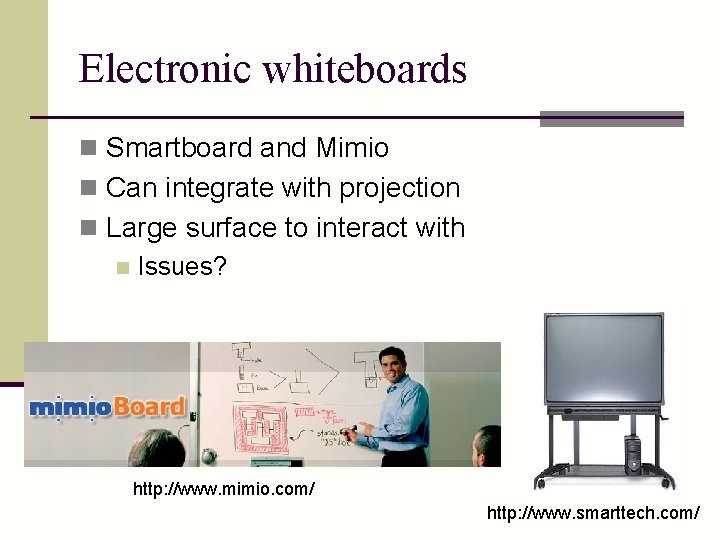
Pen, Touch, & Mobile dialog n Stylus or finger n Tradeoffs of each? n Pen as a standard mouse (doubleclick? ) n Variety of platforms n Desktop touch screens or input pads (Wacom) n Tablet PCs n Handheld and Mobile devices n Electronic whiteboards n Platforms often involve variety of size and other constraints
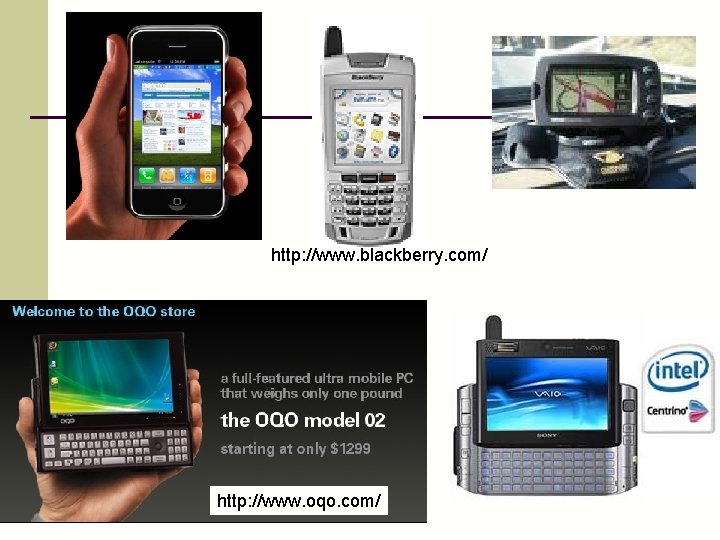
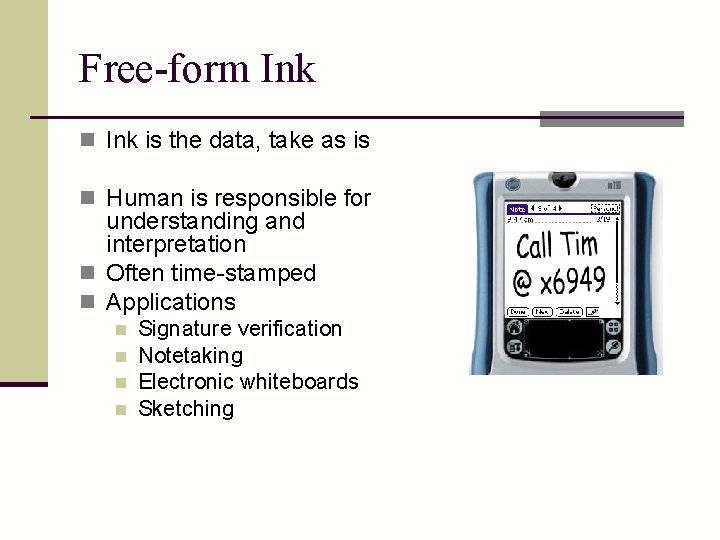
Mobile devices n More common as more platforms available n PDA n Cell phone n Ultra mobile tablets n GPS n Smaller display (160 x 160), (320 x 240) n Few buttons, different interactions n Free-form ink n Soft keyboard n Numeric keyboard => text n Stroke recognition n Hand printing / writing recognition
http: //www. blackberry. com/ http: //www. oqo. com/
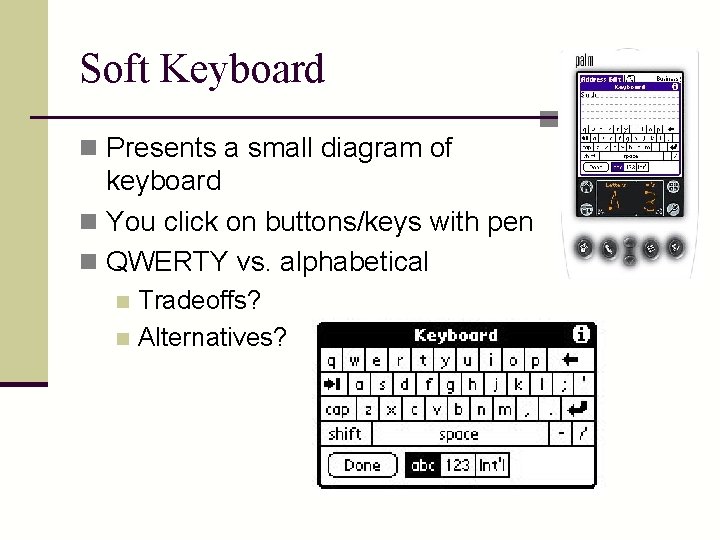
Soft Keyboard n Presents a small diagram of keyboard n You click on buttons/keys with pen n QWERTY vs. alphabetical Tradeoffs? n Alternatives? n
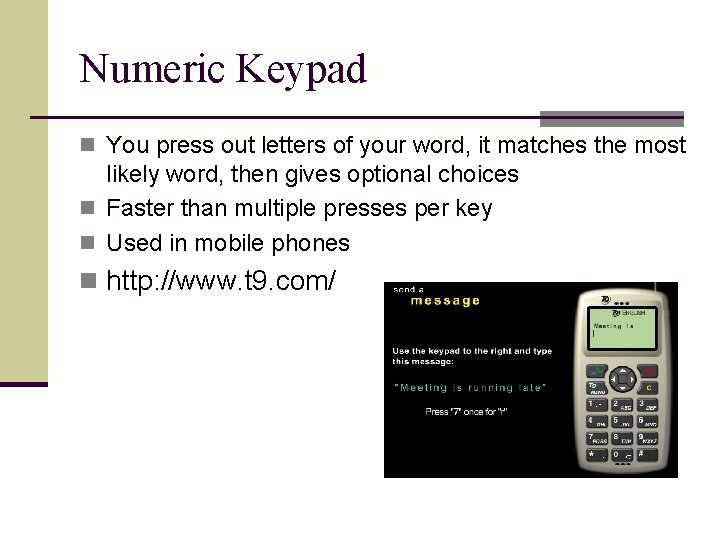
Numeric Keypad n You press out letters of your word, it matches the most likely word, then gives optional choices n Faster than multiple presses per key n Used in mobile phones n http: //www. t 9. com/
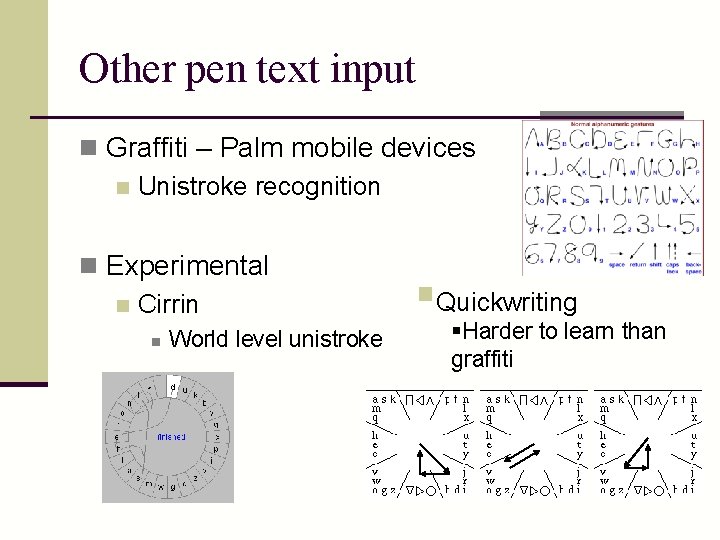
Other pen text input n Graffiti – Palm mobile devices n Unistroke recognition n Experimental n Cirrin n World level unistroke §Quickwriting §Harder to learn than graffiti
Hand Printing / Writing Recognition n Recognizing letters and numbers and special symbols n Lots of systems (commercial too) n English, kanji, etc. n Not perfect, but people aren’t either! n n People - 96% handprinted single characters Computer - >97% is really good
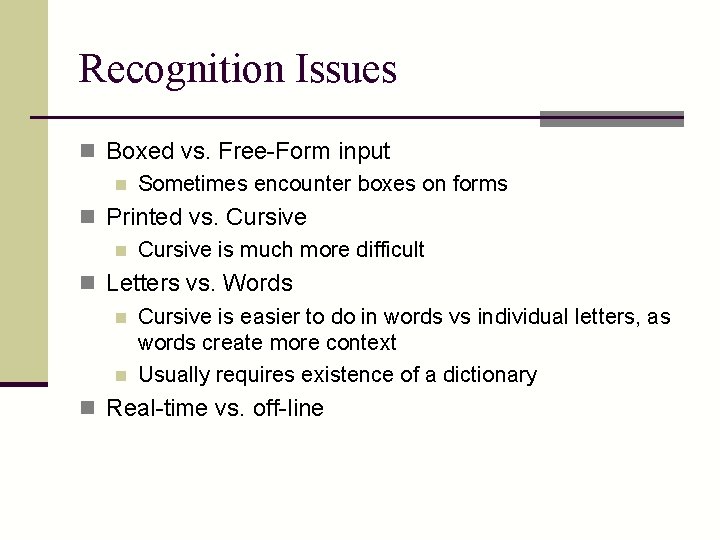
Recognition Issues n Boxed vs. Free-Form input n Sometimes encounter boxes on forms n Printed vs. Cursive n Cursive is much more difficult n Letters vs. Words n Cursive is easier to do in words vs individual letters, as words create more context n Usually requires existence of a dictionary n Real-time vs. off-line
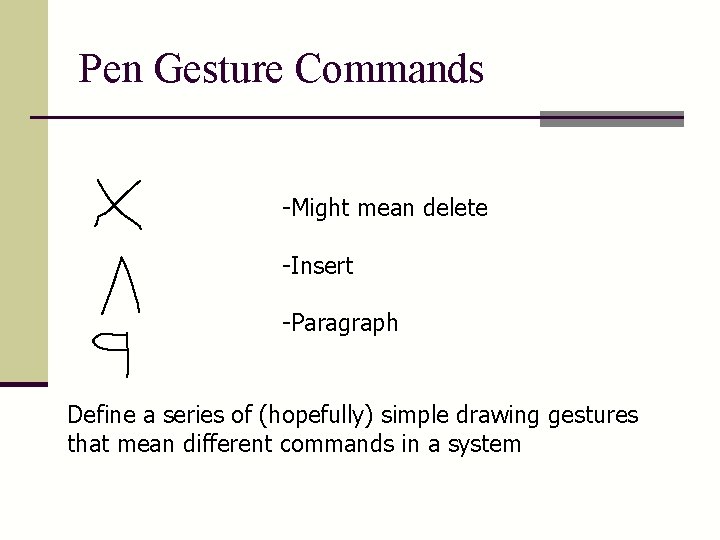
Pen Gesture Commands -Might mean delete -Insert -Paragraph Define a series of (hopefully) simple drawing gestures that mean different commands in a system
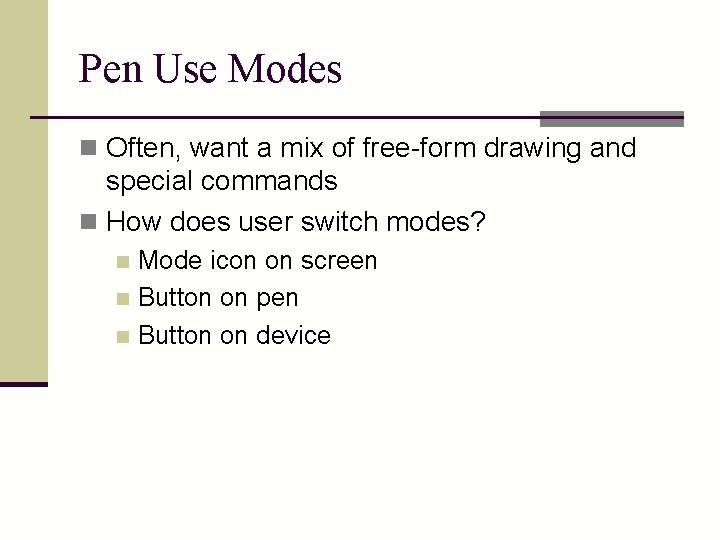
Pen Use Modes n Often, want a mix of free-form drawing and special commands n How does user switch modes? Mode icon on screen n Button on pen n Button on device n
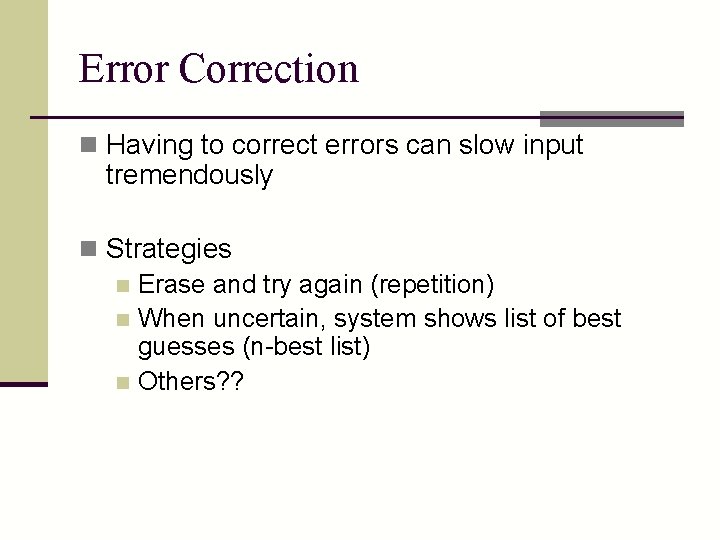
Error Correction n Having to correct errors can slow input tremendously n Strategies n Erase and try again (repetition) n When uncertain, system shows list of best guesses (n-best list) n Others? ?
Free-form Ink n Ink is the data, take as is n Human is responsible for understanding and interpretation n Often time-stamped n Applications n n Signature verification Notetaking Electronic whiteboards Sketching
Electronic whiteboards n Smartboard and Mimio n Can integrate with projection n Large surface to interact with n Issues? http: //www. mimio. com/ http: //www. smarttech. com/
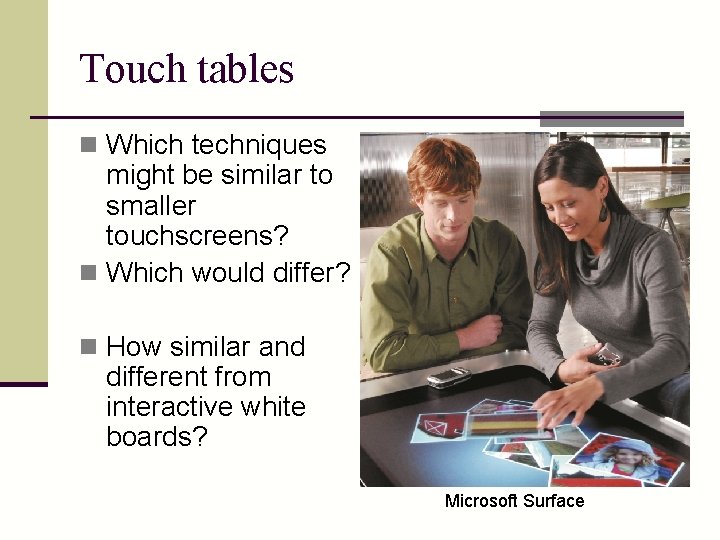
Touch tables n Which techniques might be similar to smaller touchscreens? n Which would differ? n How similar and different from interactive white boards? Microsoft Surface
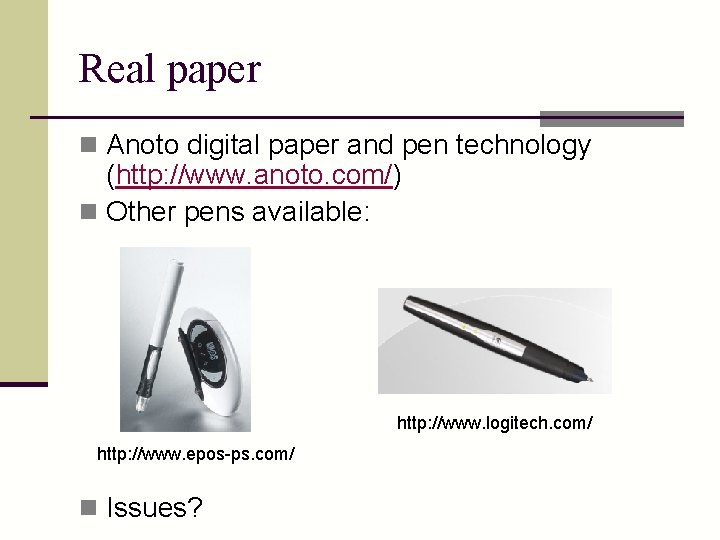
Real paper n Anoto digital paper and pen technology (http: //www. anoto. com/) n Other pens available: http: //www. logitech. com/ http: //www. epos-ps. com/ n Issues?
General Issues – Pen input n n n n Who is in control - user or computer Initial training required Learning time to become proficient Speed of use Generality/flexibility/power Special skills - typing Screen space required Computational resources required
Other interesting interactions n Gesture input n Wii n Lots of other specialized hardware for tracking n 3 D interaction n Stereoscopic displays n Virtual reality n Immersive displays such as glasses, caves n Augmented reality n Head trackers and vision based tracking n Tangible interaction n Use physical objects to express input