
Dialog Design Categories of Dialogs SCHOOL OF INTERACTIVE
![Dialog Design Categories of Dialogs __________________________________________________ SCHOOL OF INTERACTIVE ARTS + TECHNOLOGY [SIAT] |](https://slidetodoc.com/presentation_image/2345c46b1f35bc81c8e1189331f7c6f8/image-1.jpg "Dialog Design Categories of Dialogs __________________________________________________ SCHOOL OF INTERACTIVE ARTS + TECHNOLOGY [SIAT] |")
- Slides: 60
Dialog Design Categories of Dialogs __________________________________________________ SCHOOL OF INTERACTIVE ARTS + TECHNOLOGY [SIAT] | WWW. SIAT. SFU. CA
Agenda g Dialog design – Command Language – WIMP - Window, Icon, Menu, Pointer – Direct manipulation – Speech/Natural language – Gesture, pen, multi-touch, VR… Feb 10, 2011 IAT 334 2
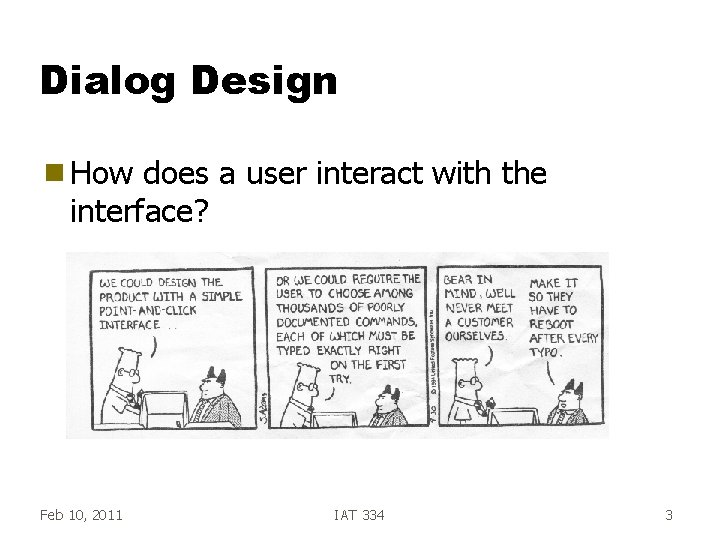
Dialog Design g How does a user interact with the interface? Feb 10, 2011 IAT 334 3
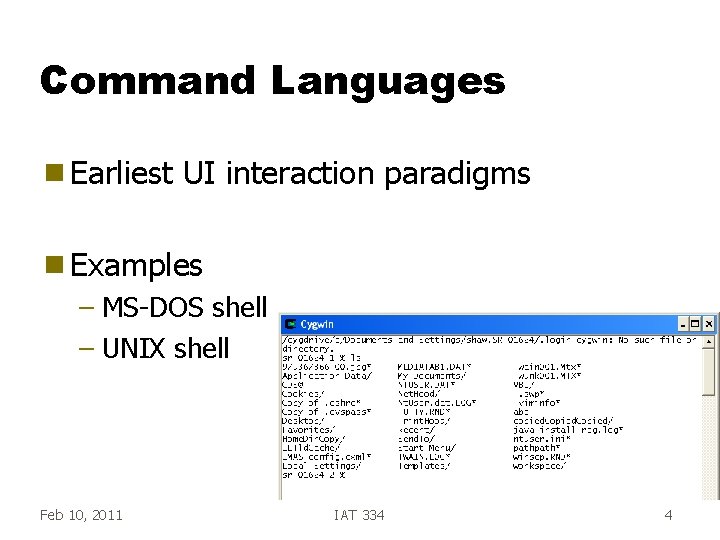
Command Languages g Earliest UI interaction paradigms g Examples – MS-DOS shell – UNIX shell Feb 10, 2011 IAT 334 4
CL Attributes g Work primarily by recall, not recognition g Heavy memory load g Little or nothing is visible so… g Poor choice for novices but. . . Feb 10, 2011 IAT 334 5
CL Attributes g Specify commands to operate on current data collection g User only controls initiation g Single thread of control g Some other display area needed Feb 10, 2011 IAT 334 6
CL Advantages g Advantages for experts – Speed, conciseness • % ls <ret> – Can express actions beyond a limited set • Flags, pipes – Repetition, extensibility • Scripts, macros – Easier implementation, less overhead – Power • eg. Wild cards Feb 10, 2011 IAT 334 7
CL Dangers g With added power, comes added responsibility and danger – UNIX % rm -r * • Deletes every file that you have, and you can’t get them back Feb 10, 2011 IAT 334 8
CL Reflection g Command languages are often maligned (for good reason) g But increased functionality can win out over bad UI (e. g. , LINUX) – Try to get both – Avoid excess functionality (comes at cost) Feb 10, 2011 IAT 334 9
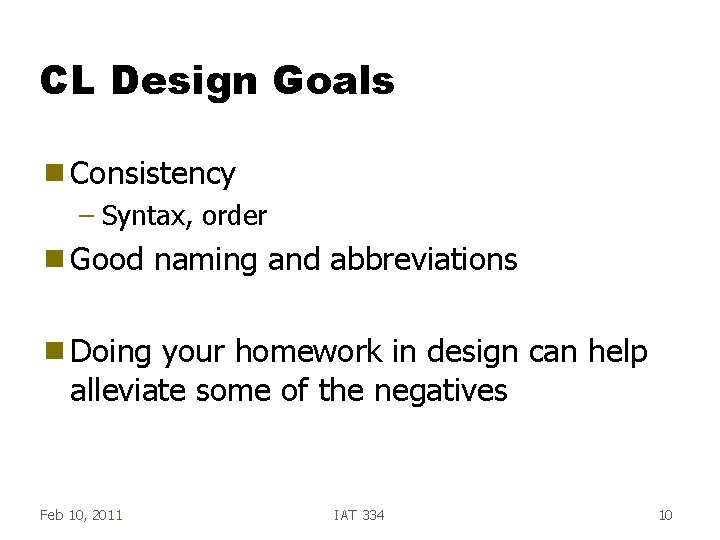
CL Design Goals g Consistency – Syntax, order g Good naming and abbreviations g Doing your homework in design can help alleviate some of the negatives Feb 10, 2011 IAT 334 10
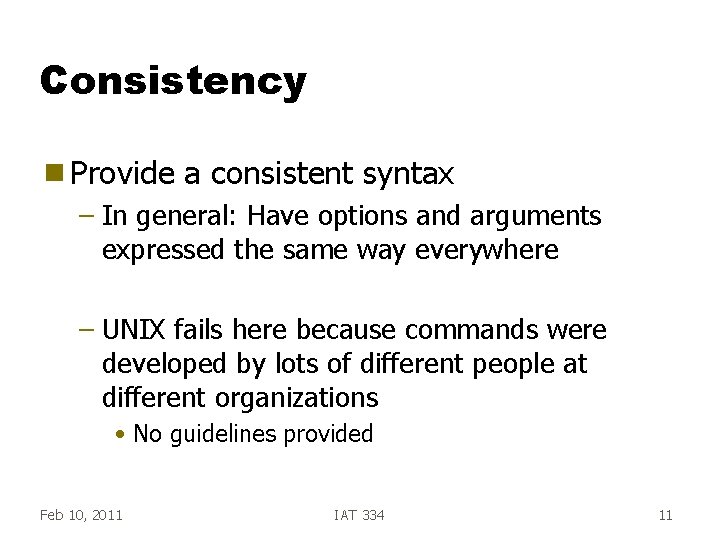
Consistency g Provide a consistent syntax – In general: Have options and arguments expressed the same way everywhere – UNIX fails here because commands were developed by lots of different people at different organizations • No guidelines provided Feb 10, 2011 IAT 334 11
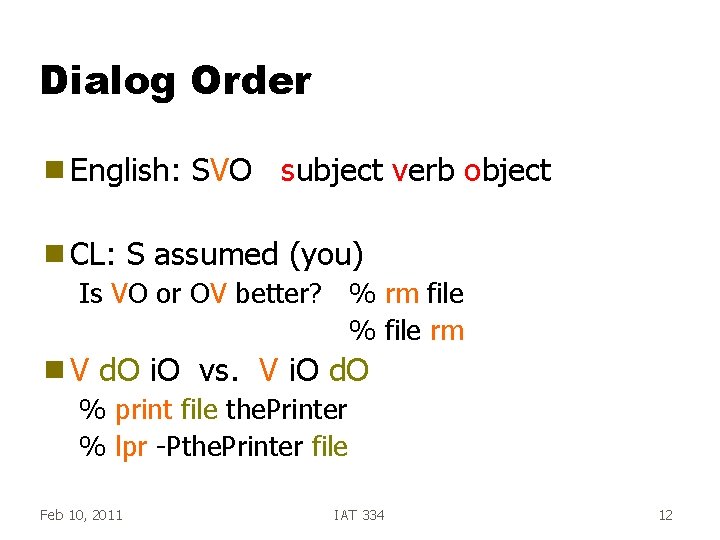
Dialog Order g English: g CL: SVO subject verb object S assumed (you) Is VO or OV better? % rm file % file rm g. V d. O i. O vs. V i. O d. O % print file the. Printer % lpr -Pthe. Printer file Feb 10, 2011 IAT 334 12
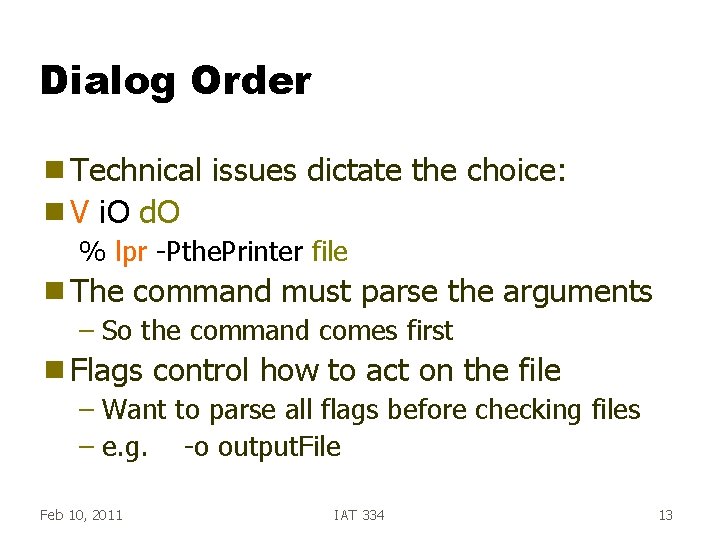
Dialog Order g Technical g. V issues dictate the choice: i. O d. O % lpr -Pthe. Printer file g The command must parse the arguments – So the command comes first g Flags control how to act on the file – Want to parse all flags before checking files – e. g. -o output. File Feb 10, 2011 IAT 334 13
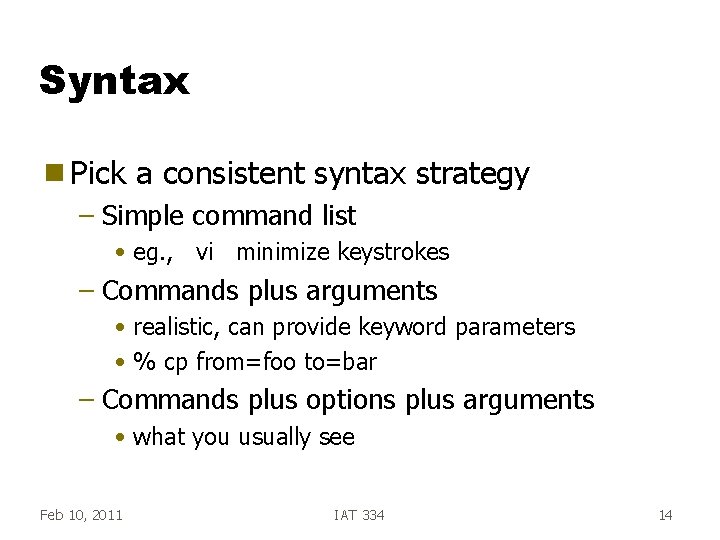
Syntax g Pick a consistent syntax strategy – Simple command list • eg. , vi minimize keystrokes – Commands plus arguments • realistic, can provide keyword parameters • % cp from=foo to=bar – Commands plus options plus arguments • what you usually see Feb 10, 2011 IAT 334 14
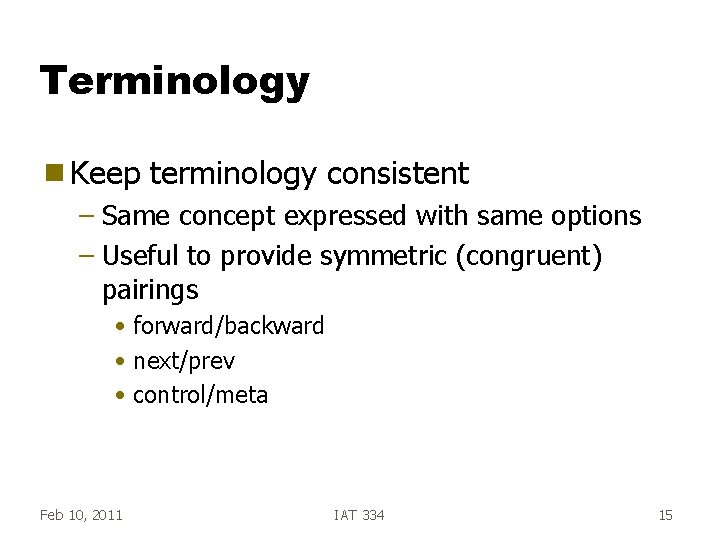
Terminology g Keep terminology consistent – Same concept expressed with same options – Useful to provide symmetric (congruent) pairings • forward/backward • next/prev • control/meta Feb 10, 2011 IAT 334 15
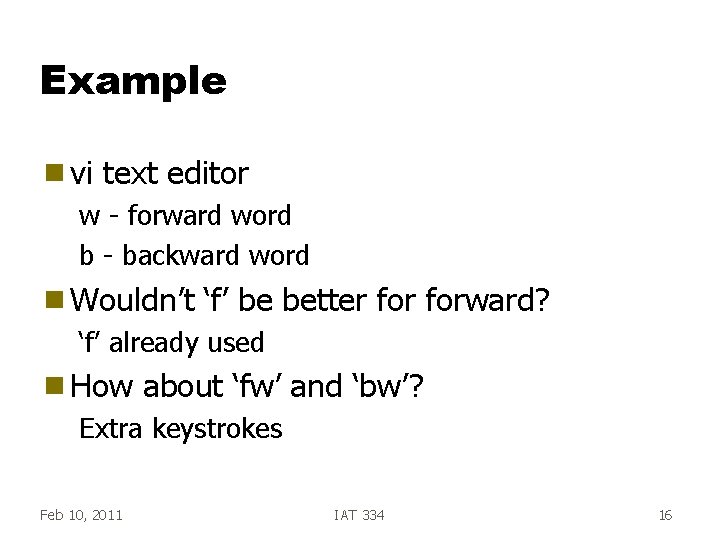
Example g vi text editor w - forward word b - backward word g Wouldn’t ‘f’ be better forward? ‘f’ already used g How about ‘fw’ and ‘bw’? Extra keystrokes Feb 10, 2011 IAT 334 16
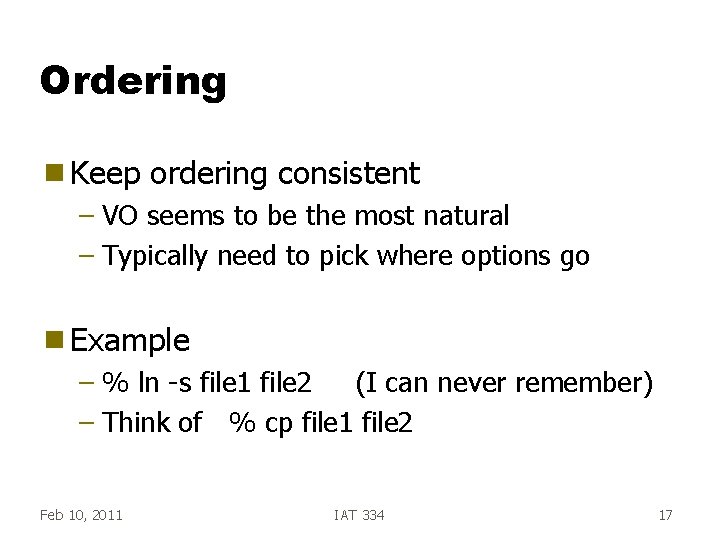
Ordering g Keep ordering consistent – VO seems to be the most natural – Typically need to pick where options go g Example – % ln -s file 1 file 2 (I can never remember) – Think of % cp file 1 file 2 Feb 10, 2011 IAT 334 17
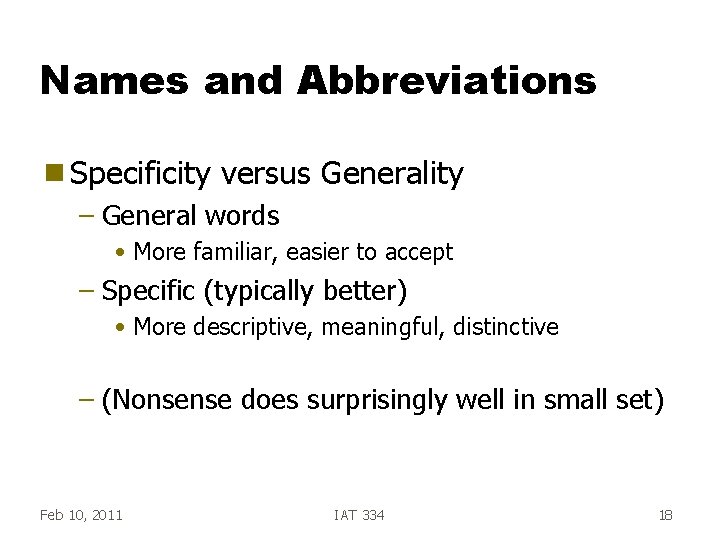
Names and Abbreviations g Specificity versus Generality – General words • More familiar, easier to accept – Specific (typically better) • More descriptive, meaningful, distinctive – (Nonsense does surprisingly well in small set) Feb 10, 2011 IAT 334 18
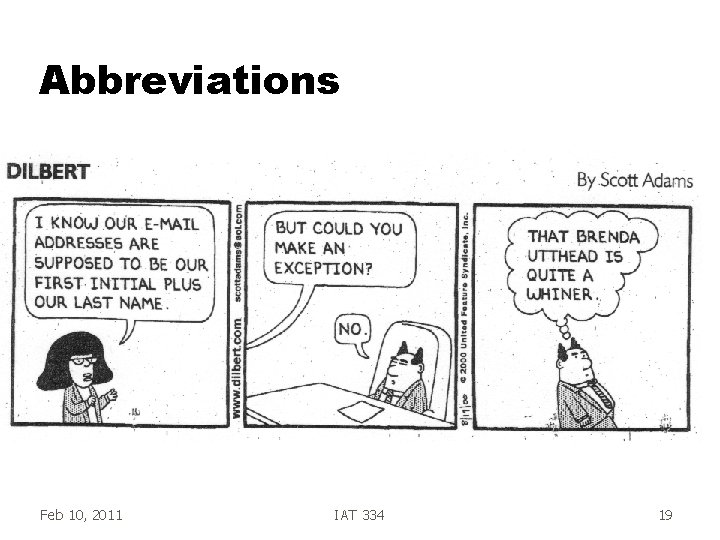
Abbreviations Feb 10, 2011 IAT 334 19
Abbreviations g Abbrevs. allow for faster actions – Expert performance begins to be dominated by motor times such as # of keystrokes – Not good idea for novices – (Allow but don’t require) • IBM CMS and DEC VMS had shortened commandsfirst unique characters were enough • filelist -- f, fil, filel, filelis, filelist Feb 10, 2011 IAT 334 20
Picking Good Abbrevs. g Strategies – Simple truncation (works best, but conflicts) – Vowel drop plus truncation (avoid conflicts) – First and last letters – First letters of words in a phrase – Standard abbrev from other contexts • qty, rm, bldg – Phonics • xqt Feb 10, 2011 IAT 334 21
Abbrv Gdlns g Use single primary rule (with single fallback for conflicts) – Use fallback as little as possible – Mark use of fallback in documentation Let user know primary and secondary rules g Truncation is good but generates conflicts g Fixed length is better than variable length g Don’t use abbrevs in system output g Feb 10, 2011 IAT 334 22
Agenda g Dialog design – Command Language – WIMP - Window, Icon, Menu, Pointer – Direct manipulation – Speech/Natural language – Gesture, pen, multi-touch, VR… Feb 10, 2011 IAT 334 23
WIMP g Focus: Menus, Buttons, Forms g Predominant interface paradigm now (with some direct manipulation added) g Advantages: –? Feb 10, 2011 IAT 334 24
Recognition g Recognition is easier than recall! – Recall has one cue – Recognition has the recall cue + the presence of the prompting word/icon Feb 10, 2011 IAT 334 25
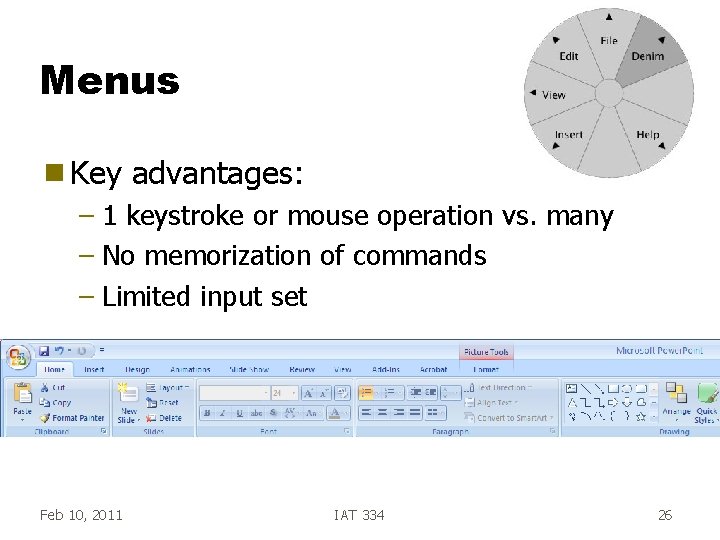
Menus g Key advantages: – 1 keystroke or mouse operation vs. many – No memorization of commands – Limited input set Feb 10, 2011 IAT 334 26
Menus g Many different types – pop-up – pull-down – radio buttons – pie buttons – hierarchies Feb 10, 2011 IAT 334 27
Menu Items g Organization strategies – Create groups of logically similar items – Cover all possibilities – Ensure that items are non-overlapping – Keep wording concise, understandable Feb 10, 2011 IAT 334 28
Bad Example g Travel web page links: – Flight page – 3 Best Itineraries – Flights & Prices – Timetables – Fares g Which Feb 10, 2011 do you choose for reservations? IAT 334 29
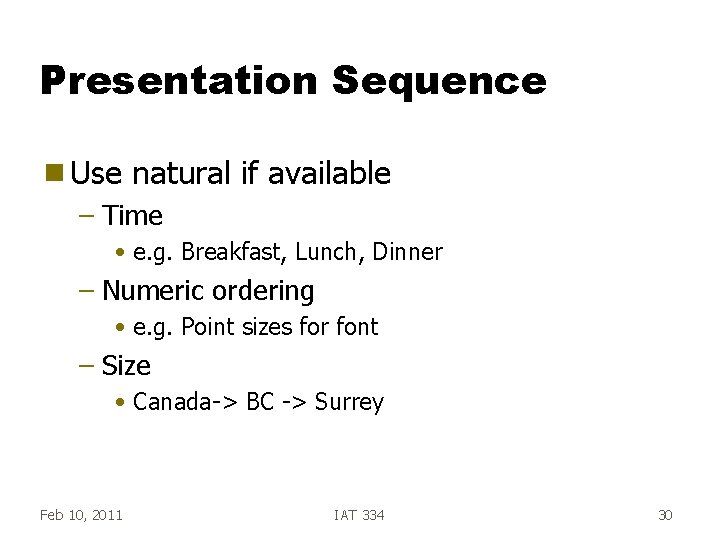
Presentation Sequence g Use natural if available – Time • e. g. Breakfast, Lunch, Dinner – Numeric ordering • e. g. Point sizes for font – Size • Canada-> BC -> Surrey Feb 10, 2011 IAT 334 30
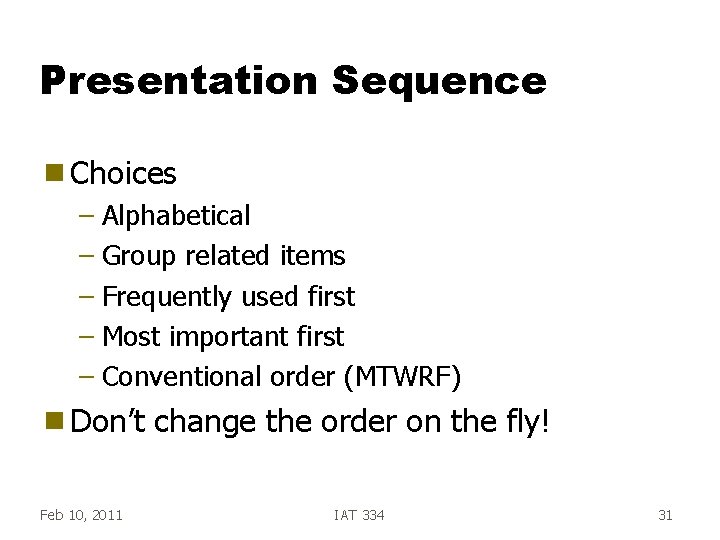
Presentation Sequence g Choices – Alphabetical – Group related items – Frequently used first – Most important first – Conventional order (MTWRF) g Don’t Feb 10, 2011 change the order on the fly! IAT 334 31
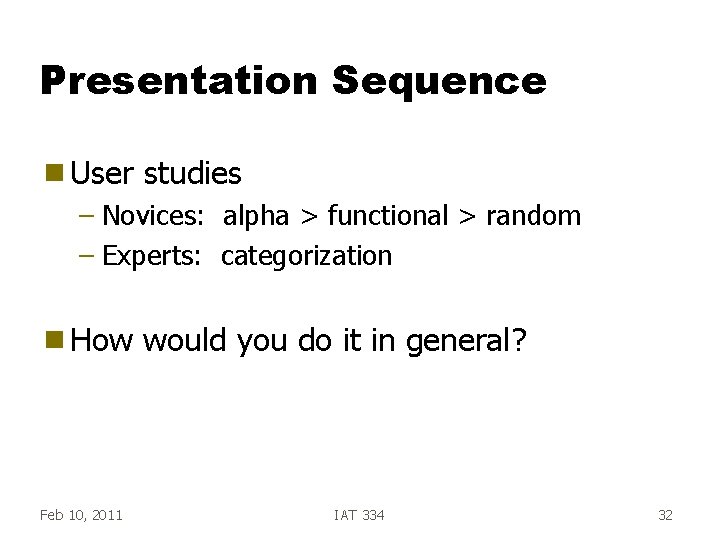
Presentation Sequence g User studies – Novices: alpha > functional > random – Experts: categorization g How Feb 10, 2011 would you do it in general? IAT 334 32
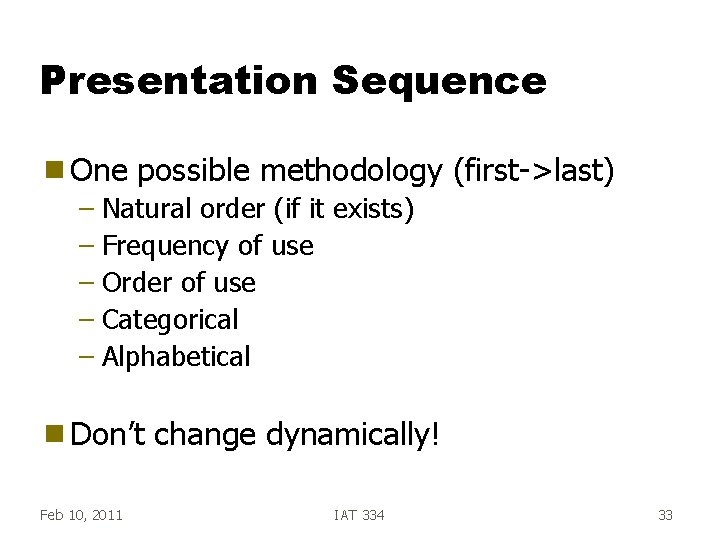
Presentation Sequence g One possible methodology (first->last) – Natural order (if it exists) – Frequency of use – Order of use – Categorical – Alphabetical g Don’t Feb 10, 2011 change dynamically! IAT 334 33
Agenda g Dialog design – Command Language – WIMP - Window, Icon, Menu, Pointer – Direct manipulation – Speech/Natural language – Gesture, pen, multi-touch, VR… Feb 10, 2011 IAT 334 34
Direct Manipulation Continuous visibility of the objects and actions of interest g Rapid, incremental actions g Reversibility of all actions to encourage experimentation g Syntactic correctness of all actions—every action is syntactically legal g Replacement of command language syntax by direct manipulation of object of interest g Feb 10, 2011 IAT 334 35
Direct Manipulation g Examples – WYSIWYG editors and word processors – VISICALC - 1 st electronic spreadsheet – CAD – Desktop metaphor – Video games Feb 10, 2011 IAT 334 36
DM Syntax DM syntax is postfix g Direct. Objects first, Verb second g Typical – In this case, the command completes the utterance g Enables separate selection syntax g Indirect objects typically specified before direct objects – e. g. brush size before painting in Photoshop Feb 10, 2011 IAT 334 37
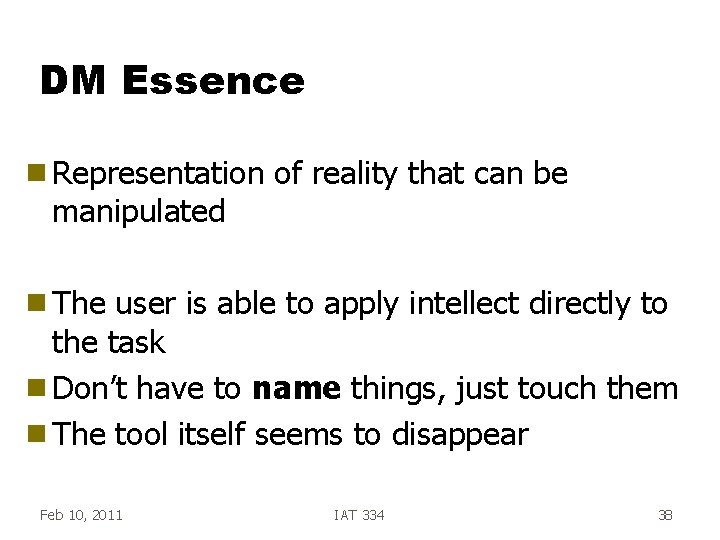
DM Essence g Representation manipulated of reality that can be g The user is able to apply intellect directly to the task g Don’t have to name things, just touch them g The tool itself seems to disappear Feb 10, 2011 IAT 334 38
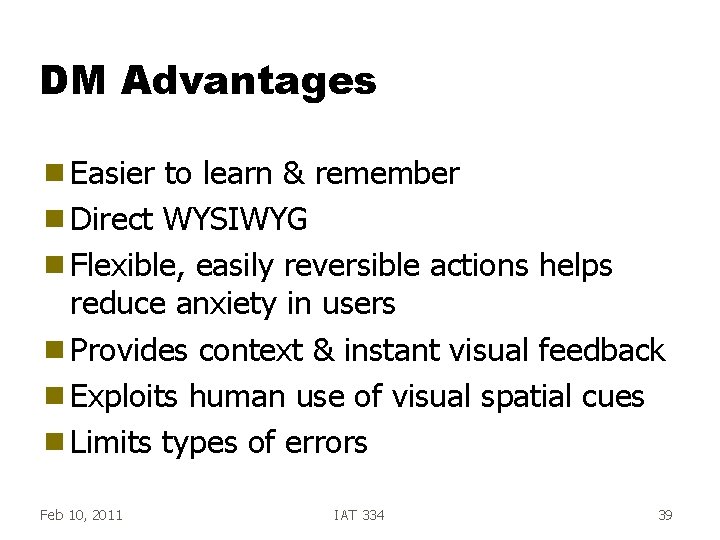
DM Advantages g Easier to learn & remember g Direct WYSIWYG g Flexible, easily reversible actions helps reduce anxiety in users g Provides context & instant visual feedback g Exploits human use of visual spatial cues g Limits types of errors Feb 10, 2011 IAT 334 39
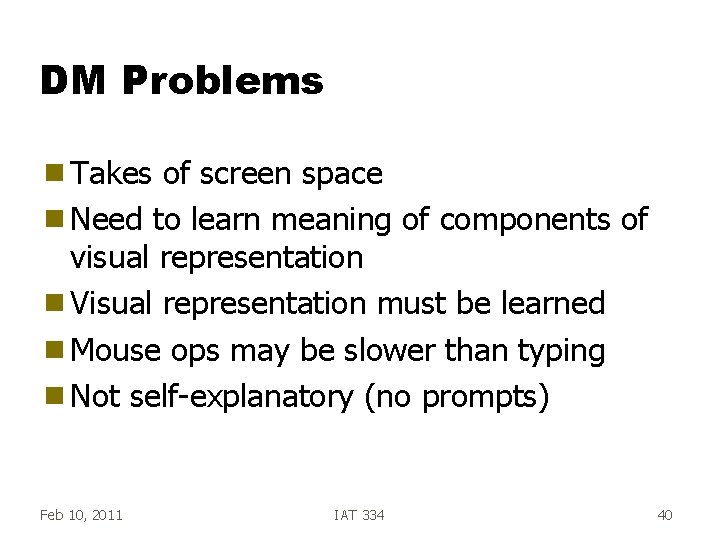
DM Problems g Takes of screen space g Need to learn meaning of components of visual representation g Visual representation must be learned g Mouse ops may be slower than typing g Not self-explanatory (no prompts) Feb 10, 2011 IAT 334 40
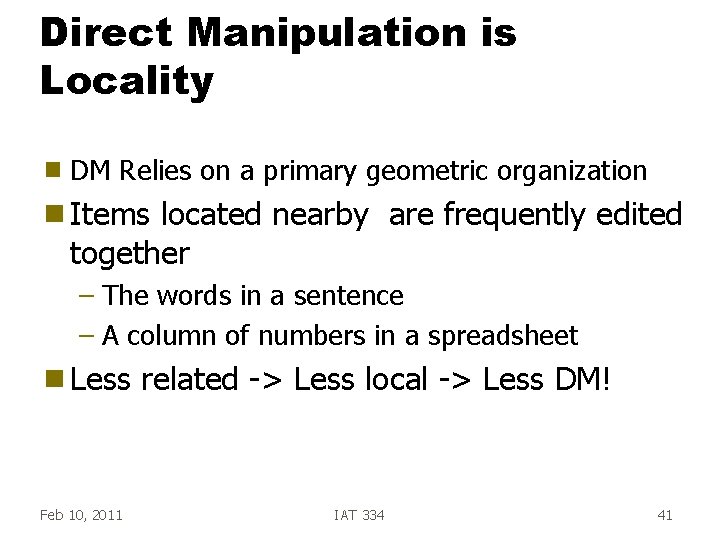
Direct Manipulation is Locality g DM Relies on a primary geometric organization g Items located nearby are frequently edited together – The words in a sentence – A column of numbers in a spreadsheet g Less Feb 10, 2011 related -> Less local -> Less DM! IAT 334 41
DM Problems g Not good at – Repetition – History keeping (harder) – Certain tasks (Change all italics to bold) – Macros harder – Abstract elements (variables) Feb 10, 2011 IAT 334 42
What is Directness? g Related to three things: – Physical Distance – “Gulfs” between user’s goals & system image – Engagement Hutchins, Hollan, Norman ‘ 86 Feb 10, 2011 IAT 334 43
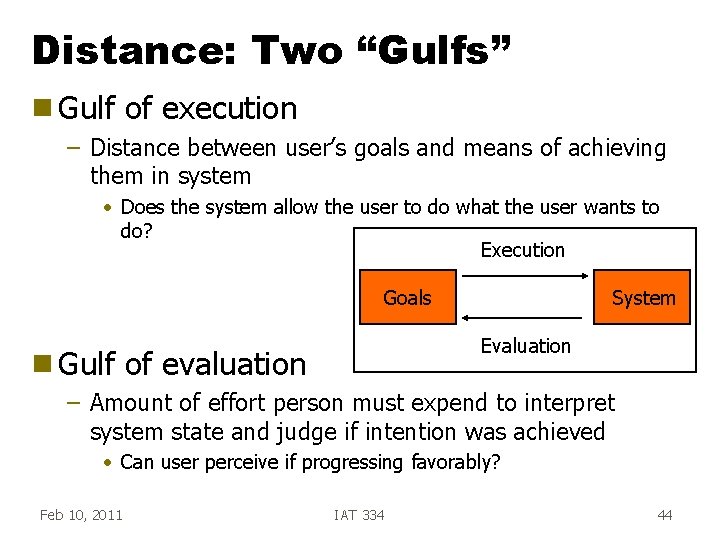
Distance: Two “Gulfs” g Gulf of execution – Distance between user’s goals and means of achieving them in system • Does the system allow the user to do what the user wants to do? Execution Goals g Gulf System Evaluation of evaluation – Amount of effort person must expend to interpret system state and judge if intention was achieved • Can user perceive if progressing favorably? Feb 10, 2011 IAT 334 44
Directness and Distance g Two types – Semantic - Relation between what user wants to express and what is available in interface • Can I say what I want (concisely)? – Articulatory - Relation between meanings of expressions and their physical form(s) • Is the way to perform an action expected and clear (appropriate)? Feb 10, 2011 IAT 334 45
Engagement g Feeling that you are directly manipulating the objects of interest g Promoted by – Unobtrusive interface – Minimizing gulfs of execution and evaluation – Appropriately responsive system Feb 10, 2011 IAT 334 46
Agenda g Dialog design – Command Language – WIMP - Window, Icon, Menu, Pointer – Direct manipulation – Speech/Natural language – Gesture, pen, multi-touch, VR… Feb 10, 2011 IAT 334 47
Speech Input g Speech synthesis g Speaker recognition g Speech recognition g Natural language understanding Feb 10, 2011 IAT 334 48
English Speech g Made up of 40 phonemes, 24 consonants and 16 vowels Feb 10, 2011 IAT 334 49
Speech Synthesis g Often hear robotic voice g Store tones, then put them together – The transition is the difficult thing to do Feb 10, 2011 IAT 334 50
Speaker Recognition g Tell which person it is (voice print) g Could be important for monitoring meetings Feb 10, 2011 IAT 334 51
Speech Recognition g Primarily identifying words g Improving all the time g Commercial systems: – IBM/Nuance Via. Voice, Ford Sync. . . Feb 10, 2011 IAT 334 52
Recognition Dimensions g Speaker dependent/independent – Parametric patterns are sensitive to speaker – With training can get better g Vocabulary – Some are getting 50, 000+ words g Isolated word vs. continuous speech – Continuous: where words stop & begin – Typically a pattern match, no context used Feb 10, 2011 IAT 334 53
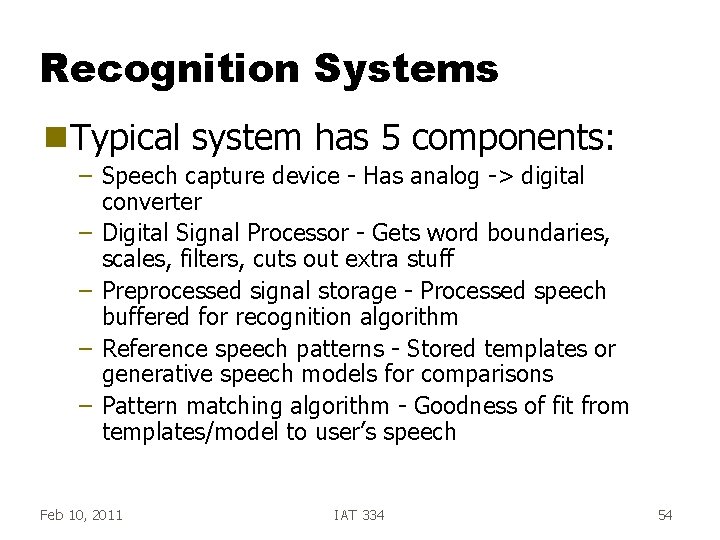
Recognition Systems g Typical system has 5 components: – Speech capture device - Has analog -> digital – – converter Digital Signal Processor - Gets word boundaries, scales, filters, cuts out extra stuff Preprocessed signal storage - Processed speech buffered for recognition algorithm Reference speech patterns - Stored templates or generative speech models for comparisons Pattern matching algorithm - Goodness of fit from templates/model to user’s speech Feb 10, 2011 IAT 334 54
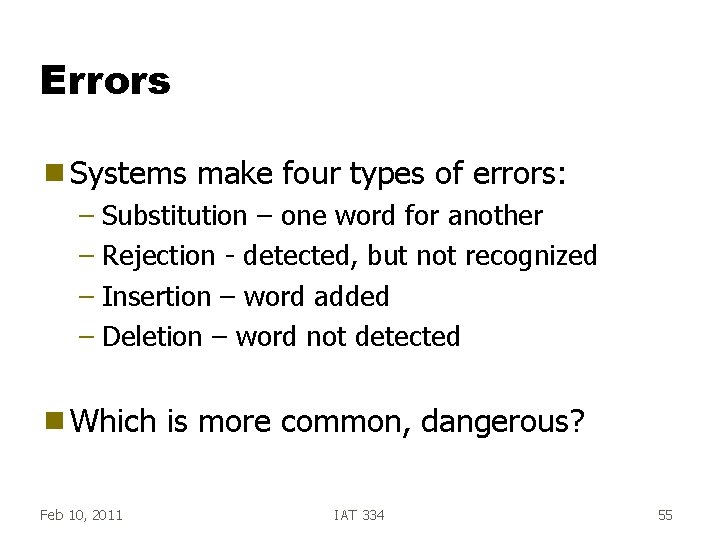
Errors g Systems make four types of errors: – Substitution – one word for another – Rejection - detected, but not recognized – Insertion – word added – Deletion – word not detected g Which Feb 10, 2011 is more common, dangerous? IAT 334 55
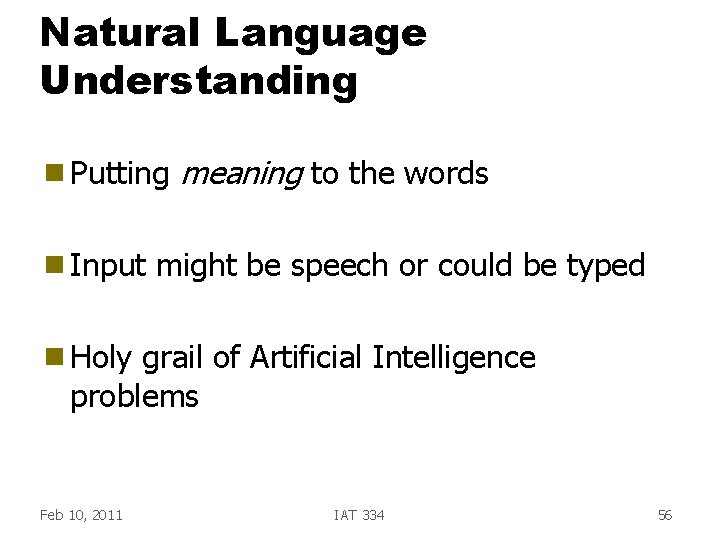
Natural Language Understanding g Putting g Input meaning to the words might be speech or could be typed g Holy grail of Artificial Intelligence problems Feb 10, 2011 IAT 334 56
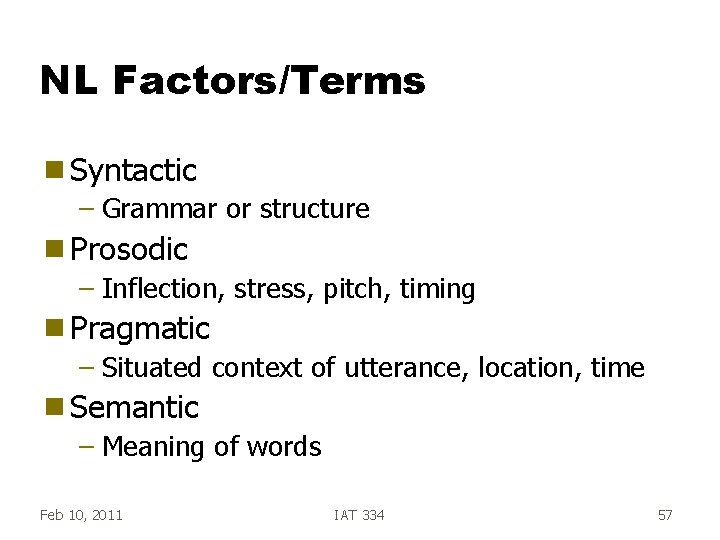
NL Factors/Terms g Syntactic – Grammar or structure g Prosodic – Inflection, stress, pitch, timing g Pragmatic – Situated context of utterance, location, time g Semantic – Meaning of words Feb 10, 2011 IAT 334 57
SR/NLU Advantages g Easy to learn and remember g Powerful g Fast, efficient (not always) g Little screen real estate Feb 10, 2011 IAT 334 58
SR/NLU Disadvantages g Doesn’t work well enough yet g Assumes knowledge of problem domain – Not prompted, like menus g Requires typing skill (if keyboard) g Enhancements are invisible g Expensive to implement Feb 10, 2011 IAT 334 59
Good in Situations g Hands busy g Mobility required g Eyes occupied g Conditions preclude use of keyboard g Visual impairment g Physical limitation Feb 10, 2011 IAT 334 60