
DEVS MS Tutorial with eclipse IDE Chungman Seo
- Slides: 14
DEVS M&S Tutorial with eclipse IDE Chungman Seo cseo@email. arizona. edu
Environment to develop DEVS M&S n Integration Development Environment q q q n Required library q q n Eclipse : www. eclipse. org/downloads Net. Beans : www. netbeans. org Jbuilder : http: //www. codegear. com/products/jbuilder Java SDK (1. 6) : http: //java. sun. com/javase/downloads/index. jsp core. DEVSJAVA 3. 1 : class home page Source files q gpt. zip : class home page
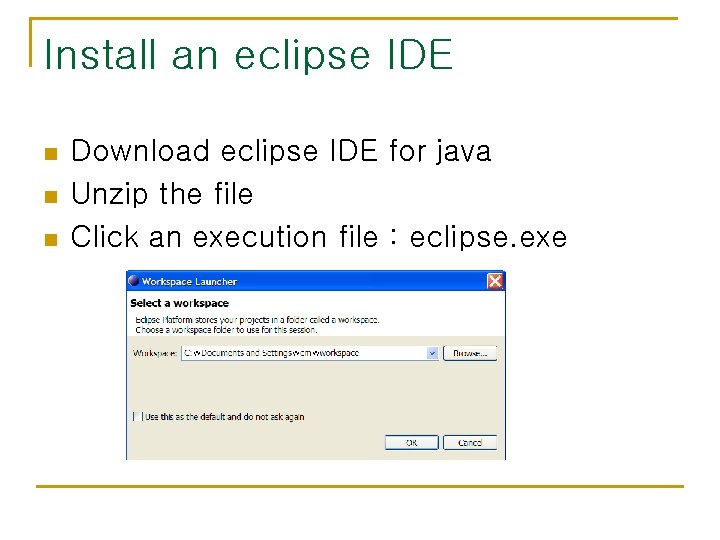
Install an eclipse IDE n n n Download eclipse IDE for java Unzip the file Click an execution file : eclipse. exe
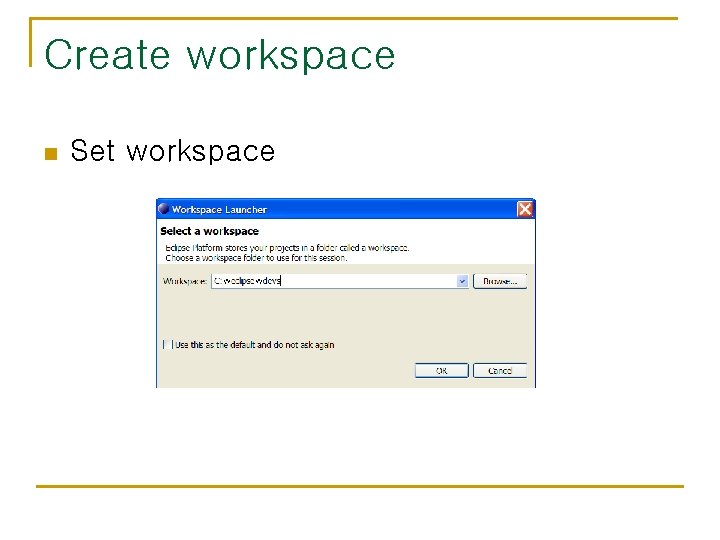
Create workspace n Set workspace
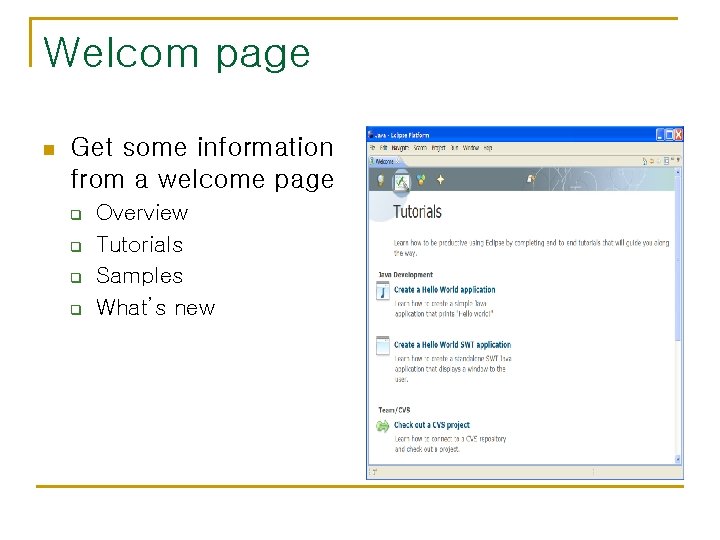
Welcom page n Get some information from a welcome page q q Overview Tutorials Samples What’s new
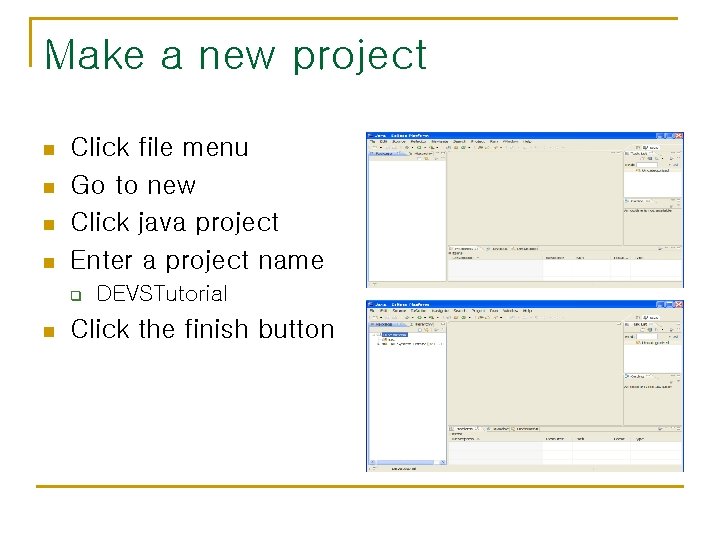
Make a new project n n Click file menu Go to new Click java project Enter a project name q n DEVSTutorial Click the finish button
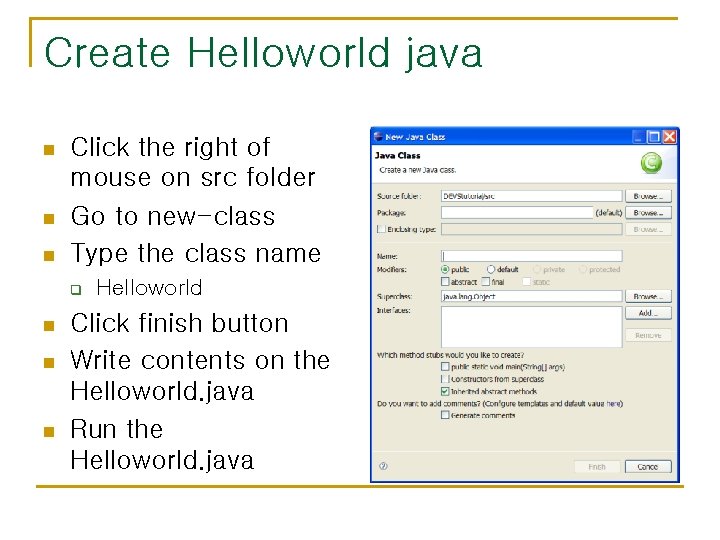
Create Helloworld java n n n Click the right of mouse on src folder Go to new-class Type the class name q n n n Helloworld Click finish button Write contents on the Helloworld. java Run the Helloworld. java
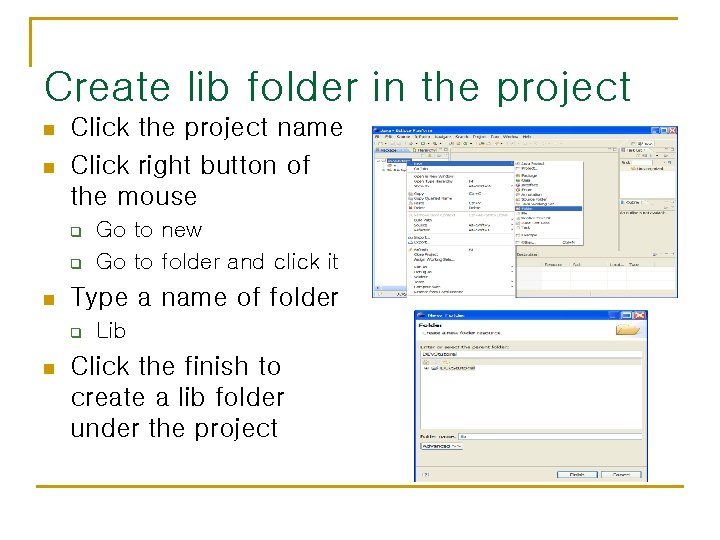
Create lib folder in the project n n Click the project name Click right button of the mouse q q n Type a name of folder q n Go to new Go to folder and click it Lib Click the finish to create a lib folder under the project
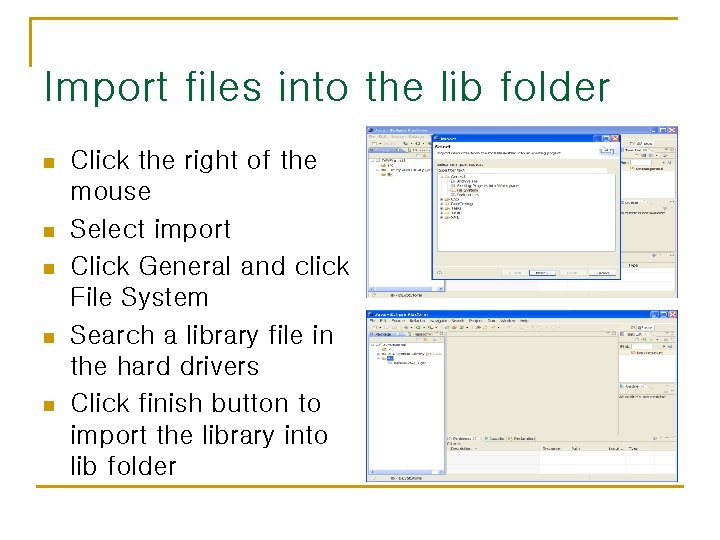
Import files into the lib folder n n n Click the right of the mouse Select import Click General and click File System Search a library file in the hard drivers Click finish button to import the library into lib folder
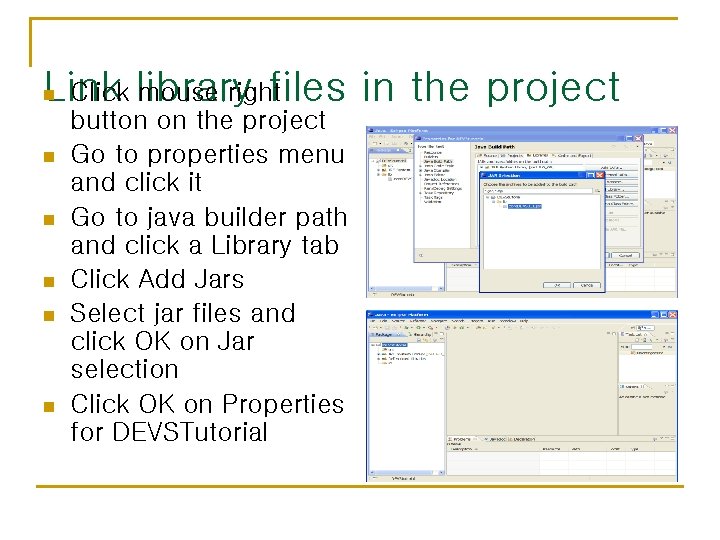
Click library mouse right Link files in the project n n n button on the project Go to properties menu and click it Go to java builder path and click a Library tab Click Add Jars Select jar files and click OK on Jar selection Click OK on Properties for DEVSTutorial
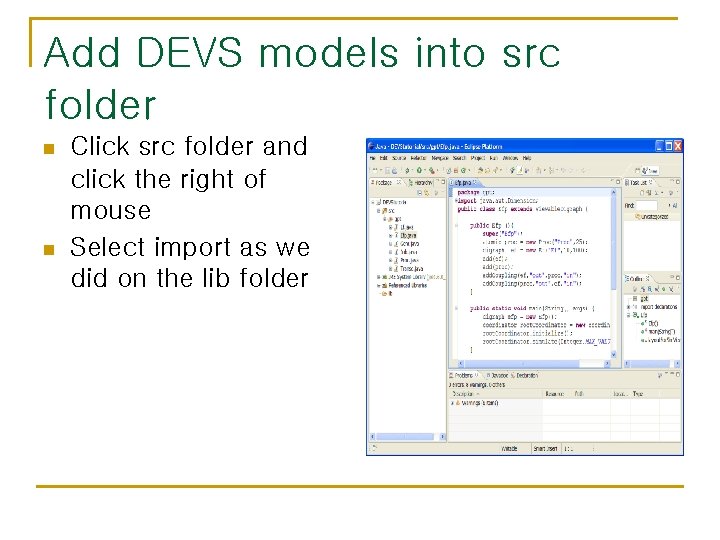
Add DEVS models into src folder n n Click src folder and click the right of mouse Select import as we did on the lib folder
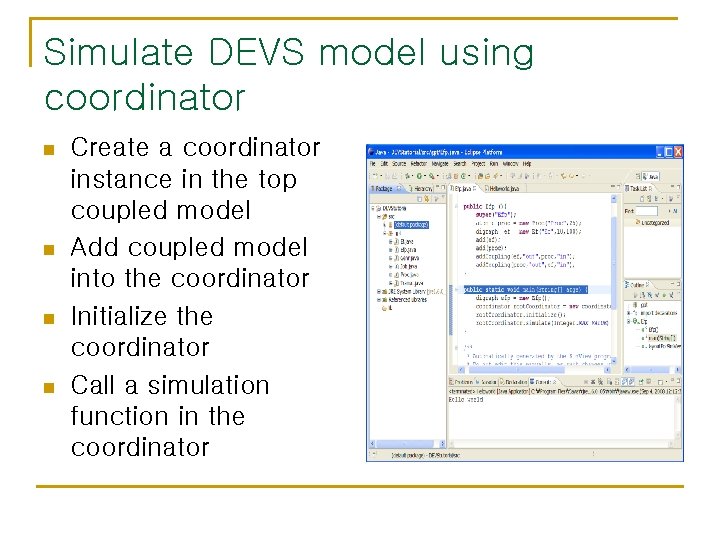
Simulate DEVS model using coordinator n n Create a coordinator instance in the top coupled model Add coupled model into the coordinator Initialize the coordinator Call a simulation function in the coordinator
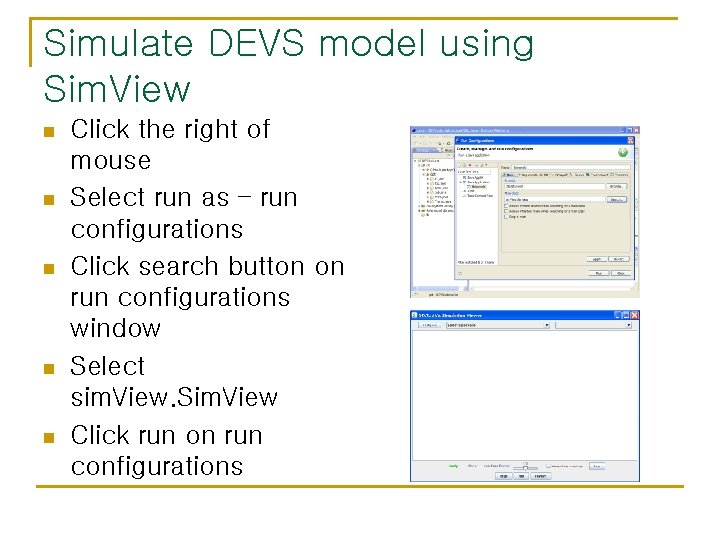
Simulate DEVS model using Sim. View n n n Click the right of mouse Select run as – run configurations Click search button on run configurations window Select sim. View. Sim. View Click run on run configurations
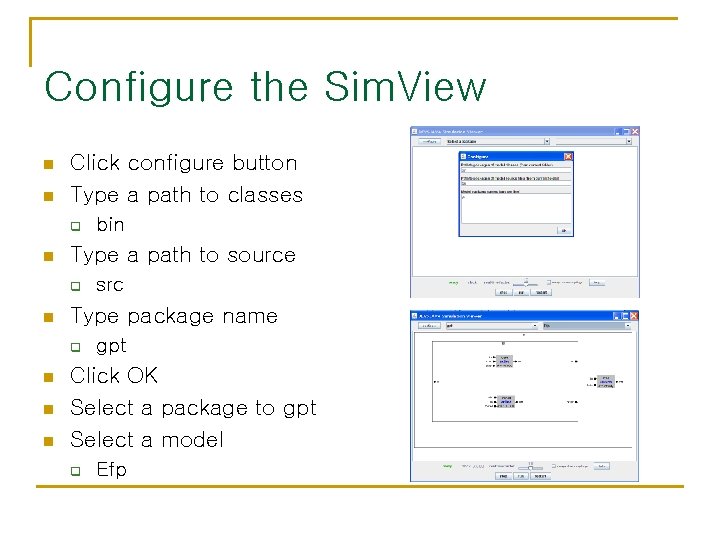
Configure the Sim. View n n Click configure button Type a path to classes q n Type a path to source q n n n src Type package name q n bin gpt Click OK Select a package to gpt Select a model q Efp