
Development of Multipoint Communication Systems for Remote Seminar





- Slides: 24
Development of Multipoint Communication Systems for Remote Seminar Toshihiro Hayashi and Yukuo Hayashida Department of Information Science, Saga University E-mail: {hayashi, hayasida}@is. saga-u. ac. jp
Background n Remote education is getting popular. Large scale of remote education: for lecture u Small scale of remote education: for seminar u n Seminar is generally synchronous activity. u Same time and same location Seminar always needs arranging time and location among the learning group u Sometimes, some members cannot attend the seminar by restrictions of time and location (absentee problem). u n Utilization of computers for solving the restrictions of seminar u This changes synchronous seminar into asynchronous seminar
Asynchronous seminar n Solutions for time restriction u Asynchronous communication tools: e-mail, electronic bulletin board system and so on. u Assistance tools for absentee: video archives and so on n Solutions for location restriction u Synchronous communication tools: electronic conference system (Net. Meeting, CU-See. Me, and so on) u These systems change seminar into remote seminar
Our research questions n Development of a computer supported remote seminar environment Model: What is remote seminar model ? u Architecture: What kind of system architecture is appropriate for remote seminar ? u Implementation: How to develop communication systems for realizing remote seminar ? What kind of techniques are needed for the implementation ? u Evaluation: Do our systems work effectively in the situations of remote seminar ? u
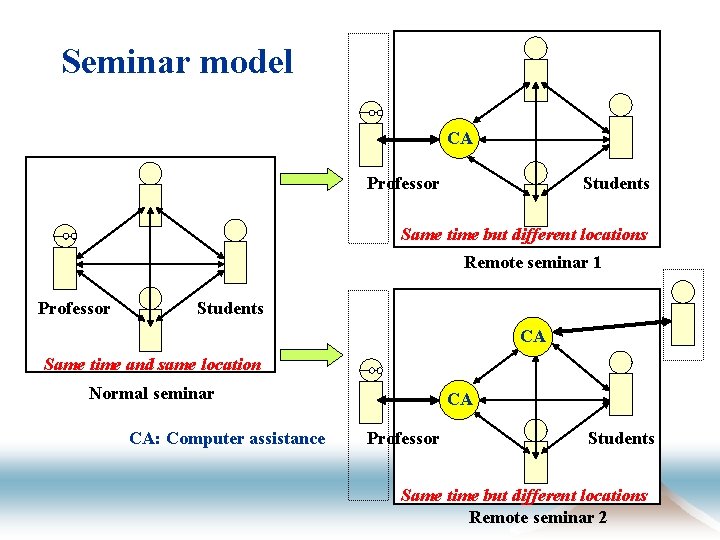
Seminar model CA Professor Students Same time but different locations Remote seminar 1 Professor Students CA Same time and same location Normal seminar CA: Computer assistance CA Professor Students Same time but different locations Remote seminar 2
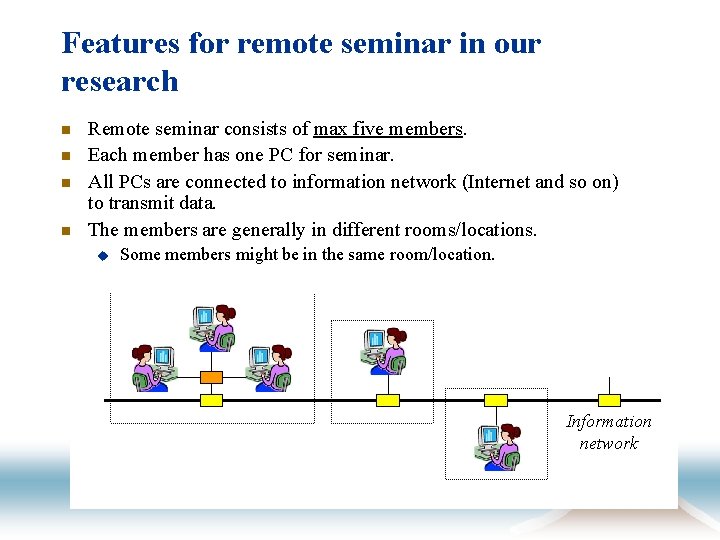
Features for remote seminar in our research n n Remote seminar consists of max five members. Each member has one PC for seminar. All PCs are connected to information network (Internet and so on) to transmit data. The members are generally in different rooms/locations. u Some members might be in the same room/location. Information network
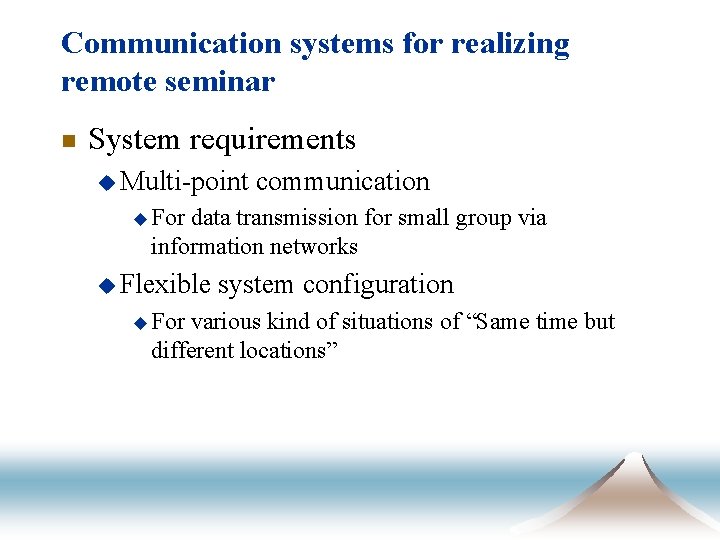
Communication systems for realizing remote seminar n System requirements u Multi-point communication u For data transmission for small group via information networks u Flexible u For system configuration various kind of situations of “Same time but different locations”
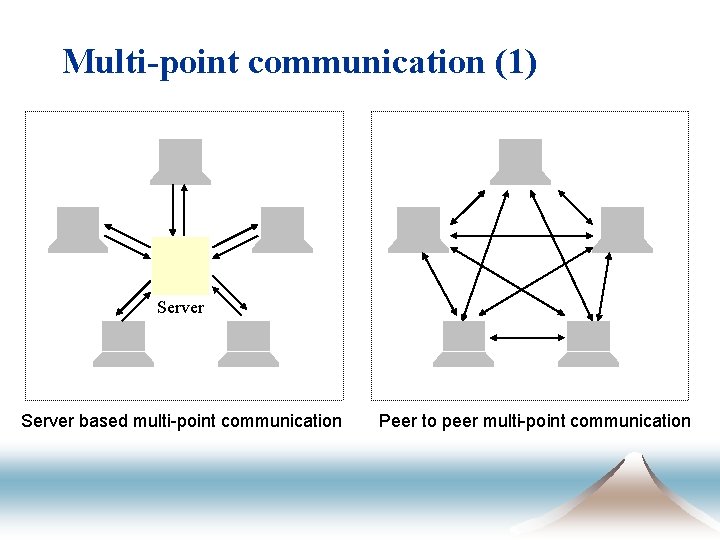
Multi-point communication (1) Server based multi-point communication Peer to peer multi-point communication
Multi-point communication (2) n Server based multi-point communication Typical style of existing electronic conference systems u Some existing server based systems are high-cost (for example, Meeting. Point: $8, 995 for 10 user license) u At least, one sever machine must be prepared. u There are free servers but we cannot always use them. u n Peer to peer multi-point communication This type of communication needs no server. u This type of communication generally requires highperformance PC for each user u
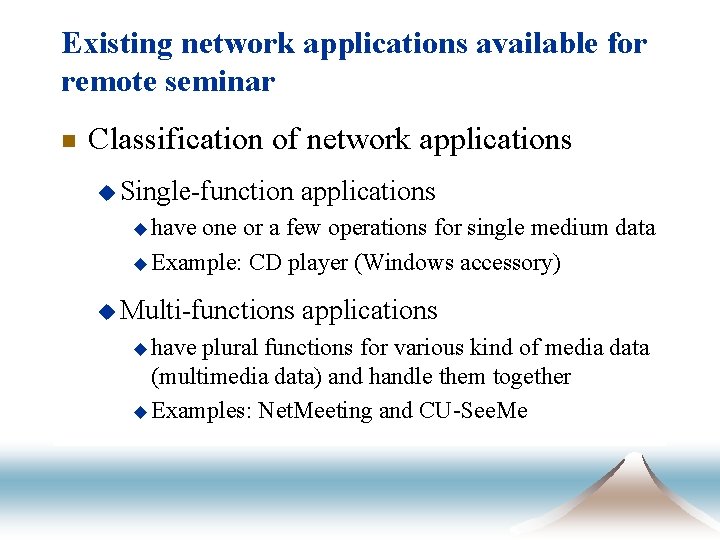
Existing network applications available for remote seminar n Classification of network applications u Single-function applications u have one or a few operations for single medium data u Example: CD player (Windows accessory) u Multi-functions u have applications plural functions for various kind of media data (multimedia data) and handle them together u Examples: Net. Meeting and CU-See. Me
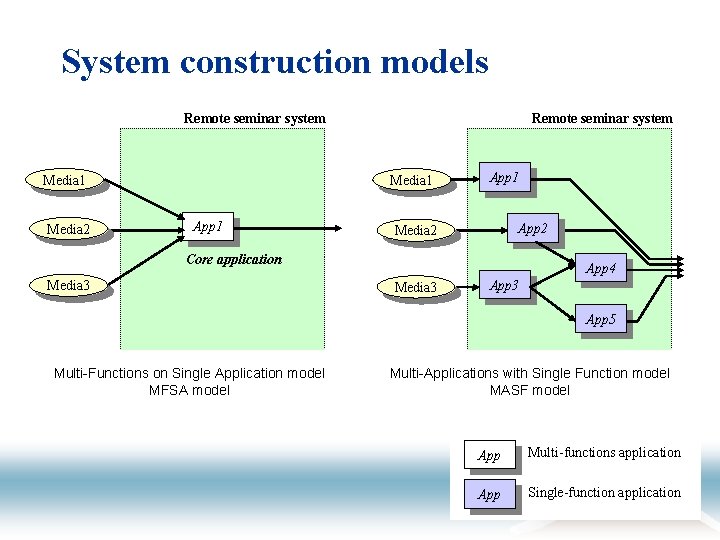
System construction models Remote seminar system Media 1 Media 2 Remote seminar system Media 1 App 2 Media 2 Core application Media 3 App 4 Media 3 App 5 Multi-Functions on Single Application model MFSA model Multi-Applications with Single Function model MASF model App Multi-functions application App Single-function application
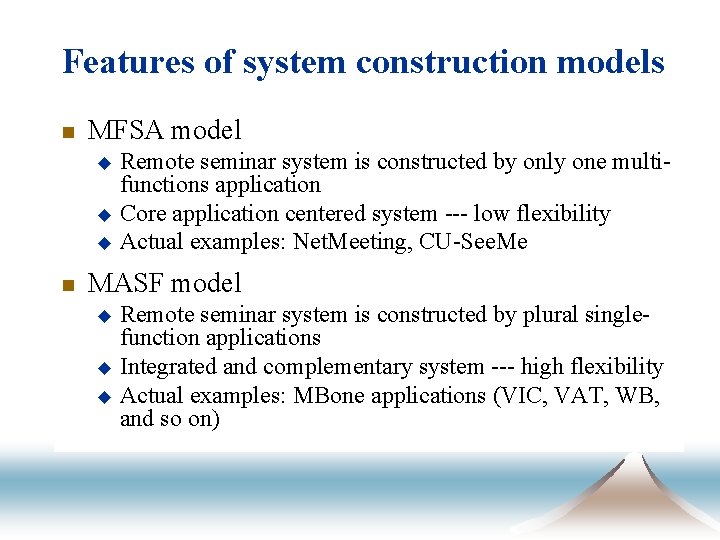
Features of system construction models n MFSA model Remote seminar system is constructed by only one multifunctions application u Core application centered system --- low flexibility u Actual examples: Net. Meeting, CU-See. Me u n MASF model Remote seminar system is constructed by plural singlefunction applications u Integrated and complementary system --- high flexibility u Actual examples: MBone applications (VIC, VAT, WB, and so on) u
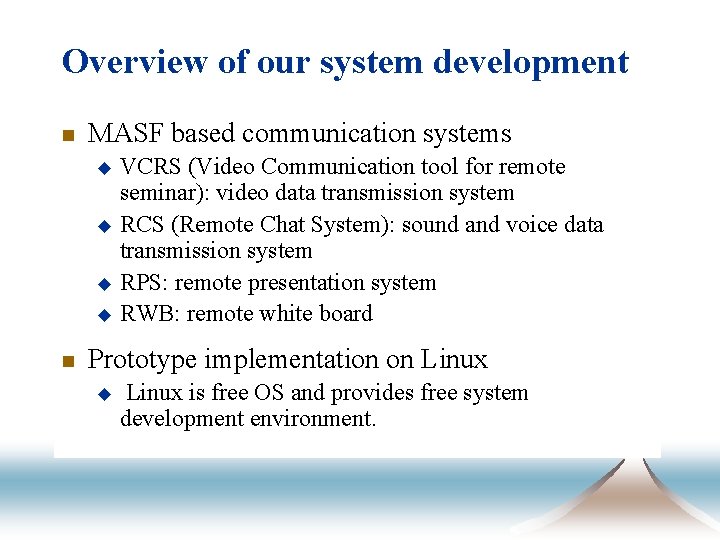
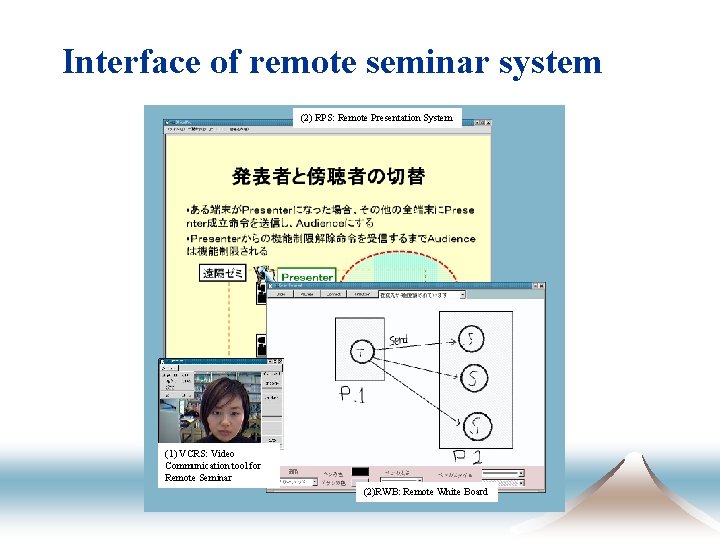
Overview of our system development n MASF based communication systems VCRS (Video Communication tool for remote seminar): video data transmission system u RCS (Remote Chat System): sound and voice data transmission system u RPS: remote presentation system u RWB: remote white board u n Prototype implementation on Linux u Linux is free OS and provides free system development environment.
Interface of remote seminar system (2) RPS: Remote Presentation System (1) VCRS: Video Communication tool for Remote Seminar (2)RWB: Remote White Board
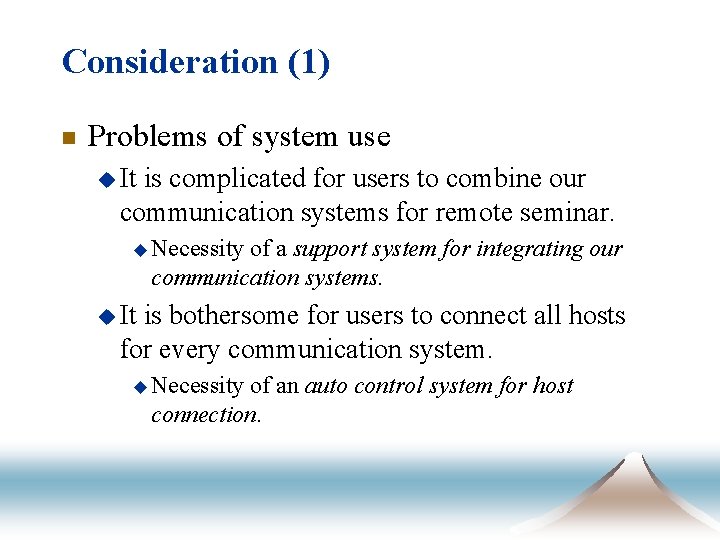
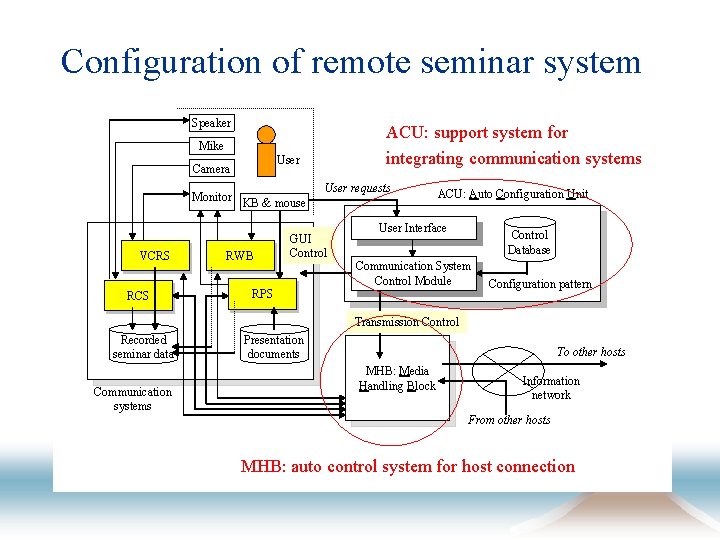
Consideration (1) n Problems of system use u It is complicated for users to combine our communication systems for remote seminar. u Necessity of a support system for integrating our communication systems. u It is bothersome for users to connect all hosts for every communication system. u Necessity of an auto control system for host connection.
Configuration of remote seminar system Speaker ACU: support system for integrating communication systems Mike User Camera Monitor KB & mouse VCRS RCS RWB User requests GUI Control ACU: Auto Configuration Unit User Interface Control Database Communication System Control Module RPS Configuration pattern Transmission Control Recorded seminar data Communication systems Presentation documents To other hosts MHB: Media Handling Block Information network From other hosts MHB: auto control system for host connection
Consideration (2) n Problems of operating system u There are hardware restrictions, for example video chip, to use our communication systems on Linux. u Linux is not so major compared with Windows. Porting of communication systems into Windows
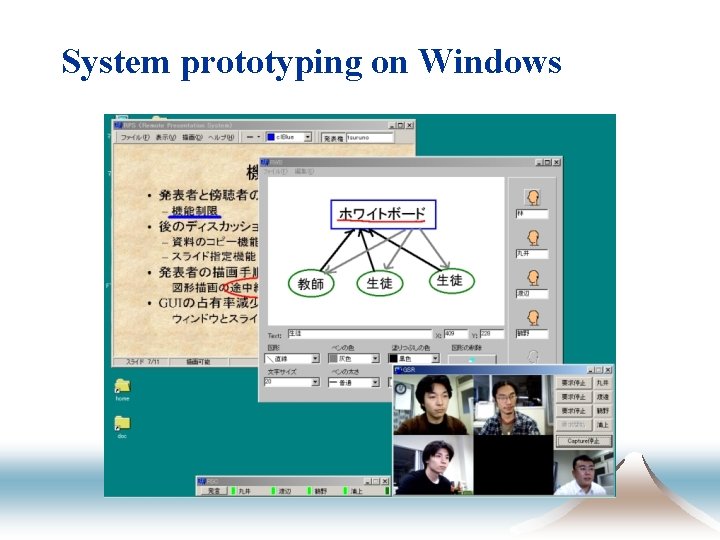
System prototyping on Windows
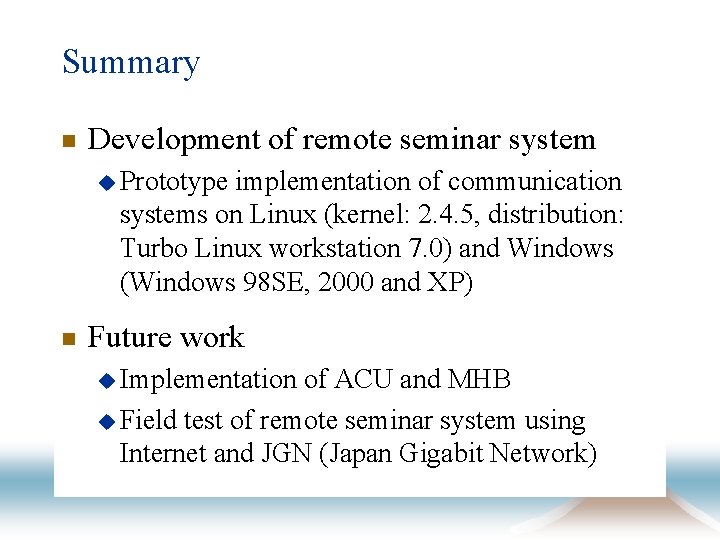
Summary n Development of remote seminar system u Prototype implementation of communication systems on Linux (kernel: 2. 4. 5, distribution: Turbo Linux workstation 7. 0) and Windows (Windows 98 SE, 2000 and XP) n Future work u Implementation of ACU and MHB u Field test of remote seminar system using Internet and JGN (Japan Gigabit Network)