
Development of Interactive Modeling Simulation Animation and RealTime
- Slides: 33
Development of Interactive Modeling, Simulation, Animation, and Real-Time Control (Mo. SART) Environments: Tools for Enhancing Research & Education. Armando A. Rodriguez Richard P. Metzger Jr. Chen-I Lim Unitat d'Enginieria de Sistemes i Automàtica, June 15 1998 Sponsors: Boeing, CADSI, AFOSR, Honeywell, Integrated Systems, Intel, Knowledge Revolution, Microsoft, National Science Foundation http: //www. eas. asu. edu/~aar/research/mosart/Presentations/Barcelona/index. htm
Outline Motivation System Dynamics Description of Interactive Mo. SART Environment Utility of Environment Summary and Future Directions
Motivation Advanced visualization tools are needed for system analysis and design. Research/education can be enhanced with interactive multimedia environments. PC platforms now offer substantial computing power for engineering design.
State of the Art Working Model (Knowledge Revolution) DADS/Plant (CADSI) …generic, not optimized for specific systems (both have contributed to development of Mo. SART facility at ASU)
Contributions of Work System-specific interactive Mo. SART environments High performance: Windows/ C++ Advanced visualization tools: Direct-3 D Extensible: integration with MATLAB User friendly
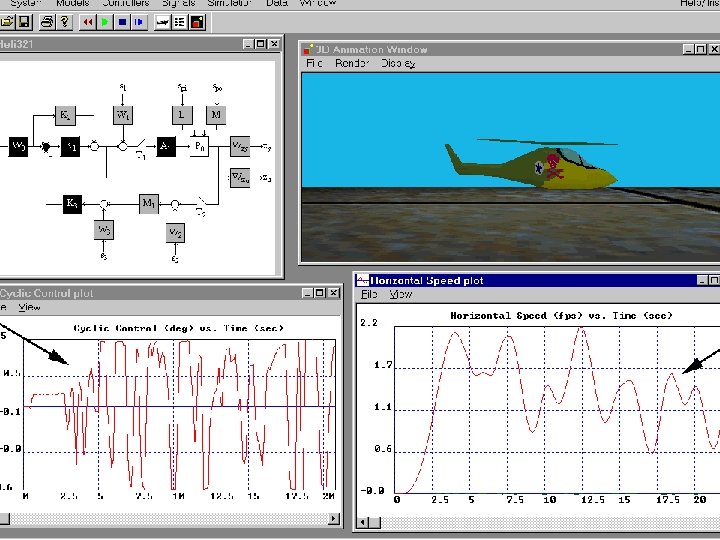
Key Environment Features • Real-time simulation • Alter model/controller: -structure - parameters (on-the-fly) • Advanced visualization: - real-time graphics - visual indicators/aids - 3 D animation models • Direct user input via joystick • Integration with MATLAB: advanced CAD tools
Interactive Mo. SART Environments Robotic Manipulator High-Performance Aircraft Missile-Target Engagements Pendulums: Inverted, Rotary, Multi-link. . . Adaptive Algorithms/Learning Systems Submarine Environment
Basic Helicopter Dynamics Near Hover Vertical Dynamics Longitudinal Dynamics
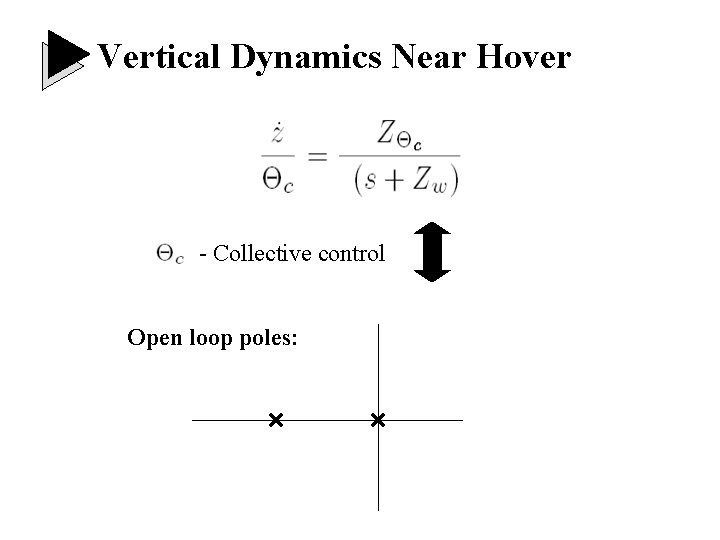
Vertical Dynamics Near Hover - Collective control Open loop poles:
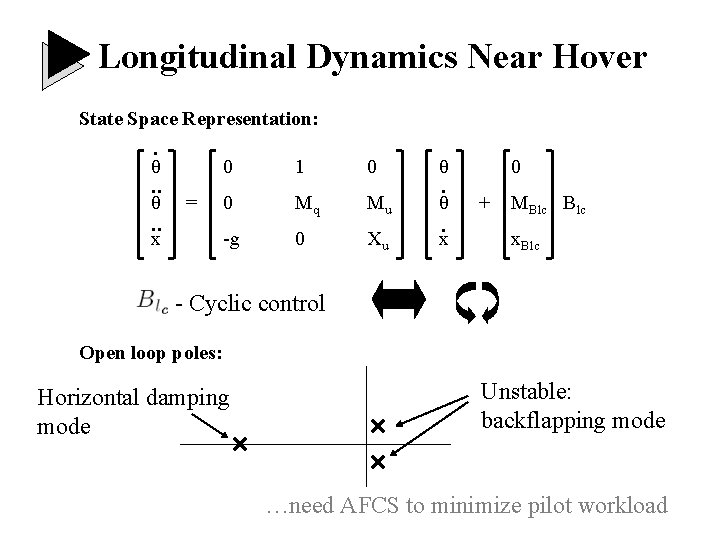
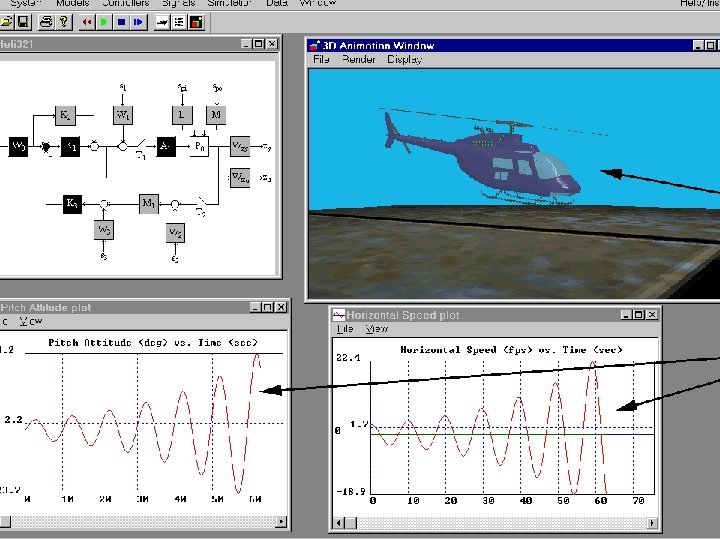
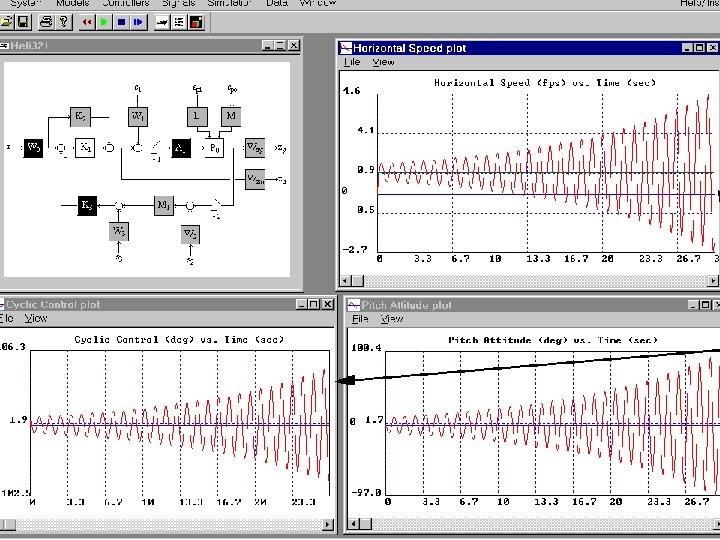
Longitudinal Dynamics Near Hover State Space Representation: . θ . . = x 0 1 0 θ 0 Mq Mu θ -g 0 Xu x . . 0 + MBlc x. Blc - Cyclic control Open loop poles: Horizontal damping mode Unstable: backflapping mode …need AFCS to minimize pilot workload
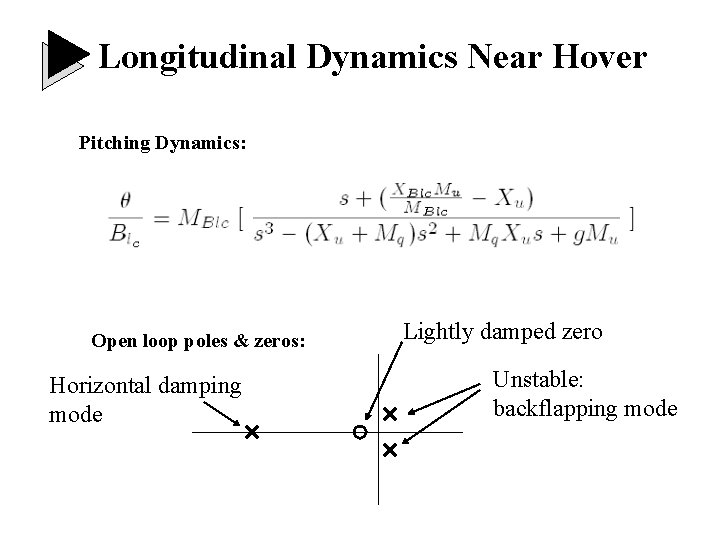
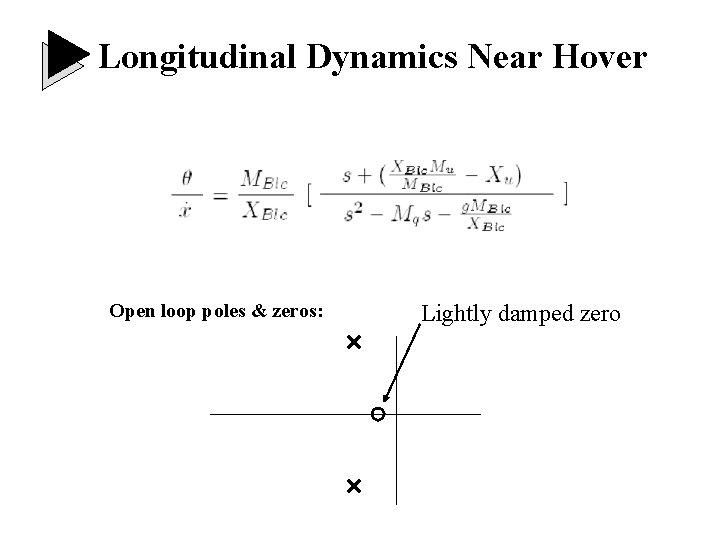
Longitudinal Dynamics Near Hover Pitching Dynamics: Open loop poles & zeros: Horizontal damping mode Lightly damped zero Unstable: backflapping mode
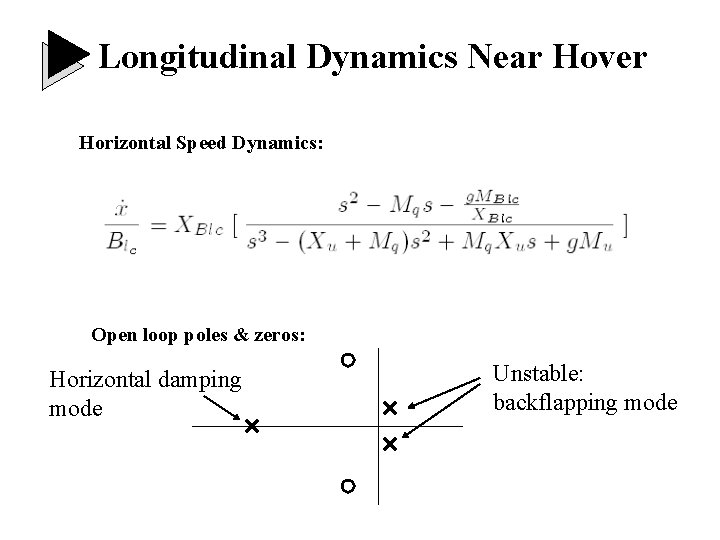
Longitudinal Dynamics Near Hover Horizontal Speed Dynamics: Open loop poles & zeros: Horizontal damping mode Unstable: backflapping mode
Longitudinal Dynamics Near Hover Open loop poles & zeros: Lightly damped zero
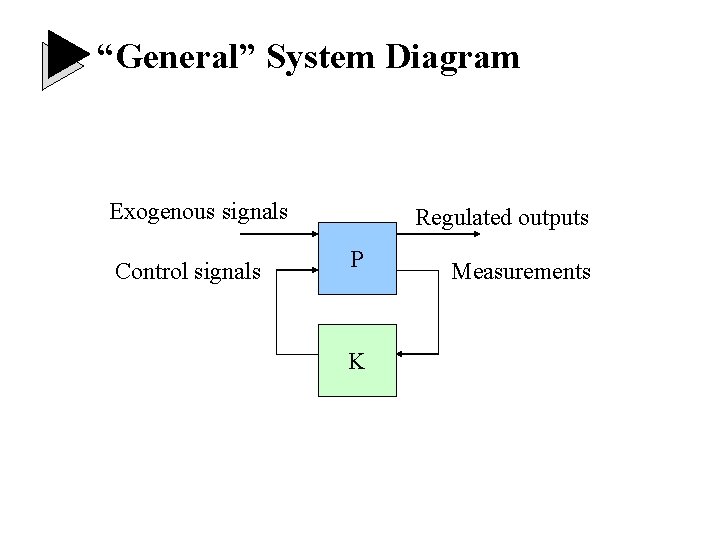
“General” System Diagram Exogenous signals Control signals Regulated outputs P K Measurements
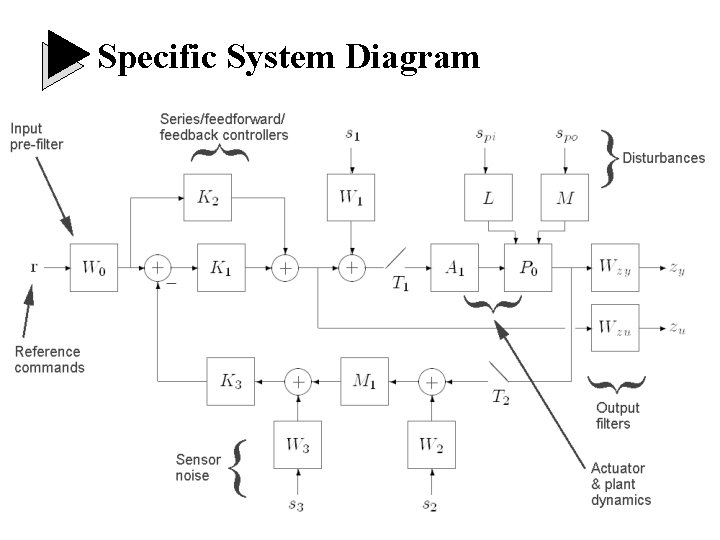
Specific System Diagram
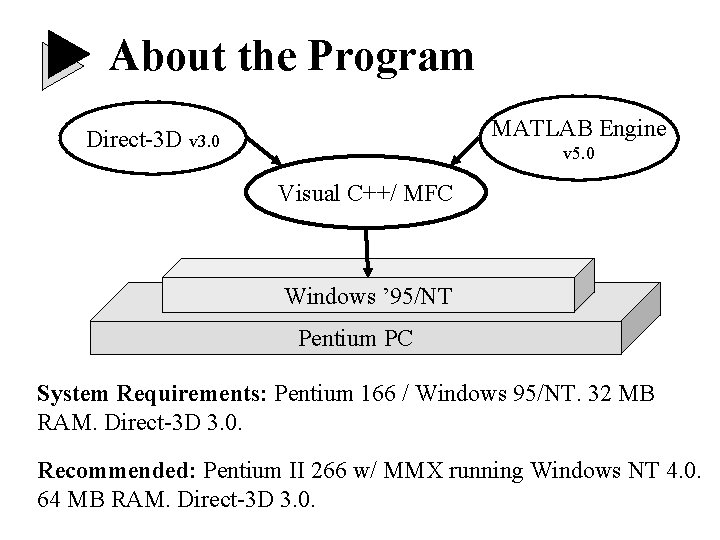
About the Program MATLAB Engine Direct-3 D v 3. 0 v 5. 0 Visual C++/ MFC Windows ’ 95/NT Pentium PC System Requirements: Pentium 166 / Windows 95/NT. 32 MB RAM. Direct-3 D 3. 0. Recommended: Pentium II 266 w/ MMX running Windows NT 4. 0. 64 MB RAM. Direct-3 D 3. 0.
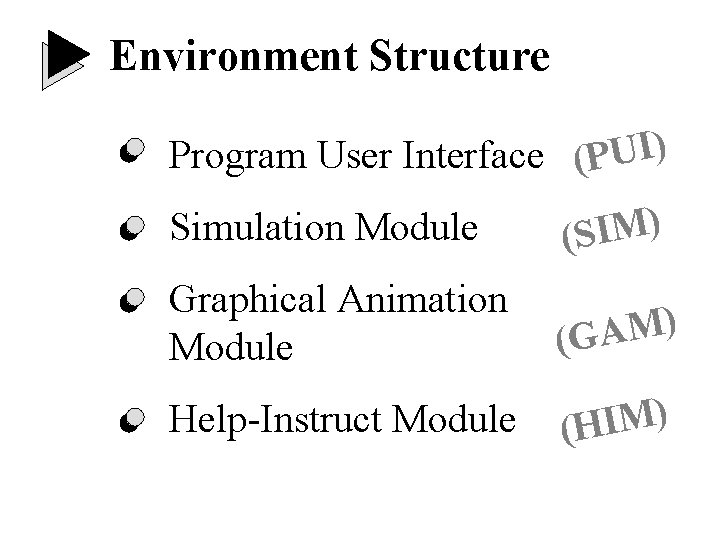
Environment Structure Program User Interface (PUI) Simulation Module ) M I (S Graphical Animation Module ) M A (G Help-Instruct Module ) M I (H
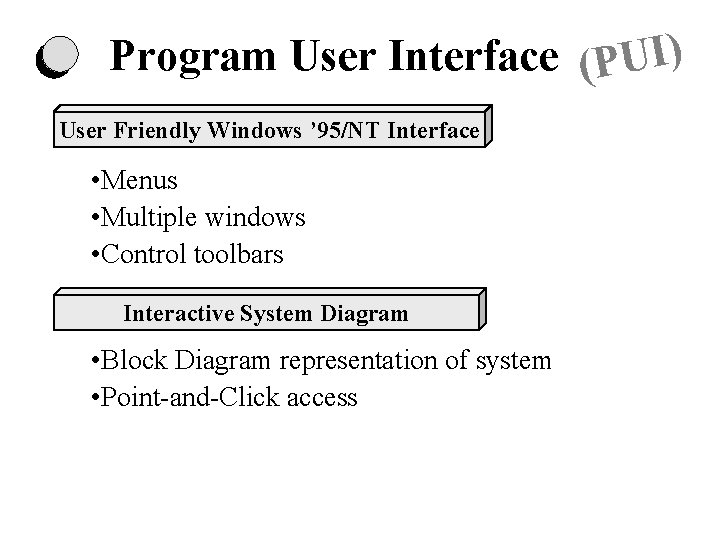
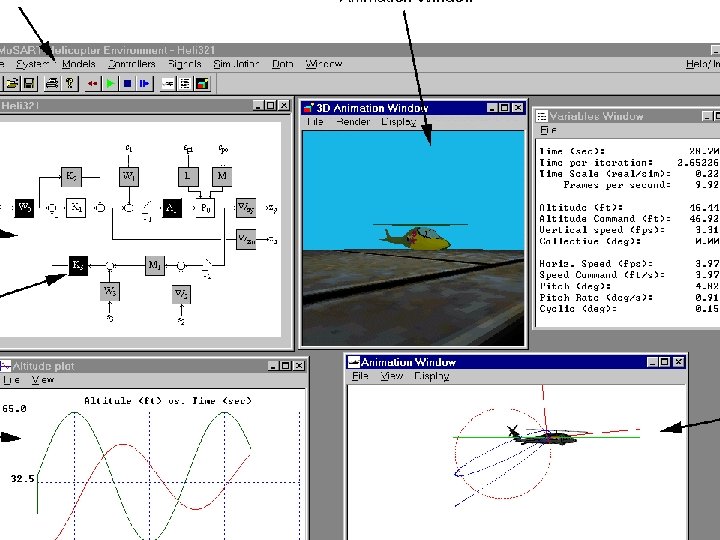
Program User Interface (PUI) User Friendly Windows ’ 95/NT Interface • Menus • Multiple windows • Control toolbars Interactive System Diagram • Block Diagram representation of system • Point-and-Click access
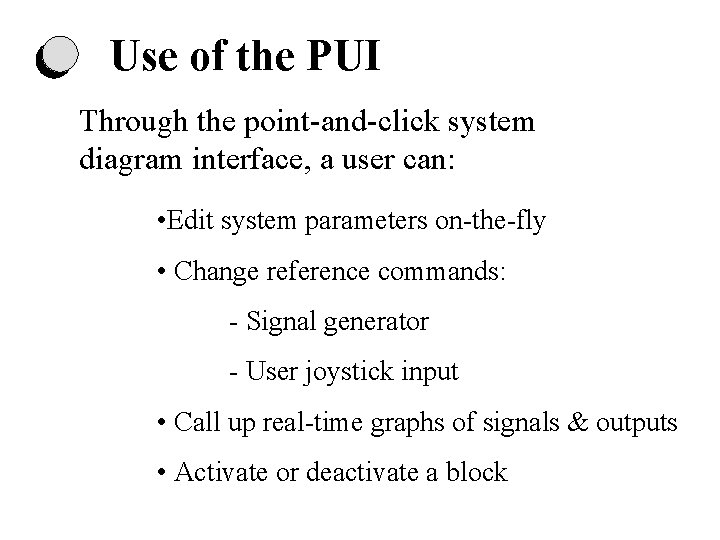
Use of the PUI Through the point-and-click system diagram interface, a user can: • Edit system parameters on-the-fly • Change reference commands: - Signal generator - User joystick input • Call up real-time graphs of signals & outputs • Activate or deactivate a block
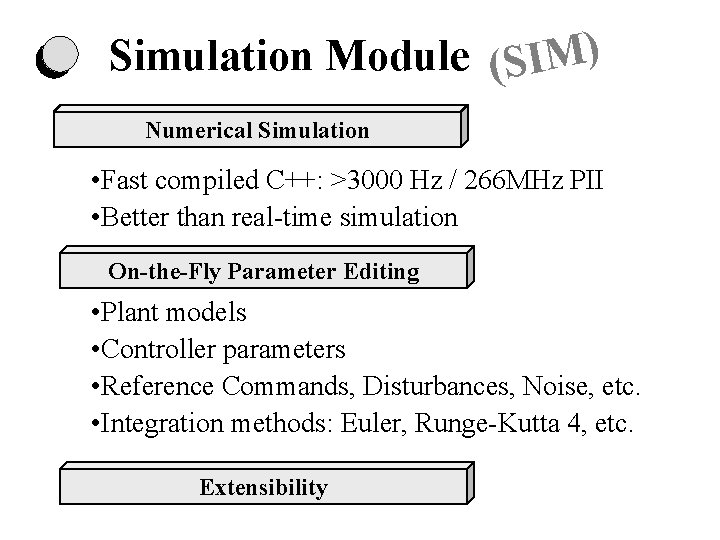
Simulation Module (SIM) Numerical Simulation • Fast compiled C++: >3000 Hz / 266 MHz PII • Better than real-time simulation On-the-Fly Parameter Editing • Plant models • Controller parameters • Reference Commands, Disturbances, Noise, etc. • Integration methods: Euler, Runge-Kutta 4, etc. Extensibility
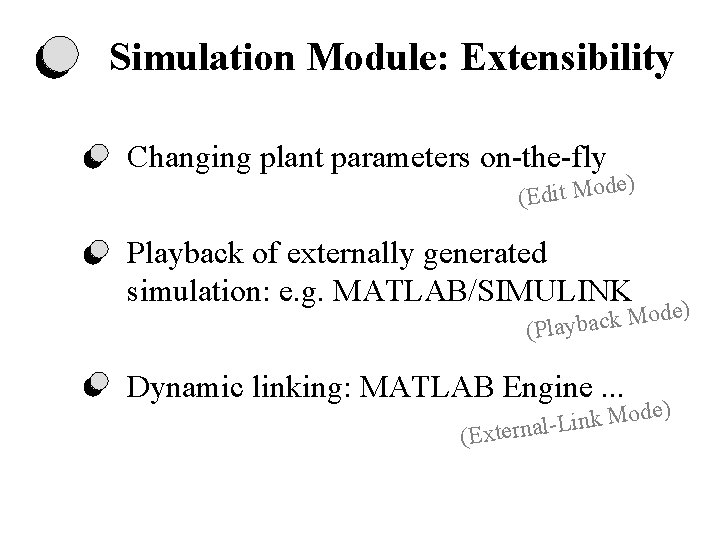
Simulation Module: Extensibility Changing plant parameters on-the-fly ) e d o M t i d (E Playback of externally generated simulation: e. g. MATLAB/SIMULINK e) d o M k c a (Playb Dynamic linking: MATLAB Engine. . . (E de) o M k n i L xternal-
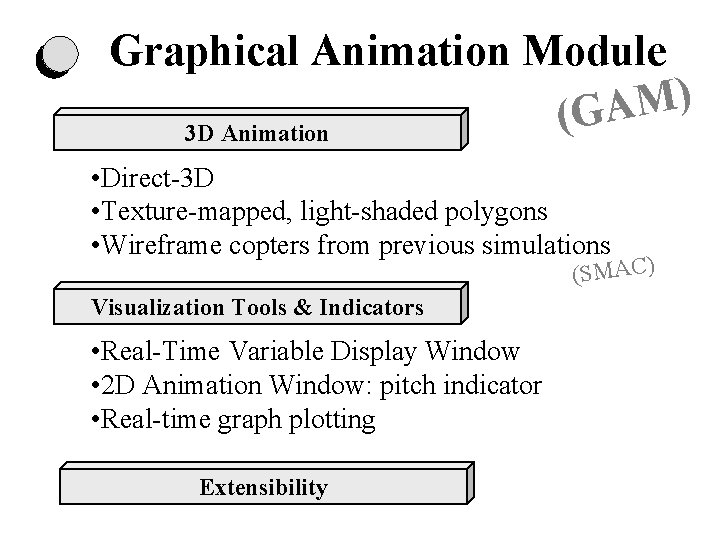
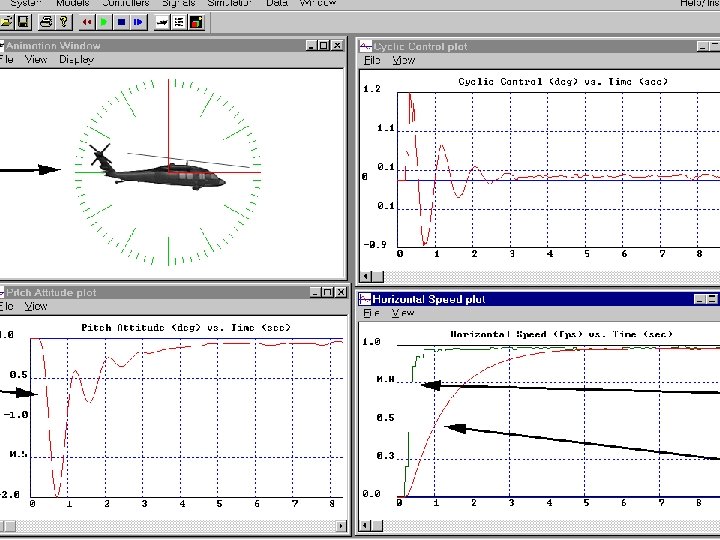
Graphical Animation Module ) M A G ( 3 D Animation • Direct-3 D • Texture-mapped, light-shaded polygons • Wireframe copters from previous simulations (SMAC) Visualization Tools & Indicators • Real-Time Variable Display Window • 2 D Animation Window: pitch indicator • Real-time graph plotting Extensibility
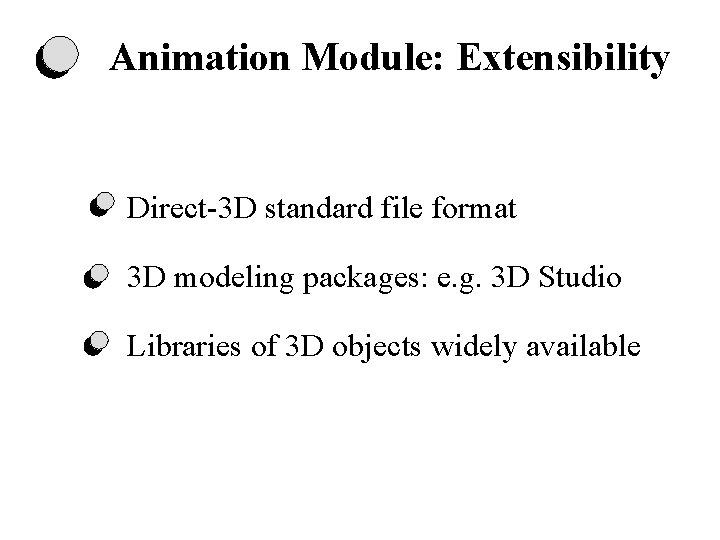
Animation Module: Extensibility Direct-3 D standard file format 3 D modeling packages: e. g. 3 D Studio Libraries of 3 D objects widely available
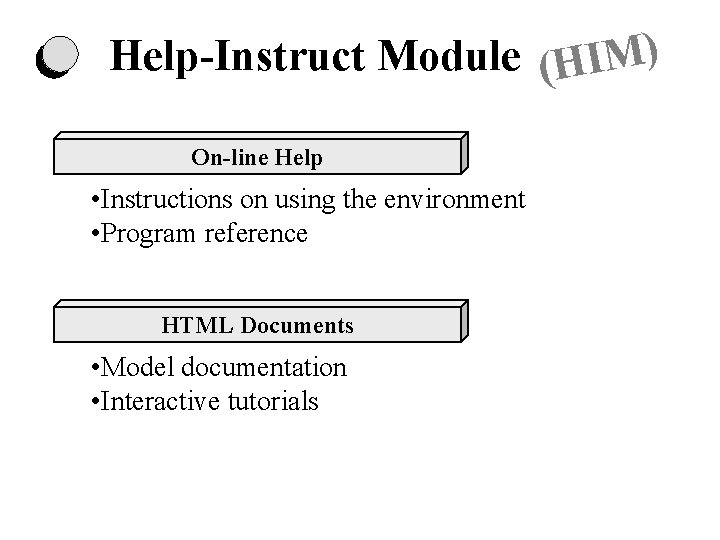
Help-Instruct Module (HIM) On-line Help • Instructions on using the environment • Program reference HTML Documents • Model documentation • Interactive tutorials
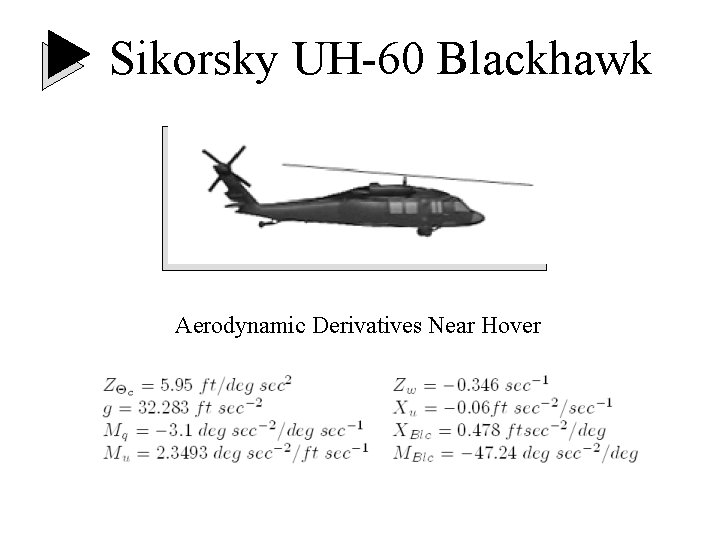
Sikorsky UH-60 Blackhawk Aerodynamic Derivatives Near Hover
Utility of Environment Unstable backflapping mode Open-loop joystick control Stability of Closed-loop system under automatic control Closed-loop user joystick control
Summary Versatile system-specific interactive Mo. SART environments Windows / C++ / Direct 3 D / MATLAB User friendly: accessible & intuitive User can alter system model structure & parameters (on-the-fly) Highly extensible: can incorporate new simulation/animation models
Future Directions More visual indicators Advanced SIM and GAM Expanded HIM: web support, multimedia Enhanced integration with MATLAB Integrated design & analysis environment … development of Mo. SART Facility at ASU Online presentation available at: http: //www. eas. asu. edu/~aar/research/mosart/Presentations/Barcelona/index. htm