
Development of Interactive 3 D Virtual World Applications
![Materials in Open. GL Example: GLfloat ambient[] = { 0. 7 f, 1. 0](https://slidetodoc.com/presentation_image_h2/7763d9c0c1a7d357a6c77a19c2b78b0e/image-10.jpg "Materials in Open. GL Example: GLfloat ambient[] = { 0. 7 f, 1. 0")
- Slides: 14
Development of Interactive 3 D Virtual World Applications Lab exercises by Assoc. Prof. Dr. Emiliyan Petkov
Accents Virtual world – a computer simulation of a real environment which contains real objects l l l Practical exercises on how to create 3 D worlds, import them in a Open. GL application and manipulate cameras and 3 D models Low-level graphics programming lessons (Open. GL) l 3 D world creation – Blender Development of an interactive application – Code: : Blocks (C++ IDE) Using a graphics system – Open. GL Free, cross platform and open source products
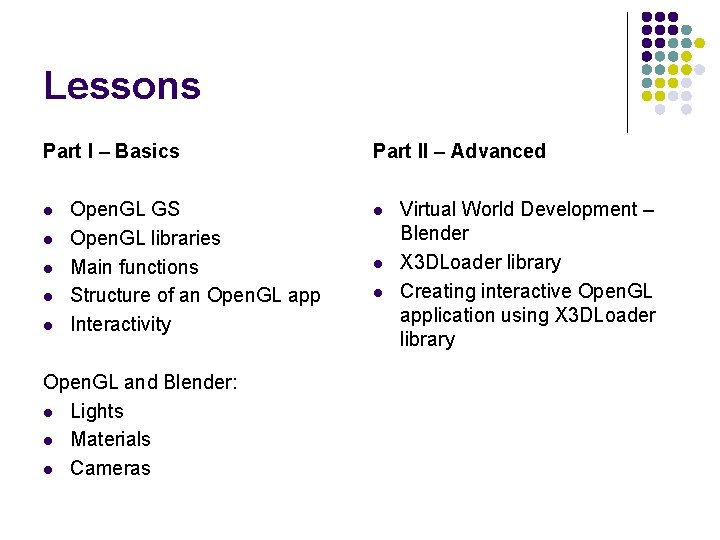
Lessons Part I – Basics l l l Open. GL GS Open. GL libraries Main functions Structure of an Open. GL app Interactivity Open. GL and Blender: l Lights l Materials l Cameras Part II – Advanced l l l Virtual World Development – Blender X 3 DLoader library Creating interactive Open. GL application using X 3 DLoader library
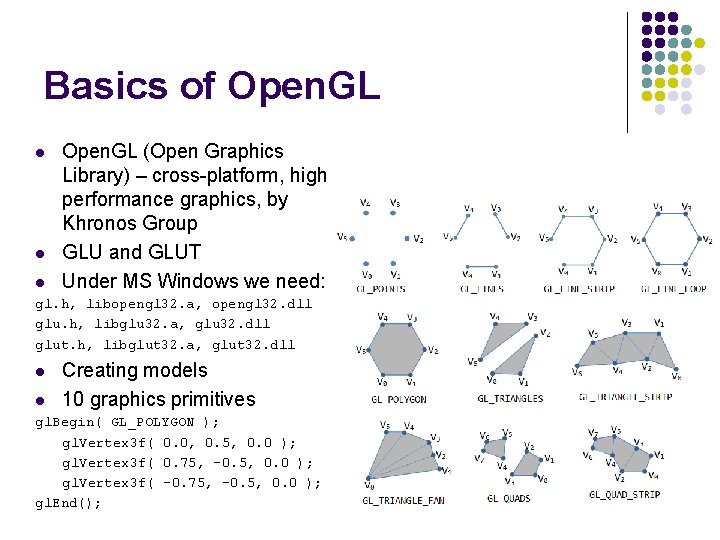
Basics of Open. GL l l Open. GL (Open Graphics Library) – cross-platform, high performance graphics, by Khronos Group GLU and GLUT Under MS Windows we need: l gl. h, libopengl 32. a, opengl 32. dll glu. h, libglu 32. a, glu 32. dll glut. h, libglut 32. a, glut 32. dll l Creating models 10 graphics primitives l gl. Begin( GL_POLYGON ); gl. Vertex 3 f( 0. 0, 0. 5, 0. 0 ); gl. Vertex 3 f( 0. 75, -0. 5, 0. 0 ); gl. Vertex 3 f( -0. 75, -0. 5, 0. 0 ); gl. End();
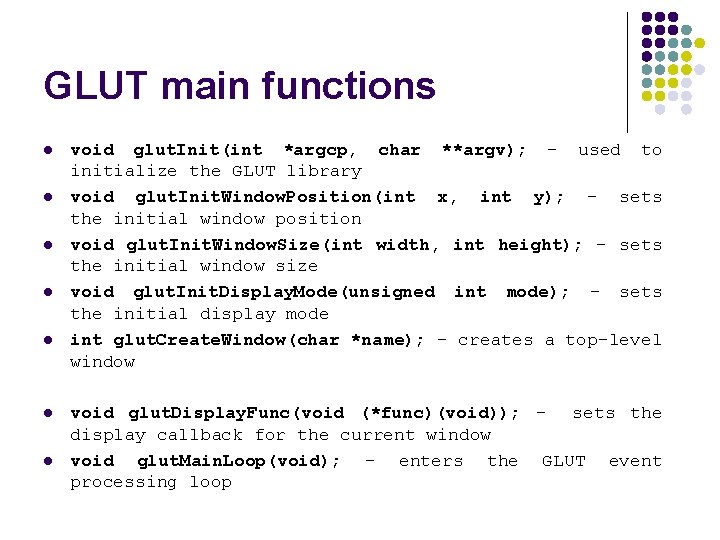
GLUT main functions l l l l void glut. Init(int *argcp, char **argv); - used to initialize the GLUT library void glut. Init. Window. Position(int x, int y); - sets the initial window position void glut. Init. Window. Size(int width, int height); - sets the initial window size void glut. Init. Display. Mode(unsigned int mode); - sets the initial display mode int glut. Create. Window(char *name); - creates a top-level window void glut. Display. Func(void (*func)(void)); - sets the display callback for the current window void glut. Main. Loop(void); - enters the GLUT event processing loop
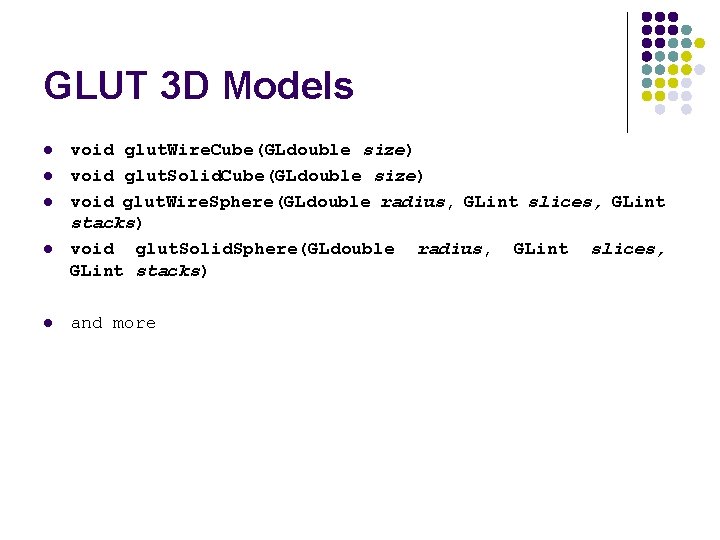
GLUT 3 D Models l l l void glut. Wire. Cube(GLdouble size) void glut. Solid. Cube(GLdouble size) void glut. Wire. Sphere(GLdouble radius, GLint slices, GLint stacks) void glut. Solid. Sphere(GLdouble radius, GLint slices, GLint stacks) and more
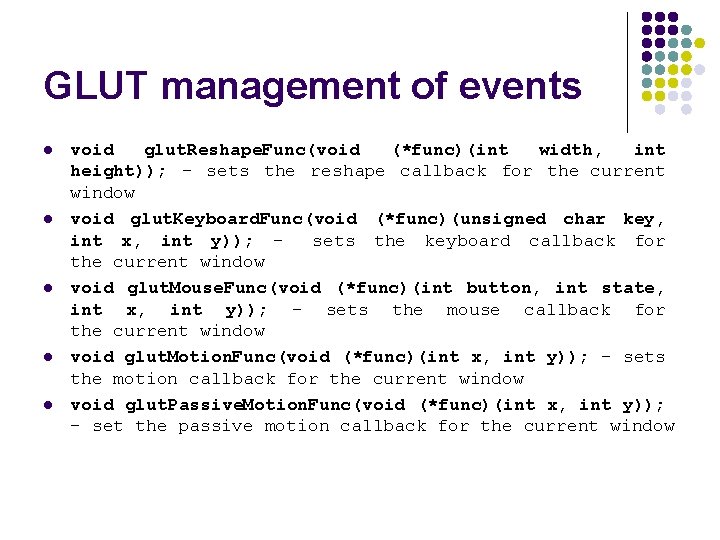
GLUT management of events l l l void glut. Reshape. Func(void (*func)(int width, int height)); - sets the reshape callback for the current window void glut. Keyboard. Func(void (*func)(unsigned char key, int x, int y)); sets the keyboard callback for the current window void glut. Mouse. Func(void (*func)(int button, int state, int x, int y)); - sets the mouse callback for the current window void glut. Motion. Func(void (*func)(int x, int y)); - sets the motion callback for the current window void glut. Passive. Motion. Func(void (*func)(int x, int y)); - set the passive motion callback for the current window
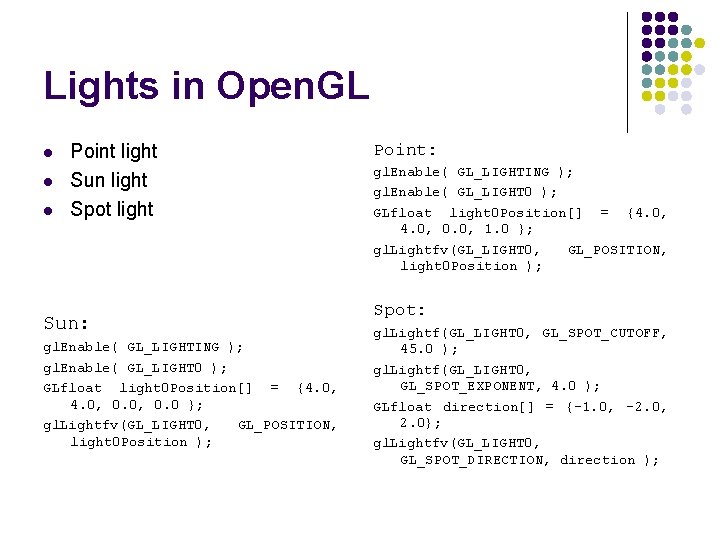
Lights in Open. GL l l l Point light Sun light Spot light Sun: gl. Enable( GL_LIGHTING ); gl. Enable( GL_LIGHT 0 ); GLfloat light 0 Position[] = {4. 0, 0. 0 }; gl. Lightfv(GL_LIGHT 0, GL_POSITION, light 0 Position ); Point: gl. Enable( GL_LIGHTING ); gl. Enable( GL_LIGHT 0 ); GLfloat light 0 Position[] = {4. 0, 0. 0, 1. 0 }; gl. Lightfv(GL_LIGHT 0, GL_POSITION, light 0 Position ); Spot: gl. Lightf(GL_LIGHT 0, GL_SPOT_CUTOFF, 45. 0 ); gl. Lightf(GL_LIGHT 0, GL_SPOT_EXPONENT, 4. 0 ); GLfloat direction[] = {-1. 0, -2. 0, 2. 0}; gl. Lightfv(GL_LIGHT 0, GL_SPOT_DIRECTION, direction );
Materials in Open. GL l l l Ambient – factor of reflection (depends on the ambient environment) GL_AMBIENT Diffuse – factor of diffuse reflection GL_DIFFUSE Specular – factor of specular reflection GL_SPECULAR Shininess – factor of concentration of reflected light in a small area around the ideal reflector GL_SHININESS Emission – factor of emissive color of the material GL_EMISSION These factors are applied over the faces in three modes: GL_FRONT, GL_BACK and GL_FRONT_AND_BACK
Materials in Open. GL Example: GLfloat ambient[] = { 0. 7 f, 1. 0 f }; GLfloat diffuse[] = { 1. 0 f, 0. 0 f, 1. 0 f }; GLfloat specular[] = { 1. 0 f, 1. 0 f }; GLfloat shininess[] = { 50. 0 f }; gl. Materialfv(GL_FRONT, GL_AMBIENT, ambient); gl. Materialfv(GL_FRONT, GL_DIFFUSE, diffuse); gl. Materialfv(GL_FRONT, GL_SPECULAR, specular); gl. Materialfv(GL_FRONT, GL_SHININESS, shininess);
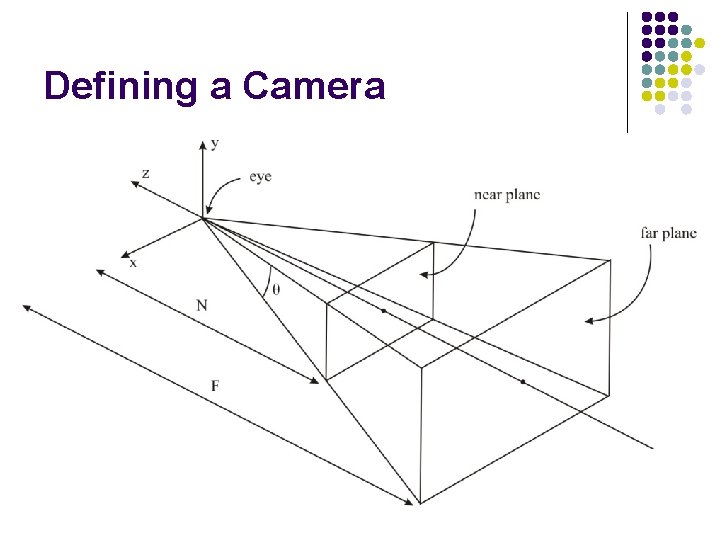
Defining a Camera
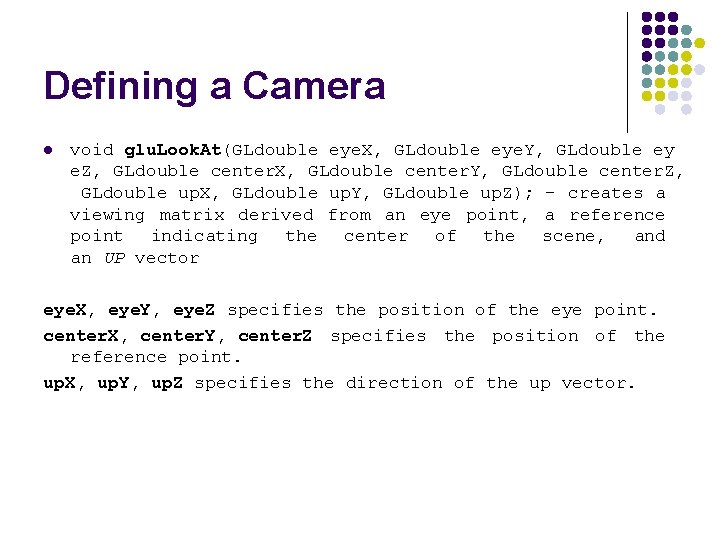
Defining a Camera l void glu. Look. At(GLdouble eye. X, GLdouble eye. Y, GLdouble ey e. Z, GLdouble center. X, GLdouble center. Y, GLdouble center. Z, GLdouble up. X, GLdouble up. Y, GLdouble up. Z); - creates a viewing matrix derived from an eye point, a reference point indicating the center of the scene, and an UP vector eye. X, eye. Y, eye. Z specifies the position of the eye point. center. X, center. Y, center. Z specifies the position of the reference point. up. X, up. Y, up. Z specifies the direction of the up vector.
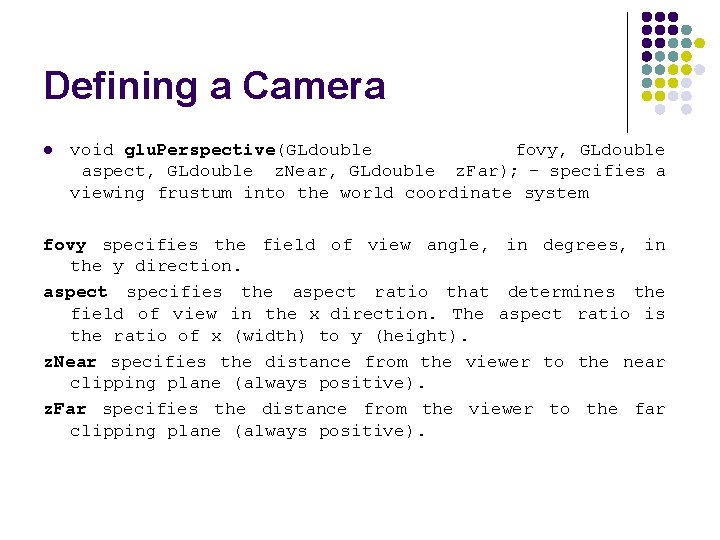
Defining a Camera l void glu. Perspective(GLdouble fovy, GLdouble aspect, GLdouble z. Near, GLdouble z. Far); - specifies a viewing frustum into the world coordinate system fovy specifies the field of view angle, in degrees, in the y direction. aspect specifies the aspect ratio that determines the field of view in the x direction. The aspect ratio is the ratio of x (width) to y (height). z. Near specifies the distance from the viewer to the near clipping plane (always positive). z. Far specifies the distance from the viewer to the far clipping plane (always positive).
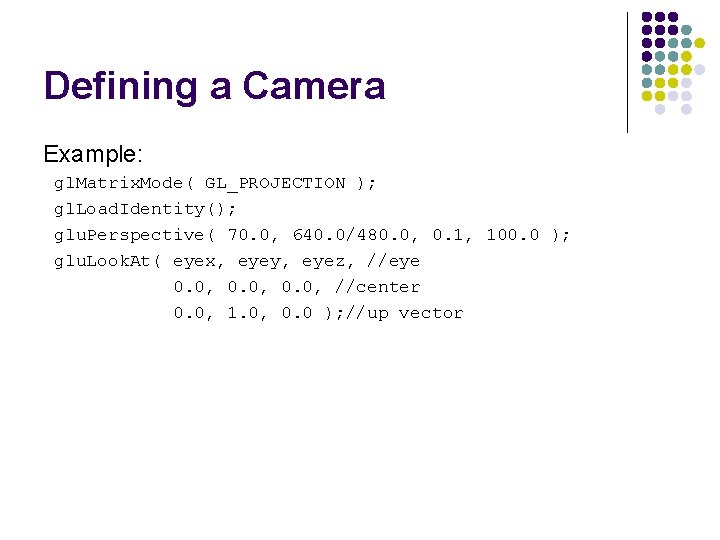
Defining a Camera Example: gl. Matrix. Mode( GL_PROJECTION ); gl. Load. Identity(); glu. Perspective( 70. 0, 640. 0/480. 0, 0. 1, 100. 0 ); glu. Look. At( eyex, eyey, eyez, //eye 0. 0, //center 0. 0, 1. 0, 0. 0 ); //up vector