
Developing Windows CE Multimedia Solutions Using Windows Media


- Slides: 47
Developing Windows CE Multimedia Solutions Using Windows Media ® Rod Deyo Program Manager Windows CE Platforms Microsoft Corporation 8 -307
Agenda l l l l What is Windows CE Direct. X®? Software availability DXPAK and Pocket PC Streaming multimedia Windows Media Player control Windows Media technologies Direct. Show®
Windows CE Direct. X l l Designed for OEMs to build Direct. X and Windows Media enabled platforms using Windows CE Adds to Windows CE Platform Builder 2. 12 and 3. 0
Example Applications l l l Alpha-blended displays for advanced set top boxes and automotive systems Viewing Internet multimedia content with Web browser WM Audio and MP 3 juke boxes and players Video time-shift Advertising signage
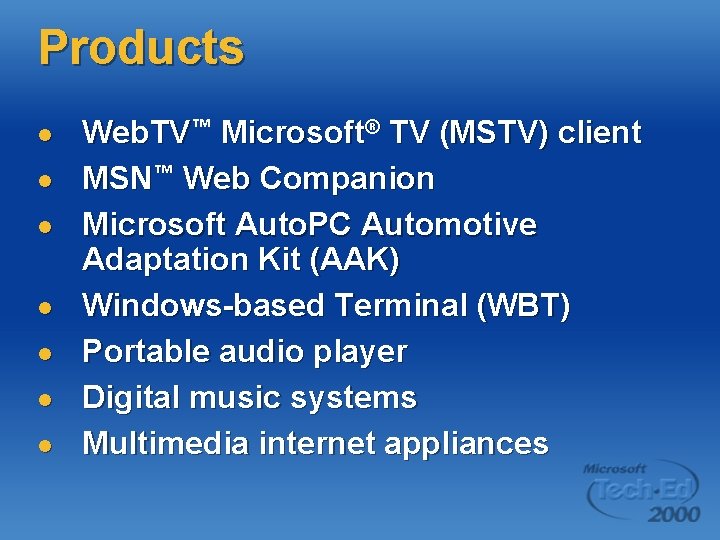
Products l l l l Web. TV™ Microsoft® TV (MSTV) client MSN™ Web Companion Microsoft Auto. PC Automotive Adaptation Kit (AAK) Windows-based Terminal (WBT) Portable audio player Digital music systems Multimedia internet appliances
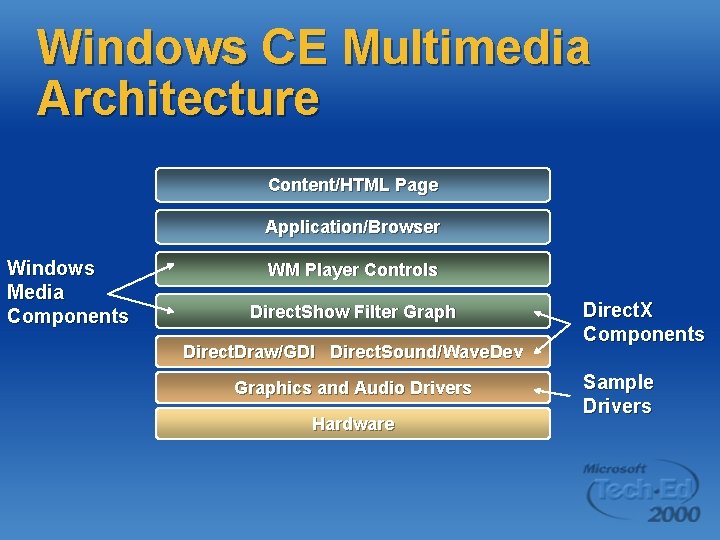
Windows CE Multimedia Architecture Content/HTML Page Application/Browser Windows Media Components WM Player Controls Direct. Show Filter Graph Direct. Draw/GDI Direct. Sound/Wave. Dev Graphics and Audio Drivers Hardware Direct. X Components Sample Drivers
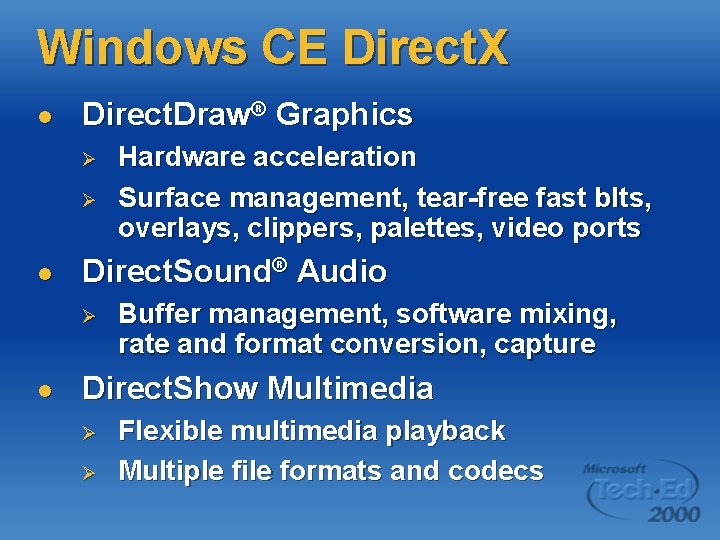
Windows CE Direct. X l Direct. Draw® Graphics Ø Ø l Direct. Sound® Audio Ø l Hardware acceleration Surface management, tear-free fast blts, overlays, clippers, palettes, video ports Buffer management, software mixing, rate and format conversion, capture Direct. Show Multimedia Ø Ø Flexible multimedia playback Multiple file formats and codecs
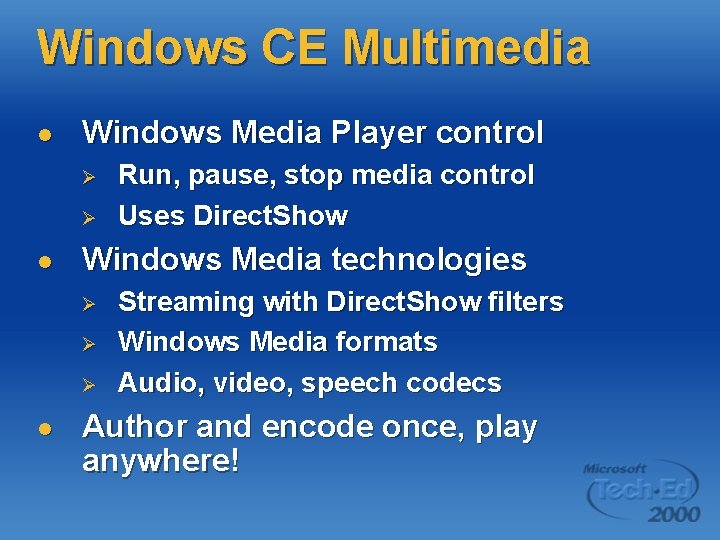
Windows CE Multimedia l Windows Media Player control Ø Ø l Windows Media technologies Ø Ø Ø l Run, pause, stop media control Uses Direct. Show Streaming with Direct. Show filters Windows Media formats Audio, video, speech codecs Author and encode once, play anywhere!
Agenda l What is Windows CE Direct. X®? l Software availability l l l DXPAK and Pocket PC Streaming multimedia Windows Media Player control Windows Media technologies Direct. Show®
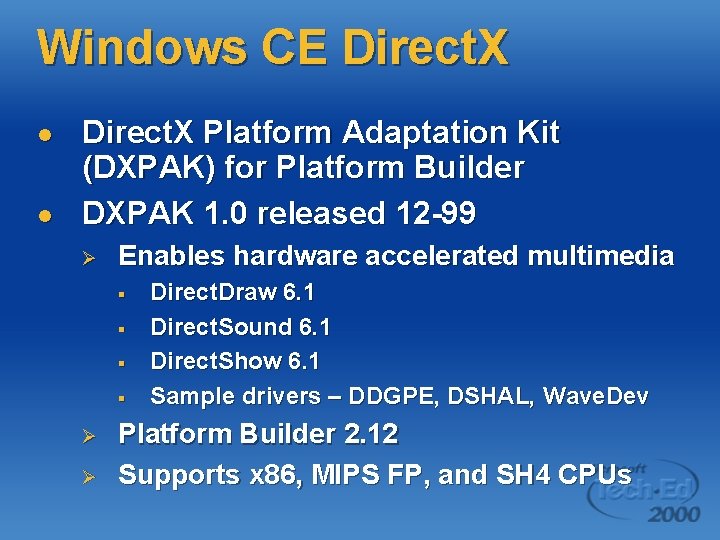
Windows CE Direct. X l l Direct. X Platform Adaptation Kit (DXPAK) for Platform Builder DXPAK 1. 0 released 12 -99 Ø Enables hardware accelerated multimedia § § Ø Ø Direct. Draw 6. 1 Direct. Sound 6. 1 Direct. Show 6. 1 Sample drivers – DDGPE, DSHAL, Wave. Dev Platform Builder 2. 12 Supports x 86, MIPS FP, and SH 4 CPUs
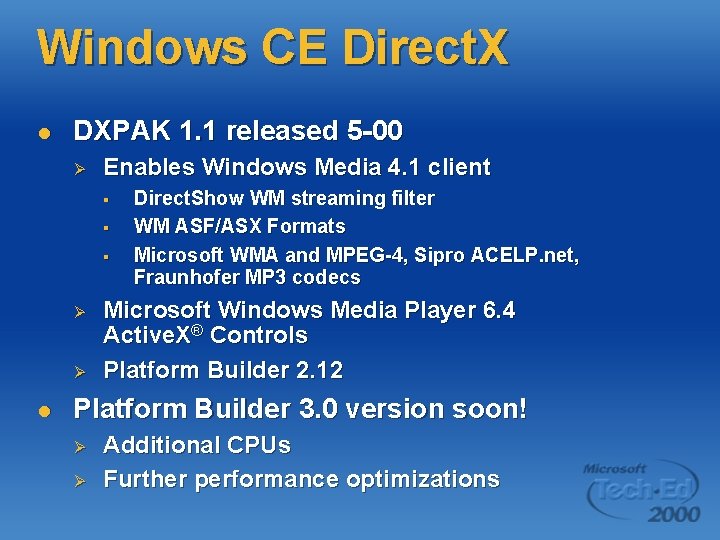
Windows CE Direct. X l DXPAK 1. 1 released 5 -00 Ø Enables Windows Media 4. 1 client § § § Ø Ø l Direct. Show WM streaming filter WM ASF/ASX Formats Microsoft WMA and MPEG-4, Sipro ACELP. net, Fraunhofer MP 3 codecs Microsoft Windows Media Player 6. 4 Active. X® Controls Platform Builder 2. 12 Platform Builder 3. 0 version soon! Ø Ø Additional CPUs Further performance optimizations
Agenda l What is Windows CE Direct. X®? Software availability l DXPAK and Pocket PC l l l Streaming multimedia Windows Media Player control Windows Media technologies Direct. Show®
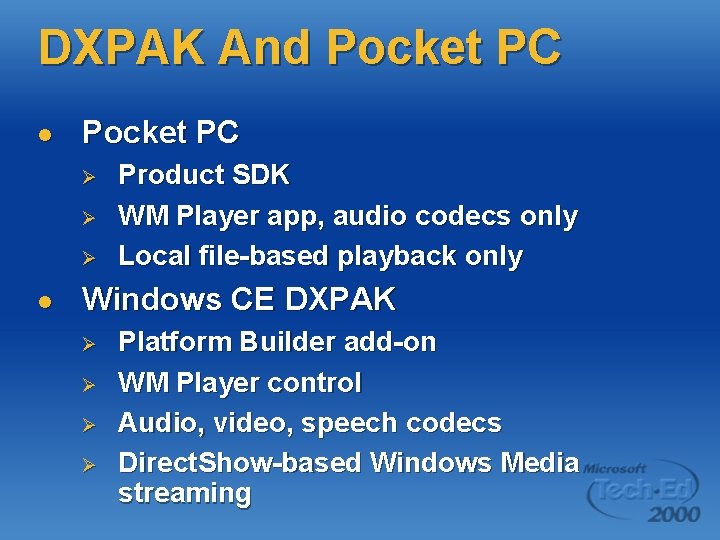
DXPAK And Pocket PC l Pocket PC Ø Ø Ø l Product SDK WM Player app, audio codecs only Local file-based playback only Windows CE DXPAK Ø Ø Platform Builder add-on WM Player control Audio, video, speech codecs Direct. Show-based Windows Media streaming
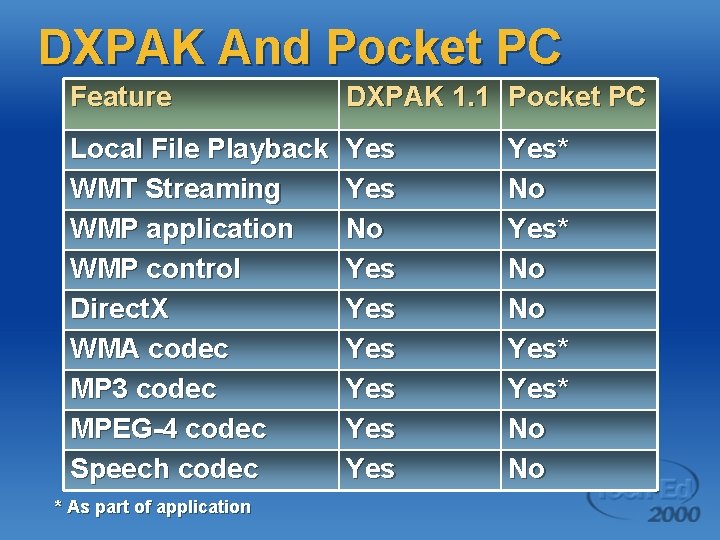
DXPAK And Pocket PC Feature DXPAK 1. 1 Pocket PC Local File Playback WMT Streaming WMP application WMP control Direct. X WMA codec MP 3 codec MPEG-4 codec Speech codec Yes No Yes Yes Yes * As part of application Yes* No No
Agenda l What is Windows CE Direct. X®? Software availability DXPAK and Pocket PC l Streaming multimedia l l l Windows Media Player control Windows Media technologies Direct. Show®
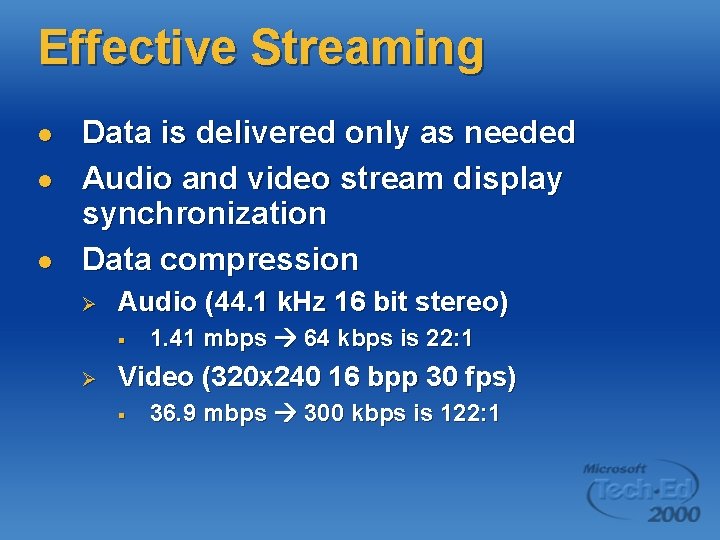
Effective Streaming l l l Data is delivered only as needed Audio and video stream display synchronization Data compression Ø Audio (44. 1 k. Hz 16 bit stereo) § Ø 1. 41 mbps 64 kbps is 22: 1 Video (320 x 240 16 bpp 30 fps) § 36. 9 mbps 300 kbps is 122: 1
Effective Streaming l Coordinated application, network, and physical layer protocols Ø Ø l l Network conditions and bandwidth taken into consideration Packet loss mitigated Client and server work together automatically Simple application controls
Agenda l What is Windows CE Direct. X®? Software availability DXPAK and Pocket PC Streaming multimedia l Windows Media Player control l l Windows Media technologies Direct. Show®
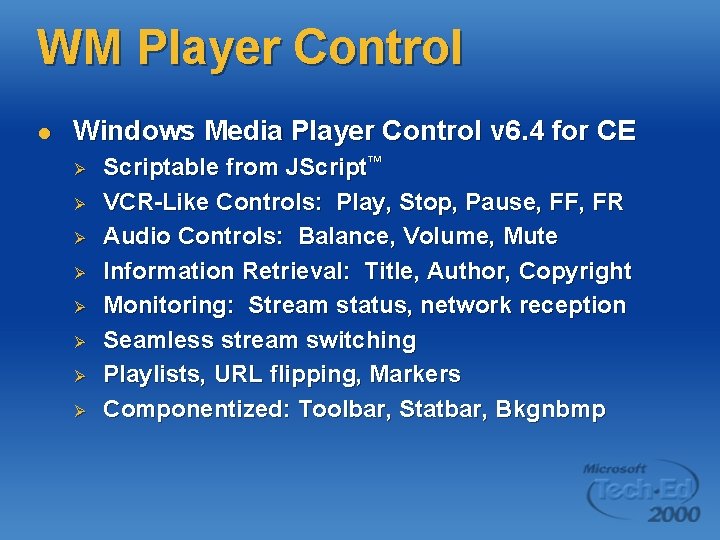
WM Player Control l Windows Media Player Control v 6. 4 for CE Ø Ø Ø Ø Scriptable from JScript™ VCR-Like Controls: Play, Stop, Pause, FF, FR Audio Controls: Balance, Volume, Mute Information Retrieval: Title, Author, Copyright Monitoring: Stream status, network reception Seamless stream switching Playlists, URL flipping, Markers Componentized: Toolbar, Statbar, Bkgnbmp
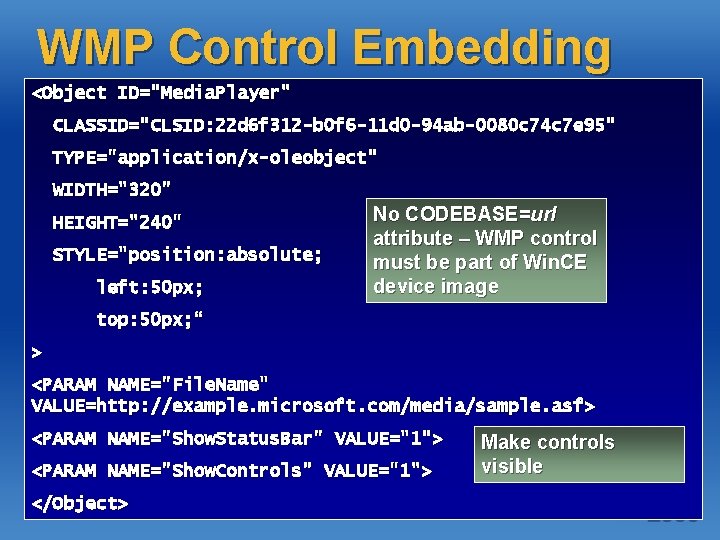
WMP Control Embedding <Object ID="Media. Player" CLASSID="CLSID: 22 d 6 f 312 -b 0 f 6 -11 d 0 -94 ab-0080 c 74 c 7 e 95" TYPE="application/x-oleobject" WIDTH="320" HEIGHT="240" STYLE="position: absolute; left: 50 px; No CODEBASE=url attribute – WMP control must be part of Win. CE device image top: 50 px; “ > <PARAM NAME="File. Name" VALUE=http: //example. microsoft. com/media/sample. asf> <PARAM NAME="Show. Status. Bar" VALUE="1"> <PARAM NAME="Show. Controls" VALUE="1"> </Object> Make controls visible
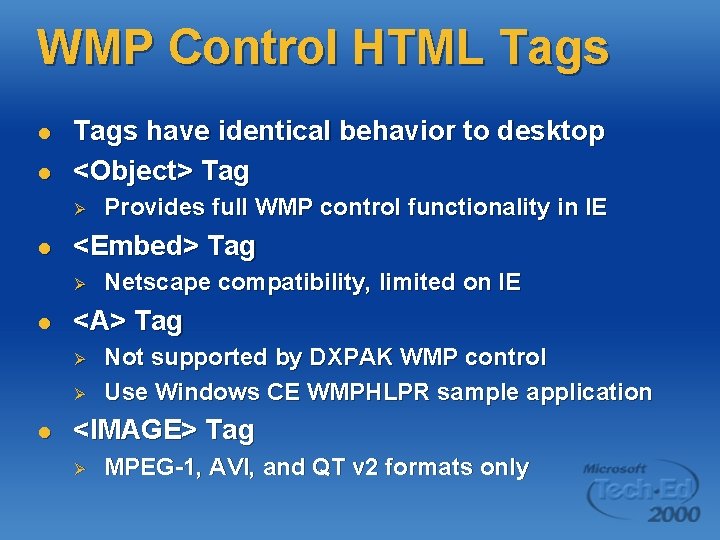
WMP Control HTML Tags l l Tags have identical behavior to desktop <Object> Tag Ø l <Embed> Tag Ø l Netscape compatibility, limited on IE <A> Tag Ø Ø l Provides full WMP control functionality in IE Not supported by DXPAK WMP control Use Windows CE WMPHLPR sample application <IMAGE> Tag Ø MPEG-1, AVI, and QT v 2 formats only
WMP Control Hosted by OCX 96 compatible container Ø l Internet Explorer compatible browser Control can be either Ø Ø Windowed Windowless
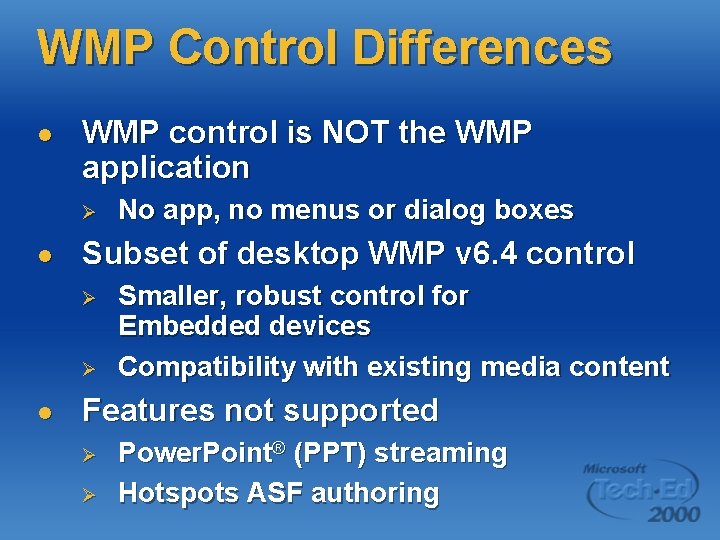
WMP Control Differences l WMP control is NOT the WMP application Ø l Subset of desktop WMP v 6. 4 control Ø Ø l No app, no menus or dialog boxes Smaller, robust control for Embedded devices Compatibility with existing media content Features not supported Ø Ø Power. Point® (PPT) streaming Hotspots ASF authoring
Agenda l What is Windows CE Direct. X®? Software availability DXPAK and Pocket PC Streaming multimedia Windows Media Player control l Windows Media technologies l Direct. Show® l l
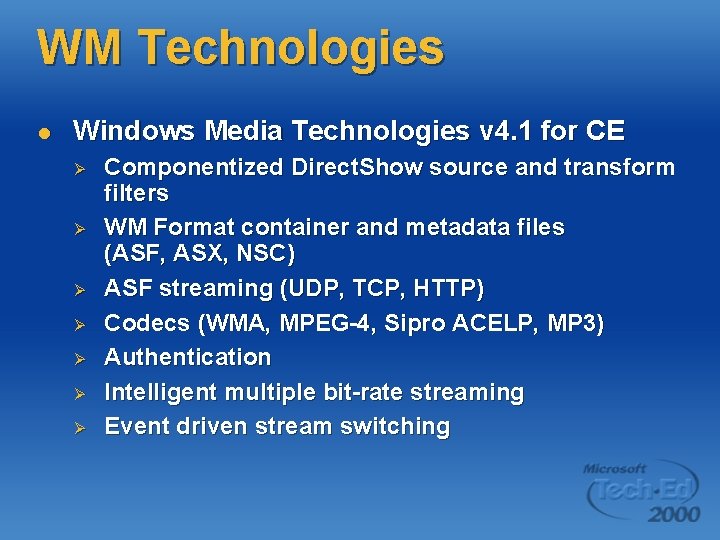
WM Technologies l Windows Media Technologies v 4. 1 for CE Ø Ø Ø Ø Componentized Direct. Show source and transform filters WM Format container and metadata files (ASF, ASX, NSC) ASF streaming (UDP, TCP, HTTP) Codecs (WMA, MPEG-4, Sipro ACELP, MP 3) Authentication Intelligent multiple bit-rate streaming Event driven stream switching
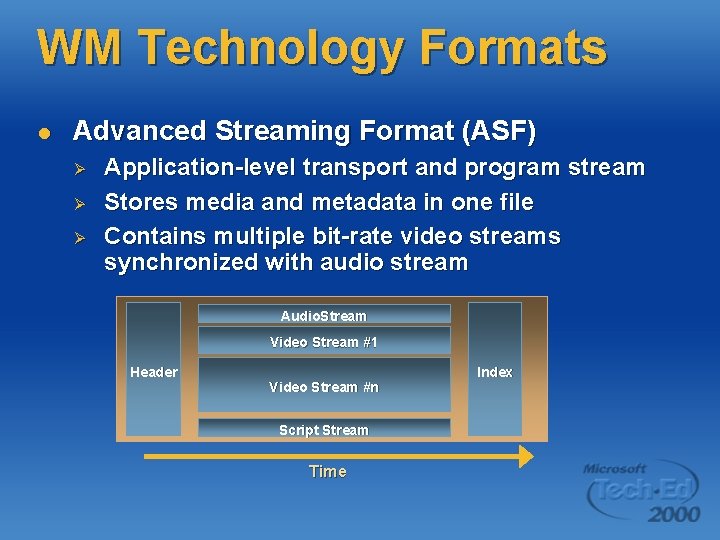
WM Technology Formats l Advanced Streaming Format (ASF) Ø Ø Ø Application-level transport and program stream Stores media and metadata in one file Contains multiple bit-rate video streams synchronized with audio stream Audio. Stream Video Stream #1 Header Video Stream #n Script Stream Time Index
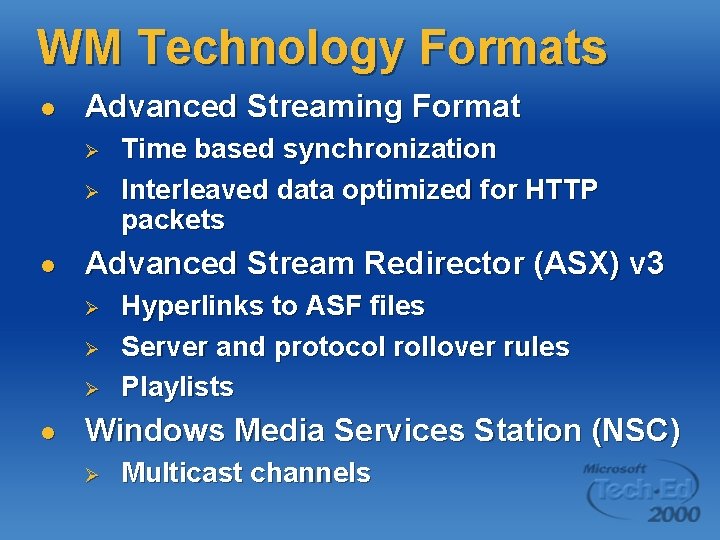
WM Technology Formats l Advanced Streaming Format Ø Ø l Advanced Stream Redirector (ASX) v 3 Ø Ø Ø l Time based synchronization Interleaved data optimized for HTTP packets Hyperlinks to ASF files Server and protocol rollover rules Playlists Windows Media Services Station (NSC) Ø Multicast channels
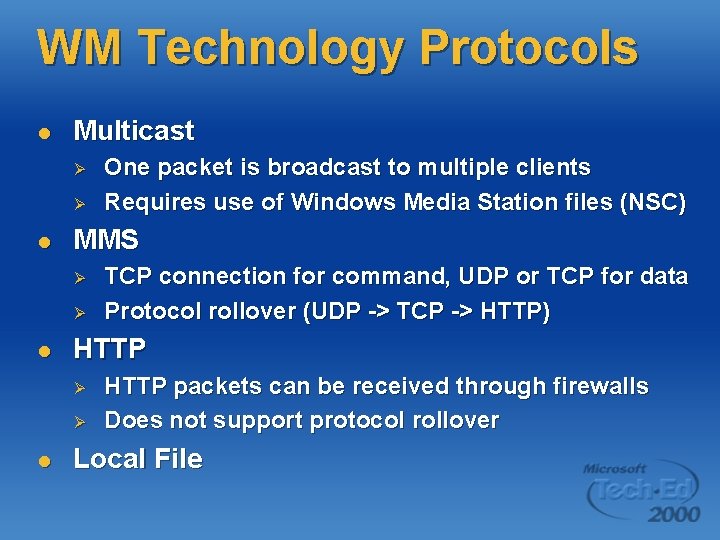
WM Technology Protocols l Multicast Ø Ø l MMS Ø Ø l TCP connection for command, UDP or TCP for data Protocol rollover (UDP -> TCP -> HTTP) HTTP Ø Ø l One packet is broadcast to multiple clients Requires use of Windows Media Station files (NSC) HTTP packets can be received through firewalls Does not support protocol rollover Local File
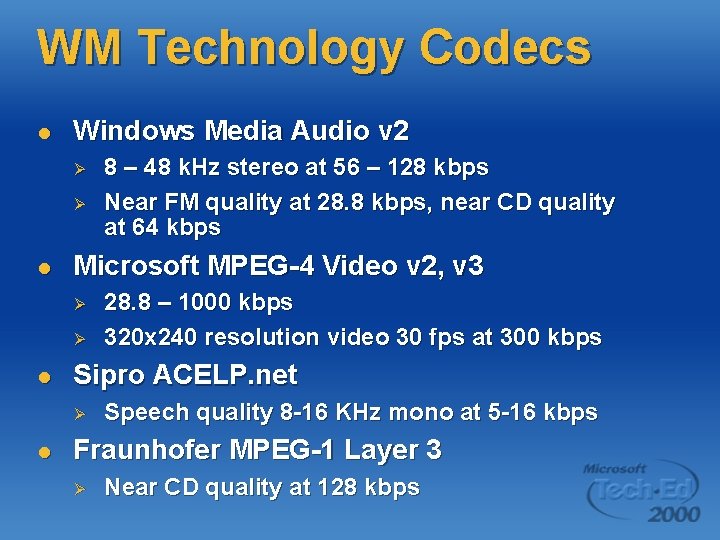
WM Technology Codecs l Windows Media Audio v 2 Ø Ø l Microsoft MPEG-4 Video v 2, v 3 Ø Ø l 28. 8 – 1000 kbps 320 x 240 resolution video 30 fps at 300 kbps Sipro ACELP. net Ø l 8 – 48 k. Hz stereo at 56 – 128 kbps Near FM quality at 28. 8 kbps, near CD quality at 64 kbps Speech quality 8 -16 KHz mono at 5 -16 kbps Fraunhofer MPEG-1 Layer 3 Ø Near CD quality at 128 kbps
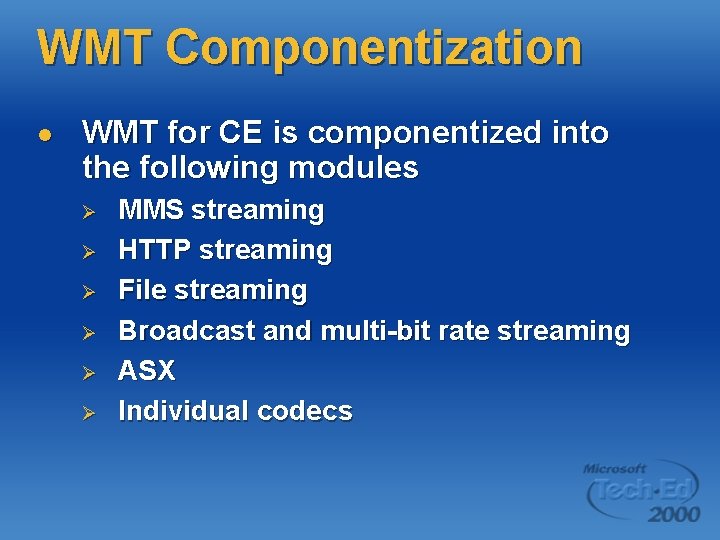
WMT Componentization l WMT for CE is componentized into the following modules Ø Ø Ø MMS streaming HTTP streaming File streaming Broadcast and multi-bit rate streaming ASX Individual codecs
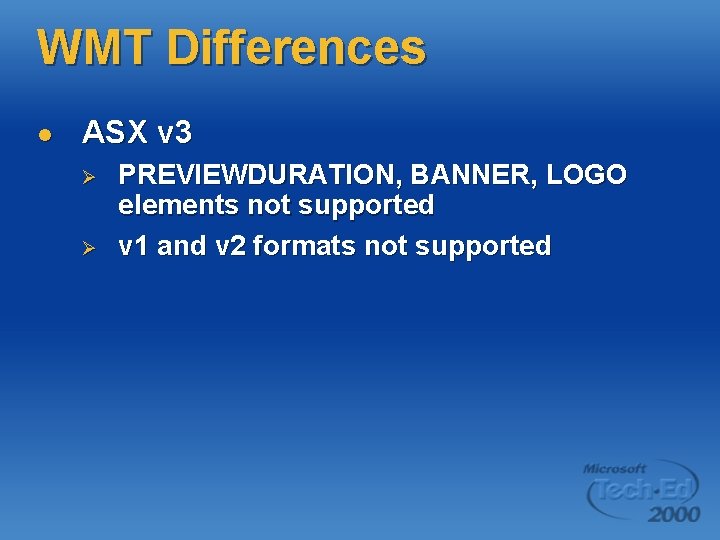
WMT Differences l ASX v 3 Ø Ø PREVIEWDURATION, BANNER, LOGO elements not supported v 1 and v 2 formats not supported
Agenda l What is Windows CE Direct. X®? Software availability DXPAK and Pocket PC Streaming multimedia Windows Media Player control Windows Media technologies l Direct. Show® l l l
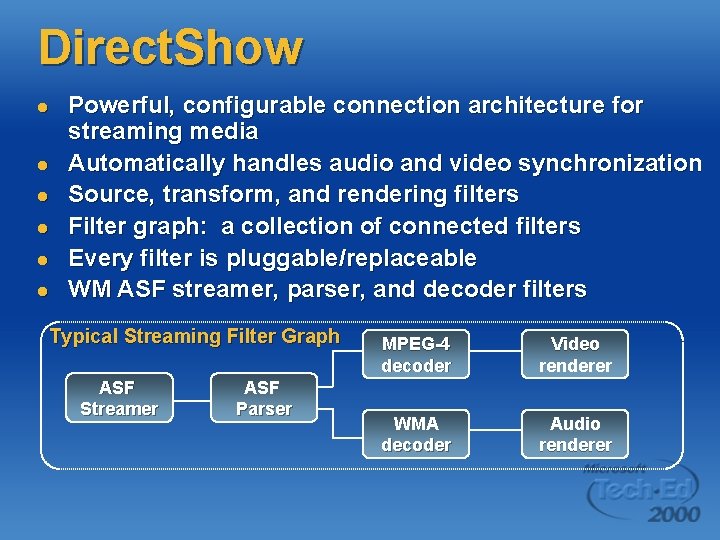
Direct. Show l l l Powerful, configurable connection architecture for streaming media Automatically handles audio and video synchronization Source, transform, and rendering filters Filter graph: a collection of connected filters Every filter is pluggable/replaceable WM ASF streamer, parser, and decoder filters Typical Streaming Filter Graph ASF Streamer ASF Parser MPEG-4 decoder Video renderer WMA decoder Audio renderer
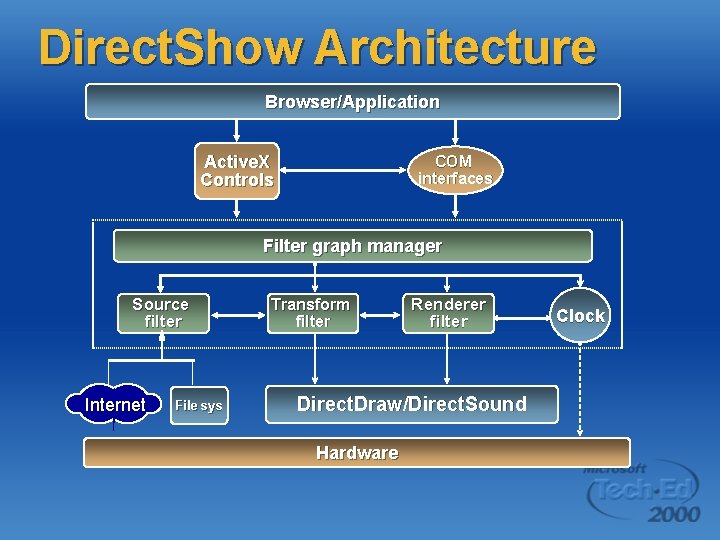
Direct. Show Architecture Browser/Application Active. X Controls COM interfaces Filter graph manager Source filter Internet File sys Transform filter Renderer filter Direct. Draw/Direct. Sound Hardware Clock
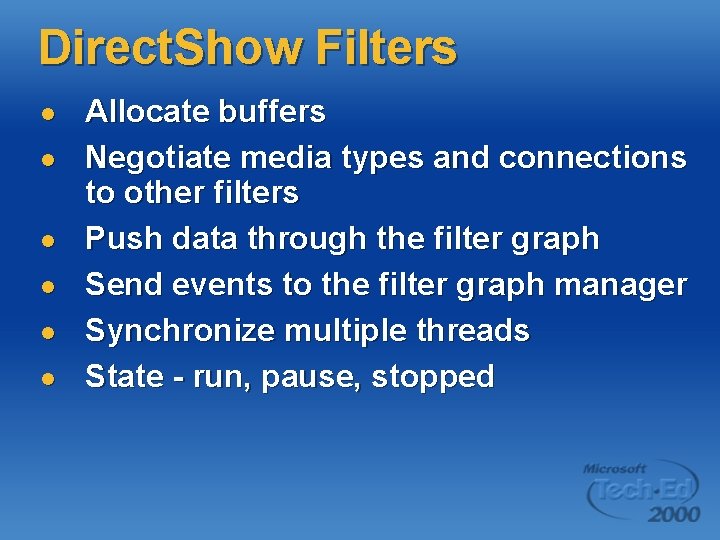
Direct. Show Filters l l l Allocate buffers Negotiate media types and connections to other filters Push data through the filter graph Send events to the filter graph manager Synchronize multiple threads State - run, pause, stopped
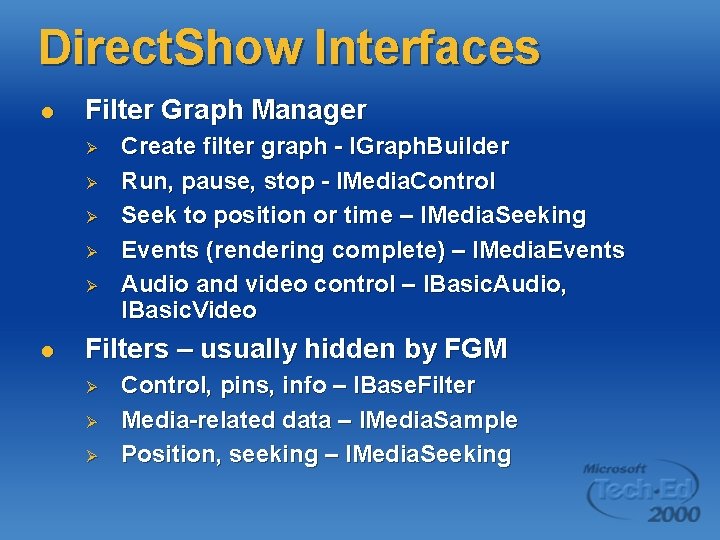
Direct. Show Interfaces l Filter Graph Manager Ø Ø Ø l Create filter graph - IGraph. Builder Run, pause, stop - IMedia. Control Seek to position or time – IMedia. Seeking Events (rendering complete) – IMedia. Events Audio and video control – IBasic. Audio, IBasic. Video Filters – usually hidden by FGM Ø Ø Ø Control, pins, info – IBase. Filter Media-related data – IMedia. Sample Position, seeking – IMedia. Seeking
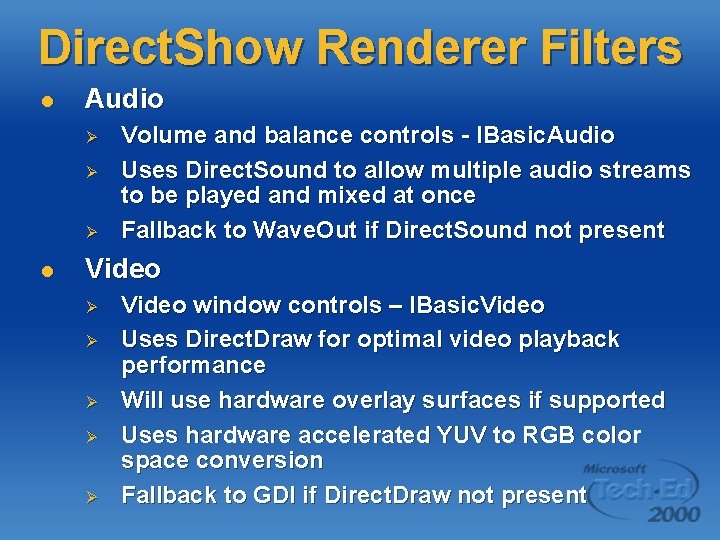
Direct. Show Renderer Filters l Audio Ø Ø Ø l Volume and balance controls - IBasic. Audio Uses Direct. Sound to allow multiple audio streams to be played and mixed at once Fallback to Wave. Out if Direct. Sound not present Video Ø Ø Ø Video window controls – IBasic. Video Uses Direct. Draw for optimal video playback performance Will use hardware overlay surfaces if supported Uses hardware accelerated YUV to RGB color space conversion Fallback to GDI if Direct. Draw not present
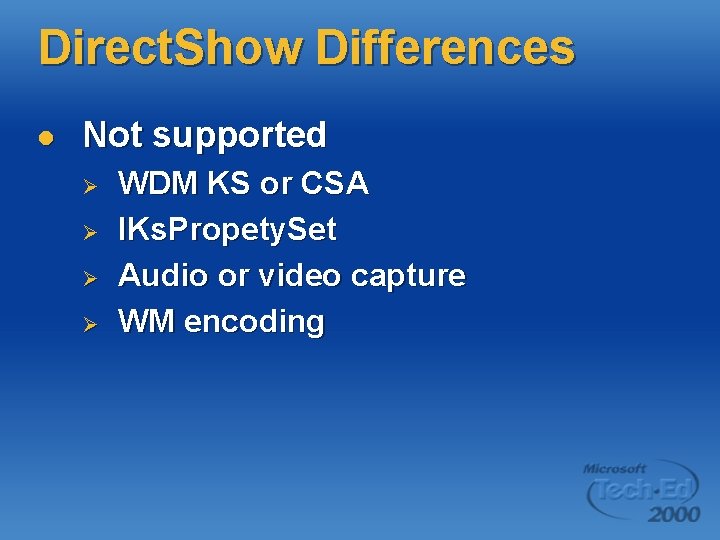
Direct. Show Differences l Not supported Ø Ø WDM KS or CSA IKs. Propety. Set Audio or video capture WM encoding
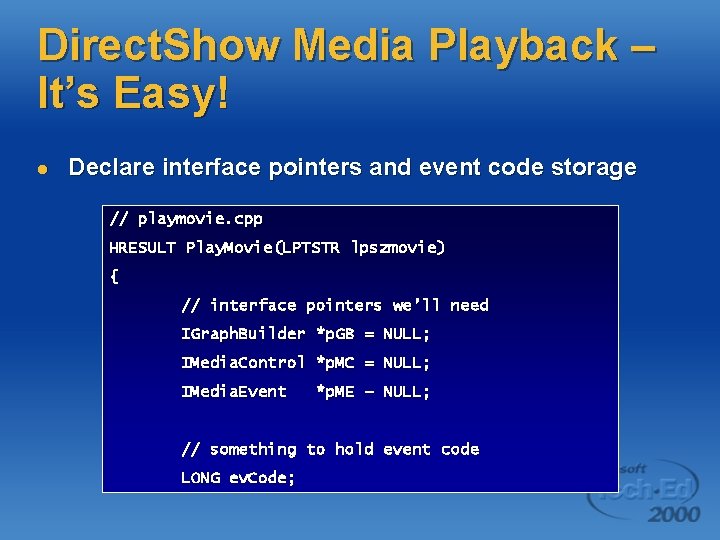
Direct. Show Media Playback – It’s Easy! l Declare interface pointers and event code storage // playmovie. cpp HRESULT Play. Movie(LPTSTR lpszmovie) { // interface pointers we’ll need IGraph. Builder *p. GB = NULL; IMedia. Control *p. MC = NULL; IMedia. Event *p. ME – NULL; // something to hold event code LONG ev. Code;
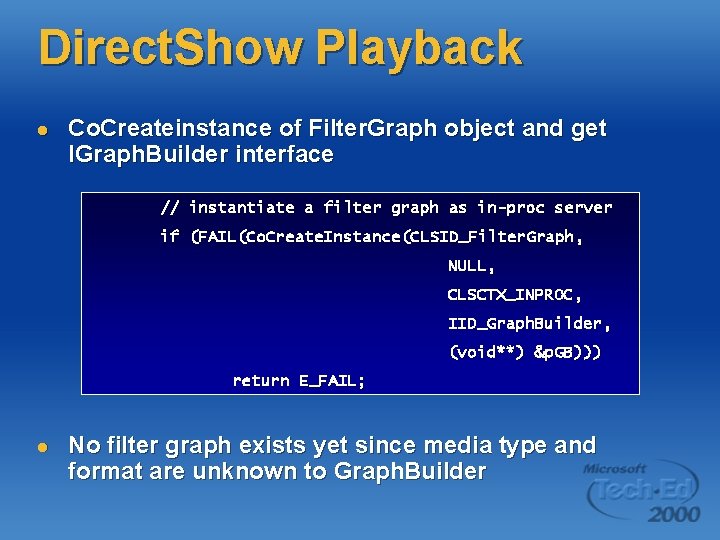
Direct. Show Playback l Co. Createinstance of Filter. Graph object and get IGraph. Builder interface // instantiate a filter graph as in-proc server if (FAIL(Co. Create. Instance(CLSID_Filter. Graph, NULL, CLSCTX_INPROC, IID_Graph. Builder, (void**) &p. GB))) return E_FAIL; l No filter graph exists yet since media type and format are unknown to Graph. Builder
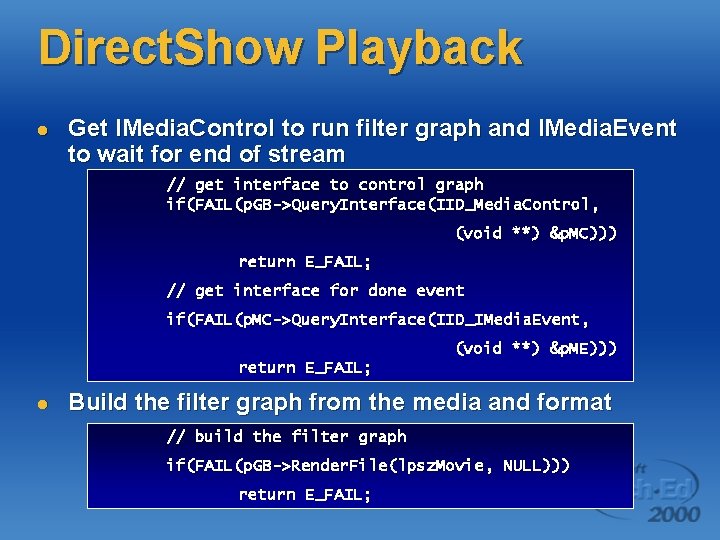
Direct. Show Playback l Get IMedia. Control to run filter graph and IMedia. Event to wait for end of stream // get interface to control graph if(FAIL(p. GB->Query. Interface(IID_Media. Control, (void **) &p. MC))) return E_FAIL; // get interface for done event if(FAIL(p. MC->Query. Interface(IID_IMedia. Event, (void **) &p. ME))) return E_FAIL; l Build the filter graph from the media and format // build the filter graph if(FAIL(p. GB->Render. File(lpsz. Movie, NULL))) return E_FAIL;
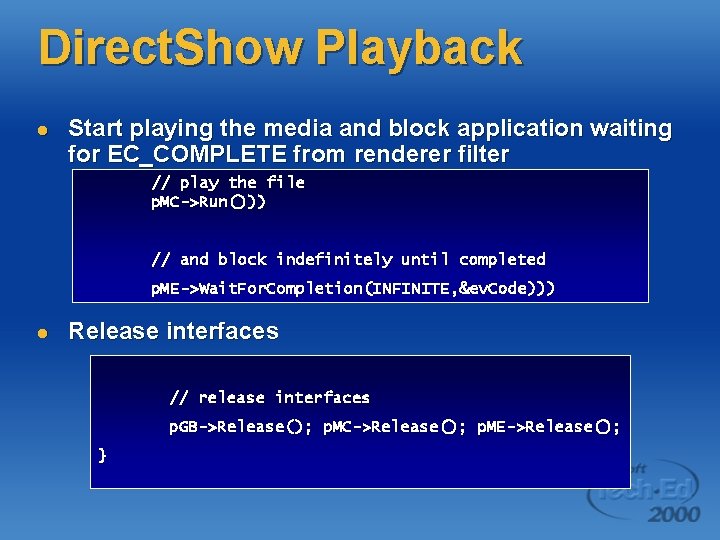
Direct. Show Playback l Start playing the media and block application waiting for EC_COMPLETE from renderer filter // play the file p. MC->Run())) // and block indefinitely until completed p. ME->Wait. For. Completion(INFINITE, &ev. Code))) l Release interfaces // release interfaces p. GB->Release(); p. MC->Release(); p. ME->Release(); }
Summary l l OEMs can now build Direct. X and Windows Media enabled platforms using Windows CE and Platform Builder Componentized Windows CE versions of Ø Ø Ø Windows Media Technologies v 4. 1 Windows Media Player Control v 6. 4 Direct. Show 6. 1
Further Information l White papers Ø Ø l Windows CE DX Website Ø l http: //microsoft. com/windows/embedded/ce/guide/f eatures/directx. asp MSDN Developer Center Ø l Multimedia Streaming on Windows CE Direct. X and Windows Media Technologies on CE http: //msdn. microsoft. com/windowsmedia E-mail Ø cedx@microsoft. com
Questions?