
Developing Web Applications With XHTML Problems and Benefits
Developing Web Applications With XHTML: Problems and Benefits Ian GRAHAM Senior Manager, e. Solutions Group Emfisys, Bank of Montreal E: ian. graham@bmo. com or utoronto. ca} W: http: //www. utoronto. ca/ian/talks/ T: 416. 513. 5656 / F: 416. 513. 5590
Talk Outline l Introduction u Technical and process issues Browsers and XHTML l Server-side data management l Dynamic content generation l Conclusions l
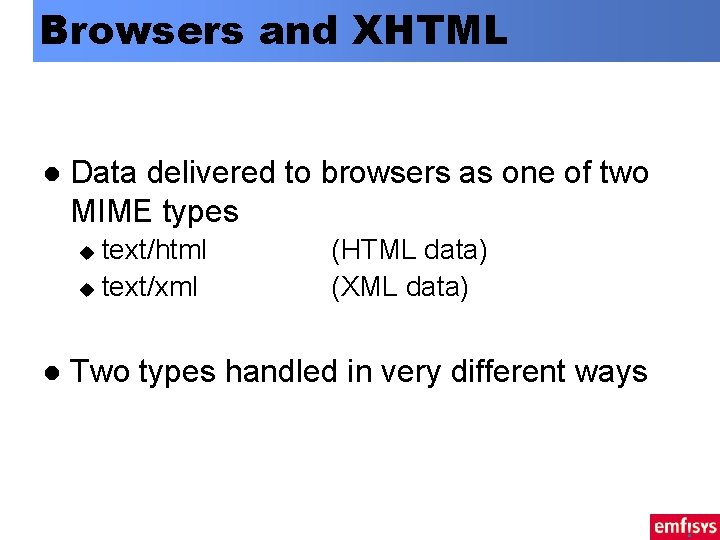
Browsers and XHTML l Data delivered to browsers as one of two MIME types text/html u text/xml u l (HTML data) (XML data) Two types handled in very different ways
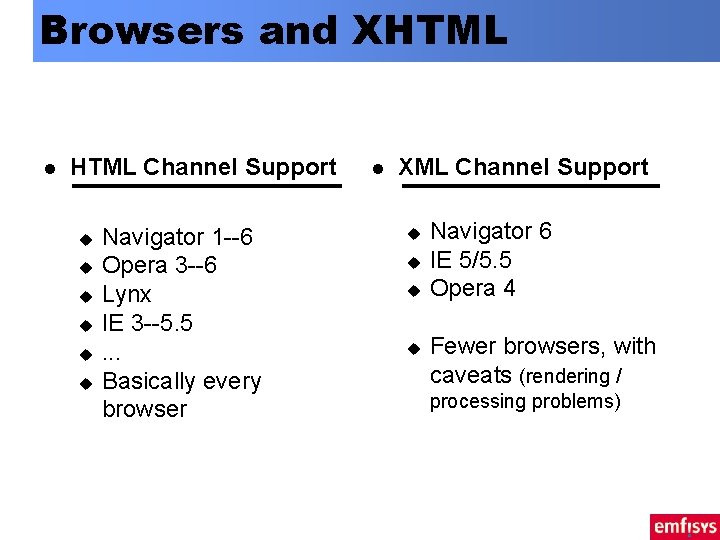
Browsers and XHTML l HTML Channel Support u u u Navigator 1 --6 Opera 3 --6 Lynx IE 3 --5. 5. . . Basically every browser l XML Channel Support u u Navigator 6 IE 5/5. 5 Opera 4 Fewer browsers, with caveats (rendering / processing problems)

HTML vs. XML Channels
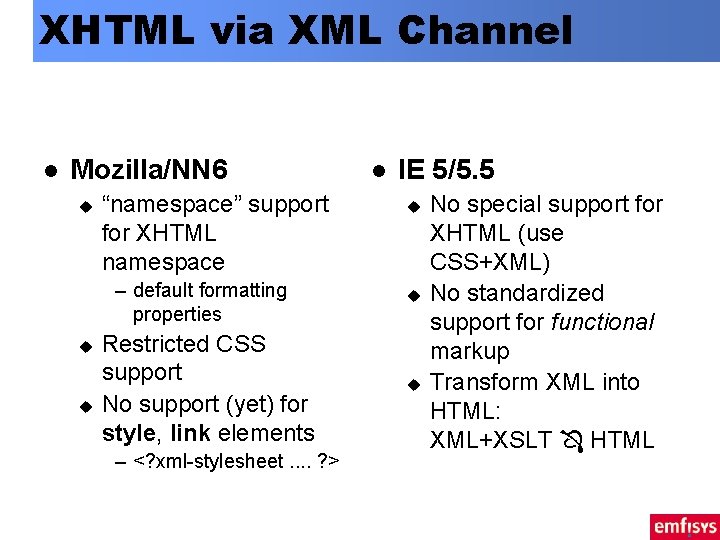
XHTML via XML Channel l Mozilla/NN 6 u “namespace” support for XHTML namespace – default formatting properties u u Restricted CSS support No support (yet) for style, link elements – <? xml-stylesheet. . ? > l IE 5/5. 5 u u u No special support for XHTML (use CSS+XML) No standardized support for functional markup Transform XML into HTML: XML+XSLT HTML
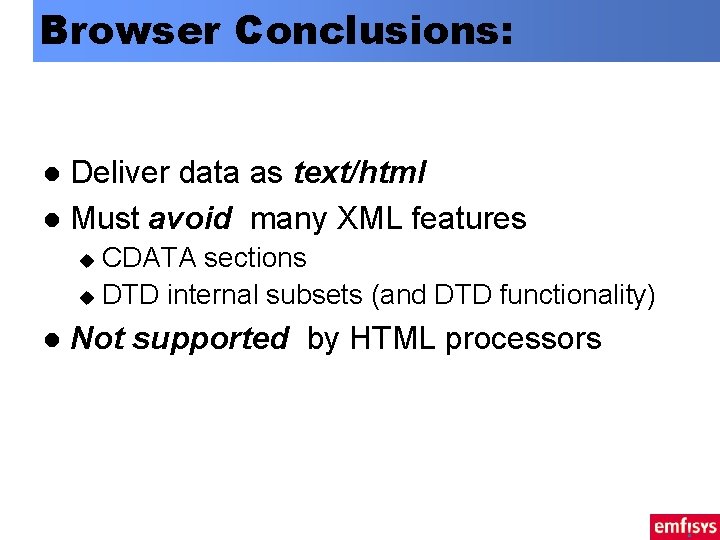
Browser Conclusions: Deliver data as text/html l Must avoid many XML features l CDATA sections u DTD internal subsets (and DTD functionality) u l Not supported by HTML processors
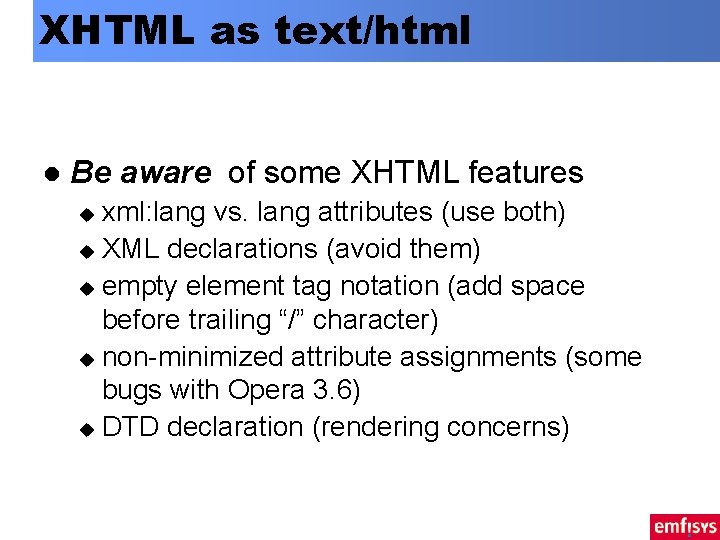
XHTML as text/html l Be aware of some XHTML features xml: lang vs. lang attributes (use both) u XML declarations (avoid them) u empty element tag notation (add space before trailing “/” character) u non-minimized attribute assignments (some bugs with Opera 3. 6) u DTD declaration (rendering concerns) u
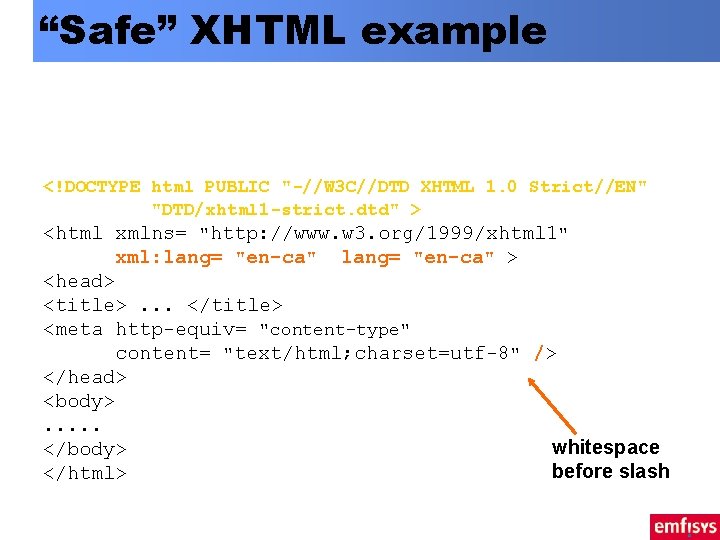
“Safe” XHTML example <? xml version= "1. 0" encoding= "utf-8" ? > <!DOCTYPE html PUBLIC "-//W 3 C//DTD XHTML 1. 0 Strict//EN" "DTD/xhtml 1 -strict. dtd" > <html xmlns= "http: //www. w 3. org/1999/xhtml 1" xml: lang= "en-ca" > <head> <title>. . . </title> <meta http-equiv= "content-type" content= "text/html; charset=utf-8" /> </head> <body>. . . whitespace </body> before slash </html>
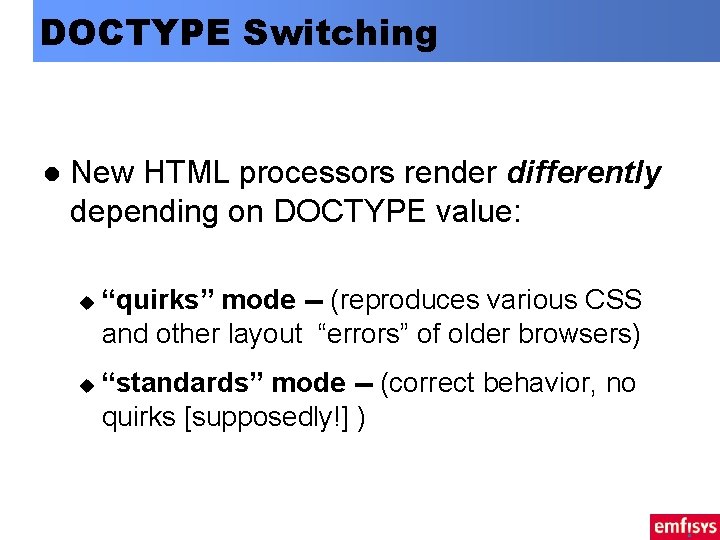
DOCTYPE Switching l New HTML processors render differently depending on DOCTYPE value: u u “quirks” mode -- (reproduces various CSS and other layout “errors” of older browsers) “standards” mode -- (correct behavior, no quirks [supposedly!] )

DOCTYPE Switching l All XHTML DTDs get “standard” mode. Thus the following rule: quirks mode: u strict mode: u omit DOCTYPE include an XHTML DOCTYPE declaration
Summary Seems like a lot of problems. . l Not so bad. . . l Have to deal with most anyway (e. g. , quirky vs. strict) u “patching” often easy to automate u l Benefits Reduced markup errors (well-formedness) u Migration path to future delivery channels u
Markup Guidelines Use external scripts and CSS style sheets l Avoid CDATA sections l External script, style sheet files l On output, auto-adjust syntax: l insert space at end of empty-element tags u duplicate lang-related attributes u strip/insert appropriate DOCTYPE declaration u strip XML declaration u
Talk Outline Introduction l Browsers and XHTML l Server-side data management l Dynamic content generation l Conclusions l
Server-Side Management l XHTML reduces errors in composition and rendering phases Well-formedness ensures unambiguous processing by an HTML or XML processor u Barring CSS errors, this means fewer browser formatting problems u l Problems u support by content generation tools
Issues: l Limited pool of XHTML authoring tools Most popular page authoring tools designed for HTML (Dream. Weaver, Front. Page etc. ) u XHTML conversion adds process steps to authoring u – Too complex for most Web authors/designers l Not an issue for organizations with existing XML/SGML processes
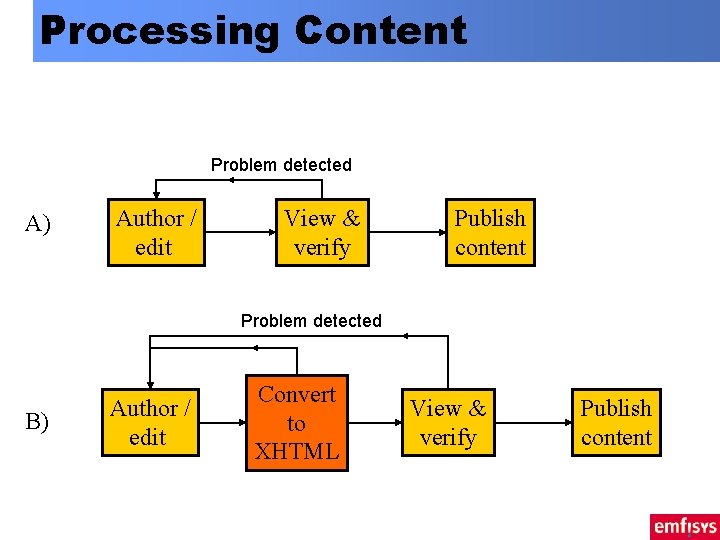
Processing Content Problem detected A) Author / edit View & verify Publish content Problem detected B) Author / edit Convert to XHTML View & verify Publish content
Alternatives l Use XML-aware authoring tools u l Create tightly controlled page “templates” and limit authoring responsibilities u l Issues: Cost, non-WYSIWYG nature Reduces likelihood of markup error Dynamic content generation u Fragment authoring only -- with validation
Talk Outline Introduction l Browsers and XHTML l Server-side data management l Dynamic content generation l Conclusions l
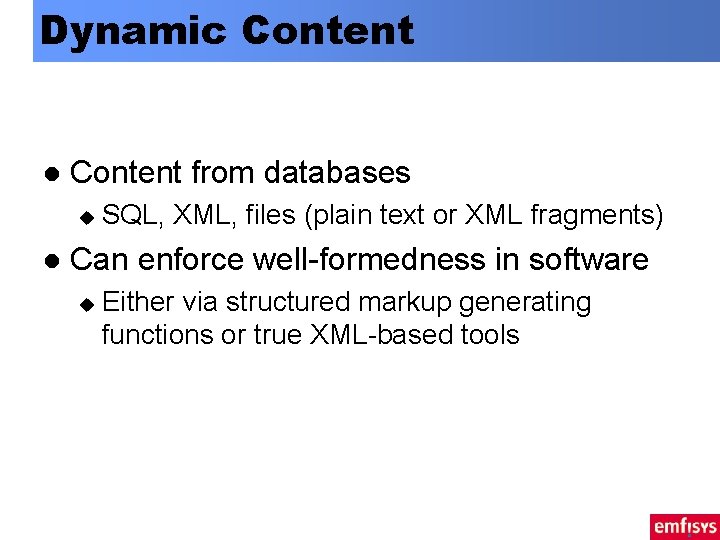
Dynamic Content l Content from databases u l SQL, XML, files (plain text or XML fragments) Can enforce well-formedness in software u Either via structured markup generating functions or true XML-based tools
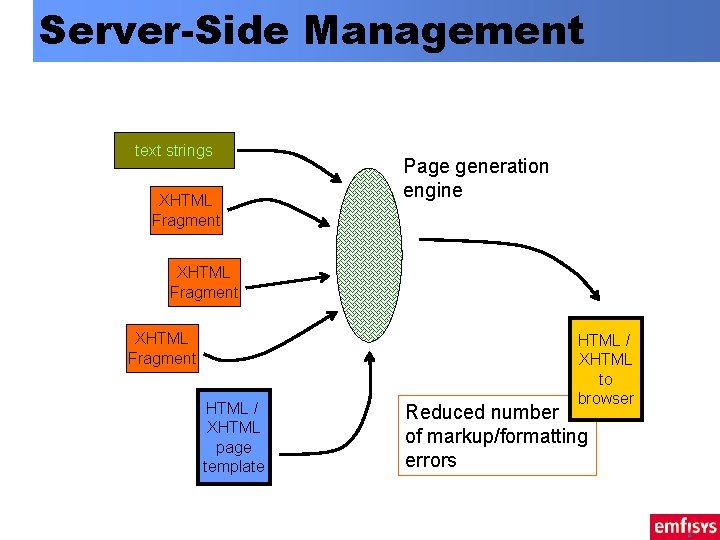
Server-Side Management text strings XHTML Fragment Page generation engine XHTML Fragment HTML / XHTML page template HTML / XHTML to browser Reduced number of markup/formatting errors
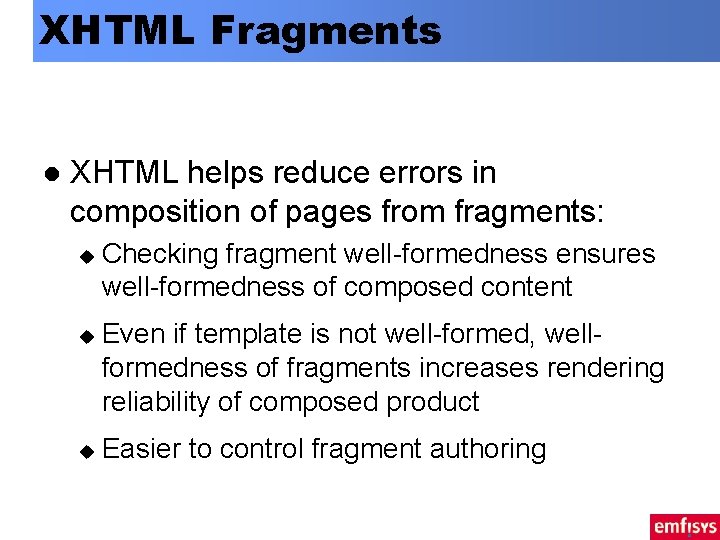
XHTML Fragments l XHTML helps reduce errors in composition of pages from fragments: u u u Checking fragment well-formedness ensures well-formedness of composed content Even if template is not well-formed, wellformedness of fragments increases rendering reliability of composed product Easier to control fragment authoring
Roles & Responsibilities l Fragment creation u l Many individual writers; requires little markup knowledge; WYSIWYG often not as important Template creation / Management u Fewer, more technically skilled people; can enforce well-formedness
Fragment Creation Common use case in content creation l e. g. , Newspaper articles, weblogs l Subset of XHTML (e. g. , p, a, br, h 3, b, i, img, em) u few attributes u Easy to write u Easy to dynamically “correct” markup u
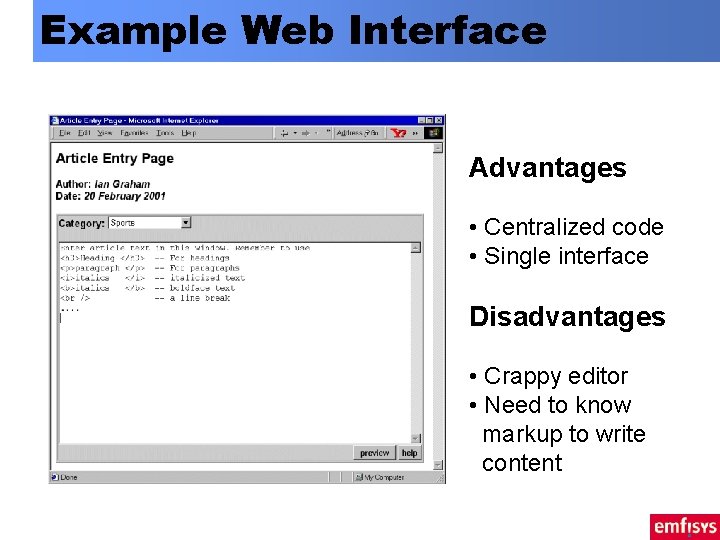
Example Web Interface Advantages • Centralized code • Single interface Disadvantages • Crappy editor • Need to know markup to write content
Future Alternatives l Editable Web content (IE 5. 5, Mozilla) u l Accessing DOM tree to build an editor u l http: //standardbrains. editthispage. com/ DOM ensures validity / well-formedness of markup With Mozilla, will work with XML
Content Assembly l Many tools (JSP, php, ASP, zope. . . ) u l Not many that guarantee well-formed XML output Obvious choice: XSLT Guarantees well-formedness of output u HTML output mode allows for most issues described earlier u
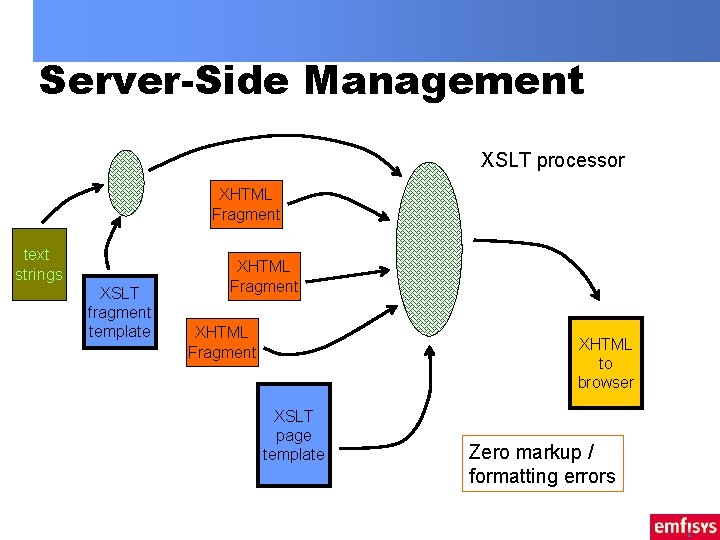
Server-Side Management XSLT processor XHTML Fragment text strings XSLT fragment template XHTML Fragment XHTML to browser XSLT page template Zero markup / formatting errors
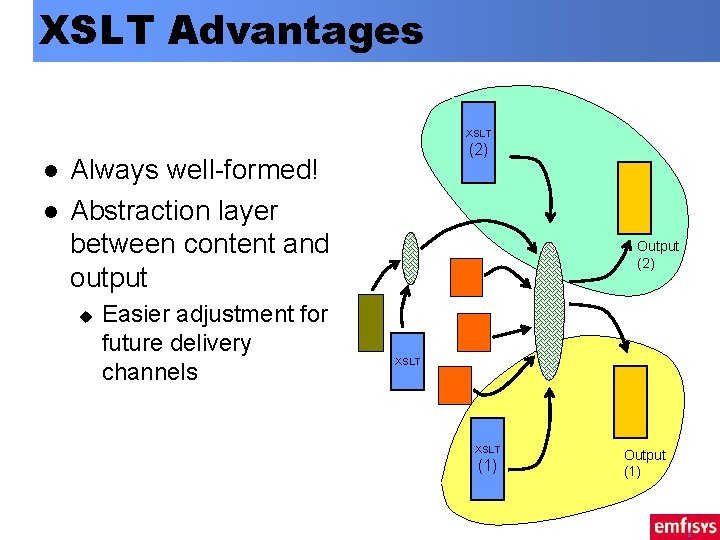
XSLT Advantages XSLT l l (2) Always well-formed! Abstraction layer between content and output u Easier adjustment for future delivery channels Output (2) XSLT (1) Output (1)
XSLT Caveats l Non-trivial language u (well, at least to page developers/designers) Unclean separation between designer and programmer l Lack of easy integration to common editing tools l
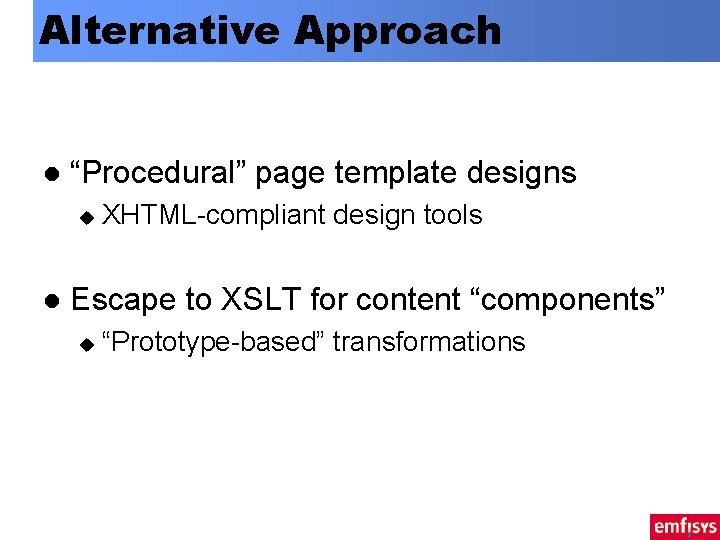
Alternative Approach l “Procedural” page template designs u l XHTML-compliant design tools Escape to XSLT for content “components” u “Prototype-based” transformations
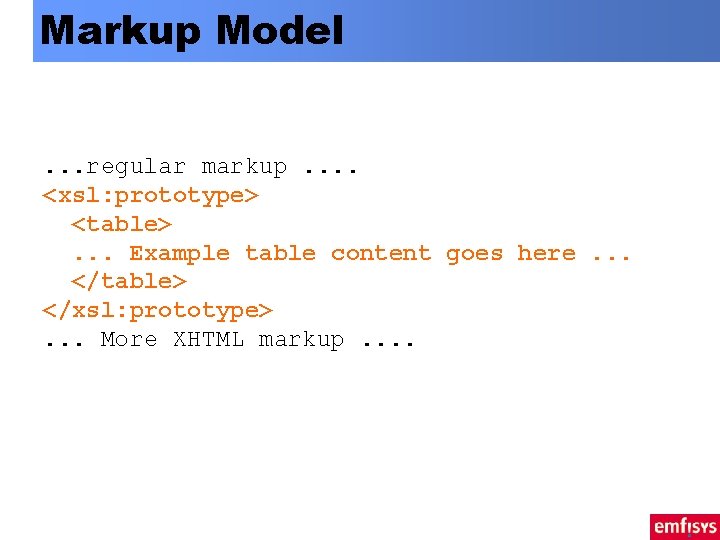
Markup Model. . . regular markup. . <xsl: prototype> <table>. . . Example table content goes here. . . </table> </xsl: prototype>. . . More XHTML markup. .
Talk Outline Introduction l Browsers and XHTML l Server-side data management l Dynamic content generation l Conclusions l
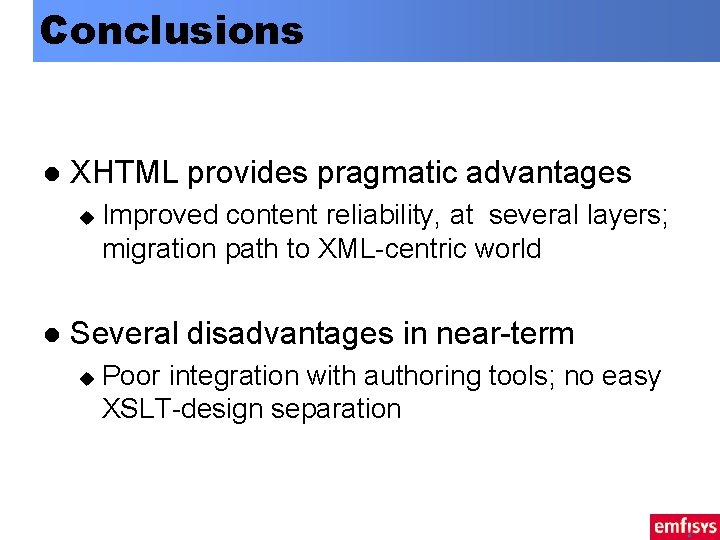
Conclusions l XHTML provides pragmatic advantages u l Improved content reliability, at several layers; migration path to XML-centric world Several disadvantages in near-term u Poor integration with authoring tools; no easy XSLT-design separation
Developing Web Applications With XHTML: Problems and Benefits Ian GRAHAM Senior Manager, e. Solutions Group Emfisys, Bank of Montreal E: ian. graham@{bmo. com or utoronto. ca} W: http: //www. utoronto. ca/ian/talks/ T: 416. 513. 5656 / F: 416. 513. 5590
- Slides: 35