
Developing Oral and Online Presentations Chapter 12 Learning

- Slides: 31
Developing Oral and Online Presentations
Chapter 12: Learning Objectives • • • Adapting the three-step process to presentations Developing a presentation Enhancing your presentations with visuals Completing a presentation Delivering a presentation
Tips for Success “When you speak before and audience, have some fun with it. Stop concentrating on ‘Will they like me? ’ and instead focus on “What will they gain from hearing me? ’” -Leanne Anderson, Owner, Anderson Business Resources
The Three-Step Oral Presentation Process
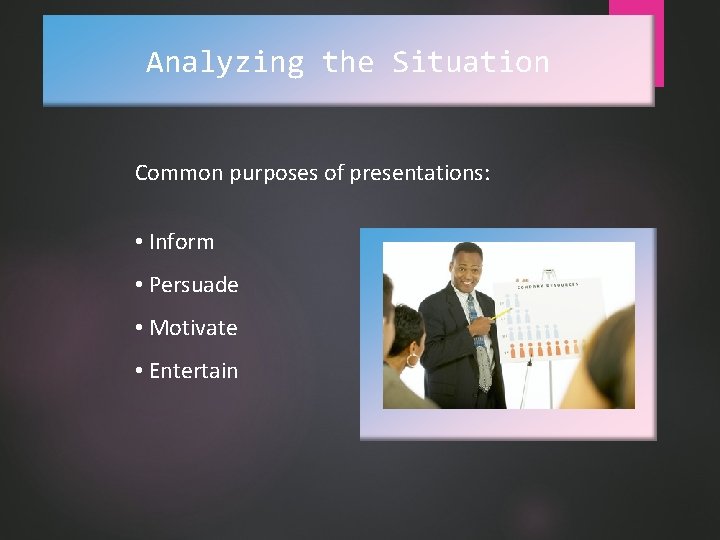
Analyzing the Situation Common purposes of presentations: • Inform • Persuade • Motivate • Entertain
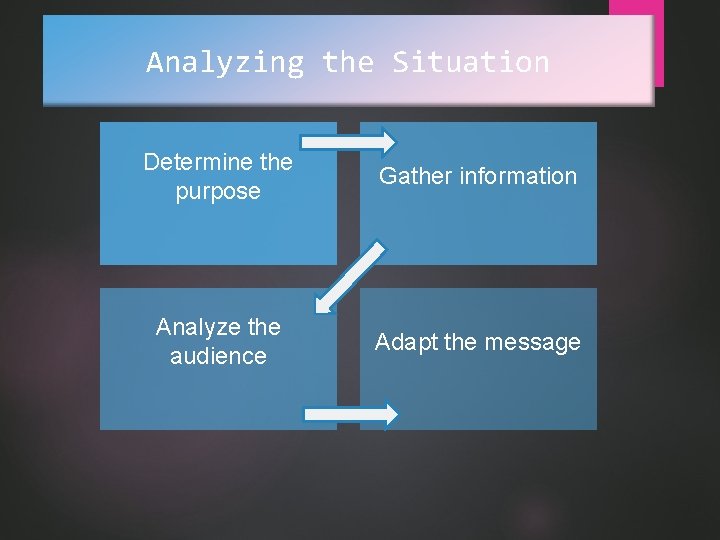
Analyzing the Situation Determine the purpose Gather information Analyze the audience Adapt the message
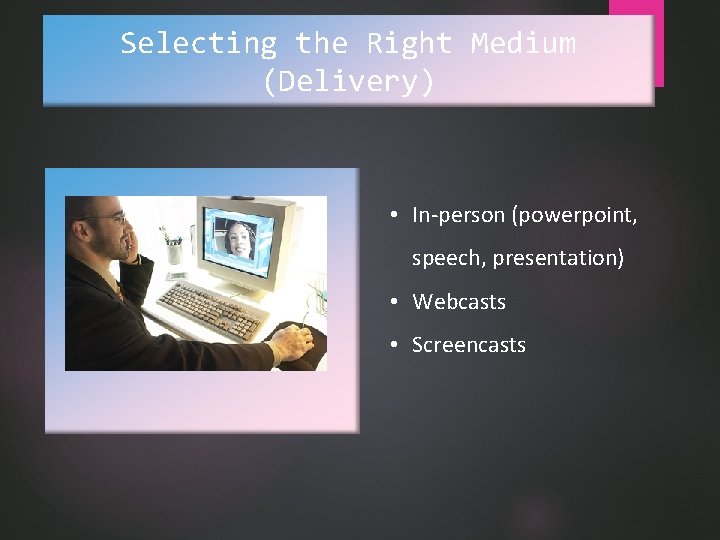
Selecting the Right Medium (Delivery) • In-person (powerpoint, speech, presentation) • Webcasts • Screencasts
Developing a Presentation 3 step model! -Plan-consider- audience, organization, information -Write -Complete
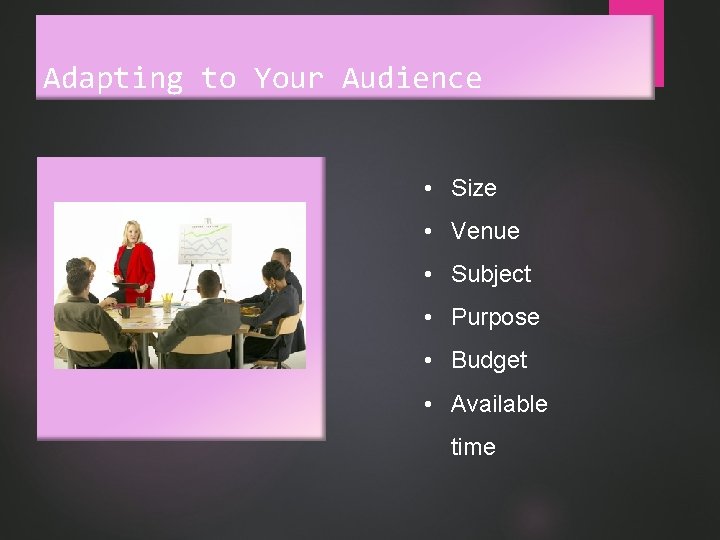
Adapting to Your Audience • Size • Venue • Subject • Purpose • Budget • Available time
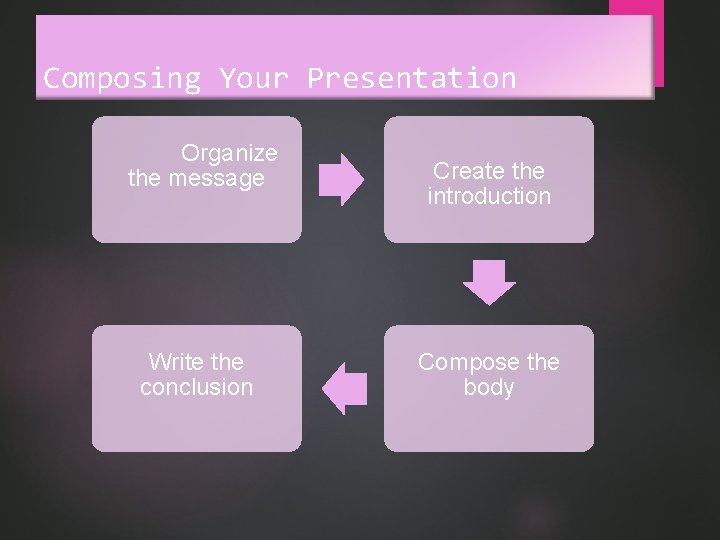
Composing Your Presentation Organize the message Write the conclusion Create the introduction Compose the body
Enhancing Your Presentation with Effective Visuals
Using Visual Aids • • Clarify main points Add variety Create interest Improve learning
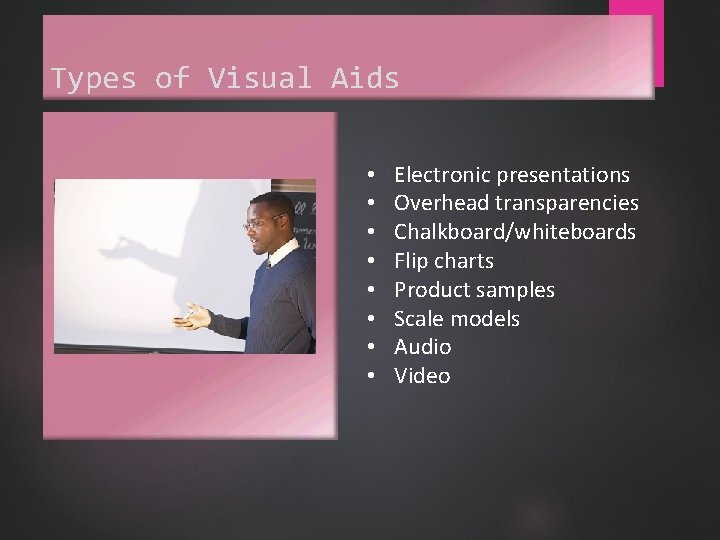
Types of Visual Aids • • Electronic presentations Overhead transparencies Chalkboard/whiteboards Flip charts Product samples Scale models Audio Video
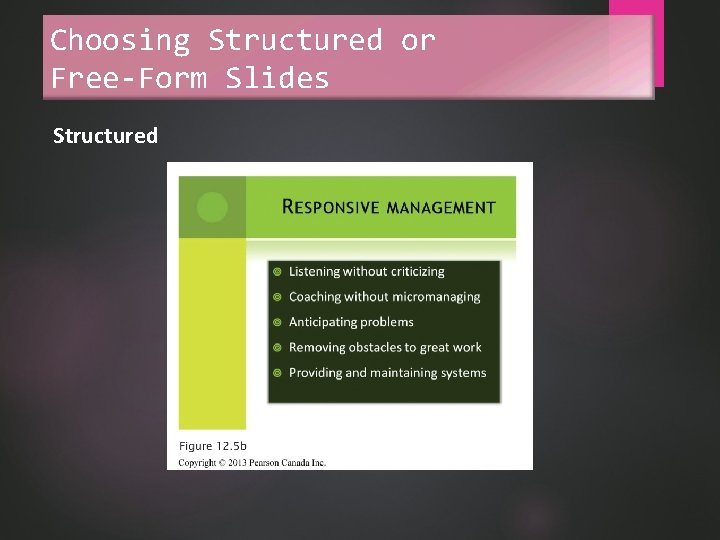
Choosing Structured or Free-Form Slides Structured
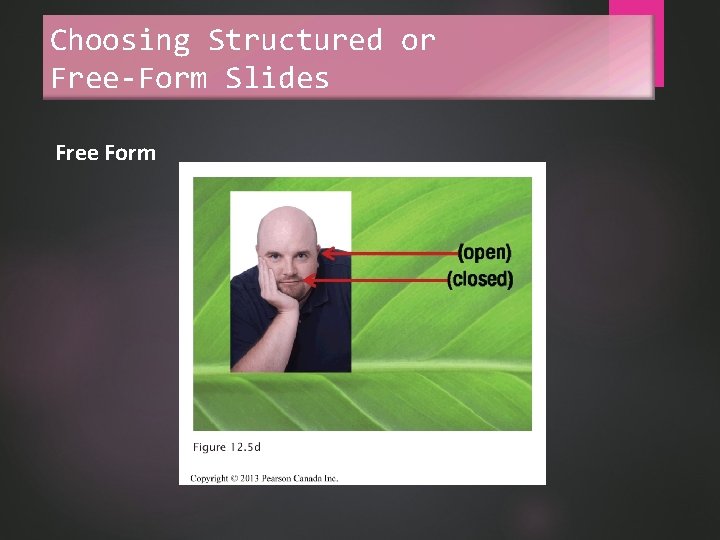
Choosing Structured or Free-Form Slides Free Form
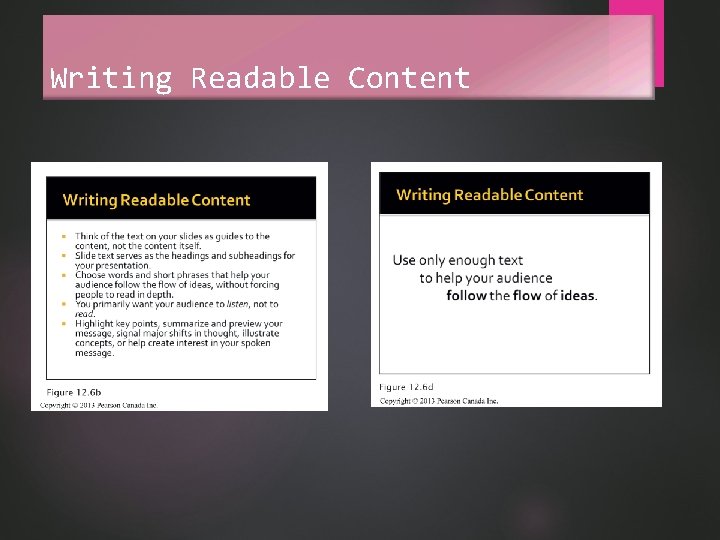
Writing Readable Content
Designing Graphics for Slides Simplicity Flow
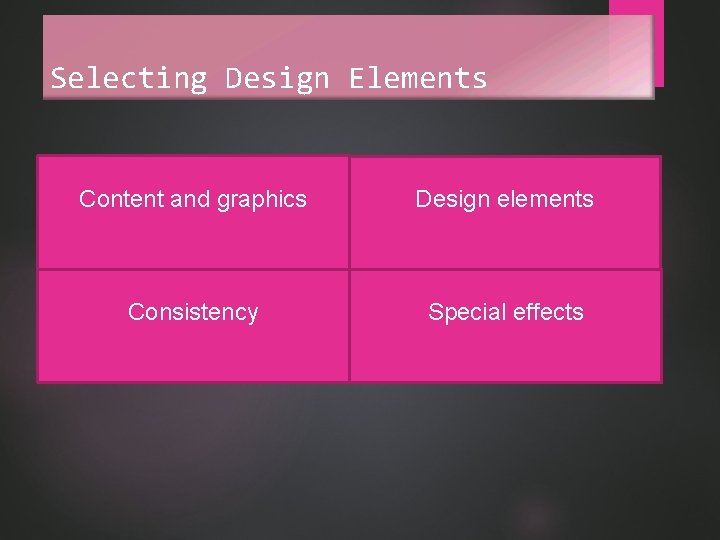
Selecting Design Elements Content and graphics Design elements Consistency Special effects
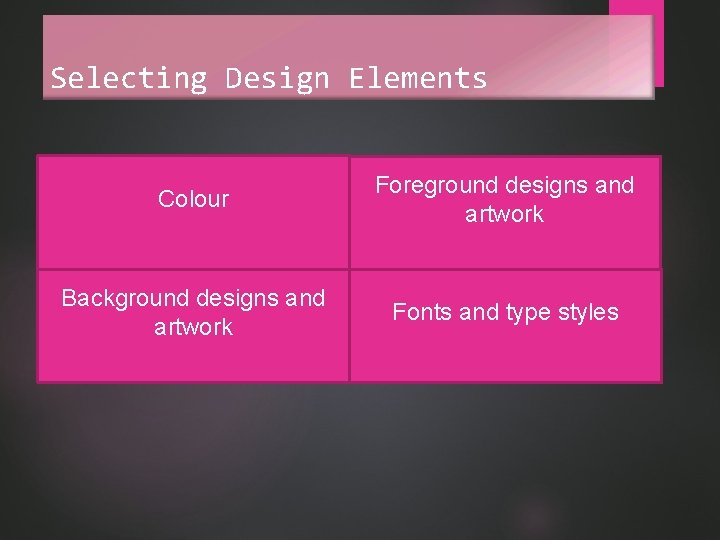
Selecting Design Elements Colour Foreground designs and artwork Background designs and artwork Fonts and type styles
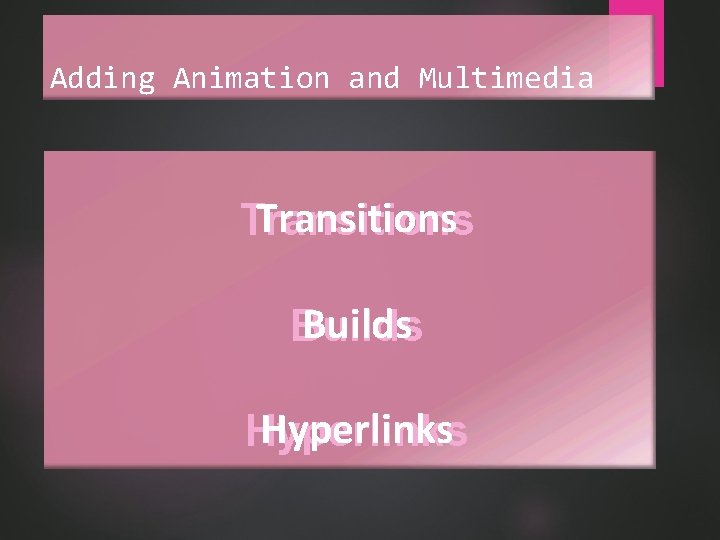
Adding Animation and Multimedia Transitions Builds Hyperlinks
Completing a Presentation
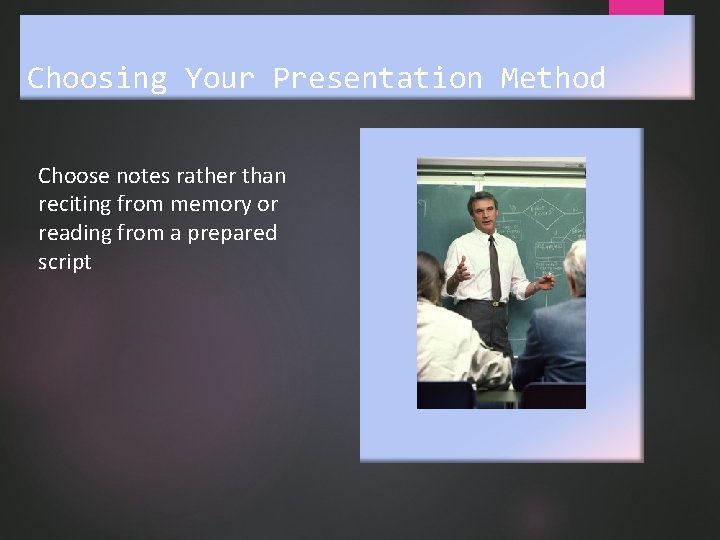
Choosing Your Presentation Method Choose notes rather than reciting from memory or reading from a prepared script
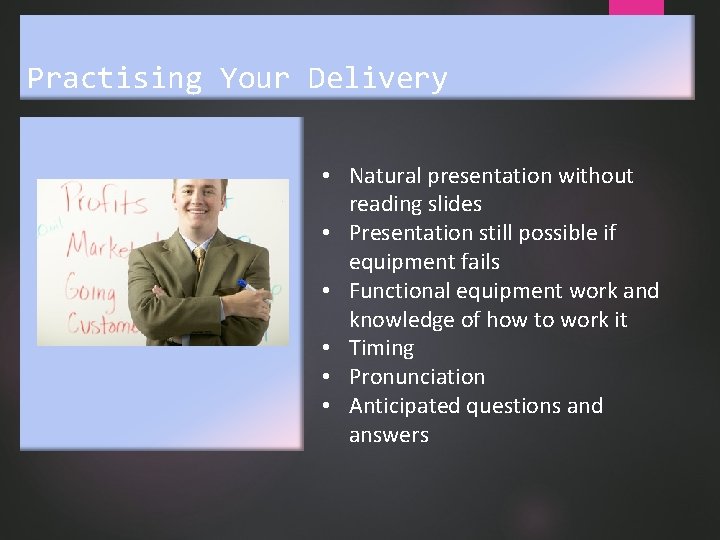
Practising Your Delivery • Natural presentation without reading slides • Presentation still possible if equipment fails • Functional equipment work and knowledge of how to work it • Timing • Pronunciation • Anticipated questions and answers
Delivering a Presentation
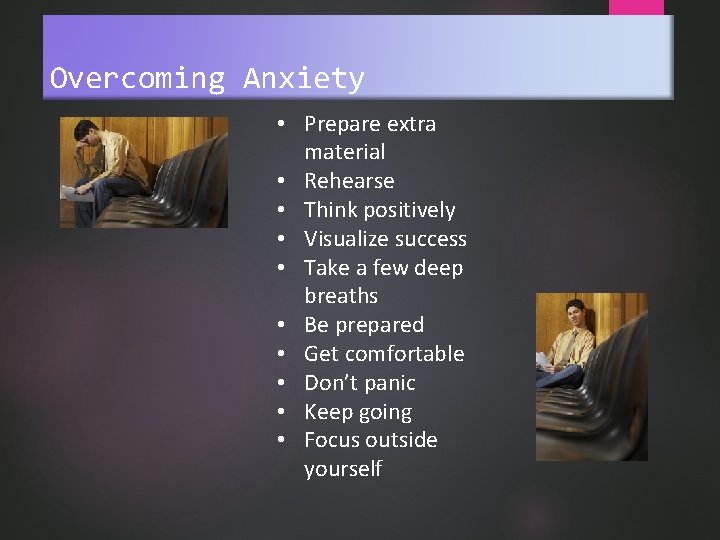
Overcoming Anxiety • Prepare extra material • Rehearse • Think positively • Visualize success • Take a few deep breaths • Be prepared • Get comfortable • Don’t panic • Keep going • Focus outside yourself
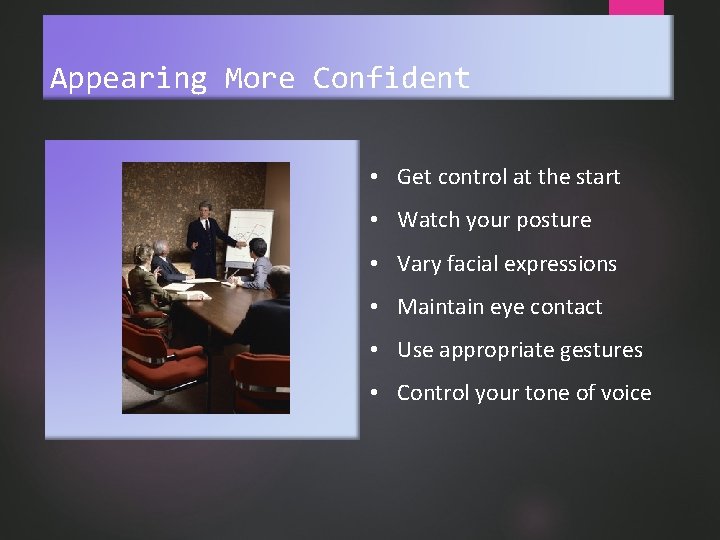
Appearing More Confident • Get control at the start • Watch your posture • Vary facial expressions • Maintain eye contact • Use appropriate gestures • Control your tone of voice
Handling Questions Responsively • Focus on the questioner • Control the situation • Motivate questions • Respond appropriately • Maintain self-control • Conclude the speech
Embracing the Backchannel • Integrate social media • Monitor and ask for feedback • Review comments • Tweet key points • Establish expectations
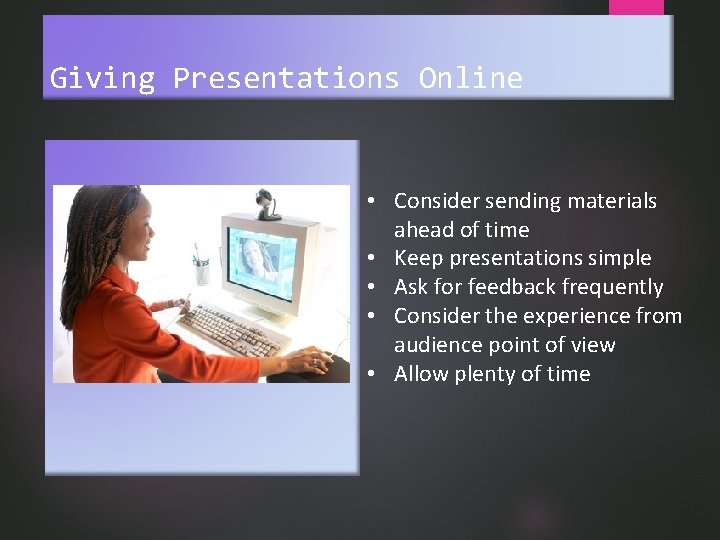
Giving Presentations Online • Consider sending materials ahead of time • Keep presentations simple • Ask for feedback frequently • Consider the experience from audience point of view • Allow plenty of time
Real-World Applications If you are giving an oral presentation on the performance of a company product, what three attention-getters might you use to enliven your talk? Let’s discuss!
Real-World Applications How do you use design elements and special effects to persuade an audience? Is it ethical to do so? Let’s discuss!