
Developing Open Source Software using Version Control Systems

- Slides: 36
Developing Open Source Software using Version Control Systems An Introduction to the Git Language for Documenting your Computational Research Jared D. Smith, University of Virginia js 4 yd@virginia. edu and Jon Herman, University of California, Davis jdherman@ucdavis. edu Smith and Herman June, 2020 1
Outline 1. 2. 3. 4. 5. 6. 7. 8. What is Version Control? Open Source Software? Why are they good for research? The Git language for version control How to install and use the Git language Visualizing Git commands and commit history Cloud-hosting Git code repositories Legal Issues and Thoughts Git Tutorial Goal: Become more familiar with using git commands Smith and Herman June, 2020 2
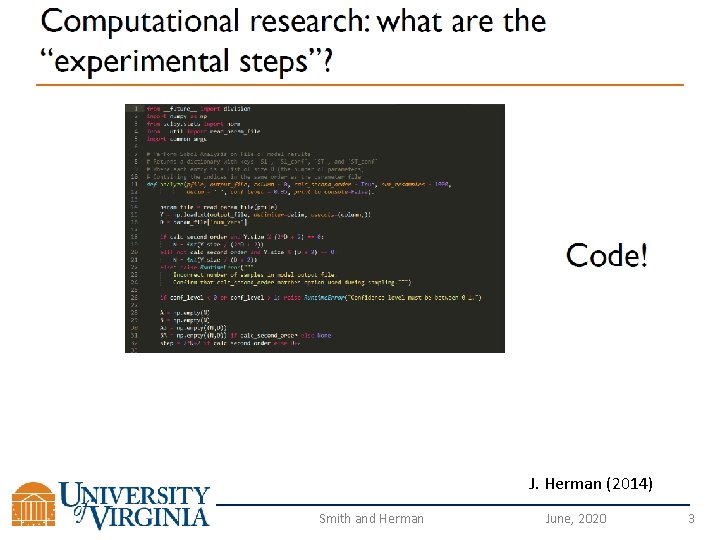
J. Herman (2014) Smith and Herman June, 2020 3
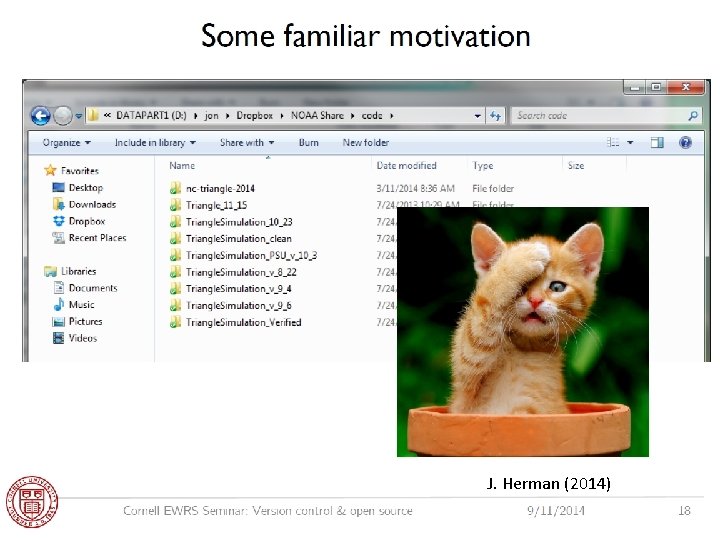
J. Herman (2014) Smith and Herman June, 2020 4
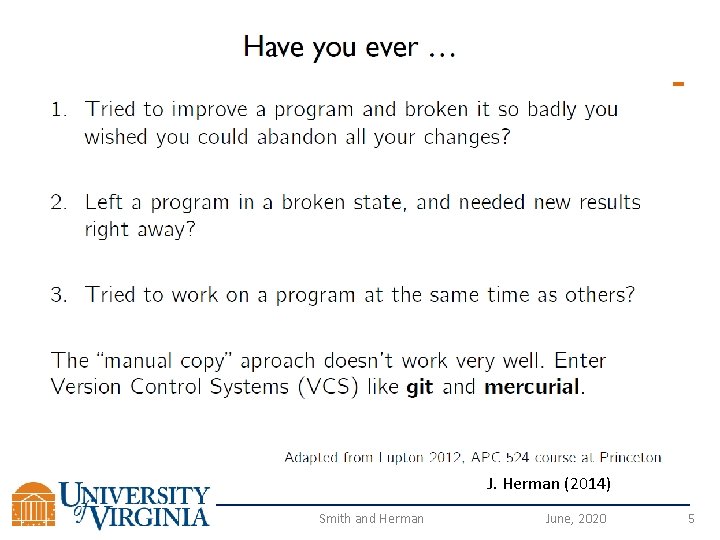
J. Herman (2014) Smith and Herman June, 2020 5
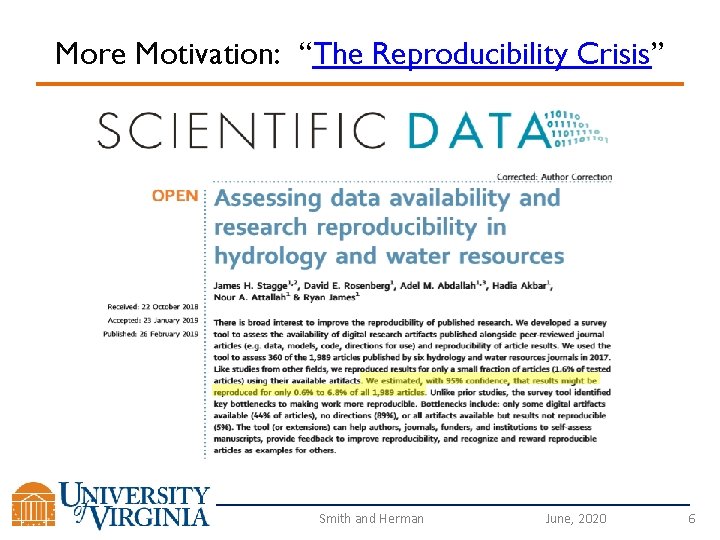
More Motivation: “The Reproducibility Crisis” Smith and Herman June, 2020 6
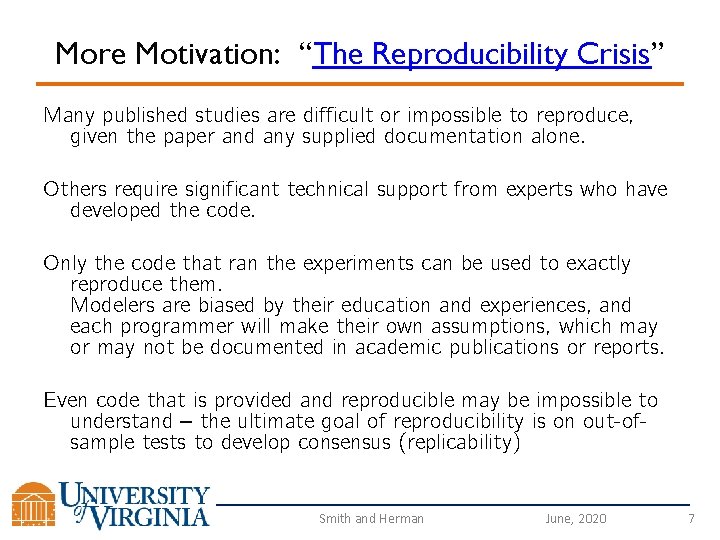
More Motivation: “The Reproducibility Crisis” Many published studies are difficult or impossible to reproduce, given the paper and any supplied documentation alone. Others require significant technical support from experts who have developed the code. Only the code that ran the experiments can be used to exactly reproduce them. Modelers are biased by their education and experiences, and each programmer will make their own assumptions, which may or may not be documented in academic publications or reports. Even code that is provided and reproducible may be impossible to understand – the ultimate goal of reproducibility is on out-ofsample tests to develop consensus (replicability) Smith and Herman June, 2020 7
What is the main contribution of computational research? The paper? The code? Slide from Victoria Stodden (2012; 2014) Department of Information Science, UIUC Smith and Herman June, 2020 8
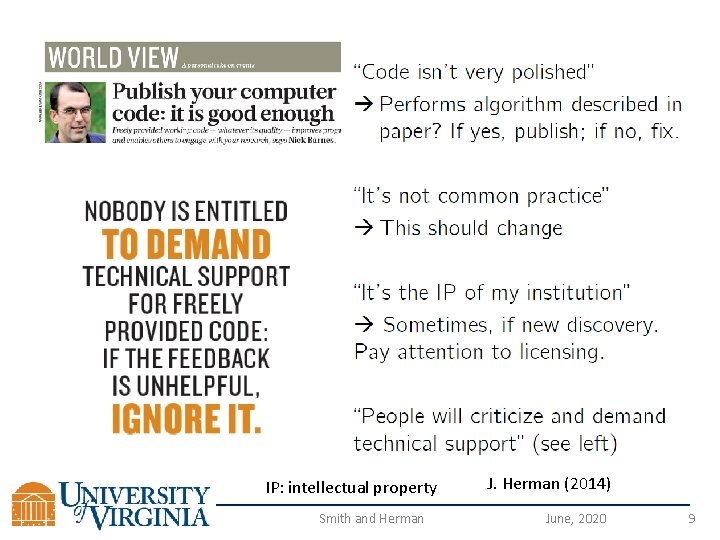
IP: intellectual property Smith and Herman J. Herman (2014) June, 2020 9
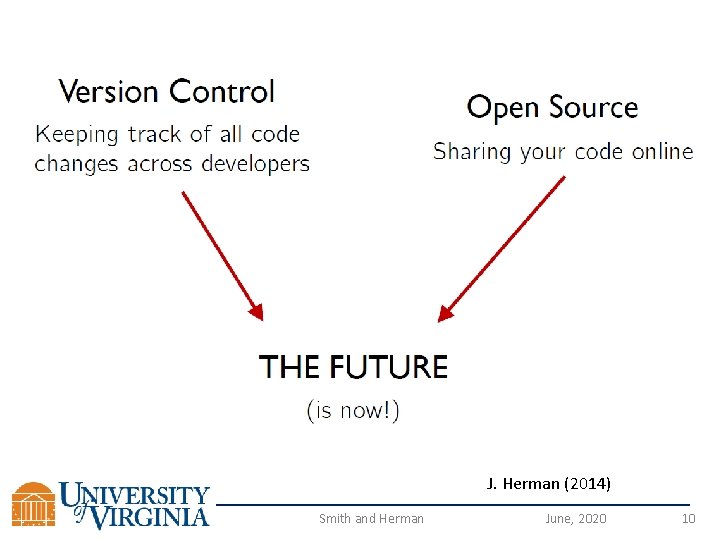
J. Herman (2014) Smith and Herman June, 2020 10
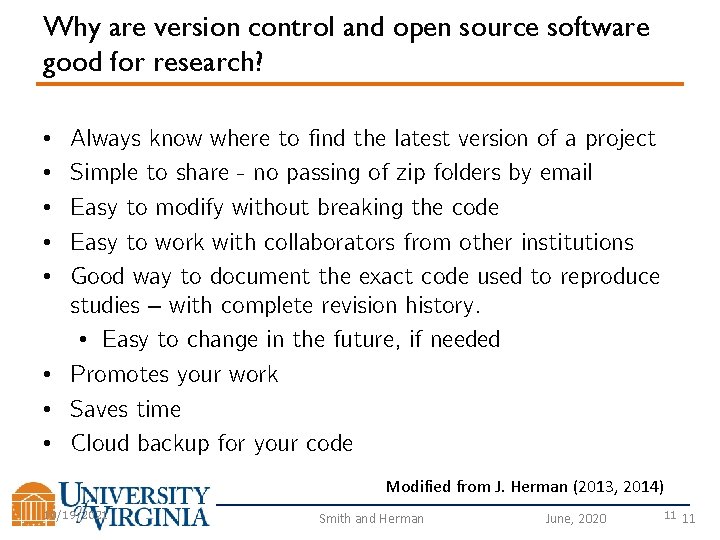
Why are version control and open source software good for research? • • • Always know where to find the latest version of a project Simple to share - no passing of zip folders by email Easy to modify without breaking the code Easy to work with collaborators from other institutions Good way to document the exact code used to reproduce studies – with complete revision history. • Easy to change in the future, if needed • Promotes your work • Saves time • Cloud backup for your code Modified from J. Herman (2013, 2014) 10/19/2021 Smith and Herman June, 2020 11 11
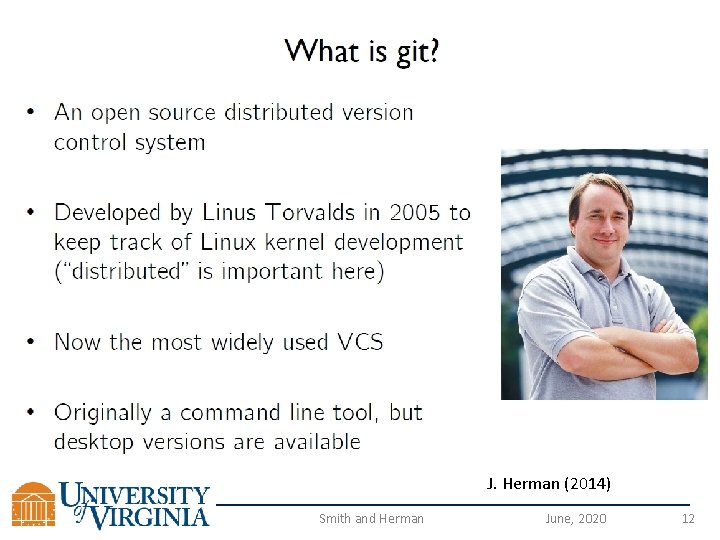
J. Herman (2014) Smith and Herman June, 2020 12
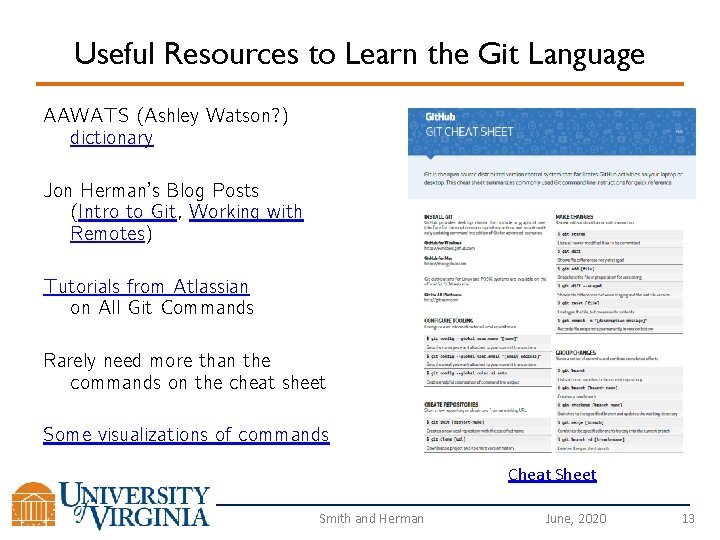
Useful Resources to Learn the Git Language AAWATS (Ashley Watson? ) dictionary Jon Herman’s Blog Posts (Intro to Git, Working with Remotes) Tutorials from Atlassian on All Git Commands Rarely need more than the commands on the cheat sheet Some visualizations of commands Cheat Sheet Smith and Herman June, 2020 13
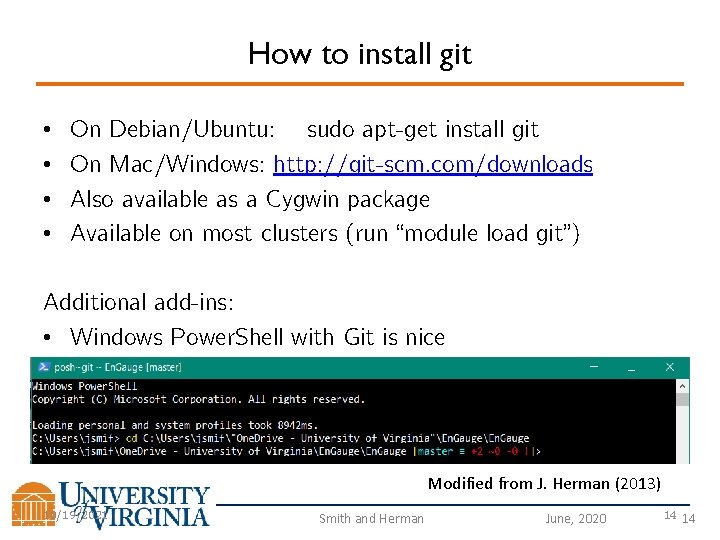
How to install git • • On Debian/Ubuntu: sudo apt-get install git On Mac/Windows: http: //git-scm. com/downloads Also available as a Cygwin package Available on most clusters (run “module load git”) Additional add-ins: • Windows Power. Shell with Git is nice Modified from J. Herman (2013) 10/19/2021 Smith and Herman June, 2020 14 14
Git Commands Smith and Herman June, 2020 15
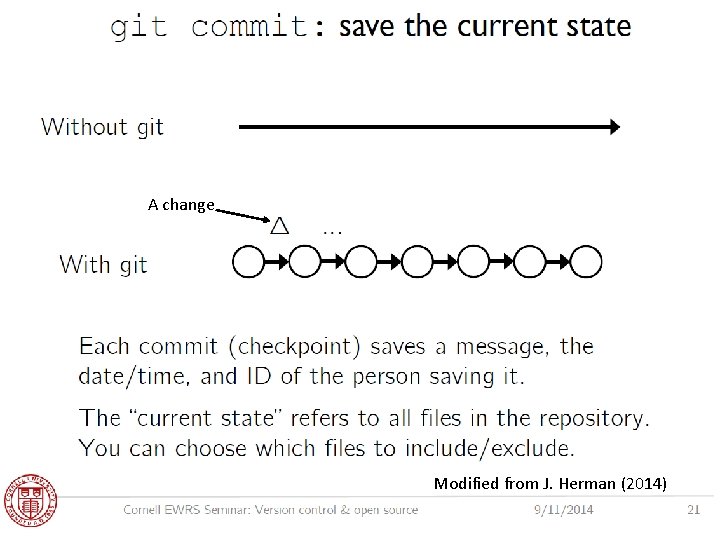
A change Modified from J. Herman (2014) Smith and Herman June, 2020 16
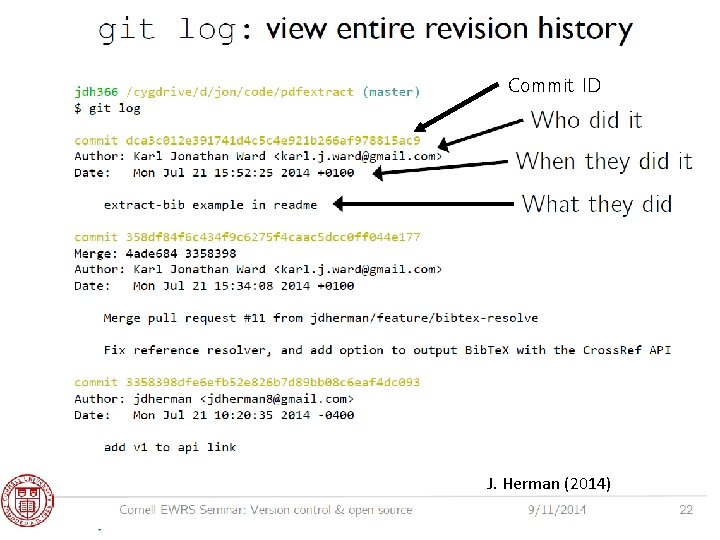
Commit ID J. Herman (2014) Smith and Herman June, 2020 17
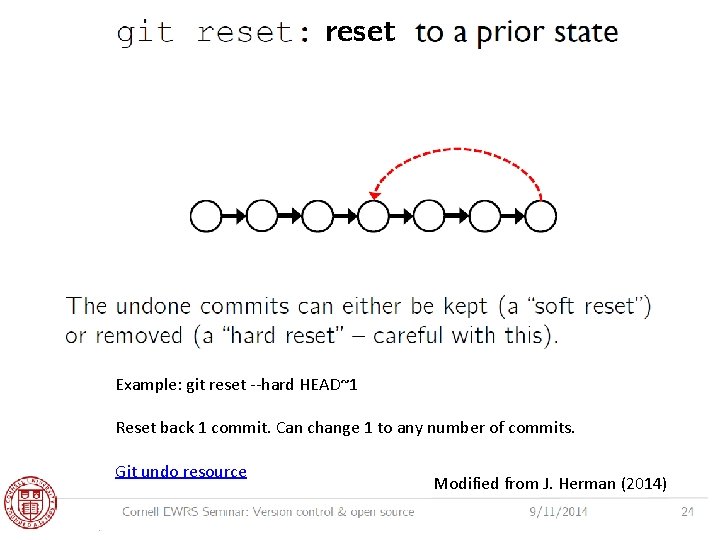
reset Example: git reset --hard HEAD~1 Reset back 1 commit. Can change 1 to any number of commits. Git undo resource Modified from J. Herman (2014) Smith and Herman June, 2020 18
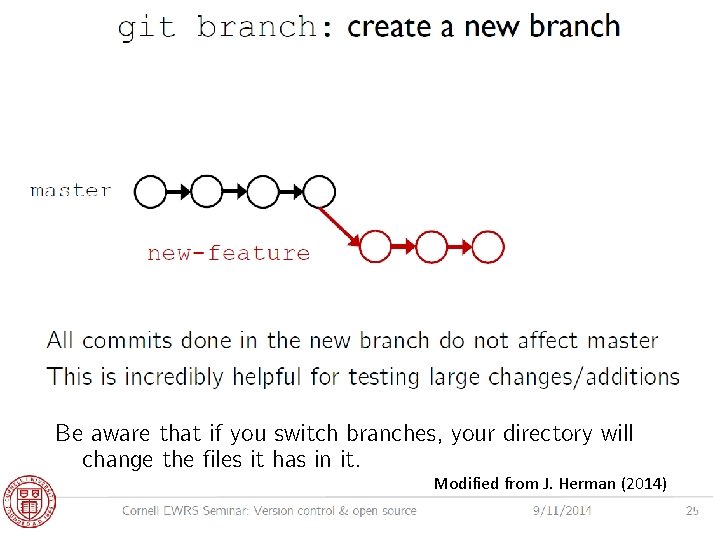
Be aware that if you switch branches, your directory will change the files it has in it. Modified from J. Herman (2014) Smith and Herman June, 2020 19
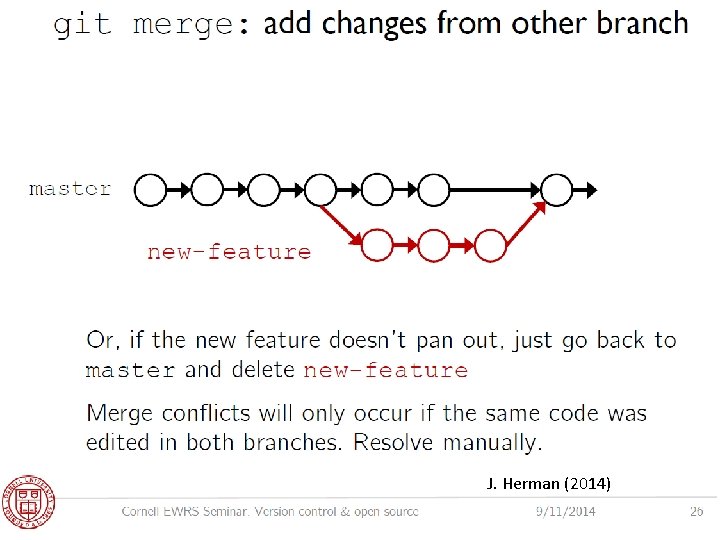
J. Herman (2014) Smith and Herman June, 2020 20
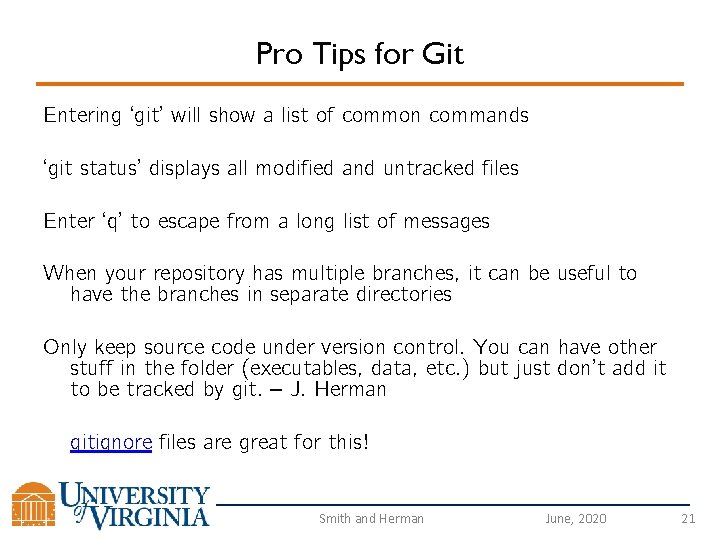
Pro Tips for Git Entering ‘git’ will show a list of common commands ‘git status’ displays all modified and untracked files Enter ‘q’ to escape from a long list of messages When your repository has multiple branches, it can be useful to have the branches in separate directories Only keep source code under version control. You can have other stuff in the folder (executables, data, etc. ) but just don’t add it to be tracked by git. – J. Herman gitignore files are great for this! Smith and Herman June, 2020 21
Free Cloud Services/Hosts with Git Support Git. Hub Git. Lab - might be better for hosting private repositories Bit. Bucket – by Atlassian And many others Smith and Herman June, 2020 22
Important: git and Git. Hub are not the same thing • git is an open-source distributed version control system (http: //git-scm. com/) • Git. Hub is a company that provides hosting for git repositories (https: //github. com/) J. Herman (2013) 10/19/2021 Smith and Herman June, 2020 23 23
Ok, so what about Git. Hub? How could you share a code repository with many people? • Git. Hub and other cloud services provide hosting, bug tracking, and other tools to help you make sense of your revision history. • Any repositories that you’re willing to open source are free to host on Git. Hub. • If you want private repositories, it costs (not much) money, and is free for students and academics with a *. edu email address. J. Herman (2013) 10/19/2021 Smith and Herman June, 2020 24 24
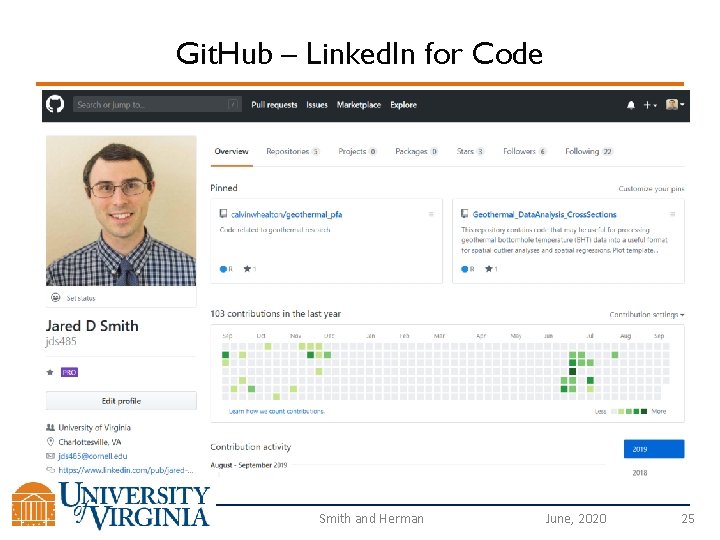
Git. Hub – Linked. In for Code Smith and Herman June, 2020 25
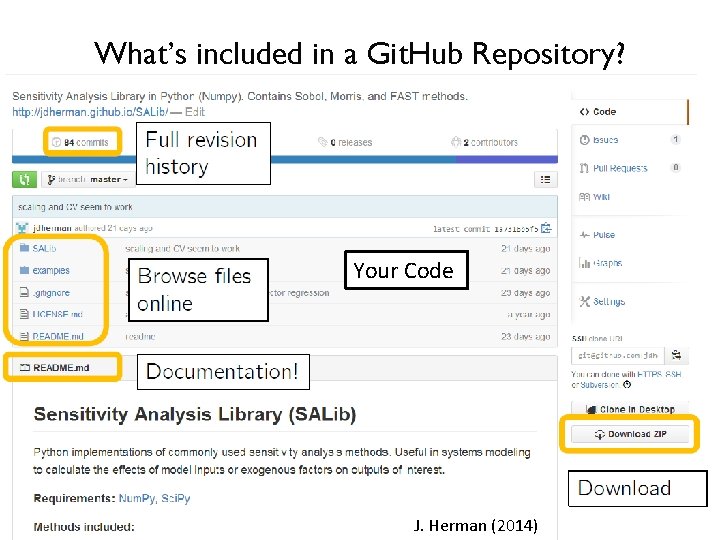
What’s included in a Git. Hub Repository? Your Code Smith and Herman J. Herman (2014) June, 2020 26
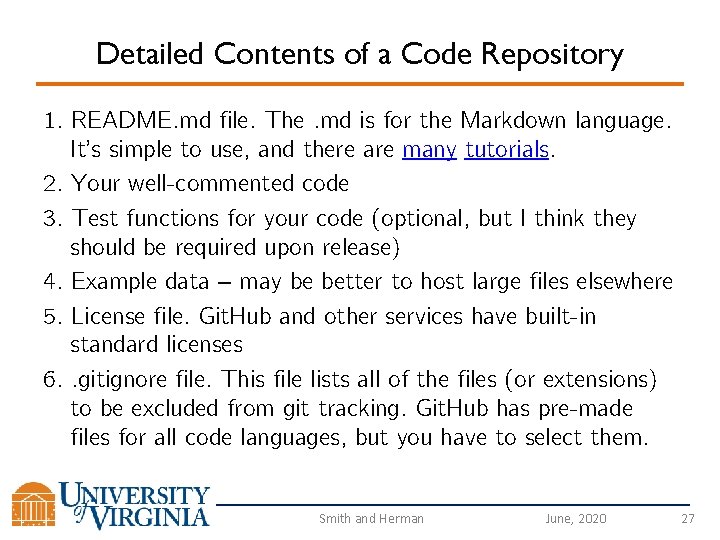
Detailed Contents of a Code Repository 1. README. md file. The. md is for the Markdown language. It’s simple to use, and there are many tutorials. 2. Your well-commented code 3. Test functions for your code (optional, but I think they should be required upon release) 4. Example data – may be better to host large files elsewhere 5. License file. Git. Hub and other services have built-in standard licenses 6. . gitignore file. This file lists all of the files (or extensions) to be excluded from git tracking. Git. Hub has pre-made files for all code languages, but you have to select them. Smith and Herman June, 2020 27
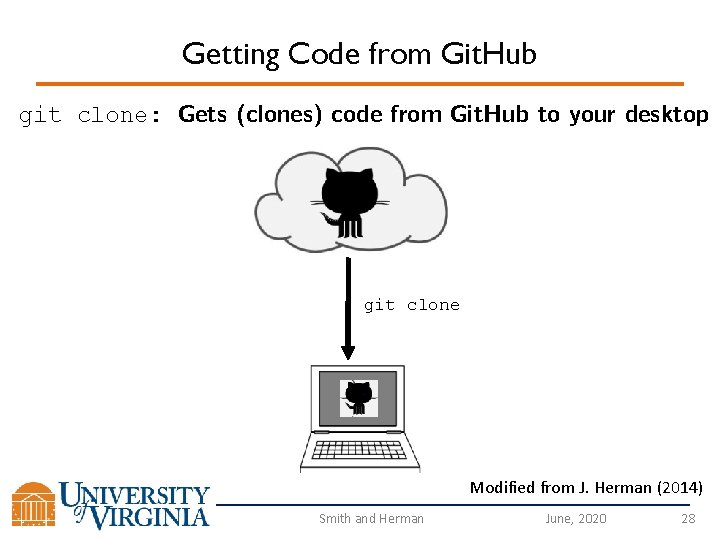
Getting Code from Git. Hub git clone: Gets (clones) code from Git. Hub to your desktop git clone Modified from J. Herman (2014) Smith and Herman June, 2020 28
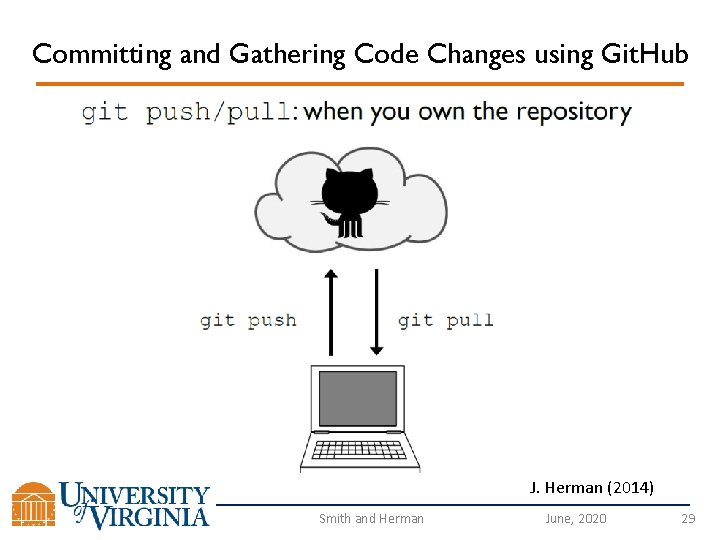
Committing and Gathering Code Changes using Git. Hub J. Herman (2014) Smith and Herman June, 2020 29
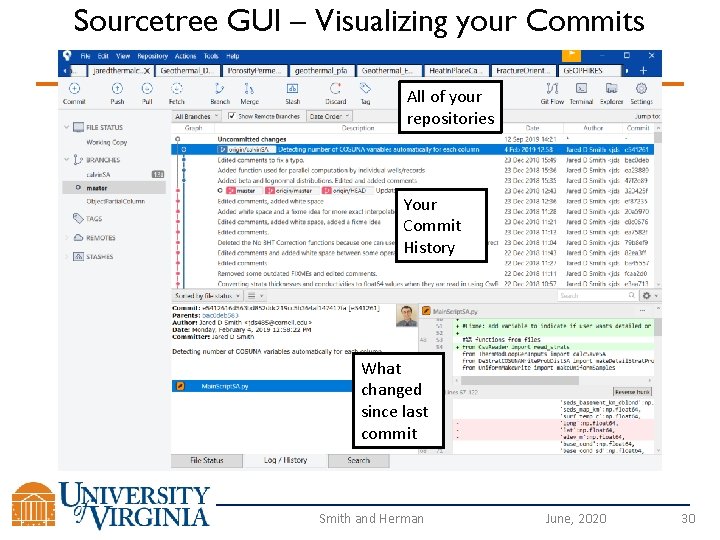
Sourcetree GUI – Visualizing your Commits All of your repositories Your Commit History What changed since last commit Smith and Herman June, 2020 30
Sourcetree GUI – Visualizing your Commits Can track all of your repositories in one place Shows all of your branches, and how many commits ahead branches are from each other Shows the difference between current changes and previous commits for all code that has changed Can be used instead of command line - Sometimes it’s better, especially for merging branches. The GUI has nice a side-by-side comparison of conflicts. Sourcetree Tutorials: Introduction and Advanced Smith and Herman June, 2020 31
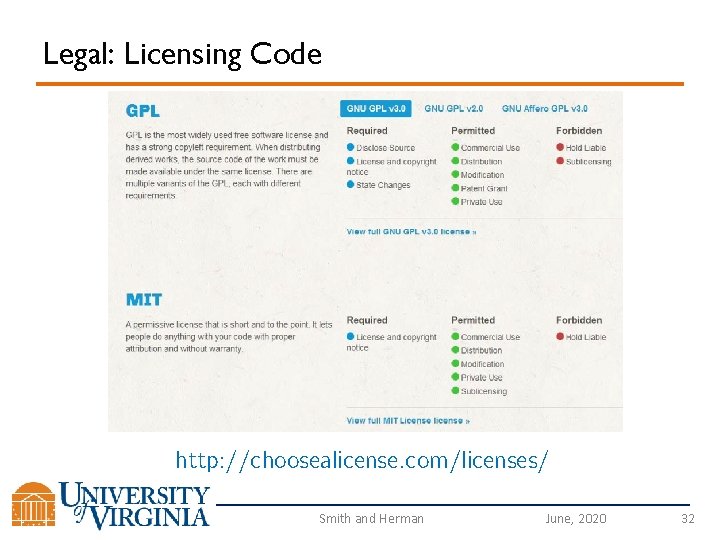
Legal: Licensing Code http: //choosealicense. com/licenses/ Smith and Herman June, 2020 32
Legal: Licensing Code Default Licenses are available on Git. Hub, Bit. Bucket, etc. These licenses may be good as-is, but it may be in your best interest to modify them Working with a lawyer may be required for larger projects that become commercialized. Many repositories have clauses that you must cite them if you use their code in your work. Be careful, and cite everything you use to avoid legal complications. Smith and Herman June, 2020 33
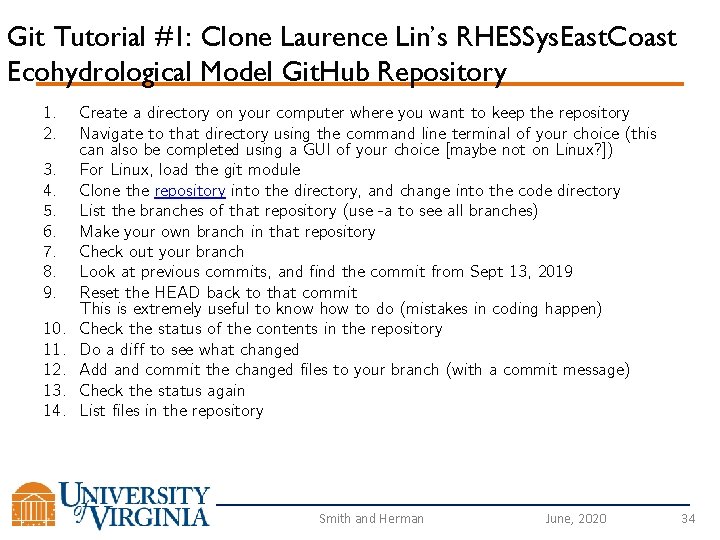
Git Tutorial #1: Clone Laurence Lin’s RHESSys. East. Coast Ecohydrological Model Git. Hub Repository 1. 2. 3. 4. 5. 6. 7. 8. 9. 10. 11. 12. 13. 14. Create a directory on your computer where you want to keep the repository Navigate to that directory using the command line terminal of your choice (this can also be completed using a GUI of your choice [maybe not on Linux? ]) For Linux, load the git module Clone the repository into the directory, and change into the code directory List the branches of that repository (use -a to see all branches) Make your own branch in that repository Check out your branch Look at previous commits, and find the commit from Sept 13, 2019 Reset the HEAD back to that commit This is extremely useful to know how to do (mistakes in coding happen) Check the status of the contents in the repository Do a diff to see what changed Add and commit the changed files to your branch (with a commit message) Check the status again List files in the repository Smith and Herman June, 2020 34
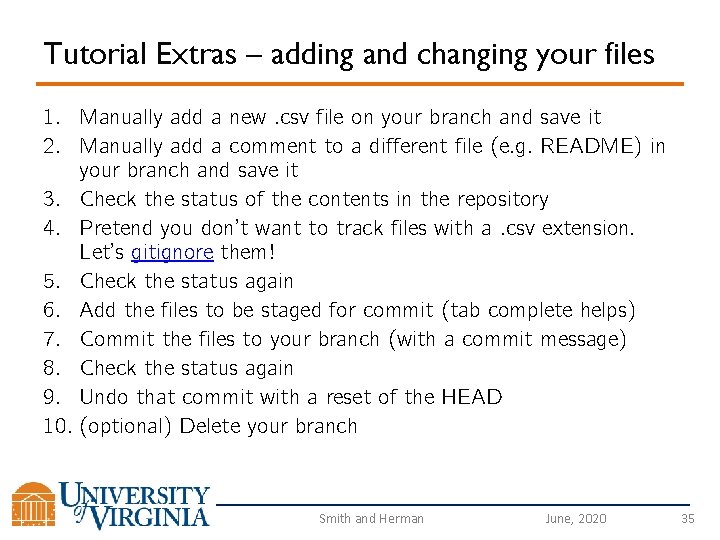
Tutorial Extras – adding and changing your files 1. Manually add a new. csv file on your branch and save it 2. Manually add a comment to a different file (e. g. README) in your branch and save it 3. Check the status of the contents in the repository 4. Pretend you don’t want to track files with a. csv extension. Let’s gitignore them! 5. Check the status again 6. Add the files to be staged for commit (tab complete helps) 7. Commit the files to your branch (with a commit message) 8. Check the status again 9. Undo that commit with a reset of the HEAD 10. (optional) Delete your branch Smith and Herman June, 2020 35
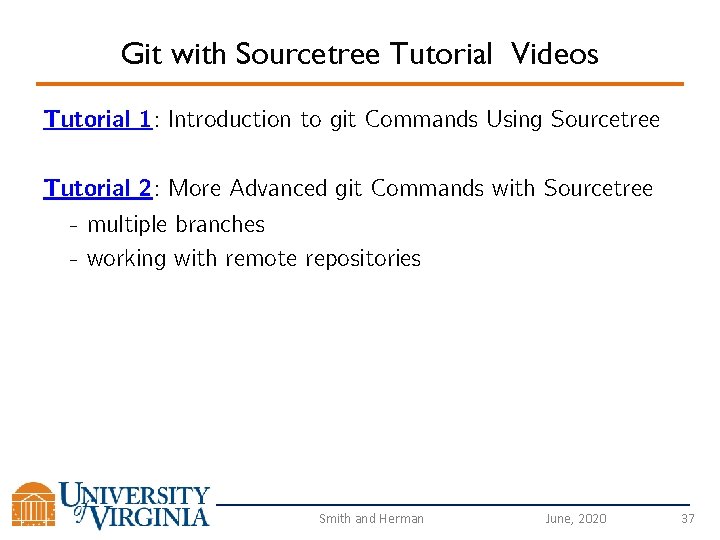
Git with Sourcetree Tutorial Videos Tutorial 1: Introduction to git Commands Using Sourcetree Tutorial 2: More Advanced git Commands with Sourcetree - multiple branches - working with remote repositories Smith and Herman June, 2020 37