
Developing Digital Portfolios Helen Teague 1 In This


- Slides: 28
Developing Digital Portfolios Helen Teague 1
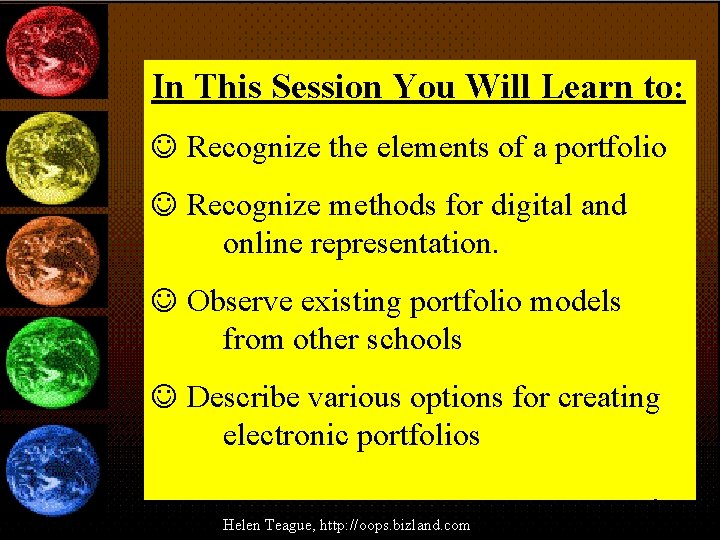
In This Session You Will Learn to: J Recognize the elements of a portfolio J Recognize methods for digital and online representation. J Observe existing portfolio models from other schools J Describe various options for creating electronic portfolios 2 Helen Teague, http: //oops. bizland. com
3
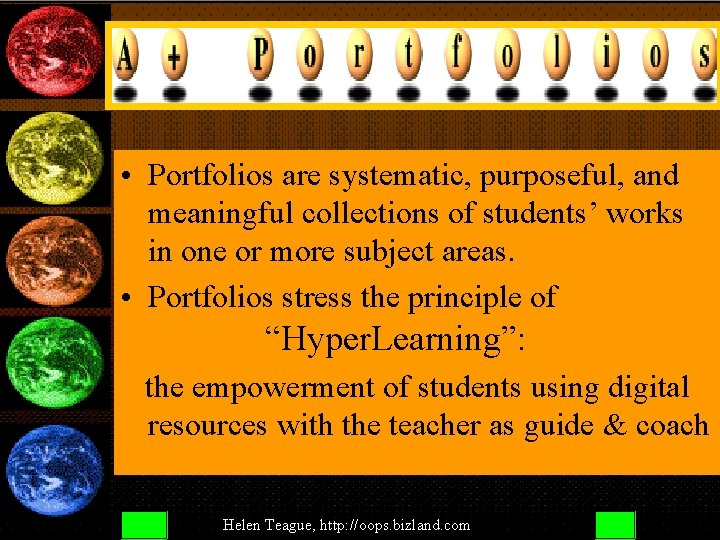
• Portfolios are systematic, purposeful, and meaningful collections of students’ works in one or more subject areas. • Portfolios stress the principle of “Hyper. Learning”: the empowerment of students using digital resources with the teacher as guide & coach 4 Helen Teague, http: //oops. bizland. com
Portfolios Incorporate • • Risk-Taking Organization Skills Self-Evaluation Multiple Intelligences Creativity Decision-Making Goal-Setting Peer-Evaluation 5 Helen Teague, http: //oops. bizland. com
Instructional Goals: YDevelop Independent, Life-Long Learning YPlace students at the center of the evaluation and learning process YPut a positive focus on evaluation YProvide a vehicle for students to showcase unique learning styles 6 Helen Teague, http: //oops. bizland. com
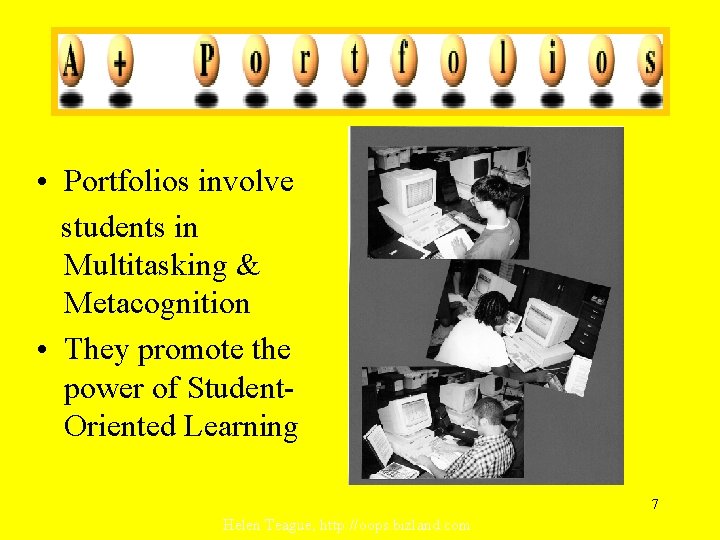
• Portfolios involve students in Multitasking & Metacognition • They promote the power of Student. Oriented Learning 7 Helen Teague, http: //oops. bizland. com
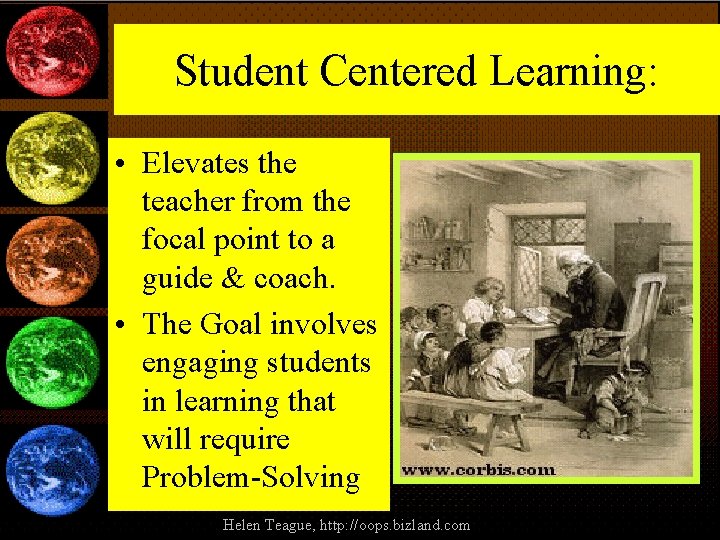
Student Centered Learning: • Elevates the teacher from the focal point to a guide & coach. • The Goal involves engaging students in learning that will require Problem-Solving 8 Helen Teague, http: //oops. bizland. com
9 Helen Teague, http: //oops. bizland. com
Tell Students: “Your portfolio will become the finest book you have ever developed. It represents you when you aren’t able to represent yourself. You will be making choices from the work you produced to represent the most significant things you learn and the things most significant to you. ” 10 Helen Teague, http: //oops. bizland. com
Samples Favorites Folder 11 Helen Teague, http: //oops. bizland. com
Break Time 12
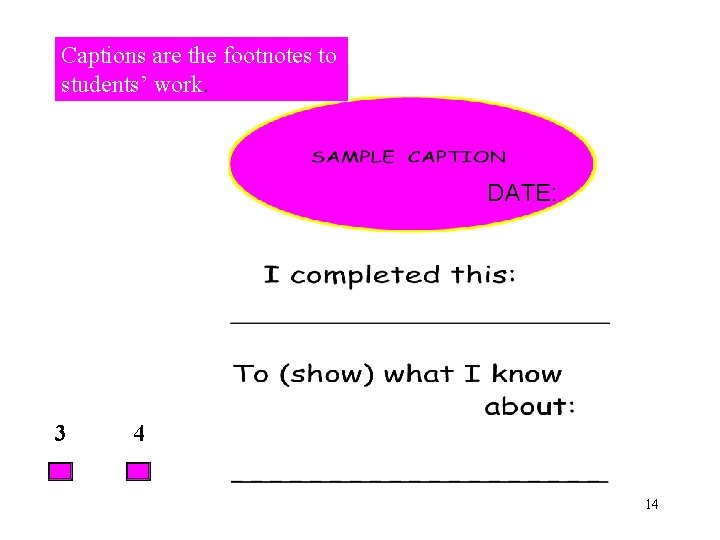
Assessment • To complete the selection process students should chronicle their learning through captions and E-Journals. 13
Captions are the footnotes to students’ work. DATE: 3 4 14
Assessment • New ways of teaching encourage new ways of assessing progress. One assessment tool gaining is the Rubric. • Rubrics are the mainstay of gifted assessment, at home in a new application for all students. 15
Assessment Tips for Rubric Assessment: • 1. Use Categories instead of numerals for Criteria. • 2. Start with a Rubric you have created; gradually omit portions & students fill in. 16
Assessment Tips for Rubric Assessment: • 3. Use Ranges for each Criteria. • 4. Always use “Content” Criteria • 5. 17
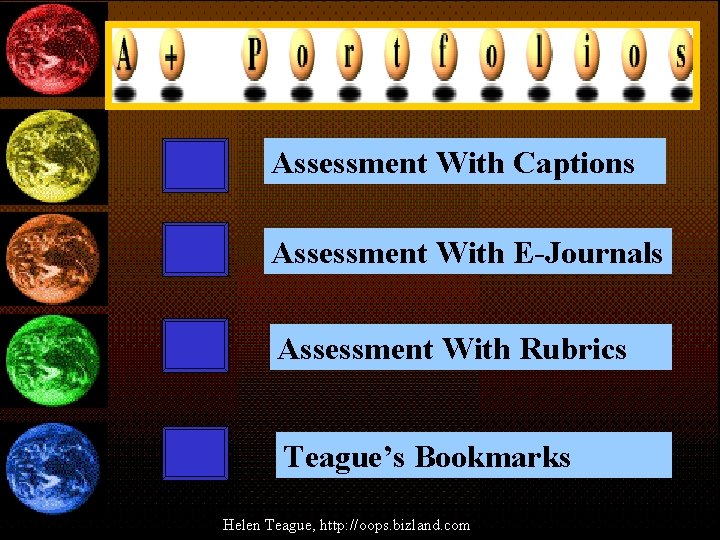
Assessment With Captions Assessment With E-Journals Assessment With Rubrics Teague’s Bookmarks 18 Helen Teague, http: //oops. bizland. com
Assessment Sample Rubric: Rubric Composition: 19
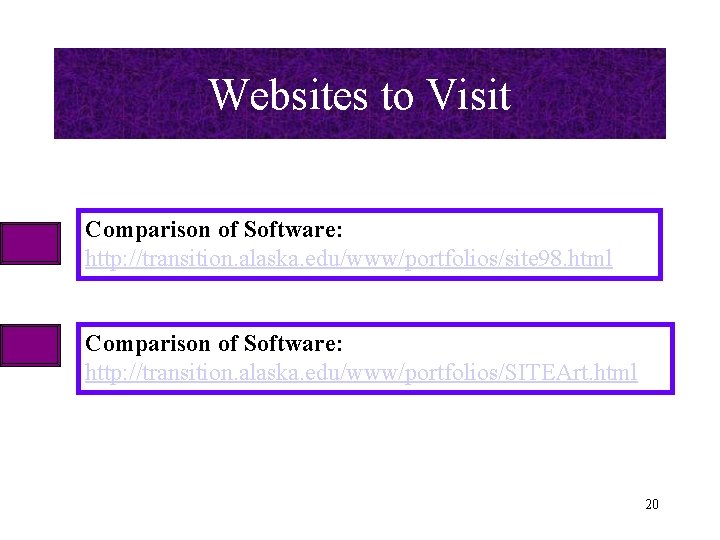
Websites to Visit Comparison of Software: http: //transition. alaska. edu/www/portfolios/site 98. html Comparison of Software: http: //transition. alaska. edu/www/portfolios/SITEArt. html 20
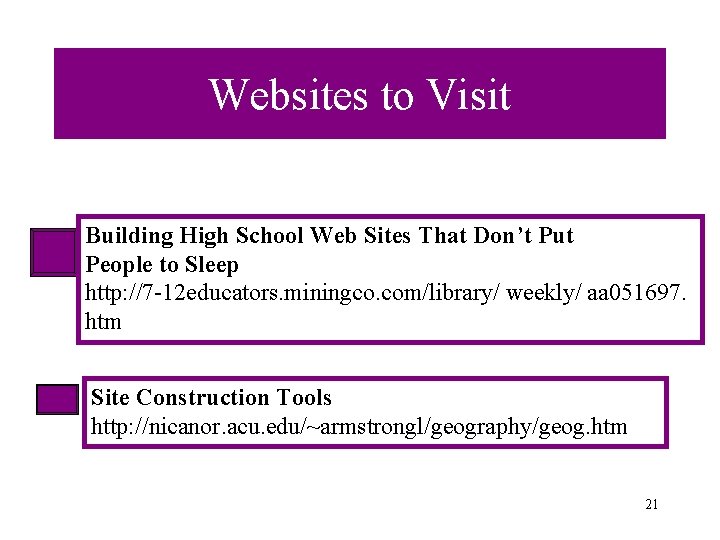
Websites to Visit Building High School Web Sites That Don’t Put People to Sleep http: //7 -12 educators. miningco. com/library/ weekly/ aa 051697. htm Site Construction Tools http: //nicanor. acu. edu/~armstrongl/geography/geog. htm 21
Demonstrate Real-World Problem-Solving • “Take the mess that confronts you, organize it into a problem, , figure out what to do and implement your decisions-modifying them as you go. To organize the messes into problems and develop solutions, you must ignore the irrelevant, eliminate the false recognize the incomplete and find the missing pieces. ” 22
A Quote to Consider: • 1999 is the year that the IQ of digital devices will rise while the IQ needed to make them work will decline. • Joel Dreyfus, The Technology Boom Will Keep on Rocking www. pathfinder. com/fortune/ 23
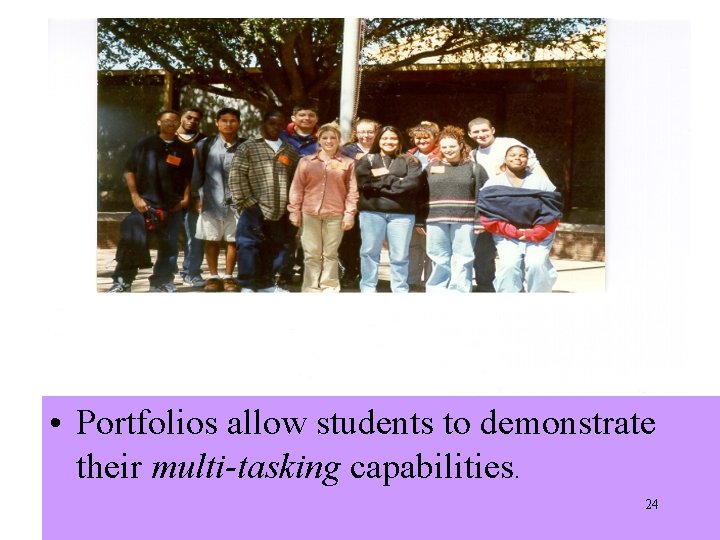
• Portfolios allow students to demonstrate their multi-tasking capabilities. 24
25
Summary 26 Helen Teague, http: //oops. bizland. com
27
28 Helen Teague, http: //oops. bizland. com