
Developing a Reflective Journal for your ePortfolio Course

- Slides: 41
Developing a Reflective Journal for your e-Portfolio Course Design & Development Storyboard Presented by; Jennifer Byrne, Gerry Mc Cann & Michael Gleeson
Project This storyboard provides an overview of the design criteria employed to develop an e-learning resource for instruction. The instruction aims at providing the learner with the necessary skills and knowledge to develop and maintain a Penzu reflective journal in Mahara e-Portfolio. The ADDIE instructional design model was selected to develop the learning programme because the model provides flexible design for online e-learning
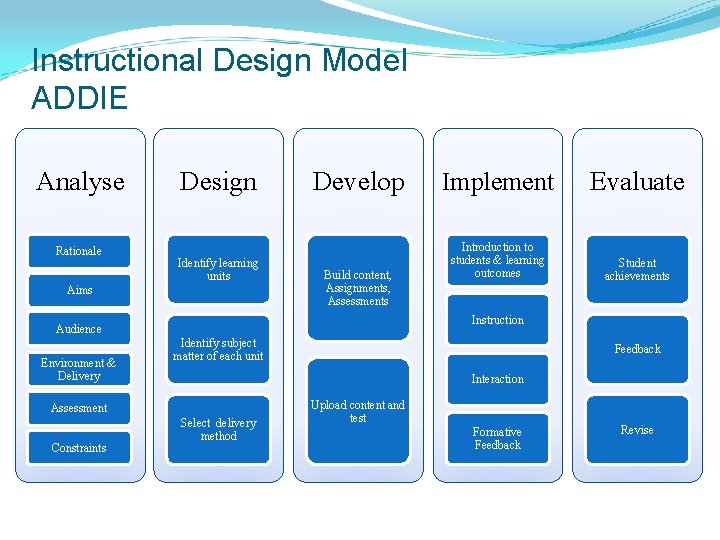
Instructional Design Model ADDIE Analyse Rationale Design Identify learning units Aims Develop Build content, Assignments, Assessments Introduction to students & learning outcomes Student achievements Identify subject matter of each unit Feedback Interaction Assessment Constraints Evaluate Instruction Audience Environment & Delivery Implement Select delivery method Upload content and test Formative Feedback Revise
Rationale ü Reflective journals promote deeper learning ü Provides feedback between the student and instructor monitoring the learning progress ü Promotes analytical and critical thinking ü Enables students to identify areas that need improvement ü Reinforce the knowledge required for practical application
Aim Provide the learner with the necessary skills and knowledge to develop and maintain a Penzu reflective learning journal and embed it into Mahara e-Portfolio
Audience ü The programme is designed for third level students competent in the use of computers and users of social network sites. This programme is designed for a first year group completing an ordinary degree in Timber Technology DT 169 Their Needs ? ü Understand the content of reflective journal ü Realise the benefits of a reflective journal ü Internet access
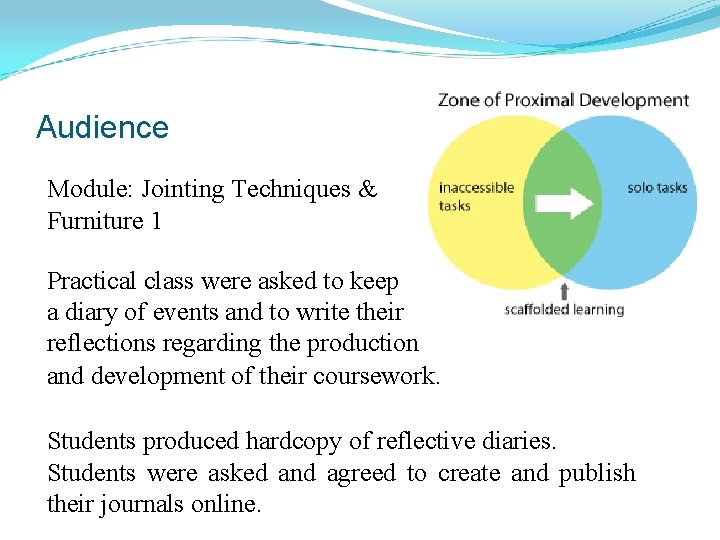
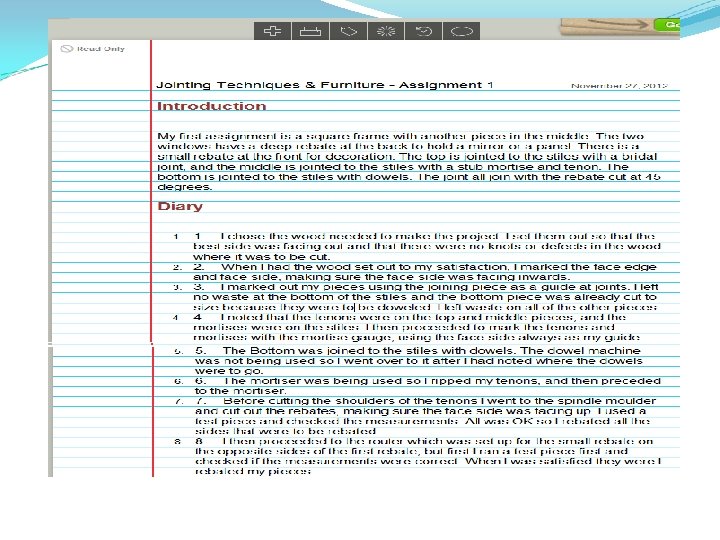
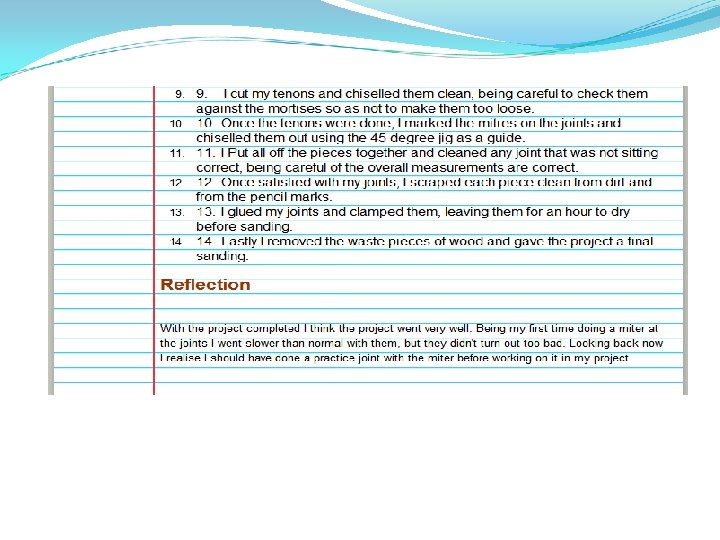
Audience Module: Jointing Techniques & Furniture 1 Practical class were asked to keep a diary of events and to write their reflections regarding the production and development of their coursework. Students produced hardcopy of reflective diaries. Students were asked and agreed to create and publish their journals online.
Environment & Delivery ü The resource will be delivered using the ü Reasons for using this platform: Students have access to Blackboard and are very familiar with using this platform. ü Many DIT Modules are delivered using Black Board. ü The resource shall consist of Power. Point slides of instruction, demonstration and self assessment questions for the learner to monitor their own performance
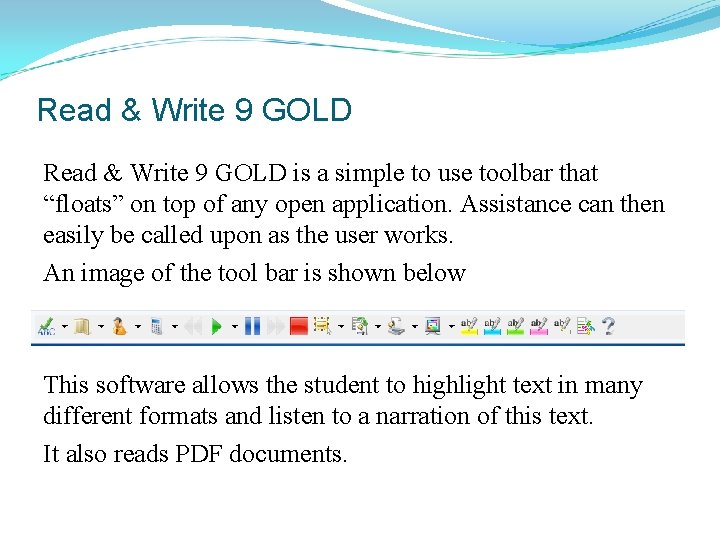
Accessibility DIT provides digital software called Read & Write 9 GOLD. It provides comprehensive literacy support through a unique set of features for the user with literacy or learning difficulties. The newer version is called Read Write 10 Gold.
Read & Write 9 GOLD is a simple to use toolbar that “floats” on top of any open application. Assistance can then easily be called upon as the user works. An image of the tool bar is shown below This software allows the student to highlight text in many different formats and listen to a narration of this text. It also reads PDF documents.
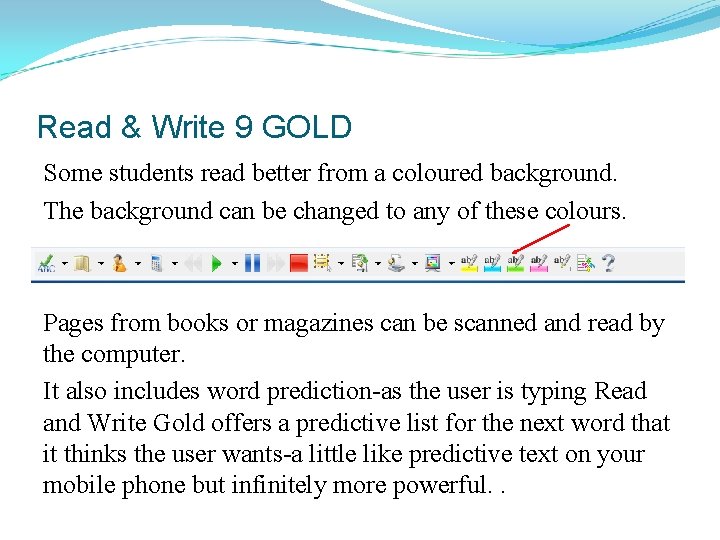
Read & Write 9 GOLD Some students read better from a coloured background. The background can be changed to any of these colours. Pages from books or magazines can be scanned and read by the computer. It also includes word prediction-as the user is typing Read and Write Gold offers a predictive list for the next word that it thinks the user wants-a little like predictive text on your mobile phone but infinitely more powerful. .
New features of Read & Write 10 GOLD Picture Dictionary to improve comprehension Verb Checker to identify correct verb conjugations Vocabulary Tool to expand vocabulary Enhanced Text-to-Speech, Translator and Study Skills Enhanced Speech Maker to convert text to MP 3 Enhanced Screenshot Reader to read inaccessible text Enhanced Homophone and Confusable words http: //www. edtech. ie/details. asp? ptid=20117&ID=15457
Assessment Successfully published Penzu Journal embedded in Mahara
Constraints Student ü Use of the technology ü Time for updating
Identify learning Units ü Unit 1 Introduction & Resources (FAQ’s) ü Unit 2 Navigation and use of journal ü Unit 3 Embedding into Mahara e-Portfolio
Identify subject matter of each unit Unit 1 Introduction & Resources ü Learning Outcomes ü Rationale for learning journal ü Journal entries ü Content of journal ü Sample journal ü Resources ü FAQ’s ü Unit 1 progress self assessment
Identify subject matter of each unit Unit 2 Navigation and use of journal ü Locating electronic journal Penzu on internet ü Adding content (Text, Video Links and Photographic Material) ü Saving entries ü Reviewing entries ü Unit 2 progress self assessment
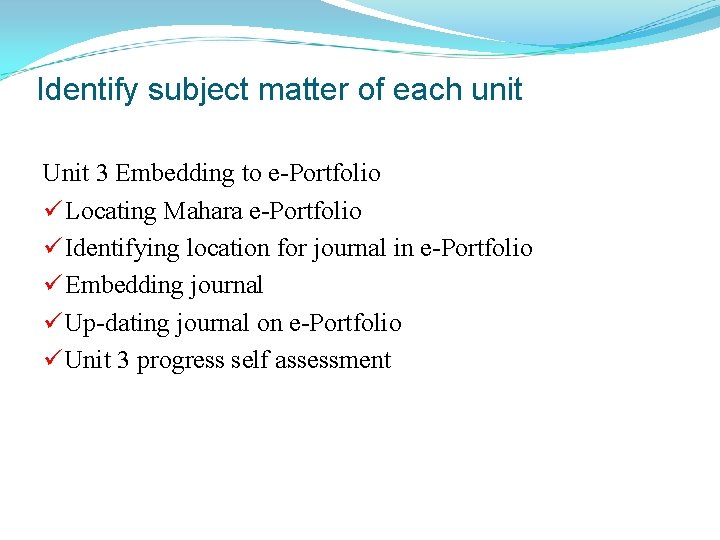
Identify subject matter of each unit Unit 3 Embedding to e-Portfolio ü Locating Mahara e-Portfolio ü Identifying location for journal in e-Portfolio ü Embedding journal ü Up-dating journal on e-Portfolio ü Unit 3 progress self assessment
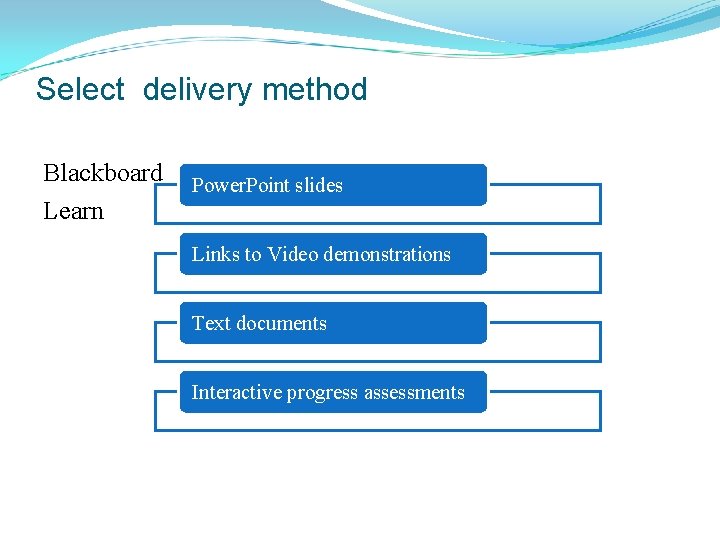
Select delivery method Blackboard Learn Power. Point slides Links to Video demonstrations Text documents Interactive progress assessments
Build content, Assignments, Assessments The following slides provide an outline of lessons: Unit 1 Introduction & Resources (FAQ’s) Unit 2 Navigation and use of journal Unit 3 Embedding into Mahara e-Portfolio
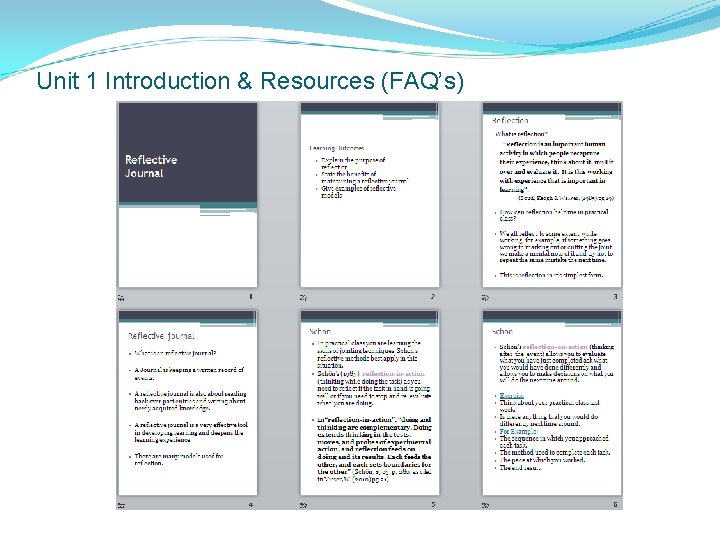
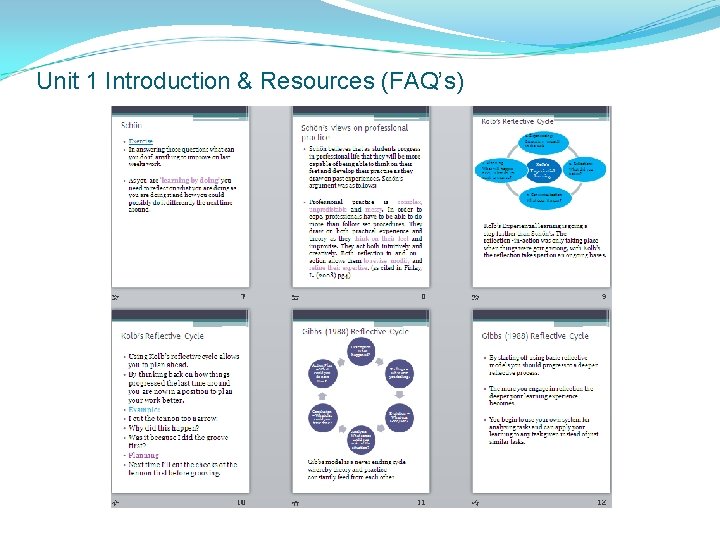
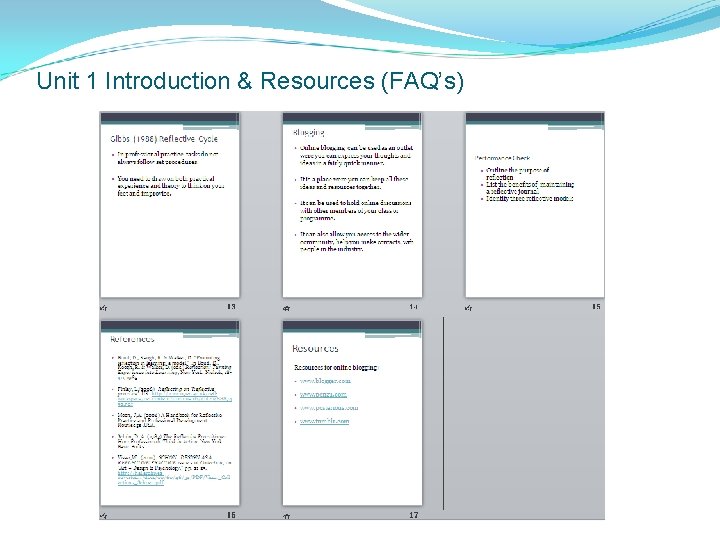
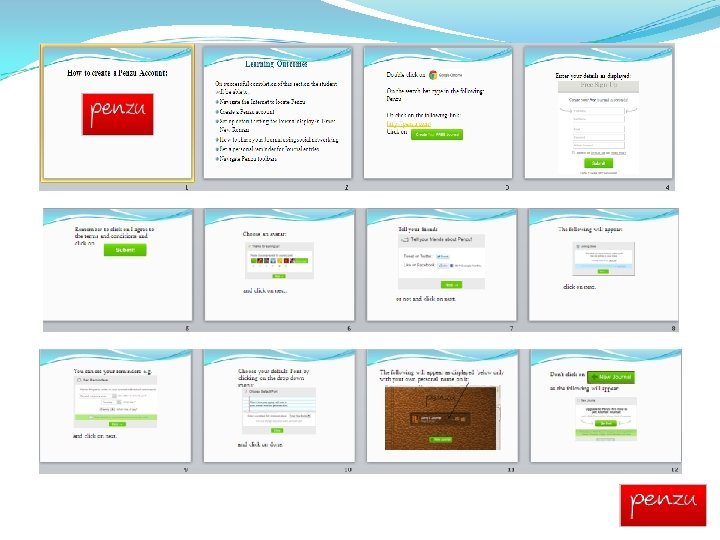
Unit 1 Introduction & Resources (FAQ’s) Students were directed towards blackboard were they had access to a Power Point presentation which gave step by step instructions on: The meaning of reflection. Benefits of reflection. Models used for reflections. Advice on creating and keeping a journal.
Unit 1 Introduction & Resources (FAQ’s)
Unit 1 Introduction & Resources (FAQ’s)
Unit 1 Introduction & Resources (FAQ’s)
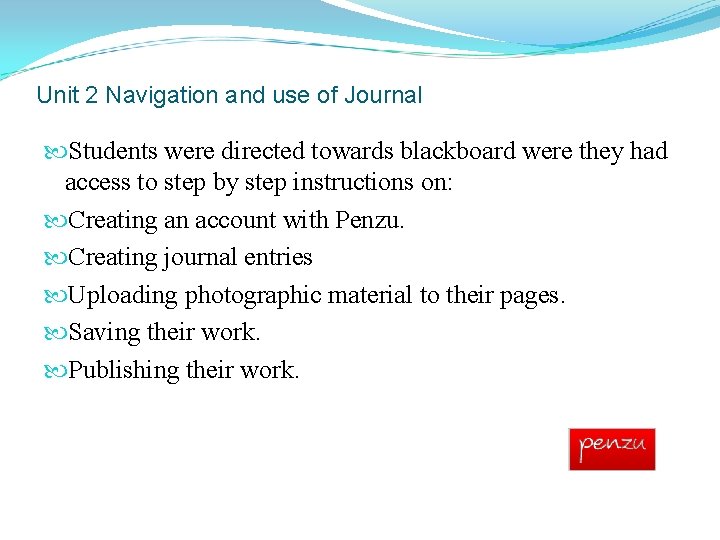
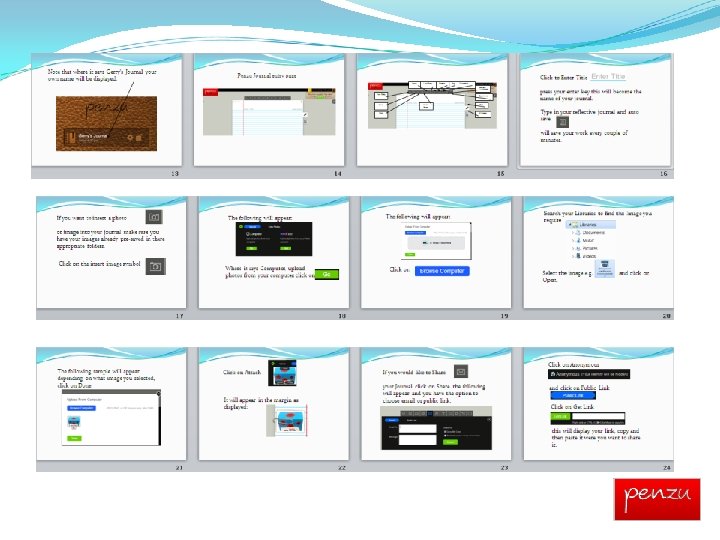
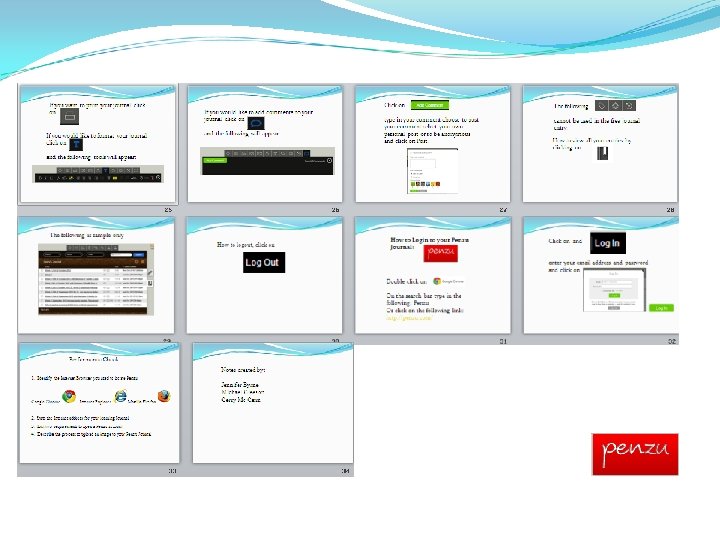
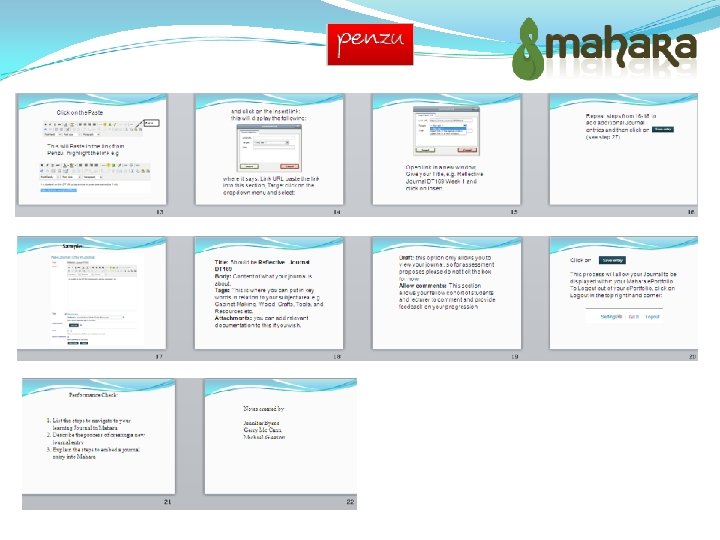
Unit 2 Navigation and use of Journal Students were directed towards blackboard were they had access to step by step instructions on: Creating an account with Penzu. Creating journal entries Uploading photographic material to their pages. Saving their work. Publishing their work.
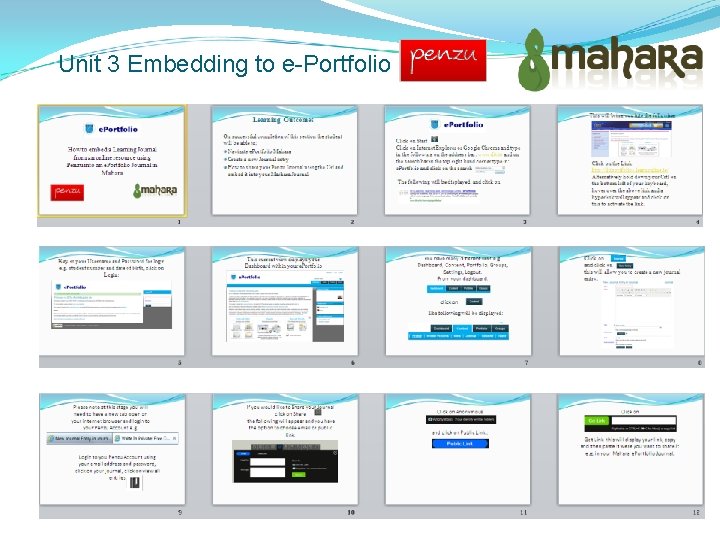
Unit 3 Embedding to e-Portfolio
Upload content and test operation Upload to Blackboard Platform and test on sample audience
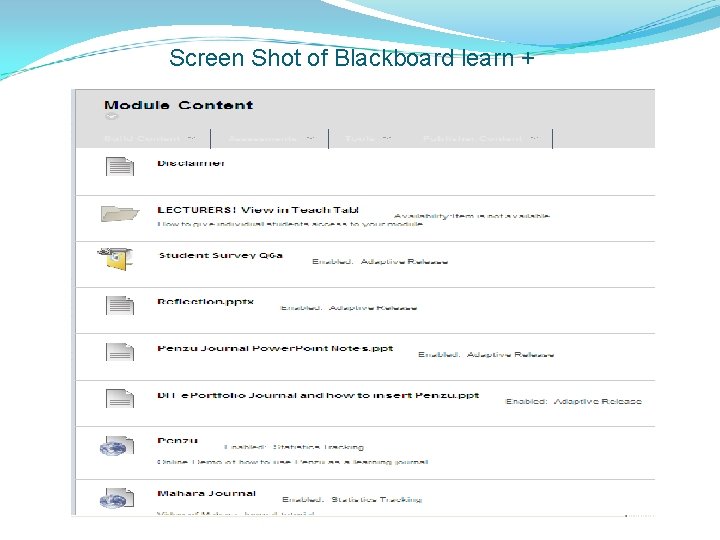
Screen Shot of Blackboard learn +
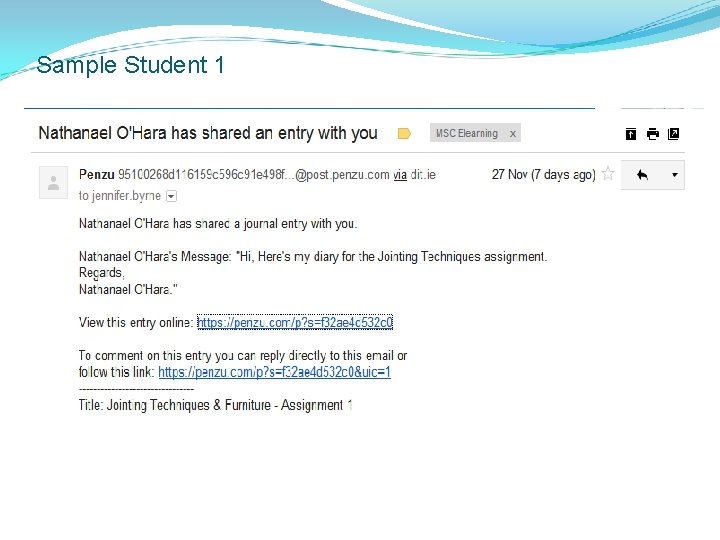
Sample Student 1
Implement Students will be provided with an online questionnaire to find out how user friendly our resources will be. Results of questionnaire/ online survey etc can be viewed on our e-Portfolio pages
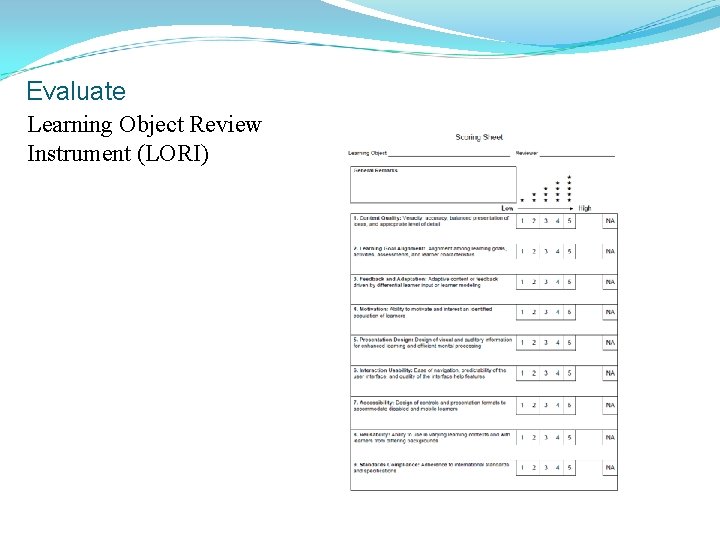
Evaluate Learning Object Review Instrument (LORI)
Bibliography • Arkun, S. & Akkoyunlu, B. (2008). A Study on the development process of a multimedia learning environment according to the ADDIE model and students’ opinions of the multimedia learning environment. Interactive Educational Multimedia, 17, 1 -19 • Biggs, J. & Tang, C. (2007)Teaching for Quality Learning at University: What the student does. (Society for research into higher education) England. Open University Press • Boud, D. , Keogh, R. & Walker, D. (1985) “Promoting reflection in learning: a model. ” In Boud, D. , Keogh, R. & Walker, D. (eds. ) Reflection: Turning Experience into Learning, New York: Nichols, 18 -40,
Bibliography • Clarke, A. (2011) How To Use Technology Effectively In Post. Compulsory Education. USA. Routledge • Finlay, L. (2008) Reflecting on ‘Reflective practice’. UK http: //www. open. ac. uk/cetlworkspace/cetlcontent/documents/4 bf 2 b 48887459. pdf • Levy, S. (2003) Six Factors to Consider when Planning Online Distance Learning Programs in Higher Education. Online Journal of Distance Learning Administration 6(1), 1 -19
Bibliography • Kennedy, G. E. , Judd, T. S. , Churchward, A. , Gray, K. & Krause, K. L. (20080 First year students’ experiences with technology: Are they really digital natives? Austrasian Journal of Educational Technology, 24 (1) 108 -122. http: //www. ascilite. org. au/ajet 24/kennedy. html • Maier, P. & Warren, A, (2000) Designing learning environments. In Integrating Technology in Learning & Teaching. London: Kogan Page Limited. • Schön, D. A. The Reflective Practitioner: How Professionals Think in Action. New York: Basic Books, 1983
Bibliography • Tam, M. (2000). Constructivism, Instructional Design, and Technology: Implications for Transforming Distance Learning. Educational Technology & Society, 3(2), 50 -60. • Visser, W. (2010). SCHÖN: Design as a reflective practice issue 2 of Collection, on "Art + Design & Psychology, " pp. 2125. http: //hal. archivesouvertes. fr/docs/00/60/46/34/PDF/Visser_Collection 2_Schoen. pdf