
Developers Guide to Windows 10 Extend your app

- Slides: 34
Developer's Guide to Windows 10
Extend your app to multiple device families and use new capabilities by targeting the UWP
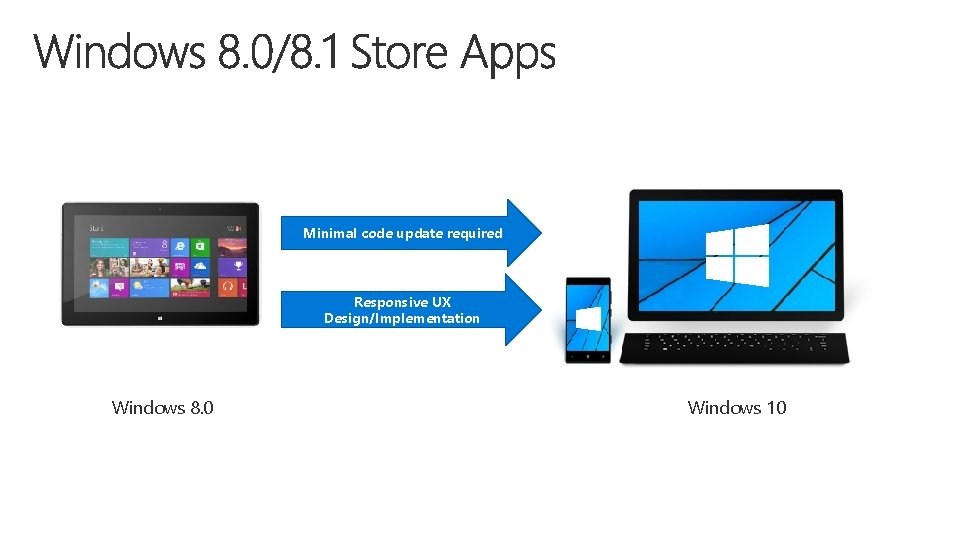
Minimal code update required Responsive UX Design/Implementation Windows 8. 0 Windows 10
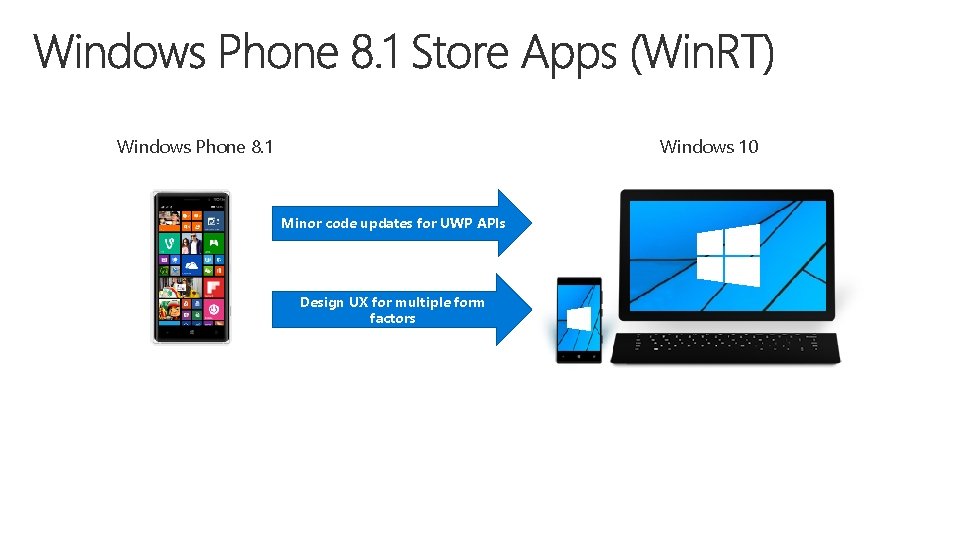
Windows Phone 8. 1 Windows 10 Minor code updates for UWP APIs Design UX for multiple form factors
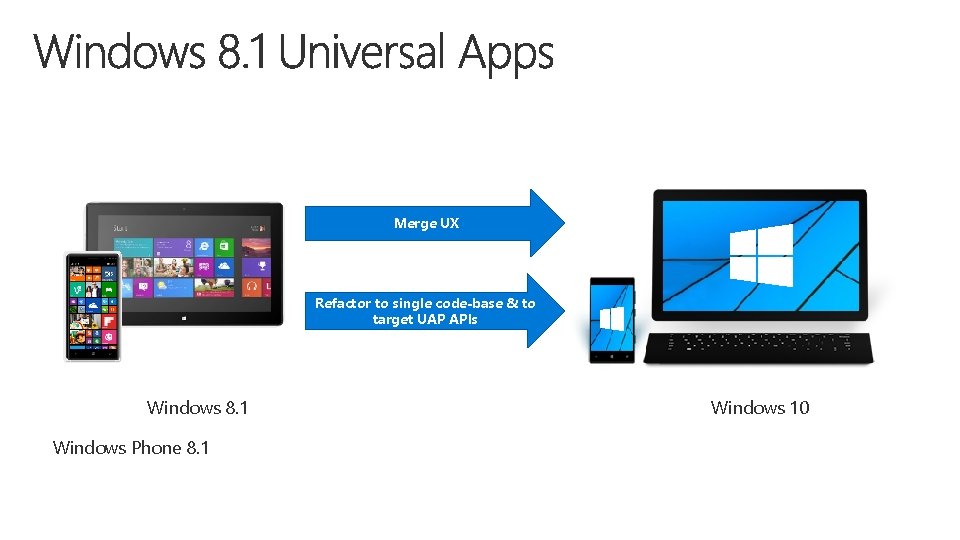
Merge UX Refactor to single code-base & to target UAP APIs Windows 8. 1 Windows Phone 8. 1 Windows 10
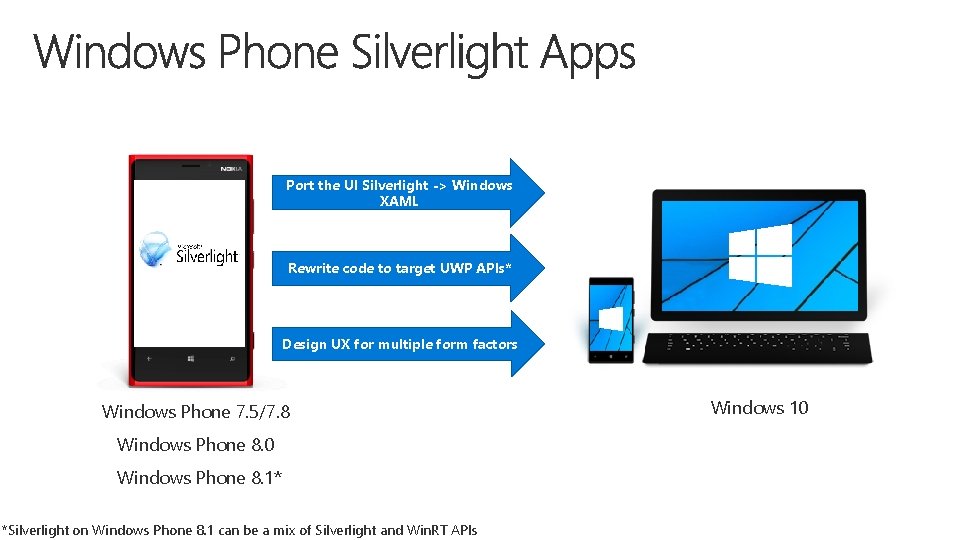
Port the UI Silverlight -> Windows XAML Rewrite code to target UWP APIs* Design UX for multiple form factors Windows Phone 7. 5/7. 8 Windows Phone 8. 0 Windows Phone 8. 1* *Silverlight on Windows Phone 8. 1 can be a mix of Silverlight and Win. RT APIs Windows 10
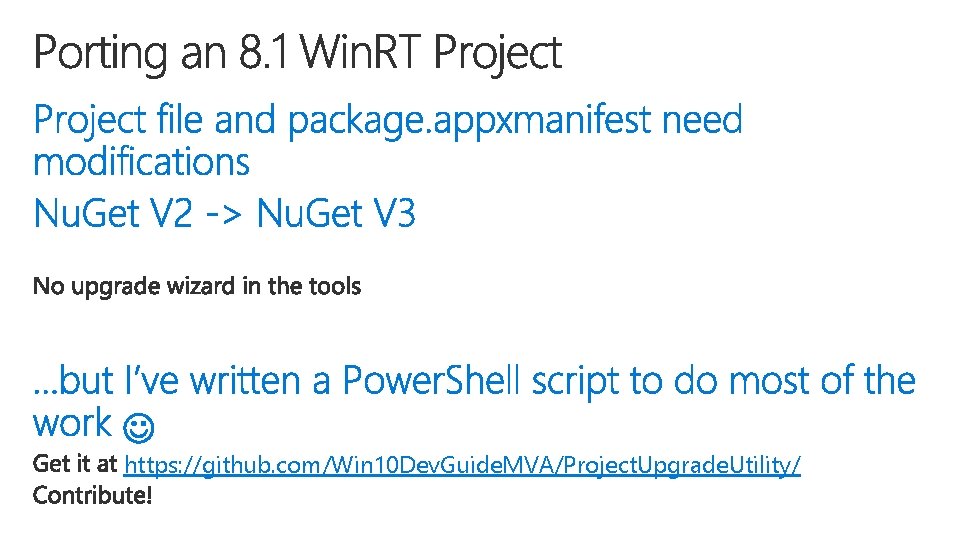
https: //github. com/Win 10 Dev. Guide. MVA/Project. Upgrade. Utility/
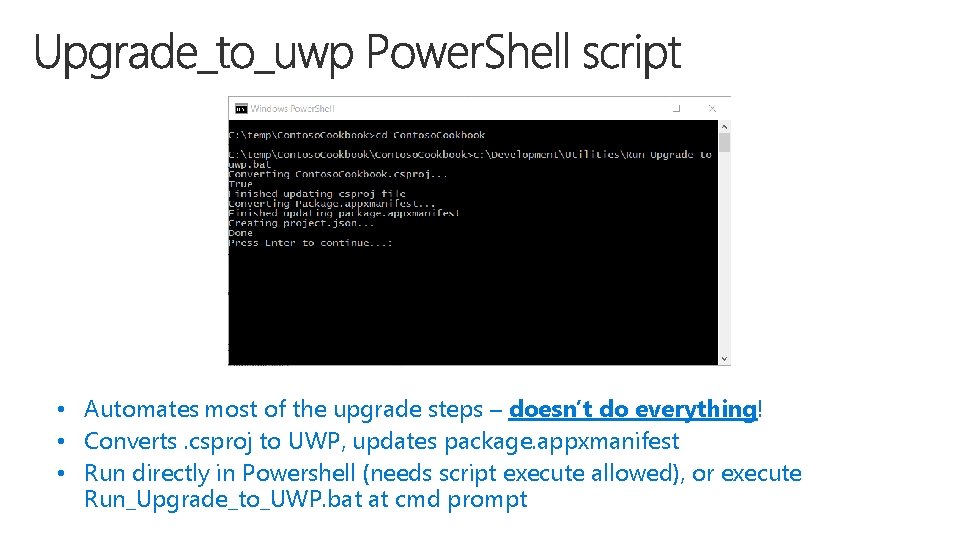
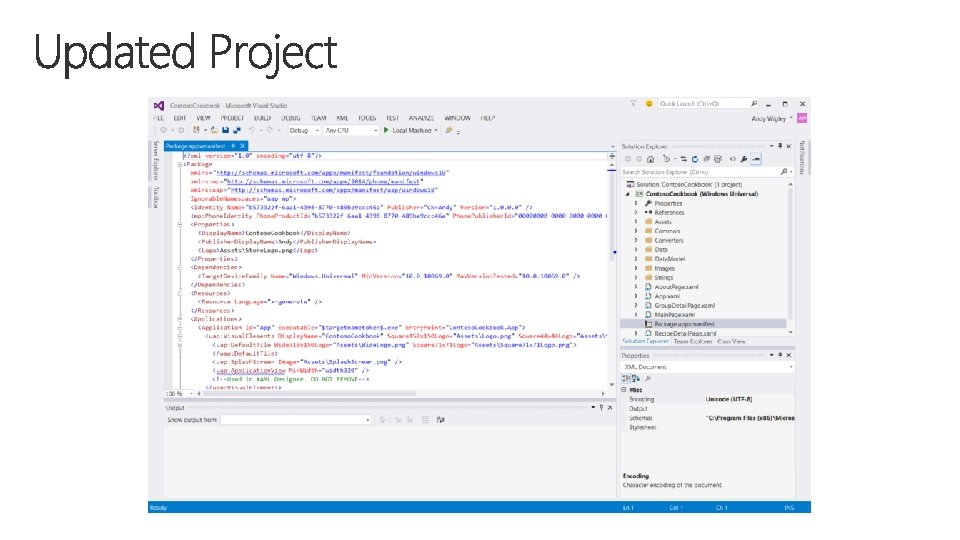
• Automates most of the upgrade steps – doesn’t do everything! • Converts. csproj to UWP, updates package. appxmanifest • Run directly in Powershell (needs script execute allowed), or execute Run_Upgrade_to_UWP. bat at cmd prompt
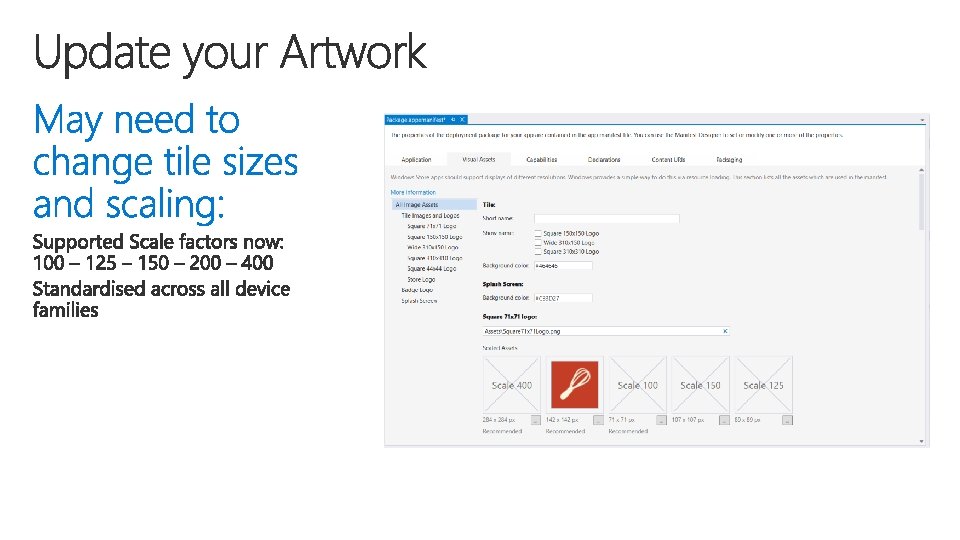
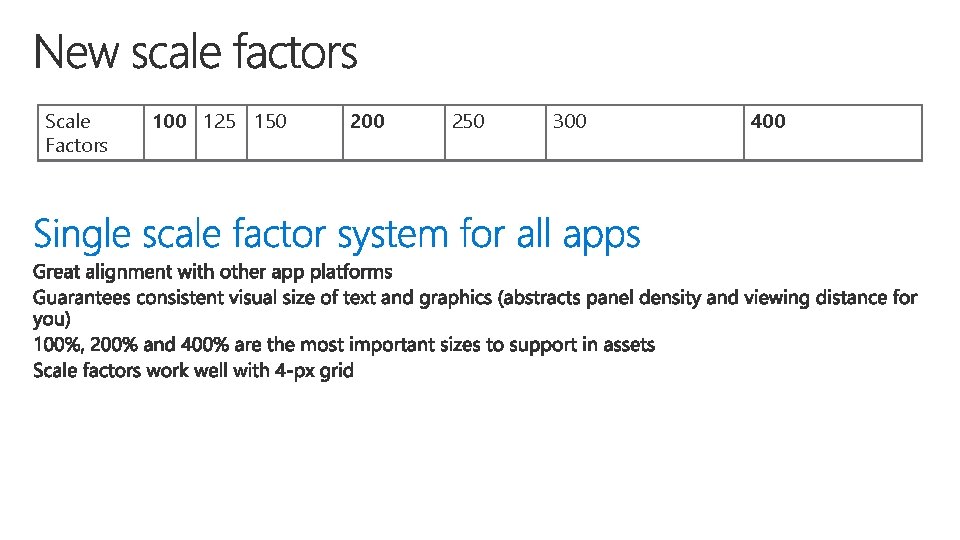
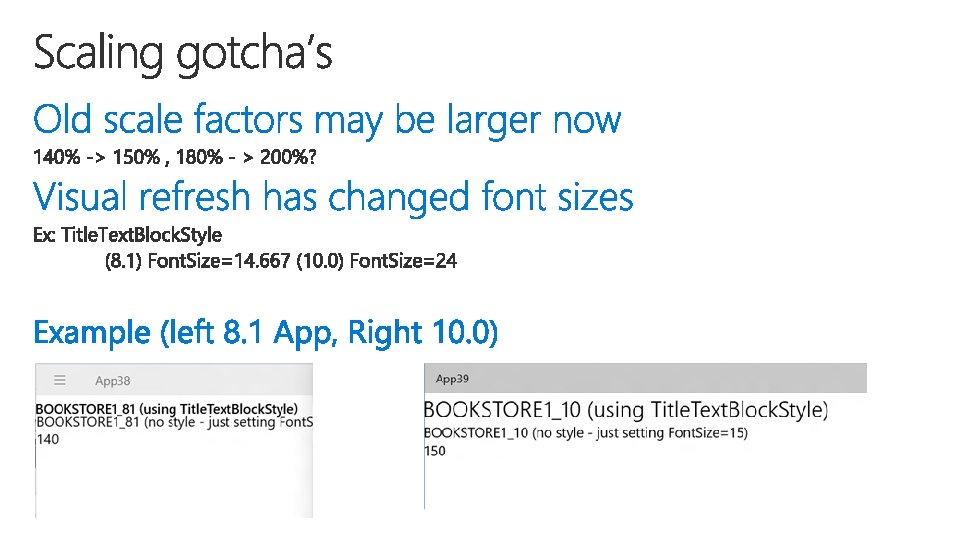
Scale Factors 100 125 150 200 250 300 400
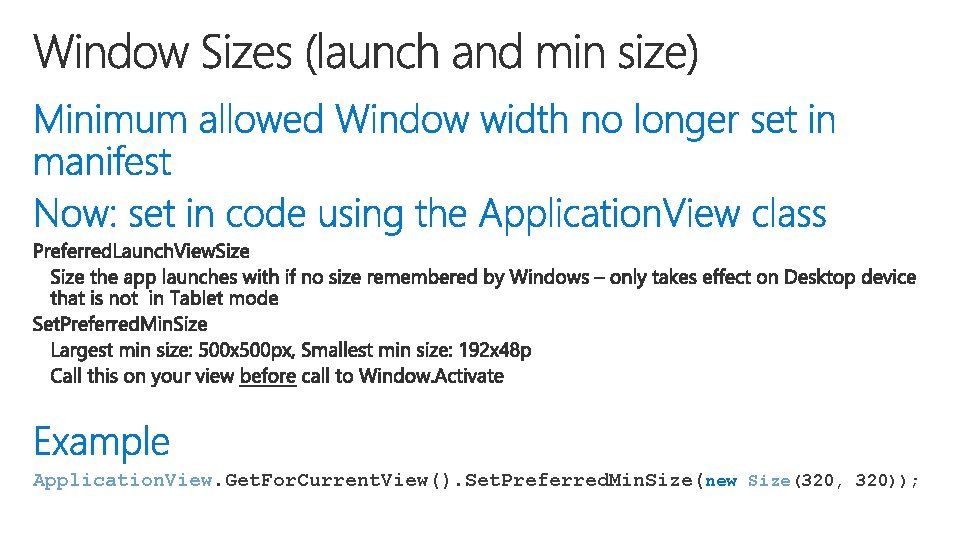
Application. View. Get. For. Current. View(). Set. Preferred. Min. Size(new Size(320, 320));
See MSDN documentation for guidance on how to Move from Windows Runtime 8 to UWP: http: //aka. ms/movefrom 8 touwp
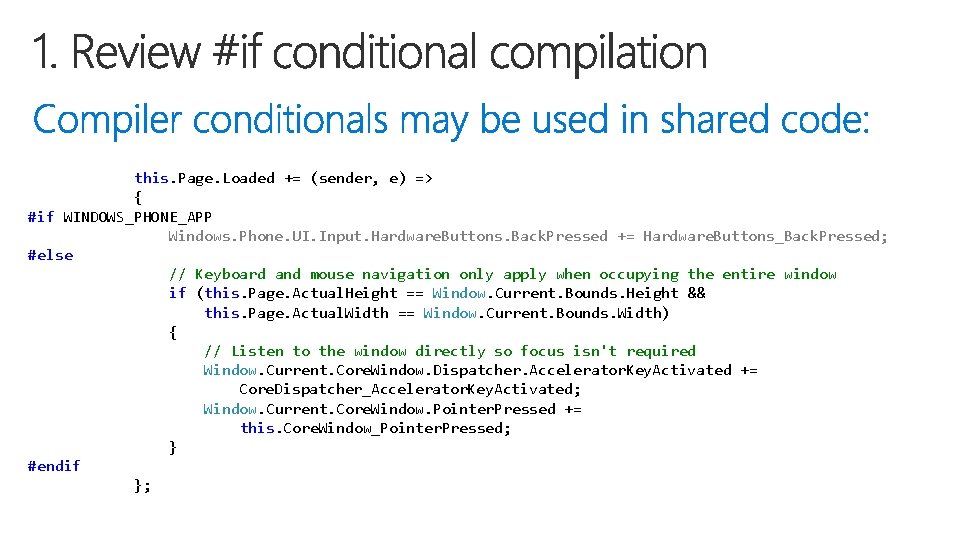
this. Page. Loaded += (sender, e) => { #if WINDOWS_PHONE_APP Windows. Phone. UI. Input. Hardware. Buttons. Back. Pressed += Hardware. Buttons_Back. Pressed; #else // Keyboard and mouse navigation only apply when occupying the entire window if (this. Page. Actual. Height == Window. Current. Bounds. Height && this. Page. Actual. Width == Window. Current. Bounds. Width) { // Listen to the window directly so focus isn't required Window. Current. Core. Window. Dispatcher. Accelerator. Key. Activated += Core. Dispatcher_Accelerator. Key. Activated; Window. Current. Core. Window. Pointer. Pressed += this. Core. Window_Pointer. Pressed; } #endif };
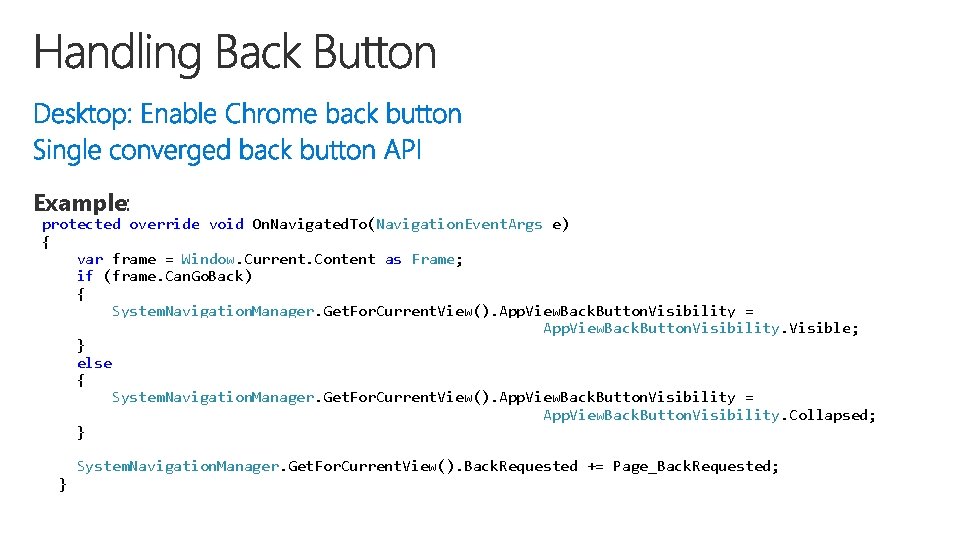
Example: protected override void On. Navigated. To(Navigation. Event. Args e) { var frame = Window. Current. Content as Frame; if (frame. Can. Go. Back) { System. Navigation. Manager. Get. For. Current. View(). App. View. Back. Button. Visibility = App. View. Back. Button. Visibility. Visible; } else { System. Navigation. Manager. Get. For. Current. View(). App. View. Back. Button. Visibility = App. View. Back. Button. Visibility. Collapsed; } System. Navigation. Manager. Get. For. Current. View(). Back. Requested += Page_Back. Requested; }
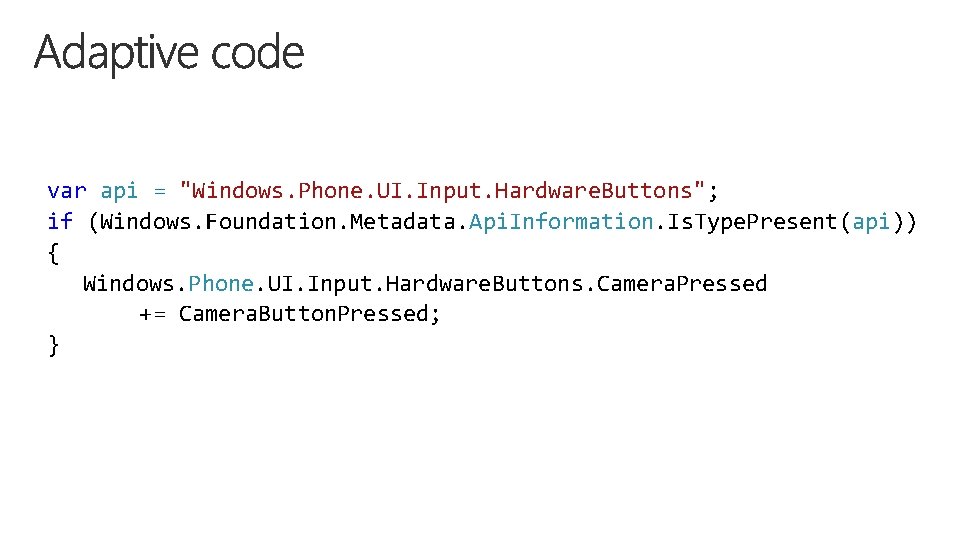
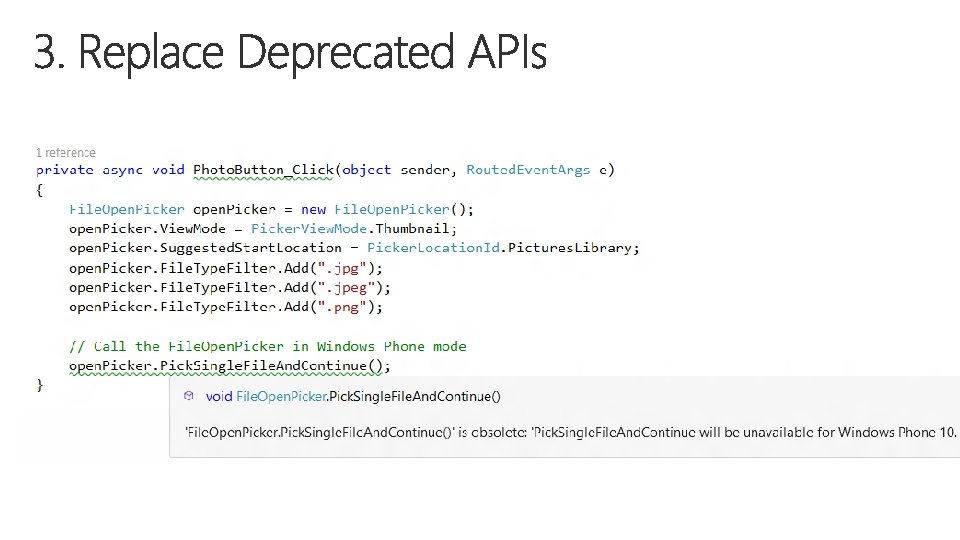
var api = "Windows. Phone. UI. Input. Hardware. Buttons"; if (Windows. Foundation. Metadata. Api. Information. Is. Type. Present(api)) { Windows. Phone. UI. Input. Hardware. Buttons. Camera. Pressed += Camera. Button. Pressed; }
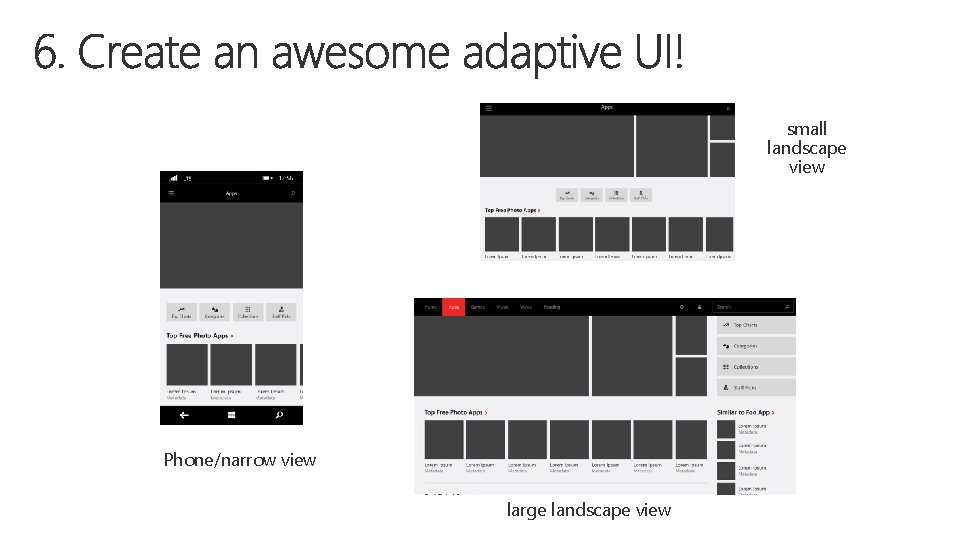
small landscape view Phone/narrow view large landscape view
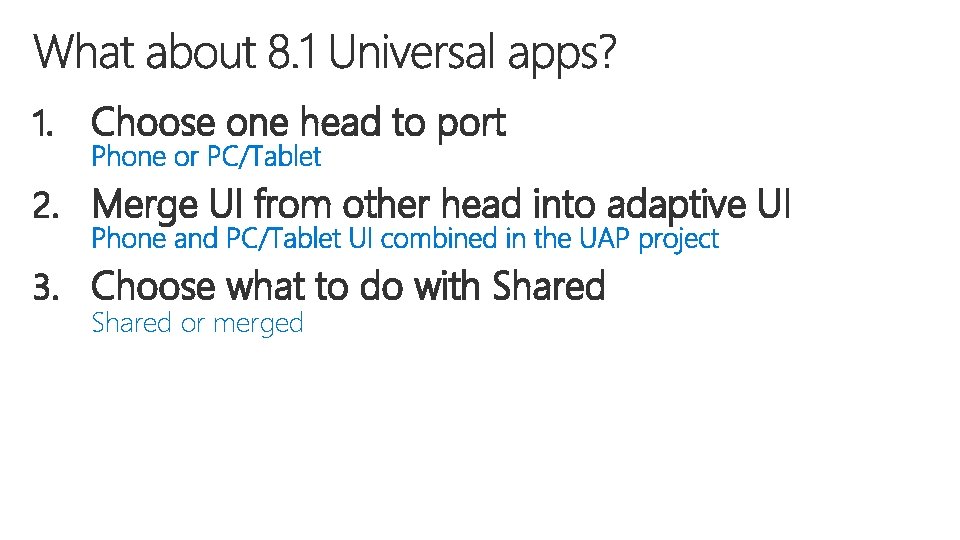
1. Choose one head to port 2. Merge UI from other head into adaptive UI 3. Choose what to do with Shared or merged
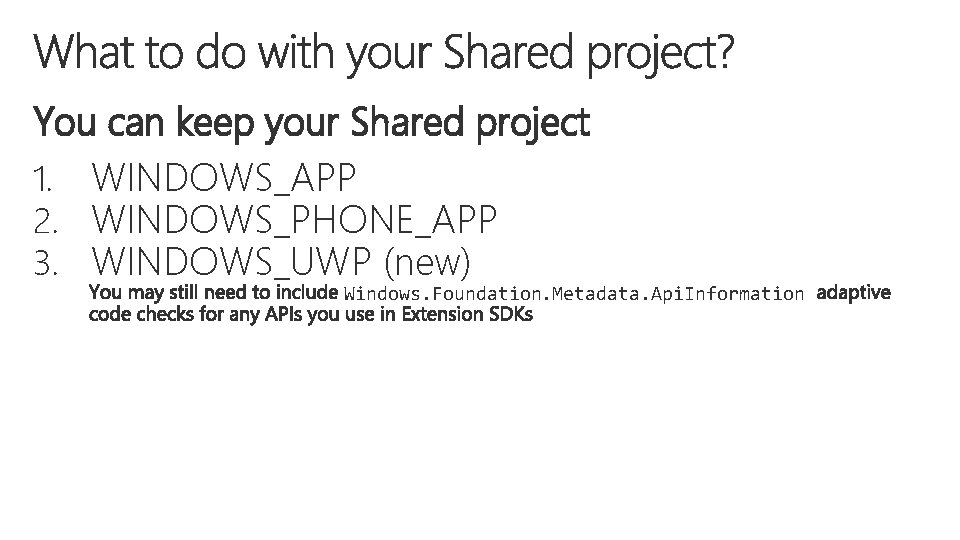
You can keep your Shared project 1. WINDOWS_APP 2. WINDOWS_PHONE_APP 3. WINDOWS_UWP (new) Windows. Foundation. Metadata. Api. Information