
DEV 386 Best Practices for NET Smart Clients
DEV 386 Best Practices for. NET Smart Clients and Web Services Development Marc Ghys & Bart Debeuckelaere. NET architects, Euricom
Agenda Smart clients and web services Custom user controls Offline business logic Error handling over SOAP No touch deployment Demo of a real-life example
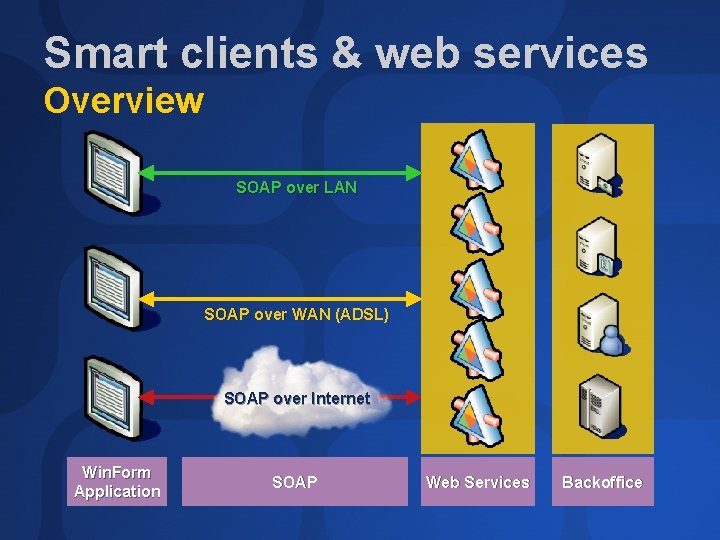
Smart clients & web services Overview SOAP over LAN SOAP over WAN (ADSL) SOAP over Internet Win. Form Application SOAP Web Services Backoffice
Smart clients & web services Performance Design to performance Performance ≠ Scalability Focus on user experience Limit number of roundtrips Do web service calls when users expect it, e. g. not in the middle of a page in an On. Leave event Cache data to the max in your winform client Compress SOAP messages I. I. S. compression Custom compression Use Windows Server 2003 !!!
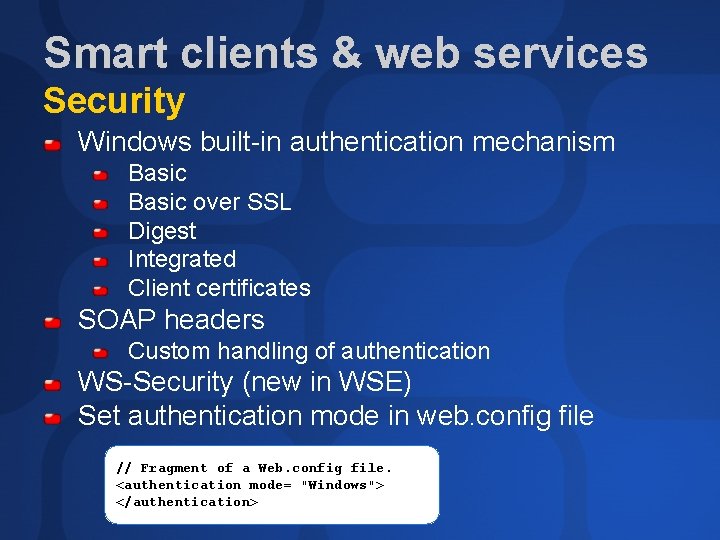
Smart clients & web services Security Windows built-in authentication mechanism Basic over SSL Digest Integrated Client certificates SOAP headers Custom handling of authentication WS-Security (new in WSE) Set authentication mode in web. config file // Fragment of a Web. config file. <authentication mode= "Windows"> </authentication>
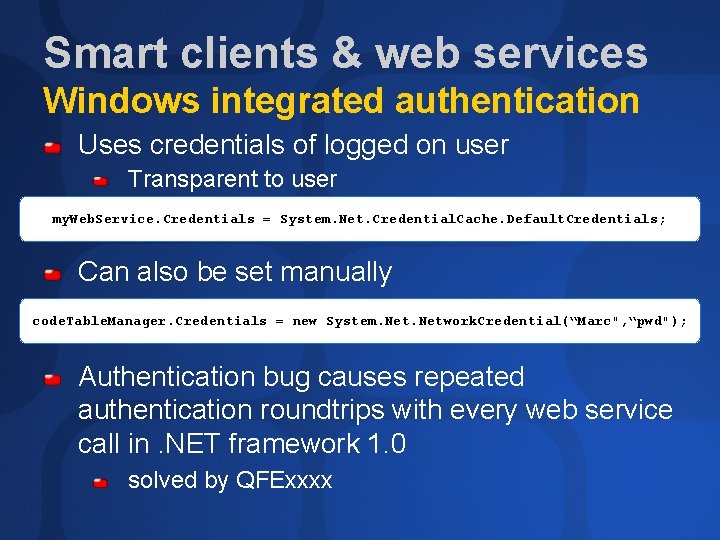
Smart clients & web services Windows integrated authentication Uses credentials of logged on user Transparent to user my. Web. Service. Credentials = System. Net. Credential. Cache. Default. Credentials; Can also be set manually code. Table. Manager. Credentials = new System. Network. Credential(“Marc", “pwd"); Authentication bug causes repeated authentication roundtrips with every web service call in. NET framework 1. 0 solved by QFExxxx
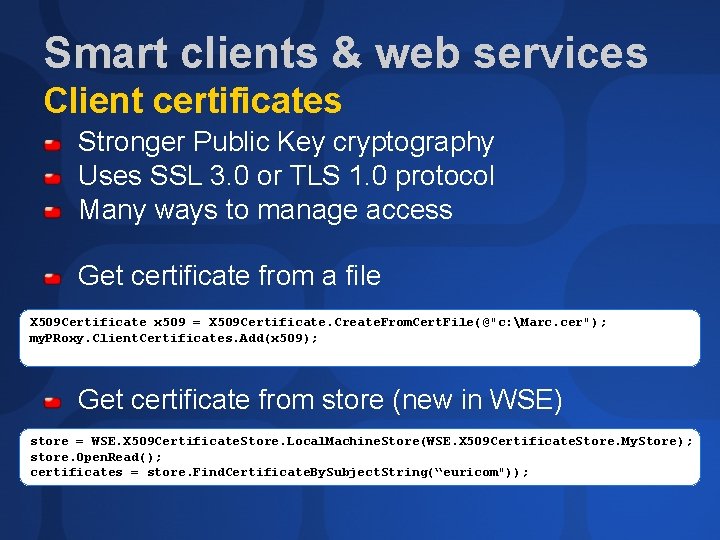
Smart clients & web services Client certificates Stronger Public Key cryptography Uses SSL 3. 0 or TLS 1. 0 protocol Many ways to manage access Get certificate from a file X 509 Certificate x 509 = X 509 Certificate. Create. From. Cert. File(@"c: Marc. cer"); my. PRoxy. Client. Certificates. Add(x 509); Get certificate from store (new in WSE) store = WSE. X 509 Certificate. Store. Local. Machine. Store(WSE. X 509 Certificate. Store. My. Store); store. Open. Read(); certificates = store. Find. Certificate. By. Subject. String(“euricom"));
demo Securing a web service • • Using Windows integrated security Using a client certificate
Agenda Smart clients and web services Custom user controls Offline business logic Error handling over SOAP No touch deployment Demo of a real-life example
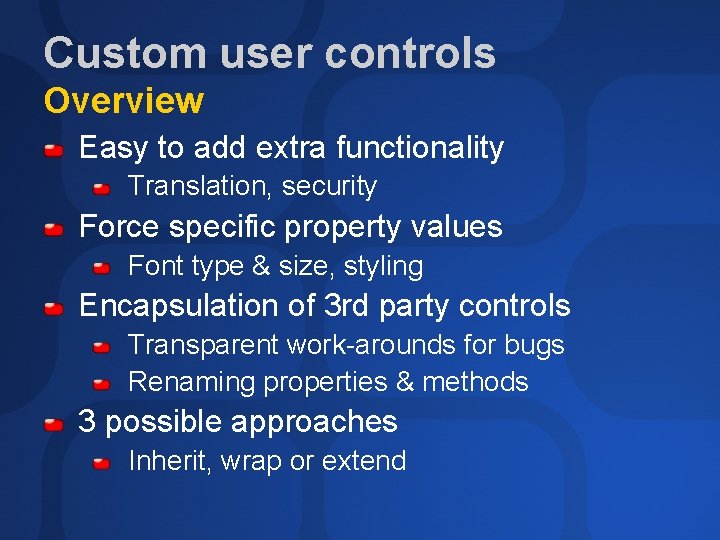
Custom user controls Overview Easy to add extra functionality Translation, security Force specific property values Font type & size, styling Encapsulation of 3 rd party controls Transparent work-arounds for bugs Renaming properties & methods 3 possible approaches Inherit, wrap or extend

Custom user controls Deriving from an existing control Fastest way to create a custom control Derive from any existing control All standard functionality immediately available Automatically reuses designer of inherited control No real encapsulation Difficult to hide and/or rename properties and methods Very difficult to create a custom designer
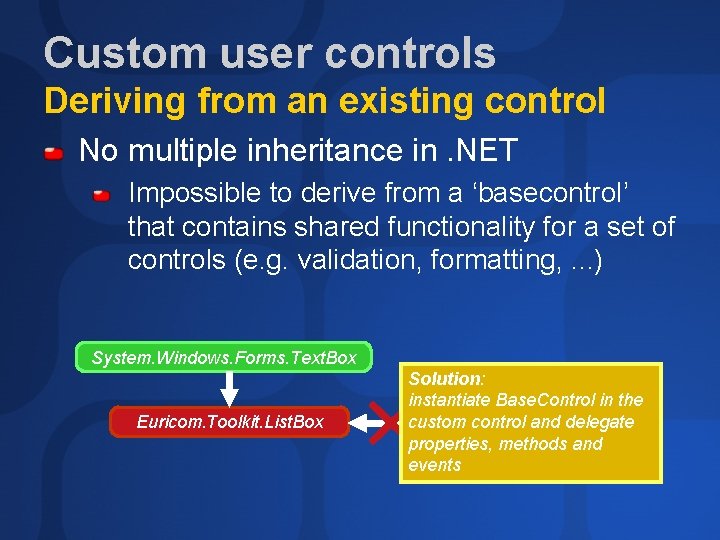
Custom user controls Deriving from an existing control No multiple inheritance in. NET Impossible to derive from a ‘basecontrol’ that contains shared functionality for a set of controls (e. g. validation, formatting, . . . ) System. Windows. Forms. Text. Box Euricom. Toolkit. List. Box Solution: instantiate Base. Control in the custom control and delegate Euricom. Toolkit. Base. Control properties, methods and events
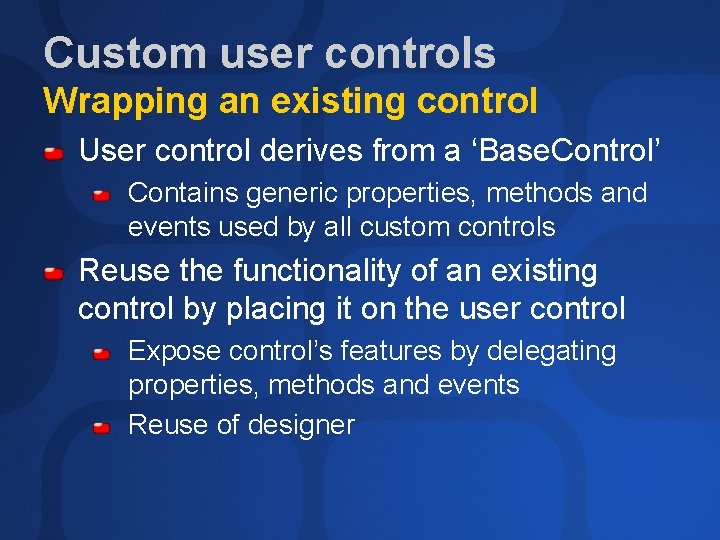
Custom user controls Wrapping an existing control User control derives from a ‘Base. Control’ Contains generic properties, methods and events used by all custom controls Reuse the functionality of an existing control by placing it on the user control Expose control’s features by delegating properties, methods and events Reuse of designer
Custom user controls Issues with wrapping controls Problem with delegating leave event Fires multiple times or not at all Solved in. NET framework 1. 1 Performance issue in. NET framework 1. 0 Solved with QFExxxx
Custom user controls Using extenders Loosely coupled way to add functionality to any existing control Implement the IExtender. Provider interface Built-in tooltip control is an extender Adds extra properties to existing controls At design-time, properties are added to the property windows of controls At run-time, properties are accessed through the extender tool. Tip. Extender. Set. Tool. Tip(txt. First. Name, “Name of the person”);
Custom user controls Using GDI+ to draw your control Gives you pixel-level control over how the control is shown On. Paint event provides GDI+ Graphics object protected override void On. Paint(Paint. Event. Args p) { // Draw border around control p. Graphics. Draw. Rectangle(my. Pen, 0, 1, 300, 100); } Use Invalidate() to force redraw e. g. When a property has changed
Custom user controls Design-time support Reuse and improve built-in designers E. g adding extra markers using GDI+ by overriding On. Paint. Adornments() Use Type. Converter class to improve generated code e. g. show ‘subproperties’ by deriving from Expandable. Object. Converter
demo Creating custom controls • • • Wrapping an existing control Using an extender Inheriting an existing control Drawing the control with GDI+ Using the Type. Converter class
Agenda Smart clients and web services Custom user controls Offline business logic Error handling over SOAP No touch deployment Demo of a real-life example
Treating offline situations Executing business logic offline Need for business logic on the client E. g. validation of input data Put shared business logic in Business. Rules class and deploy to client Business. Object class inherits from Business. Rule and adds persistence functionality
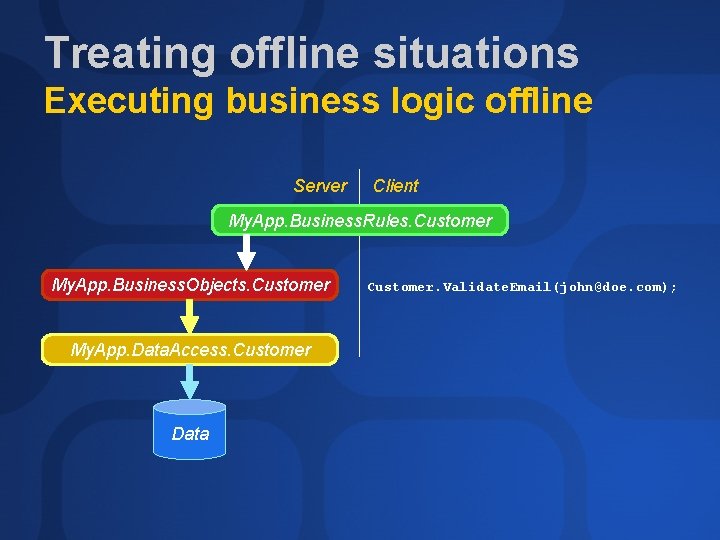
Treating offline situations Executing business logic offline Server Client My. App. Business. Rules. Customer My. App. Business. Objects. Customer My. App. Data. Access. Customer Data Customer. Validate. Email(john@doe. com);
Agenda Smart clients and web services Custom user controls Offline business logic Error handling over SOAP Managing state No touch deployment Demo of a real-life example
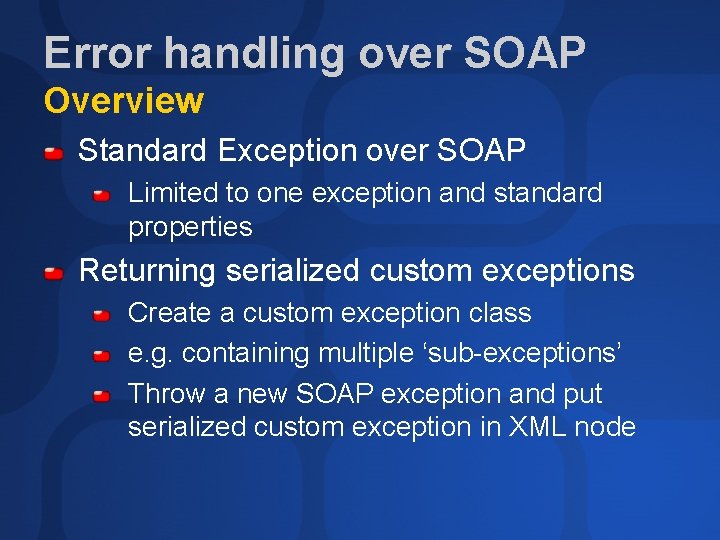
Error handling over SOAP Overview Standard Exception over SOAP Limited to one exception and standard properties Returning serialized custom exceptions Create a custom exception class e. g. containing multiple ‘sub-exceptions’ Throw a new SOAP exception and put serialized custom exception in XML node
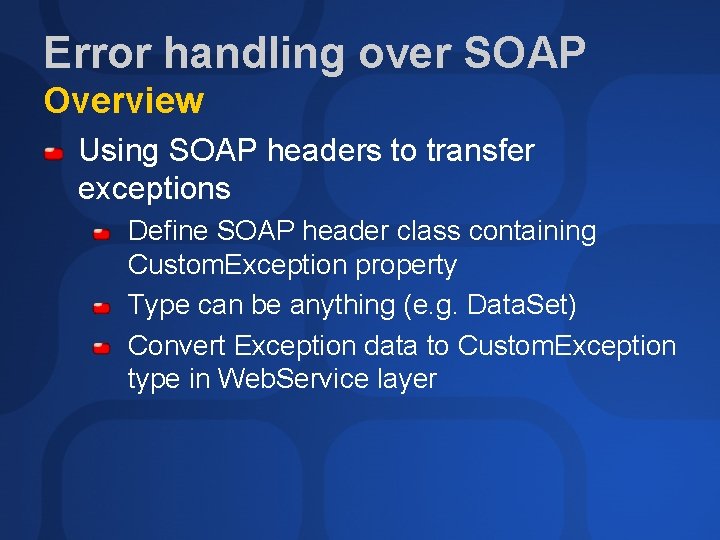
Error handling over SOAP Overview Using SOAP headers to transfer exceptions Define SOAP header class containing Custom. Exception property Type can be anything (e. g. Data. Set) Convert Exception data to Custom. Exception type in Web. Service layer
demo Custom Exceptions • Using SOAP headers to send a custom exception to a client
Agenda Smart clients and web services Custom user controls Offline business logic Error handling over SOAP No-touch deployment Demo of a real-life example
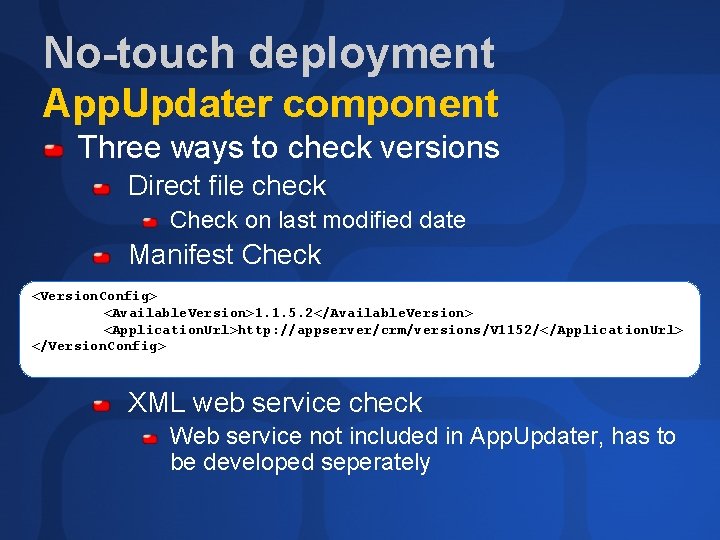
No-touch deployment App. Updater component Three ways to check versions Direct file check Check on last modified date Manifest Check <Version. Config> <Available. Version>1. 1. 5. 2</Available. Version> <Application. Url>http: //appserver/crm/versions/V 1152/</Application. Url> </Version. Config> XML web service check Web service not included in App. Updater, has to be developed seperately

No-touch deployment App. Updater component Files are downloaded using HTTP-DAV Includes directory and file enumeration Free source download Can be adapted to your needs
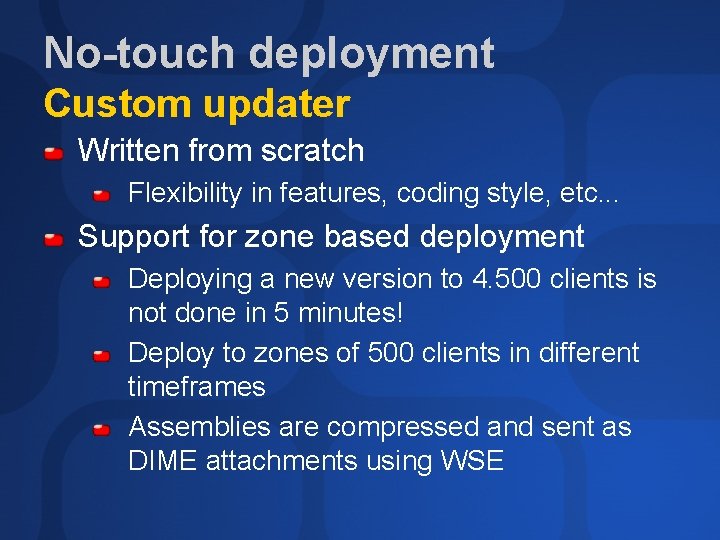
No-touch deployment Custom updater Written from scratch Flexibility in features, coding style, etc. . . Support for zone based deployment Deploying a new version to 4. 500 clients is not done in 5 minutes! Deploy to zones of 500 clients in different timeframes Assemblies are compressed and sent as DIME attachments using WSE
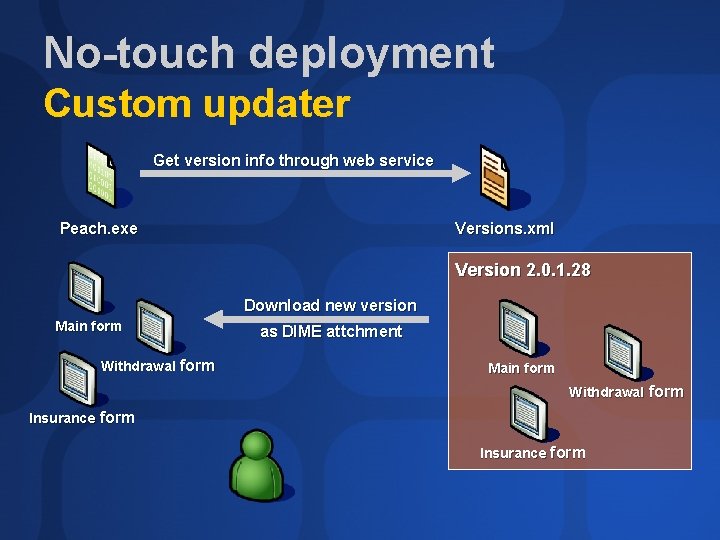
No-touch deployment Custom updater Get version info through web service Peach. exe Versions. xml Version 2. 0. 1. 28 Download new version Main form Withdrawal form as DIME attchment Main form Withdrawal form Insurance form
No-touch deployment BITS Downloads software in background Used by Windows 2000, Windows XP and Windows 2003 for autoupdate Uses idle network bandwidth Resumes after network disconects, reboots Version 1. 5 now available in Windows Server 2003, as upgrade for Win 2000, XP
demo Download an updated assembly • • As a DIME attachment using WSE Using BITS
Agenda Smart clients and web services Custom user controls Offline business logic Error handling over SOAP No touch deployment Demo of a real-life example
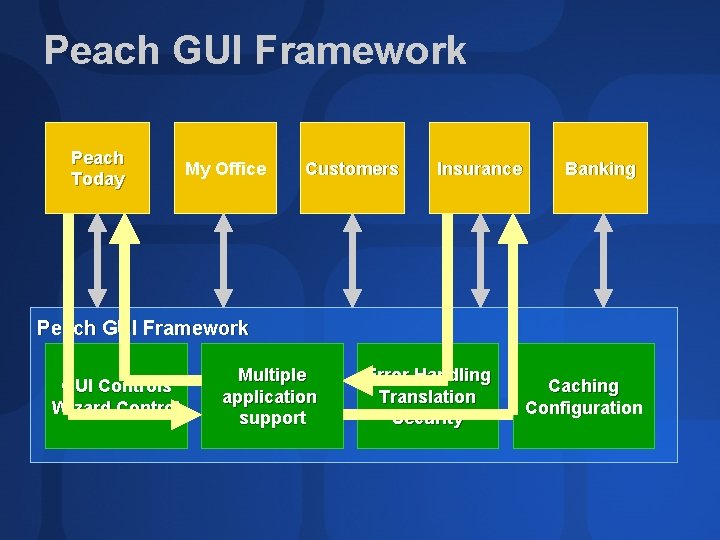
Peach GUI Framework Peach Today My Office Customers Insurance Banking Peach GUI Framework GUI Controls Wizard Control Multiple application support Error Handling Translation Security Caching Configuration
Peach GUI Framework Advantages Allows seperated development teams to develop independent plug-in applications Framework handles inter-application communication Framework can be improved seperately Forces consistent look & feel Form & Wizard controls Quickstep
Peach GUI Framework Advantages Provides numerous technical facilities Error Handling Translation Security Caching
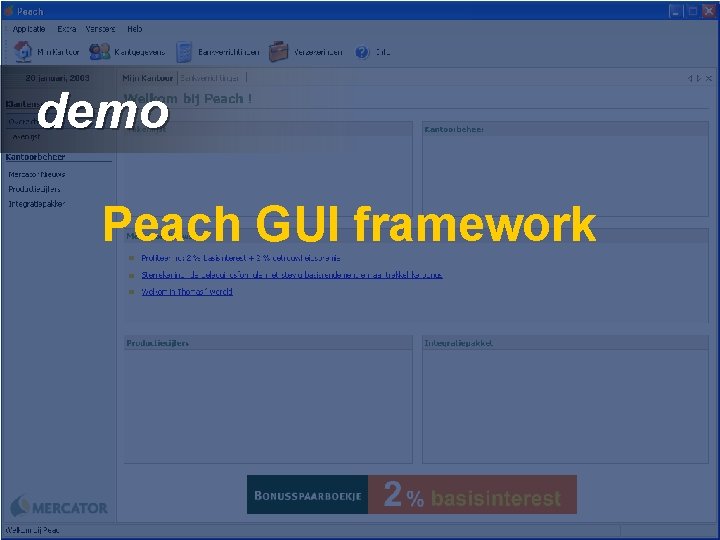
demo Peach GUI framework
Community Resources http: //www. microsoft. com/communities/default. mspx Most Valuable Professional (MVP) http: //www. mvp. support. microsoft. com/ Newsgroups Converse online with Microsoft Newsgroups, including Worldwide http: //www. microsoft. com/communities/newsgroups/default. mspx User Groups Meet and learn with your peers http: //www. microsoft. com/communities/usergroups/default. mspx
evaluations

© 2003 Microsoft Corporation. All rights reserved. This presentation is for informational purposes only. MICROSOFT MAKES NO WARRANTIES, EXPRESS OR IMPLIED, IN THIS SUMMARY.
- Slides: 40