
DEV 365 Visual Studio Team Edition for Software





- Slides: 33
DEV 365 Visual Studio Team Edition for Software Architects: Overview Alex Torone Lead Program Manager Enterprise Tools Microsoft Corporation
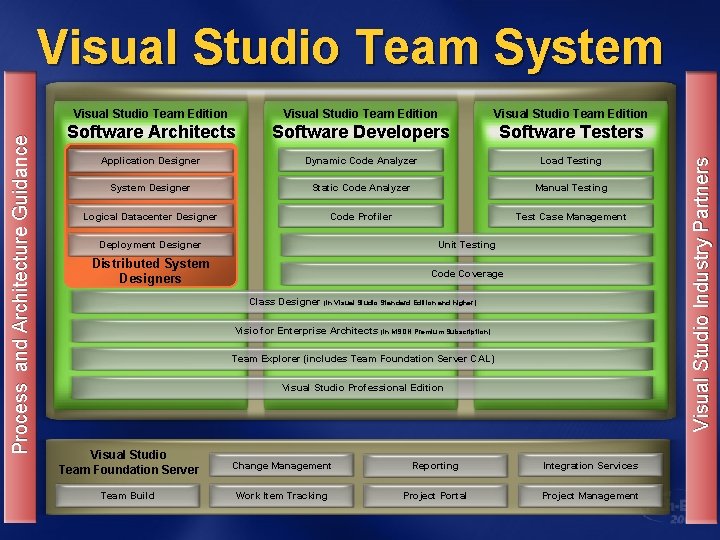
Visual Studio Team Edition Software Architects Software Developers Software Testers Application Designer Dynamic Code Analyzer Load Testing System Designer Static Code Analyzer Manual Testing Logical Datacenter Designer Code Profiler Test Case Management Deployment Designer Unit Testing Distributed System Designers Code Coverage Class Designer (in Visual Studio Standard Edition and higher) Visio for Enterprise Architects (in MSDN Premium Subscription) Team Explorer (includes Team Foundation Server CAL) Visual Studio Professional Edition Visual Studio Team Foundation Server Change Management Reporting Integration Services Team Build Work Item Tracking Project Portal Project Management Visual Studio Industry Partners Process and Architecture Guidance Visual Studio Team System
Topics Challenges in enabling the application development lifecycle Model-driven development with VSTESA Extensibility Looking Forward
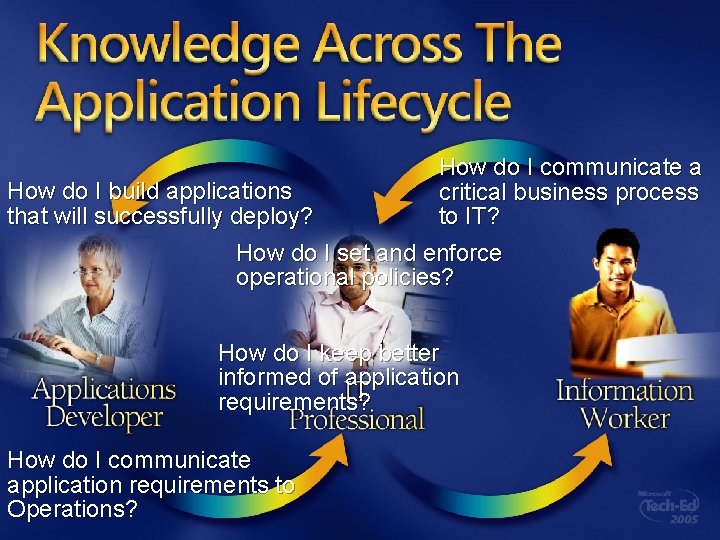
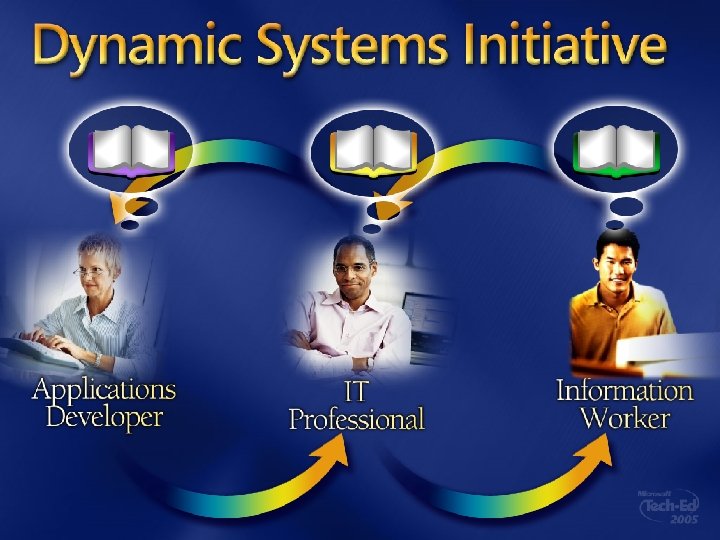
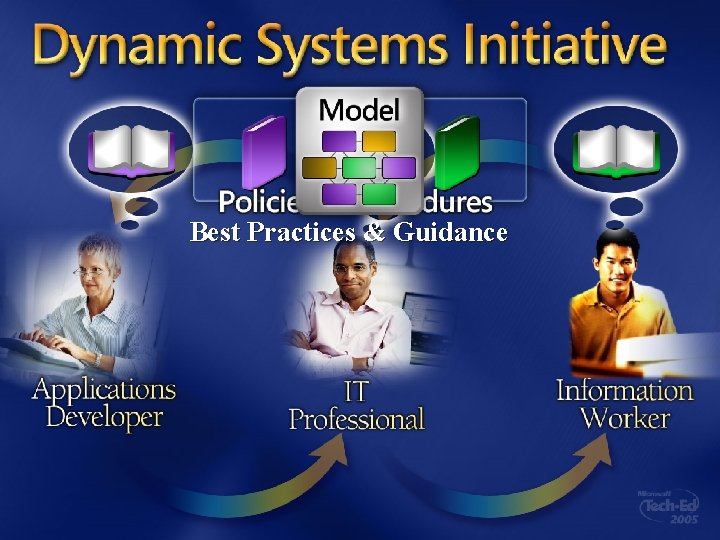
How do I communicate a How do I build applications critical business process that will successfully deploy? to IT? How do I set and enforce operational policies? How do I keep better informed of application requirements? How do I communicate application requirements to Operations?
Best Practices & Guidance
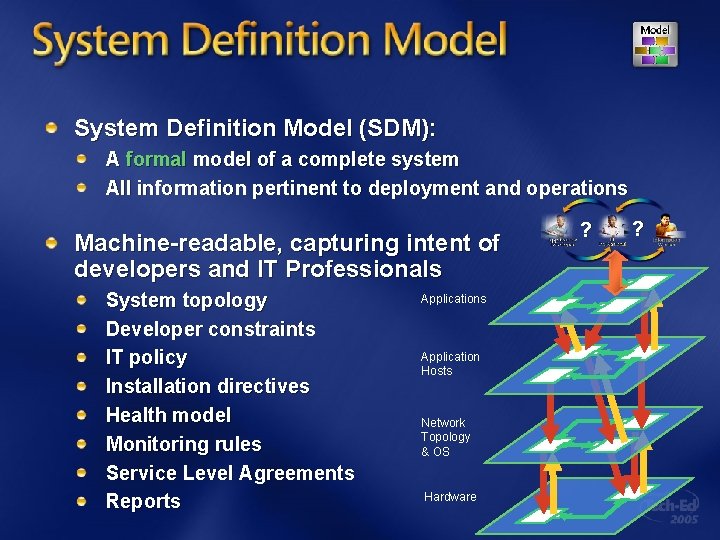
System Definition Model (SDM): A formal model of a complete system All information pertinent to deployment and operations Machine-readable, capturing intent of developers and IT Professionals System topology Developer constraints IT policy Installation directives Health model Monitoring rules Service Level Agreements Reports Application Hosts Network Topology & OS Hardware ? ?
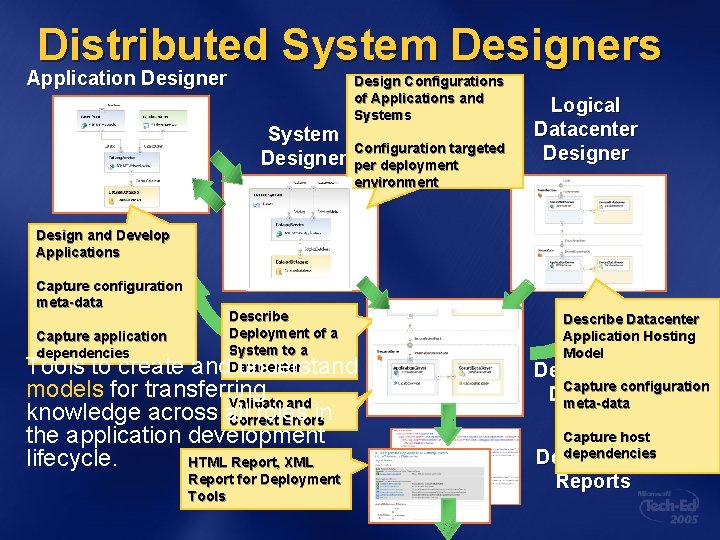
Distributed System Designers Application Designer System Designer Design Configurations of Applications and Systems Configuration targeted per deployment environment Logical Datacenter Design and Develop Applications Capture configuration meta-data Capture application dependencies Describe Deployment of a System to a Datacenter Tools to create and understand models for transferring Validate and knowledge across all roles in Correct Errors the application development lifecycle. HTML Report, XML Report for Deployment Tools Describe Datacenter Application Hosting Model Deployment Capture configuration Designer meta-data Capture host dependencies Deployment Reports
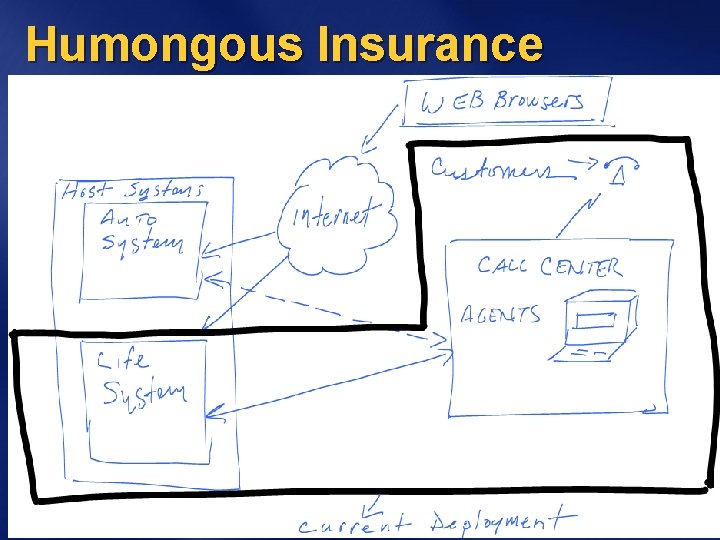
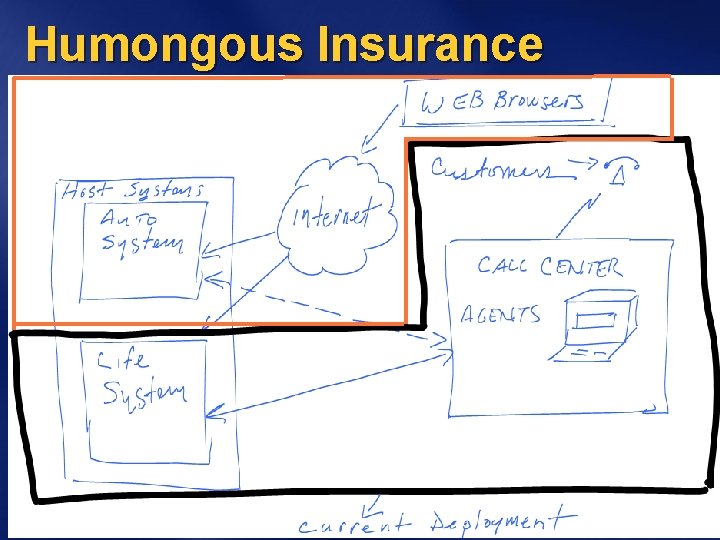
Humongous Insurance Architects, developers and IT Professionals sharing knowledge to extend Humongous Insurance l Existing call center application services internal clients for Life Policy administration l Goal Ø Extend the system to provide Auto Policy administration Ø Offer customer self service portal for both auto and life
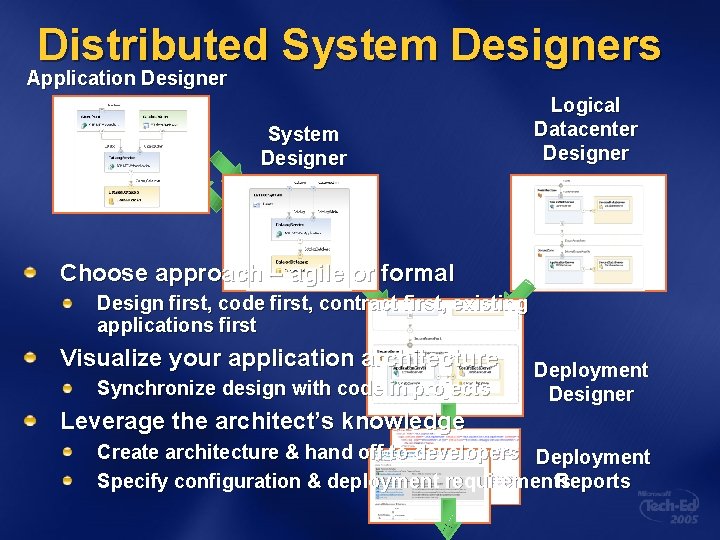
Distributed System Designers Application Designer System Designer Logical Datacenter Designer Choose approach – agile or formal Design first, code first, contract first, existing applications first Visualize your application architecture Synchronize design with code in projects Deployment Designer Leverage the architect’s knowledge Create architecture & hand off to developers Deployment Specify configuration & deployment requirements Reports
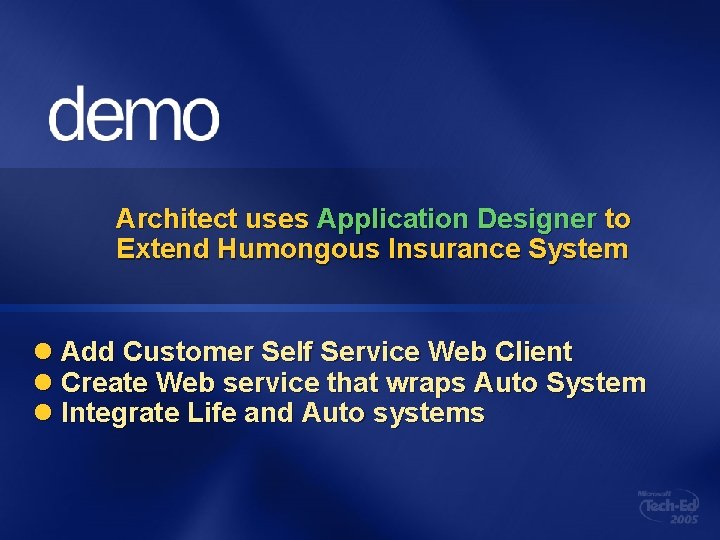
Architect uses Application Designer to Extend Humongous Insurance System l Add Customer Self Service Web Client l Create Web service that wraps Auto System l Integrate Life and Auto systems
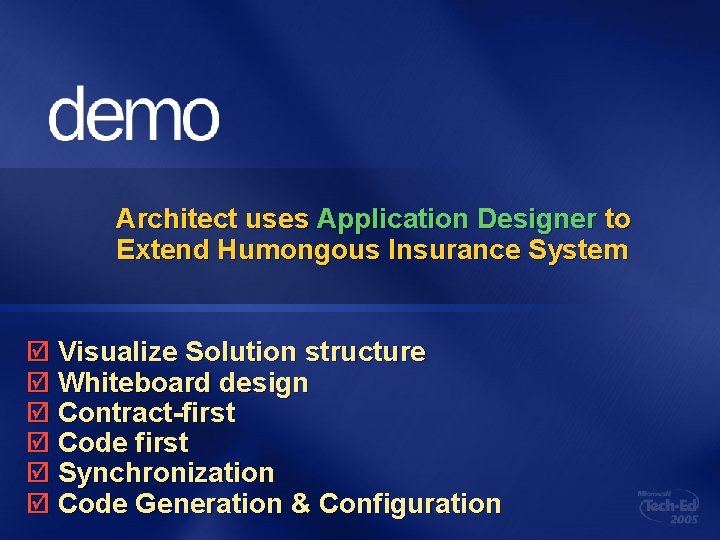
Architect uses Application Designer to Extend Humongous Insurance System þ Visualize Solution structure þ Whiteboard design þ Contract-first þ Code first þ Synchronization þ Code Generation & Configuration
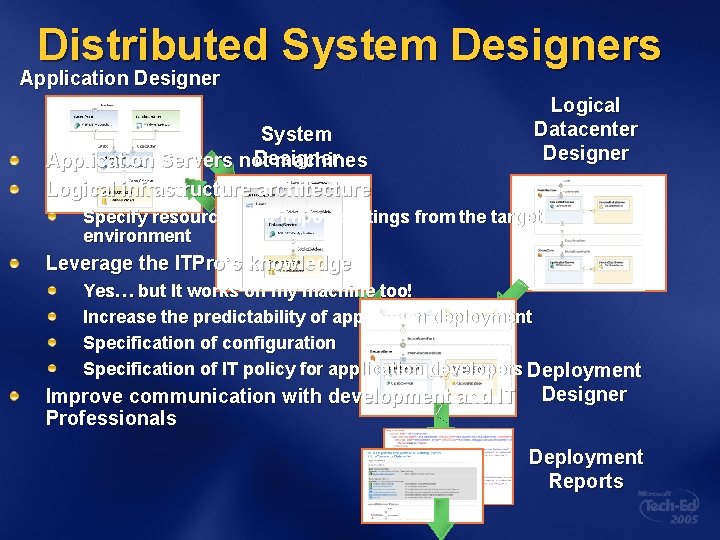
Distributed System Designers Application Designer System Designer Application Servers not machines Logical infrastructure architecture Logical Datacenter Designer Specify resources and import settings from the target environment Leverage the ITPro’s knowledge Yes… but It works on my machine too! Increase the predictability of application deployment Specification of configuration Specification of IT policy for application developers Deployment Improve communication with development and IT Professionals Designer Deployment Reports
ITPro uses Logical Datacenter Designer to Describe Target Deployment Environment l Define an internet perimeter Zone for Customer Self Service l Configure application services l Specify datacenter policy to restrict web services in Perimeter
ITPro uses Logical Datacenter Designer to Describe Target Deployment Environment þ Logical datacenter design þ Importing and specifying settings þ Specifying Constraints on Applications þ Save reusable configurations in toolbox
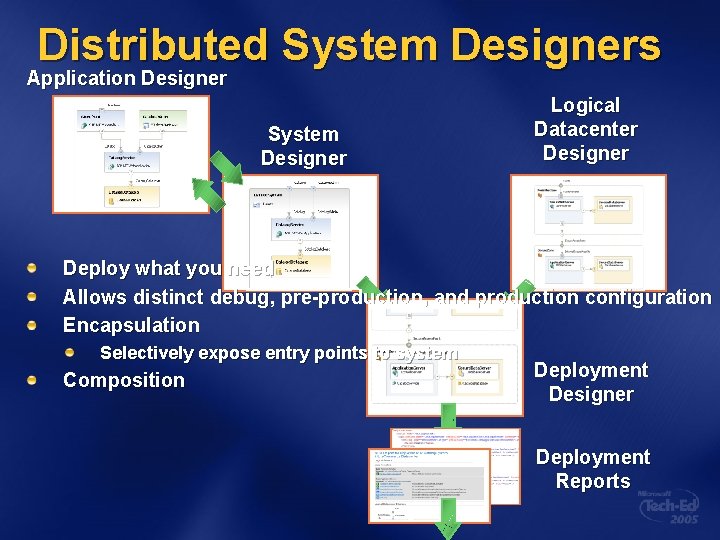
Distributed System Designers Application Designer System Designer Logical Datacenter Designer Deploy what you need Allows distinct debug, pre-production, and production configuration Encapsulation Selectively expose entry points to system Composition Deployment Designer Deployment Reports
Architect Configures new System l Configures Customer. Self. Service
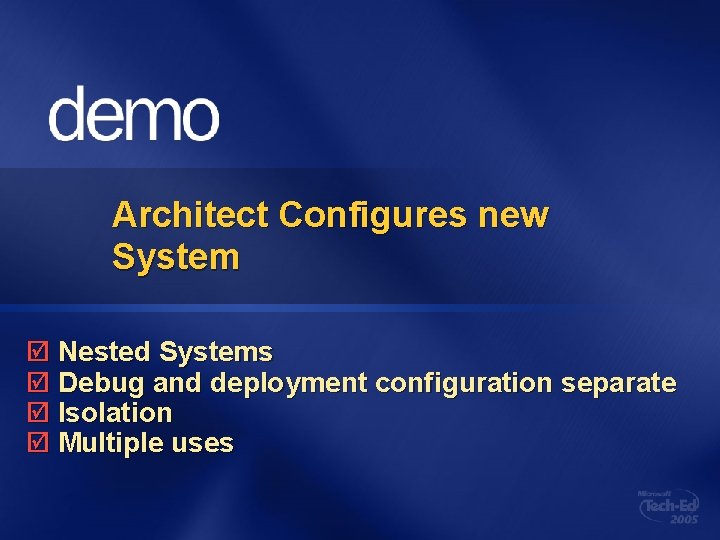
Architect Configures new System þ Nested Systems þ Debug and deployment configuration separate þ Isolation þ Multiple uses
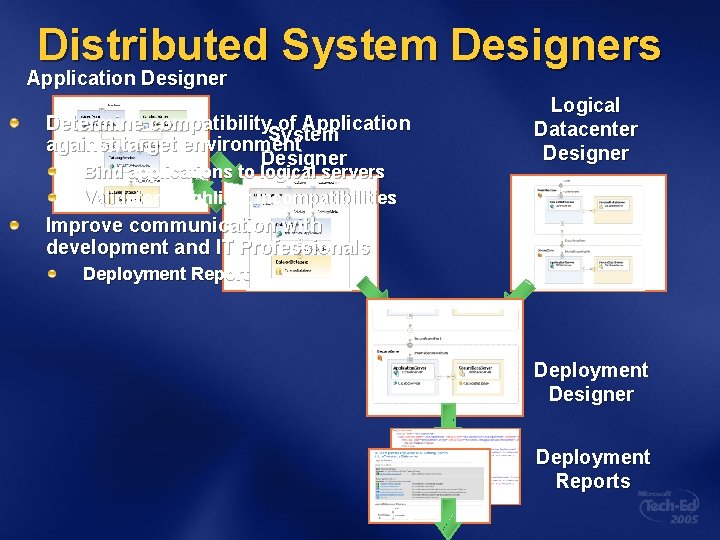
Distributed System Designers Application Designer Determine compatibility of Application System against target environment Designer Bind applications to logical servers Validators highlight incompatibilities Logical Datacenter Designer Improve communication with development and IT Professionals Deployment Report Deployment Designer Deployment Reports
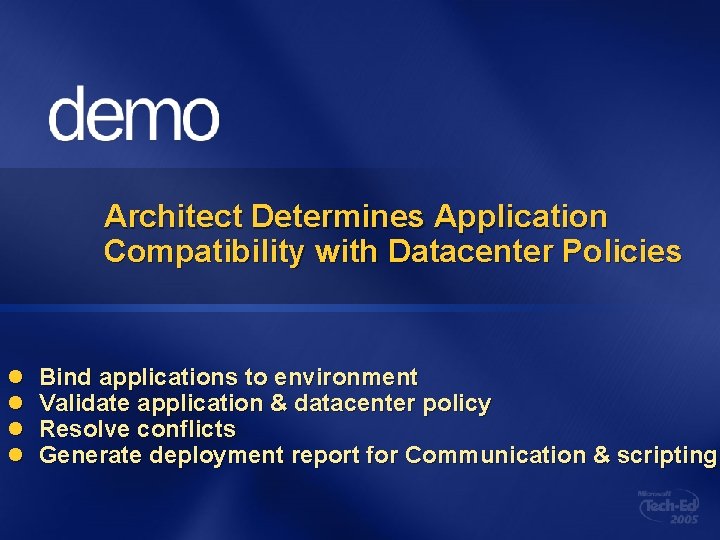
Architect Determines Application Compatibility with Datacenter Policies l l Bind applications to environment Validate application & datacenter policy Resolve conflicts Generate deployment report for Communication & scripting
Architect Determines Application Compatibility with Datacenter Policies þ Policy Constraint validation þ Communication pathway resolution þ Integrated Error resolution þ Scriptable and human readable Deployment reports
Humongous Insurance Architects, developers and IT Professionals sharing knowledge to extend Humongous Insurance l Existing call center application services internal clients for Life Policy administration l Goal Ø Extend the system to provide Auto Policy administration Ø Offer customer self service portal for both auto and life
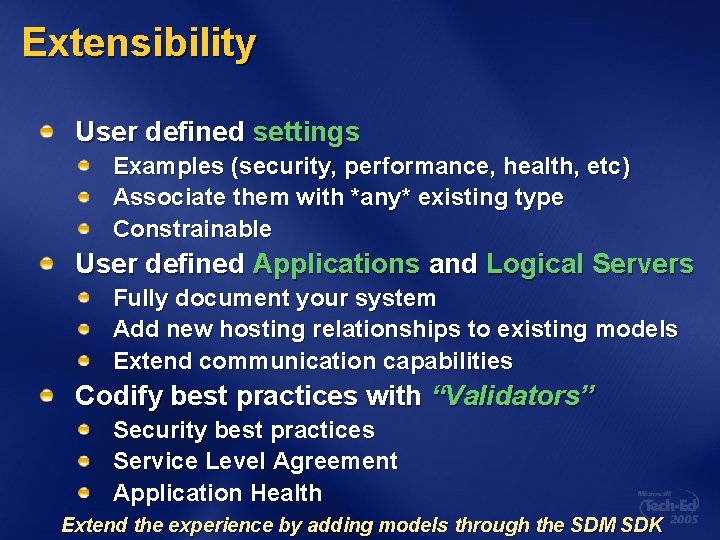
Extensibility User defined settings Examples (security, performance, health, etc) Associate them with *any* existing type Constrainable User defined Applications and Logical Servers Fully document your system Add new hosting relationships to existing models Extend communication capabilities Codify best practices with “Validators” Security best practices Service Level Agreement Application Health Extend the experience by adding models through the SDM SDK
Extensibility l Defining and using new types
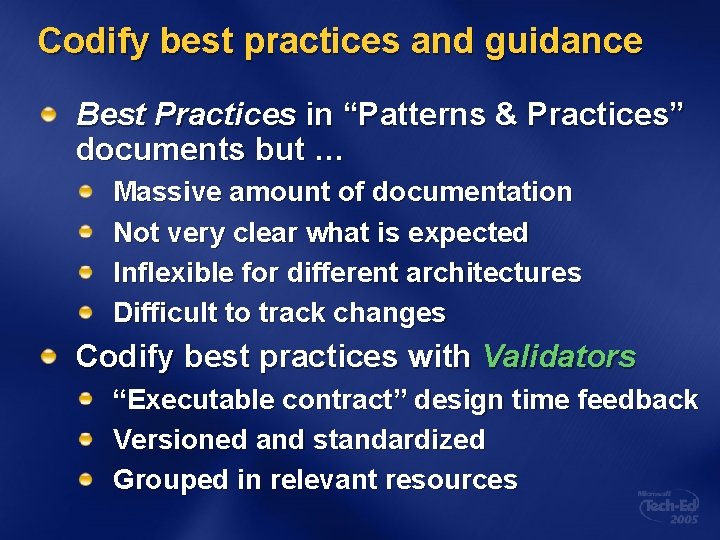
Codify best practices and guidance Best Practices in “Patterns & Practices” documents but … Massive amount of documentation Not very clear what is expected Inflexible for different architectures Difficult to track changes Codify best practices with Validators “Executable contract” design time feedback Versioned and standardized Grouped in relevant resources
Codify best practices and guidance l Security best practices
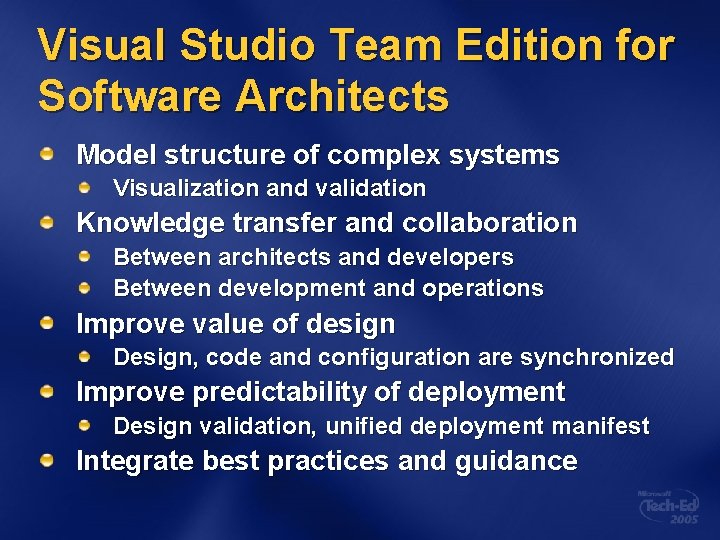
Visual Studio Team Edition for Software Architects Model structure of complex systems Visualization and validation Knowledge transfer and collaboration Between architects and developers Between development and operations Improve value of design Design, code and configuration are synchronized Improve predictability of deployment Design validation, unified deployment manifest Integrate best practices and guidance
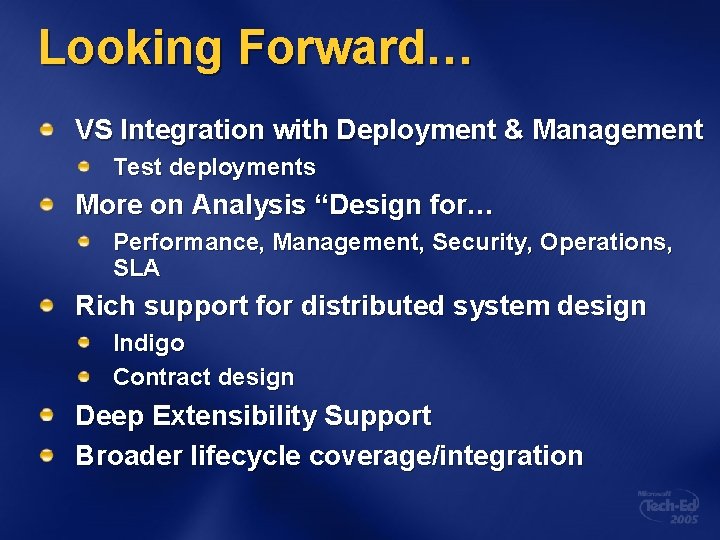
Looking Forward… VS Integration with Deployment & Management Test deployments More on Analysis “Design for… Performance, Management, Security, Operations, SLA Rich support for distributed system design Indigo Contract design Deep Extensibility Support Broader lifecycle coverage/integration
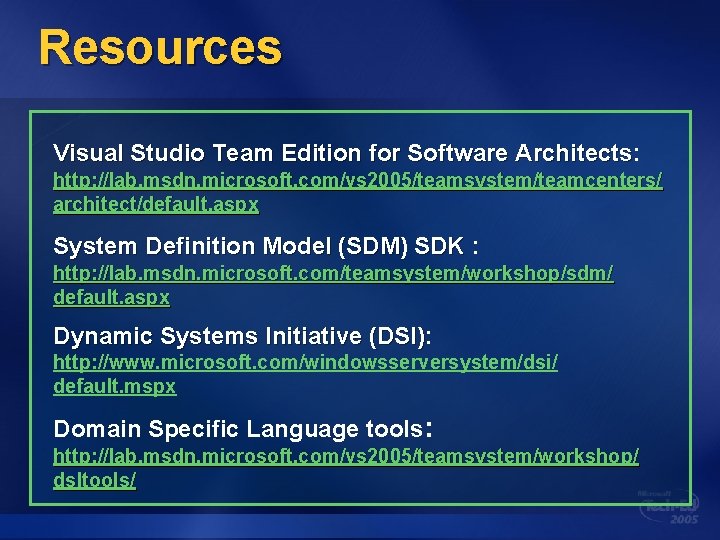
Resources Visual Studio Team Edition for Software Architects: Architects http: //lab. msdn. microsoft. com/vs 2005/teamsystem/teamcenters/ architect/default. aspx System Definition Model (SDM) SDK : http: //lab. msdn. microsoft. com/teamsystem/workshop/sdm/ default. aspx Dynamic Systems Initiative (DSI): (DSI) http: //www. microsoft. com/windowsserversystem/dsi/ default. mspx Domain Specific Language tools: http: //lab. msdn. microsoft. com/vs 2005/teamsystem/workshop/ dsltools/
Your Feedback is Important! Please Fill Out a Survey for This Session on Comm. Net
© 2005 Microsoft Corporation. All rights reserved. This presentation is for informational purposes only. Microsoft makes no warranties, express or implied, in this summary.