
Detection and Localization of HTML Presentation Failures Using
![P 2. Localization - Example Result Set: (100, 400) /html/body/…/tr[2] R 1 /html/body/…/tr[2]/td[1]/table[1] R](https://slidetodoc.com/presentation_image_h2/d281cb8e6df7bd57237d74df2b326f1a/image-15.jpg "P 2. Localization - Example Result Set: (100, 400) /html/body/…/tr[2] R 1 /html/body/…/tr[2]/td[1]/table[1] R")
- Slides: 52
Detection and Localization of HTML Presentation Failures Using Computer Vision -Based Techniques Sonal Mahajan and William G. J. Halfond Department of Computer Science University of Southern California
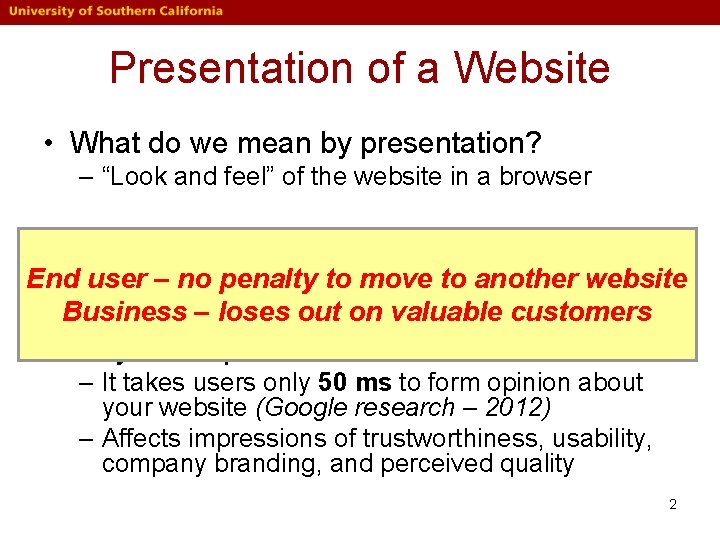
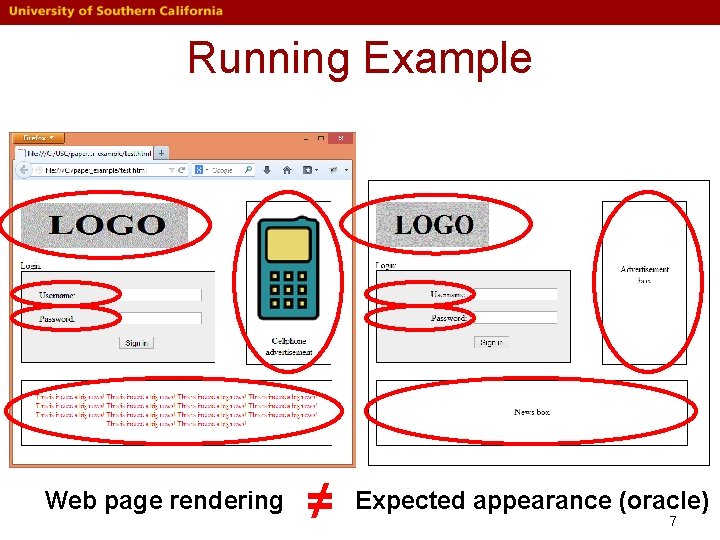
Presentation of a Website • What do we mean by presentation? – “Look and feel” of the website in a browser • What is a presentation failure? End–user no penalty to another website Web–page renderingto≠move expected appearance Business – loses out on valuable customers • Why is it important? – It takes users only 50 ms to form opinion about your website (Google research – 2012) – Affects impressions of trustworthiness, usability, company branding, and perceived quality 2
Motivation • Manual detection is difficult – Complex interaction between HTML, CSS, and Javascript – Hundreds of HTML elements + CSS properties – Labor intensive and error-prone • Our approach – Automate debugging of presentation failures 3
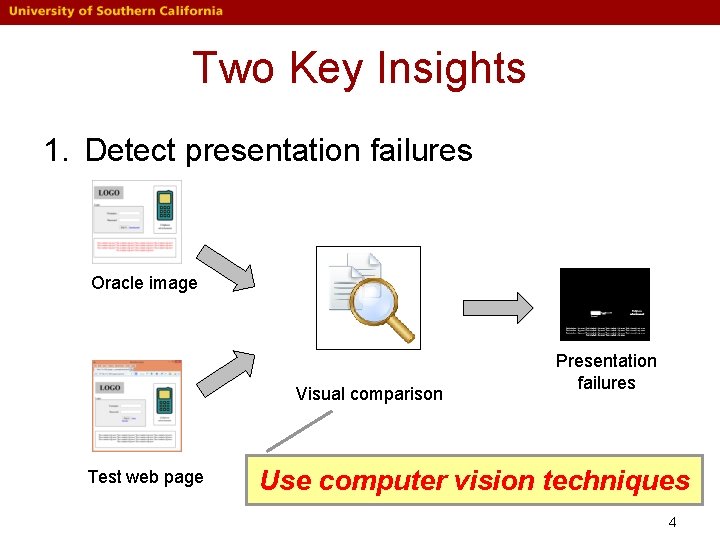
Two Key Insights 1. Detect presentation failures Oracle image Visual comparison Test web page Presentation failures Use computer vision techniques 4
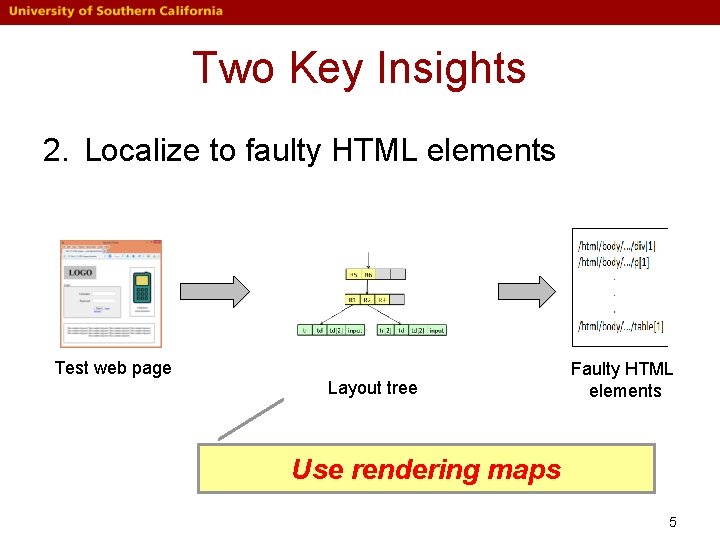
Two Key Insights 2. Localize to faulty HTML elements Test web page Layout tree Faulty HTML elements Use rendering maps 5
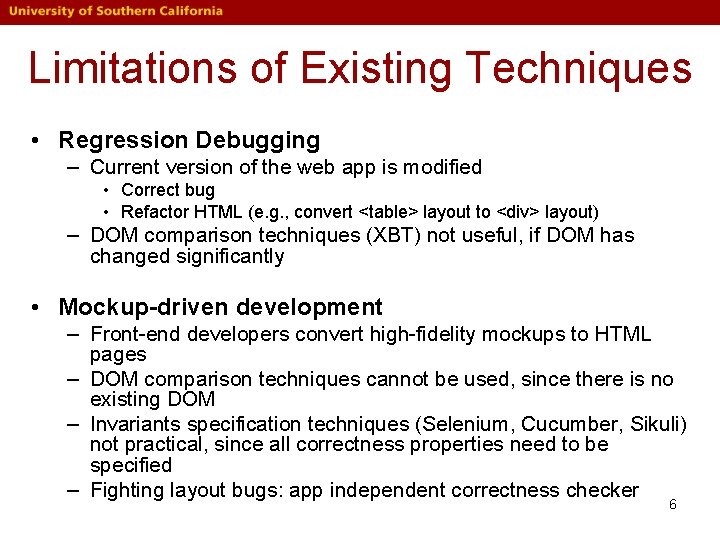
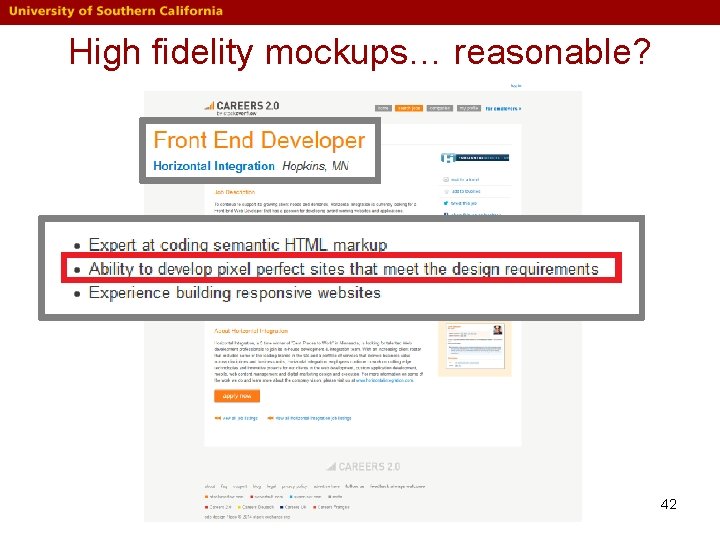
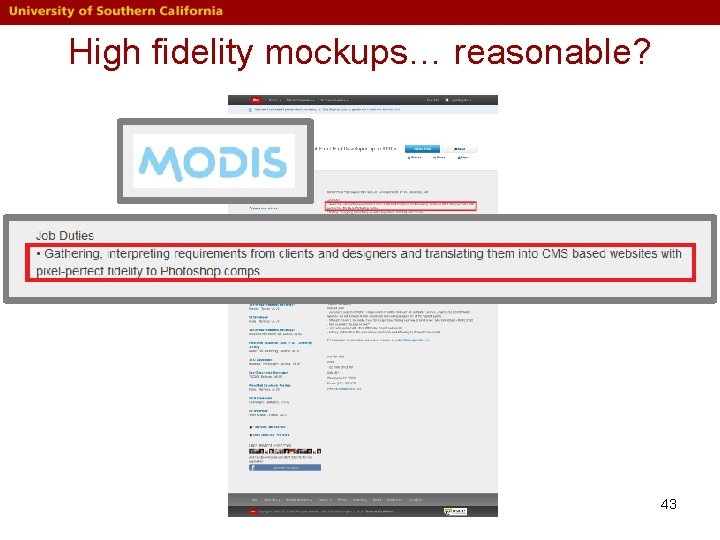
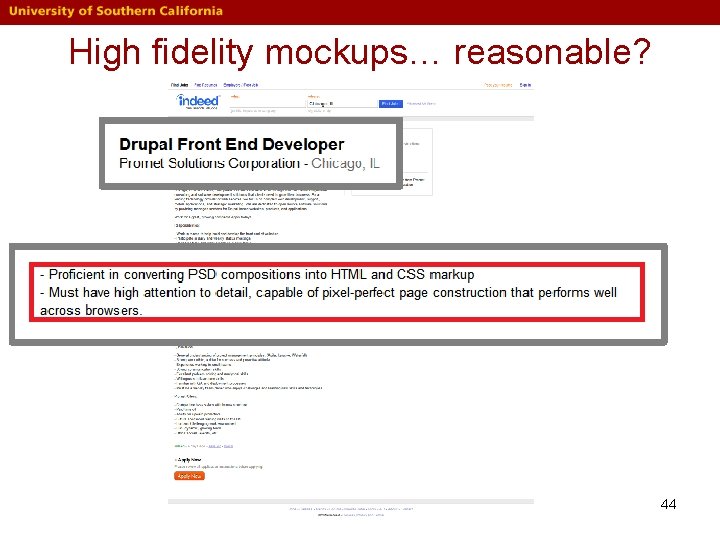
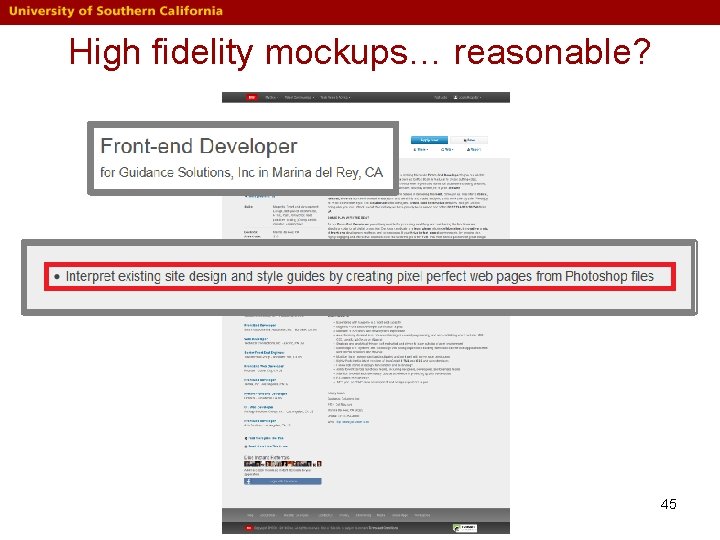
Limitations of Existing Techniques • Regression Debugging – Current version of the web app is modified • Correct bug • Refactor HTML (e. g. , convert <table> layout to <div> layout) – DOM comparison techniques (XBT) not useful, if DOM has changed significantly • Mockup-driven development – Front-end developers convert high-fidelity mockups to HTML pages – DOM comparison techniques cannot be used, since there is no existing DOM – Invariants specification techniques (Selenium, Cucumber, Sikuli) not practical, since all correctness properties need to be specified – Fighting layout bugs: app independent correctness checker 6
Running Example Web page rendering ≠ Expected appearance (oracle) 7
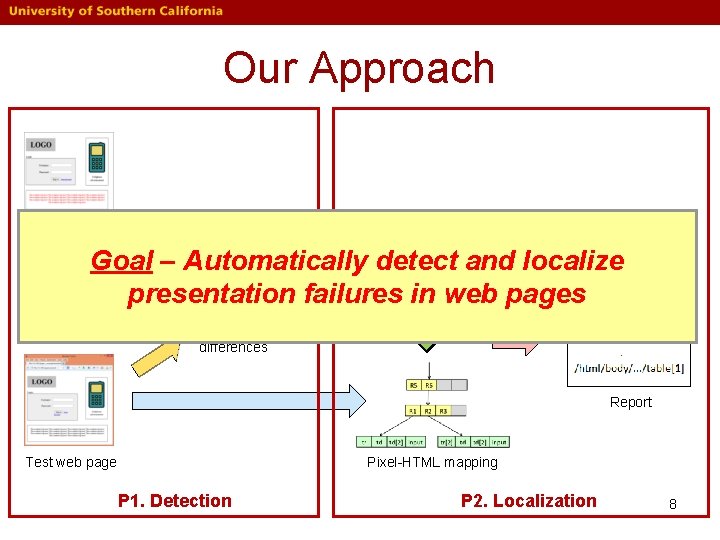
Our Approach Oracle image Goal – Automatically detect and localize presentation failures in web pages Visual differences Report Test web page Pixel-HTML mapping P 1. Detection P 2. Localization 8
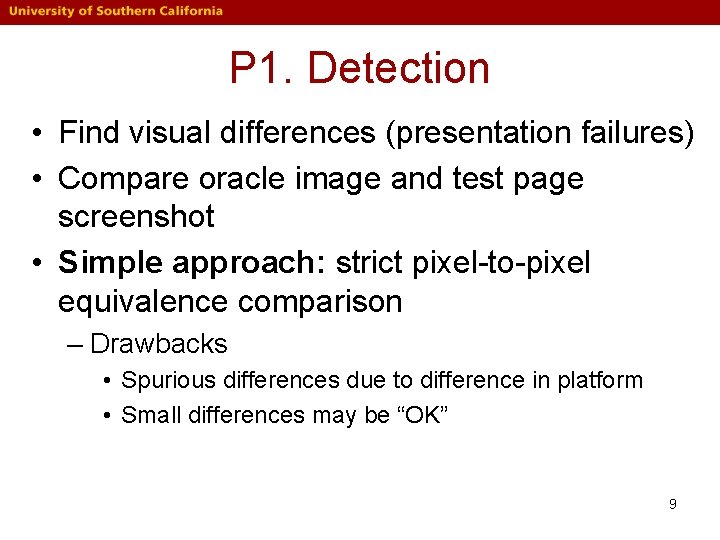
P 1. Detection • Find visual differences (presentation failures) • Compare oracle image and test page screenshot • Simple approach: strict pixel-to-pixel equivalence comparison – Drawbacks • Spurious differences due to difference in platform • Small differences may be “OK” 9
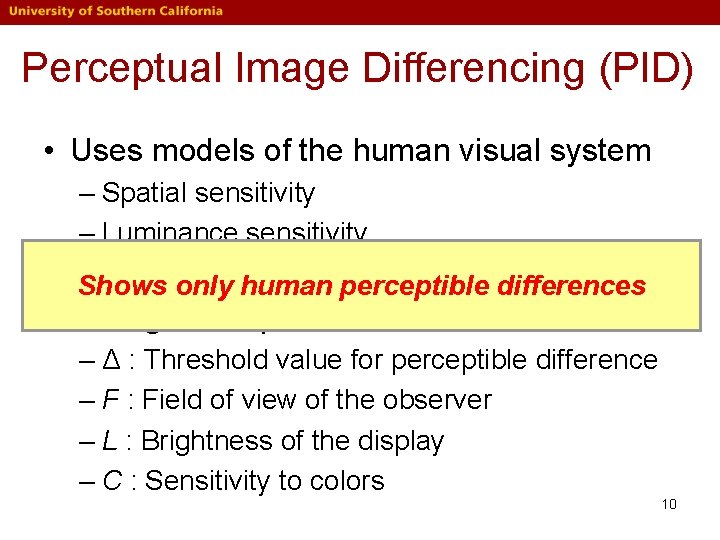
Perceptual Image Differencing (PID) • Uses models of the human visual system – Spatial sensitivity – Luminance sensitivity – Color only sensitivity Shows human perceptible differences • Configurable parameters – Δ : Threshold value for perceptible difference – F : Field of view of the observer – L : Brightness of the display – C : Sensitivity to colors 10
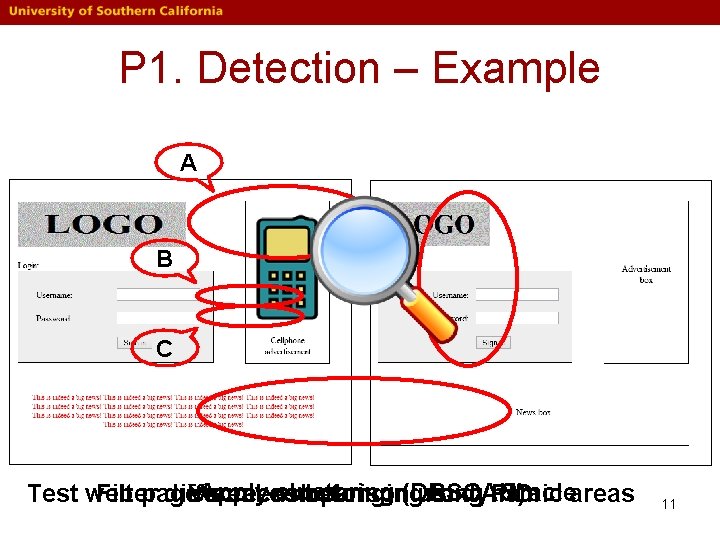
P 1. Detection – Example A B C Apply clustering (DBSCAN) Oracleareas Test web Filter page differences Visual screenshot comparison belonging using to dynamic PID 11
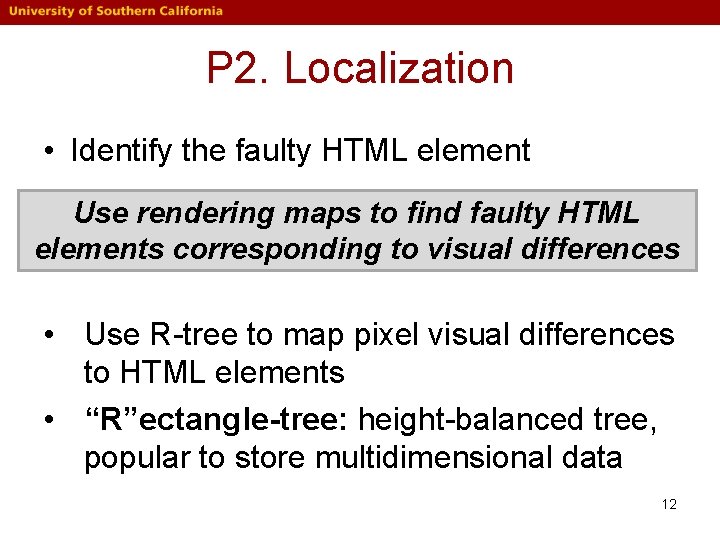
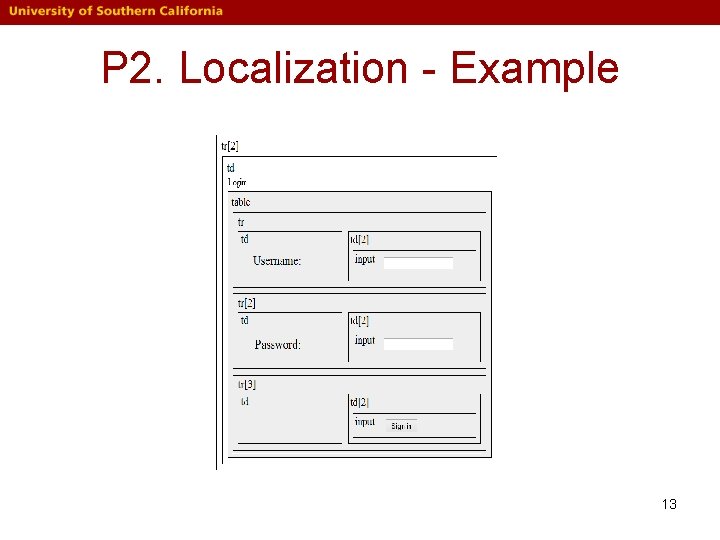
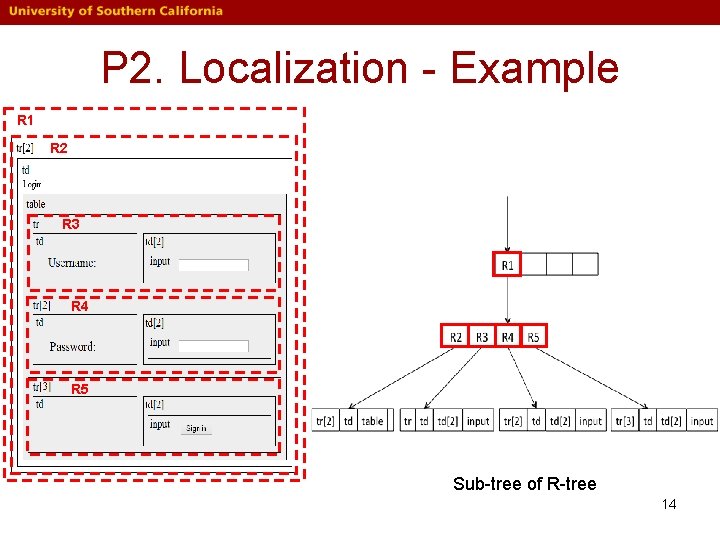
P 2. Localization • Identify the faulty HTML element Use rendering maps to find faulty HTML elements corresponding to visual differences • Use R-tree to map pixel visual differences to HTML elements • “R”ectangle-tree: height-balanced tree, popular to store multidimensional data 12
P 2. Localization - Example 13
P 2. Localization - Example R 1 R 2 R 3 R 4 R 5 Sub-tree of R-tree 14
P 2. Localization - Example Result Set: (100, 400) /html/body/…/tr[2] R 1 /html/body/…/tr[2]/td[1]/table[1] R 2 R 3 /html/body/…/tr[2]/td[1]/table[1]/tr[1] /html/body/…/tr[2]/td[1]/table[1]/td[1] tr[2] td table tr td Map pixel visual differences to HTML elements 15
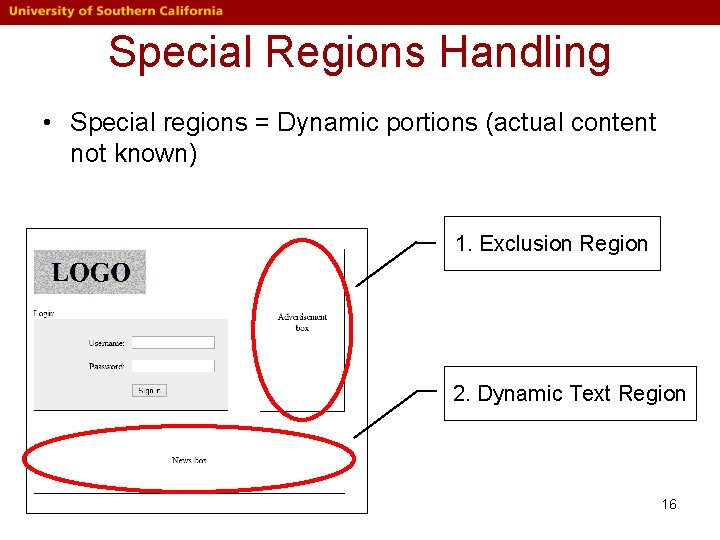
Special Regions Handling • Special regions = Dynamic portions (actual content not known) 1. Exclusion Region 2. Dynamic Text Region 16
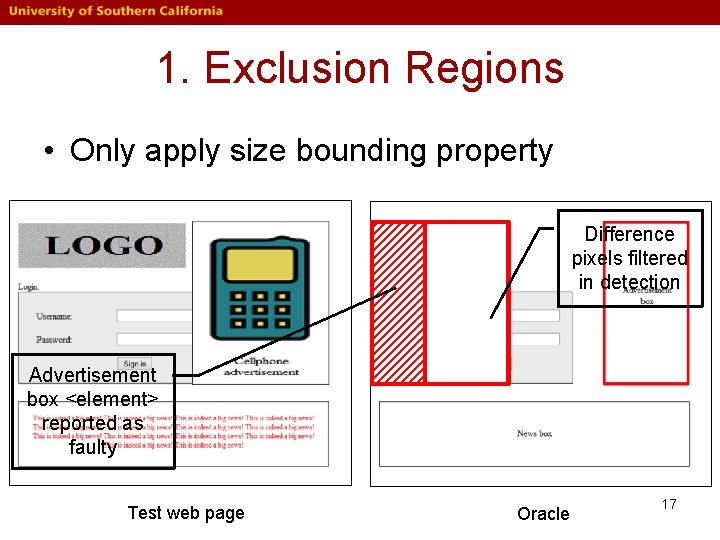
1. Exclusion Regions • Only apply size bounding property Difference pixels filtered in detection Advertisement box <element> reported as faulty Test web page Oracle 17
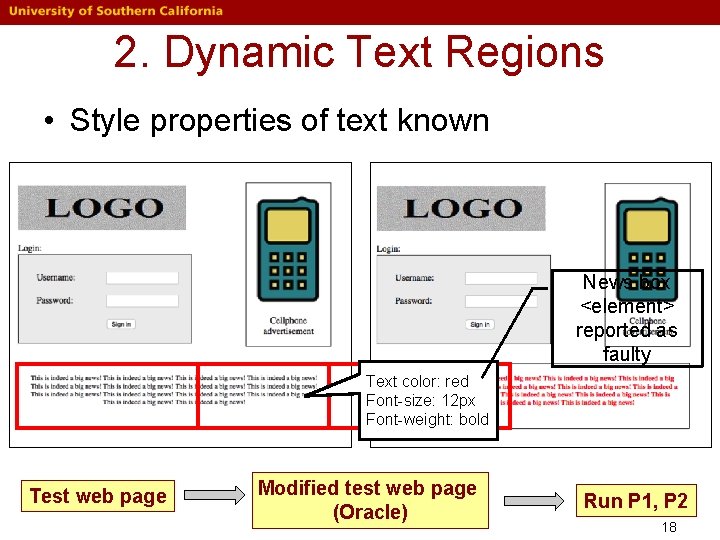
2. Dynamic Text Regions • Style properties of text known News box <element> reported as faulty Text color: red Font-size: 12 px Font-weight: bold Test web page Modified test web page (Oracle) Run P 1, P 2 18
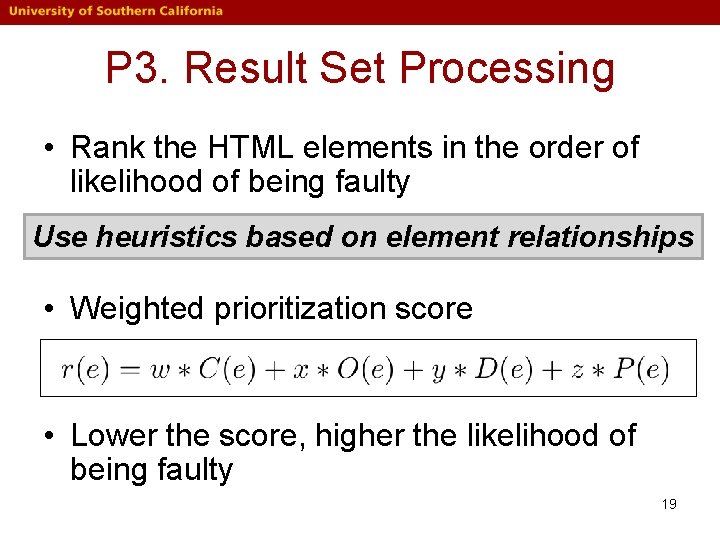
P 3. Result Set Processing • Rank the HTML elements in the order of likelihood of being faulty Use heuristics based on element relationships • Weighted prioritization score • Lower the score, higher the likelihood of being faulty 19
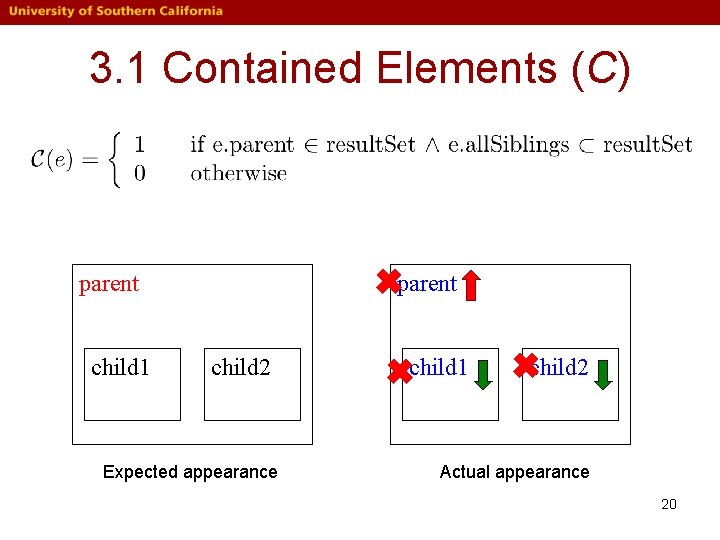
3. 1 Contained Elements (C) ✖parent child 1 child 2 Expected appearance ✖child 1 ✖child 2 Actual appearance 20
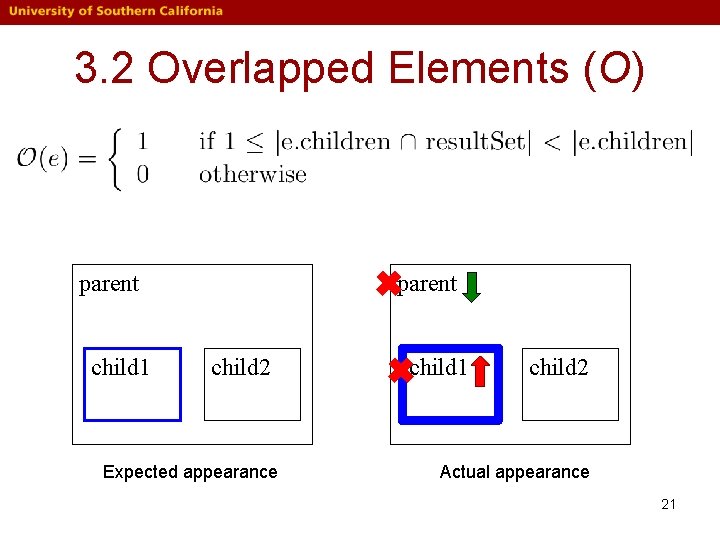
3. 2 Overlapped Elements (O) ✖parent child 1 child 2 Expected appearance ✖child 1 child 2 Actual appearance 21
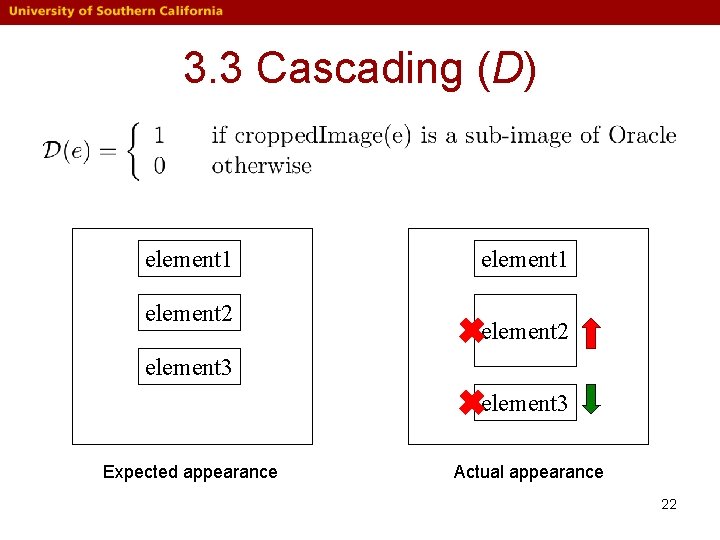
3. 3 Cascading (D) element 1 element 2 element 1 ✖element 2 element 3 ✖element 3 Expected appearance Actual appearance 22
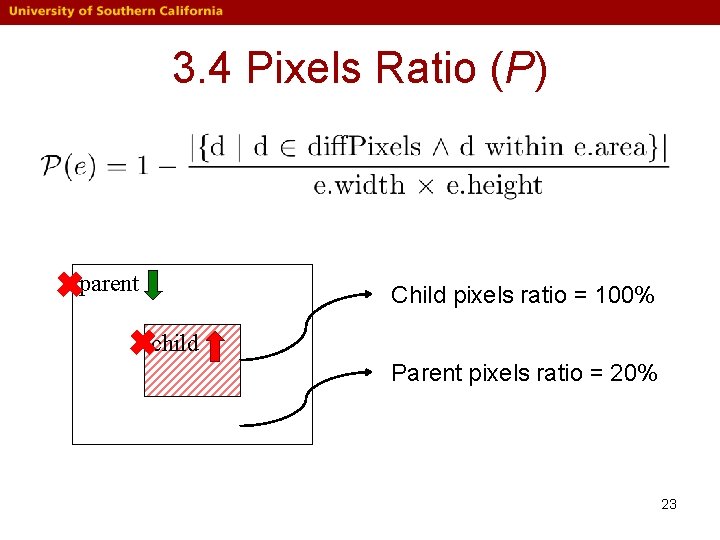
3. 4 Pixels Ratio (P) ✖parent ✖child Child pixels ratio = 100% Parent pixels ratio = 20% 23
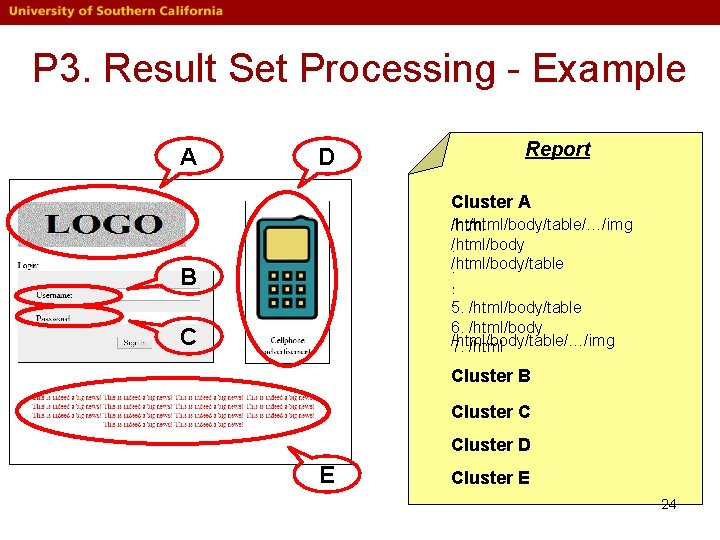
P 3. Result Set Processing - Example A D Report Cluster A 1. /html/body/table/…/img /html/body/table. . 5. /html/body/table. 6. /html/body/table/…/img 7. /html B C Cluster B Cluster C Cluster D E Cluster E 24
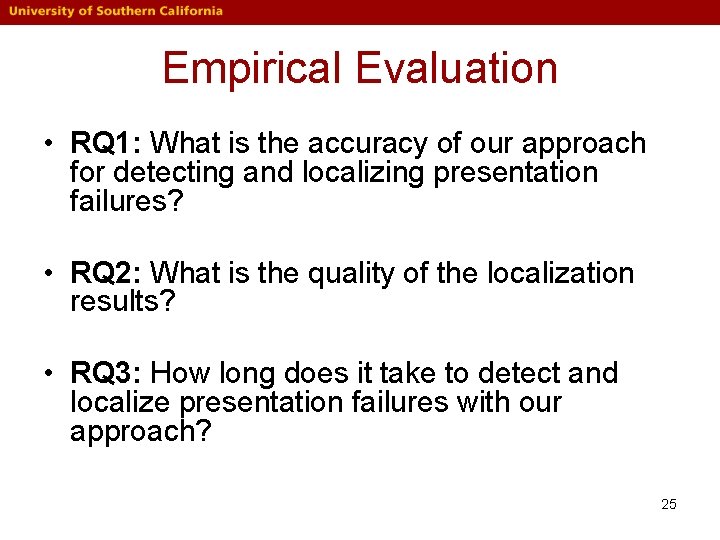
Empirical Evaluation • RQ 1: What is the accuracy of our approach for detecting and localizing presentation failures? • RQ 2: What is the quality of the localization results? • RQ 3: How long does it take to detect and localize presentation failures with our approach? 25
Experimental Protocol • Approach implemented in “Web. See” • Five real-world subject applications • For each subject application – Download page and take screenshot, use as the oracle – Seed a unique presentation failure to create a variant – Run Web. See on oracle and variant 26
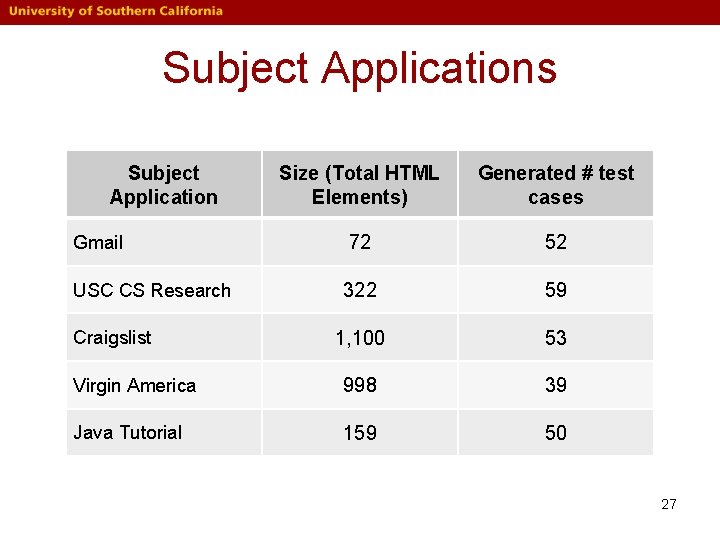
Subject Applications Subject Application Size (Total HTML Elements) Generated # test cases Gmail 72 52 USC CS Research 322 59 1, 100 53 Virgin America 998 39 Java Tutorial 159 50 Craigslist 27
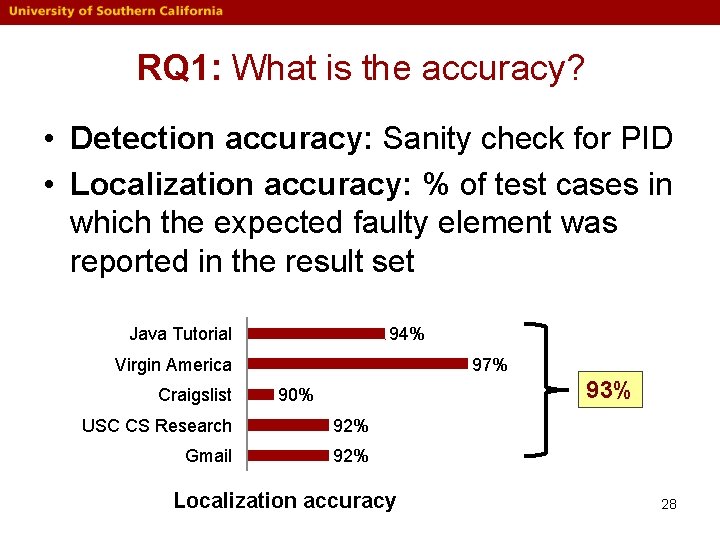
RQ 1: What is the accuracy? • Detection accuracy: Sanity check for PID • Localization accuracy: % of test cases in which the expected faulty element was reported in the result set Java Tutorial 94% Virgin America Craigslist 97% 93% 90% USC CS Research 92% Gmail 92% Localization accuracy 28
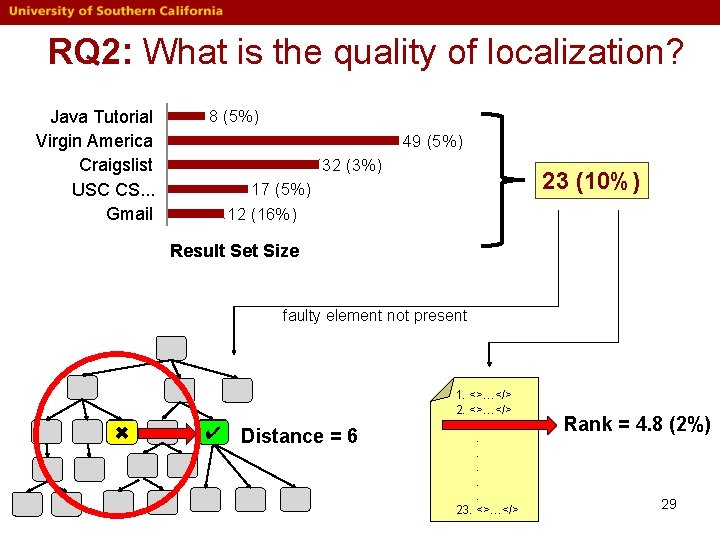
RQ 2: What is the quality of localization? Java Tutorial Virgin America Craigslist USC CS. . . Gmail 8 (5%) 49 (5%) 32 (3%) 23 (10%) 17 (5%) 12 (16%) Result Set Size faulty element not present ✖ ✔ Distance = 6 1. <>…</> 2. <>…</>. . . 23. <>…</> Rank = 4. 8 (2%) 29
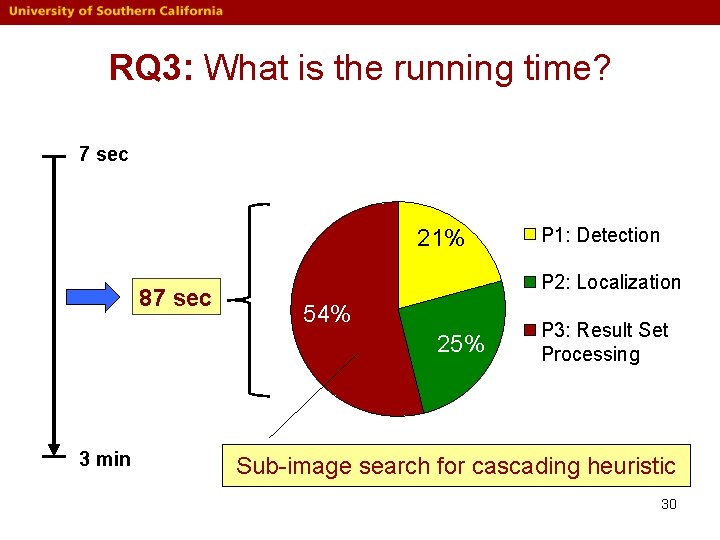
RQ 3: What is the running time? 7 sec 21% 87 sec P 2: Localization 54% 25% 3 min P 1: Detection P 3: Result Set Processing Sub-image search for cascading heuristic 30
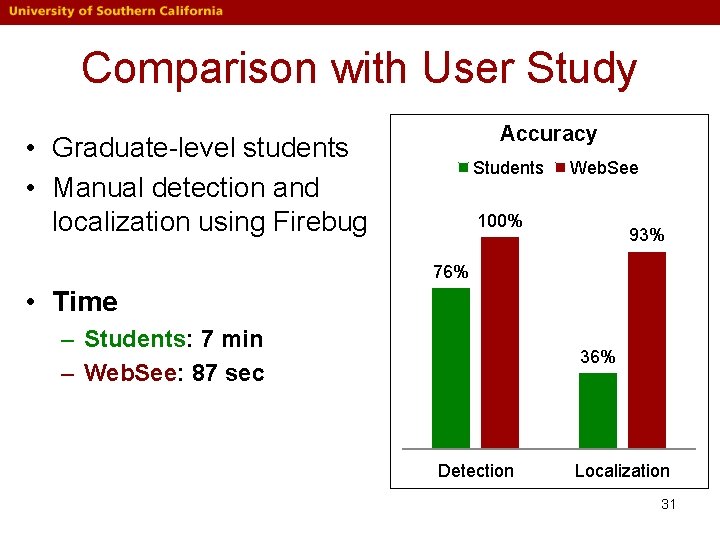
Comparison with User Study Accuracy • Graduate-level students • Manual detection and localization using Firebug Students Web. See 100% 93% 76% • Time – Students: 7 min – Web. See: 87 sec 36% Detection Localization 31
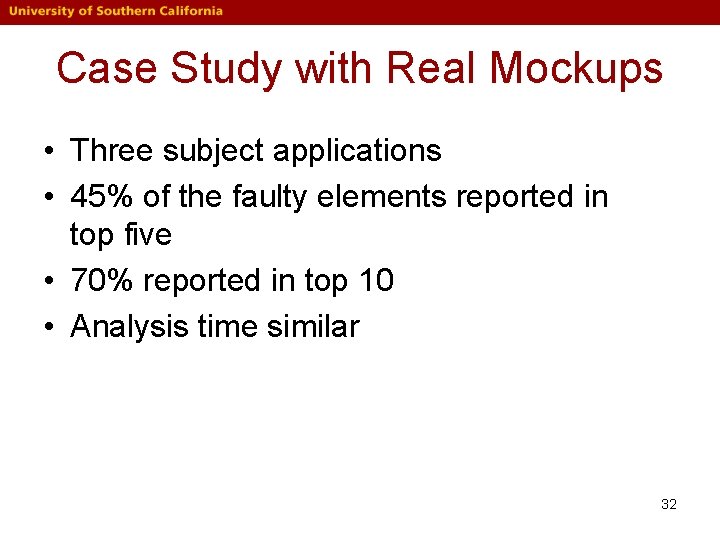
Case Study with Real Mockups • Three subject applications • 45% of the faulty elements reported in top five • 70% reported in top 10 • Analysis time similar 32
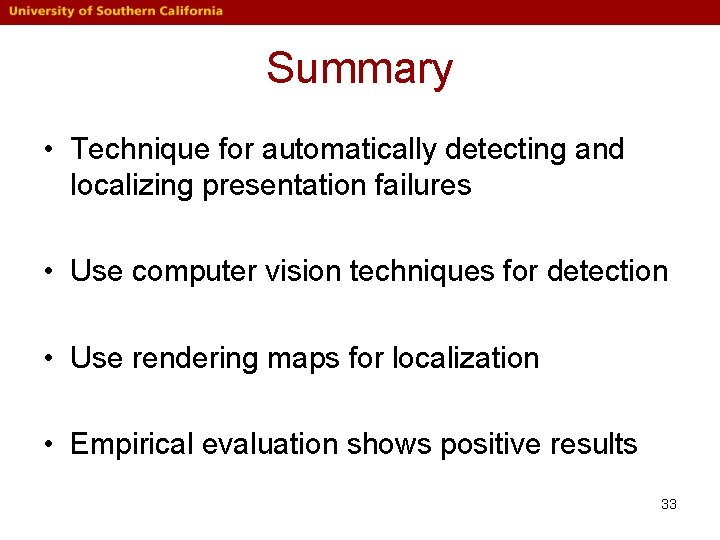
Summary • Technique for automatically detecting and localizing presentation failures • Use computer vision techniques for detection • Use rendering maps for localization • Empirical evaluation shows positive results 33
Thank you Detection and Localization of HTML Presentation Failures Using Computer Vision-Based Techniques Sonal Mahajan and William G. J. Halfond spmahaja@usc. edu halfond@usc. edu 34
Normalization Process • Pre-processing step before detection 1. Browser window size is adjusted based on the oracle 2. Zoom level is adjusted 3. Scrolling is taken care of 35
Difference with XBT • XBT use DOM comparison – Find matched nodes, compare them • Regression debugging – Correct bug, refactor HTML (e. g. <table> to <div> layout) – DOM significantly changed • XBT cannot find matching DOM nodes, not accurate comparison • Mockup Driven Development – No “golden” version of page (DOM) exists – XBT techniques cannot be used • Our approach – Uses computer vision techniques for detection – Applies to both scenarios 36
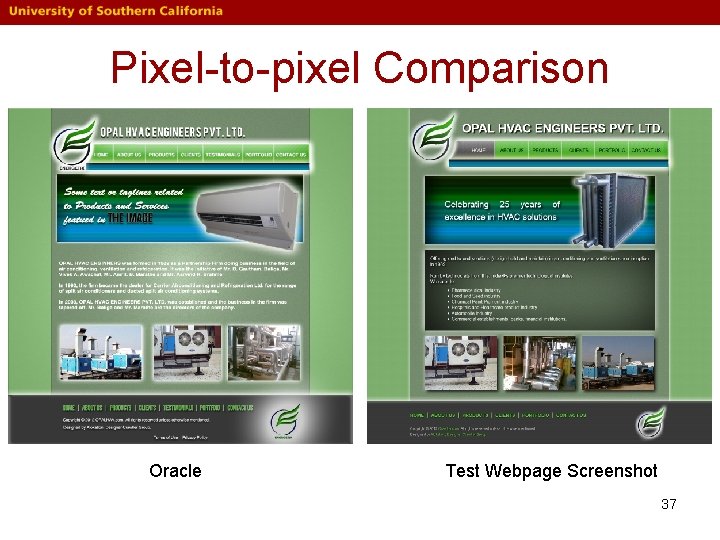
Pixel-to-pixel Comparison Oracle Test Webpage Screenshot 37
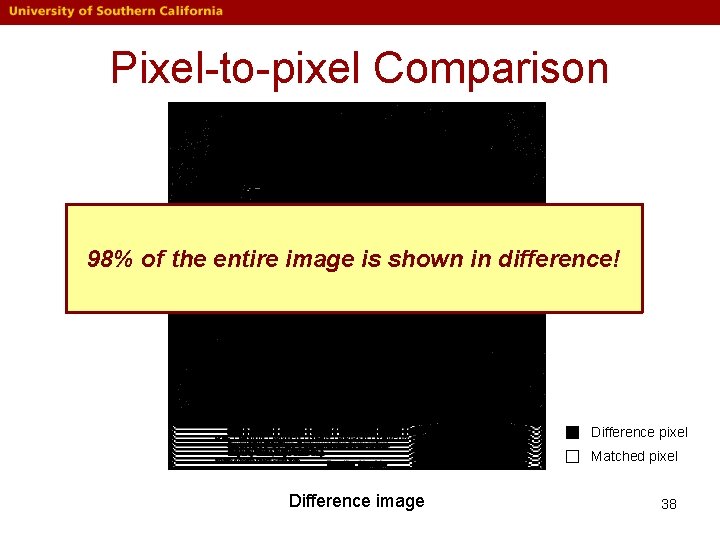
Pixel-to-pixel Comparison 98% of the entire image is shown in difference! Difference pixel Matched pixel Difference image 38
P 1. Detection • Find visual differences (presentation failures) • Simple approach: strict pixel-to-pixel equivalence comparison Analyze using computer vision techniques • Our approach: Perceptual image differencing (PID) 39
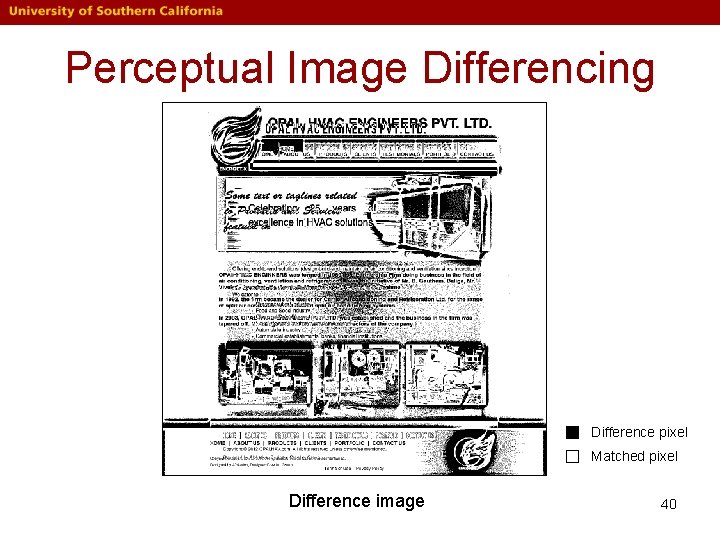
Perceptual Image Differencing Difference pixel Matched pixel Difference image 40
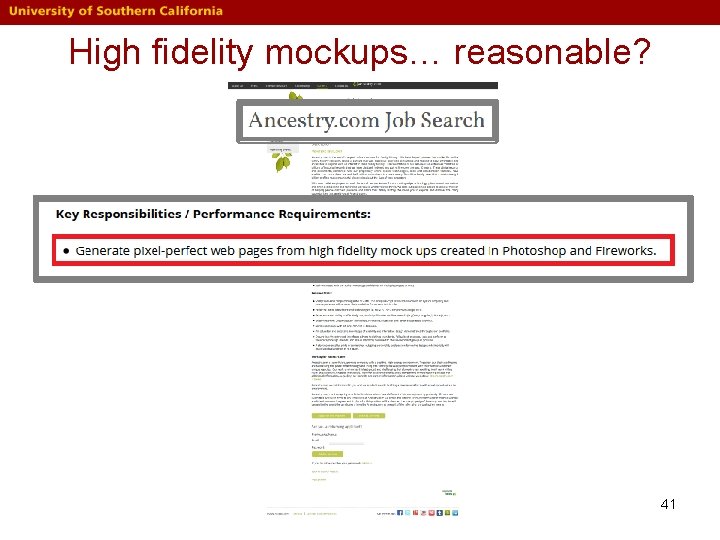
High fidelity mockups… reasonable? 41
High fidelity mockups… reasonable? 42
High fidelity mockups… reasonable? 43
High fidelity mockups… reasonable? 44
High fidelity mockups… reasonable? 45
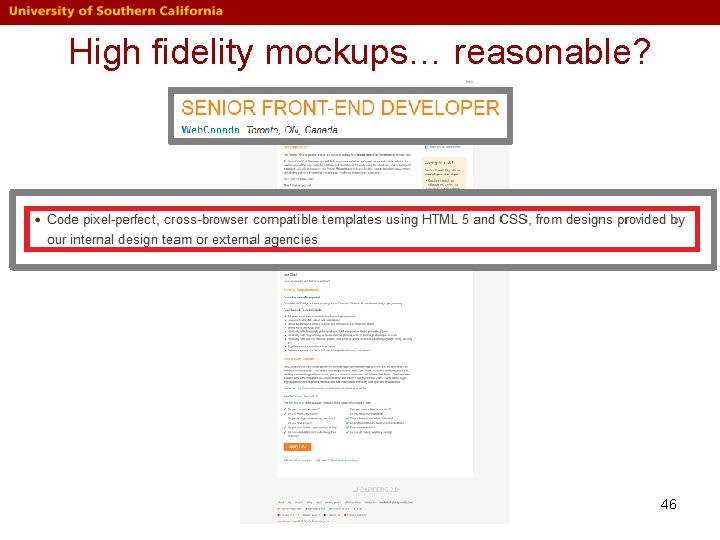
High fidelity mockups… reasonable? 46
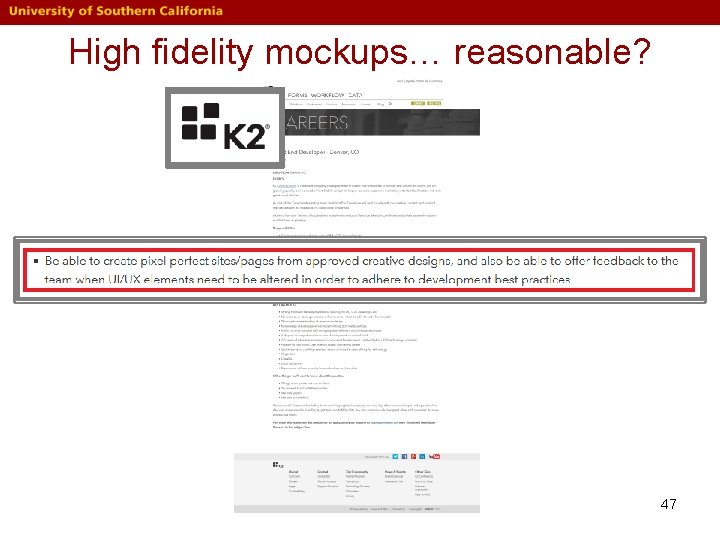
High fidelity mockups… reasonable? 47
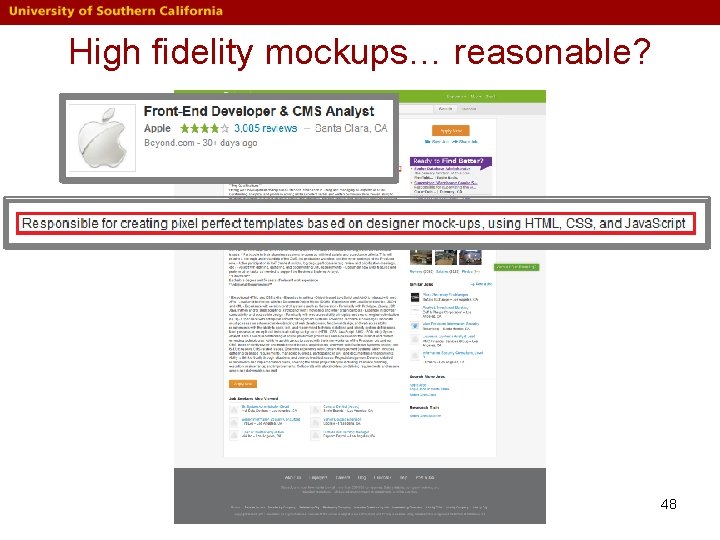
High fidelity mockups… reasonable? 48
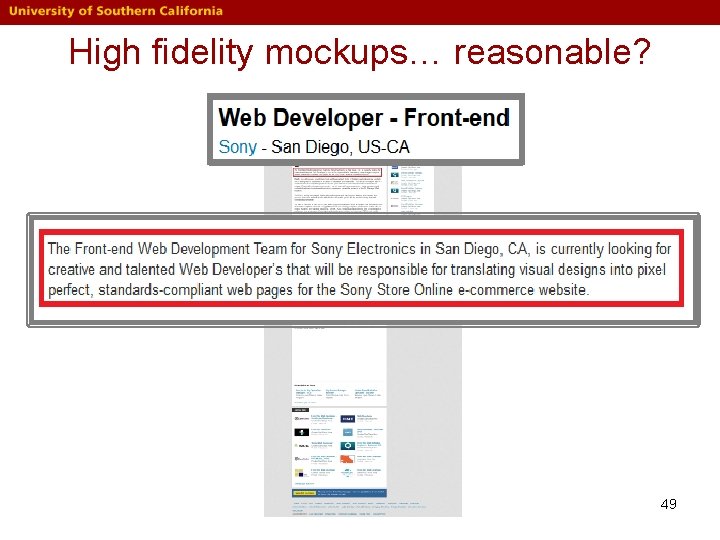
High fidelity mockups… reasonable? 49
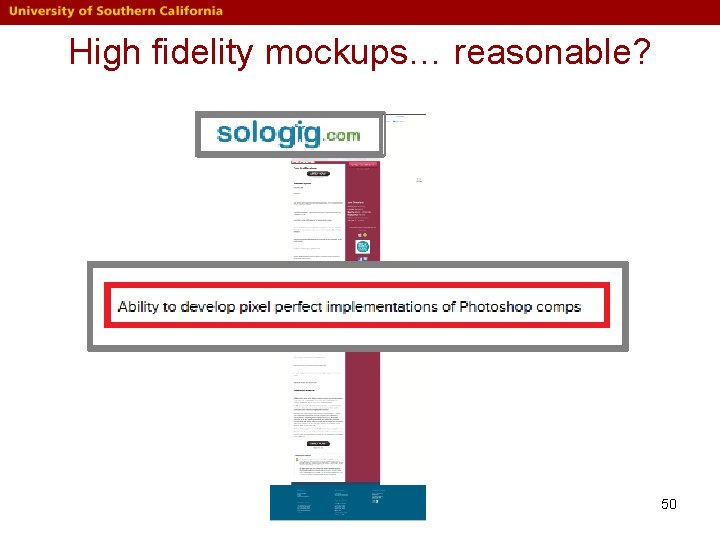
High fidelity mockups… reasonable? 50
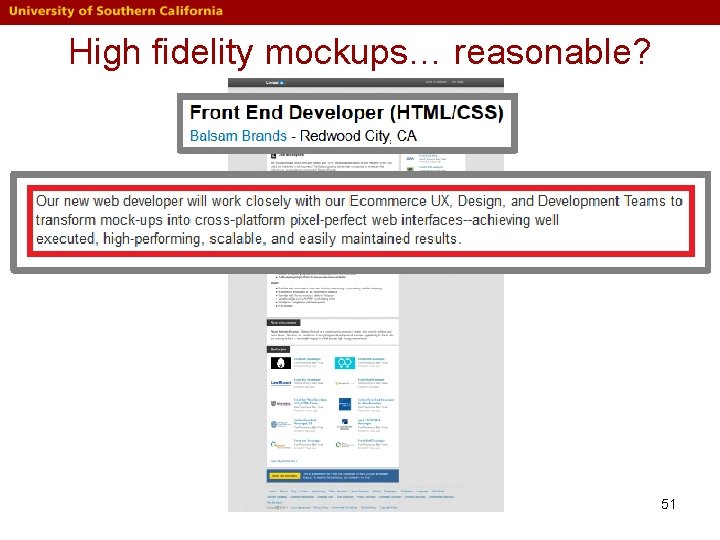
High fidelity mockups… reasonable? 51
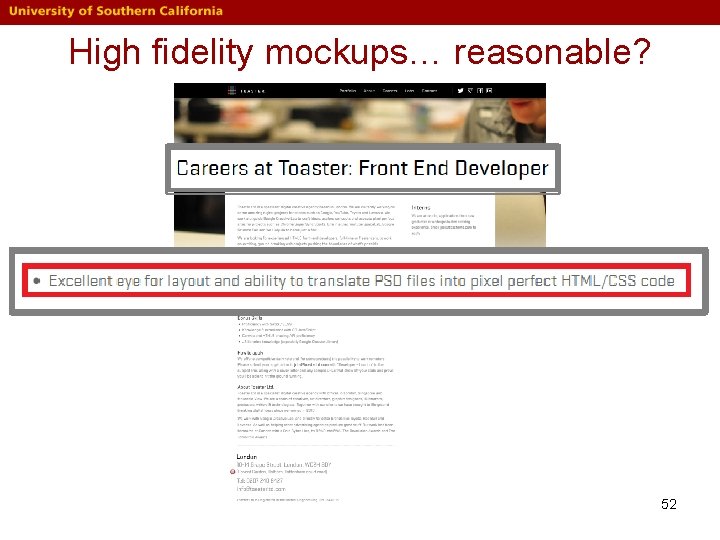
High fidelity mockups… reasonable? 52