
DETAILS OF FUNCTIONAL UNITS OF A COMPUTER http
- Slides: 27
DETAILS OF FUNCTIONAL UNITS OF A COMPUTER http: //keralatechnologicaluniversity. blogspot. in/p/syllabus-for-s 1 -and-s 2. html
Computer Hardware • Computer Architecture • Structure and behaviour of the computer • Includes specification of the components • Eg. Instruction format, instruction set, techniques for addressing memory etc. • Computer Organization • Focus on organizational structure • How the hardware components operate and the way they are connected • Computer Design • Hardware used • Interconnection of parts
Main Components of a computer • Input / Output unit (I/O unit) • User interaction • Central Processing Unit • Memory Unit
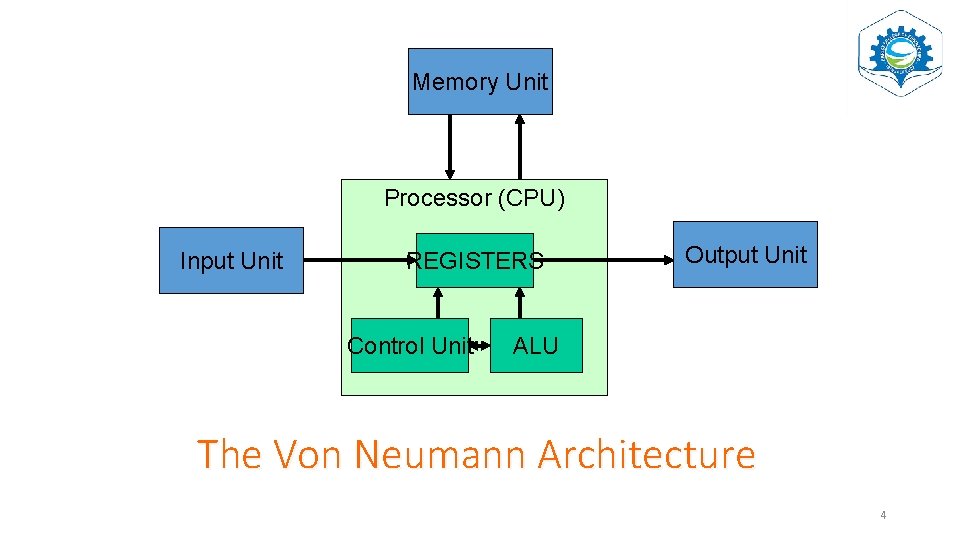
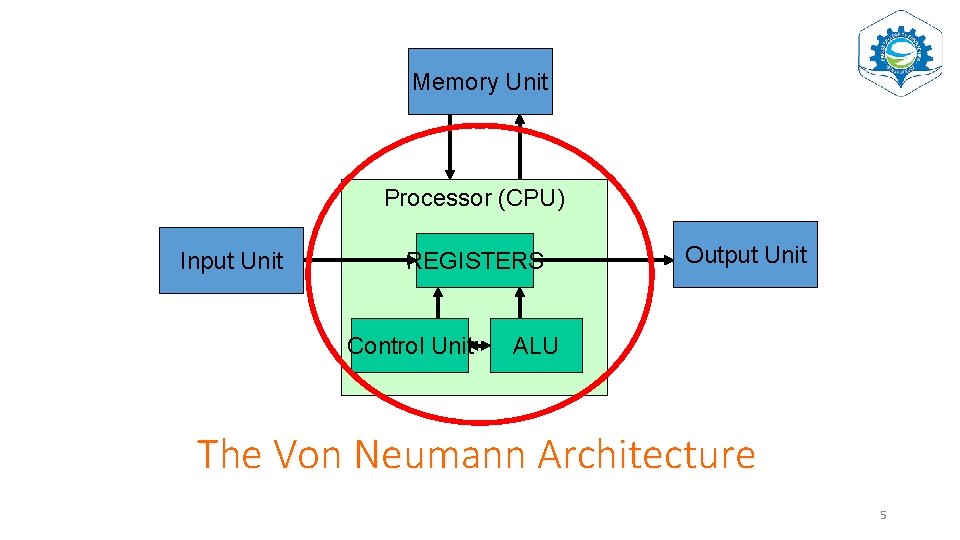
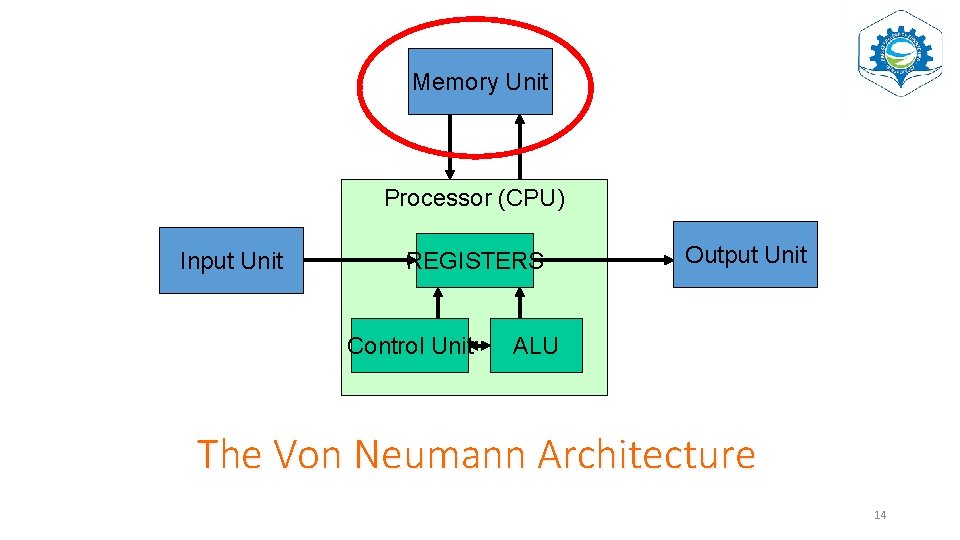
Memory Unit Processor (CPU) Input Unit REGISTERS Control Unit Output Unit ALU The Von Neumann Architecture 4
Memory Unit Processor (CPU) Input Unit REGISTERS Control Unit Output Unit ALU The Von Neumann Architecture 5
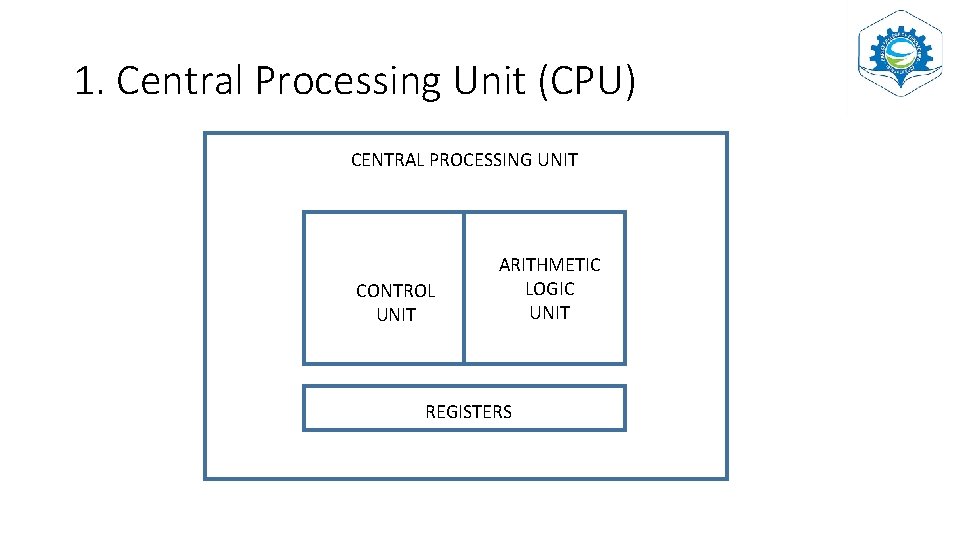
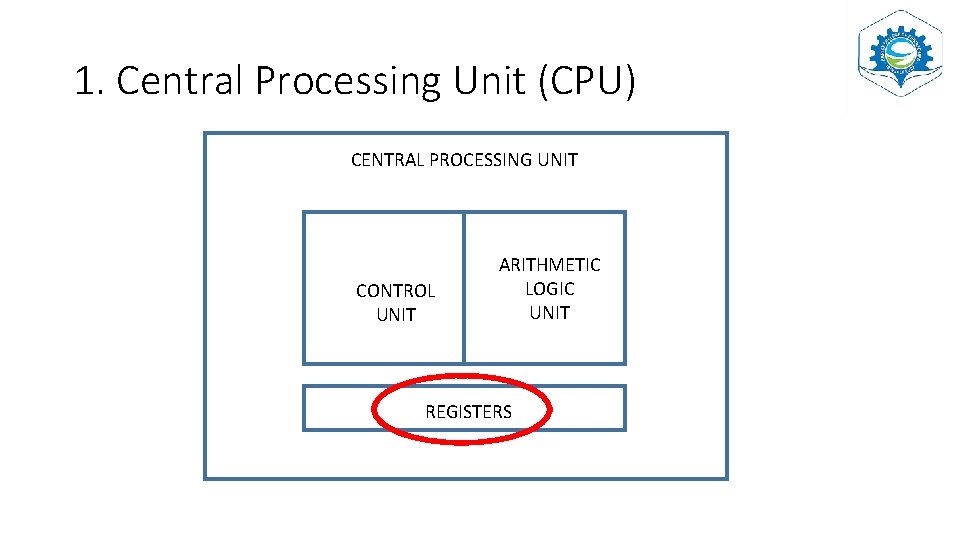
1. Central Processing Unit (CPU) CENTRAL PROCESSING UNIT CONTROL UNIT ARITHMETIC LOGIC UNIT REGISTERS
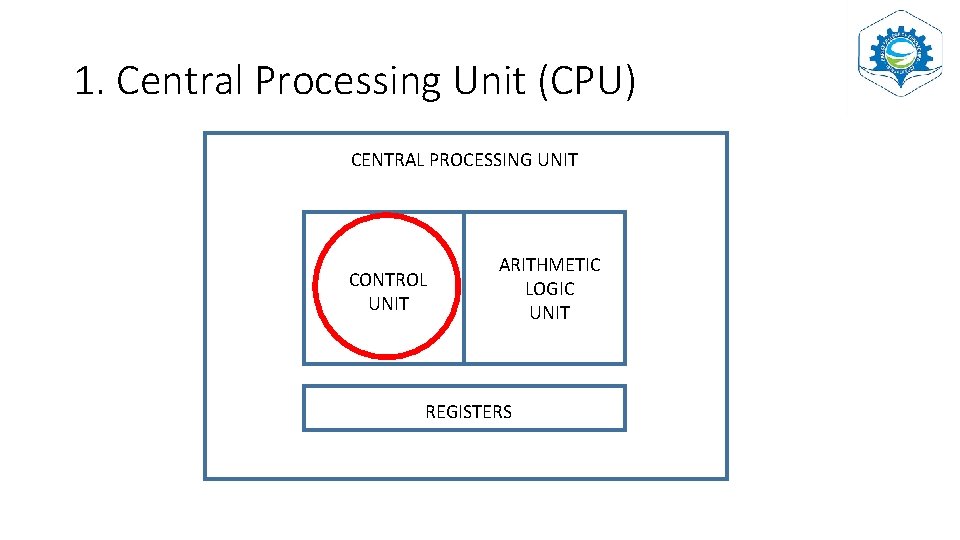
1. Central Processing Unit (CPU) CENTRAL PROCESSING UNIT CONTROL UNIT ARITHMETIC LOGIC UNIT REGISTERS
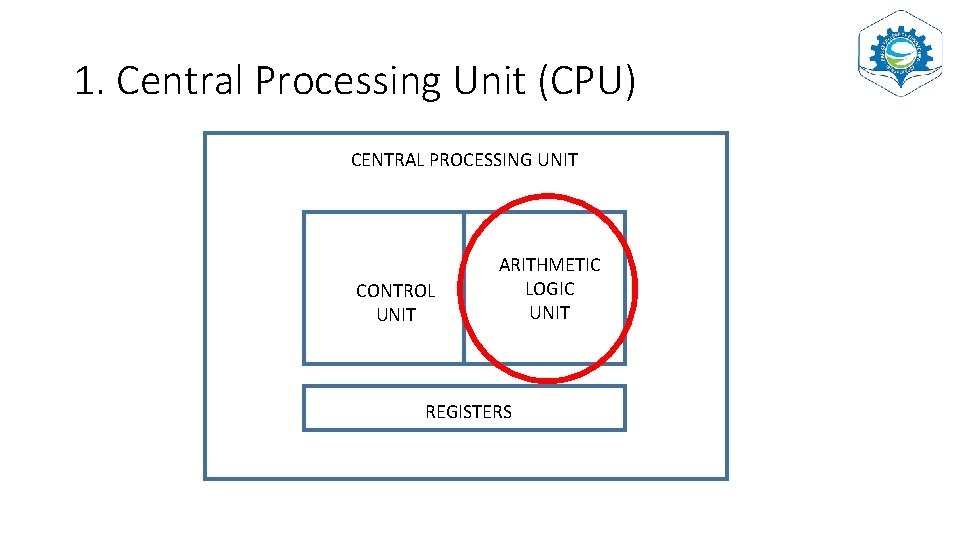
1. 1 ARITHMETIC LOGIC UNIT • ALU • Arithmetic : Arithmetic operations (Add, subtract, multiply, divide) • Logic Operations: Comparison of numbers letters and special characters • During processing, the data being processed are stored inside REGISTERS
1. Central Processing Unit (CPU) CENTRAL PROCESSING UNIT CONTROL UNIT ARITHMETIC LOGIC UNIT REGISTERS
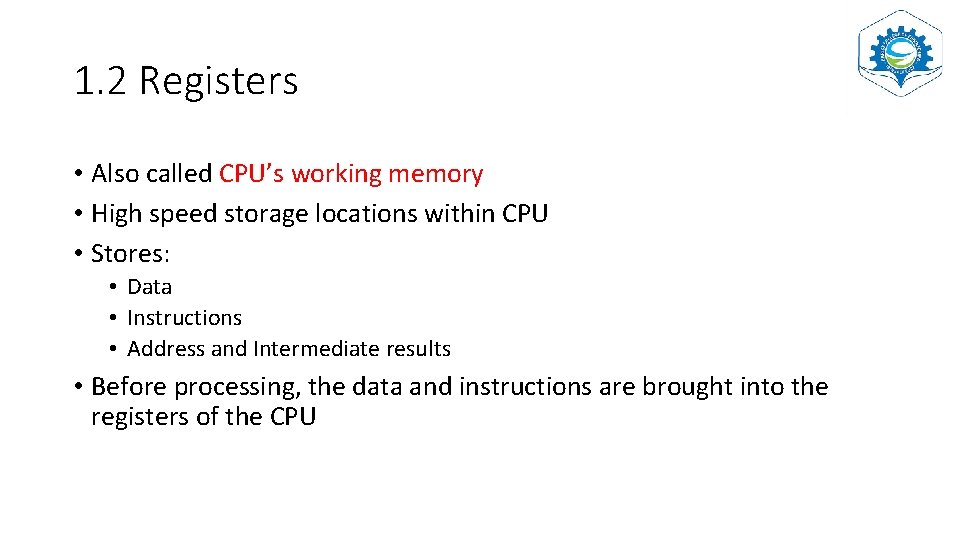
1. 2 Registers • Also called CPU’s working memory • High speed storage locations within CPU • Stores: • Data • Instructions • Address and Intermediate results • Before processing, the data and instructions are brought into the registers of the CPU
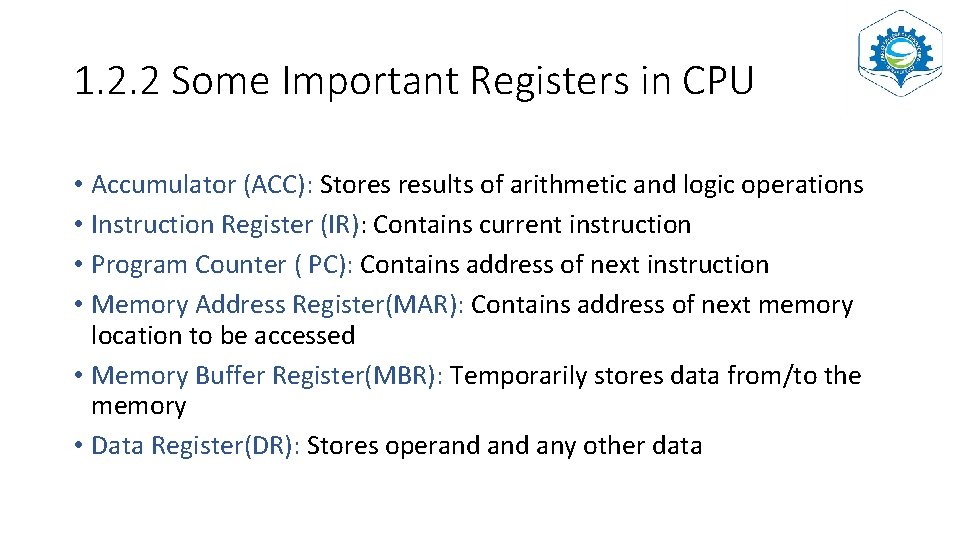
1. 2. 2 Some Important Registers in CPU • Accumulator (ACC): Stores results of arithmetic and logic operations • Instruction Register (IR): Contains current instruction • Program Counter ( PC): Contains address of next instruction • Memory Address Register(MAR): Contains address of next memory location to be accessed • Memory Buffer Register(MBR): Temporarily stores data from/to the memory • Data Register(DR): Stores operand any other data
1. Central Processing Unit (CPU) CENTRAL PROCESSING UNIT CONTROL UNIT ARITHMETIC LOGIC UNIT REGISTERS
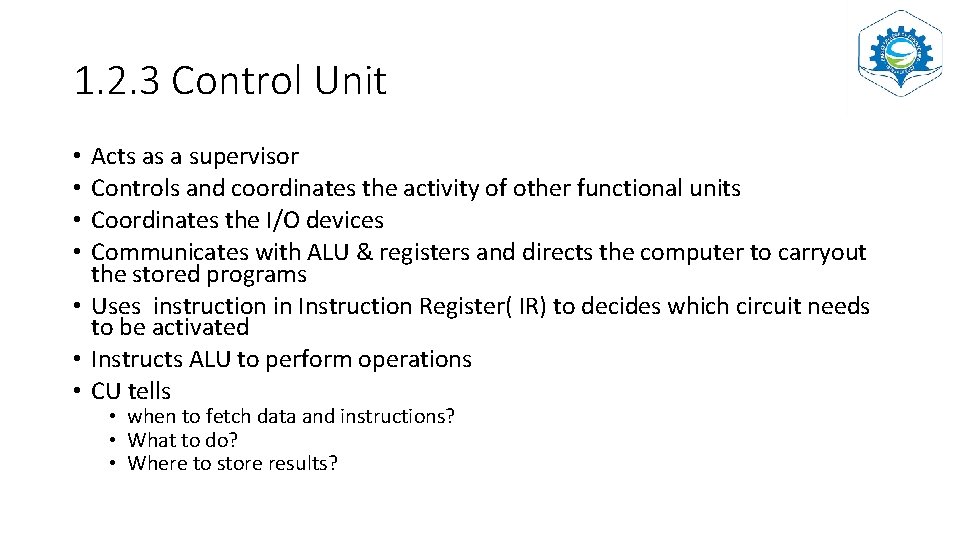
1. 2. 3 Control Unit Acts as a supervisor Controls and coordinates the activity of other functional units Coordinates the I/O devices Communicates with ALU & registers and directs the computer to carryout the stored programs • Uses instruction in Instruction Register( IR) to decides which circuit needs to be activated • Instructs ALU to perform operations • CU tells • • • when to fetch data and instructions? • What to do? • Where to store results?
Memory Unit Processor (CPU) Input Unit REGISTERS Control Unit Output Unit ALU The Von Neumann Architecture 14
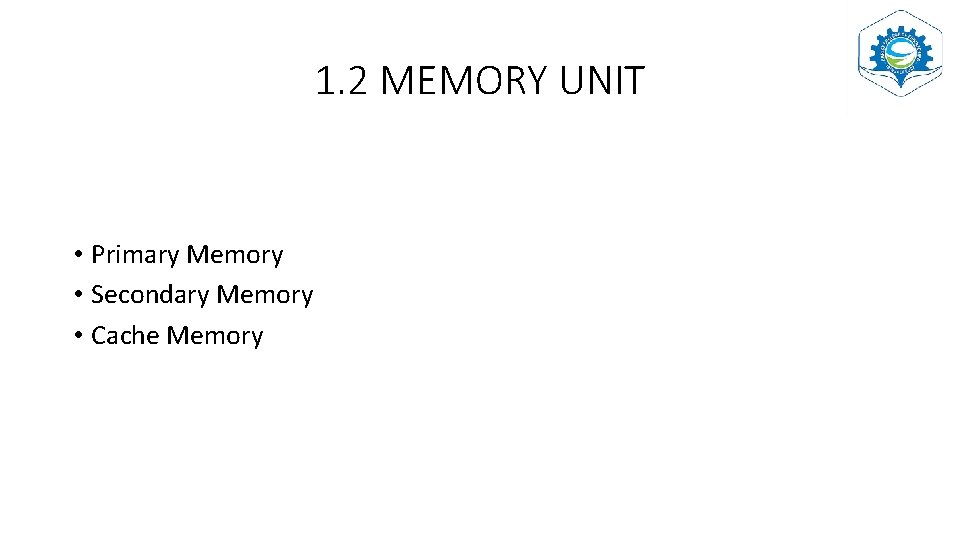
1. 2 MEMORY UNIT • Primary Memory • Secondary Memory • Cache Memory
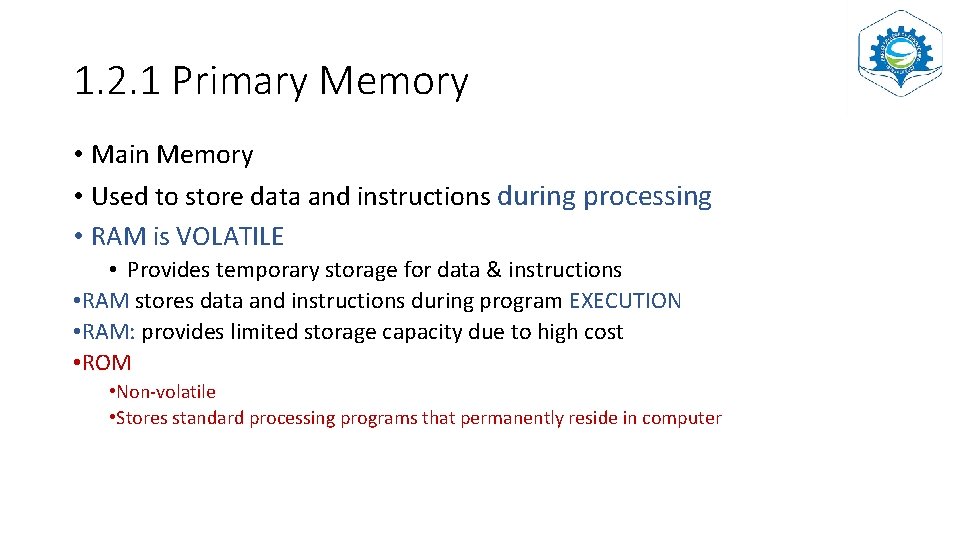
1. 2. 1 Primary Memory • Main Memory • Used to store data and instructions during processing • RAM is VOLATILE • Provides temporary storage for data & instructions • RAM stores data and instructions during program EXECUTION • RAM: provides limited storage capacity due to high cost • ROM • Non-volatile • Stores standard processing programs that permanently reside in computer
1. 2. 2 Secondary Memory • Information can be stored for long time (Years) • Non-volatile • Provides “backup storage” for data and instructions • Eg: Hard disk drive, floppy drive, optical disk drives etc. • Has high storage capacity and cheaper than primary memory • Takes longer time to access data and instructions stored in secondary memory
1. 2. 3 Cache memory • Stores data being used more often • Built in to the processor • CPU has built in L 1 and L 2 (level 1 and level 2) cache • In addition, Some CPU has a separate cache chip • L 3 (level 3 cache) • Very high speed memory placed between RAM and CPU • Very expensive • Cache memory increases speed of processing • To access data from cache, CPU does not require use of Bus
INTERCONNECTING THE UNITS OF A COMPUTER (BUS)
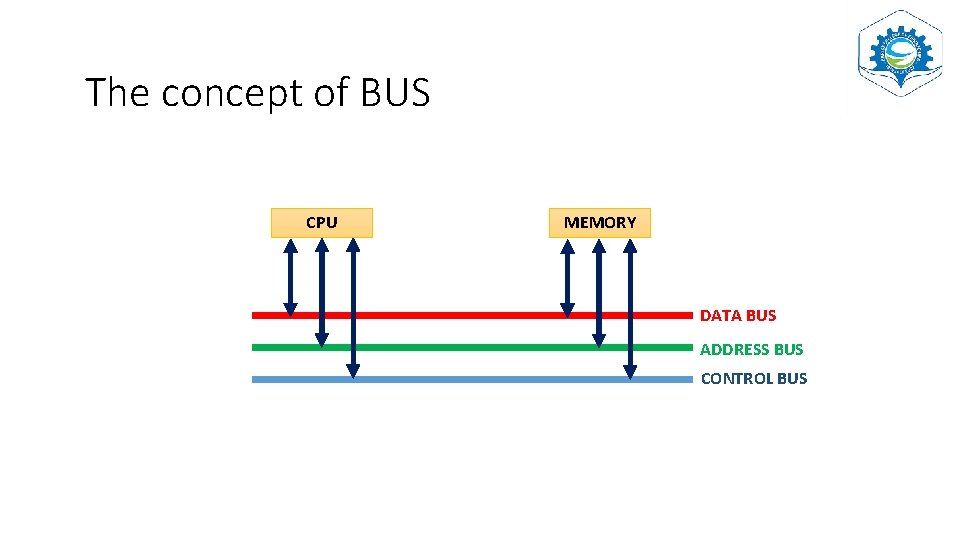
The concept of BUS CPU MEMORY DATA BUS ADDRESS BUS CONTROL BUS
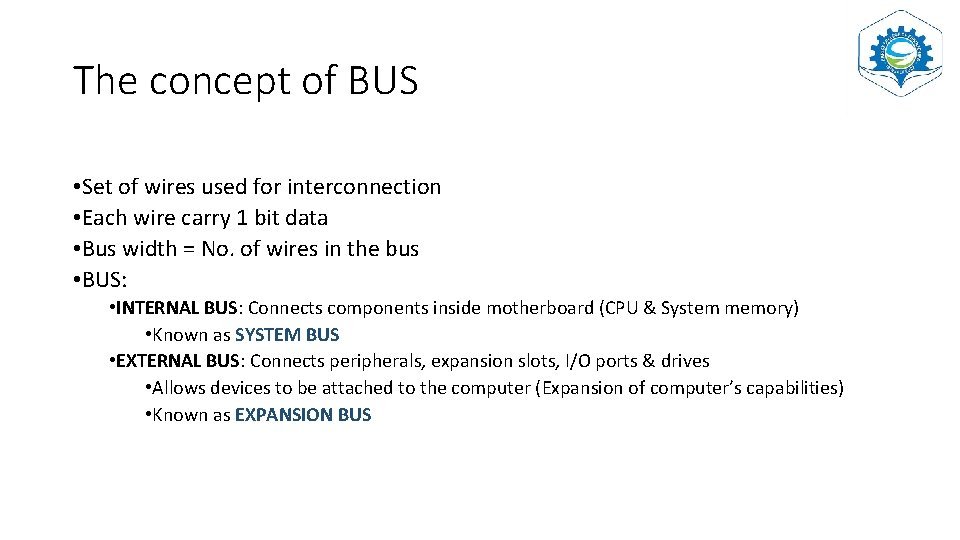
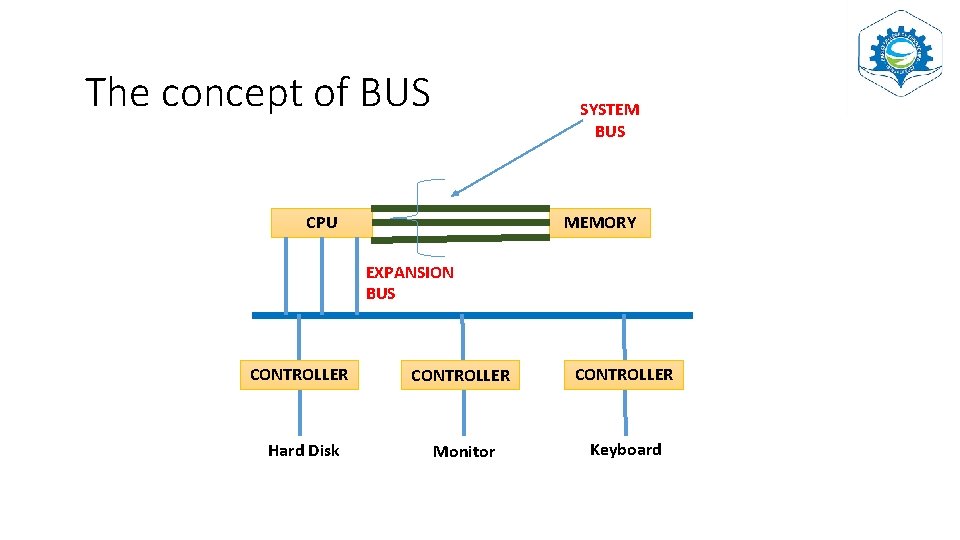
The concept of BUS • Set of wires used for interconnection • Each wire carry 1 bit data • Bus width = No. of wires in the bus • BUS: • INTERNAL BUS: Connects components inside motherboard (CPU & System memory) • Known as SYSTEM BUS • EXTERNAL BUS: Connects peripherals, expansion slots, I/O ports & drives • Allows devices to be attached to the computer (Expansion of computer’s capabilities) • Known as EXPANSION BUS
The concept of BUS SYSTEM BUS CPU MEMORY EXPANSION BUS CONTROLLER Hard Disk Monitor Keyboard
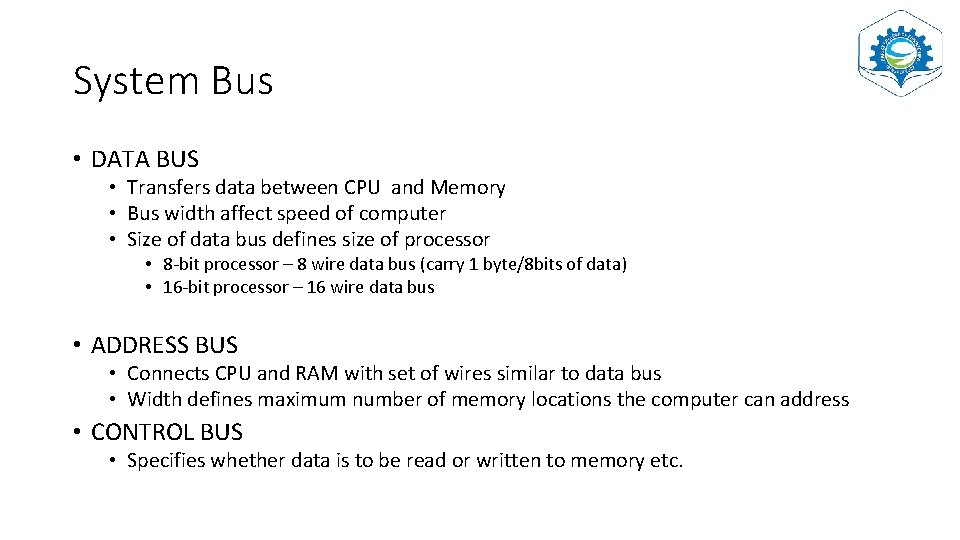
System Bus • DATA BUS • Transfers data between CPU and Memory • Bus width affect speed of computer • Size of data bus defines size of processor • 8 -bit processor – 8 wire data bus (carry 1 byte/8 bits of data) • 16 -bit processor – 16 wire data bus • ADDRESS BUS • Connects CPU and RAM with set of wires similar to data bus • Width defines maximum number of memory locations the computer can address • CONTROL BUS • Specifies whether data is to be read or written to memory etc.
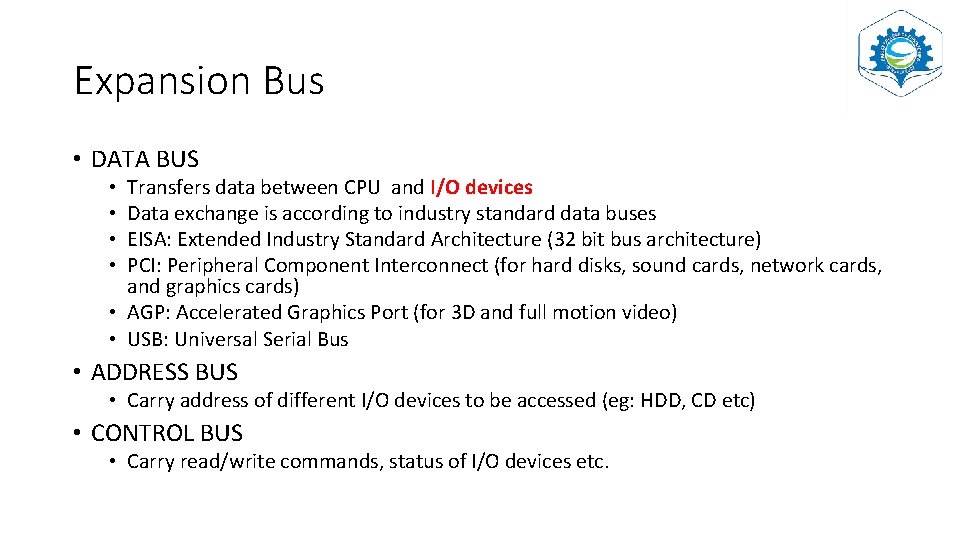
Expansion Bus • DATA BUS Transfers data between CPU and I/O devices Data exchange is according to industry standard data buses EISA: Extended Industry Standard Architecture (32 bit bus architecture) PCI: Peripheral Component Interconnect (for hard disks, sound cards, network cards, and graphics cards) • AGP: Accelerated Graphics Port (for 3 D and full motion video) • USB: Universal Serial Bus • • • ADDRESS BUS • Carry address of different I/O devices to be accessed (eg: HDD, CD etc) • CONTROL BUS • Carry read/write commands, status of I/O devices etc.
External Ports • Connections to the bus and peripheral devices are done via ports and sockets at the sides of computer • Some standard ports: • Port for mouse, Keyboard, Monitor, Network, Modem, audio, serial port, parallel port and USB port • Ports are physically distinguishable by their • DIFFERENT shapes, size of contact pins, number of pins
INSIDE A COMPUTER CABINET
MOTHERBOARD • • Most important component in PC It is a large PCB (Printed Circuit Board) Contains many chips, connectors and other electronics mounted on it RAM, hard drive, disk drives and optical drives are all plugged into interfaces on the motherboard Contains processor, memory chips, interfaces and sockets etc. FORM FACTOR: Motherboard’s geometry, dimensions, arrangement and electrical requirements Chipset: Circuit which controls the majority of components (reference textbook: A. Goel)