
Desmos activity for this lesson Sampling KUS objectives
Desmos activity for this lesson
Sampling • KUS objectives BAT explore sampling methods and know their strengths and weaknesses. Create and analyse samples from the 9000 HANES data Starter: Choose a suitable sampling method for each of the following. Give reasons : A researcher wants to check the number of bats living in urban areas in England is the same as when surveyed ten years ago Quota sample At randomly selected spots in the area A politician wants to know how people rate the seriousness of four issues (crime, education, health, transport) in their catchment/voting area Cluster sample Random sample in randomly selected streets An organic foods delivery service wants to see if their prices are too high for people who shop at three local supermarkets Quota or Systematic sample At the supermarkets
What you should already know Histograms - frequency shown by area Correlation measured from -1 to 1 (scatter graphs from perfect negative correlation to perfect positive correlation) Boxplots - quartiles and IQR
Notes A Repeated Sampling The ability to take a sample and then ‘regenerate’ it to get a different one is really powerful in illustrating statistical variation. Usually we would want to calculate some statistics and draw a graph and observe how these change when we take a new sample. (e. g. sample means or scattergraphs)
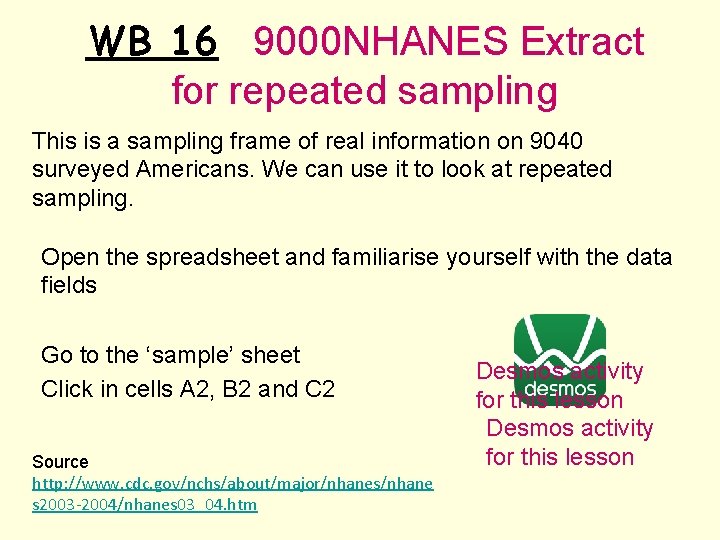
WB 16 9000 NHANES Extract for repeated sampling This is a sampling frame of real information on 9040 surveyed Americans. We can use it to look at repeated sampling. Open the spreadsheet and familiarise yourself with the data fields Go to the ‘sample’ sheet Click in cells A 2, B 2 and C 2 Source http: //www. cdc. gov/nchs/about/major/nhanes/nhane s 2003 -2004/nhanes 03_04. htm Desmos activity for this lesson
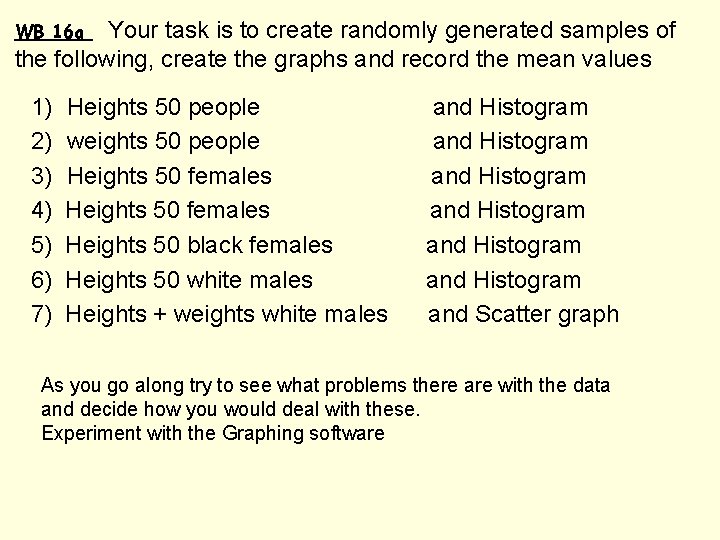
Your task is to create randomly generated samples of the following, create the graphs and record the mean values WB 16 a 1) 2) 3) 4) 5) 6) 7) Heights 50 people weights 50 people Heights 50 females Heights 50 black females Heights 50 white males Heights + weights white males and Histogram and Histogram and Scatter graph As you go along try to see what problems there are with the data and decide how you would deal with these. Experiment with the Graphing software
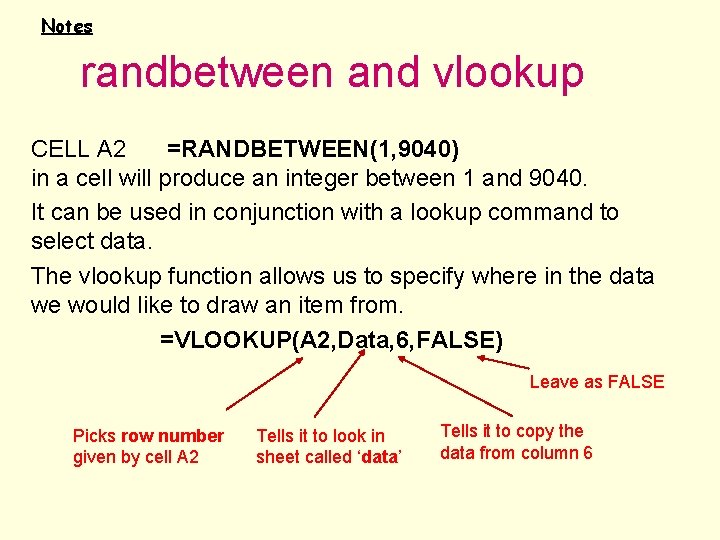
Notes randbetween and vlookup CELL A 2 =RANDBETWEEN(1, 9040) in a cell will produce an integer between 1 and 9040. It can be used in conjunction with a lookup command to select data. The vlookup function allows us to specify where in the data we would like to draw an item from. =VLOOKUP(A 2, Data, 6, FALSE) Leave as FALSE Picks row number given by cell A 2 Tells it to look in sheet called ‘data’ Tells it to copy the data from column 6
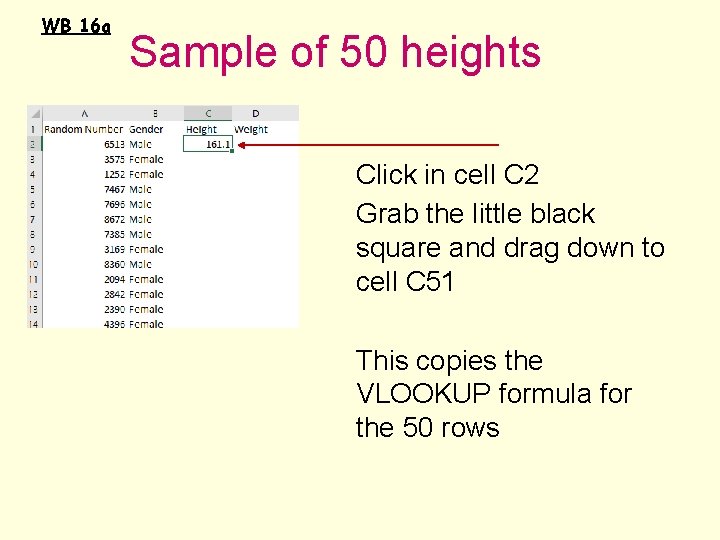
WB 16 a Sample of 50 heights Click in cell C 2 Grab the little black square and drag down to cell C 51 This copies the VLOOKUP formula for the 50 rows
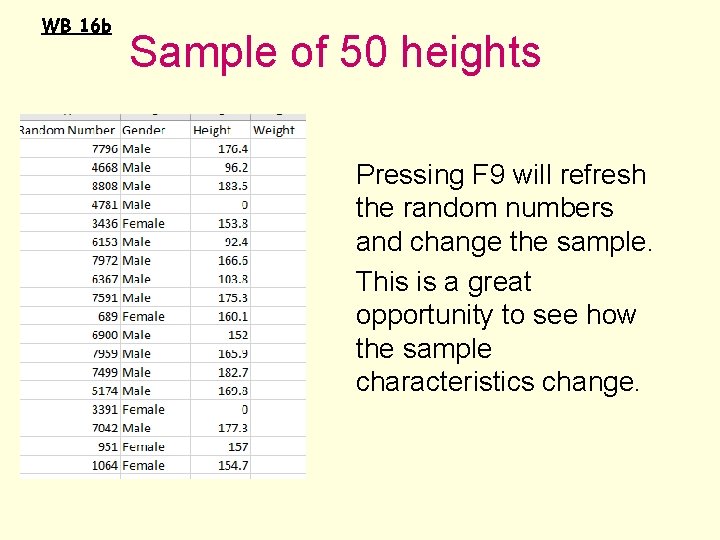
WB 16 b Sample of 50 heights Pressing F 9 will refresh the random numbers and change the sample. This is a great opportunity to see how the sample characteristics change.
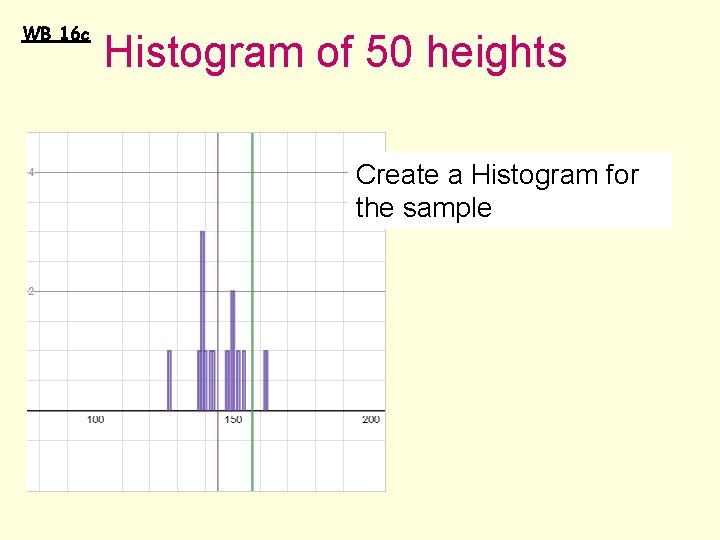
WB 16 c Histogram of 50 heights Create a Histogram for the sample
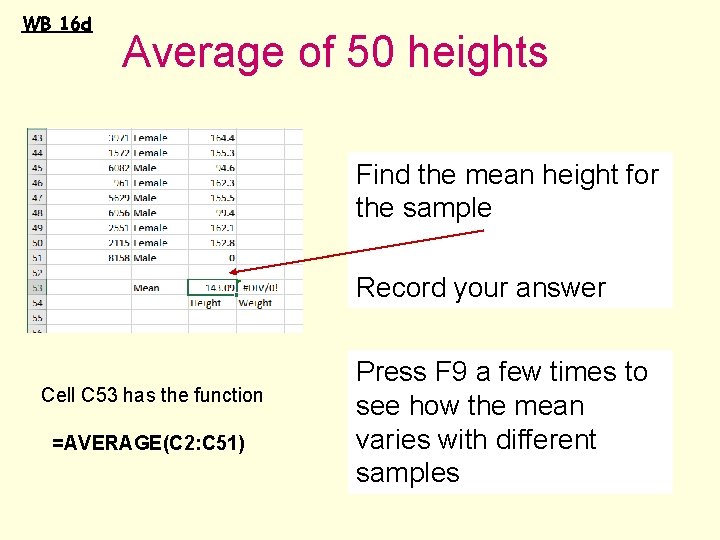
WB 16 d Average of 50 heights Find the mean height for the sample Record your answer Cell C 53 has the function =AVERAGE(C 2: C 51) Press F 9 a few times to see how the mean varies with different samples
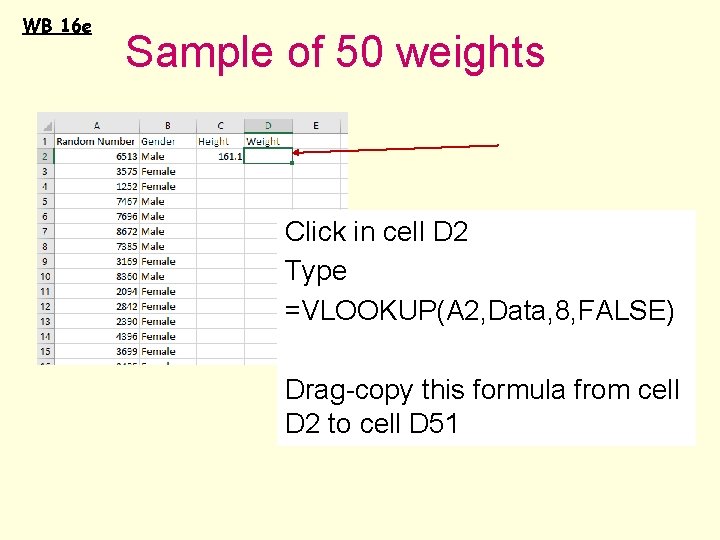
WB 16 e Sample of 50 weights Click in cell D 2 Type =VLOOKUP(A 2, Data, 8, FALSE) Drag-copy this formula from cell D 2 to cell D 51
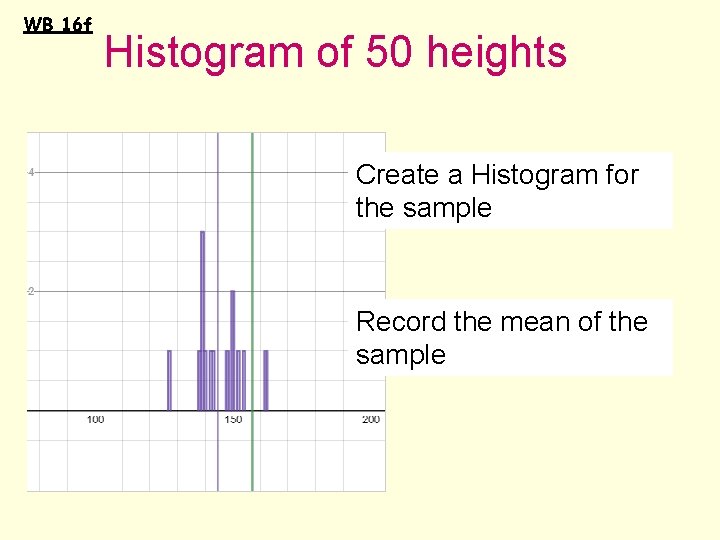
WB 16 f Histogram of 50 heights Create a Histogram for the sample Record the mean of the sample
WB 16 g Some more samples to try On the following slides and in the workbook there are some more samples to investigate. As the sampling frame narrows you will need to edit the random number commands to the correct range e. g. Mexican American females go from 1201 to 2365* Cell A 2 =RANDBETWEEN(1201, 2365) *See the help sheet for the ranges.
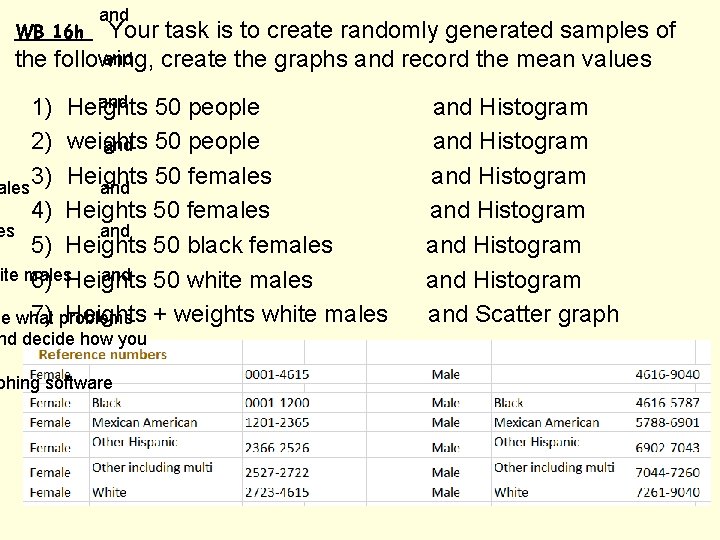
and Your task is to create randomly generated samples of and the following, create the graphs and record the mean values WB 16 h and 50 people 1) Heights 2) weights and 50 people 3) Heights 50 females and 4) Heights 50 females es and 5) Heights 50 black females ite males and 50 white males 6) Heights 7) problems Heights + weights white males ee what nd decide how you phing software and Histogram and Histogram and Scatter graph
WB 17 LDS Extract for repeated sampling This is the Edexcel database for the exam Open the spreadsheet and familiarise yourself with the information on sheet 1 and the data fields Go to the ‘sample’ 1987 sheet Click in cells A 2, B 2 and C 2 Desmos activity for this lesson
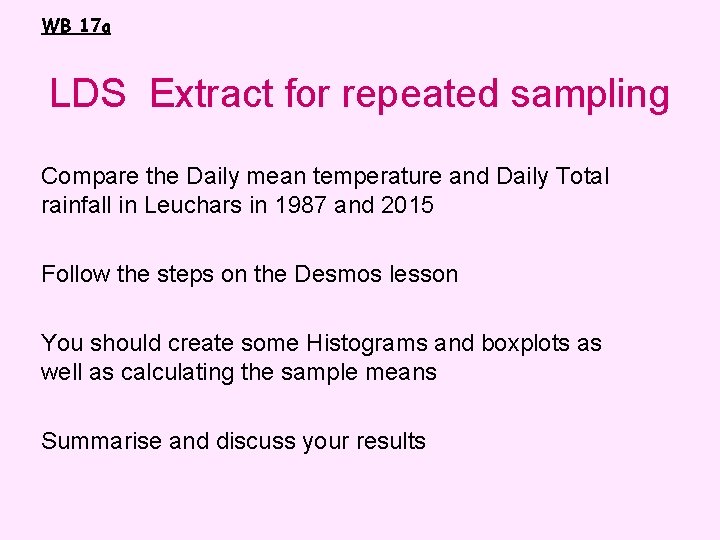
WB 17 a LDS Extract for repeated sampling Compare the Daily mean temperature and Daily Total rainfall in Leuchars in 1987 and 2015 Follow the steps on the Desmos lesson You should create some Histograms and boxplots as well as calculating the sample means Summarise and discuss your results
• KUS objectives BAT explore sampling methods and know their strengths and weaknesses. Create and analyse samples from the 9000 HANES data self-assess One thing learned is – One thing to improve is –
END
- Slides: 19