
Desktop Window Manager MINDAUGAS BUTKUS IV KURSAS PS
Desktop Window Manager MINDAUGAS BUTKUS IV KURSAS, PS 2 GRUPĖ
Features • Glass window frames; • 3 -D window transition animation; • Windows Flip and Windows Flip 3 D; • Live taskbar thumbnails; • High resolution support.
How to use it • #include <Dwmapi. h> • Link with Dwmapi. lib • DLL: Dwmapi. dll
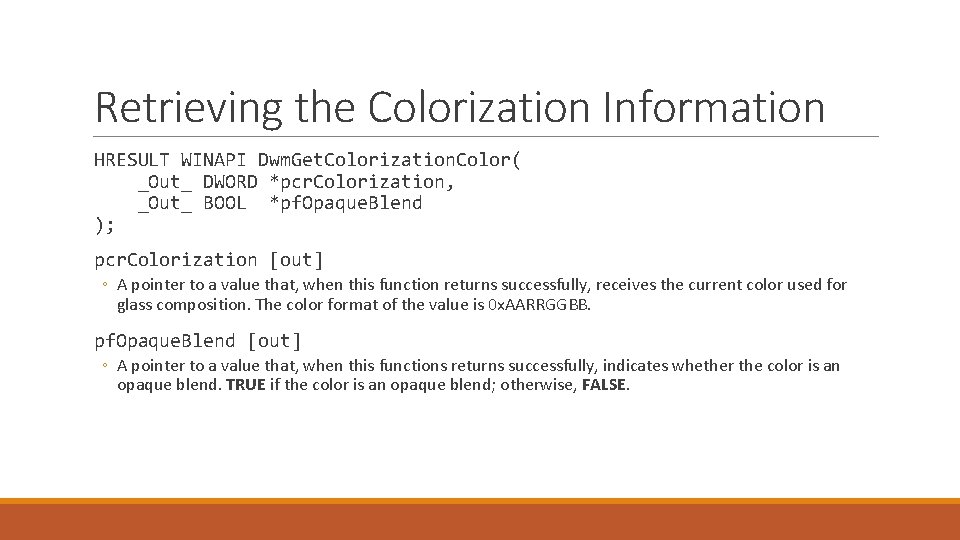
Retrieving the Colorization Information HRESULT WINAPI Dwm. Get. Colorization. Color( _Out_ DWORD *pcr. Colorization, _Out_ BOOL *pf. Opaque. Blend ); pcr. Colorization [out] ◦ A pointer to a value that, when this function returns successfully, receives the current color used for glass composition. The color format of the value is 0 x. AARRGGBB. pf. Opaque. Blend [out] ◦ A pointer to a value that, when this functions returns successfully, indicates whether the color is an opaque blend. TRUE if the color is an opaque blend; otherwise, FALSE.
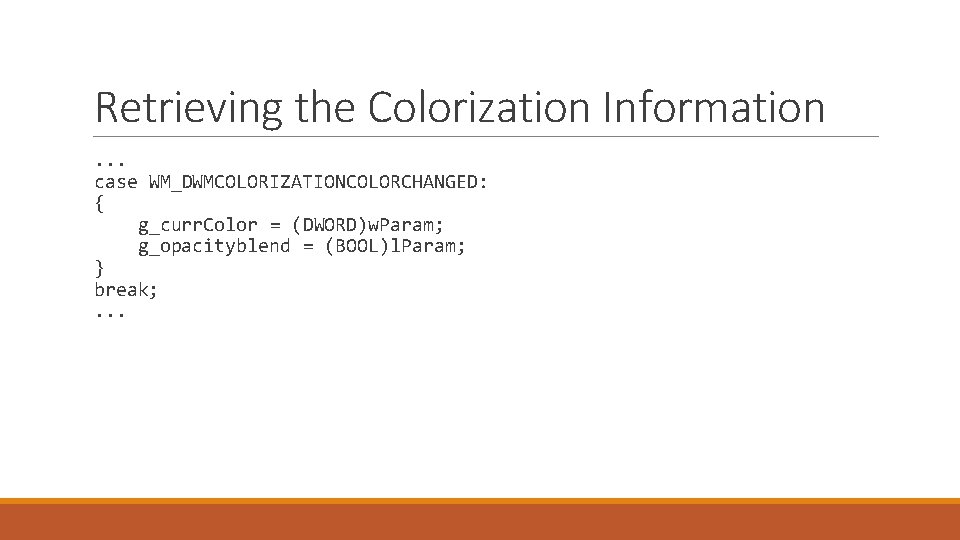
Retrieving the Colorization Information . . . case WM_DWMCOLORIZATIONCOLORCHANGED: { g_curr. Color = (DWORD)w. Param; g_opacityblend = (BOOL)l. Param; } break; . . .
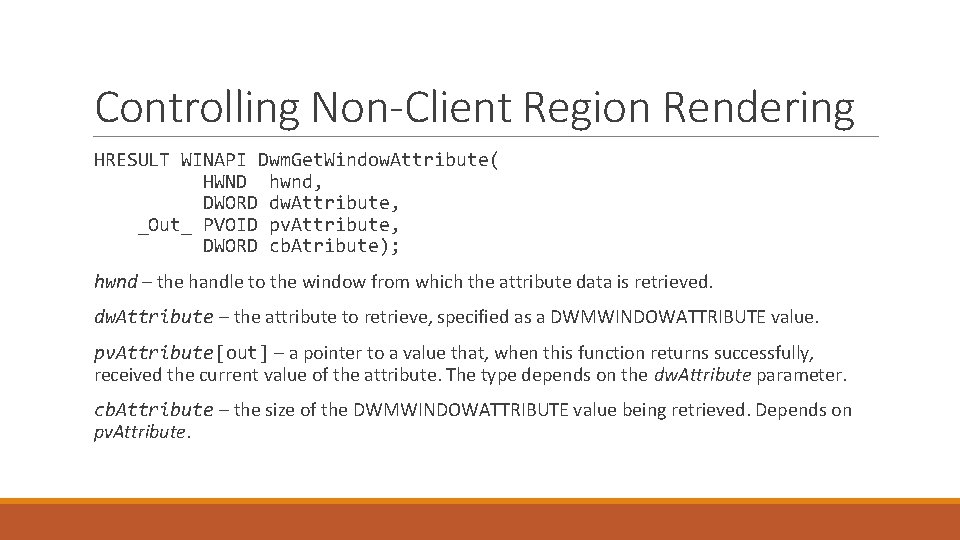
Controlling Non-Client Region Rendering HRESULT WINAPI Dwm. Get. Window. Attribute( HWND hwnd, DWORD dw. Attribute, _Out_ PVOID pv. Attribute, DWORD cb. Atribute); hwnd – the handle to the window from which the attribute data is retrieved. dw. Attribute – the attribute to retrieve, specified as a DWMWINDOWATTRIBUTE value. pv. Attribute[out] – a pointer to a value that, when this function returns successfully, received the current value of the attribute. The type depends on the dw. Attribute parameter. cb. Attribute – the size of the DWMWINDOWATTRIBUTE value being retrieved. Depends on pv. Attribute.
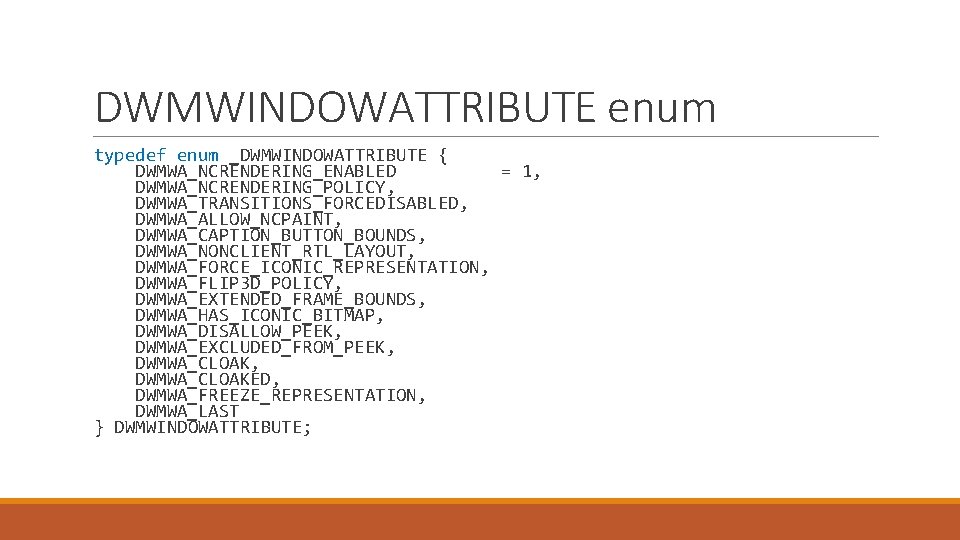
DWMWINDOWATTRIBUTE enum typedef enum _DWMWINDOWATTRIBUTE { DWMWA_NCRENDERING_ENABLED = 1, DWMWA_NCRENDERING_POLICY, DWMWA_TRANSITIONS_FORCEDISABLED, DWMWA_ALLOW_NCPAINT, DWMWA_CAPTION_BUTTON_BOUNDS, DWMWA_NONCLIENT_RTL_LAYOUT, DWMWA_FORCE_ICONIC_REPRESENTATION, DWMWA_FLIP 3 D_POLICY, DWMWA_EXTENDED_FRAME_BOUNDS, DWMWA_HAS_ICONIC_BITMAP, DWMWA_DISALLOW_PEEK, DWMWA_EXCLUDED_FROM_PEEK, DWMWA_CLOAKED, DWMWA_FREEZE_REPRESENTATION, DWMWA_LAST } DWMWINDOWATTRIBUTE;
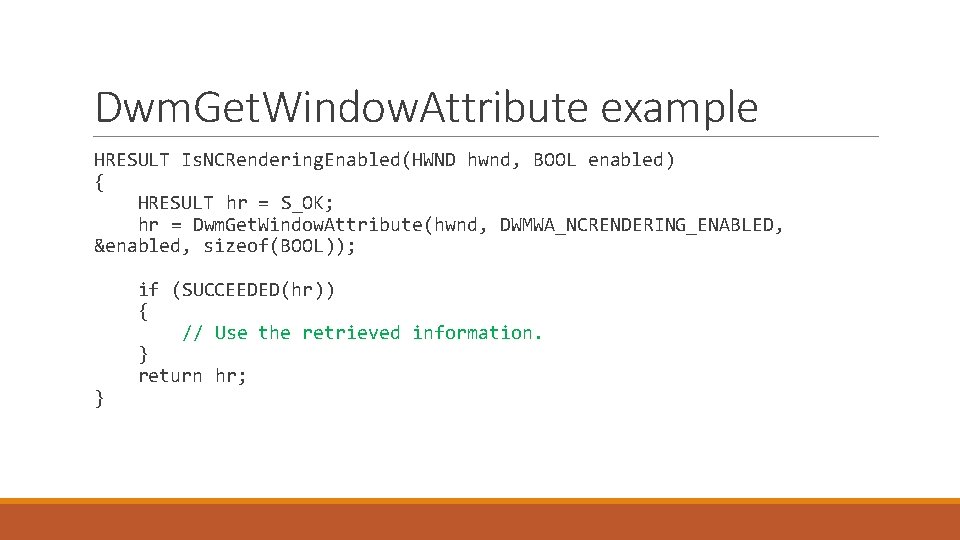
Dwm. Get. Window. Attribute example HRESULT Is. NCRendering. Enabled(HWND hwnd, BOOL enabled) { HRESULT hr = S_OK; hr = Dwm. Get. Window. Attribute(hwnd, DWMWA_NCRENDERING_ENABLED, &enabled, sizeof(BOOL)); } if (SUCCEEDED(hr)) { // Use the retrieved information. } return hr;
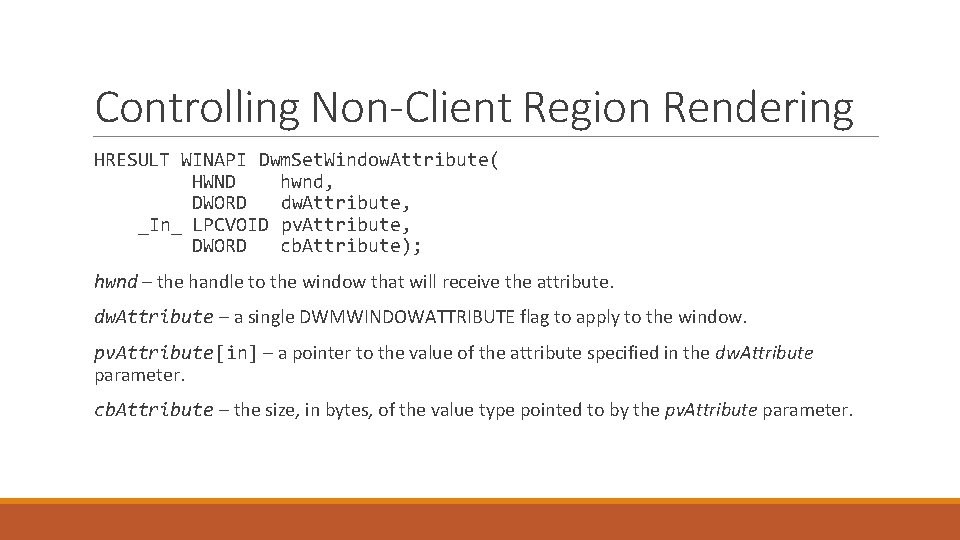
Controlling Non-Client Region Rendering HRESULT WINAPI Dwm. Set. Window. Attribute( HWND hwnd, DWORD dw. Attribute, _In_ LPCVOID pv. Attribute, DWORD cb. Attribute); hwnd – the handle to the window that will receive the attribute. dw. Attribute – a single DWMWINDOWATTRIBUTE flag to apply to the window. pv. Attribute[in] – a pointer to the value of the attribute specified in the dw. Attribute parameter. cb. Attribute – the size, in bytes, of the value type pointed to by the pv. Attribute parameter.
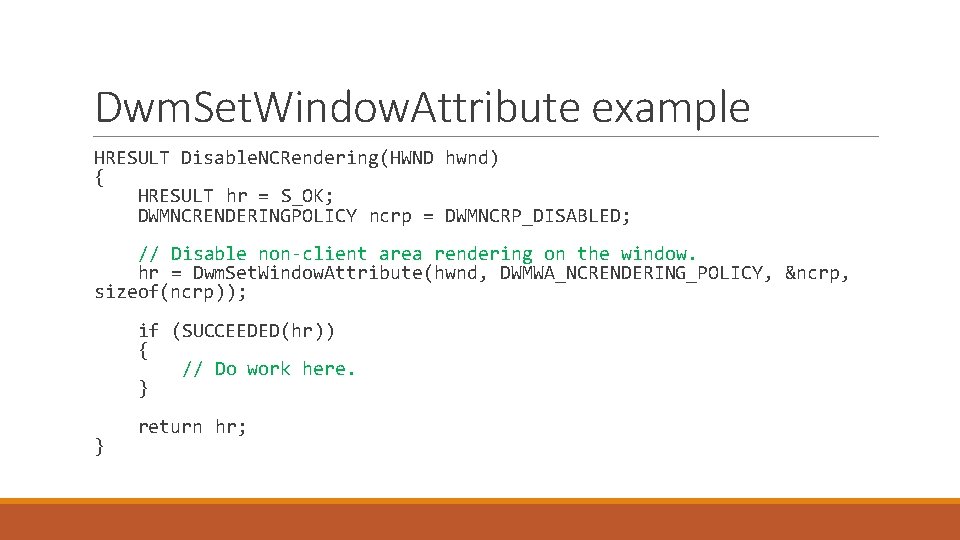
Dwm. Set. Window. Attribute example HRESULT Disable. NCRendering(HWND hwnd) { HRESULT hr = S_OK; DWMNCRENDERINGPOLICY ncrp = DWMNCRP_DISABLED; // Disable non-client area rendering on the window. hr = Dwm. Set. Window. Attribute(hwnd, DWMWA_NCRENDERING_POLICY, &ncrp, sizeof(ncrp)); if (SUCCEEDED(hr)) { // Do work here. } } return hr;
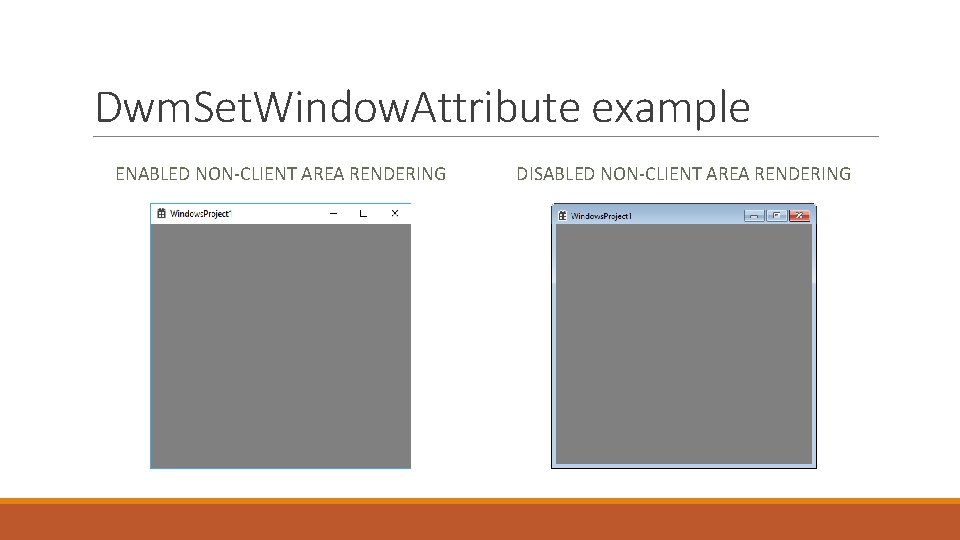
Dwm. Set. Window. Attribute example ENABLED NON-CLIENT AREA RENDERING DISABLED NON-CLIENT AREA RENDERING
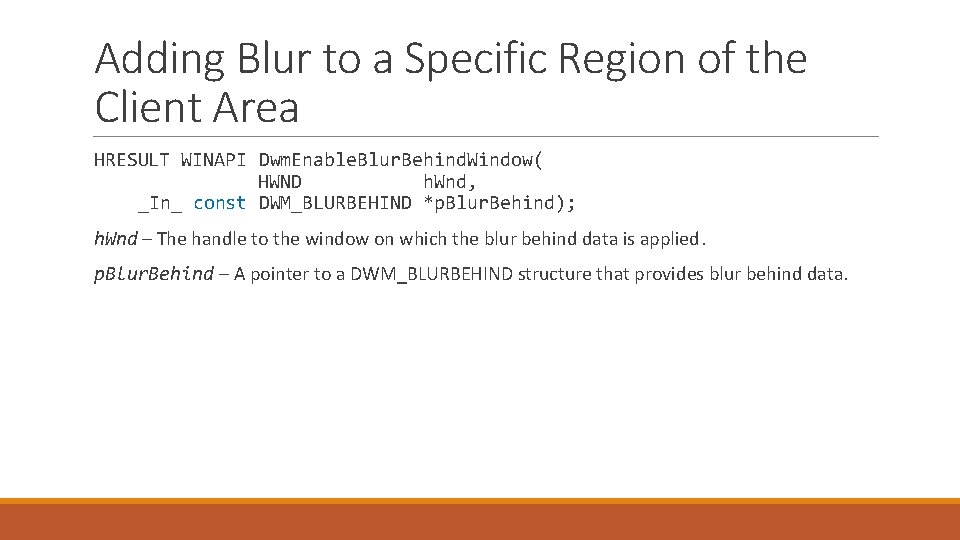
Adding Blur to a Specific Region of the Client Area HRESULT WINAPI Dwm. Enable. Blur. Behind. Window( HWND h. Wnd, _In_ const DWM_BLURBEHIND *p. Blur. Behind); h. Wnd – The handle to the window on which the blur behind data is applied. p. Blur. Behind – A pointer to a DWM_BLURBEHIND structure that provides blur behind data.
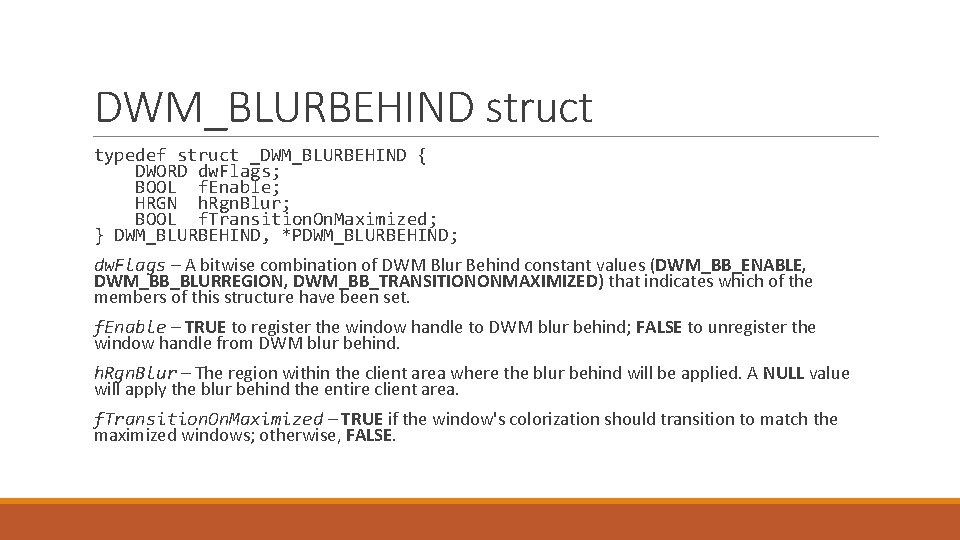
DWM_BLURBEHIND struct typedef struct _DWM_BLURBEHIND { DWORD dw. Flags; BOOL f. Enable; HRGN h. Rgn. Blur; BOOL f. Transition. On. Maximized; } DWM_BLURBEHIND, *PDWM_BLURBEHIND; dw. Flags – A bitwise combination of DWM Blur Behind constant values (DWM_BB_ENABLE, DWM_BB_BLURREGION, DWM_BB_TRANSITIONONMAXIMIZED) that indicates which of the members of this structure have been set. f. Enable – TRUE to register the window handle to DWM blur behind; FALSE to unregister the window handle from DWM blur behind. h. Rgn. Blur – The region within the client area where the blur behind will be applied. A NULL value will apply the blur behind the entire client area. f. Transition. On. Maximized – TRUE if the window's colorization should transition to match the maximized windows; otherwise, FALSE.
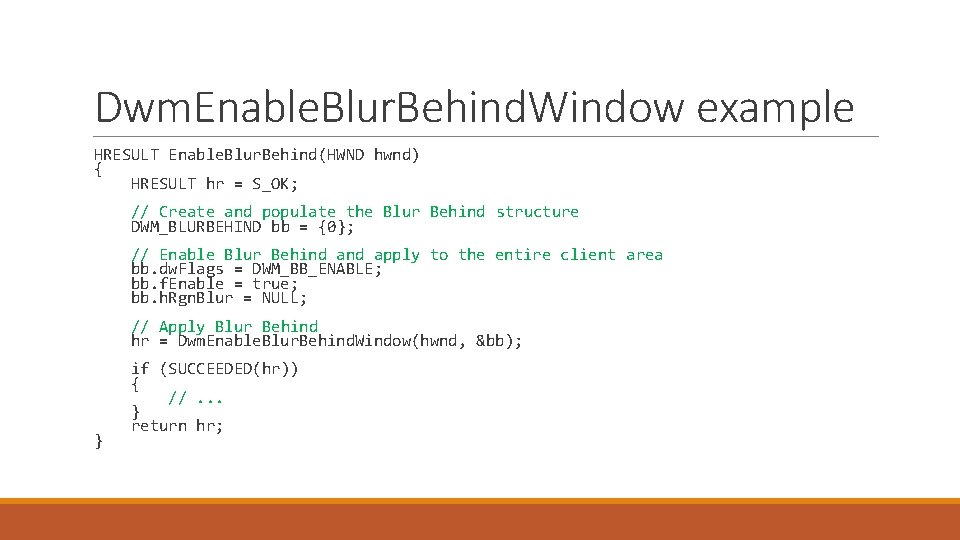
Dwm. Enable. Blur. Behind. Window example HRESULT Enable. Blur. Behind(HWND hwnd) { HRESULT hr = S_OK; // Create and populate the Blur Behind structure DWM_BLURBEHIND bb = {0}; // Enable Blur Behind apply to the entire client area bb. dw. Flags = DWM_BB_ENABLE; bb. f. Enable = true; bb. h. Rgn. Blur = NULL; // Apply Blur Behind hr = Dwm. Enable. Blur. Behind. Window(hwnd, &bb); } if (SUCCEEDED(hr)) { //. . . } return hr;
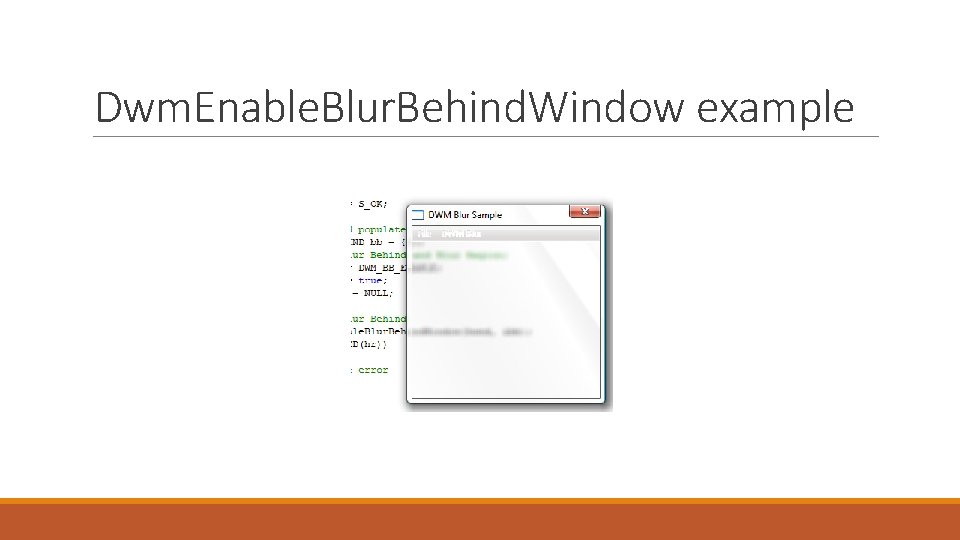
Dwm. Enable. Blur. Behind. Window example
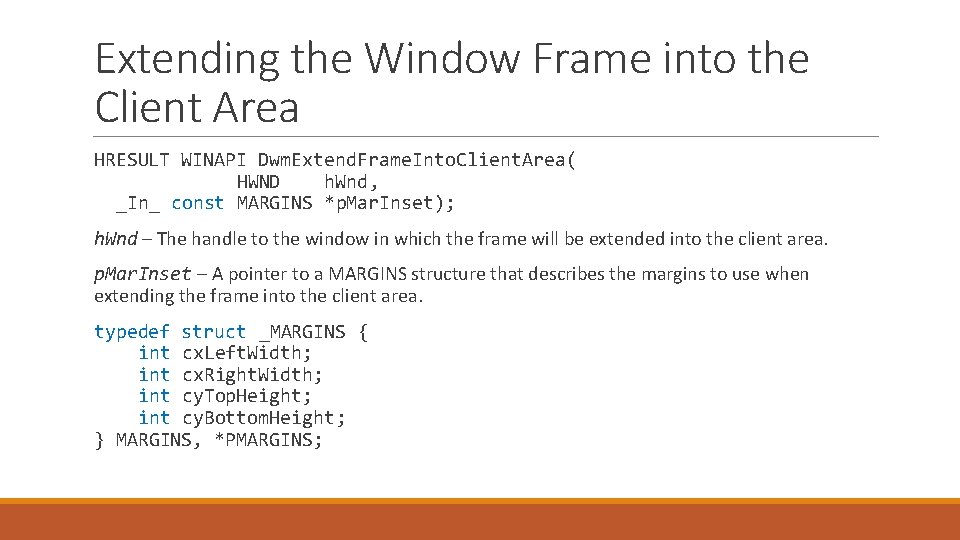
Extending the Window Frame into the Client Area HRESULT WINAPI Dwm. Extend. Frame. Into. Client. Area( HWND h. Wnd, _In_ const MARGINS *p. Mar. Inset); h. Wnd – The handle to the window in which the frame will be extended into the client area. p. Mar. Inset – A pointer to a MARGINS structure that describes the margins to use when extending the frame into the client area. typedef struct _MARGINS { int cx. Left. Width; int cx. Right. Width; int cy. Top. Height; int cy. Bottom. Height; } MARGINS, *PMARGINS;
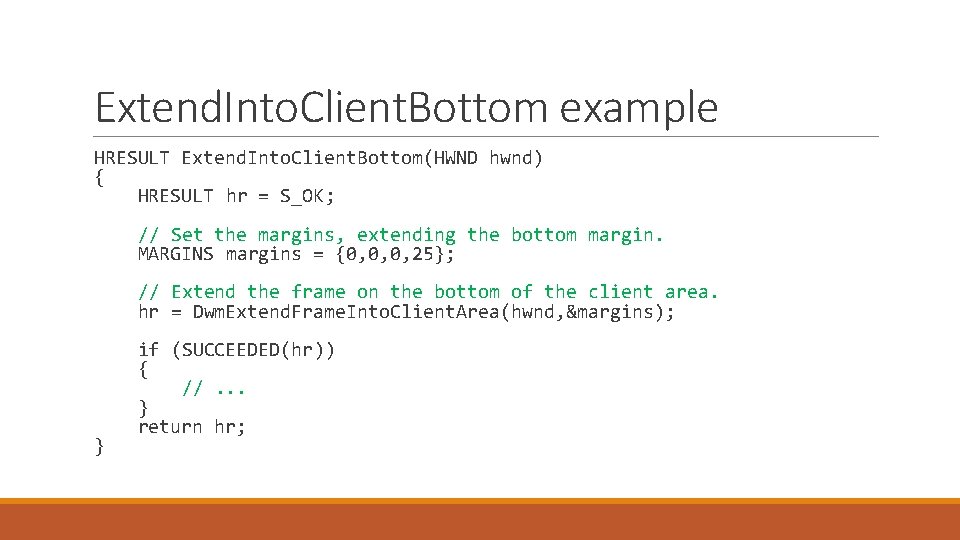
Extend. Into. Client. Bottom example HRESULT Extend. Into. Client. Bottom(HWND hwnd) { HRESULT hr = S_OK; // Set the margins, extending the bottom margin. MARGINS margins = {0, 0, 0, 25}; // Extend the frame on the bottom of the client area. hr = Dwm. Extend. Frame. Into. Client. Area(hwnd, &margins); } if (SUCCEEDED(hr)) { //. . . } return hr;
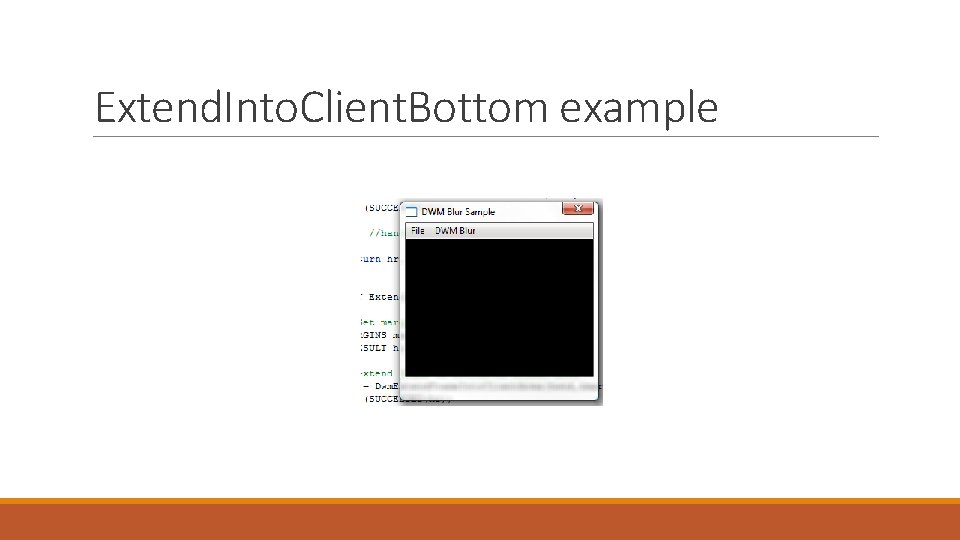
Extend. Into. Client. Bottom example
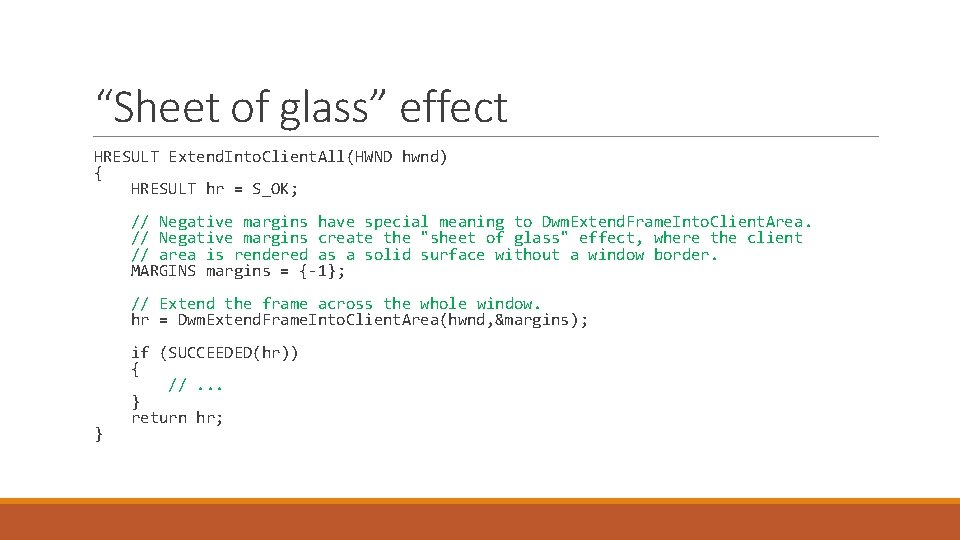
“Sheet of glass” effect HRESULT Extend. Into. Client. All(HWND hwnd) { HRESULT hr = S_OK; // Negative margins have special meaning to Dwm. Extend. Frame. Into. Client. Area. // Negative margins create the "sheet of glass" effect, where the client // area is rendered as a solid surface without a window border. MARGINS margins = {-1}; // Extend the frame across the whole window. hr = Dwm. Extend. Frame. Into. Client. Area(hwnd, &margins); } if (SUCCEEDED(hr)) { //. . . } return hr;
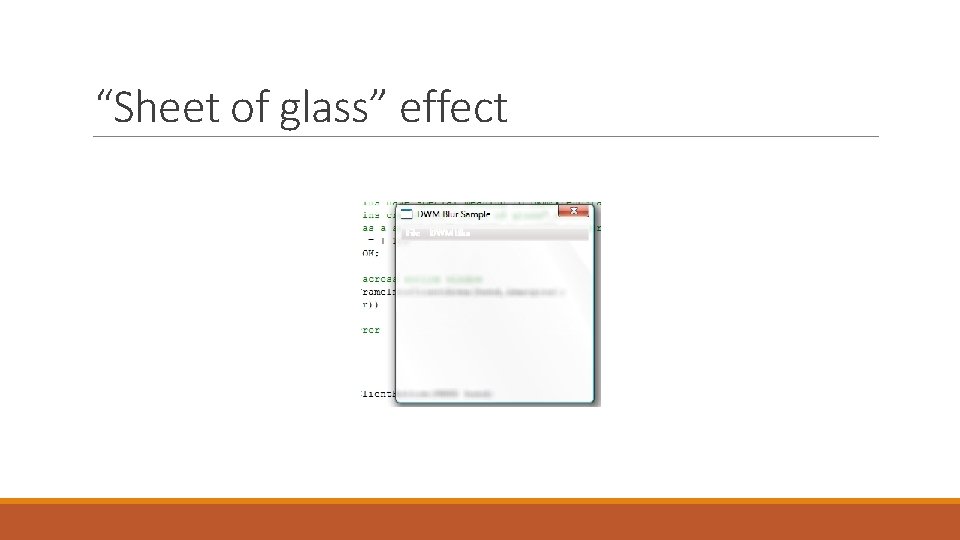
“Sheet of glass” effect
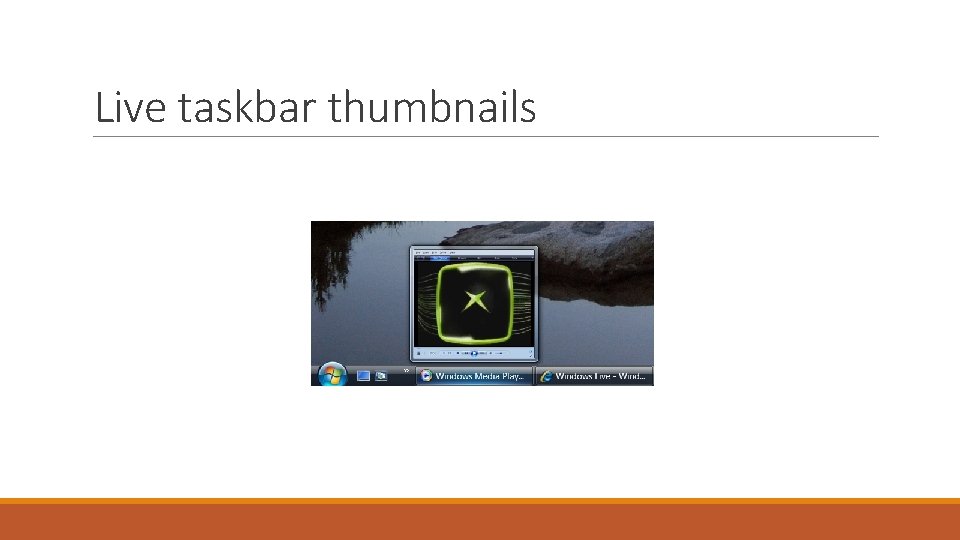
Live taskbar thumbnails
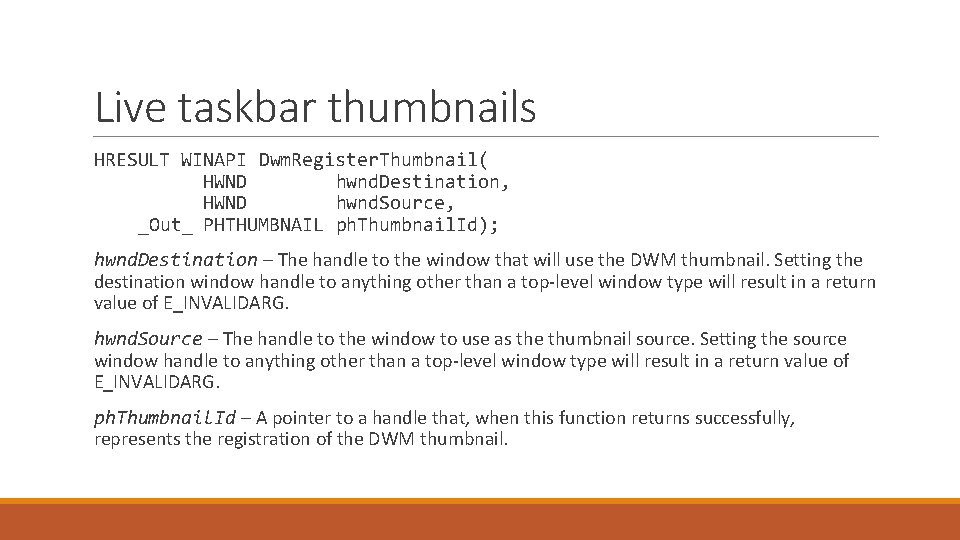
Live taskbar thumbnails HRESULT WINAPI Dwm. Register. Thumbnail( HWND hwnd. Destination, HWND hwnd. Source, _Out_ PHTHUMBNAIL ph. Thumbnail. Id); hwnd. Destination – The handle to the window that will use the DWM thumbnail. Setting the destination window handle to anything other than a top-level window type will result in a return value of E_INVALIDARG. hwnd. Source – The handle to the window to use as the thumbnail source. Setting the source window handle to anything other than a top-level window type will result in a return value of E_INVALIDARG. ph. Thumbnail. Id – A pointer to a handle that, when this function returns successfully, represents the registration of the DWM thumbnail.
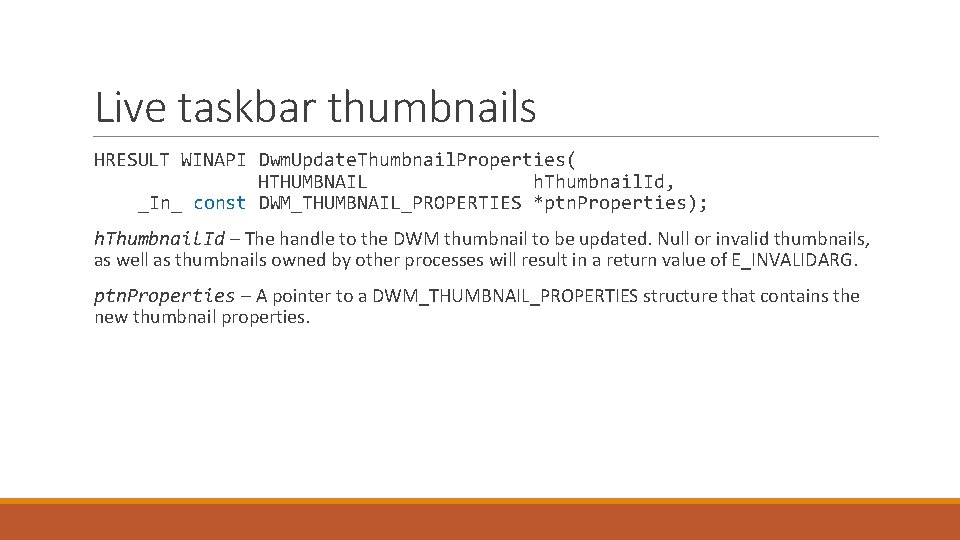
Live taskbar thumbnails HRESULT WINAPI Dwm. Update. Thumbnail. Properties( HTHUMBNAIL h. Thumbnail. Id, _In_ const DWM_THUMBNAIL_PROPERTIES *ptn. Properties); h. Thumbnail. Id – The handle to the DWM thumbnail to be updated. Null or invalid thumbnails, as well as thumbnails owned by other processes will result in a return value of E_INVALIDARG. ptn. Properties – A pointer to a DWM_THUMBNAIL_PROPERTIES structure that contains the new thumbnail properties.
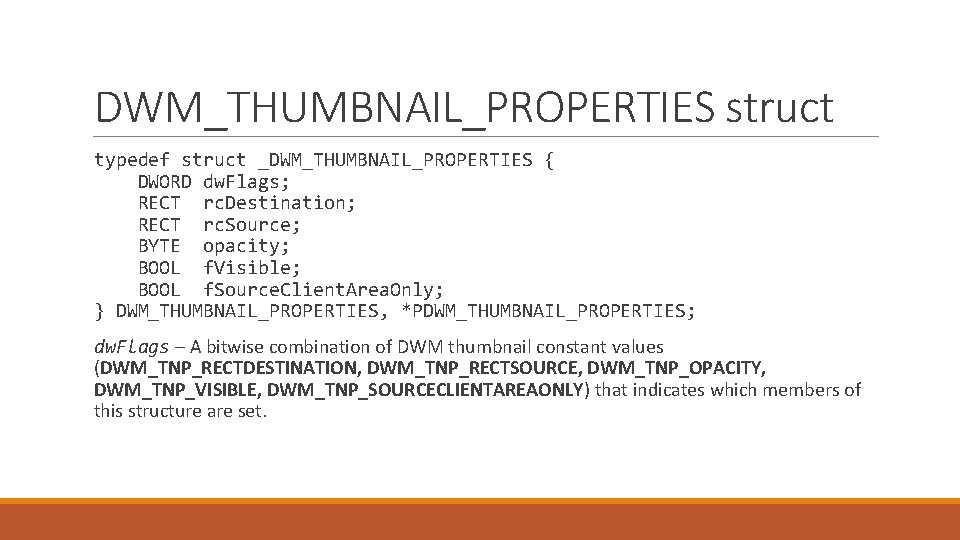
DWM_THUMBNAIL_PROPERTIES struct typedef struct _DWM_THUMBNAIL_PROPERTIES { DWORD dw. Flags; RECT rc. Destination; RECT rc. Source; BYTE opacity; BOOL f. Visible; BOOL f. Source. Client. Area. Only; } DWM_THUMBNAIL_PROPERTIES, *PDWM_THUMBNAIL_PROPERTIES; dw. Flags – A bitwise combination of DWM thumbnail constant values (DWM_TNP_RECTDESTINATION, DWM_TNP_RECTSOURCE, DWM_TNP_OPACITY, DWM_TNP_VISIBLE, DWM_TNP_SOURCECLIENTAREAONLY) that indicates which members of this structure are set.
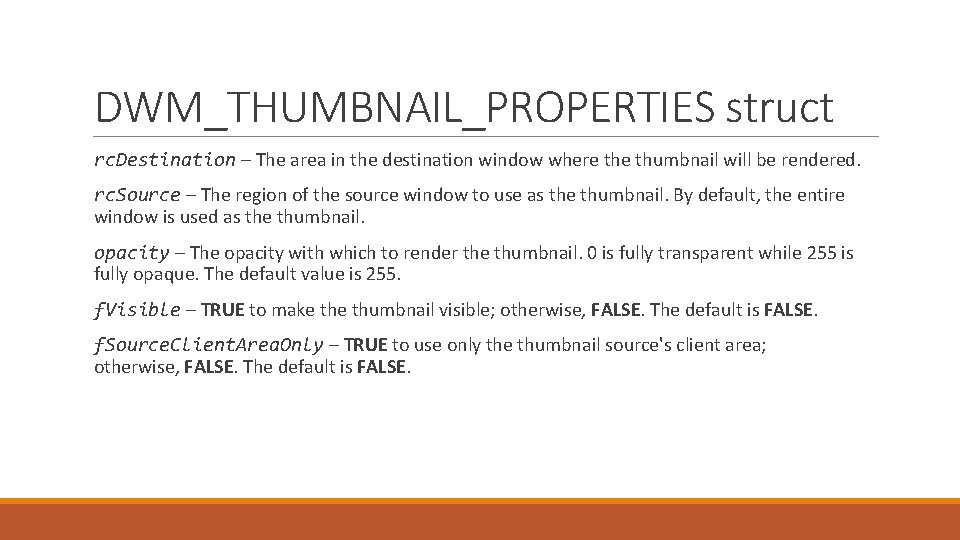
DWM_THUMBNAIL_PROPERTIES struct rc. Destination – The area in the destination window where thumbnail will be rendered. rc. Source – The region of the source window to use as the thumbnail. By default, the entire window is used as the thumbnail. opacity – The opacity with which to render the thumbnail. 0 is fully transparent while 255 is fully opaque. The default value is 255. f. Visible – TRUE to make thumbnail visible; otherwise, FALSE. The default is FALSE. f. Source. Client. Area. Only – TRUE to use only the thumbnail source's client area; otherwise, FALSE. The default is FALSE.
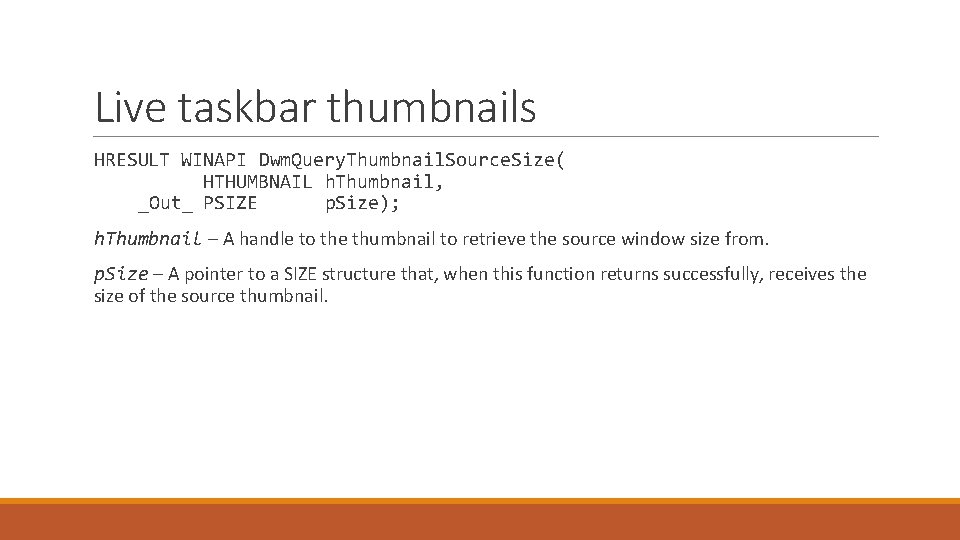
Live taskbar thumbnails HRESULT WINAPI Dwm. Query. Thumbnail. Source. Size( HTHUMBNAIL h. Thumbnail, _Out_ PSIZE p. Size); h. Thumbnail – A handle to the thumbnail to retrieve the source window size from. p. Size – A pointer to a SIZE structure that, when this function returns successfully, receives the size of the source thumbnail.
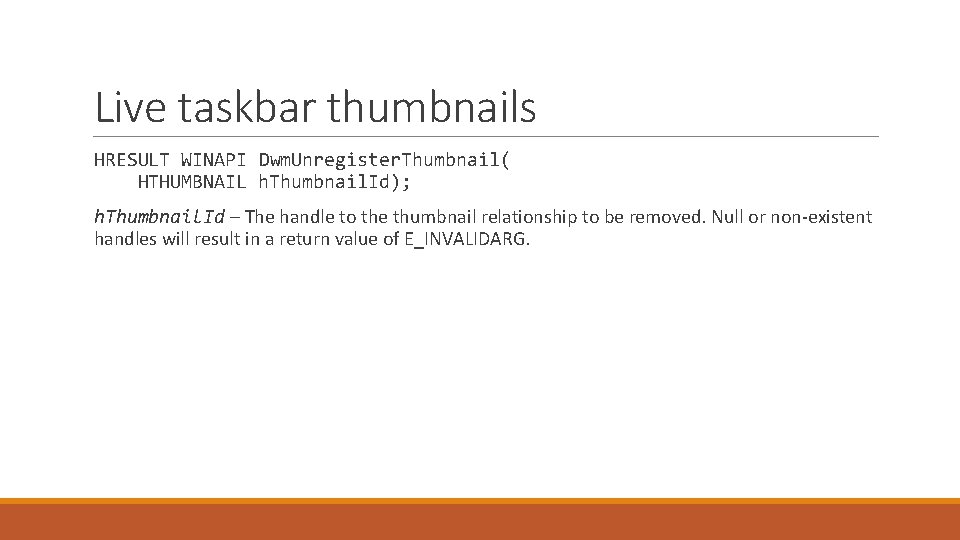
Live taskbar thumbnails HRESULT WINAPI Dwm. Unregister. Thumbnail( HTHUMBNAIL h. Thumbnail. Id); h. Thumbnail. Id – The handle to the thumbnail relationship to be removed. Null or non-existent handles will result in a return value of E_INVALIDARG.
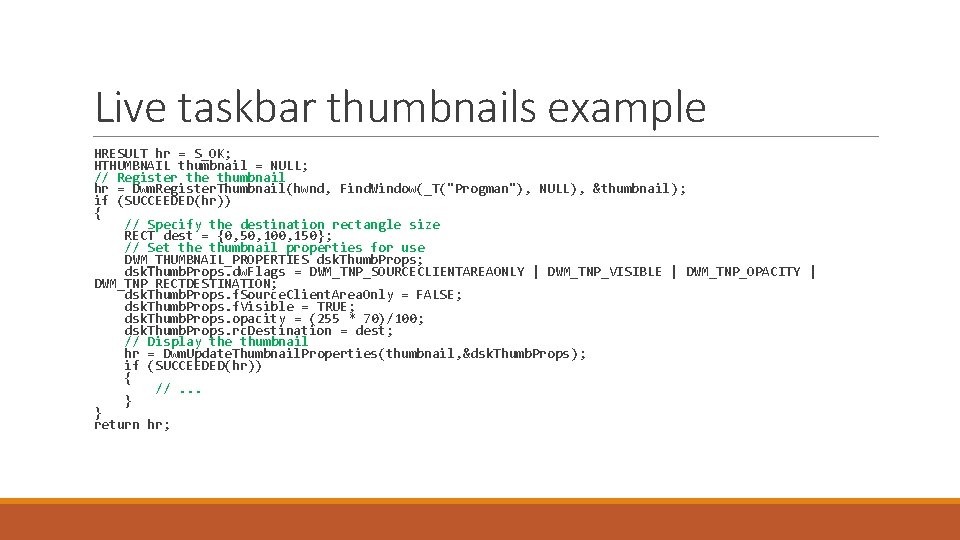
Live taskbar thumbnails example HRESULT hr = S_OK; HTHUMBNAIL thumbnail = NULL; // Register the thumbnail hr = Dwm. Register. Thumbnail(hwnd, Find. Window(_T("Progman"), NULL), &thumbnail); if (SUCCEEDED(hr)) { // Specify the destination rectangle size RECT dest = {0, 50, 100, 150}; // Set the thumbnail properties for use DWM_THUMBNAIL_PROPERTIES dsk. Thumb. Props; dsk. Thumb. Props. dw. Flags = DWM_TNP_SOURCECLIENTAREAONLY | DWM_TNP_VISIBLE | DWM_TNP_OPACITY | DWM_TNP_RECTDESTINATION; dsk. Thumb. Props. f. Source. Client. Area. Only = FALSE; dsk. Thumb. Props. f. Visible = TRUE; dsk. Thumb. Props. opacity = (255 * 70)/100; dsk. Thumb. Props. rc. Destination = dest; // Display the thumbnail hr = Dwm. Update. Thumbnail. Properties(thumbnail, &dsk. Thumb. Props); if (SUCCEEDED(hr)) { //. . . } } return hr;

DWM usage examples
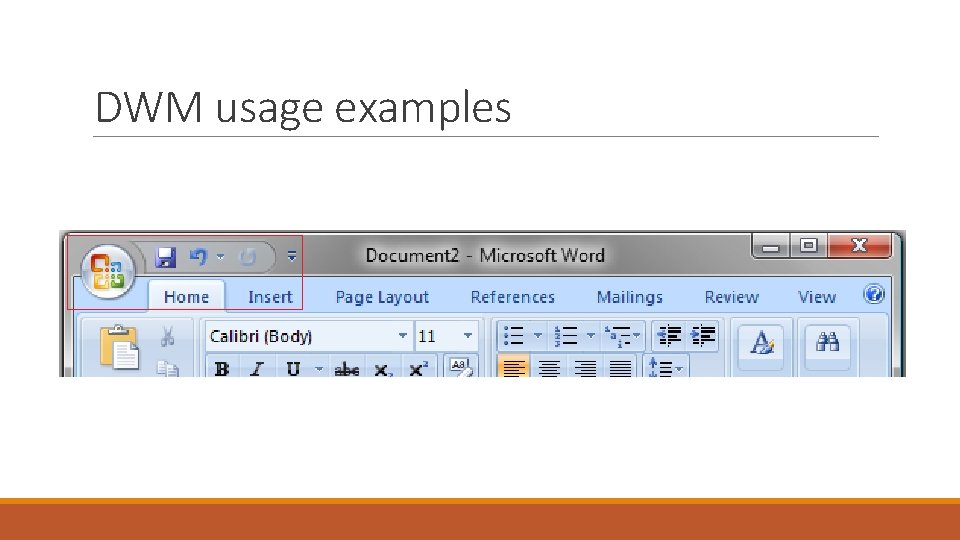
DWM usage examples
Sources https: //msdn. microsoft. com/en-us/library/windows/desktop/aa 969538(v=vs. 85). aspx https: //msdn. microsoft. com/en-us/library/windows/desktop/aa 969537(v=vs. 85). aspx https: //msdn. microsoft. com/en-us/library/windows/desktop/aa 969541(v=vs. 85). aspx https: //msdn. microsoft. com/en-us/library/windows/desktop/bb 688195(v=vs. 85). aspx
- Slides: 31