
Designing Visual Communication Copyright 2010 Pearson Education Inc
- Slides: 27
Designing Visual Communication Copyright © 2010 Pearson Education, Inc. publishing as Prentice Hall 1
Learning Objectives • Discuss six principles of graphic design that help ensure effective visuals • Explain how to avoid ethical lapses when using visuals • Explain how to choose which points in your message to illustrate Copyright © 2010 Pearson Education, Inc. publishing as Prentice Hall 2
Learning Objectives • Describe the most common options for presenting data in a visual format • Describe the most common options for presenting information, concepts, and ideas • List three criteria to review in order to verify the quality of your visuals Copyright © 2010 Pearson Education, Inc. publishing as Prentice Hall 3
Understanding Visual Communication • Identify visual points • Select the best visuals • Create effective visuals Copyright © 2010 Pearson Education, Inc. publishing as Prentice Hall 4
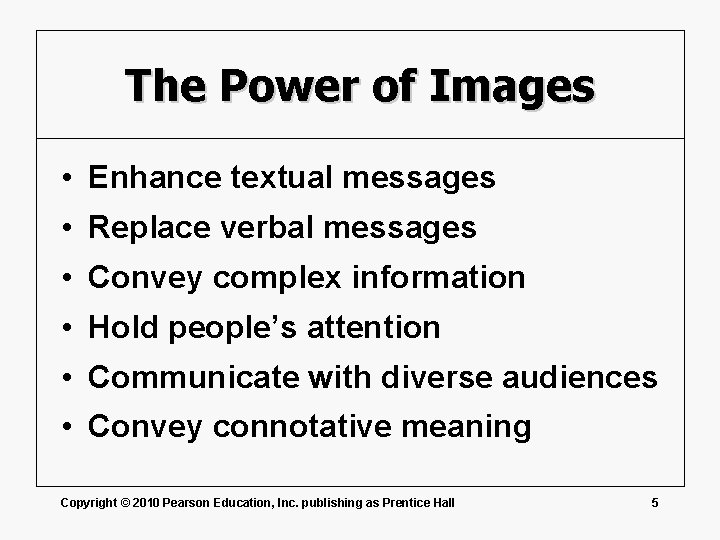
The Power of Images • Enhance textual messages • Replace verbal messages • Convey complex information • Hold people’s attention • Communicate with diverse audiences • Convey connotative meaning Copyright © 2010 Pearson Education, Inc. publishing as Prentice Hall 5
The Visual Evolution in Business Communication • Technology • Audience skills • Expectations Copyright © 2010 Pearson Education, Inc. publishing as Prentice Hall 6
Visual Literacy • Consistency • Contrast • Balance • Emphasis • Convention • Simplicity Copyright © 2010 Pearson Education, Inc. publishing as Prentice Hall 7
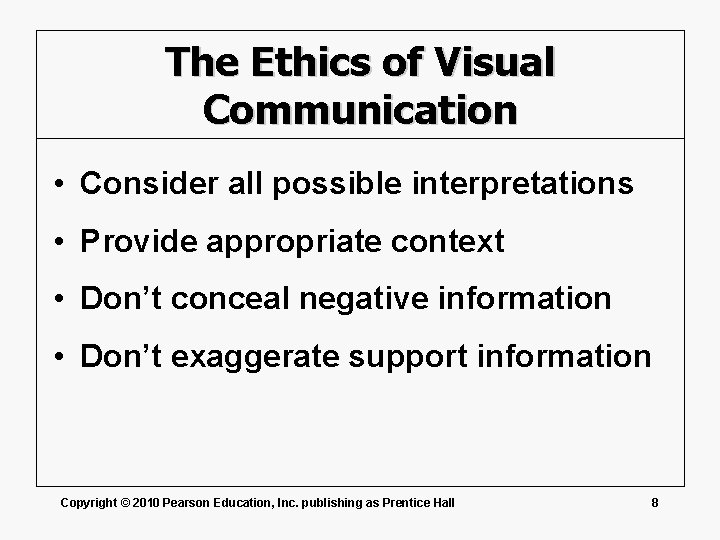
The Ethics of Visual Communication • Consider all possible interpretations • Provide appropriate context • Don’t conceal negative information • Don’t exaggerate support information Copyright © 2010 Pearson Education, Inc. publishing as Prentice Hall 8
The Ethics of Visual Communication • Don’t oversimplify complex situations • Don’t imply cause and effect • Avoid manipulation or coercion • Be careful how you aggregate data Copyright © 2010 Pearson Education, Inc. publishing as Prentice Hall 9
Choosing Points to Illustrate • The 5 C’s of visual design – Clear – Complete – Concise – Connected – Compelling Copyright © 2010 Pearson Education, Inc. publishing as Prentice Hall 10
Pick the Right Visuals • Data and information • Concepts and ideas Copyright © 2010 Pearson Education, Inc. publishing as Prentice Hall 11
The Parts of a Table • Systematic arrangement of data – Columns – Rows – Headings Copyright © 2010 Pearson Education, Inc. publishing as Prentice Hall 12
Preparing Data Tables • Use common, understandable units and clearly identify them • Express all items in a column in the same unit, and round off for simplicity • Label column headings clearly, and use a subhead if necessary Copyright © 2010 Pearson Education, Inc. publishing as Prentice Hall 13
Preparing Data Tables • Separate columns or rows with lines or extra space to make the table easy to follow • Do not cram so much information into a table that it becomes hard to read • Document the source of the data using the same format as a text footnote Copyright © 2010 Pearson Education, Inc. publishing as Prentice Hall 14
Line and Surface Charts • Trends • Variables • Relationships Copyright © 2010 Pearson Education, Inc. publishing as Prentice Hall 15
Using Bar Charts • Compare items • Show changes • Indicate composition • Show relative sizes Copyright © 2010 Pearson Education, Inc. publishing as Prentice Hall 16
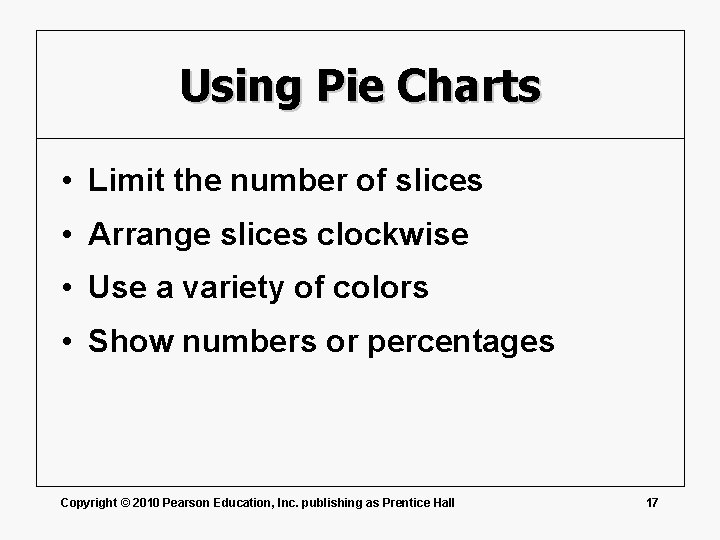
Using Pie Charts • Limit the number of slices • Arrange slices clockwise • Use a variety of colors • Show numbers or percentages Copyright © 2010 Pearson Education, Inc. publishing as Prentice Hall 17
Data Visualization • Countless data points • Wide graphical variety • Complex dynamic data Copyright © 2010 Pearson Education, Inc. publishing as Prentice Hall 18
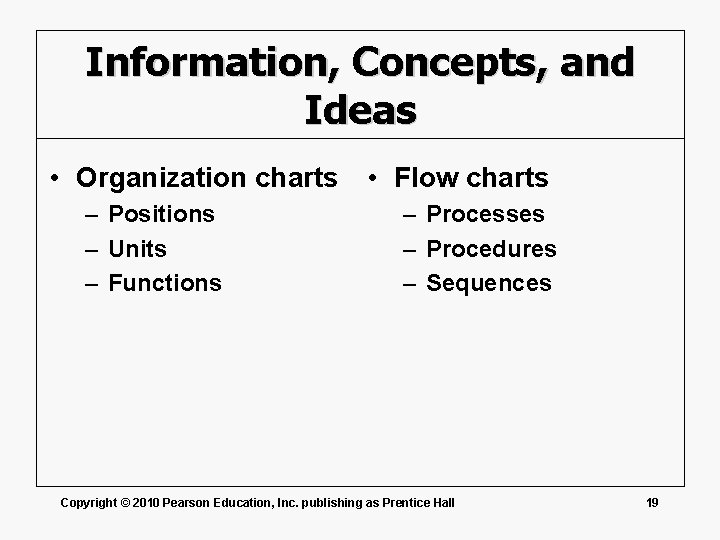
Information, Concepts, and Ideas • Organization charts • Flow charts – Positions – Units – Functions – Processes – Procedures – Sequences Copyright © 2010 Pearson Education, Inc. publishing as Prentice Hall 19
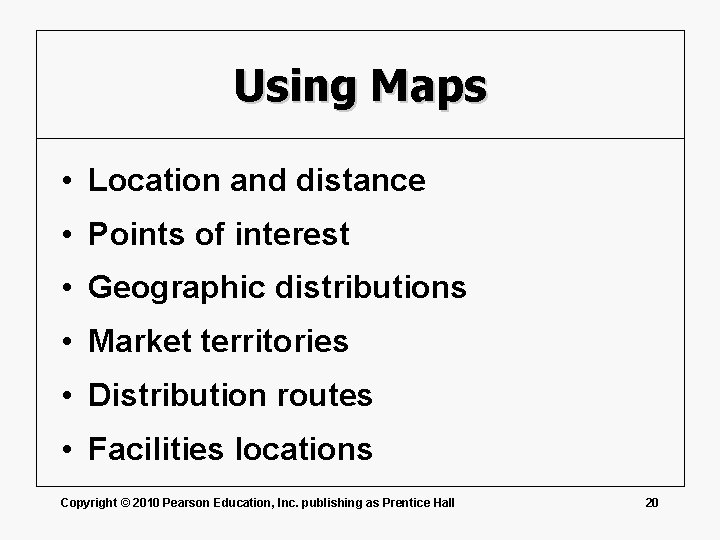
Using Maps • Location and distance • Points of interest • Geographic distributions • Market territories • Distribution routes • Facilities locations Copyright © 2010 Pearson Education, Inc. publishing as Prentice Hall 20
Drawings and Diagrams • Networks • Processes • Operations • Procedures Copyright © 2010 Pearson Education, Inc. publishing as Prentice Hall 21
Photographic Images • Consider the use of diagrams • Learn basic image-processing tools • Match the file to the application • Insist on high communication value • Honor copyrights and permissions Copyright © 2010 Pearson Education, Inc. publishing as Prentice Hall 22
Animation and Video • Shapes and text • Computer animation • Digital video Copyright © 2010 Pearson Education, Inc. publishing as Prentice Hall 23
Producing and Integrating Visuals • Creation • Integration • Verification Copyright © 2010 Pearson Education, Inc. publishing as Prentice Hall 24
Creating Visual Aids • Training • Experience • Templates • Quality Copyright © 2010 Pearson Education, Inc. publishing as Prentice Hall 25
Integrate Text and Visuals • Balance elements • Reference visuals • Place visuals • Titles, captions, and legends Copyright © 2010 Pearson Education, Inc. publishing as Prentice Hall 26
Verifying Visual Quality • Accuracy • Documentation • Honesty Copyright © 2010 Pearson Education, Inc. publishing as Prentice Hall 27