
Designing for 3 D Printers PART 1 KNOW
- Slides: 12
Designing for 3 D Printers PART 1: KNOW YOUR PRINTER
Quick overview • Important features of printers • • • Build volume & area Nozzle diameter Resolution Materials Previously printed parts
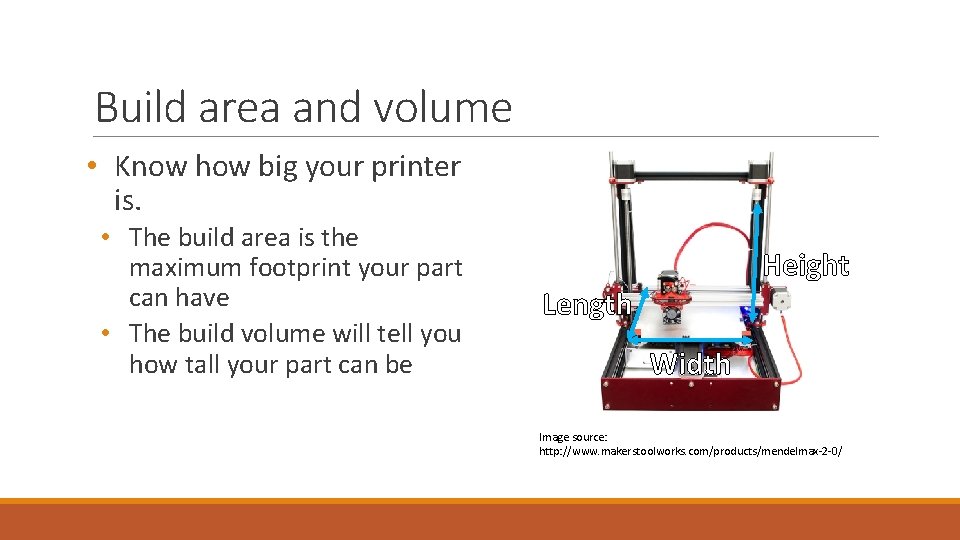
Build area and volume • Know how big your printer is. • The build area is the maximum footprint your part can have • The build volume will tell you how tall your part can be Height Length Width Image source: http: //www. makerstoolworks. com/products/mendelmax-2 -0/
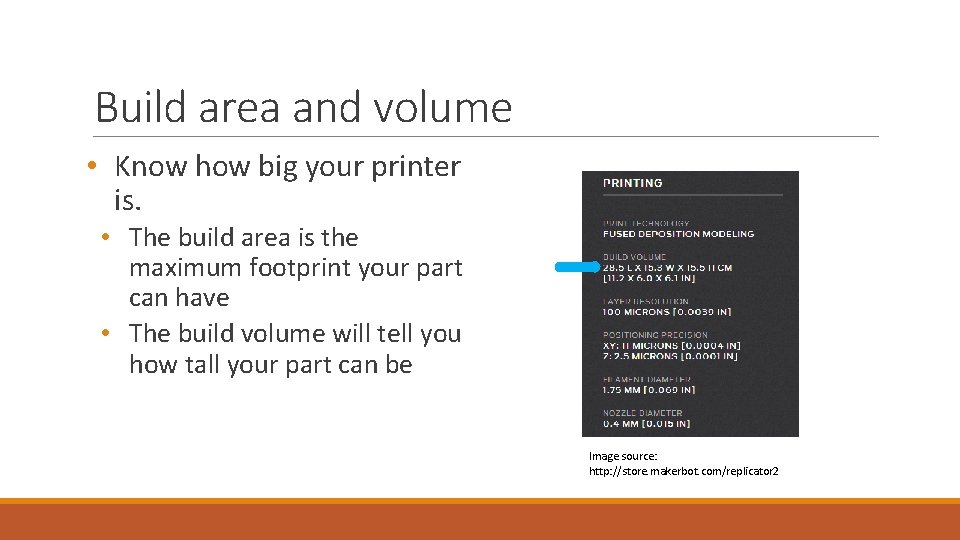
Build area and volume • Know how big your printer is. • The build area is the maximum footprint your part can have • The build volume will tell you how tall your part can be Image source: http: //store. makerbot. com/replicator 2
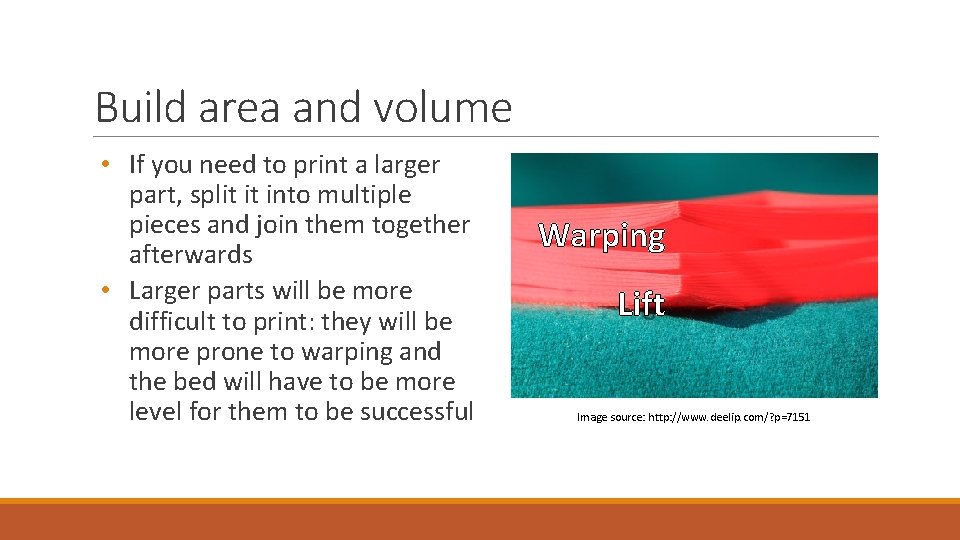
Build area and volume • If you need to print a larger part, split it into multiple pieces and join them together afterwards • Larger parts will be more difficult to print: they will be more prone to warping and the bed will have to be more level for them to be successful Warping Lift Image source: http: //www. deelip. com/? p=7151
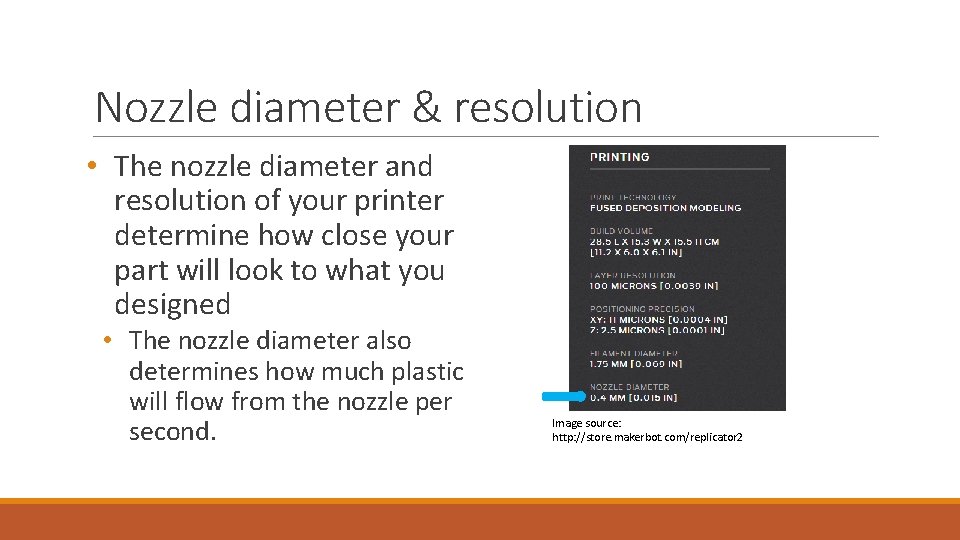
Nozzle diameter & resolution • The nozzle diameter and resolution of your printer determine how close your part will look to what you designed • The nozzle diameter also determines how much plastic will flow from the nozzle per second. Image source: http: //store. makerbot. com/replicator 2
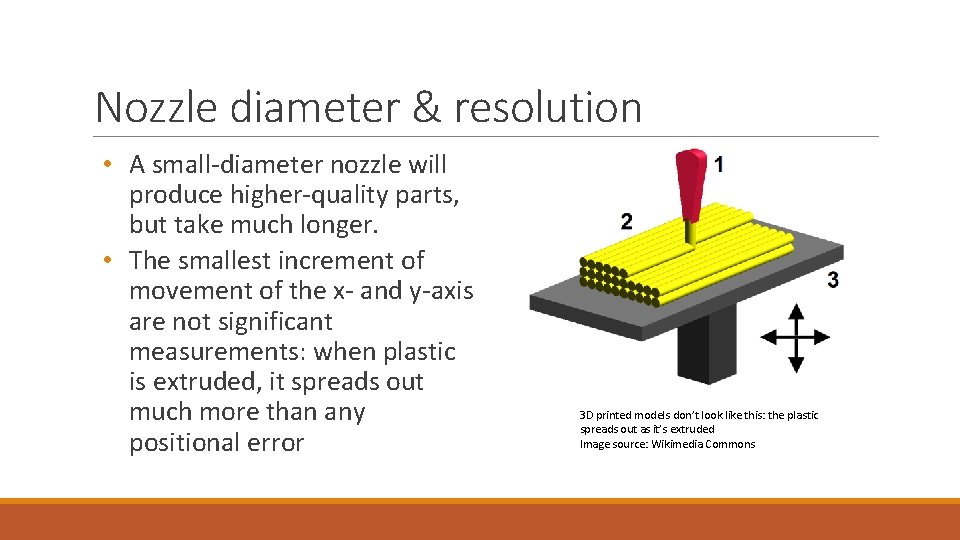
Nozzle diameter & resolution • A small-diameter nozzle will produce higher-quality parts, but take much longer. • The smallest increment of movement of the x- and y-axis are not significant measurements: when plastic is extruded, it spreads out much more than any positional error 3 D printed models don’t look like this: the plastic spreads out as it’s extruded Image source: Wikimedia Commons
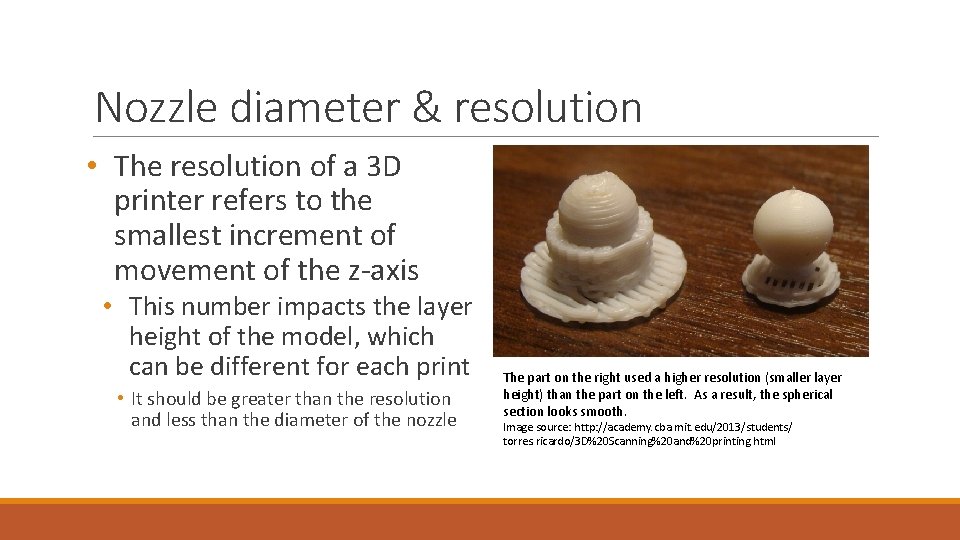
Nozzle diameter & resolution • The resolution of a 3 D printer refers to the smallest increment of movement of the z-axis • This number impacts the layer height of the model, which can be different for each print • It should be greater than the resolution and less than the diameter of the nozzle The part on the right used a higher resolution (smaller layer height) than the part on the left. As a result, the spherical section looks smooth. Image source: http: //academy. cba. mit. edu/2013/students/ torres. ricardo/3 D%20 Scanning%20 and%20 printing. html
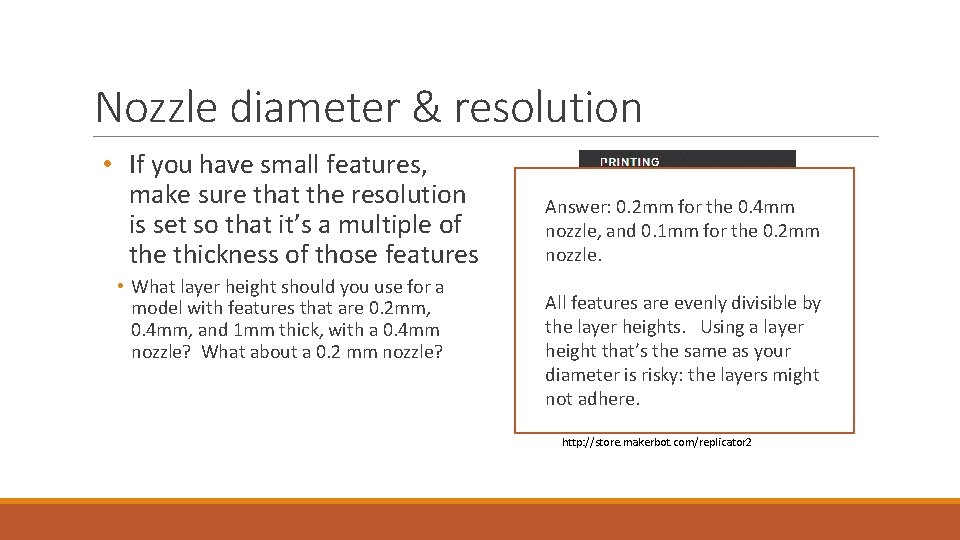
Nozzle diameter & resolution • If you have small features, make sure that the resolution is set so that it’s a multiple of the thickness of those features • What layer height should you use for a model with features that are 0. 2 mm, 0. 4 mm, and 1 mm thick, with a 0. 4 mm nozzle? What about a 0. 2 mm nozzle? Answer: 0. 2 mm for the 0. 4 mm nozzle, and 0. 1 mm for the 0. 2 mm nozzle. All features are evenly divisible by the layer heights. Using a layer height that’s the same as your diameter is risky: the layers might not adhere. Image source: http: //store. makerbot. com/replicator 2
Materials and previous parts • Know what materials your printer can use, and which one of them to use • ABS is strong and can be vapour-smoothed, but it tends to warp and your printer will need a heated bed. • PLA is weaker than ABS, but doesn’t warp as much, and doesn’t need a heated bed. • If you want to use an exotic material, like a nylon or another polymer, look online for recommended uses and settings
Materials and previous parts • The best way to determine if a printer is capable of printing your model is to look at similar parts it has printed • Look at parts with similar features. Are they the right size? Are they warped? Are they strong enough? • Be careful about looking online for previous parts: your machine will have its own quirks • Avoid manufacturer websites, and see what hobbyists have done. Manufacturers will only post the best pictures, and they know their printers very well
Review • How big is your printer? How big is your part? Can you make it smaller? • How finely can your printer print? Can you use a smaller nozzle? • What material do you want to use? • What parts has this printer previously made? Are you satisfied with that quality?