
Designing Effective Logical Architectures and Site Taxonomies Dan
- Slides: 43
Designing Effective Logical Architectures and Site Taxonomies Dan Usher 21 May 2009
Agenda Introduction Logical Architecture Taxonomy Project Planning Technical Requirements Scenarios Conclusion
Introduction Who am I? What environments have I worked in? What have I seen? What is this talk about?
What could go wrong? Logical Architectures skipped… Site Collections popping up all over the place… Permissions are a mess… Where’d my admin access go…. Information can’t be found… Search isn’t working right…
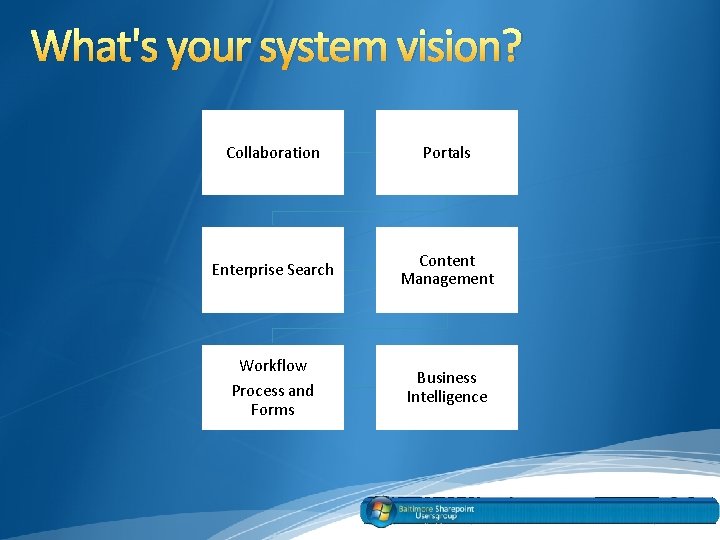
What's your system vision? Collaboration Portals Enterprise Search Content Management Workflow Process and Forms Business Intelligence
What’s a vision look like? What’s the context of your use for Share. Point? What are you trying to accomplish with Share. Point? Do you need to be able to roll up data? Re-utilize Share. Point groups Workflow tools? Consider the context of your environment and requirements 6
Stepping into Contextual Thinking… Considerations, Tradeoffs and Compromises to meet the Context Assessing the context… What capabilities are sought after? What are the environment limitations? Are you building into the cloud? Consider the context…
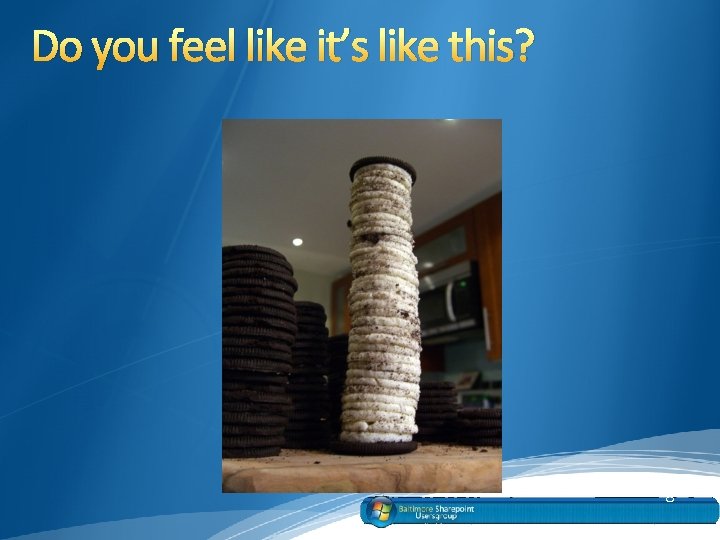
Do you feel like it’s like this? 8
Logical Architecture What defines a logical architecture? Why is a logical architecture important? How can you really make use of a logical architecture? What does a logical architecture consist of and look like? 9
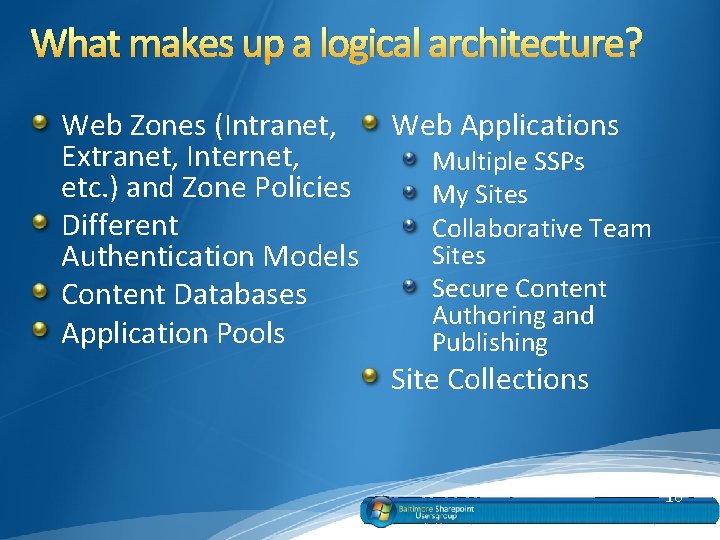
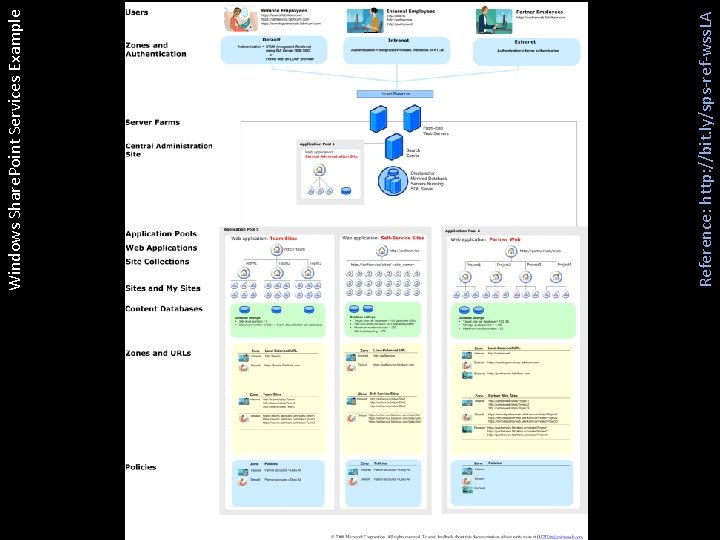
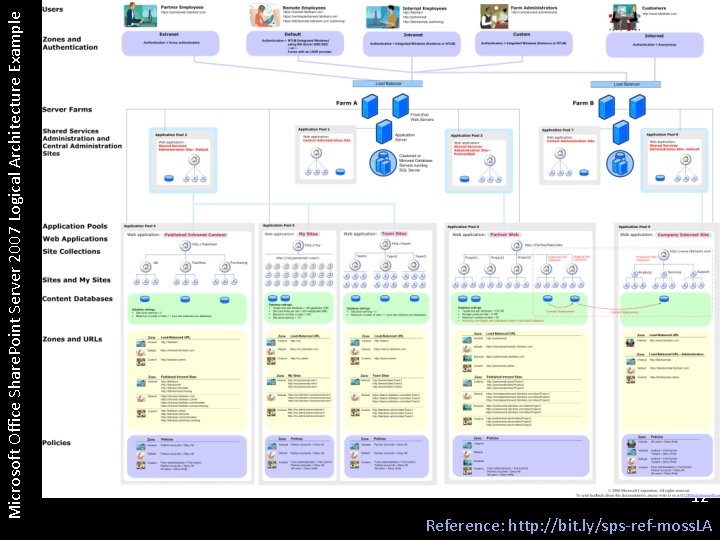
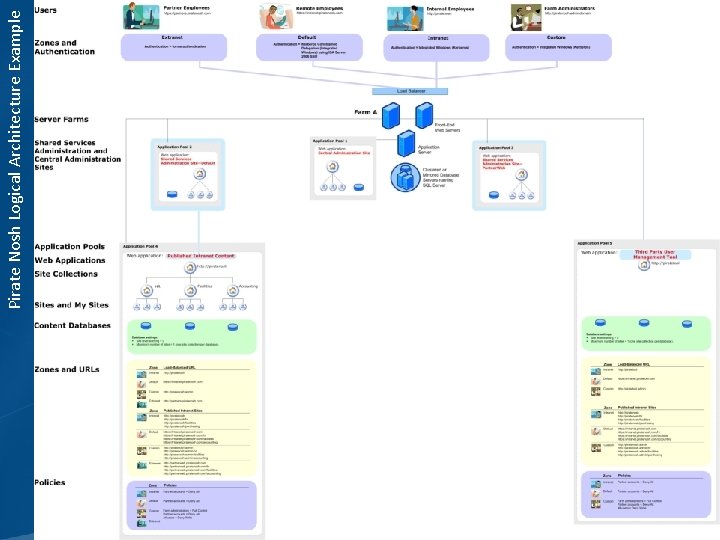
What makes up a logical architecture? Web Zones (Intranet, Extranet, Internet, etc. ) and Zone Policies Different Authentication Models Content Databases Application Pools Web Applications Multiple SSPs My Sites Collaborative Team Sites Secure Content Authoring and Publishing Site Collections 10
Reference: http: //bit. ly/sps-ref-wss. LA Windows Share. Point Services Example
Microsoft Office Share. Point Server 2007 Logical Architecture Example 12 Reference: http: //bit. ly/sps-ref-moss. LA
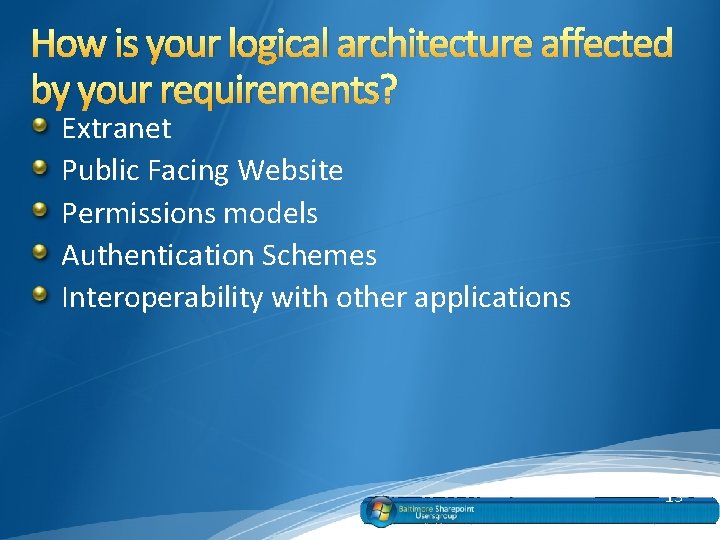
How is your logical architecture affected by your requirements? Extranet Public Facing Website Permissions models Authentication Schemes Interoperability with other applications 13
What is a taxonomy? Taxonomy is the science (and art) of classifying a broad range of things. Originally used to classify plants and animals – phylum, genus, species, etc. – taxonomy is now applied to everything from product inventory to web sites. Reference: http: //bit. ly/sps-ref-tax 14
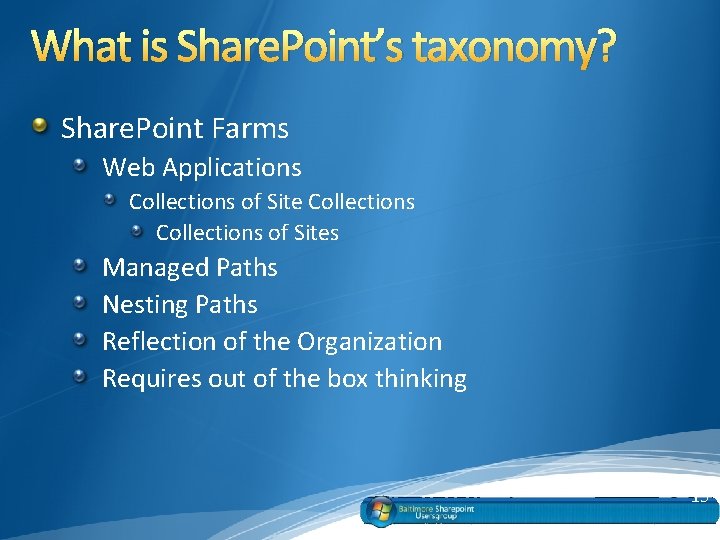
What is Share. Point’s taxonomy? Share. Point Farms Web Applications Collections of Sites Managed Paths Nesting Paths Reflection of the Organization Requires out of the box thinking 15
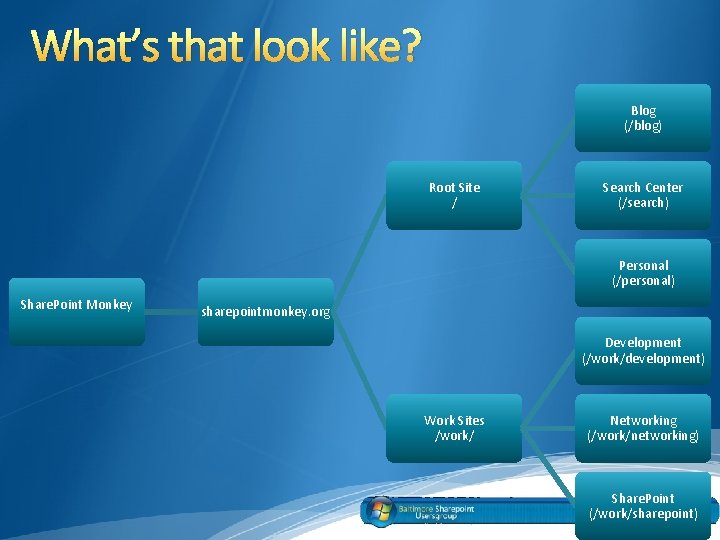
What’s that look like? Blog (/blog) Root Site / Search Center (/search) Personal (/personal) Share. Point Monkey sharepointmonkey. org Development (/work/development) Work Sites /work/ Networking (/work/networking) Share. Point (/work/sharepoint)
But do I really need a taxonomy? Why not just deposit everything in a single document library? Why not just use search for everything? 17
What about permissions? Inheritance and Breaking it… …and re-inheriting it Defined in a Governance Plan hopefully? Share. Point Groups AD / LDAP Groups Single Users 18
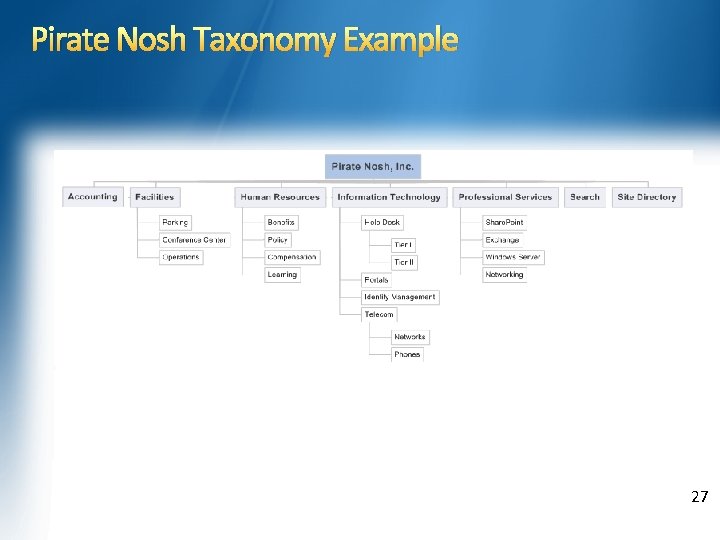
Taxonomy & Logical Architecture – What’s the Bridge? Site collections bridge logical architecture and information architecture. The design goals for site collections in the model are to satisfy requirements for URL design and to create logical divisions of content. * Reference: http: //bit. ly/sps-ref-sc 19
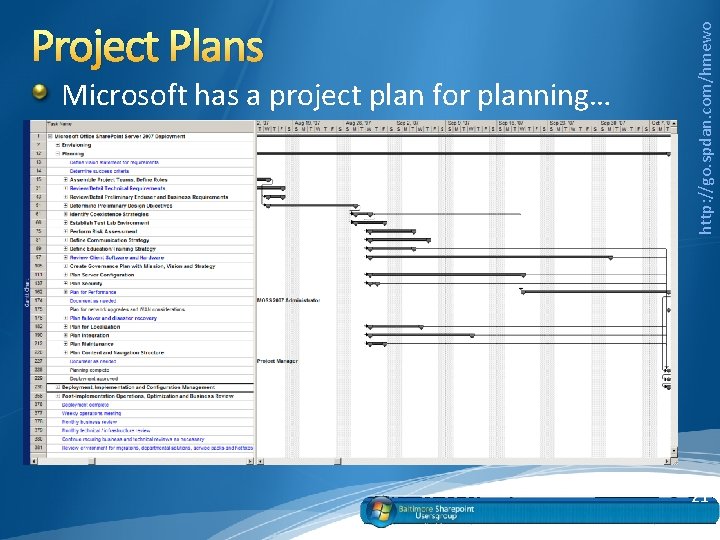
Project Plans How does a project plan fit into logical architectures and taxonomies? Or rather… How does a logical architecture and taxonomy fit into a project plan… 20
Microsoft has a project plan for planning… http: //go. spdan. com/hmewo Project Plans 21
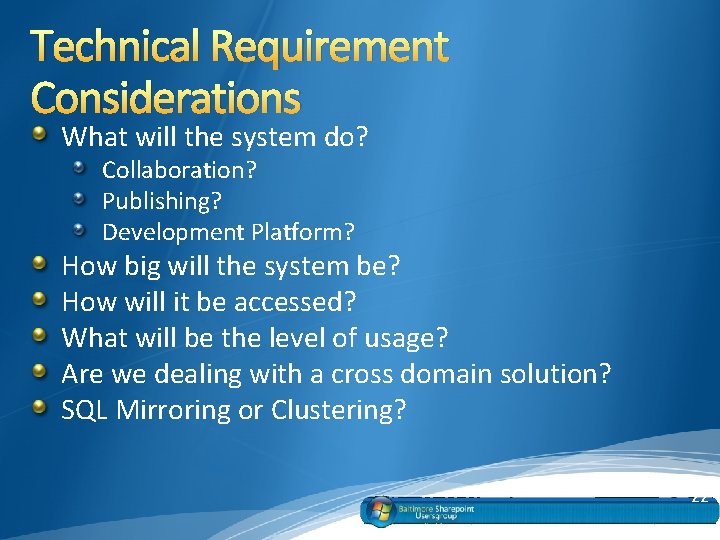
Technical Requirement Considerations What will the system do? Collaboration? Publishing? Development Platform? How big will the system be? How will it be accessed? What will be the level of usage? Are we dealing with a cross domain solution? SQL Mirroring or Clustering? 22
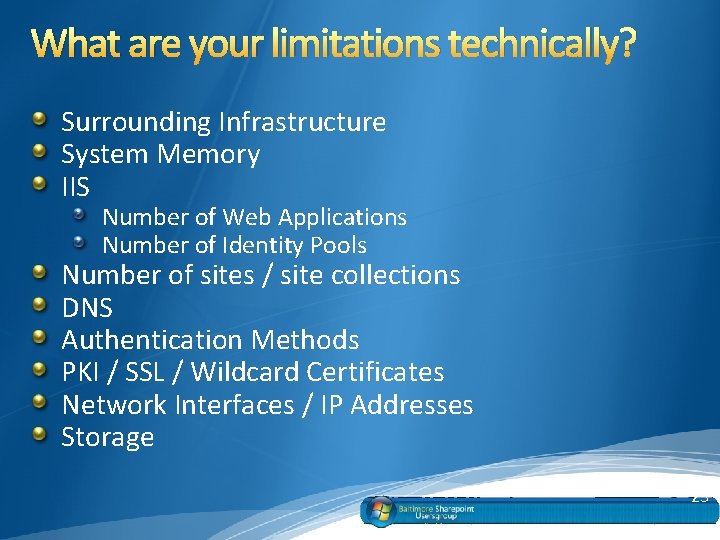
What are your limitations technically? Surrounding Infrastructure System Memory IIS Number of Web Applications Number of Identity Pools Number of sites / site collections DNS Authentication Methods PKI / SSL / Wildcard Certificates Network Interfaces / IP Addresses Storage 23
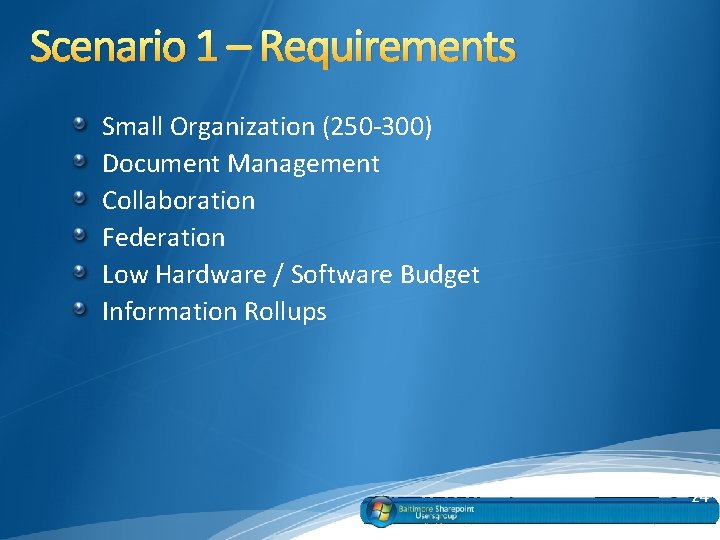
Scenario 1 – Requirements Small Organization (250 -300) Document Management Collaboration Federation Low Hardware / Software Budget Information Rollups 24
Scenario 1 – Considerations Taxonomy may reflect an organization’s natural divisions Single Site Collection rolls up information easily Works well with small numbers of users “Out of the box method” Reutilizes Site Columns and Content Types 25
Scenario 1 – Potential Solution Small Farm Use of Share. Point Designer User Management Tool ADFS Taxonomy using Sites Rolled Up Information Security Group Madness User Training 26
Pirate Nosh Taxonomy Example 27
28 Pirate Nosh Logical Architecture Example
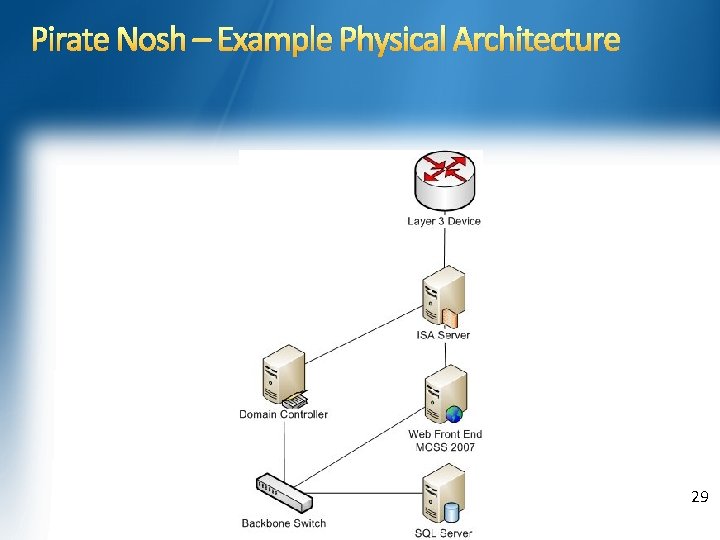
Pirate Nosh – Example Physical Architecture 29
Scenario 2 Requirements Collaboration Document Management Workflow Records Management Large User base - 100 k users 30
Scenario 2 Requirements – But wait there’s more… Complex Permissions Extranet Access Smartcard Authentication High Availability Integrity of Data AD Infrastructure - Security Groups 31
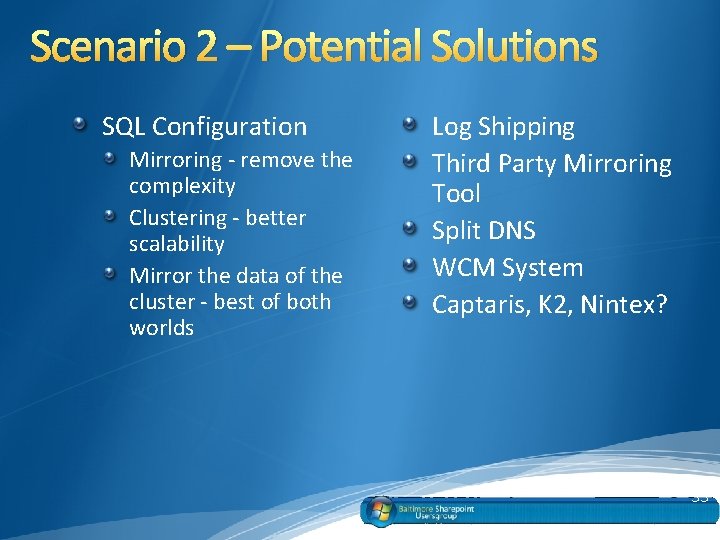
Scenario 2 – Potential Solutions Integration of 3 rd Party Records Management Solution Use of the DOD 5015. 2 Record's Management Pack with a Microsoft Partner Third Party Wiki Integration (Confluence, Media. Wiki, etc. ) Rights Management Server User Management through AD or Third Party Tools Large Farm 32
Scenario 2 – Potential Solutions SQL Configuration Mirroring - remove the complexity Clustering - better scalability Mirror the data of the cluster - best of both worlds Log Shipping Third Party Mirroring Tool Split DNS WCM System Captaris, K 2, Nintex? 33
Scenario 2 – Considerations Typically doesn’t get planned overnight May or may not reflect what an organization actually looks like Best to plan it out with time Discover what is out there… 34
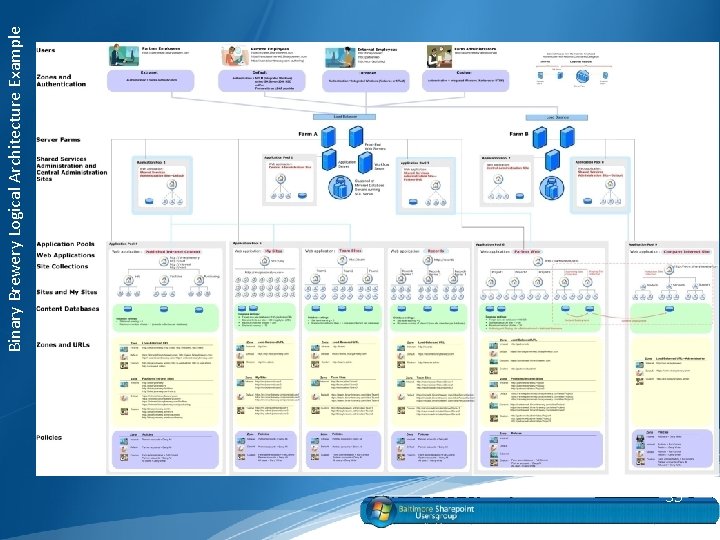
35 Binary Brewery Logical Architecture Example
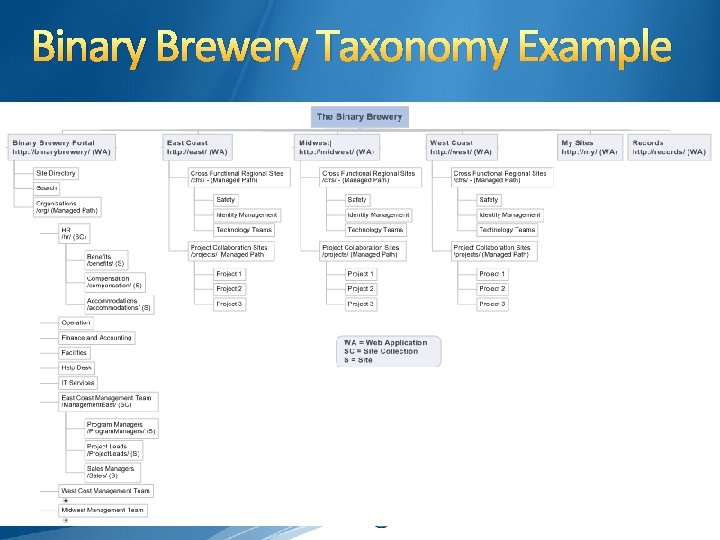
Binary Brewery Taxonomy Example 36
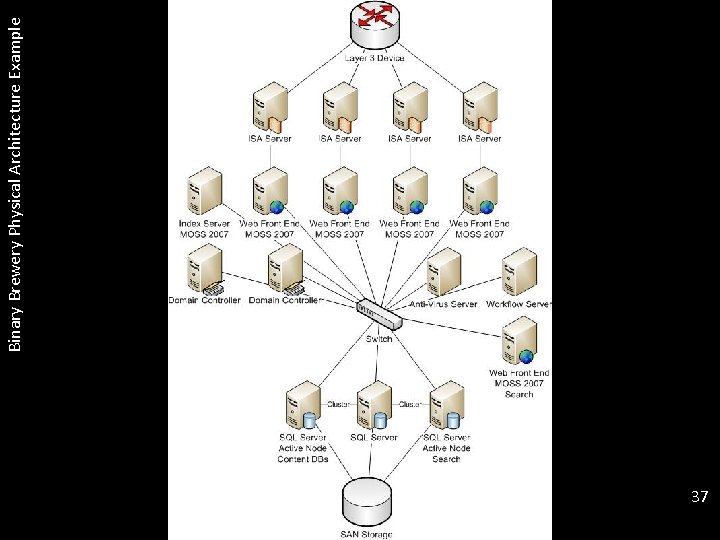
37 Binary Brewery Physical Architecture Example
Conclusion I Each Share. Point implementation project requires that you examine the contextual considerations of the environment and define a vision. Defining such a vision will provide goals to work toward, to make your implementation both successful and effective to end users. 38
Conclusion II Your requirements drive your taxonomy and logical architecture. . . Which in turn drive your hardware requirements. . . If you don't know what you're going to use Share. Point for, start off small and scale your farm up as you go. . . Crawl… Walk… Run… 39
Conclusion III What you start with on Day One isn’t what you’re going to end up with in… Six months… A year… Day 472… Remain Flexible!!! 40
Conclusion IV User adoption in and of itself will cause your environment to change… …adapt to the context as it changes. 41
Questions?
Follow me on Twitter – twitter. com/usher Follow my blog – http: //www. sharepointdan. com IM? g. Talk danusher 79 Live danusher@live. com E-mail: dan@spdan. com And that’s a wrap… 43