
Designing code projects Strategies for organizing debugging commenting
Designing code projects: Strategies for organizing, debugging, commenting, naming, & performance testing
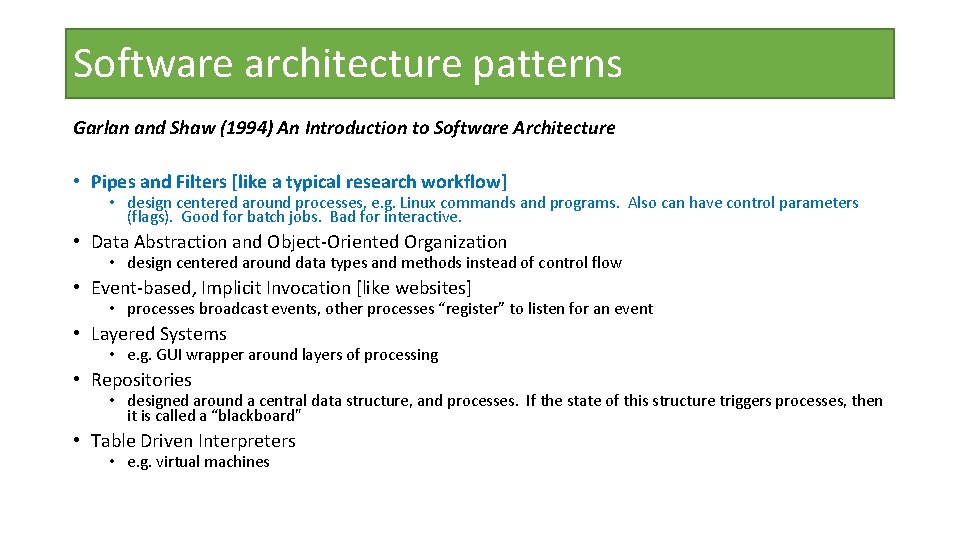
Software architecture patterns Garlan and Shaw (1994) An Introduction to Software Architecture • Pipes and Filters [like a typical research workflow] • design centered around processes, e. g. Linux commands and programs. Also can have control parameters (flags). Good for batch jobs. Bad for interactive. • Data Abstraction and Object-Oriented Organization • design centered around data types and methods instead of control flow • Event-based, Implicit Invocation [like websites] • processes broadcast events, other processes “register” to listen for an event • Layered Systems • e. g. GUI wrapper around layers of processing • Repositories • designed around a central data structure, and processes. If the state of this structure triggers processes, then it is called a “blackboard" • Table Driven Interpreters • e. g. virtual machines

A practical way of organizing things: Data These are files such as raw observations and model output that don't change very often. Make sure to backup somehow. Initial processing And more processing. . . Code Keep all your code separate from the Data and Output. There can be many directories inside, representing separate projects. Back up in Git. Hub. Subsequent processing Output This is the result of running your Code. Often these are binary files such as. mat files or pickle files. These typically change often as you process things. Make sure to backup somehow.
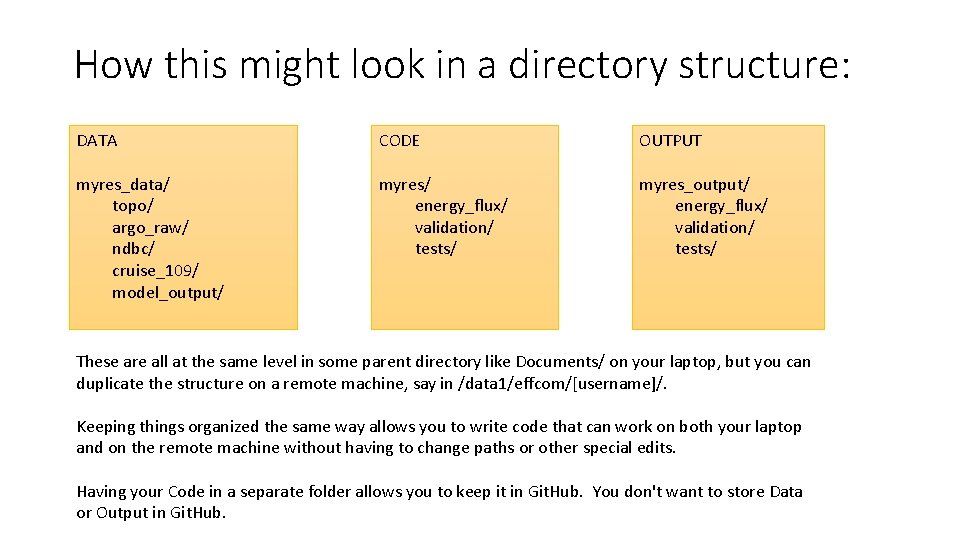
How this might look in a directory structure: DATA CODE OUTPUT myres_data/ topo/ argo_raw/ ndbc/ cruise_109/ model_output/ myres/ energy_flux/ validation/ tests/ myres_output/ energy_flux/ validation/ tests/ These are all at the same level in some parent directory like Documents/ on your laptop, but you can duplicate the structure on a remote machine, say in /data 1/effcom/[username]/. Keeping things organized the same way allows you to write code that can work on both your laptop and on the remote machine without having to change paths or other special edits. Having your Code in a separate folder allows you to keep it in Git. Hub. You don't want to store Data or Output in Git. Hub.
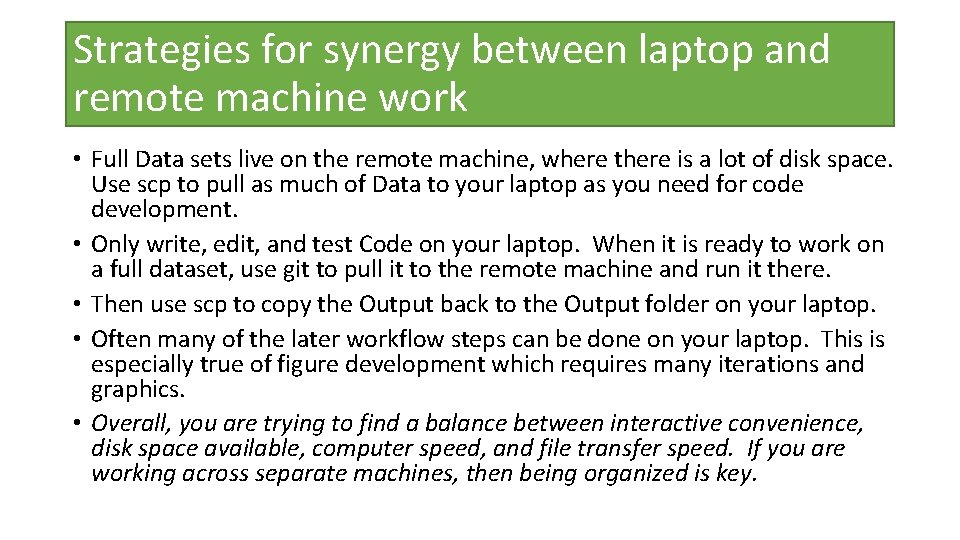
Strategies for synergy between laptop and remote machine work • Full Data sets live on the remote machine, where there is a lot of disk space. Use scp to pull as much of Data to your laptop as you need for code development. • Only write, edit, and test Code on your laptop. When it is ready to work on a full dataset, use git to pull it to the remote machine and run it there. • Then use scp to copy the Output back to the Output folder on your laptop. • Often many of the later workflow steps can be done on your laptop. This is especially true of figure development which requires many iterations and graphics. • Overall, you are trying to find a balance between interactive convenience, disk space available, computer speed, and file transfer speed. If you are working across separate machines, then being organized is key.
Debugging • Debuggers can be a real pain to use – like learning a whole new piece of software. More useful techniques are: • Add print statements. • Read error messages carefully. • Isolate the error and make a separate program that reproduces it. The goal is to be able to iterate as fast as possible to test hypotheses. • Apply The Scientific Method: form a hypothesis, test it, and note what the result was. • Pull the code from functions up into the main code. • Add more print statements. Get good at formatted printing so that you can show the values of suspicious variables in an informative way.
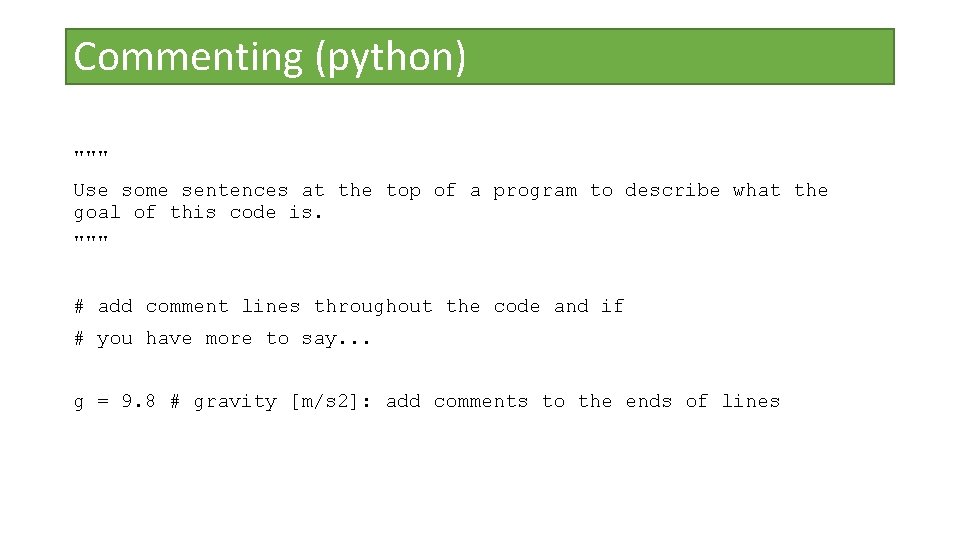
Commenting (python) """ Use some sentences at the top of a program to describe what the goal of this code is. """ # add comment lines throughout the code and if # you have more to say. . . g = 9. 8 # gravity [m/s 2]: add comments to the ends of lines
Naming things • Naming folders, code, functions, and variables is always a tradeoff between clarity and easy of typing. You have to develop your own style. Here are some of the elements of my style: • Most things have short, descriptive, lowercase names with underscores if needed: . . . /ptools/obs_ecy/bin_by_region. py • Standardize the use of. suffixes, even though they are not needed: • . py (python code), . p (pickle file), . sh (shellscript), • . m (matlab code), . mat (mat-file) • . nc (Net. CDF file), . csv (comma-separated values file), . txt (text file) • Variables often have _suffixes as part of their names (python ex. ): • _list (list), _dict (dict), _str (string), _vec (numpy vector), _arr (numpy array) • _df (pandas Data. Frame), _ser (pandas Series) • _fn (filename), _dir (directory path)
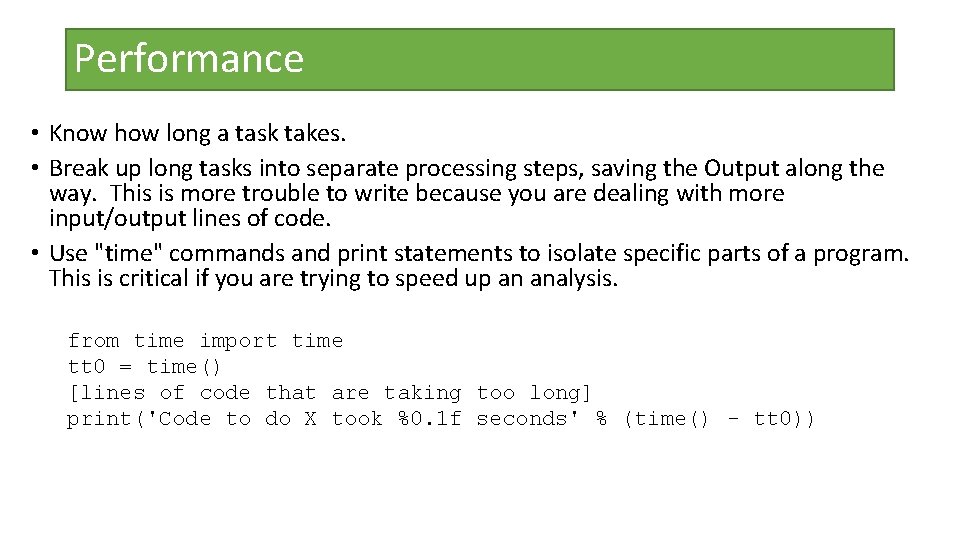
Performance • Know how long a task takes. • Break up long tasks into separate processing steps, saving the Output along the way. This is more trouble to write because you are dealing with more input/output lines of code. • Use "time" commands and print statements to isolate specific parts of a program. This is critical if you are trying to speed up an analysis. from time import time tt 0 = time() [lines of code that are taking too long] print('Code to do X took %0. 1 f seconds' % (time() - tt 0))
- Slides: 9