
Designing Classes Eric Roberts CS 106 B January
Designing Classes Eric Roberts CS 106 B January 16, 2015
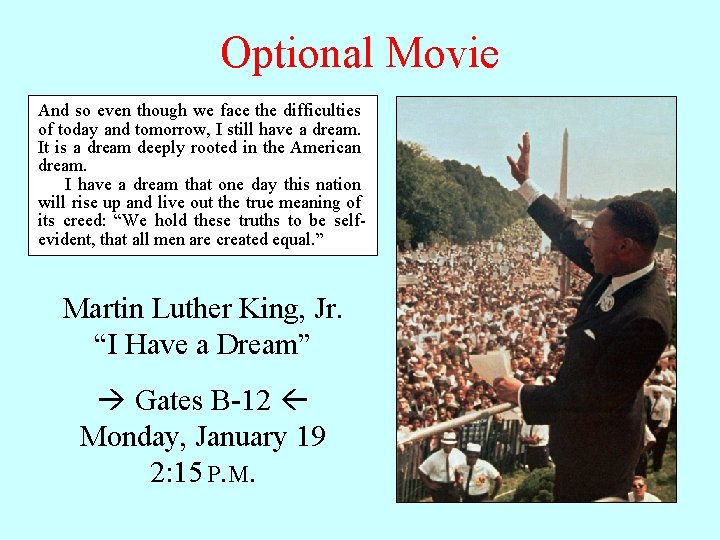
Optional Movie And so even though we face the difficulties of today and tomorrow, I still have a dream. It is a dream deeply rooted in the American dream. I have a dream that one day this nation will rise up and live out the true meaning of its creed: “We hold these truths to be selfevident, that all men are created equal. ” Martin Luther King, Jr. “I Have a Dream” Gates B-12 Monday, January 19 2: 15 P. M.
Outline 1. Anagram exercise from last time 2. Structures 3. Representing points using a structure 4. Classes and objects 5. Overloading operators 6. Constructors 7. Representing points using a class 8. The Token. Scanner class
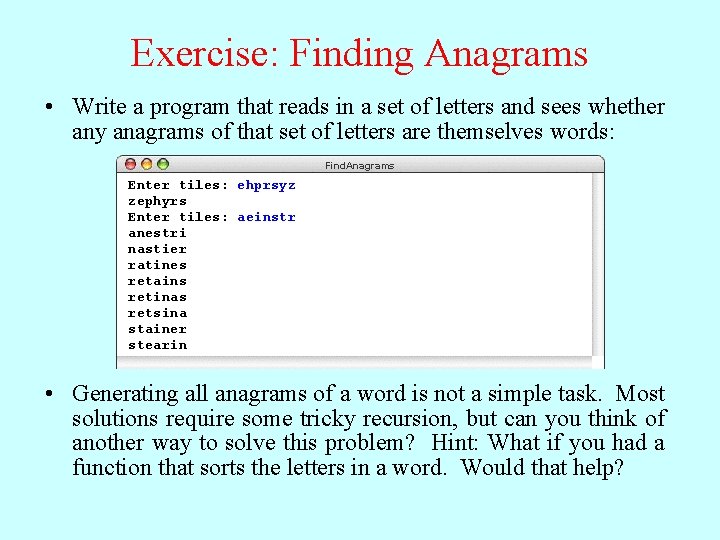
Exercise: Finding Anagrams • Write a program that reads in a set of letters and sees whether any anagrams of that set of letters are themselves words: Find. Anagrams Enter tiles: ehprsyz zephyrs Enter tiles: aeinstr anestri nastier ratines retains retinas retsina stainer stearin • Generating all anagrams of a word is not a simple task. Most solutions require some tricky recursion, but can you think of another way to solve this problem? Hint: What if you had a function that sorts the letters in a word. Would that help?
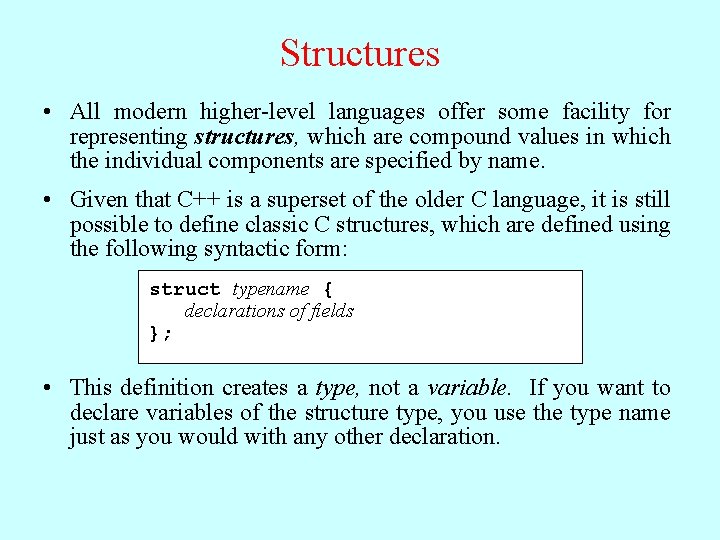
Structures • All modern higher-level languages offer some facility for representing structures, which are compound values in which the individual components are specified by name. • Given that C++ is a superset of the older C language, it is still possible to define classic C structures, which are defined using the following syntactic form: struct typename { declarations of fields }; • This definition creates a type, not a variable. If you want to declare variables of the structure type, you use the type name just as you would with any other declaration.
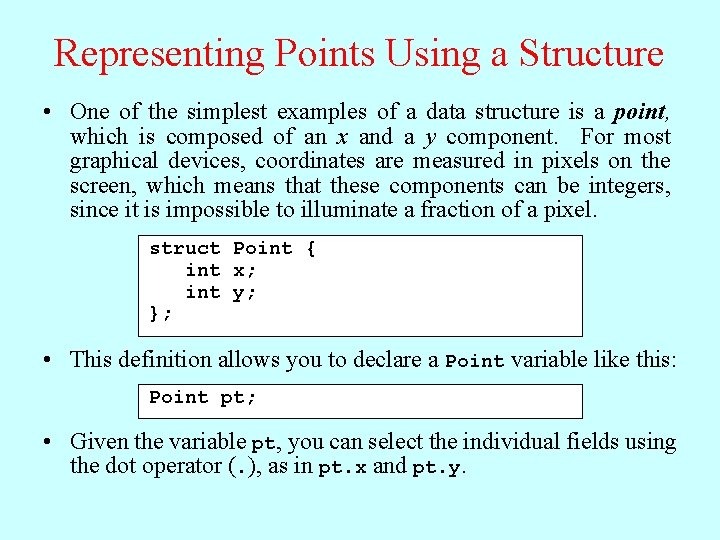
Representing Points Using a Structure • One of the simplest examples of a data structure is a point, which is composed of an x and a y component. For most graphical devices, coordinates are measured in pixels on the screen, which means that these components can be integers, since it is impossible to illuminate a fraction of a pixel. struct Point { int x; int y; }; • This definition allows you to declare a Point variable like this: Point pt; • Given the variable pt, you can select the individual fields using the dot operator (. ), as in pt. x and pt. y.

Classes and Objects • Object-oriented languages are characterized by representing most data structures as objects that encapsulate representation and behavior in a single entity. In C, structures define the representation of a compound value, while functions define behavior. In C++, these two ideas are integrated. • As in Java, the C++ object model is based on the idea of a class, which is a template describing all objects of a particular type. The class definition specifies the representation of the object by naming its fields and the behavior of the object by providing a set of methods. • New objects are created as instances of a particular class.
A Note on Inheritance • As you know if you’ve studied other object-oriented languages such as Java, classes form hierarchies in which subclasses inherit the behavior and representation of their superclass. • Inheritance also applies in C++, although the model is more complex, primarily because C++ allows classes to inherit from more than one superclass. This property is called multiple inheritance. • Partly because of this additional complexity and partly because C++ makes inheritance harder to use, CS 106 B postpones the discussion of inheritance until later in the quarter, focusing instead on the use of classes for encapsulation.
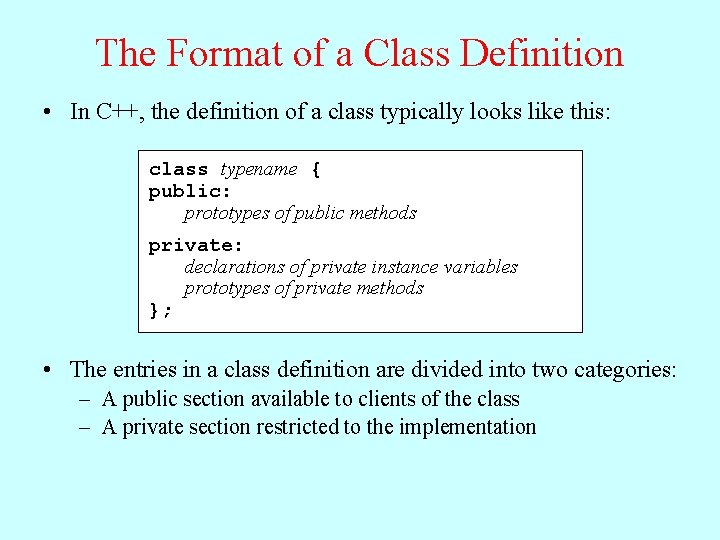
The Format of a Class Definition • In C++, the definition of a class typically looks like this: class typename { public: prototypes of public methods private: declarations of private instance variables prototypes of private methods }; • The entries in a class definition are divided into two categories: – A public section available to clients of the class – A private section restricted to the implementation
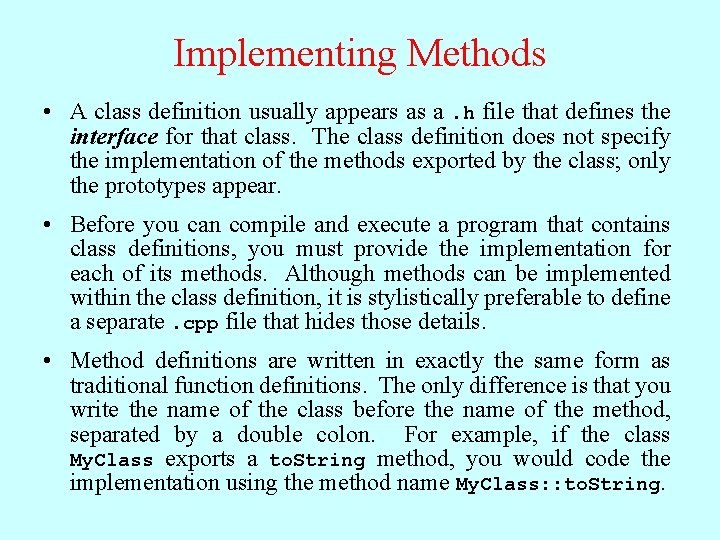
Implementing Methods • A class definition usually appears as a. h file that defines the interface for that class. The class definition does not specify the implementation of the methods exported by the class; only the prototypes appear. • Before you can compile and execute a program that contains class definitions, you must provide the implementation for each of its methods. Although methods can be implemented within the class definition, it is stylistically preferable to define a separate. cpp file that hides those details. • Method definitions are written in exactly the same form as traditional function definitions. The only difference is that you write the name of the class before the name of the method, separated by a double colon. For example, if the class My. Class exports a to. String method, you would code the implementation using the method name My. Class: : to. String.
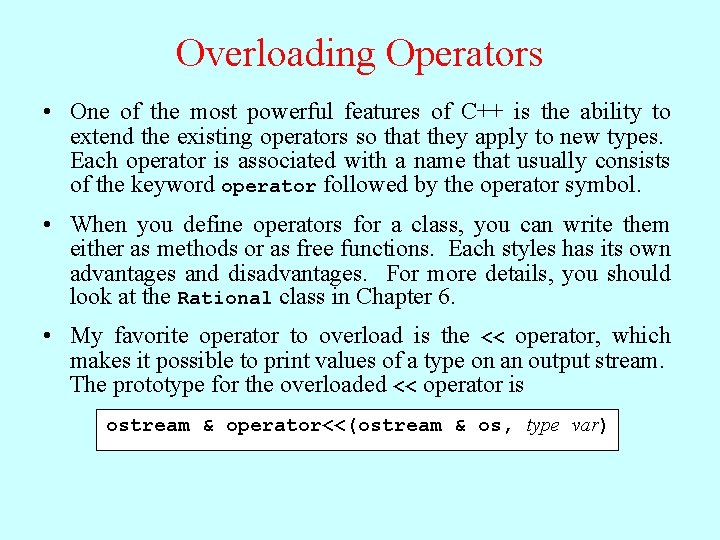
Overloading Operators • One of the most powerful features of C++ is the ability to extend the existing operators so that they apply to new types. Each operator is associated with a name that usually consists of the keyword operator followed by the operator symbol. • When you define operators for a class, you can write them either as methods or as free functions. Each styles has its own advantages and disadvantages. For more details, you should look at the Rational class in Chapter 6. • My favorite operator to overload is the << operator, which makes it possible to print values of a type on an output stream. The prototype for the overloaded << operator is ostream & operator<<(ostream & os, type var)
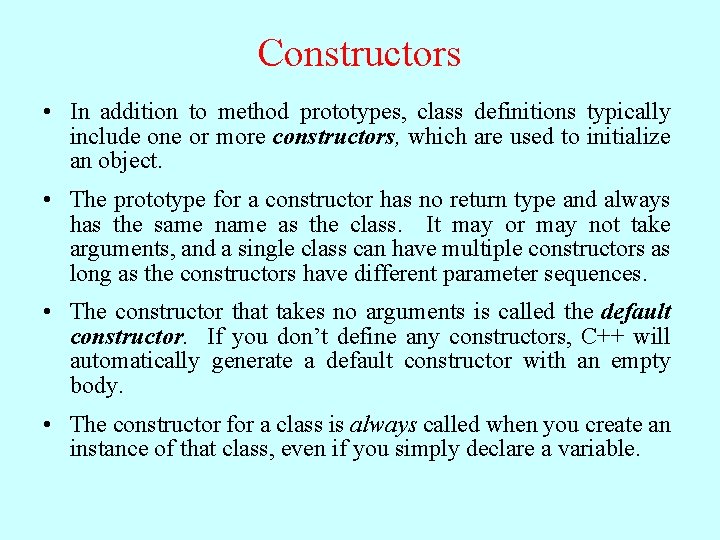
Constructors • In addition to method prototypes, class definitions typically include one or more constructors, which are used to initialize an object. • The prototype for a constructor has no return type and always has the same name as the class. It may or may not take arguments, and a single class can have multiple constructors as long as the constructors have different parameter sequences. • The constructor that takes no arguments is called the default constructor. If you don’t define any constructors, C++ will automatically generate a default constructor with an empty body. • The constructor for a class is always called when you create an instance of that class, even if you simply declare a variable.
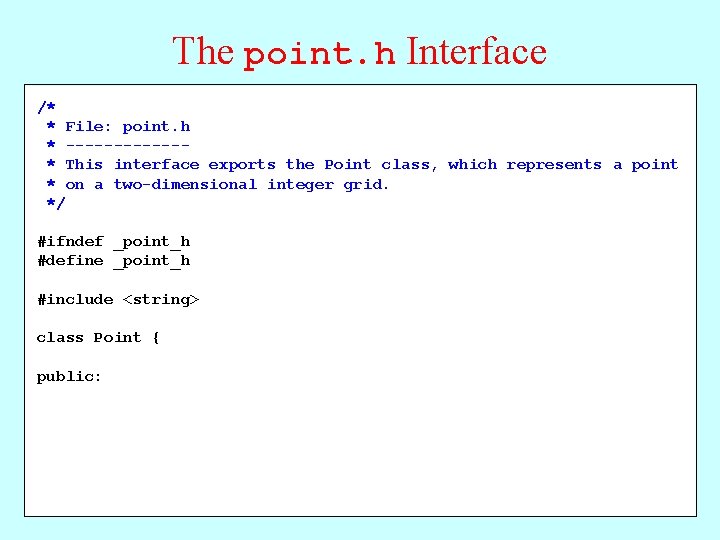
The point. h Interface /* * File: point. h * ------* This interface exports the Point class, which represents a point * on a two-dimensional integer grid. */ #ifndef _point_h #define _point_h #include <string> class Point { public:
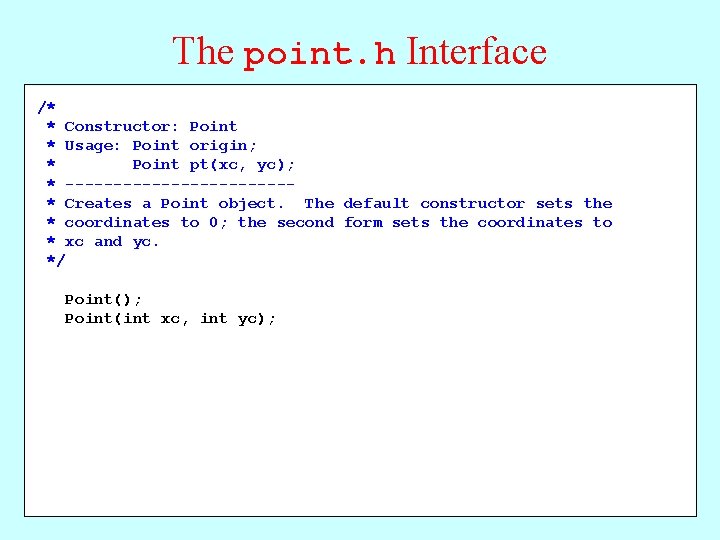
The point. h Interface /* Constructor: * File: point. h. Point Usage: Point origin; * ------Point pt(xc, yc); * This interface exports the Point class, which represents a point ------------* on a two-dimensional integer grid. * Creates a Point object. The default constructor sets the */ * coordinates to 0; the second form sets the coordinates to * xc and yc. #ifndef _point_h */ #define _point_h Point(); #include <string> Point(int xc, int yc); class Point { public:
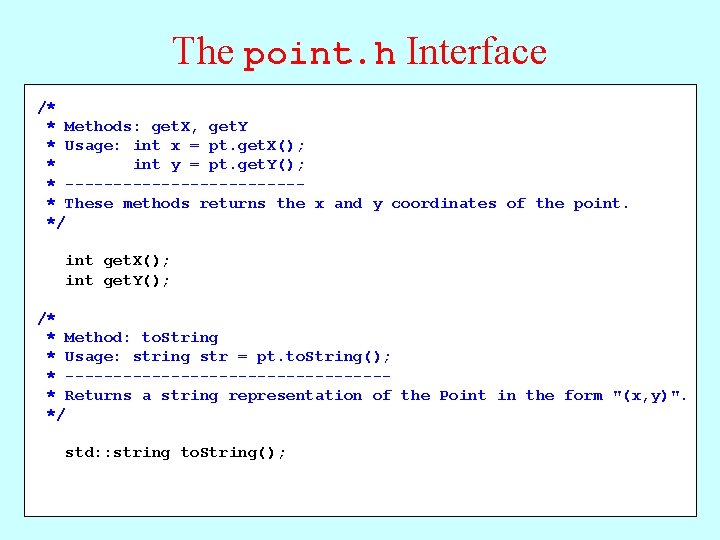
The point. h Interface /* * Constructor: Point Methods: get. X, get. Y * Usage: Point x origin; = pt. get. X(); * Point yc); int y pt(xc, = pt. get. Y(); * ------------------------* Creates a Point object. default constructor the These methods returns the. The x and y coordinates of sets the point. * */coordinates to 0; the second form sets the coordinates to * xc and yc. */int get. X(); int get. Y(); Point(); /* Point(int xc, int yc); * Method: to. String * Usage: string str = pt. to. String(); * -----------------* Returns a string representation of the Point in the form "(x, y)". */ std: : string to. String();
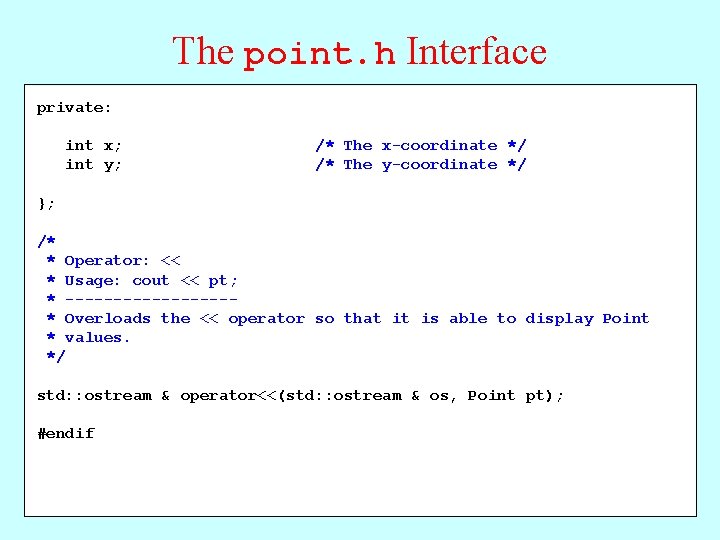
The point. h Interface /* private: * Methods: get. X, get. Y * Usage: int x; int x = pt. get. X(); /* The x-coordinate */ * int y; int y = pt. get. Y(); /* The y-coordinate */ * ------------* These methods returns the x and y coordinates of the point. }; */ /* get. X(); * int Operator: << get. Y(); * int Usage: cout << pt; * ---------/* * Overloads the << operator so that it is able to display Point * Method: values. to. String * */Usage: string str = pt. to. String(); * -----------------* Returns a string representation of the Point in the std: : ostream & operator<<(std: : ostream & os, Point pt); form "(x, y)". */ #endif std: : string to. String();
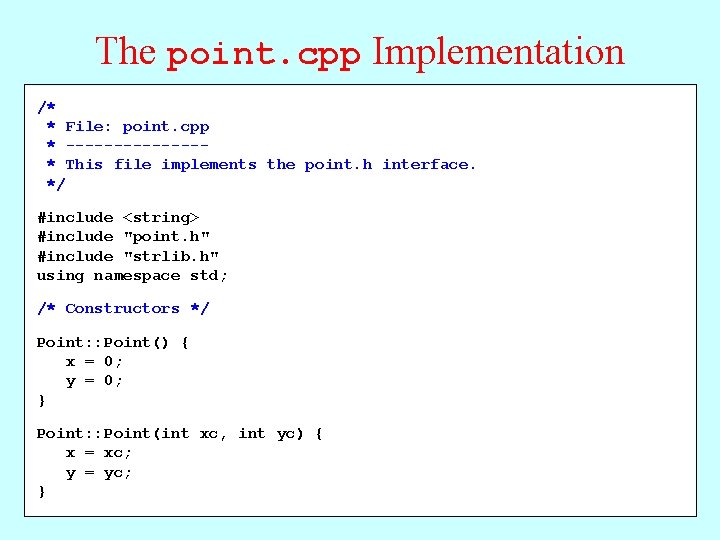
The point. cpp Implementation /* * File: point. cpp * -------* This file implements the point. h interface. */ #include <string> #include "point. h" #include "strlib. h" using namespace std; /* Constructors */ Point: : Point() { x = 0; y = 0; } Point: : Point(int xc, int yc) { x = xc; y = yc; }
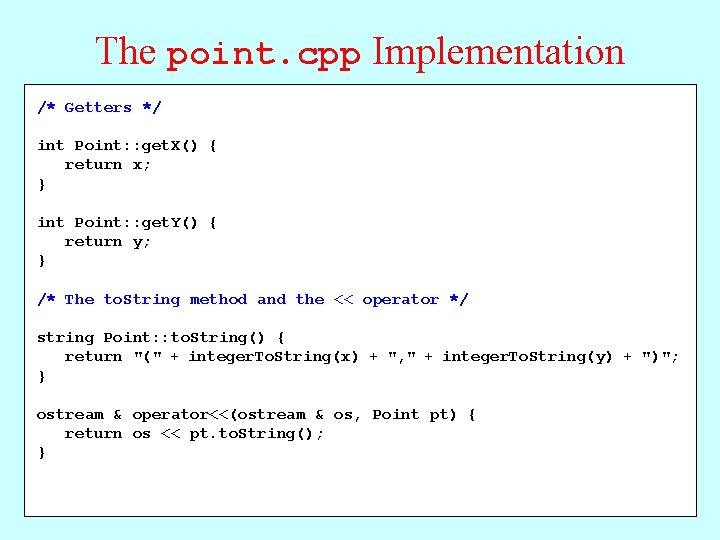
The point. cpp Implementation /* Getters */ * File: point. cpp * -------int Point: : get. X() { * This file return x; implements the point. h interface. }*/ #include <string> { int Point: : get. Y() #include return"point. h" y; #include "strlib. h" } using namespace std; /* The to. String method and the << operator */ /* Constructors */ string Point: : to. String() { Point: : Point() { return x = 0; "(" + integer. To. String(x) + ", " + integer. To. String(y) + ")"; } y = 0; } ostream & operator<<(ostream & os, Point pt) { Point: : Point(int xc, int yc) { return os << pt. to. String(); } x = xc; y = yc; }
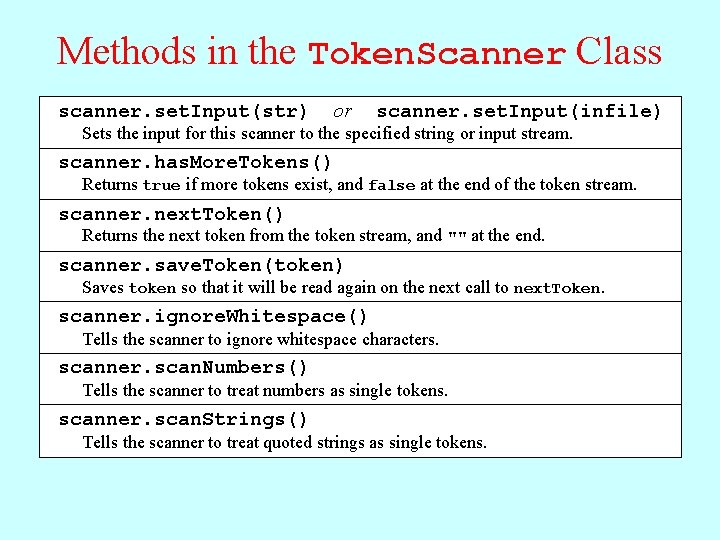
Methods in the Token. Scanner Class scanner. set. Input(str) or scanner. set. Input(infile) Sets the input for this scanner to the specified string or input stream. scanner. has. More. Tokens() Returns true if more tokens exist, and false at the end of the token stream. scanner. next. Token() Returns the next token from the token stream, and "" at the end. scanner. save. Token(token) Saves token so that it will be read again on the next call to next. Token. scanner. ignore. Whitespace() Tells the scanner to ignore whitespace characters. scanner. scan. Numbers() Tells the scanner to treat numbers as single tokens. scanner. scan. Strings() Tells the scanner to treat quoted strings as single tokens.

The End
- Slides: 20