
Designing and Using Classes l Class implementation summary
- Slides: 25
Designing and Using Classes l Class implementation, summary of what we’ve seen Ø Data is private and is accessible in each member function Ø Each object has it’s own data, so that each of five Dice objects has its own my. Sides and my. Roll. Count Ø l Member function implementations are in a. cpp file, interface is in a. h file Compiling and linking, interface and implementation Ø Client programs #include a. h file, this is the interface Ø Client programs link the implementation, which is a compiled version of the. cpp file (. o or. obj suffix), implementations are often combined in a library, e. g. , libtapestry, and the library is linked A Computer Science Tapestry 7. 1
Implementing Classes l Determining what classes are needed, and how they should be implemented is difficult; designing functions is difficult Ø Experience is a good teacher, failure is a good teacher Good design comes from experience, experience comes from bad design attributed to Fred Brooks, Henry Petroski Design and implementation combine into a cyclical process: design, implement, re-visit design, implement, test, redesign, … Grow a working program, don’t do it all at the same time!!! Ø l l One design methodology says “look for nouns, those are classes”, and “look for verbs or scenarios, those are member functions” Ø Not every noun is a class, not every verb is a method A Computer Science Tapestry 7. 2
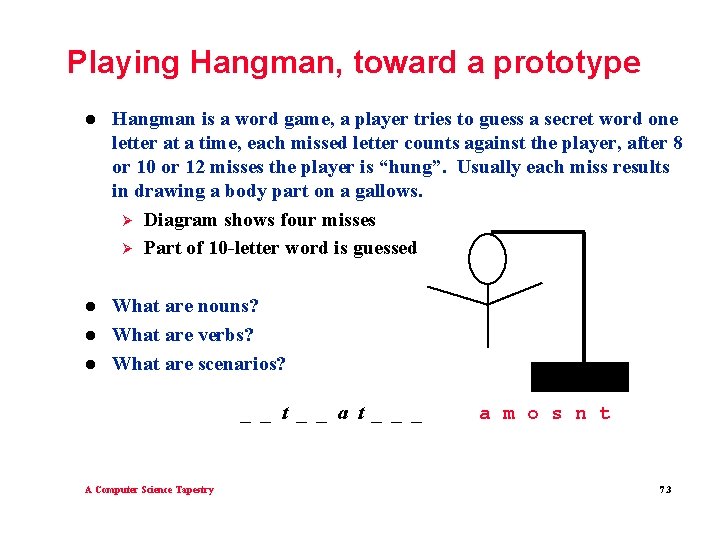
Playing Hangman, toward a prototype l Hangman is a word game, a player tries to guess a secret word one letter at a time, each missed letter counts against the player, after 8 or 10 or 12 misses the player is “hung”. Usually each miss results in drawing a body part on a gallows. Ø Diagram shows four misses Ø Part of 10 -letter word is guessed l What are nouns? What are verbs? What are scenarios? l l _ _ t _ _ a t _ _ _ A Computer Science Tapestry a m o s n t 7. 3
Nouns, scenarios, verbs l l l Get a word to guess Ø From another player, a dictionary, the web Ø From a Word. Source “Show” the word to the player, let the player guess letters Ø The word is displayed, then letters are revealed as guesses are made Ø Class Word, methods Display, Reveal, Guess, … Guess is also a noun, a letter is guessed, missed letters count against, good letters reveal, duplicate guesses don’t count Ø Guessed. Letters? Alphabet? Which is the noun? A Computer Science Tapestry 7. 4
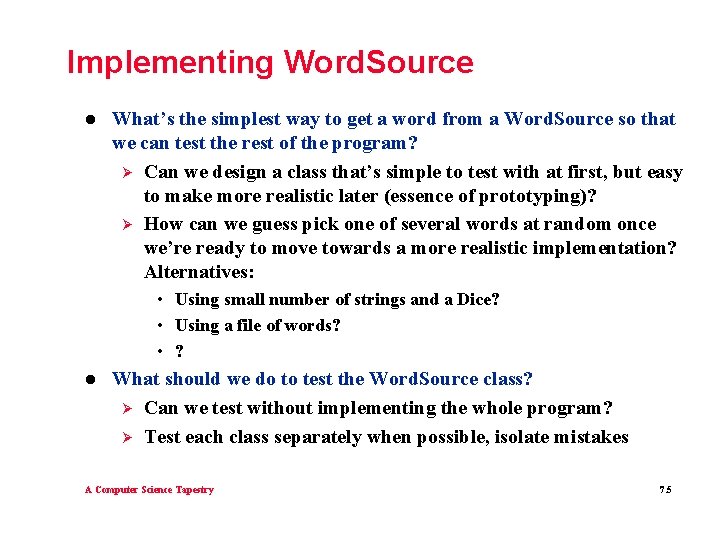
Implementing Word. Source l What’s the simplest way to get a word from a Word. Source so that we can test the rest of the program? Ø Can we design a class that’s simple to test with at first, but easy to make more realistic later (essence of prototyping)? Ø How can we guess pick one of several words at random once we’re ready to move towards a more realistic implementation? Alternatives: • Using small number of strings and a Dice? • Using a file of words? • ? l What should we do to test the Word. Source class? Ø Can we test without implementing the whole program? Ø Test each class separately when possible, isolate mistakes A Computer Science Tapestry 7. 5
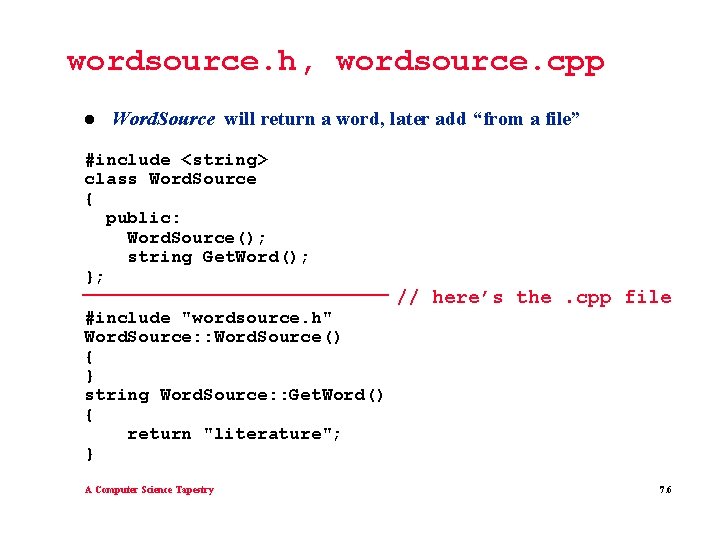
wordsource. h, wordsource. cpp l Word. Source will return a word, later add “from a file” #include <string> class Word. Source { public: Word. Source(); string Get. Word(); }; #include "wordsource. h" Word. Source: : Word. Source() { } string Word. Source: : Get. Word() { return "literature"; } A Computer Science Tapestry // here’s the. cpp file 7. 6
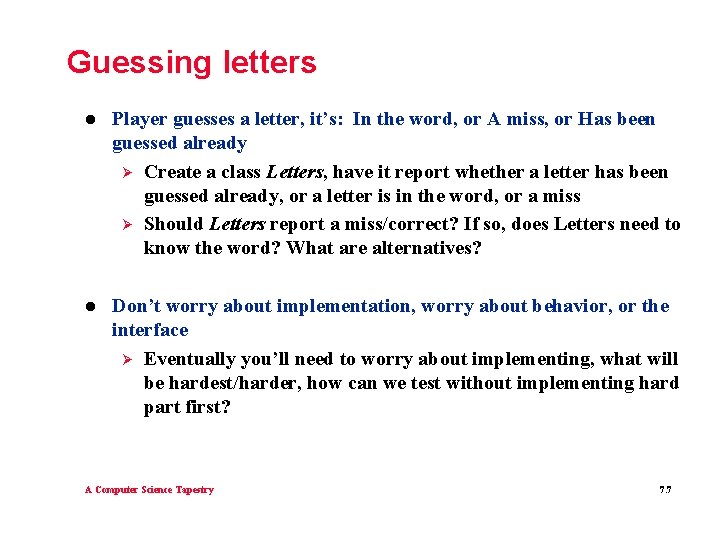
Guessing letters l Player guesses a letter, it’s: In the word, or A miss, or Has been guessed already Ø Create a class Letters, have it report whether a letter has been guessed already, or a letter is in the word, or a miss Ø Should Letters report a miss/correct? If so, does Letters need to know the word? What are alternatives? l Don’t worry about implementation, worry about behavior, or the interface Ø Eventually you’ll need to worry about implementing, what will be hardest/harder, how can we test without implementing hard part first? A Computer Science Tapestry 7. 7
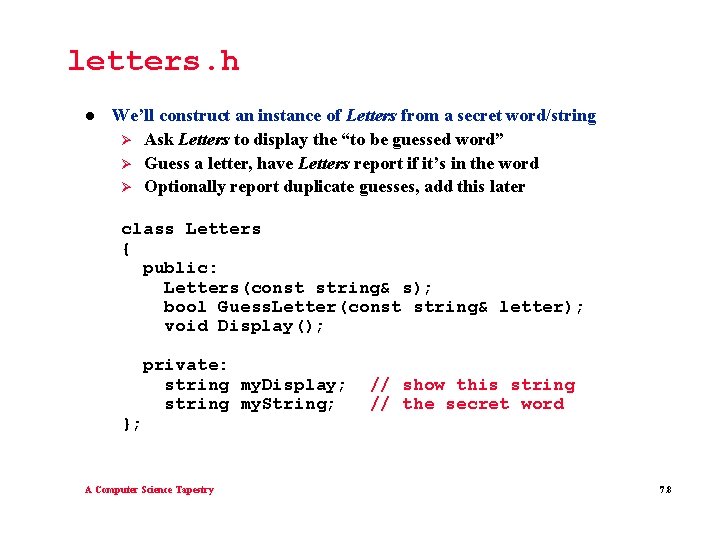
letters. h l We’ll construct an instance of Letters from a secret word/string Ø Ask Letters to display the “to be guessed word” Ø Guess a letter, have Letters report if it’s in the word Ø Optionally report duplicate guesses, add this later class Letters { public: Letters(const string& s); bool Guess. Letter(const string& letter); void Display(); private: string my. Display; string my. String; }; A Computer Science Tapestry // show this string // the secret word 7. 8
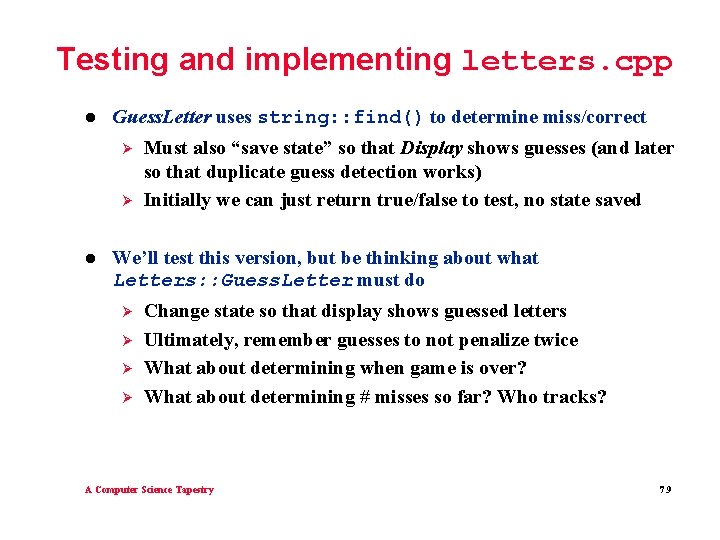
Testing and implementing letters. cpp l Guess. Letter uses string: : find() to determine miss/correct Ø Ø l Must also “save state” so that Display shows guesses (and later so that duplicate guess detection works) Initially we can just return true/false to test, no state saved We’ll test this version, but be thinking about what Letters: : Guess. Letter must do Ø Ø Change state so that display shows guessed letters Ultimately, remember guesses to not penalize twice What about determining when game is over? What about determining # misses so far? Who tracks? A Computer Science Tapestry 7. 9
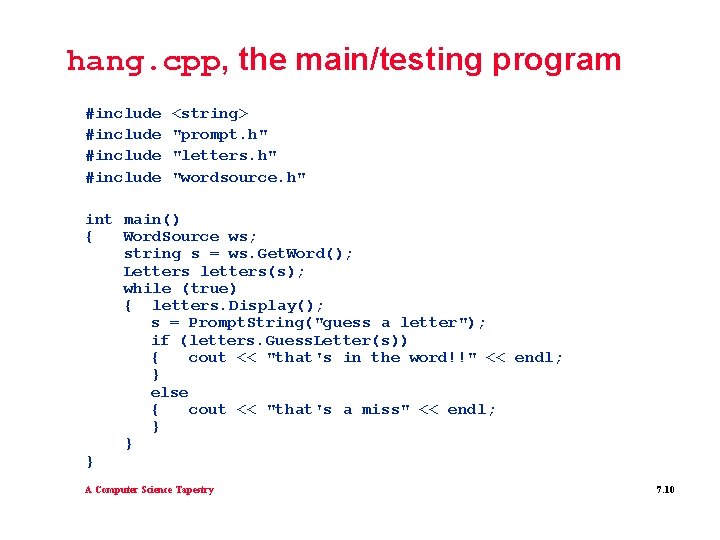
hang. cpp, the main/testing program #include <string> "prompt. h" "letters. h" "wordsource. h" int main() { Word. Source ws; string s = ws. Get. Word(); Letters letters(s); while (true) { letters. Display(); s = Prompt. String("guess a letter"); if (letters. Guess. Letter(s)) { cout << "that's in the word!!" << endl; } else { cout << "that's a miss" << endl; } } } A Computer Science Tapestry 7. 10
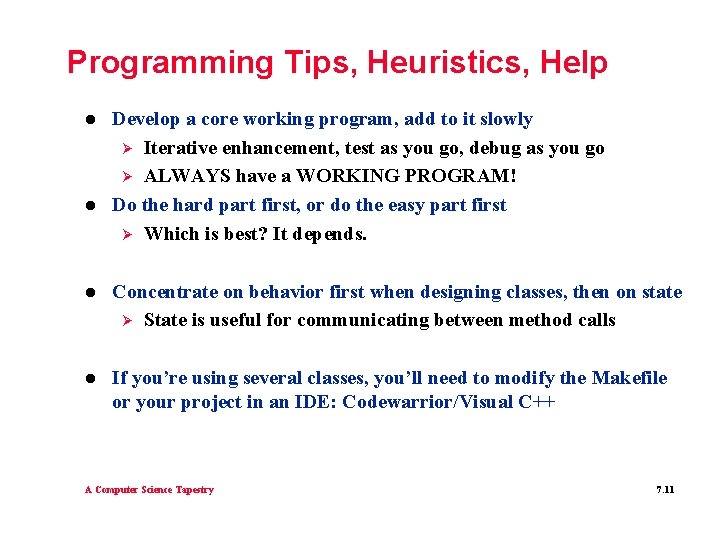
Programming Tips, Heuristics, Help l l Develop a core working program, add to it slowly Ø Iterative enhancement, test as you go, debug as you go Ø ALWAYS have a WORKING PROGRAM! Do the hard part first, or do the easy part first Ø Which is best? It depends. l Concentrate on behavior first when designing classes, then on state Ø State is useful for communicating between method calls l If you’re using several classes, you’ll need to modify the Makefile or your project in an IDE: Codewarrior/Visual C++ A Computer Science Tapestry 7. 11
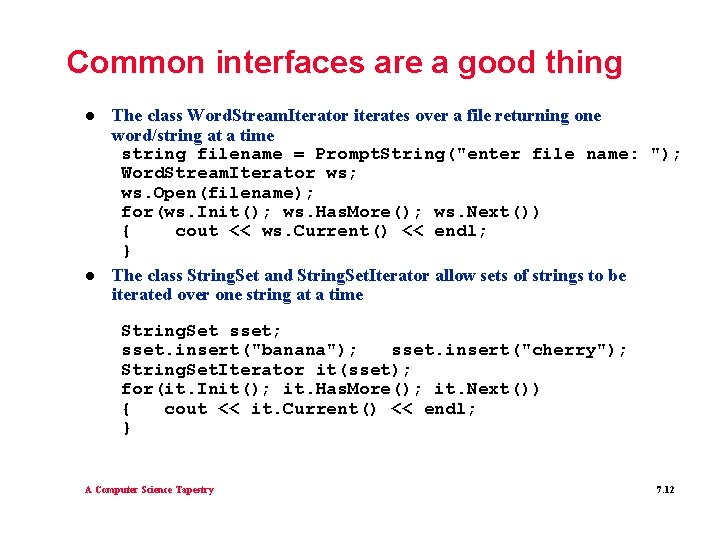
Common interfaces are a good thing l l The class Word. Stream. Iterator iterates over a file returning one word/string at a time string filename = Prompt. String("enter file name: "); Word. Stream. Iterator ws; ws. Open(filename); for(ws. Init(); ws. Has. More(); ws. Next()) { cout << ws. Current() << endl; } The class String. Set and String. Set. Iterator allow sets of strings to be iterated over one string at a time String. Set sset; sset. insert("banana"); sset. insert("cherry"); String. Set. Iterator it(sset); for(it. Init(); it. Has. More(); it. Next()) { cout << it. Current() << endl; } A Computer Science Tapestry 7. 12
Random walks l Interesting from a mathematical viewpoint, leads to understanding other random simulations l Two-dimensional random molecular simulations are fundamental to understanding physics (nuclear reactions) l Basic idea in one dimension: frog, object, molecule “decides” to step left or right at random Ø Where does object end up after N steps? Ø How many times does from visit each lily pad • Assuming pads located at integer values, not real values Ø See frogwalk. cpp for details A Computer Science Tapestry 7. 14
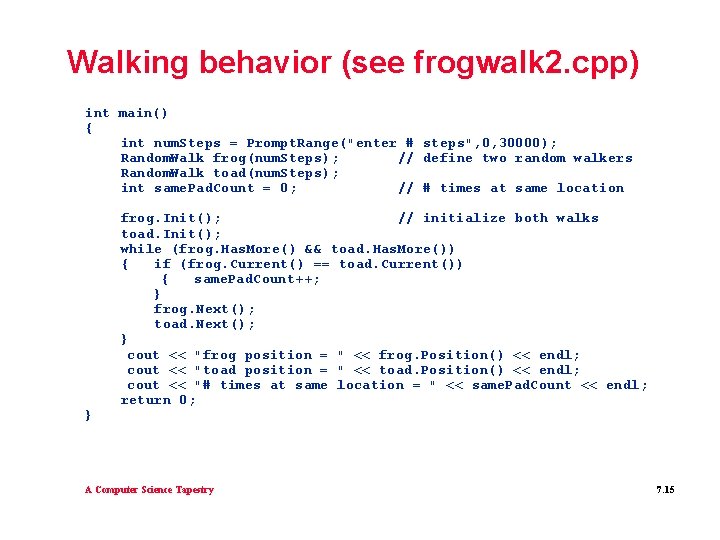
Walking behavior (see frogwalk 2. cpp) int main() { int num. Steps = Prompt. Range("enter # steps", 0, 30000); Random. Walk frog(num. Steps); // define two random walkers Random. Walk toad(num. Steps); int same. Pad. Count = 0; // # times at same location } frog. Init(); // initialize both walks toad. Init(); while (frog. Has. More() && toad. Has. More()) { if (frog. Current() == toad. Current()) { same. Pad. Count++; } frog. Next(); toad. Next(); } cout << "frog position = " << frog. Position() << endl; cout << "toad position = " << toad. Position() << endl; cout << "# times at same location = " << same. Pad. Count << endl; return 0; A Computer Science Tapestry 7. 15
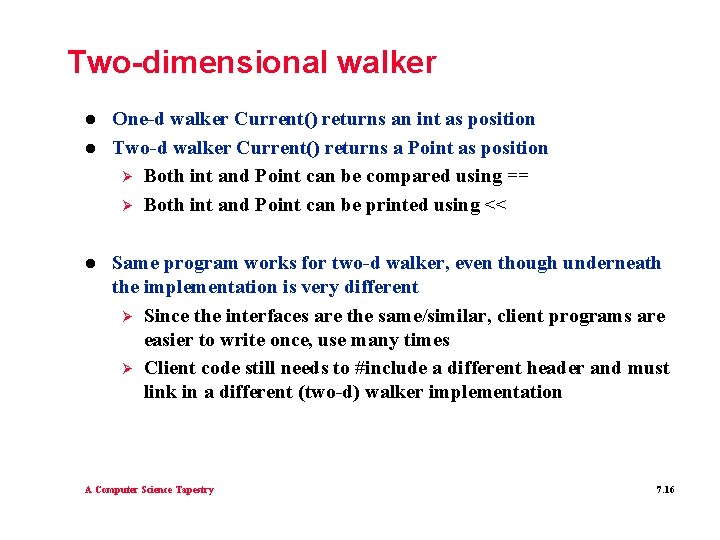
Two-dimensional walker l l l One-d walker Current() returns an int as position Two-d walker Current() returns a Point as position Ø Both int and Point can be compared using == Ø Both int and Point can be printed using << Same program works for two-d walker, even though underneath the implementation is very different Ø Since the interfaces are the same/similar, client programs are easier to write once, use many times Ø Client code still needs to #include a different header and must link in a different (two-d) walker implementation A Computer Science Tapestry 7. 16
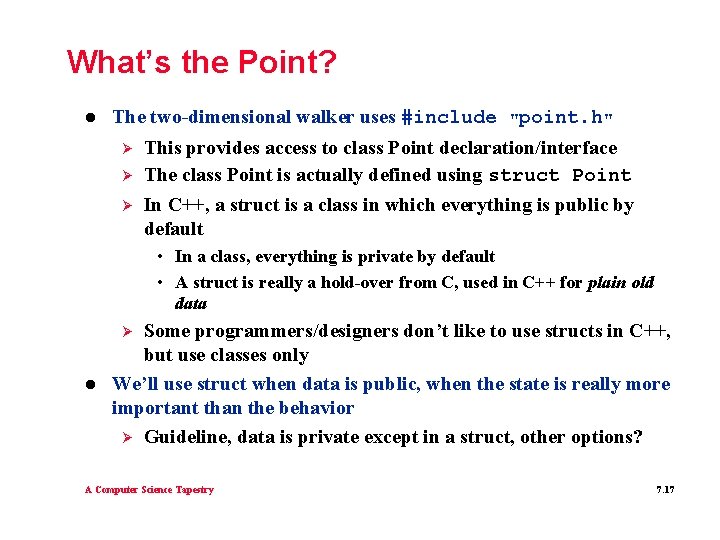
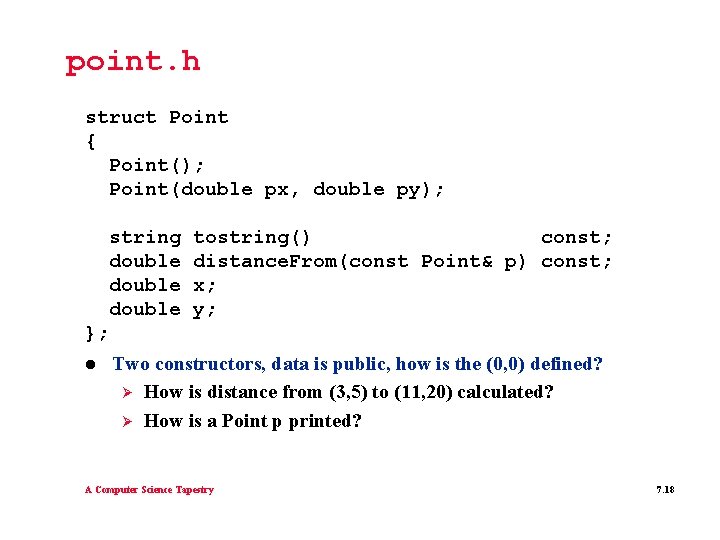
What’s the Point? l The two-dimensional walker uses #include Ø Ø Ø "point. h" This provides access to class Point declaration/interface The class Point is actually defined using struct Point In C++, a struct is a class in which everything is public by default • In a class, everything is private by default • A struct is really a hold-over from C, used in C++ for plain old data Some programmers/designers don’t like to use structs in C++, but use classes only We’ll use struct when data is public, when the state is really more important than the behavior Ø Guideline, data is private except in a struct, other options? Ø l A Computer Science Tapestry 7. 17
point. h struct Point { Point(); Point(double px, double py); string double tostring() const; distance. From(const Point& p) const; x; y; }; l Two constructors, data is public, how is the (0, 0) defined? Ø How is distance from (3, 5) to (11, 20) calculated? Ø How is a Point p printed? A Computer Science Tapestry 7. 18
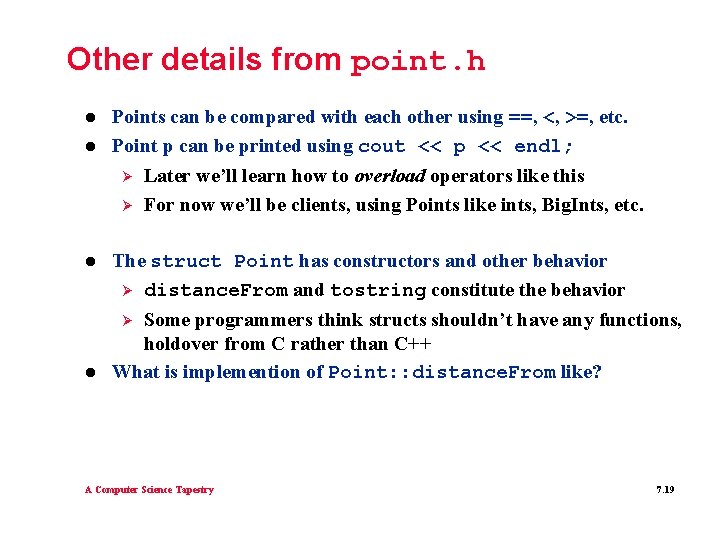
Other details from point. h l l Points can be compared with each other using ==, <, >=, etc. Point p can be printed using cout << p << endl; Ø Ø l Later we’ll learn how to overload operators like this For now we’ll be clients, using Points like ints, Big. Ints, etc. The struct Point has constructors and other behavior Ø distance. From and tostring constitute the behavior Some programmers think structs shouldn’t have any functions, holdover from C rather than C++ What is implemention of Point: : distance. From like? Ø l A Computer Science Tapestry 7. 19
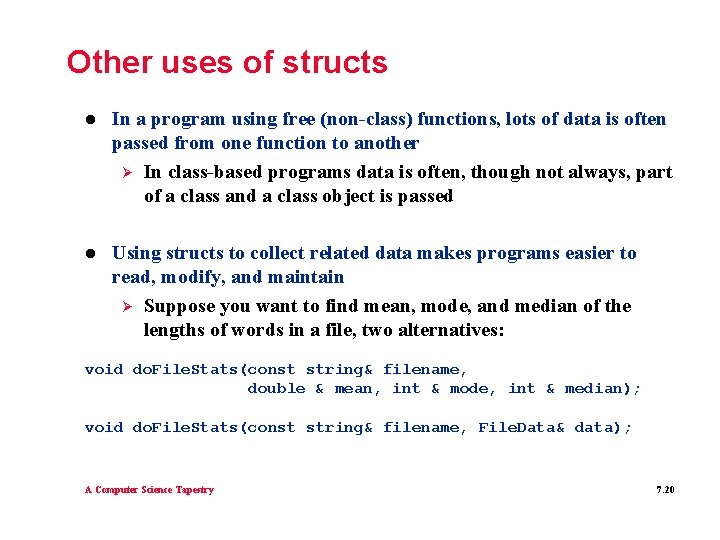
Other uses of structs l In a program using free (non-class) functions, lots of data is often passed from one function to another Ø In class-based programs data is often, though not always, part of a class and a class object is passed l Using structs to collect related data makes programs easier to read, modify, and maintain Ø Suppose you want to find mean, mode, and median of the lengths of words in a file, two alternatives: void do. File. Stats(const string& filename, double & mean, int & mode, int & median); void do. File. Stats(const string& filename, File. Data& data); A Computer Science Tapestry 7. 20
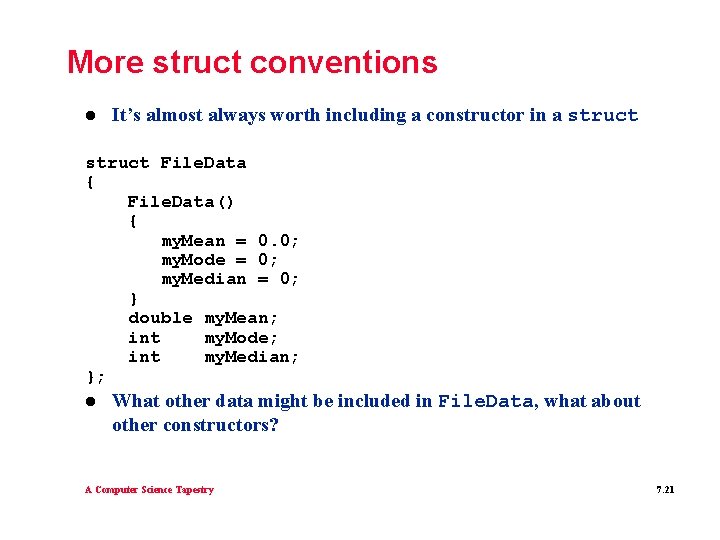
More struct conventions l It’s almost always worth including a constructor in a struct File. Data { File. Data() { my. Mean = 0. 0; my. Mode = 0; my. Median = 0; } double my. Mean; int my. Mode; int my. Median; }; l What other data might be included in File. Data, what about other constructors? A Computer Science Tapestry 7. 21
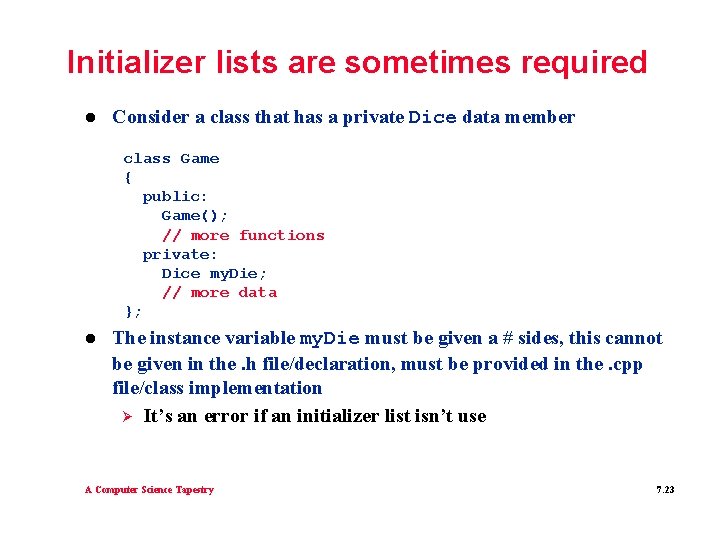
Initializer lists are sometimes required l Consider a class that has a private Dice data member class Game { public: Game(); // more functions private: Dice my. Die; // more data }; l The instance variable my. Die must be given a # sides, this cannot be given in the. h file/declaration, must be provided in the. cpp file/class implementation Ø It’s an error if an initializer list isn’t use A Computer Science Tapestry 7. 23
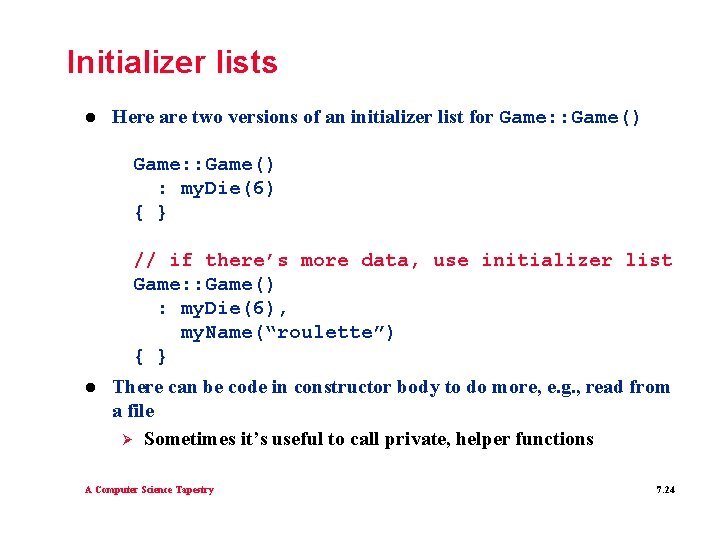
Initializer lists l Here are two versions of an initializer list for Game: : Game() : my. Die(6) { } // if there’s more data, use initializer list Game: : Game() : my. Die(6), my. Name(“roulette”) { } l There can be code in constructor body to do more, e. g. , read from a file Ø Sometimes it’s useful to call private, helper functions A Computer Science Tapestry 7. 24
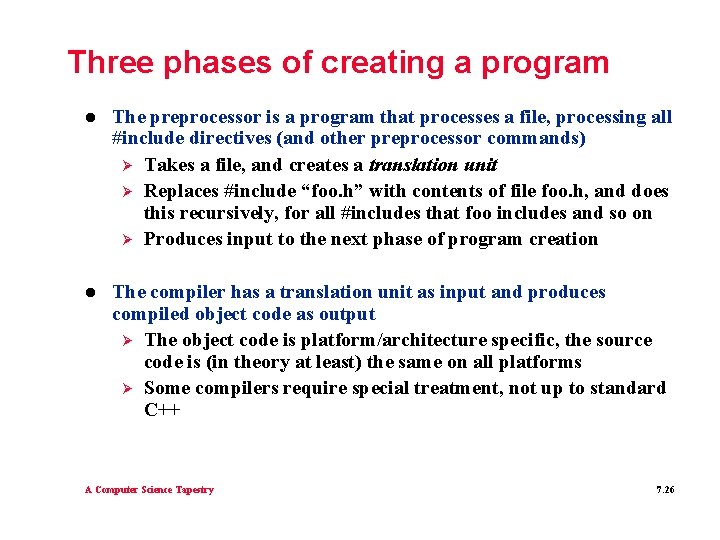
Three phases of creating a program l The preprocessor is a program that processes a file, processing all #include directives (and other preprocessor commands) Ø Takes a file, and creates a translation unit Ø Replaces #include “foo. h” with contents of file foo. h, and does this recursively, for all #includes that foo includes and so on Ø Produces input to the next phase of program creation l The compiler has a translation unit as input and produces compiled object code as output Ø The object code is platform/architecture specific, the source code is (in theory at least) the same on all platforms Ø Some compilers require special treatment, not up to standard C++ A Computer Science Tapestry 7. 26
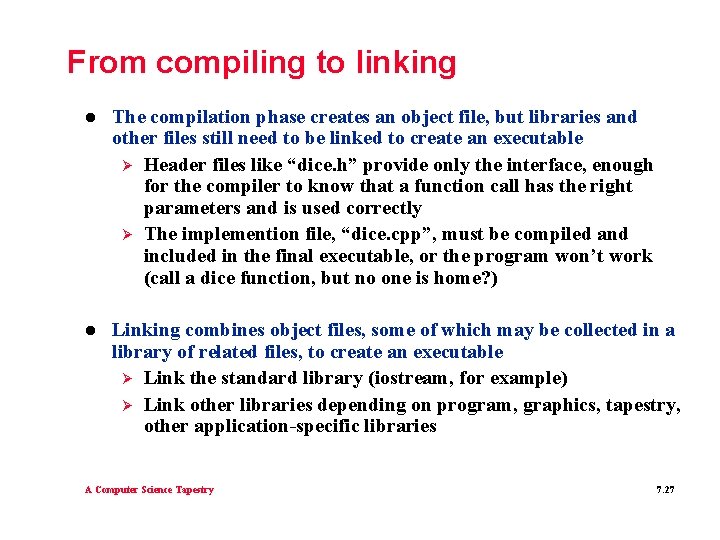
From compiling to linking l The compilation phase creates an object file, but libraries and other files still need to be linked to create an executable Ø Header files like “dice. h” provide only the interface, enough for the compiler to know that a function call has the right parameters and is used correctly Ø The implemention file, “dice. cpp”, must be compiled and included in the final executable, or the program won’t work (call a dice function, but no one is home? ) l Linking combines object files, some of which may be collected in a library of related files, to create an executable Ø Link the standard library (iostream, for example) Ø Link other libraries depending on program, graphics, tapestry, other application-specific libraries A Computer Science Tapestry 7. 27
Issues in creating a program l Programming environments create optimized or debug code Ø Use debug version to facilitate development Ø If you need optimization, use it only after a program works l Some errors are compilation errors, typically language syntax or failure to find a #include’d header file Ø The preprocessor looks in standard places for header files, sometimes this list needs to be changed l Other errors are linker errors, libraries or object files that are needed aren’t included Ø Change programming environment parameters to find the libraries A Computer Science Tapestry 7. 28