
Designing Academic Posters Gareth Johns IT Skills Development
- Slides: 20
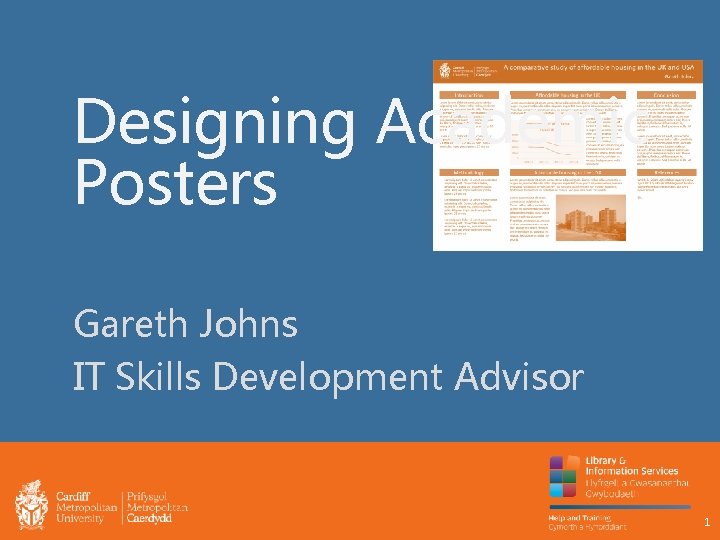
Designing Academic Posters Gareth Johns IT Skills Development Advisor 1
Objectives By the end of this session you should be able to: • Explain the purpose and characteristics of good academic posters. • Design academic posters that use: § Layout § Text § Images § Charts and Diagrams to communicate your message effectively. 2
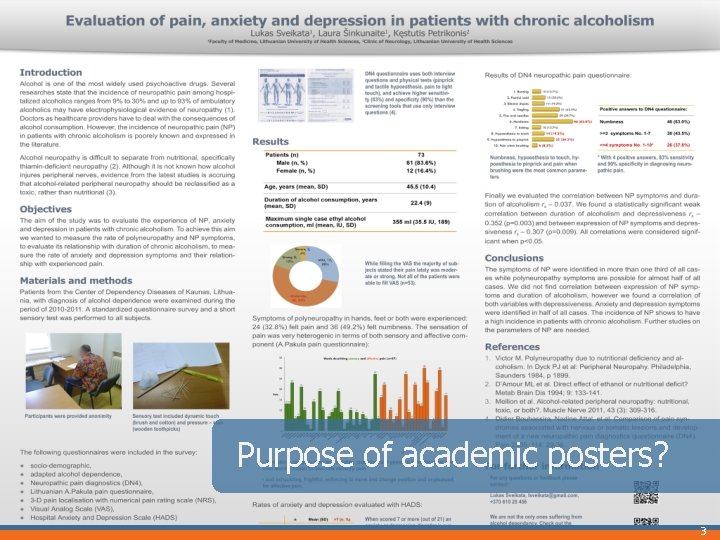
Purpose of academic posters? 3
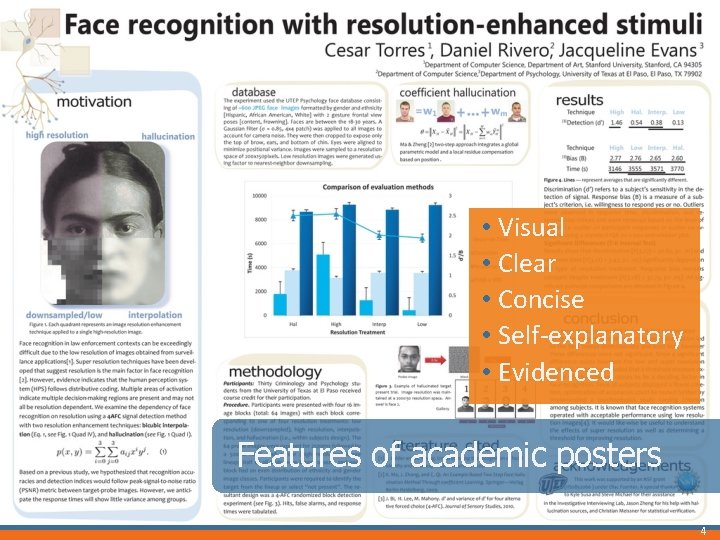
• Visual • Clear • Concise • Self-explanatory • Evidenced Features of academic posters 4
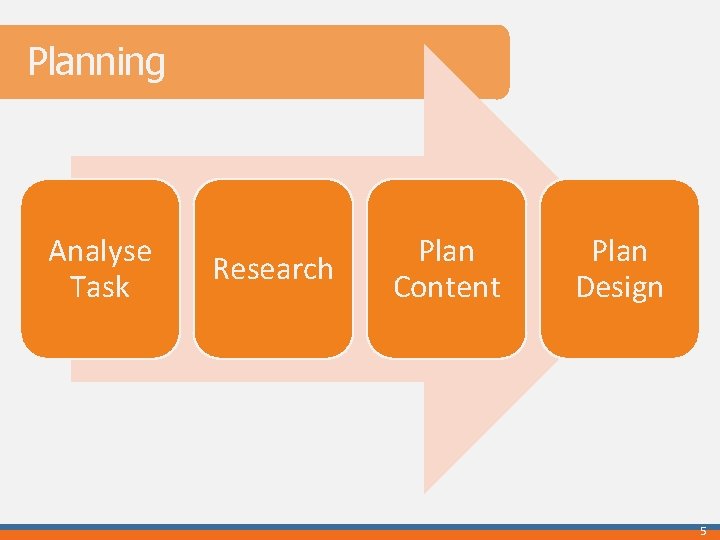
Planning Analyse Task Research Plan Content Plan Design 5
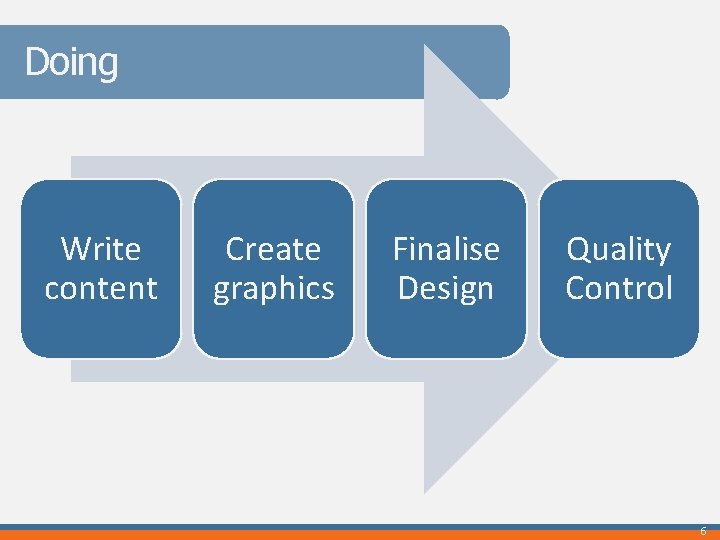
Doing Write content Create graphics Finalise Design Quality Control 6
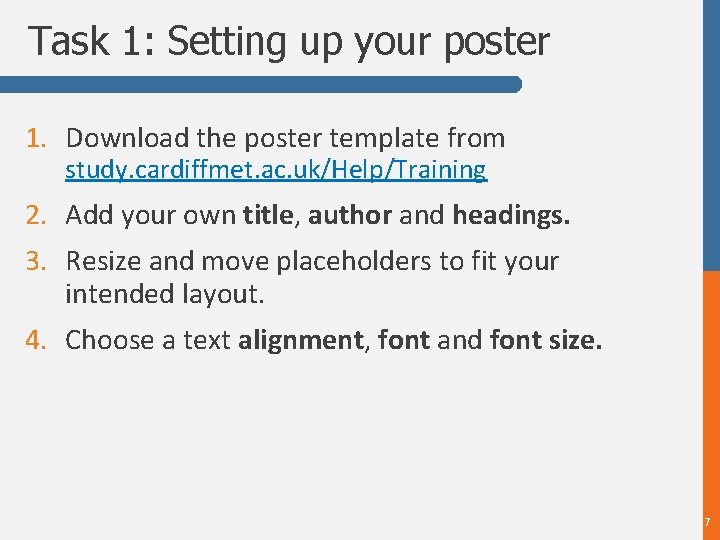
Task 1: Setting up your poster 1. Download the poster template from study. cardiffmet. ac. uk/Help/Training 2. Add your own title, author and headings. 3. Resize and move placeholders to fit your intended layout. 4. Choose a text alignment, font and font size. 7
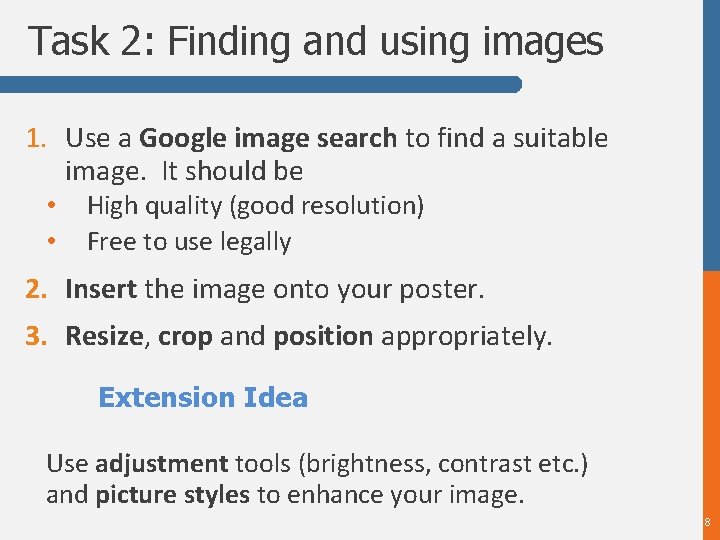
Task 2: Finding and using images 1. Use a Google image search to find a suitable image. It should be • • High quality (good resolution) Free to use legally 2. Insert the image onto your poster. 3. Resize, crop and position appropriately. Extension Idea Use adjustment tools (brightness, contrast etc. ) and picture styles to enhance your image. 8
Task 3: Working with Charts 1. Insert a chart onto your poster. 2. Add data. 3. Choose a chart layout and design. 4. Size and position appropriately. Extension Idea Copy the chart from the “Trends in supply…. ” spreadsheet. Link the presentation and spreadsheet together, instead of embedding. 9
Recap You should now be able to: • Explain the purpose and characteristics of good academic posters. • Design academic posters that use: § Layout § Text § Charts § Images to communicate your message effectively. 1 0
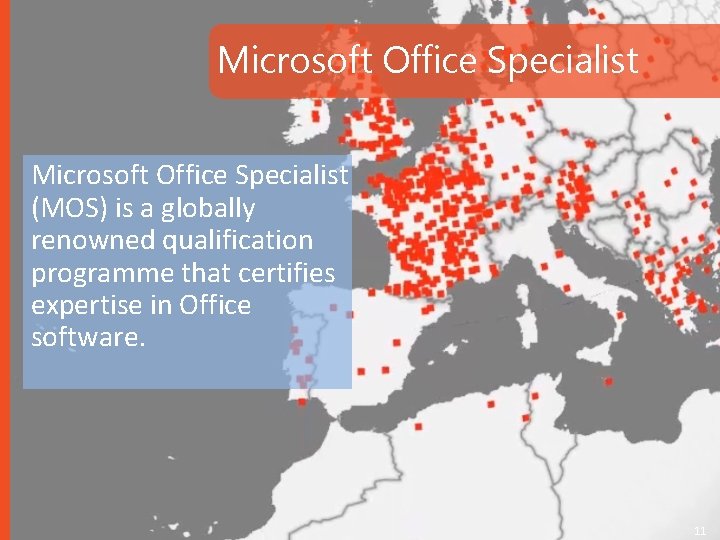
Microsoft Office Specialist (MOS) is a globally renowned qualification programme that certifies expertise in Office software. 11
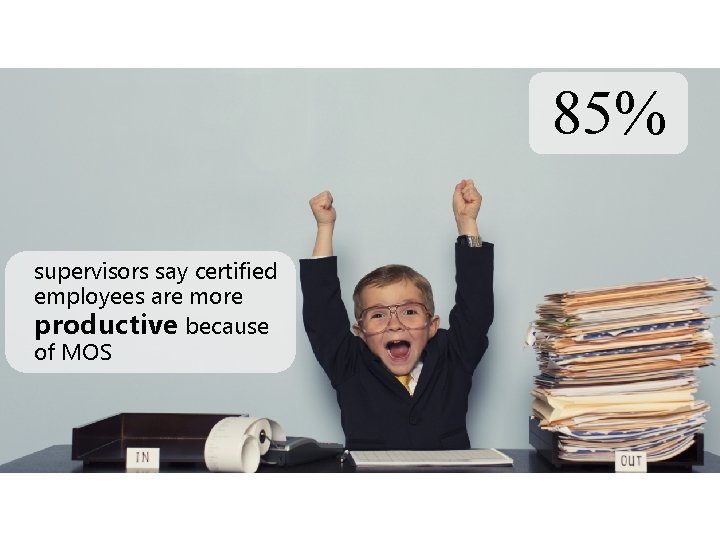
85% supervisors say certified employees are more productive because of MOS
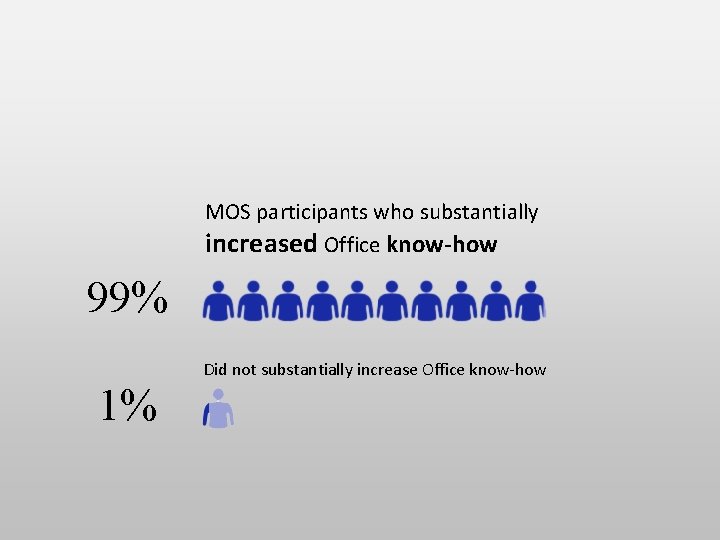
MOS participants who substantially increased Office know-how 99% Did not substantially increase Office know-how 1%
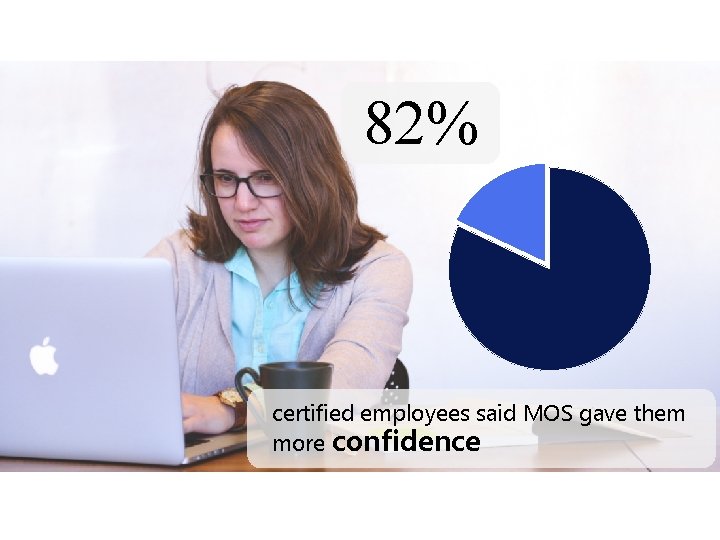
82% certified employees said MOS gave them more confidence
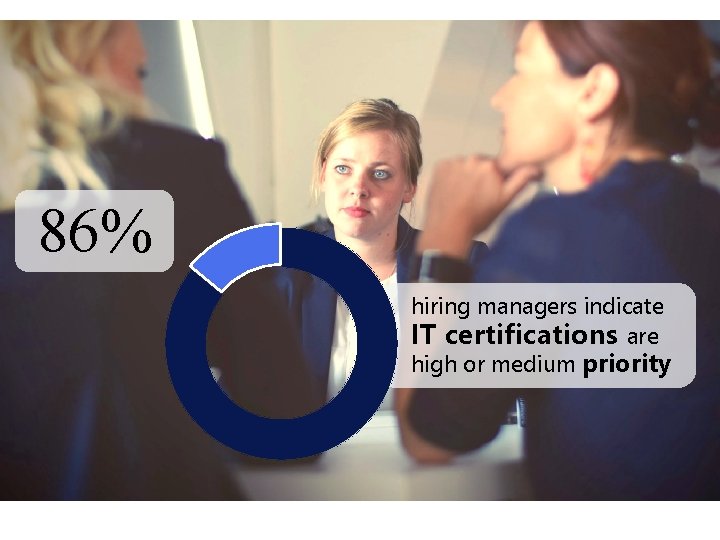
86% hiring managers indicate IT certifications are high or medium priority
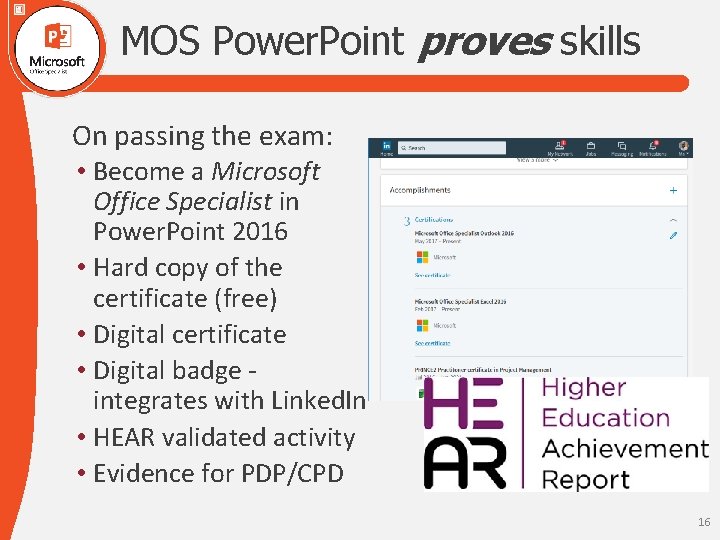
MOS Power. Point proves skills On passing the exam: • Become a Microsoft Office Specialist in Power. Point 2016 • Hard copy of the certificate (free) • Digital certificate • Digital badge integrates with Linked. In • HEAR validated activity • Evidence for PDP/CPD 16
Contact Us training@cardiffmet. ac. uk study. cardiffmet. ac. uk/Help/Training Visit an IT Advisor in the Learning Centres 1 7
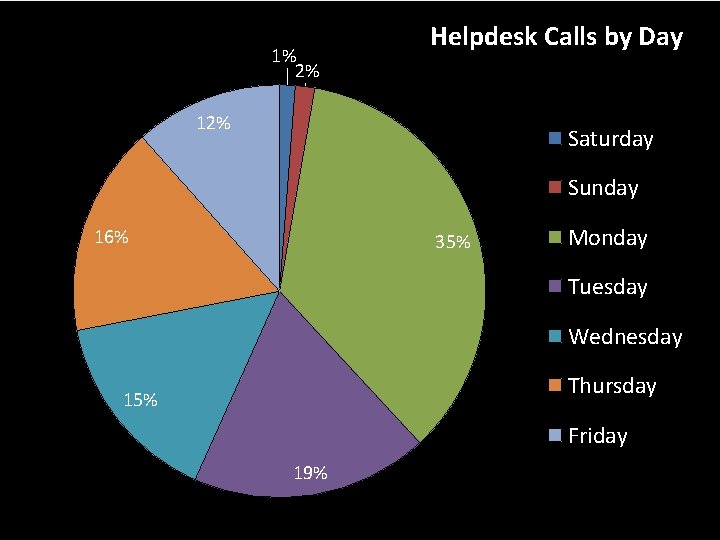
1% 2% Helpdesk Calls by Day 12% Saturday Sunday 16% 35% Monday Tuesday Wednesday Thursday 15% Friday 19%
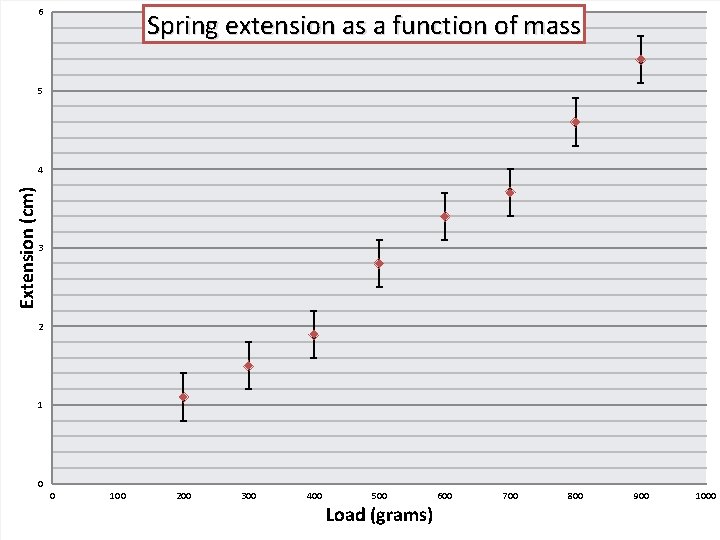
6 Spring extension as a function of mass 5 Extension (cm) 4 3 2 1 0 0 100 200 300 400 500 Load (grams) 600 700 800 900 1000
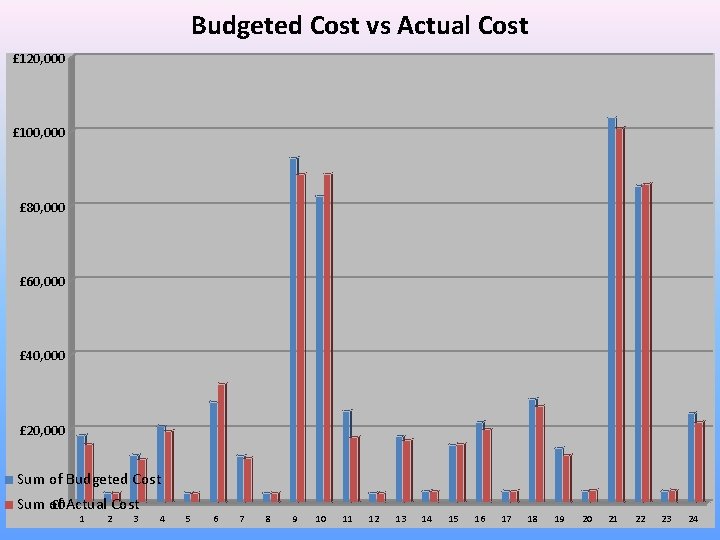
Budgeted Cost vs Actual Cost £ 120, 000 £ 100, 000 £ 80, 000 £ 60, 000 £ 40, 000 £ 20, 000 Sum of Budgeted Cost £ 0 Actual Cost Sum of 1 2 3 4 5 6 7 8 9 10 11 12 13 14 15 16 17 18 19 20 21 22 23 24