
Design Principles And Usability Heuristics You can avoid
Design Principles And Usability Heuristics You can avoid common design pitfalls by following these rules-of-thumb for design You can inspect an interface for usability problems by applying these same principles James Tam
Design Principles And Usability Heuristics are broad “rules of thumb” that describe features of “usable” systems: 1) Heuristics can be used as a design guide before the system is built. 2) Heuristics can be used as an evaluation mechanism after the system has been completed. The same principles can be used to “evaluate” a system for usability problems Becoming quite popular: 1. User involvement is not required. 2. Can be applied without a great deal of prior training or time (another example of discount usability) yet it catches many design flaws. James Tam
Design Principles And Usability Heuristics (Advantages) • A few general guidelines can correct for the majority of usability problems • Easily remembered, easily applied with modest effort • A cheap and fast way to inspect a system • It can be conducted by people who are not usability experts James Tam
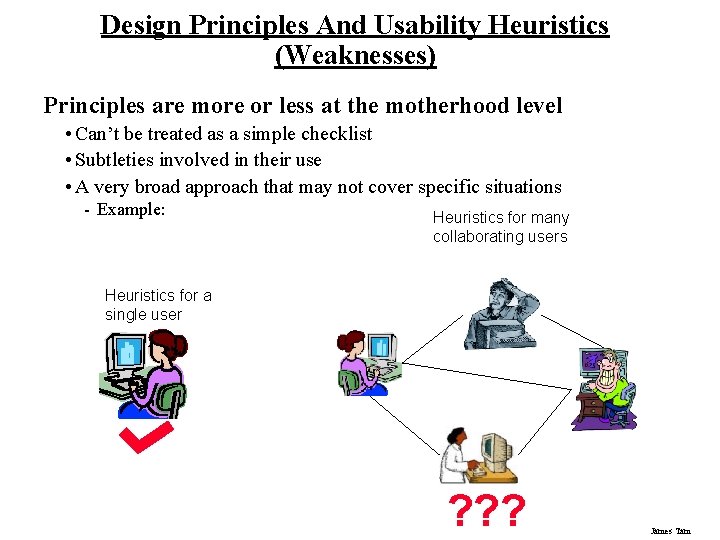
Design Principles And Usability Heuristics (Weaknesses) Principles are more or less at the motherhood level • Can’t be treated as a simple checklist • Subtleties involved in their use • A very broad approach that may not cover specific situations - Example: Heuristics for many collaborating users Heuristics for a single user ? ? ? James Tam
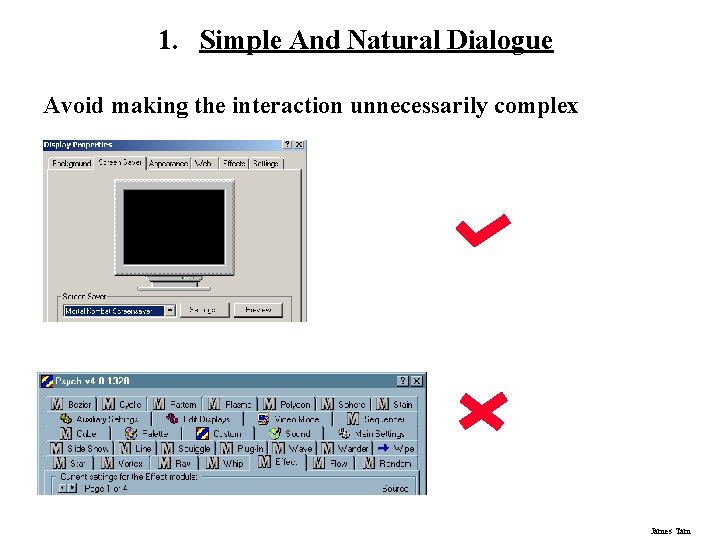
1. Simple And Natural Dialogue Avoid making the interaction unnecessarily complex James Tam
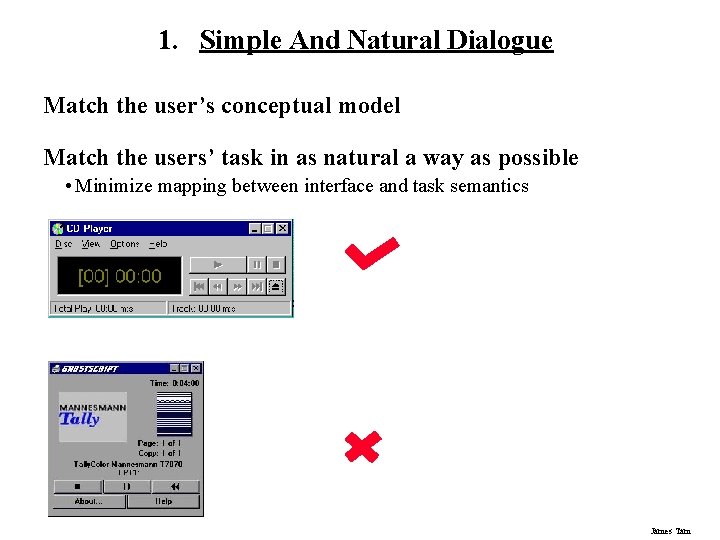
1. Simple And Natural Dialogue Match the user’s conceptual model Match the users’ task in as natural a way as possible • Minimize mapping between interface and task semantics James Tam
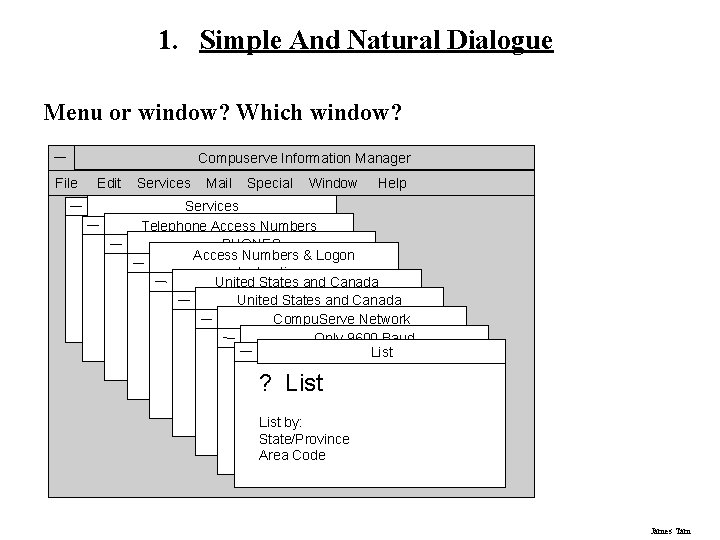
1. Simple And Natural Dialogue Menu or window? Which window? Compuserve Information Manager File Edit Services Mail Special Window Help Services Telephone Access Numbers PHONES Access Numbers & Logon Instructions United States and Canada Compu. Serve Network Only 9600 Baud List ? List by: State/Province Area Code James Tam
1. Simple And Natural Dialogue Present exactly the information the user needs when it is needed • Less is more - Less to learn, to get wrong, to distract. . . • Remove or hide irrelevant or rarely needed information - Competes with important information on screen • Information should appear in natural order - Order of accessing the information matches the user’s expectations - Related information is graphically clustered • Minimize or mitigate modes • Use windows frugally - Don’t make navigation and window management excessively complex James Tam
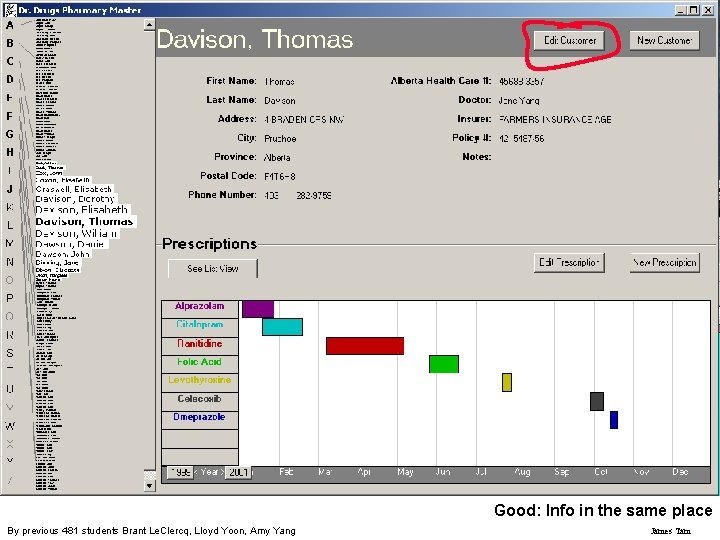
Good: Info in the same place By previous 481 students Brant Le. Clercq, Lloyd Yoon, Amy Yang James Tam
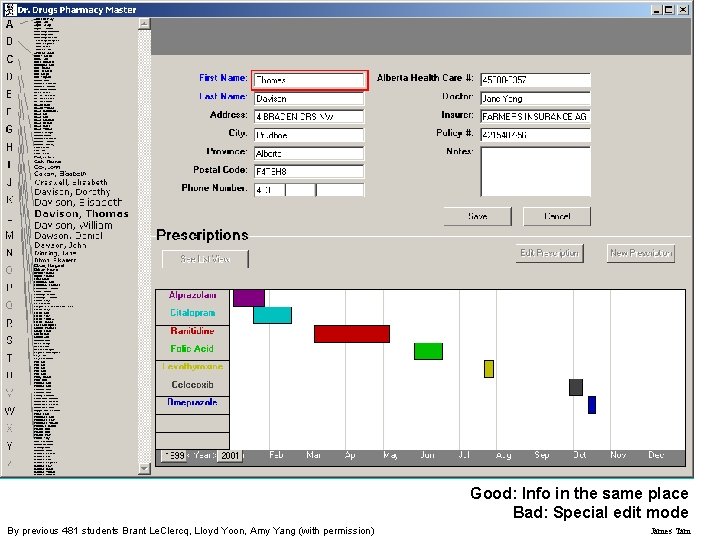
Good: Info in the same place Bad: Special edit mode By previous 481 students Brant Le. Clercq, Lloyd Yoon, Amy Yang (with permission) James Tam
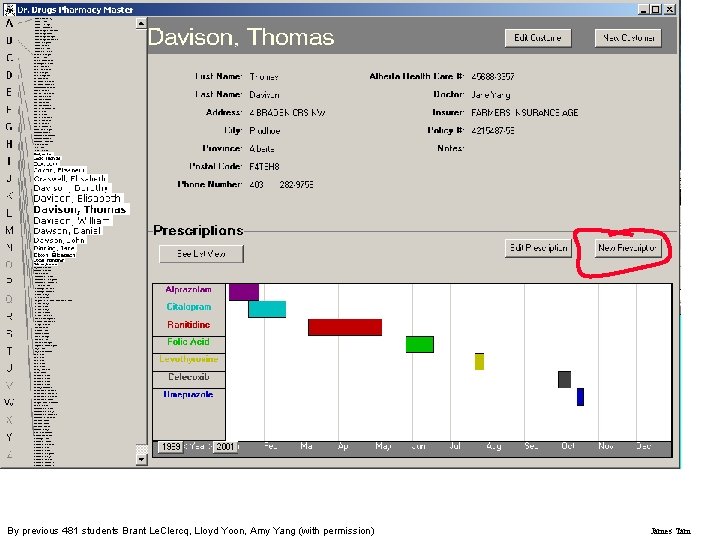
By previous 481 students Brant Le. Clercq, Lloyd Yoon, Amy Yang (with permission) James Tam
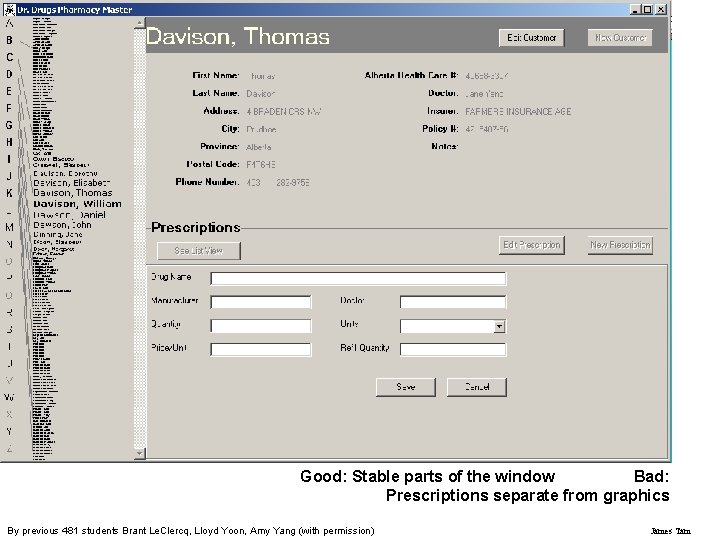
Good: Stable parts of the window Bad: Prescriptions separate from graphics By previous 481 students Brant Le. Clercq, Lloyd Yoon, Amy Yang (with permission) James Tam
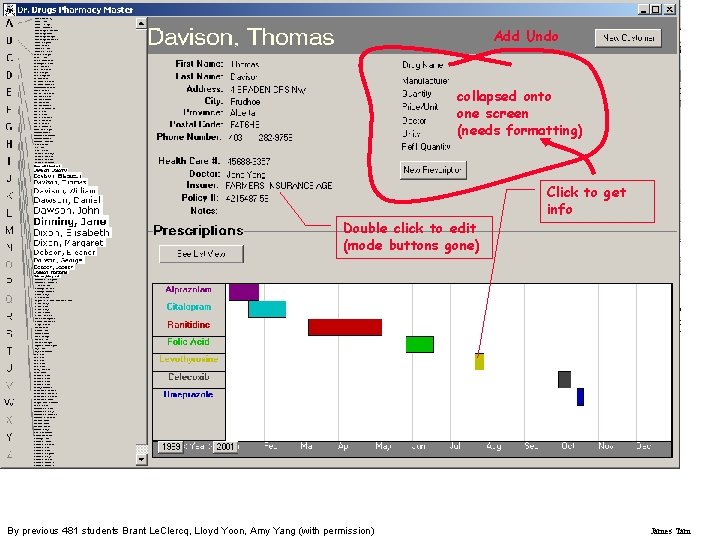
Add Undo collapsed onto one screen (needs formatting) Double click to edit (mode buttons gone) By previous 481 students Brant Le. Clercq, Lloyd Yoon, Amy Yang (with permission) Click to get info James Tam
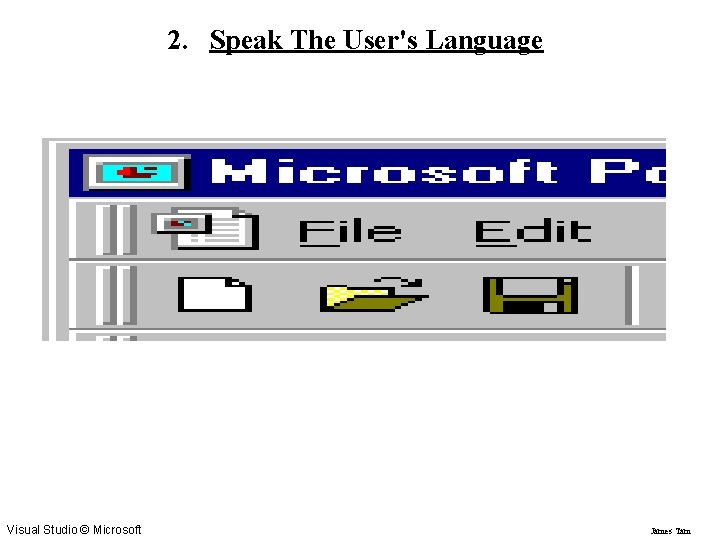
2. Speak The User's Language Visual Studio © Microsoft James Tam
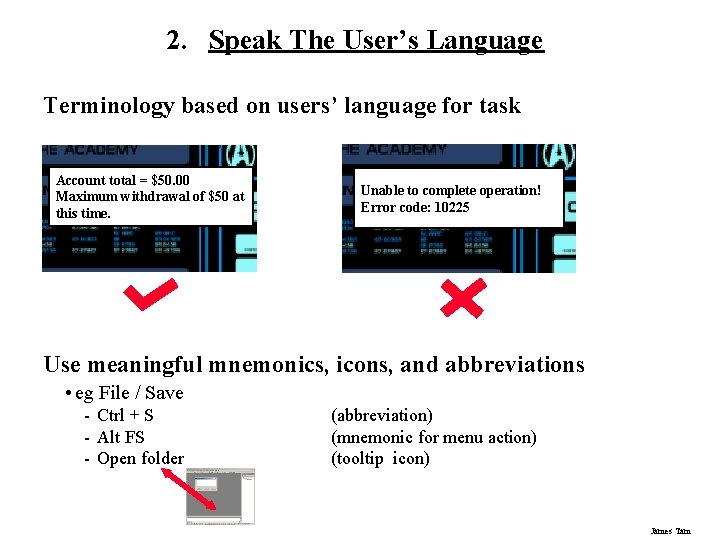
2. Speak The User’s Language Terminology based on users’ language for task Account total = $50. 00 Maximum withdrawal of $50 at this time. Unable to complete operation! Error code: 10225 Use meaningful mnemonics, icons, and abbreviations • eg File / Save - Ctrl + S - Alt FS - Open folder (abbreviation) (mnemonic for menu action) (tooltip icon) James Tam
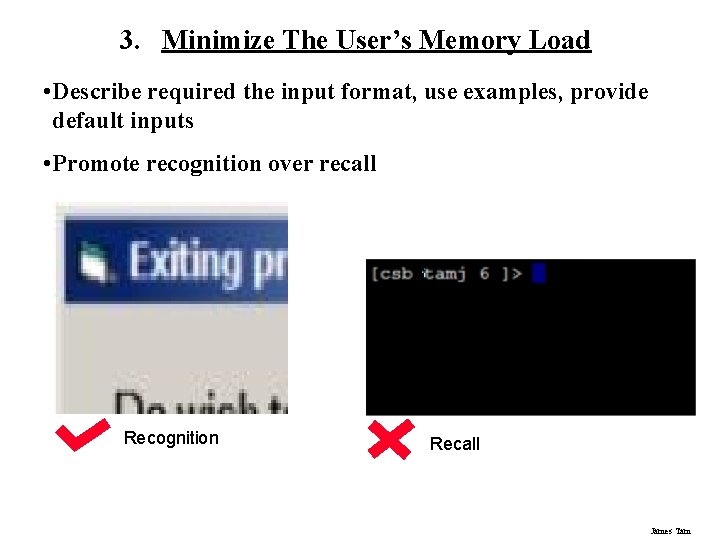
3. Minimize The User’s Memory Load • Describe required the input format, use examples, provide default inputs • Promote recognition over recall Recognition Recall James Tam
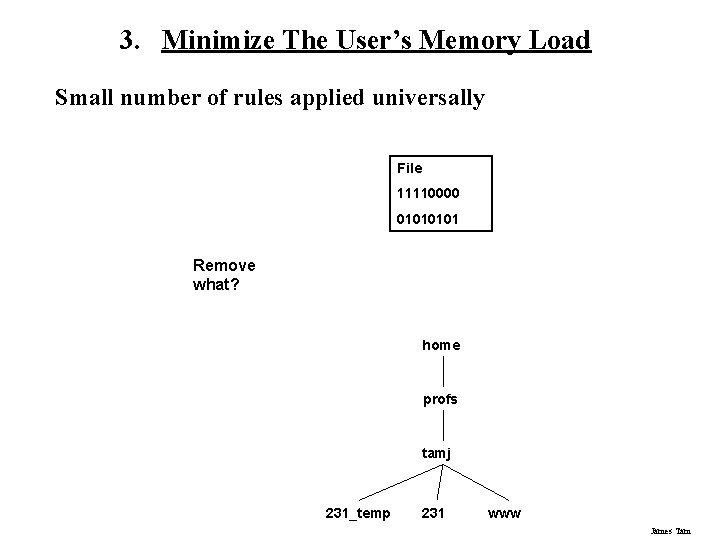
3. Minimize The User’s Memory Load Small number of rules applied universally File 11110000 0101 Remove what? home profs tamj 231_temp 231 www James Tam
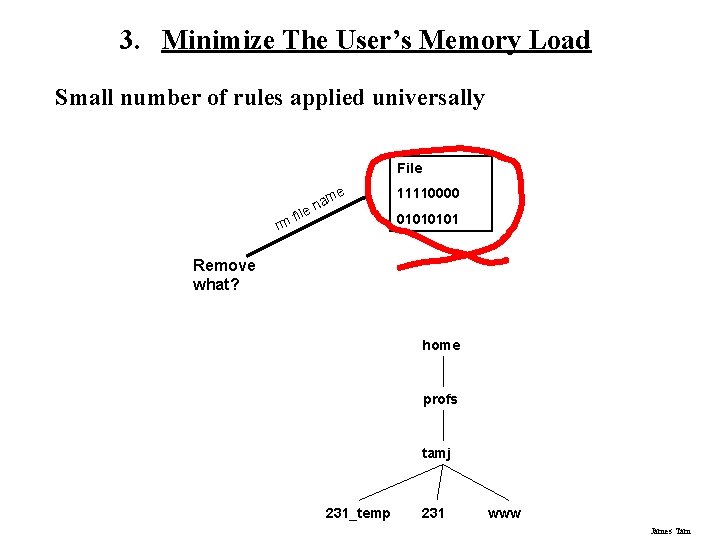
3. Minimize The User’s Memory Load Small number of rules applied universally File rm fil e am n e 11110000 0101 Remove what? home profs tamj 231_temp 231 www James Tam
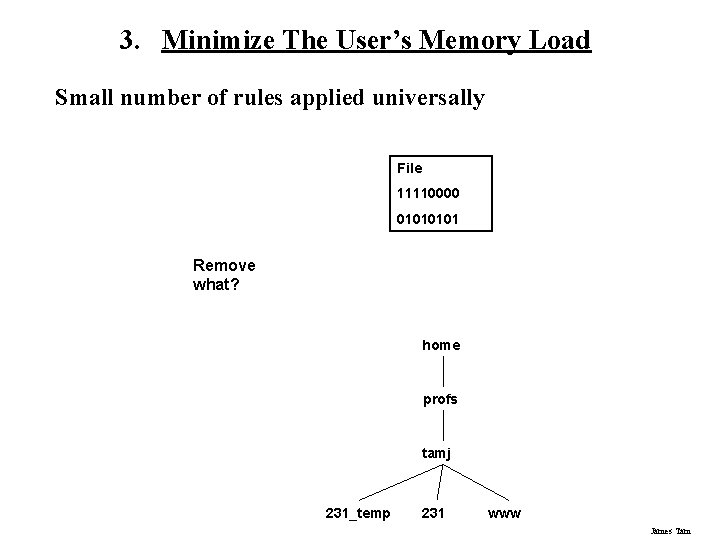
3. Minimize The User’s Memory Load Small number of rules applied universally File 11110000 0101 Remove what? home profs tamj 231_temp 231 www James Tam
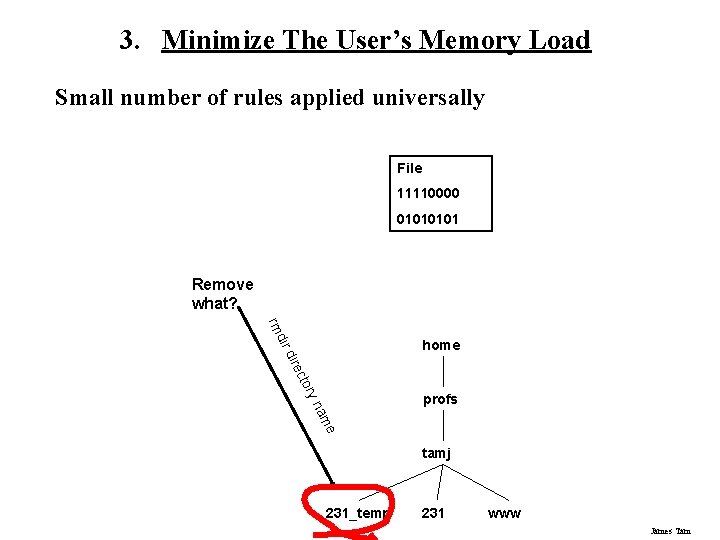
3. Minimize The User’s Memory Load Small number of rules applied universally File 11110000 0101 Remove what? dir rm home ory ect dir me na profs tamj 231_temp 231 www James Tam
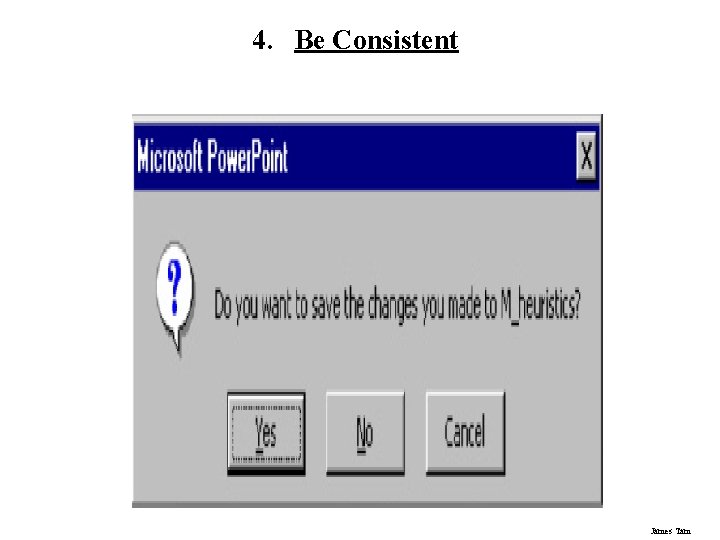
4. Be Consistent Consistency of effects • Same words, commands, actions will always have the same effect in equivalent situations • Makes the system more predictable • Reduces memory load James Tam
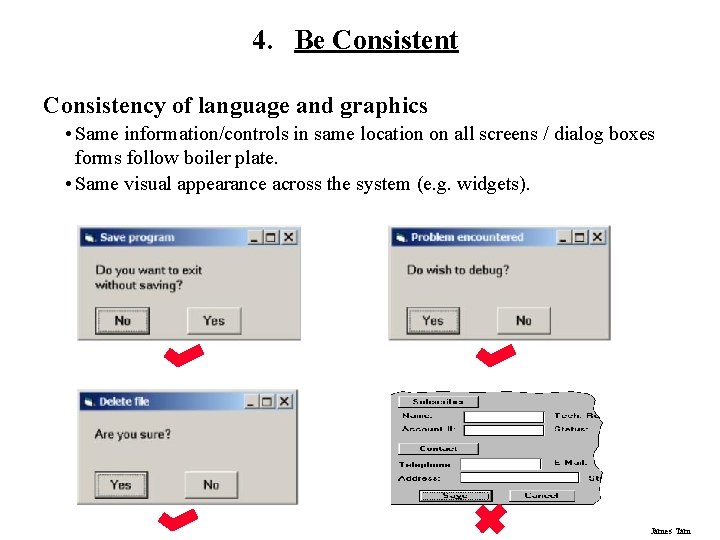
4. Be Consistent Consistency of language and graphics • Same information/controls in same location on all screens / dialog boxes forms follow boiler plate. • Same visual appearance across the system (e. g. widgets). James Tam
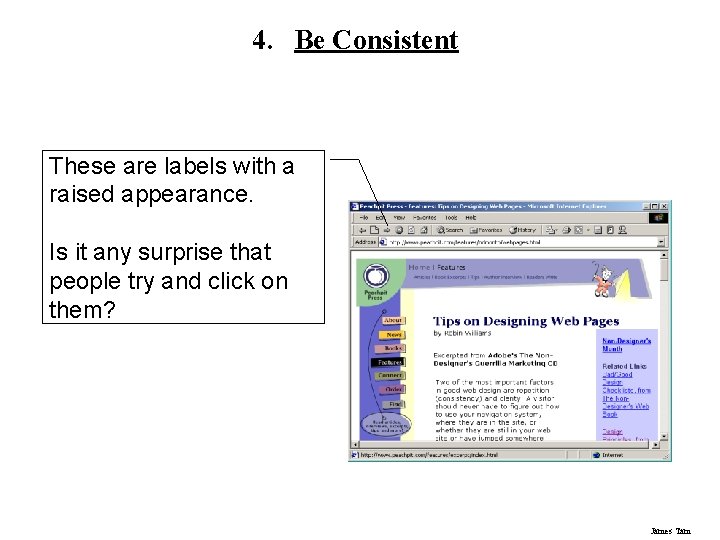
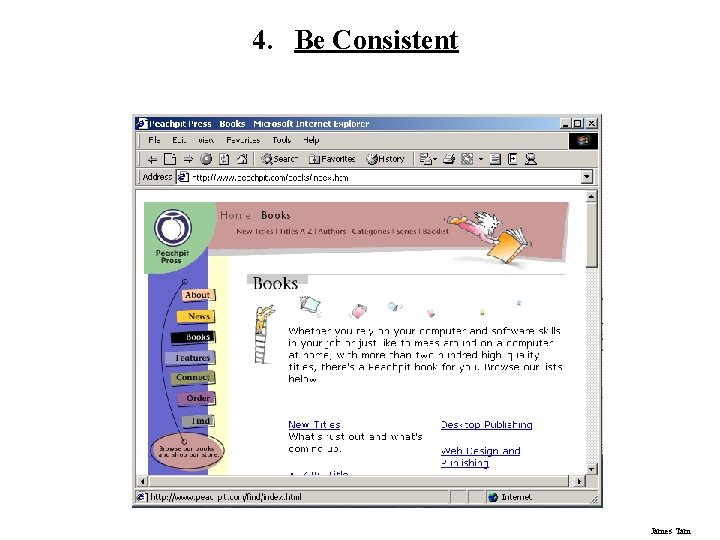
4. Be Consistent These are labels with a raised appearance. Is it any surprise that people try and click on them? James Tam
4. Be Consistent James Tam
4. Be Consistent James Tam
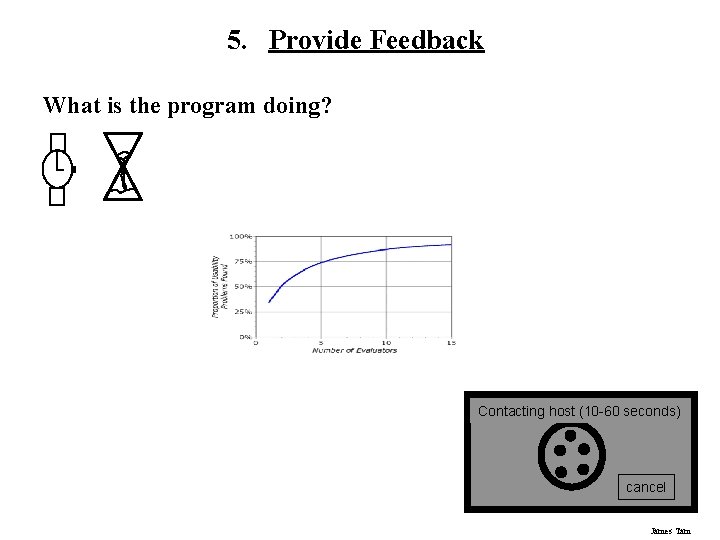
5. Provide Feedback What is the program doing? Contacting host (10 -60 seconds) cancel James Tam
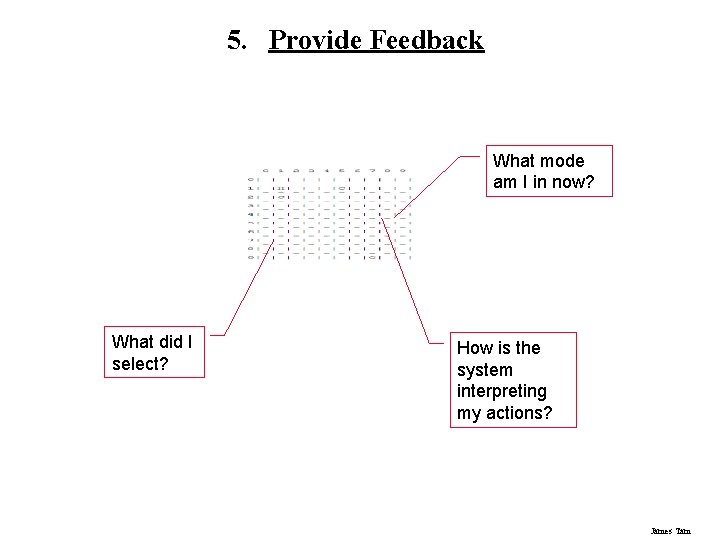
5. Provide Feedback What mode am I in now? What did I select? How is the system interpreting my actions? James Tam
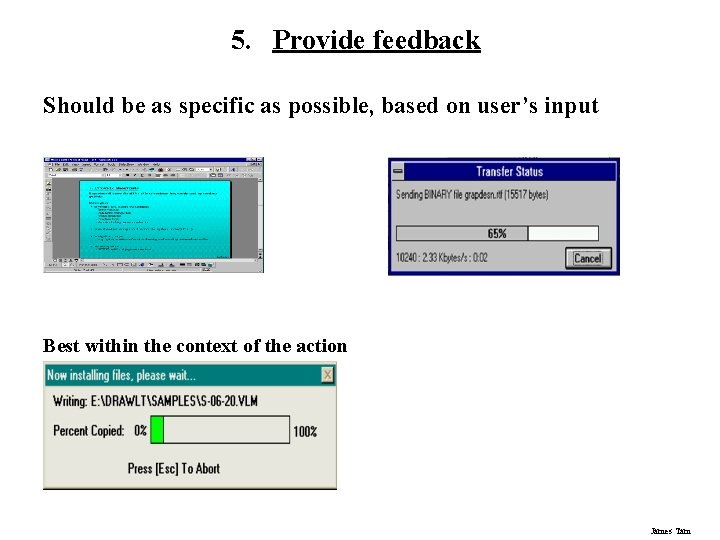
5. Provide feedback Should be as specific as possible, based on user’s input Best within the context of the action James Tam
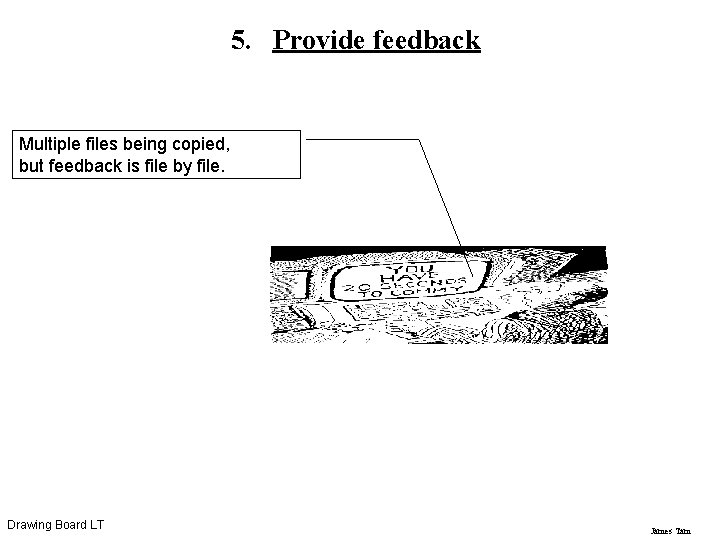
5. Provide feedback Multiple files being copied, but feedback is file by file. Drawing Board LT James Tam
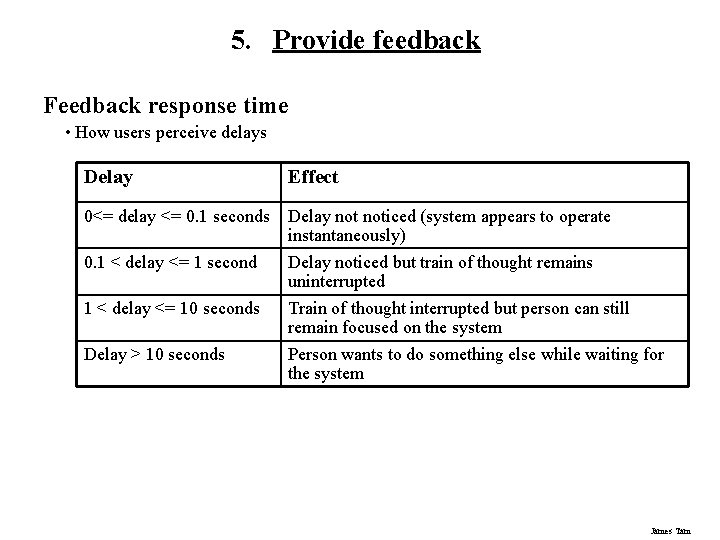
5. Provide feedback Feedback response time • How users perceive delays Delay Effect 0<= delay <= 0. 1 seconds Delay noticed (system appears to operate instantaneously) Delay noticed but train of thought remains uninterrupted Train of thought interrupted but person can still remain focused on the system Person wants to do something else while waiting for the system 0. 1 < delay <= 1 second 1 < delay <= 10 seconds Delay > 10 seconds James Tam
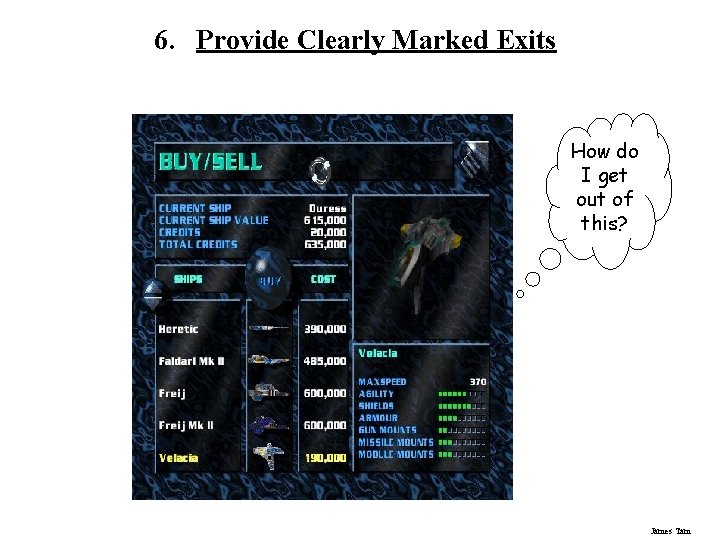
6. Provide Clearly Marked Exits How do I get out of this? James Tam
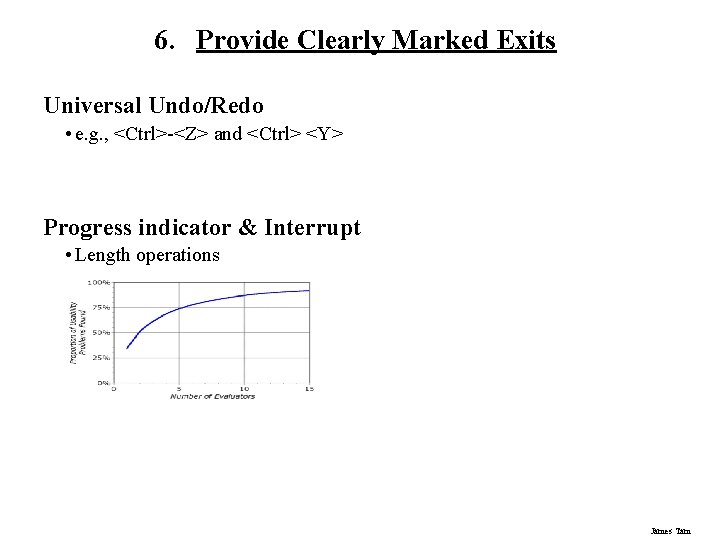
6. Provide Clearly Marked Exits Universal Undo/Redo • e. g. , <Ctrl>-<Z> and <Ctrl> <Y> Progress indicator & Interrupt • Length operations James Tam
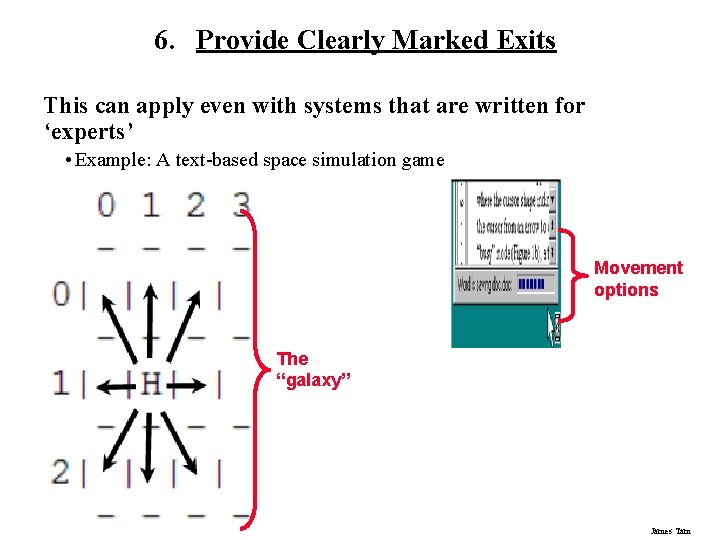
6. Provide Clearly Marked Exits This can apply even with systems that are written for ‘experts’ • Example: A text-based space simulation game Movement options The “galaxy” James Tam
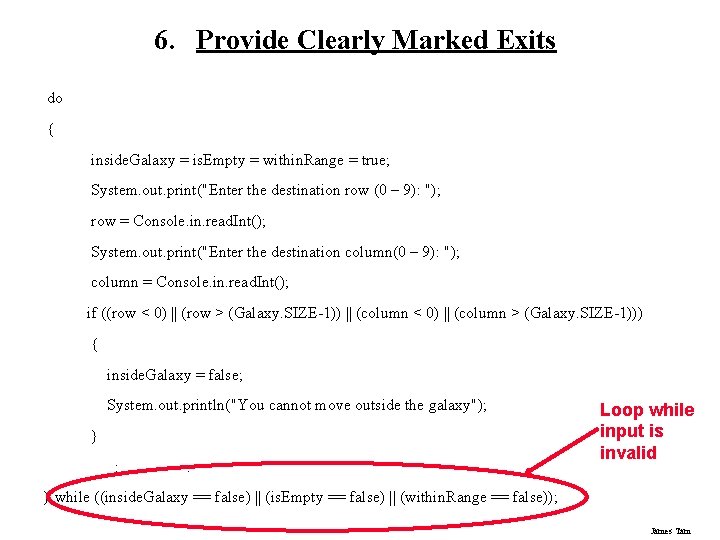
6. Provide Clearly Marked Exits do { inside. Galaxy = is. Empty = within. Range = true; System. out. print("Enter the destination row (0 – 9): "); row = Console. in. read. Int(); System. out. print("Enter the destination column(0 – 9): "); column = Console. in. read. Int(); if ((row < 0) || (row > (Galaxy. SIZE-1)) || (column < 0) || (column > (Galaxy. SIZE-1))) { inside. Galaxy = false; System. out. println("You cannot move outside the galaxy"); } : : Loop while input is invalid } while ((inside. Galaxy == false) || (is. Empty == false) || (within. Range == false)); James Tam
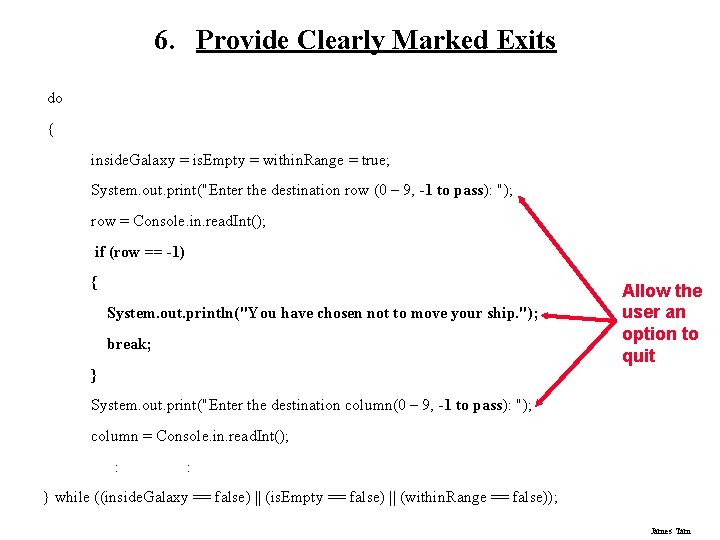
6. Provide Clearly Marked Exits do { inside. Galaxy = is. Empty = within. Range = true; System. out. print("Enter the destination row (0 – 9, -1 to pass): "); row = Console. in. read. Int(); if (row == -1) { System. out. println("You have chosen not to move your ship. "); break; } Allow the user an option to quit System. out. print("Enter the destination column(0 – 9, -1 to pass): "); column = Console. in. read. Int(); : : } while ((inside. Galaxy == false) || (is. Empty == false) || (within. Range == false)); James Tam
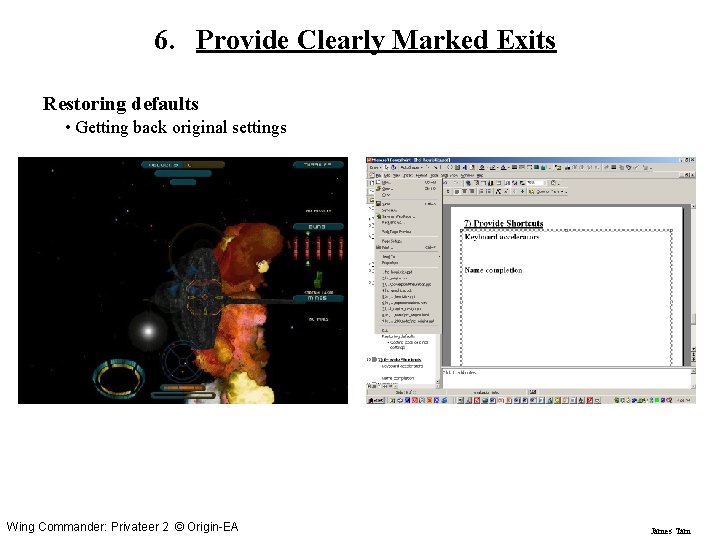
6. Provide Clearly Marked Exits Restoring defaults • Getting back original settings Wing Commander: Privateer 2 © Origin-EA James Tam
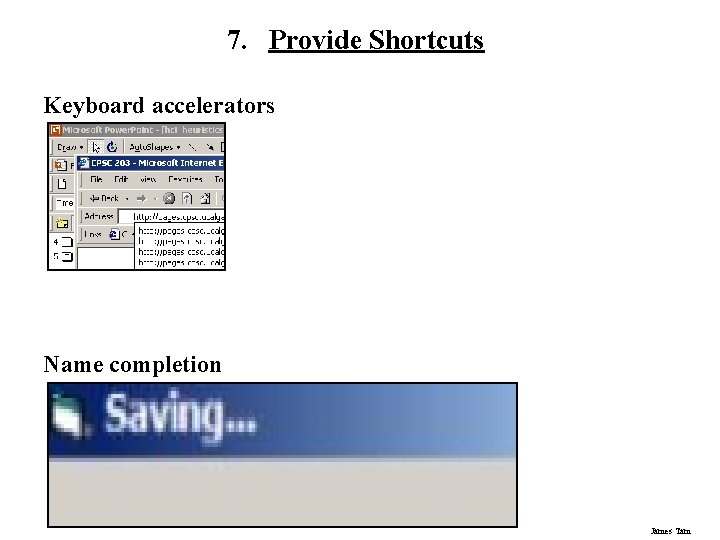
7. Provide Shortcuts Keyboard accelerators Name completion James Tam
7. Provide Shortcuts Experienced (power) users should be able to perform frequently used operations quickly • Type-ahead (entering input before the system is ready for it) • Navigation jumps - e. g. , going to window/location directly, and avoiding intermediate nodes • History systems - WWW: ~60% of pages are revisits James Tam
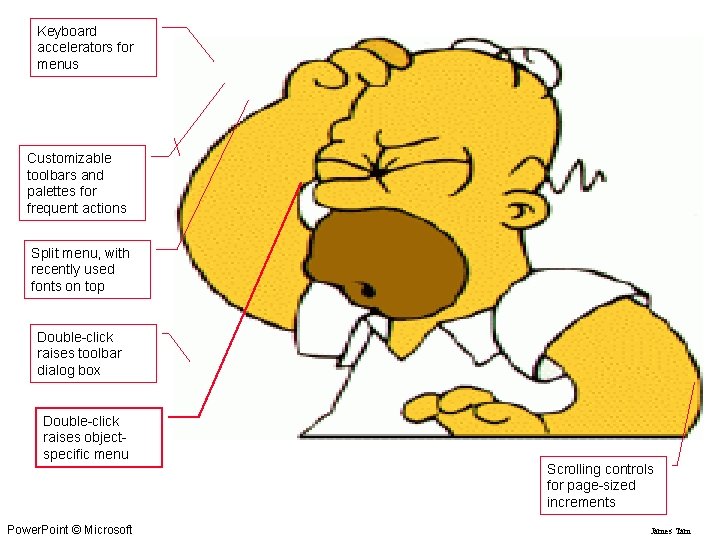
Keyboard accelerators for menus Customizable toolbars and palettes for frequent actions Split menu, with recently used fonts on top Double-click raises toolbar dialog box Double-click raises objectspecific menu Power. Point © Microsoft Scrolling controls for page-sized increments James Tam
8. Deal With Errors In A Helpful And Positive Manner People will make errors! Errors we make • Mistakes • Slips Image and sound file from “The Simpson's” James Tam
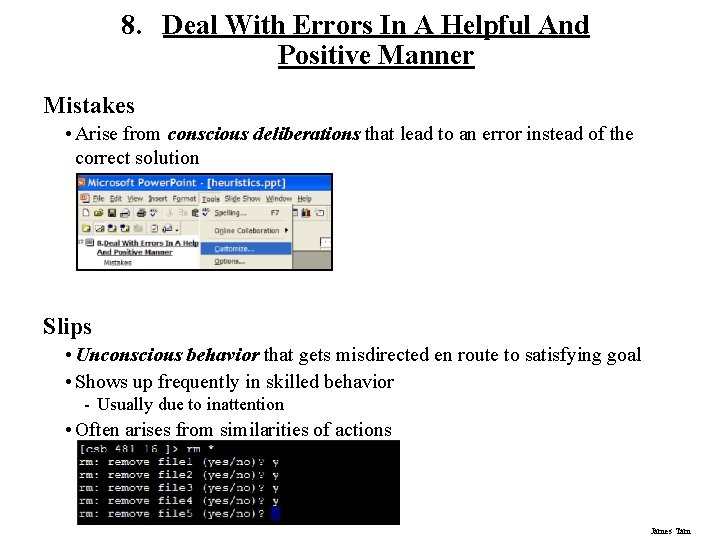
8. Deal With Errors In A Helpful And Positive Manner Mistakes • Arise from conscious deliberations that lead to an error instead of the correct solution Slips • Unconscious behavior that gets misdirected en route to satisfying goal • Shows up frequently in skilled behavior - Usually due to inattention • Often arises from similarities of actions James Tam
Types Of Slips 1) Capture error 2) Description error 3) Loss of activation 4) Mode error James Tam
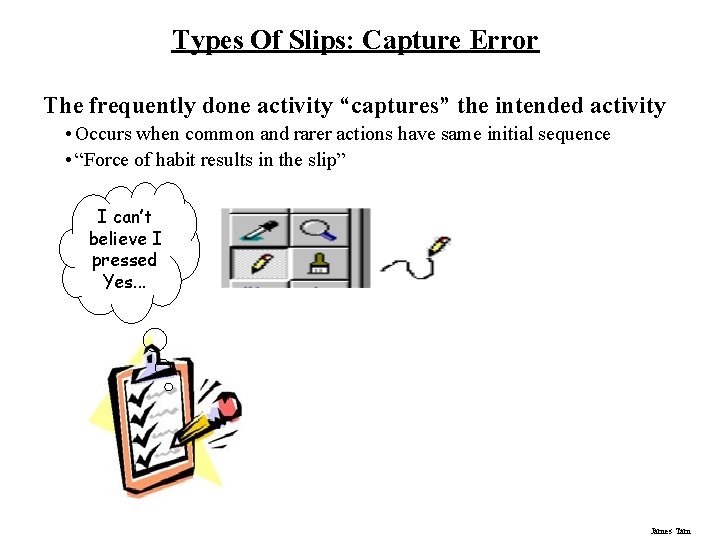
Types Of Slips: Capture Error The frequently done activity “captures” the intended activity • Occurs when common and rarer actions have same initial sequence • “Force of habit results in the slip” I can’t believe I pressed Yes. . . James Tam
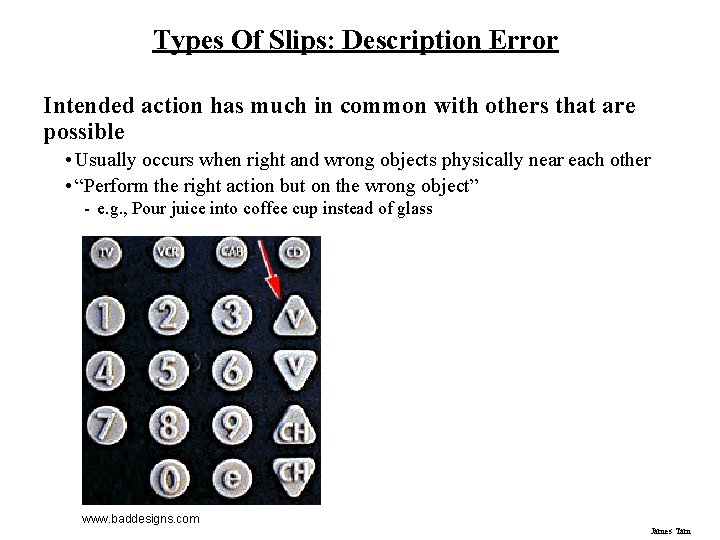
Types Of Slips: Description Error Intended action has much in common with others that are possible • Usually occurs when right and wrong objects physically near each other • “Perform the right action but on the wrong object” - e. g. , Pour juice into coffee cup instead of glass www. baddesigns. com James Tam
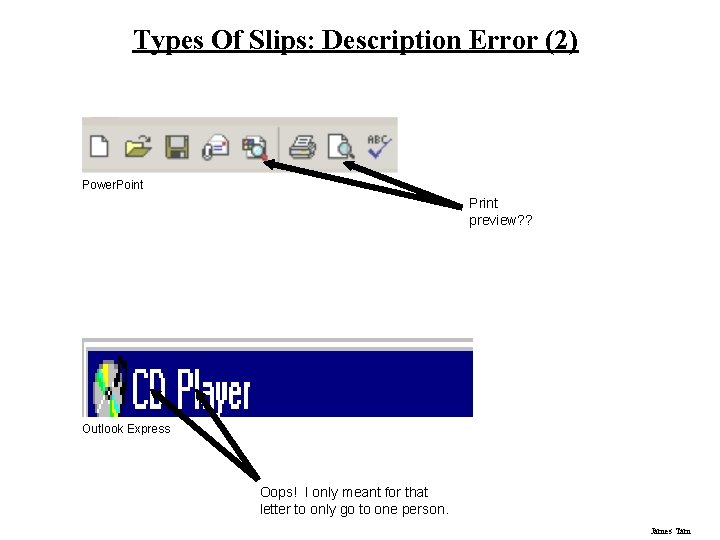
Types Of Slips: Description Error (2) Power. Point Print preview? ? Outlook Express Oops! I only meant for that letter to only go to one person. James Tam
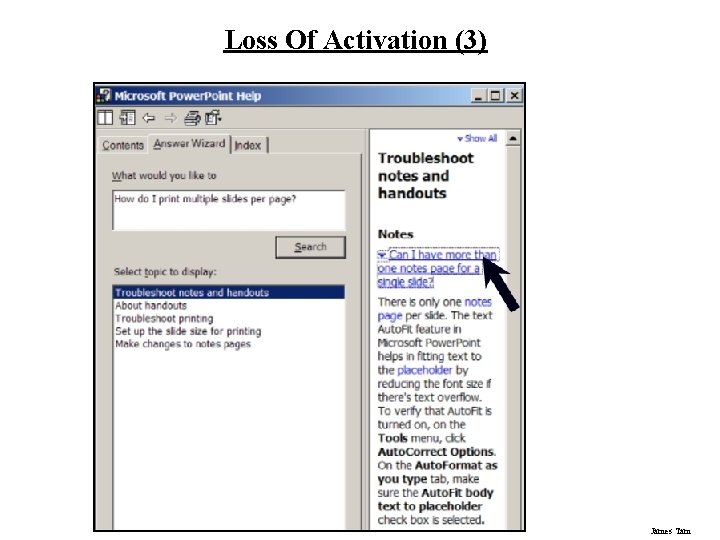
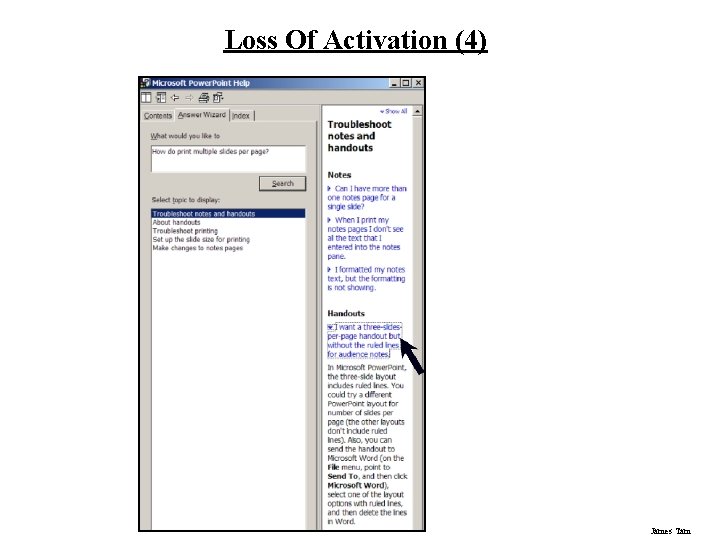
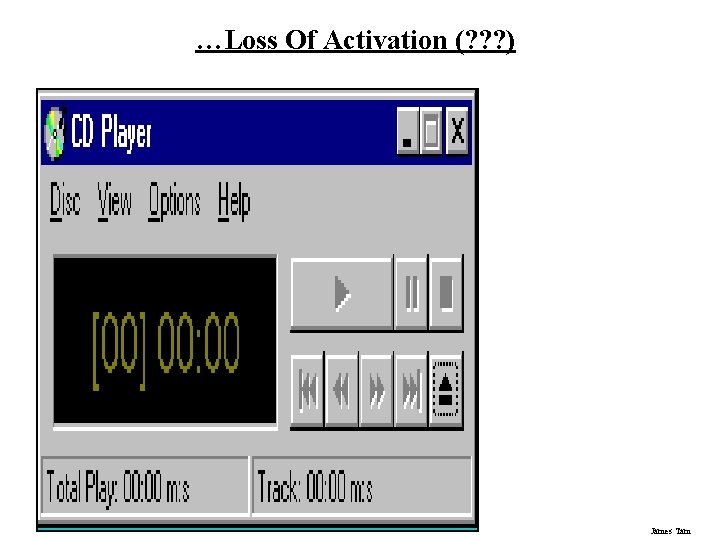
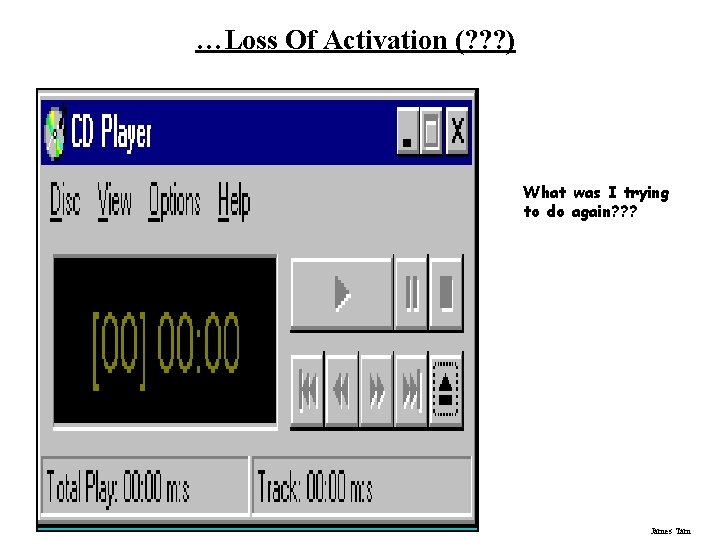
Types Of Slips: Loss Of Activation Loss of activation • Forgetting what the goal is while undergoing the sequence of actions - e. g. , Start going to room and forget why you are going there • “What the heck was I doing again? ” • Misordering a sequence James Tam
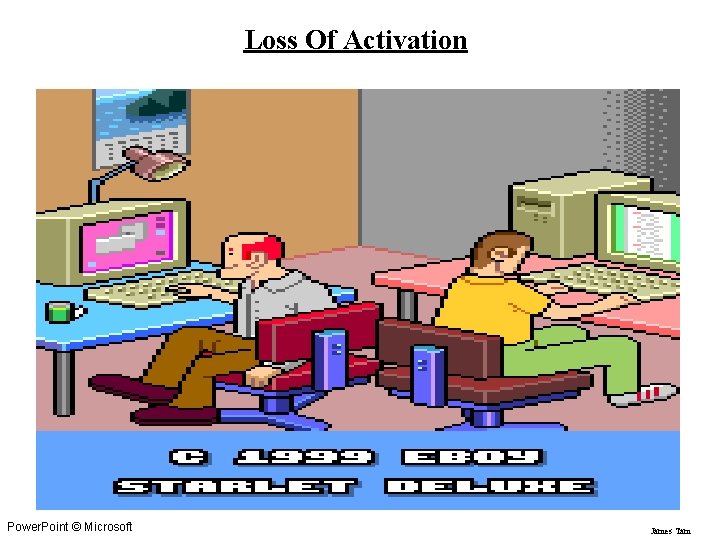
Loss Of Activation Power. Point © Microsoft James Tam
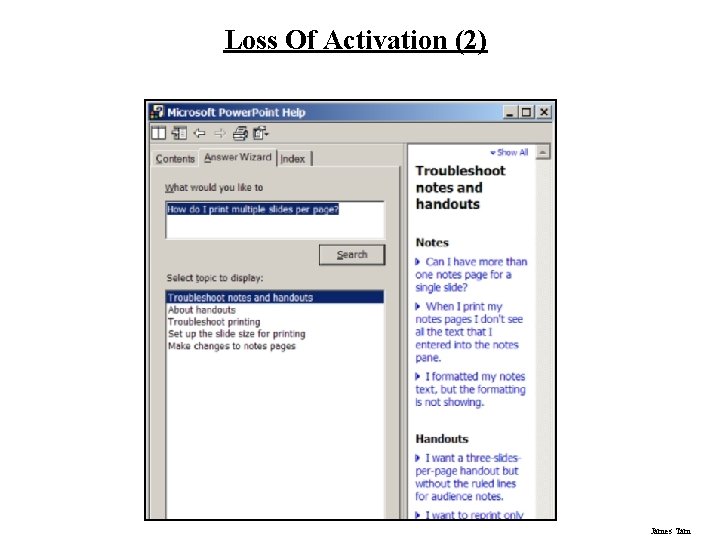
Loss Of Activation (2) James Tam
Loss Of Activation (3) James Tam
Loss Of Activation (4) James Tam
…Loss Of Activation (? ? ? ) James Tam
…Loss Of Activation (? ? ? ) What was I trying to do again? ? ? James Tam
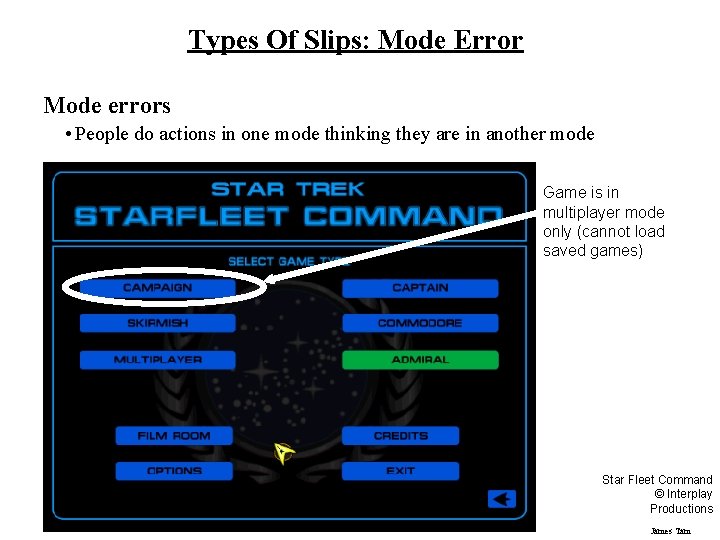
Types Of Slips: Mode Error Mode errors • People do actions in one mode thinking they are in another mode Game is in multiplayer mode only (cannot load saved games) Star Fleet Command © Interplay Productions James Tam
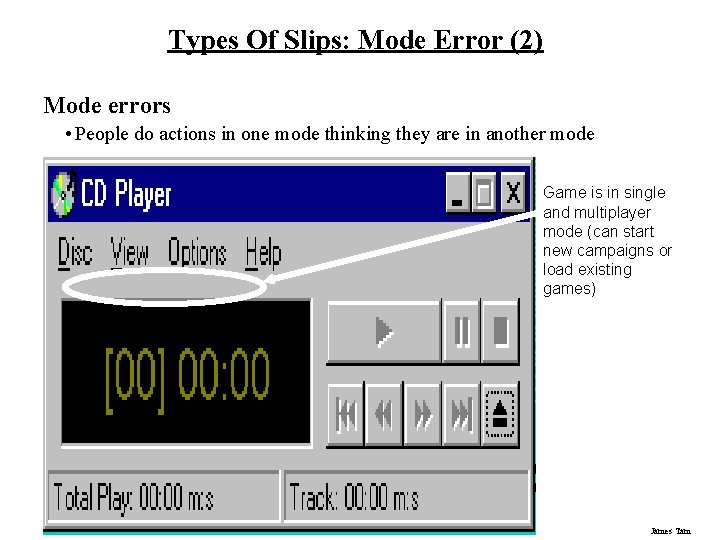
Types Of Slips: Mode Error (2) Mode errors • People do actions in one mode thinking they are in another mode Game is in single and multiplayer mode (can start new campaigns or load existing games) James Tam
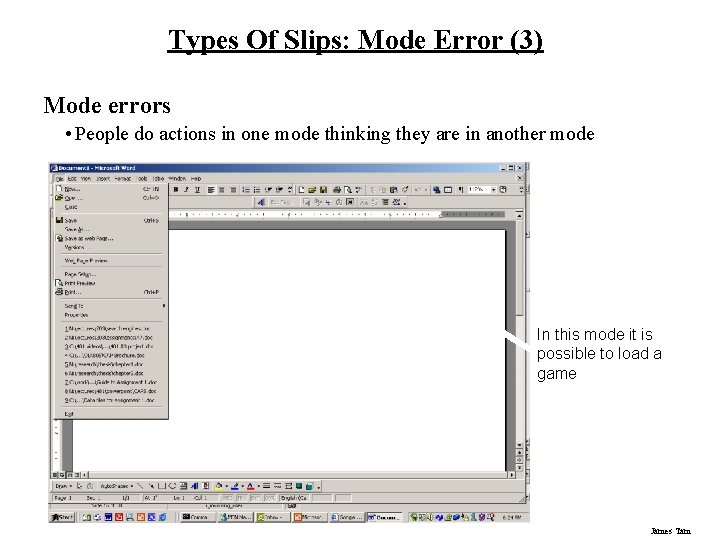
Types Of Slips: Mode Error (3) Mode errors • People do actions in one mode thinking they are in another mode In this mode it is possible to load a game James Tam
Designing For Slips General rules • Prevent slips before they occur • Detect and correct slips when they do occur • User correction through feedback and undo Examples • Capture errors - One action captures another - Allow actions to be undone rather than asking for confirmations • Description errors - Correct action on the wrong object - Make objects look physically distinctive and/or far apart • Loss of activation - Forgot goal - If system knows goal, make it explicit - If not, allow person to see path taken or shorten steps • Mode errors - Mistake modes - Have as few modes as possible (possibly none) - Make modes highly visible James Tam
Generic System Responses For Errors General idea: Forcing functions • Prevent / mitigate continuation of wrongful action - e. g. , range selection for dynamic queries Gag • Deals with errors by preventing the user from continuing - e. g. , cannot get past login screen until correct password entered Warn • Warn people that an unusual situation is occurring • Better than nothing but when overused, becomes an irritant - e. g. , audible bell, alert box James Tam
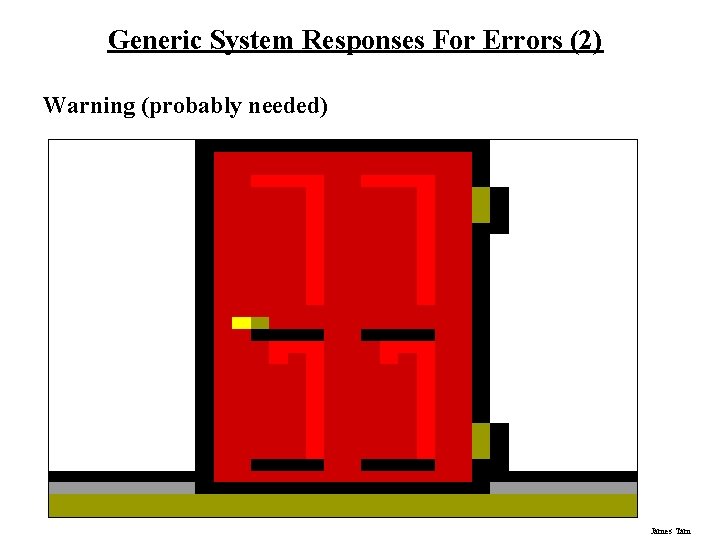
Generic System Responses For Errors (2) Warning (probably needed) James Tam
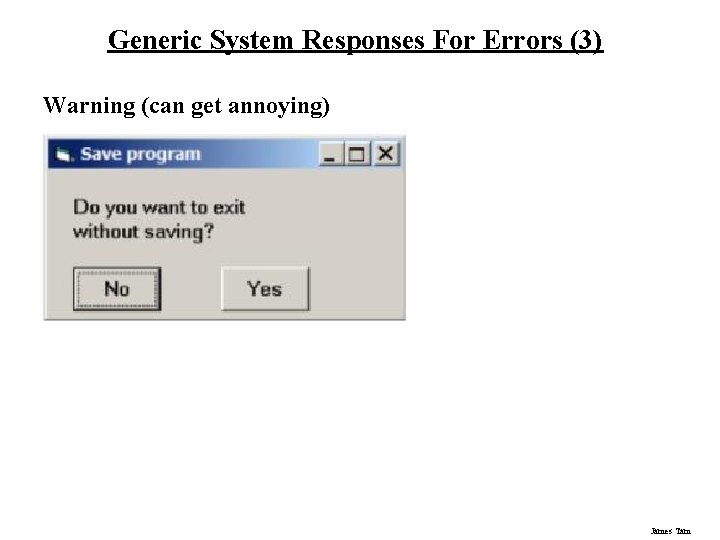
Generic System Responses For Errors (3) Warning (can get annoying) James Tam
Generic System Responses For Errors (4) Do nothing • Illegal action just doesn’t do anything • User must infer what happened - e. g. , enter letter into a numeric-only field (key clicks ignored) - e. g. , put a file icon on top of another file icon (returns it to original position) Self-correct • System guesses legal action and does it instead - but leads to a problem of trust - e. g. , spelling checkers Lets talk about it • System initiates dialog with user with solution to the problem - e. g. , compile error brings up offending line in source code James Tam
Generic System Responses For Errors (5) Teach me • System asks user what the action was supposed to have meant • Action then becomes a legal one James Tam
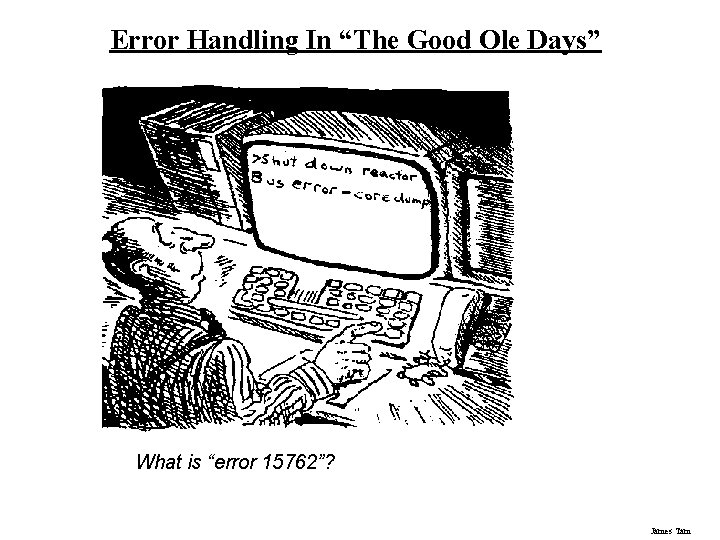
Error Handling In “The Good Ole Days” What is “error 15762”? James Tam
Examples Of Error Handling From The “The Good Ole Days” Below is the full list of error codes with[out] a suitable explanation to their meaning. 103: Insufficient Free store 105: Task Table Full 120: Argument line invalid or to long 121: File is not an object module 122: Invalid resident library during load 202: Object in use 203: Object already exists 204: Directory not found List of error codes from the Amiga. Dos OS James Tam
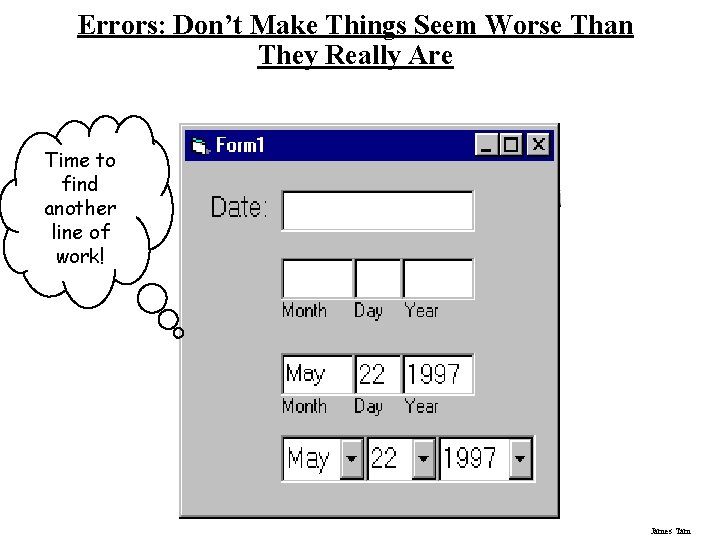
Errors: Don’t Make Things Seem Worse Than They Really Are Time to find another line of work! James Tam
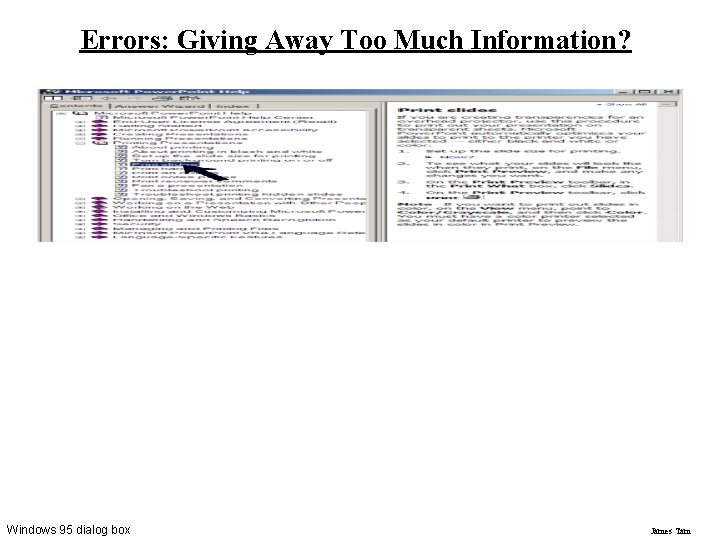
Errors: Giving Away Too Much Information? Windows 95 dialog box James Tam
Rules Of Thumb For Error Messages 1. Polite and non-intimidating • Don’t make people feel stupid – Try again, bonehead! 2. Understandable • Error 25 3. Specific • • Cannot open this document Cannot open “chapter 5” because the application “Microsoft Word” is not on your system 4. Helpful • Cannot open “chapter 5” because the application “Microsoft Word” is not on your system. Open it with “Teachtext” instead? James Tam
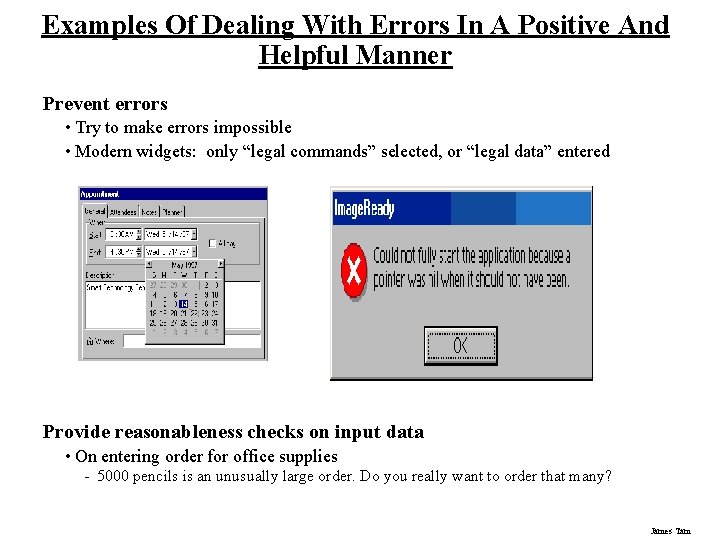
Examples Of Dealing With Errors In A Positive And Helpful Manner Prevent errors • Try to make errors impossible • Modern widgets: only “legal commands” selected, or “legal data” entered Provide reasonableness checks on input data • On entering order for office supplies - 5000 pencils is an unusually large order. Do you really want to order that many? James Tam
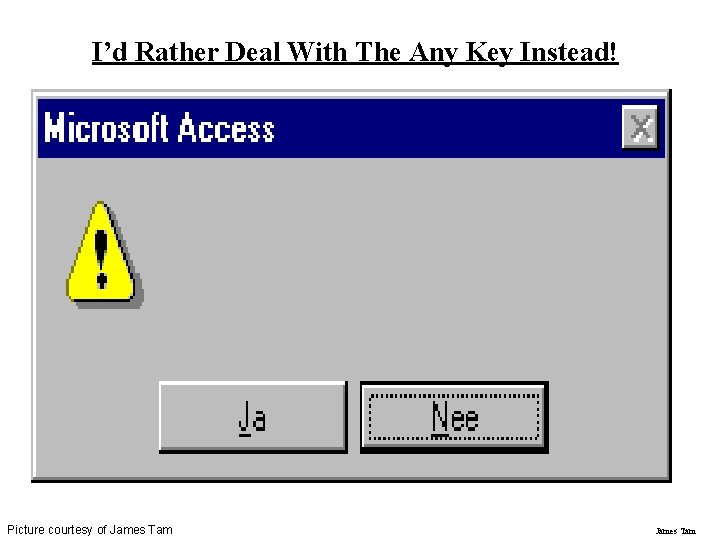
I’d Rather Deal With The Any Key Instead! Picture courtesy of James Tam
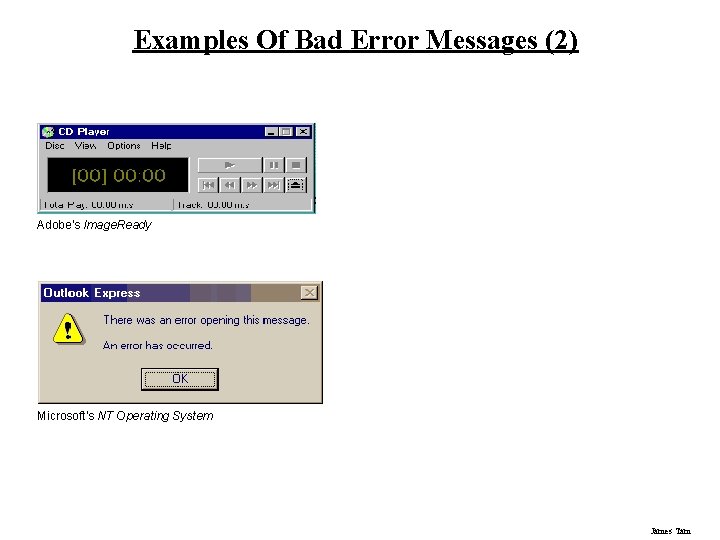
Examples Of Bad Error Messages (2) Adobe's Image. Ready Microsoft's NT Operating System James Tam
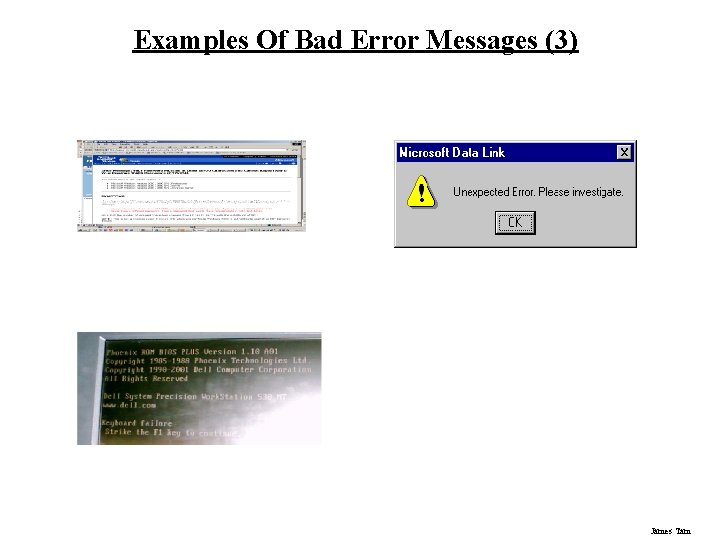
Examples Of Bad Error Messages (3) James Tam
Examples Of Bad Error Messages (4) James Tam
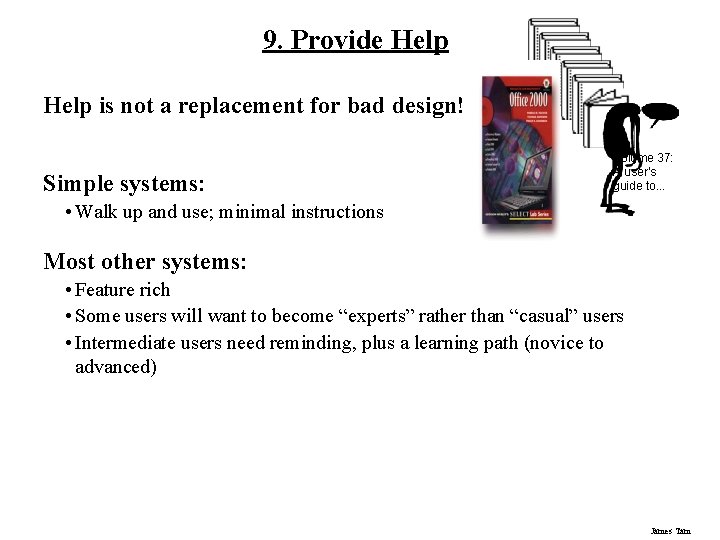
9. Provide Help is not a replacement for bad design! Simple systems: Volume 37: A user's guide to. . . • Walk up and use; minimal instructions Most other systems: • Feature rich • Some users will want to become “experts” rather than “casual” users • Intermediate users need reminding, plus a learning path (novice to advanced) James Tam
Documentation And How It’s Used Many users do not read manuals • Prefer to spend their time pursuing their task • Paper manuals unavailable in many businesses! - e. g. single copy locked away in system administrator’s office Typical usage scenarios: • Usually used when users are in some kind of panic, need immediate help - Indicates need for online documentation, good search/lookup tools - Online help can be specific to current context • Sometimes used for quick reference - Syntax of actions, possibilities. . . - List of shortcuts. . . James Tam
Types Of Help Reference Manuals Reminders • Reference cards • Keyboard templates Context-sensitive help • Tool tips • What’s this (Balloon help) Wizards Tips James Tam
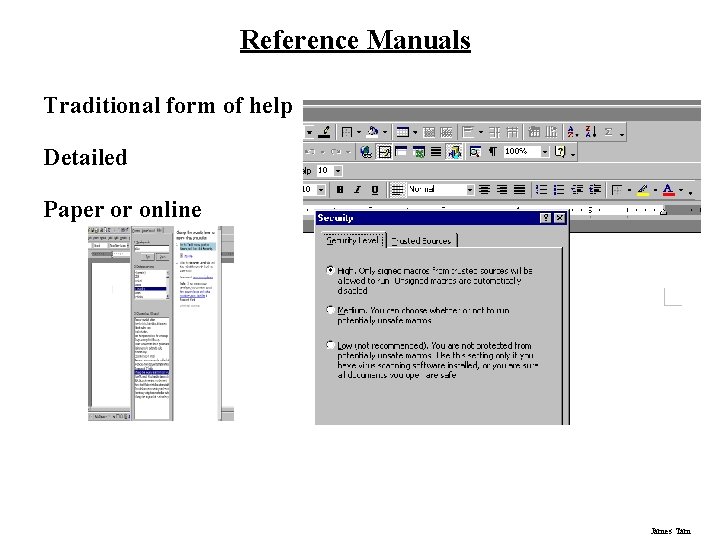
Reference Manuals Traditional form of help Detailed Paper or online James Tam
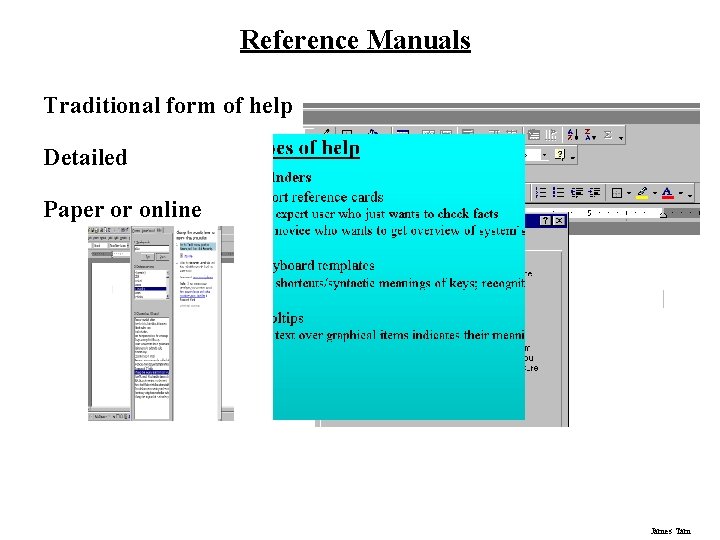
Reference Manuals Traditional form of help Detailed Paper or online James Tam
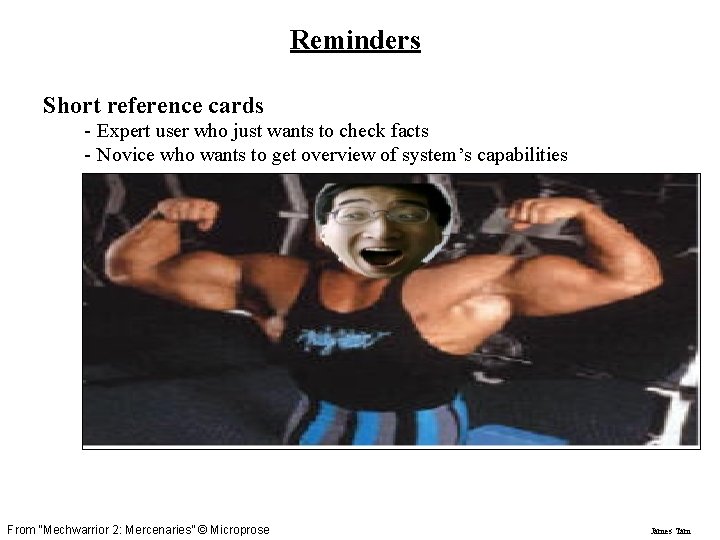
Reminders Short reference cards - Expert user who just wants to check facts - Novice who wants to get overview of system’s capabilities From “Mechwarrior 2: Mercenaries” © Microprose James Tam
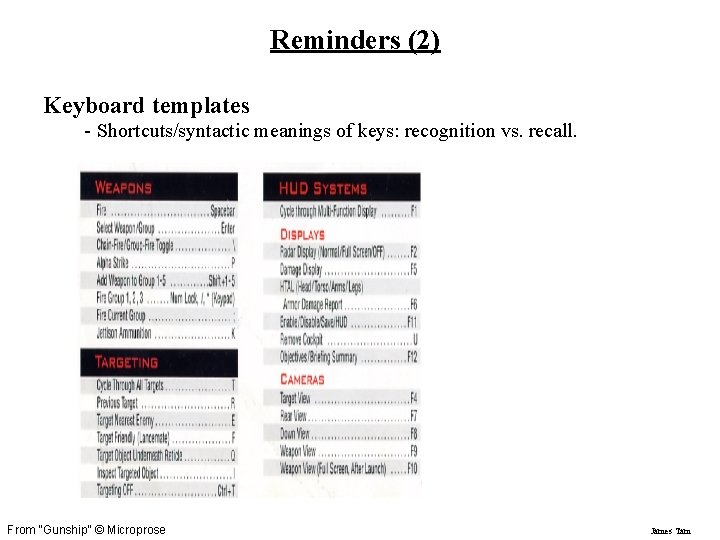
Reminders (2) Keyboard templates - Shortcuts/syntactic meanings of keys: recognition vs. recall. From “Gunship” © Microprose James Tam
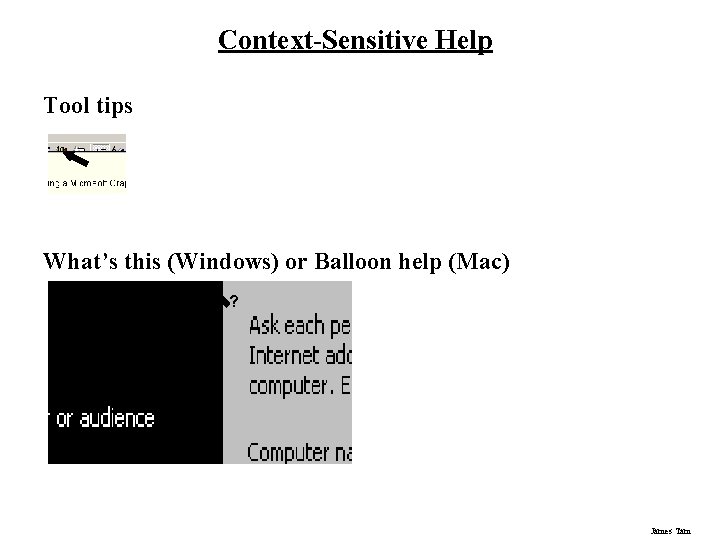
Context-Sensitive Help Tool tips What’s this (Windows) or Balloon help (Mac) ? James Tam
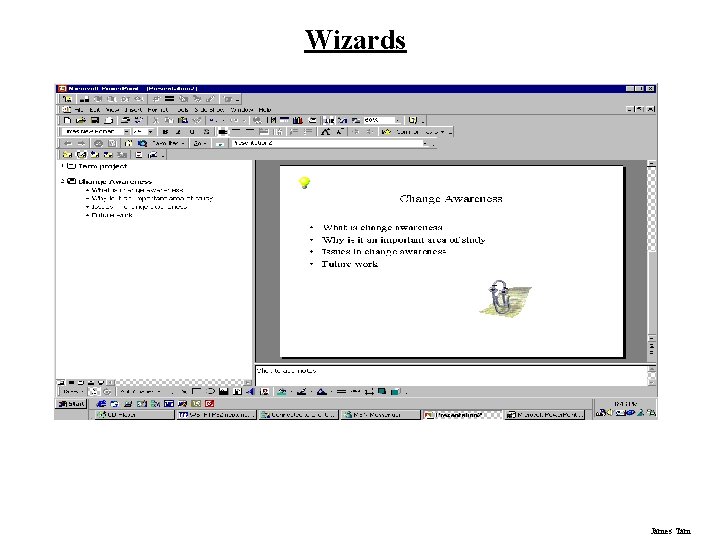
Wizards James Tam
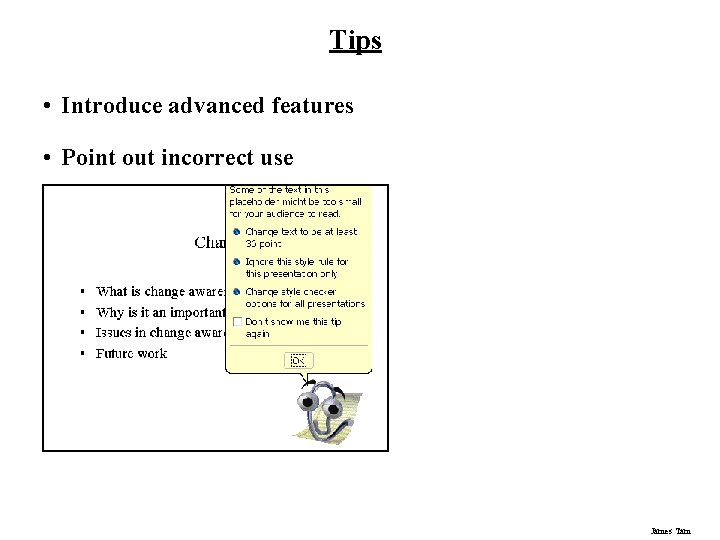
Tips • Introduce advanced features • Point out incorrect use James Tam
Tips • Advanced features • Point out incorrect use James Tam
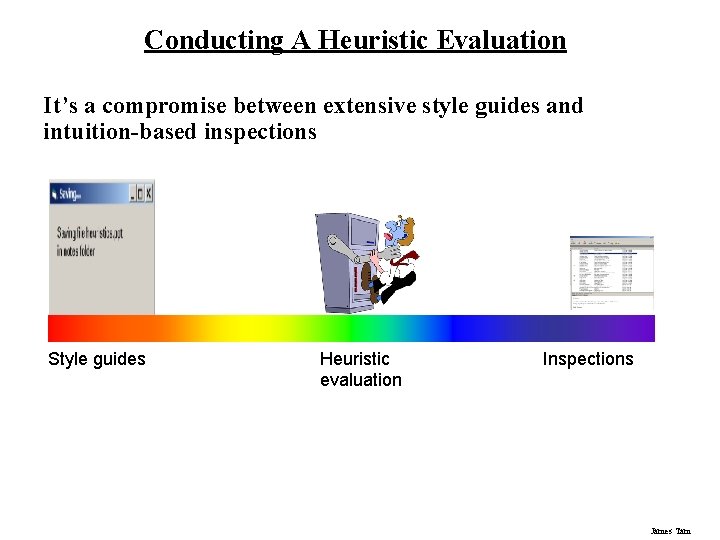
Conducting A Heuristic Evaluation It’s a compromise between extensive style guides and intuition-based inspections Style guides Heuristic evaluation Inspections James Tam
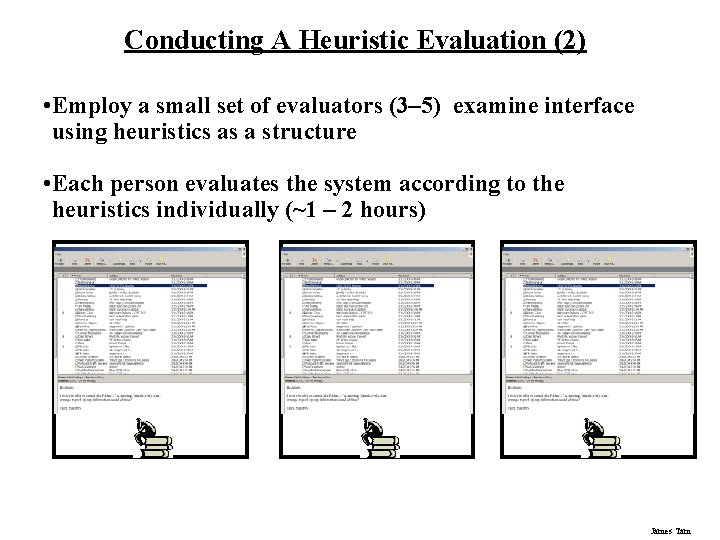
Conducting A Heuristic Evaluation (2) • Employ a small set of evaluators (3– 5) examine interface using heuristics as a structure • Each person evaluates the system according to the heuristics individually (~1 – 2 hours) James Tam
Conducting A Heuristic Evaluation (3) • After this bring the evaluators together to pool/compare their results James Tam
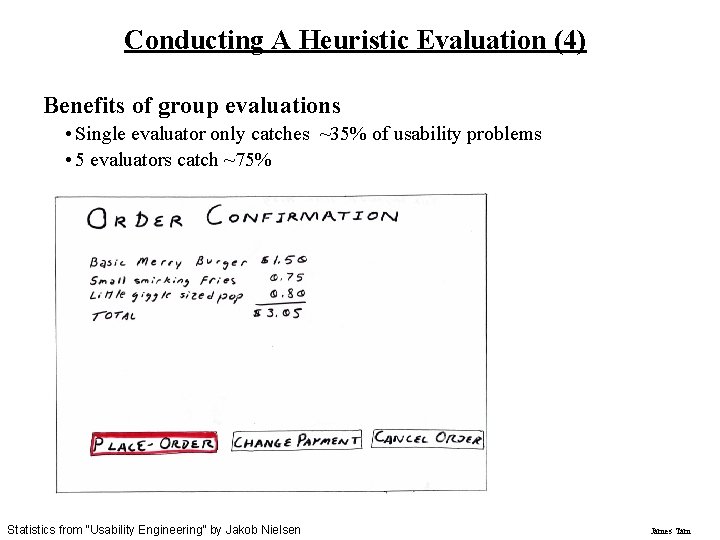
Conducting A Heuristic Evaluation (4) Benefits of group evaluations • Single evaluator only catches ~35% of usability problems • 5 evaluators catch ~75% Statistics from “Usability Engineering” by Jakob Nielsen James Tam
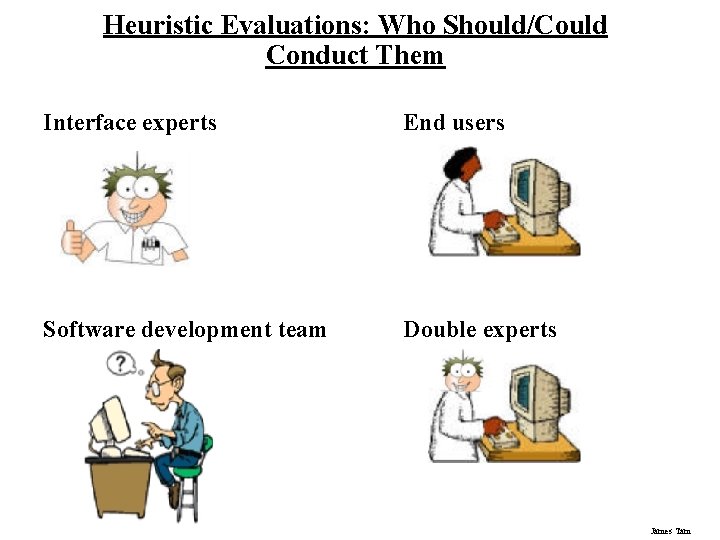
Heuristic Evaluations: Who Should/Could Conduct Them Interface experts End users Software development team Double experts James Tam
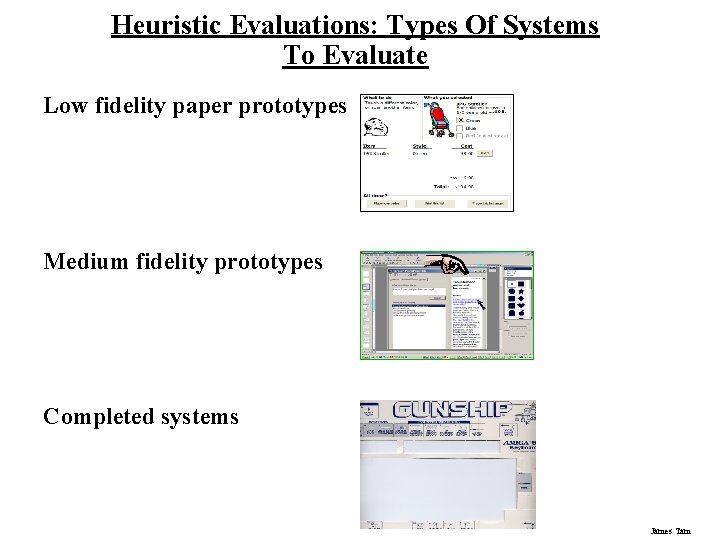
Heuristic Evaluations: Types Of Systems To Evaluate Low fidelity paper prototypes Medium fidelity prototypes Completed systems James Tam
Other Guidelines: Style Guides Guidelines published by producers of graphical user interfaces (GUIs) • Examples: - Open Software Foundation MOTIF Open Look MS Windows Apple Describes the “look and feel” of the GUI • e. g. Open Look - Grouping items in the same menu: Use white space between long groups of controls on menus or in short groups when screen real estate is not an issue Good, but hard too follow • GUI and widget specific • Vast number of guidelines • May miss fundamental design principles James Tam
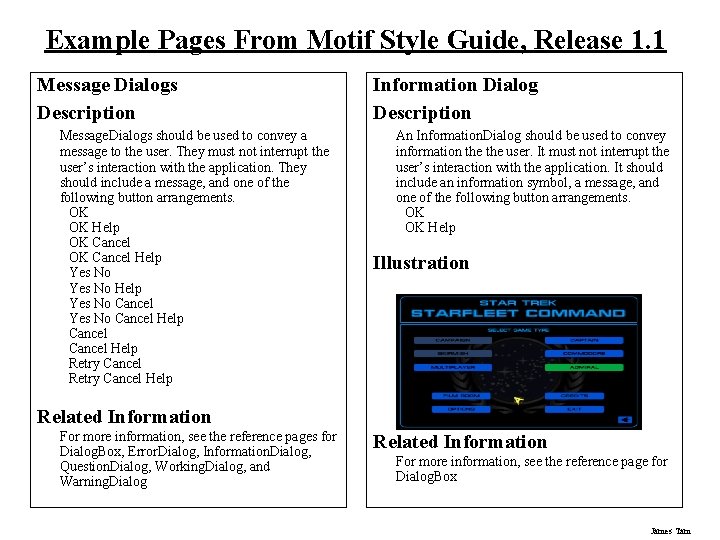
Example Pages From Motif Style Guide, Release 1. 1 Message Dialogs Description Message. Dialogs should be used to convey a message to the user. They must not interrupt the user’s interaction with the application. They should include a message, and one of the following button arrangements. OK OK Help OK Cancel Help Yes No Cancel Help Retry Cancel Help Information Dialog Description An Information. Dialog should be used to convey information the user. It must not interrupt the user’s interaction with the application. It should include an information symbol, a message, and one of the following button arrangements. OK OK Help Illustration Related Information For more information, see the reference pages for Dialog. Box, Error. Dialog, Information. Dialog, Question. Dialog, Working. Dialog, and Warning. Dialog Related Information For more information, see the reference page for Dialog. Box James Tam
Other Guidelines: Widget-level “Guides” Toolkit “hard-wires” guidelines • Repertoire of widgets • Look & feel of particular widgets • Easier to use defaults then to re-invent the wheel! Some toolkits • Look & feel is programmer-settable or platform-dependent Advantages: • Easy to be consistent • Widgets developed by experts (e. g. , graphical designers) Disadvantages • Can be hacked around • Interfaces “assembled” by non-interface designers can still be terrible James Tam
You Now Know Nine principles of design • Simple and natural dialog • Speak the user’s language • Minimize user’s memory load • Be consistent • Provide feedback • Provide clearly marked exits • Provide shortcuts • Deal with errors in a positive manner • Provide help James Tam
You Now Know (2) Heuristic evaluation • Principles can be used to systematically inspect the interface for usability problems Style guides are mostly platform-dependant design principles Widget-level guidelines are built into the widgets themselves James Tam
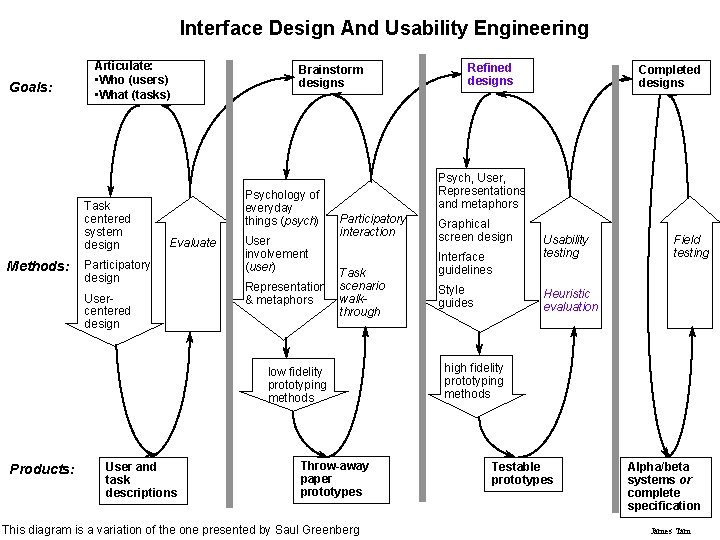
Interface Design And Usability Engineering Goals: Articulate: • Who (users) • What (tasks) Task centered system design Methods: Brainstorm designs Psychology of everyday things (psych) Evaluate Participatory design Usercentered design User involvement (user) Representation & metaphors User and task descriptions Completed designs Psych, User, Representations and metaphors Participatory interaction Task scenario walkthrough low fidelity prototyping methods Products: Refined designs Throw-away paper prototypes This diagram is a variation of the one presented by Saul Greenberg Graphical screen design Interface guidelines Style guides Usability testing Field testing Heuristic evaluation high fidelity prototyping methods Testable prototypes Alpha/beta systems or complete specification James Tam
- Slides: 94