
DESIGN PATTERNS IN HCI So far What is
- Slides: 24
DESIGN PATTERNS IN HCI
So far What is design? Design process Design techniques Design principles Today Design patterns
Design patterns Patterns are good solutions to common problems What is pattern? Decorative Design There are several kinds of patterns Structural Navigation Widgets
Structural Wizard sequence of dialog boxes with Next and Previous buttons Center stage word processor, drawing programs High-density information display mail and google maps
Navigation Pagination Breadcrumbs (where you are)
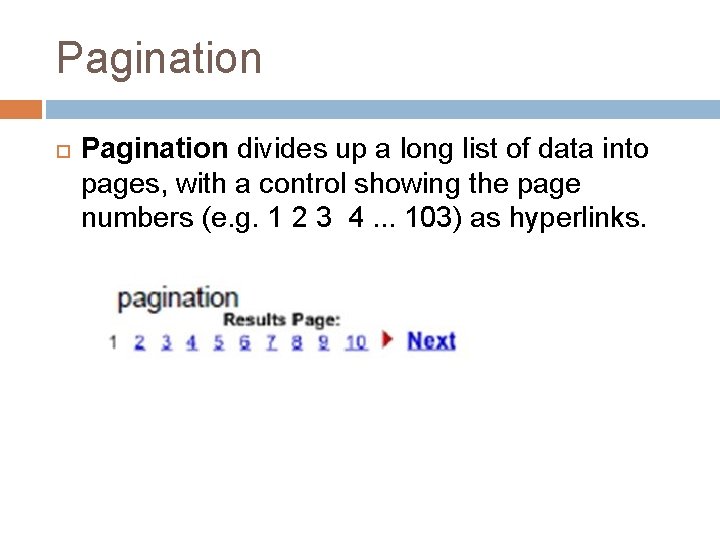
Pagination divides up a long list of data into pages, with a control showing the page numbers (e. g. 1 2 3 4. . . 103) as hyperlinks.
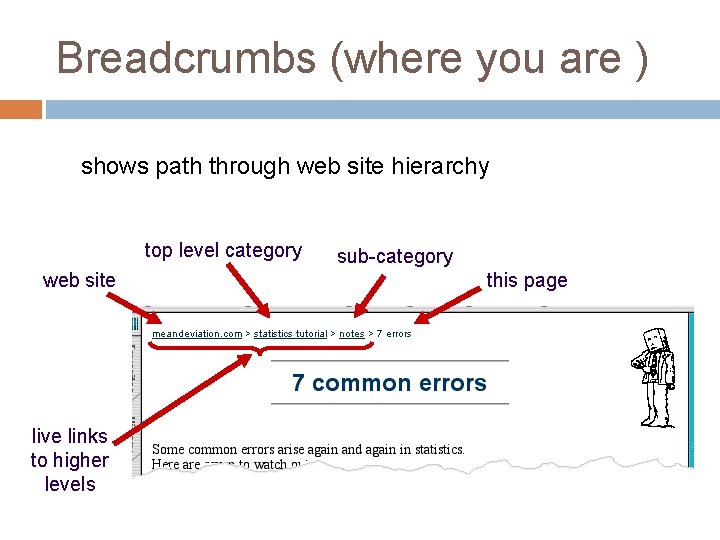
Breadcrumbs (where you are ) shows path through web site hierarchy top level category web site live links to higher levels sub-category this page
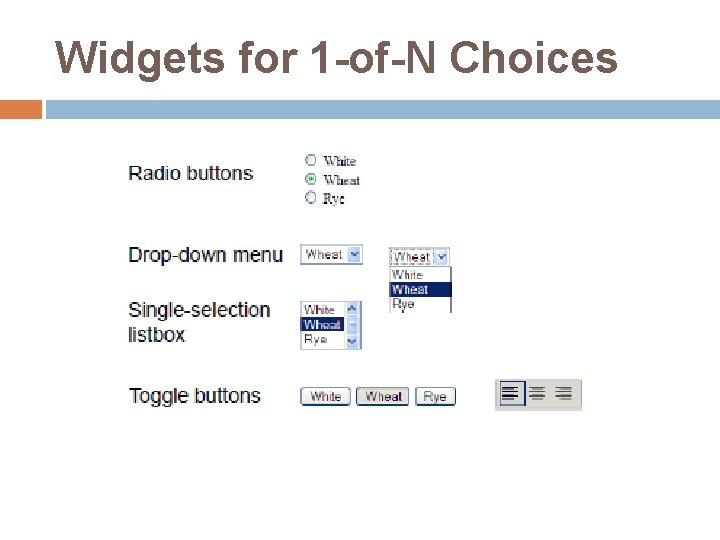
Widgets for 1 -of-N Choices
Radio Buttons for 1 -of-N Choices Radio buttons are the conventional idiom for making 1 -of-N selections. They are fast All the choices are visible It uses a lot of screen real estate as N gets large
Toggle Buttons for 1 -of-N Choices Toggle buttons can offer larger targets than radio buttons (faster hit) Toggle buttons are often used for mode switches, or for 1 -of-N choices in toolbars.
Drop-down menu for 1 -of-N Choices A single-selection listbox is a static version of the same thing, where the list of N choices is always visible, and the chosen item is indicated by a highlight. Drop-down menus are very compact, but require two pointing operations (point and click to open the list, then point to the new choice) All these widgets are useful for 1 -of-N choices,
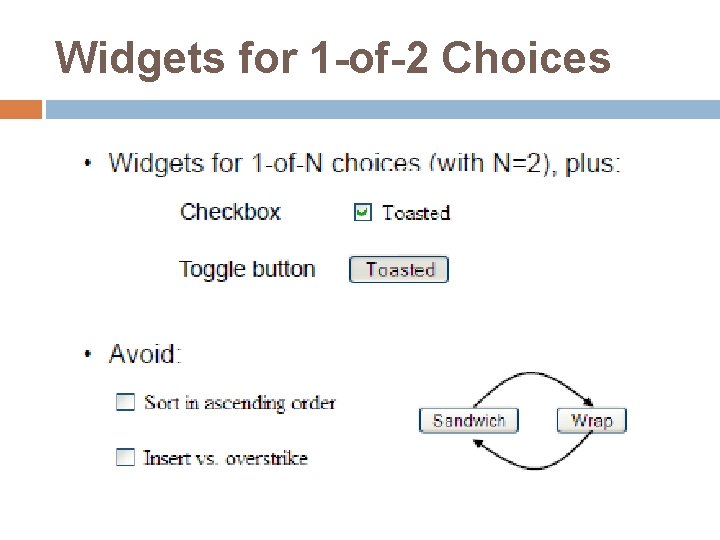
In design Issues: Avoid using N checkboxes for 1 -of-N choices. Radio buttons are a visually distinct widget that communicates the affordance that the choices are exclusive (i. e. , that you can only select one at a time). Checkboxes fail to convey this.
Widgets for 1 -of-2 Choices For the special case where N=2, you can also use a single checkbox or toggle button.
Widgets for 1 -of-2 Choices
Widgets for K-of-N Choices
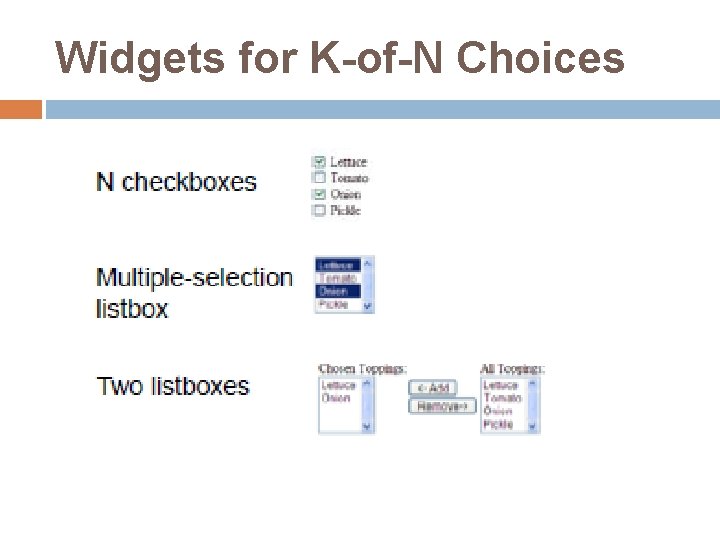
Widgets for K-of-N Choices Checkboxes are a natural way to do this. A multiple-selection listbox is another way to do it. Lack of learnability- multiple selections are not visible to users Errors(the selection is very fragile) - one accidental click can clear a carefully-created selection Two listboxes are still another way ‘K’ choices you have made clearly visible Less fragile
Widgets for K-of-N Choices Here’s a design question: when the user moves an item over to the ‘K’ list, should it disappear from the N list?
Widgets for K-of-N Choices Here’s a design question: when the user moves an item over to the ‘K’ list, should it disappear from the N list? Maybe not disappear, since that would remove visual search landmarks from the N list
Widgets for K-of-N Choices Here’s a design question: when the user moves an item over to the ‘K’ list, should it disappear from the N list? Maybe not disappear, since that would remove visual search landmarks from the N list But some indication in the N list of which items have already been selected would improve the visibility of system status and reduce errors (like selecting the same item again).
levels widget choice menus, buttons etc. screen design navigation design environment other apps, O/S
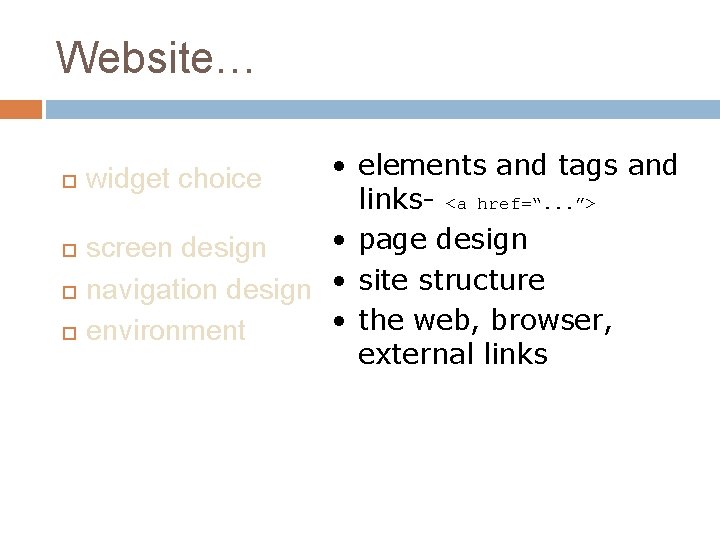
Website… • elements and tags and links- <a href=“. . . ”> • page design screen design navigation design • site structure • the web, browser, environment external links widget choice
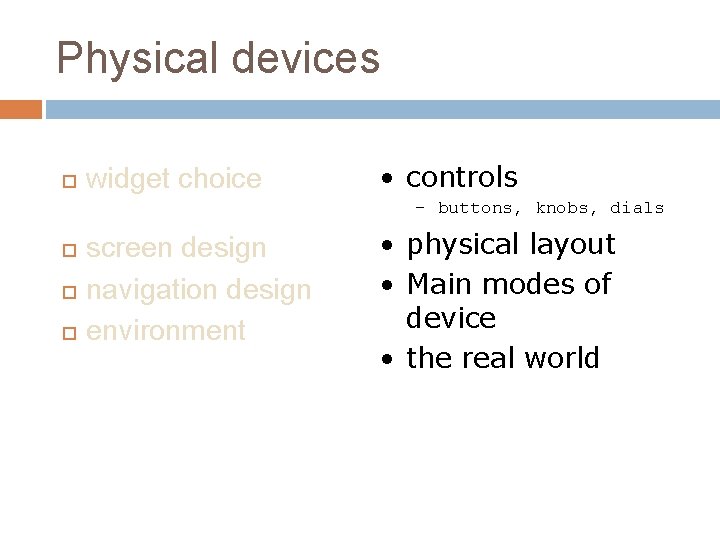
Physical devices widget choice • controls – buttons, knobs, dials screen design navigation design environment • physical layout • Main modes of device • the real world
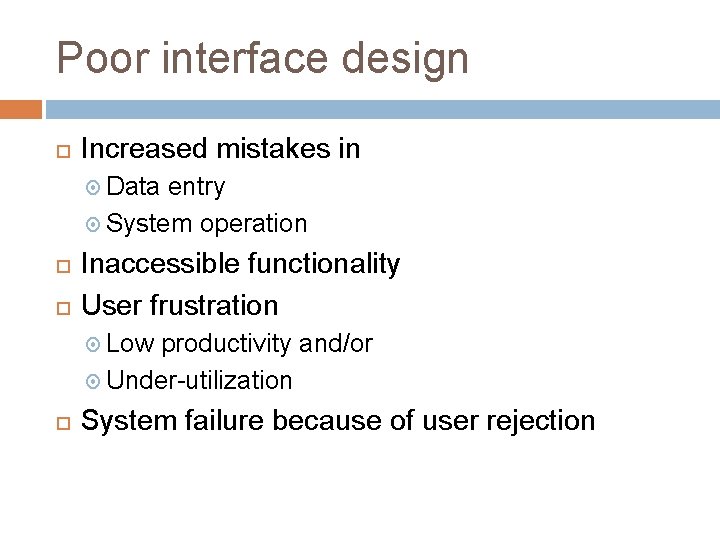
Poor interface design Increased mistakes in Data entry System operation Inaccessible functionality User frustration Low productivity and/or Under-utilization System failure because of user rejection