
Design of Digital Circuits Lab 7 Supplement Prof
Design of Digital Circuits Lab 7 Supplement Prof. Onur Mutlu ETH Zurich Spring 2018 24 April 2018
Improving the Labs: Lab Introduction and New Grading Policy 2
Improving the Labs n n n Starting from Lab 7, we will give you a short introduction at the beginning of each lab explaining the goals of the lab We will also provide you with supplementary materials that will help you through the labs We changed the grading policy 3
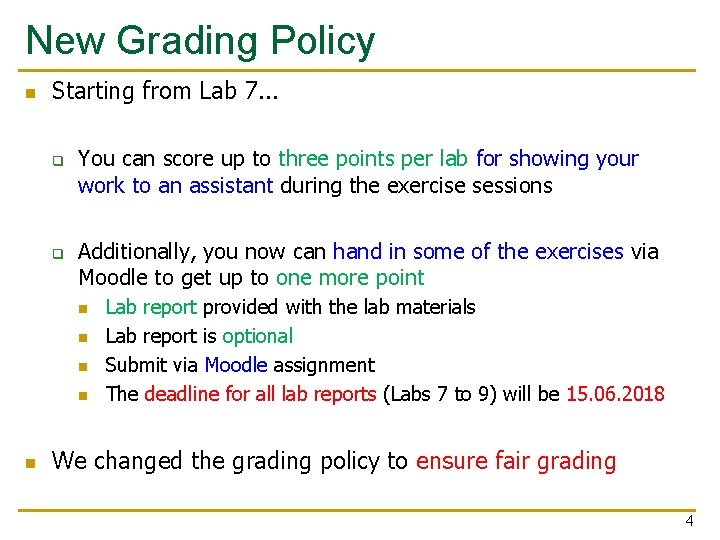
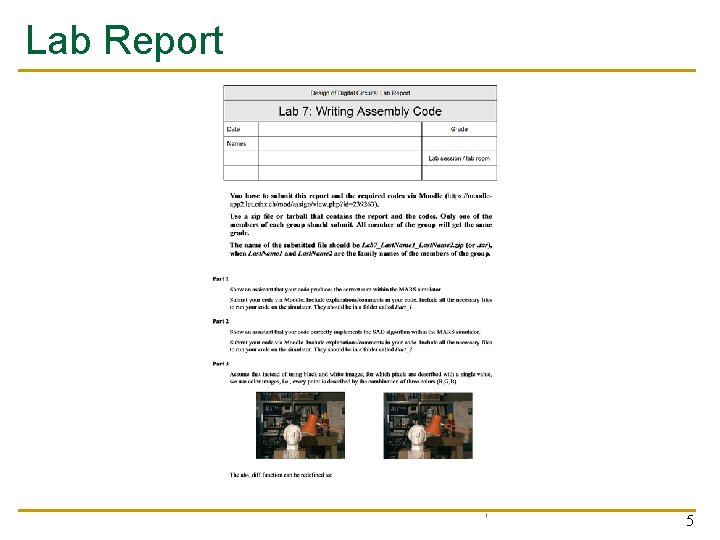
New Grading Policy n Starting from Lab 7. . . q q You can score up to three points per lab for showing your work to an assistant during the exercise sessions Additionally, you now can hand in some of the exercises via Moodle to get up to one more point n n n Lab report provided with the lab materials Lab report is optional Submit via Moodle assignment The deadline for all lab reports (Labs 7 to 9) will be 15. 06. 2018 We changed the grading policy to ensure fair grading 4
Lab Report 5
Lab 7: Writing Assembly Code 6
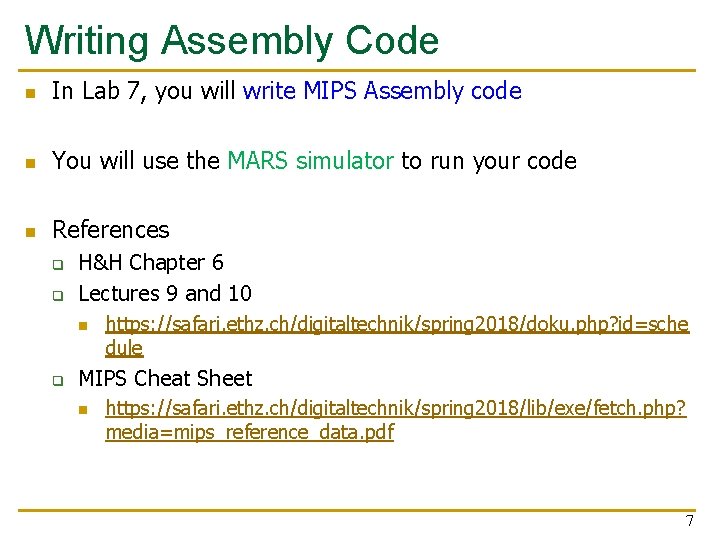
Writing Assembly Code n In Lab 7, you will write MIPS Assembly code n You will use the MARS simulator to run your code n References q q H&H Chapter 6 Lectures 9 and 10 n q https: //safari. ethz. ch/digitaltechnik/spring 2018/doku. php? id=sche dule MIPS Cheat Sheet n https: //safari. ethz. ch/digitaltechnik/spring 2018/lib/exe/fetch. php? media=mips_reference_data. pdf 7
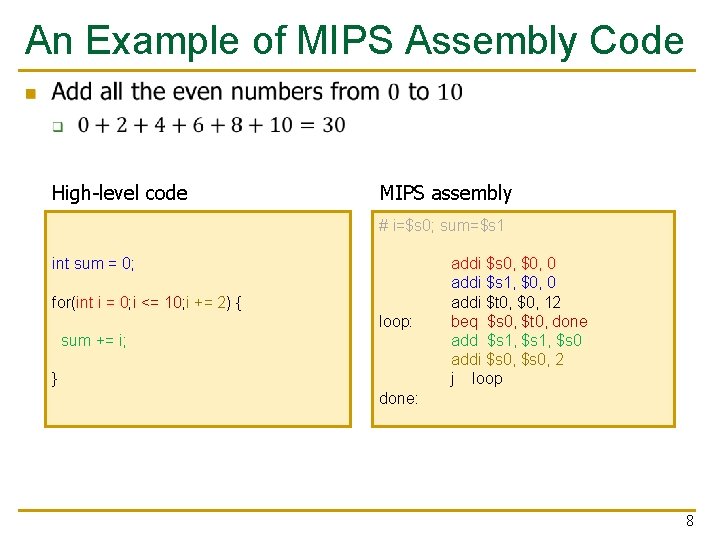
An Example of MIPS Assembly Code n High-level code MIPS assembly # i=$s 0; sum=$s 1 int sum = 0; for(int i = 0; i <= 10; i += 2) { sum += i; } loop: done: addi $s 0, $0, 0 addi $s 1, $0, 0 addi $t 0, $0, 12 beq $s 0, $t 0, done add $s 1, $s 0 addi $s 0, 2 j loop 8
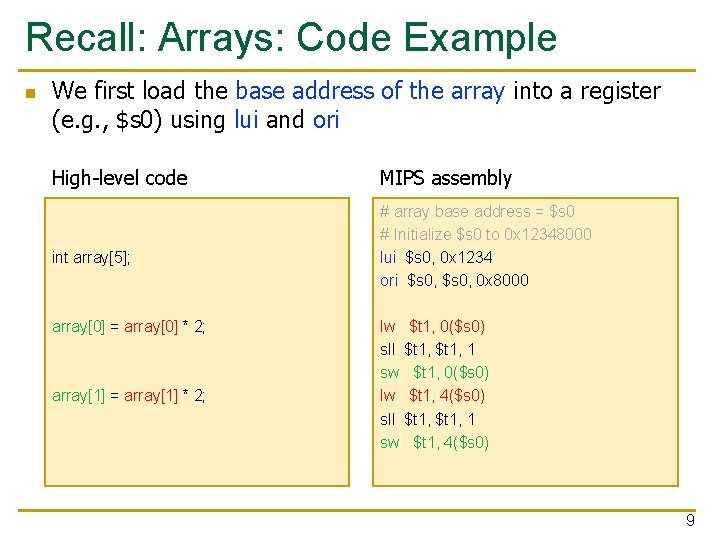
Recall: Arrays: Code Example n We first load the base address of the array into a register (e. g. , $s 0) using lui and ori High-level code int array[5]; array[0] = array[0] * 2; array[1] = array[1] * 2; MIPS assembly # array base address = $s 0 # Initialize $s 0 to 0 x 12348000 lui $s 0, 0 x 1234 ori $s 0, 0 x 8000 lw $t 1, 0($s 0) sll $t 1, 1 sw $t 1, 0($s 0) lw $t 1, 4($s 0) sll $t 1, 1 sw $t 1, 4($s 0) 9
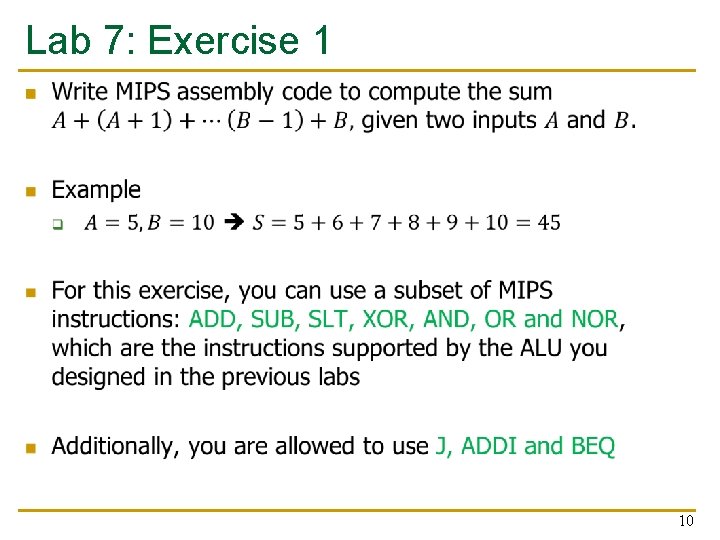
Lab 7: Exercise 1 n 10
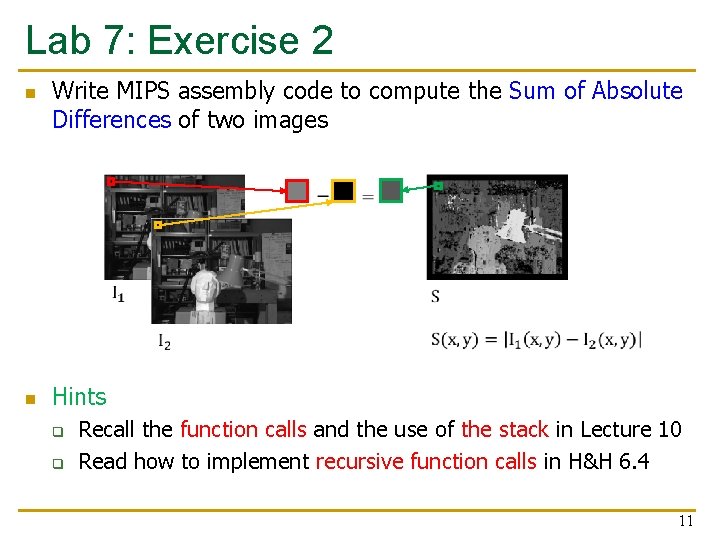
Lab 7: Exercise 2 n Write MIPS assembly code to compute the Sum of Absolute Differences of two images n Hints q q Recall the function calls and the use of the stack in Lecture 10 Read how to implement recursive function calls in H&H 6. 4 11
Last Words n n In this lab, you will do what a compiler does: transforming high level code to MIPS assembly Exercise 1: Write simple code and get familiar with the MARS simulator n Exercise 2: Sum of Absolute Differences of two images n Find Exercise 3 in the lab report 12

Design of Digital Circuits Lab 7 Supplement Prof. Onur Mutlu ETH Zurich Spring 2018 24 April 2018
Backup Slides 14
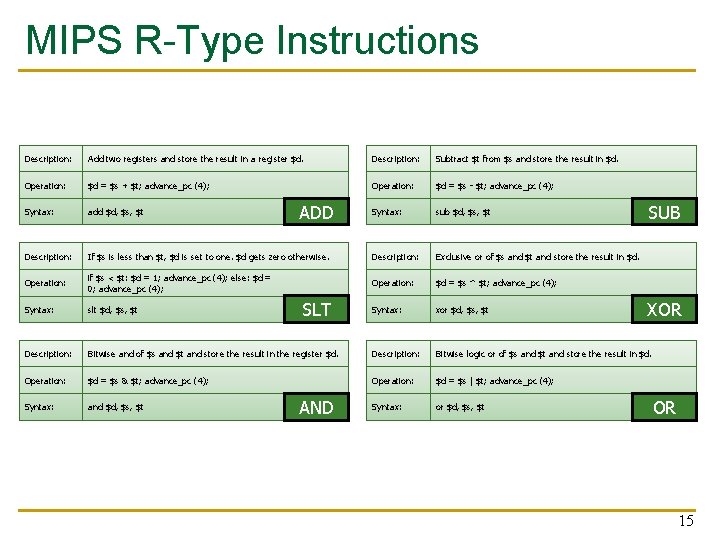
MIPS R-Type Instructions Description: Add two registers and store the result in a register $d. Description: Subtract $t from $s and store the result in $d. Operation: $d = $s + $t; advance_pc (4); Operation: $d = $s - $t; advance_pc (4); Syntax: add $d, $s, $t Syntax: sub $d, $s, $t Description: If $s is less than $t, $d is set to one. $d gets zero otherwise. Description: Exclusive or of $s and $t and store the result in $d. Operation: if $s < $t: $d = 1; advance_pc (4); else: $d = 0; advance_pc (4); Operation: $d = $s ^ $t; advance_pc (4); Syntax: slt $d, $s, $t Syntax: xor $d, $s, $t Description: Bitwise and of $s and $t and store the result in the register $d. Description: Bitwise logic or of $s and $t and store the result in $d. Operation: $d = $s & $t; advance_pc (4); Operation: $d = $s | $t; advance_pc (4); Syntax: and $d, $s, $t Syntax: or $d, $s, $t ADD SLT AND SUB XOR OR 15
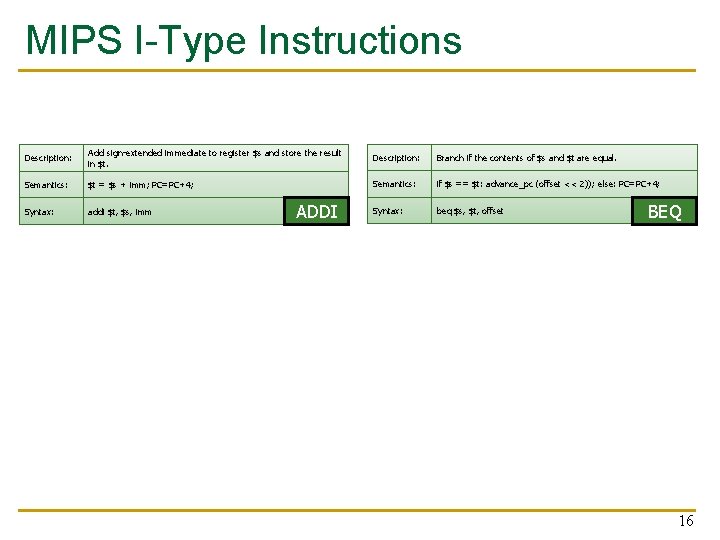
MIPS I-Type Instructions Description: Add sign-extended immediate to register $s and store the result in $t. Description: Branch if the contents of $s and $t are equal. Semantics: $t = $s + imm; PC=PC+4; Semantics: if $s == $t: advance_pc (offset << 2)); else: PC=PC+4; Syntax: addi $t, $s, imm Syntax: beq $s, $t, offset ADDI BEQ 16
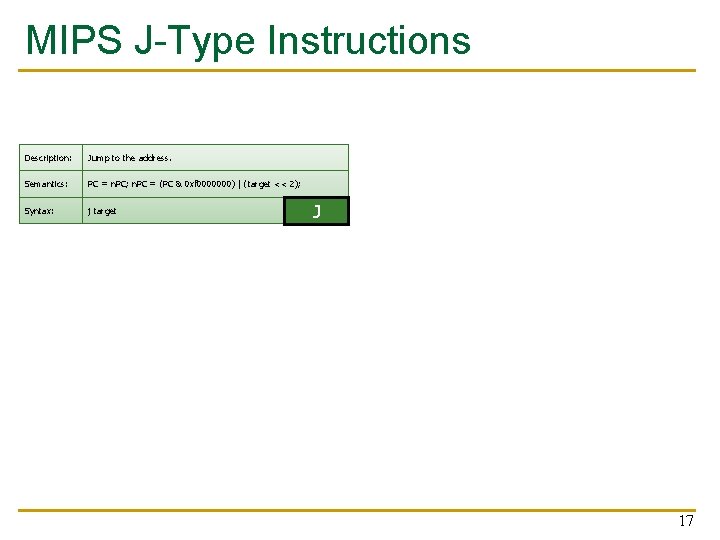
MIPS J-Type Instructions Description: Jump to the address. Semantics: PC = n. PC; n. PC = (PC & 0 xf 0000000) | (target << 2); Syntax: j target J 17
- Slides: 17