
Design Making Flow Control week 5 Controlling the

- Slides: 30
Design Making Flow Control week 5
Controlling the flow of your program In everyday life we frequently encounter a situation which involves several possible alternative courses of action, requiring us to choose one of them based on some decisionmaking criteria. The ability of a program to specify how these decisions are to be made is one of the most important aspects of programming.
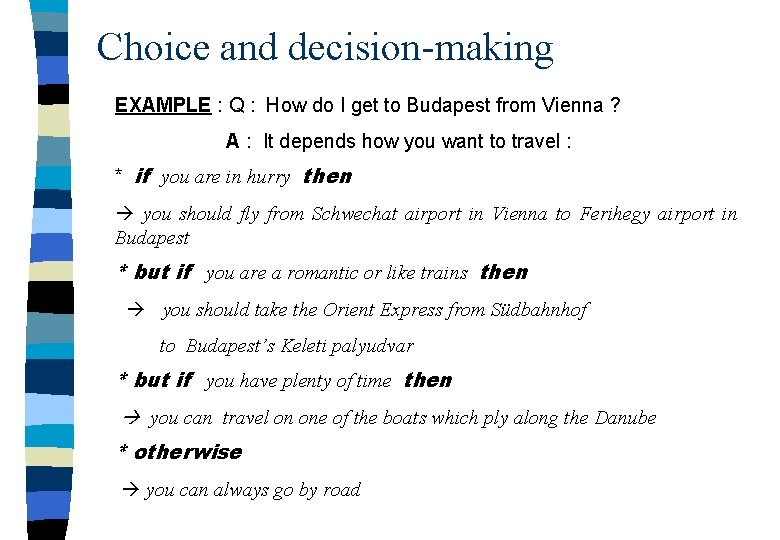
Choice and decision-making EXAMPLE : Q : How do I get to Budapest from Vienna ? A : It depends how you want to travel : * if you are in hurry then you should fly from Schwechat airport in Vienna to Ferihegy airport in Budapest * but if you are a romantic or like trains then you should take the Orient Express from Südbahnhof to Budapest’s Keleti palyudvar * but if you have plenty of time then you can travel on one of the boats which ply along the Danube * otherwise you can always go by road
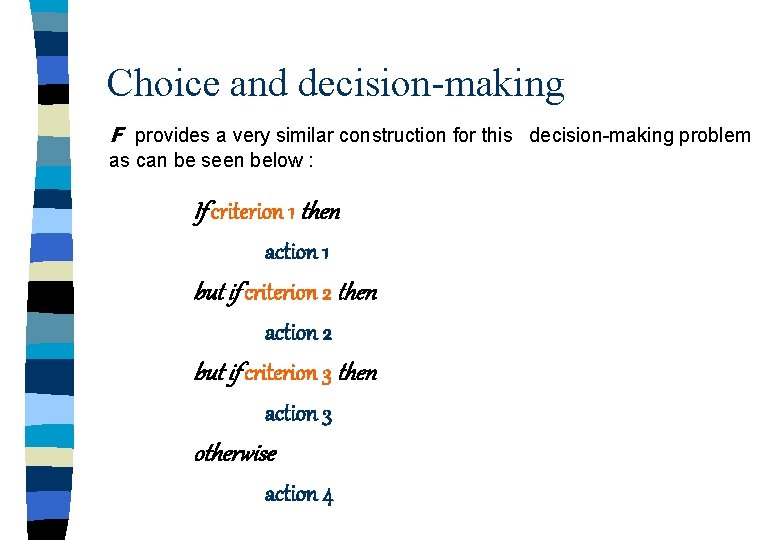
Choice and decision-making F provides a very similar construction for this decision-making problem as can be seen below : If criterion 1 then action 1 but if criterion 2 then action 2 but if criterion 3 then action 3 otherwise action 4
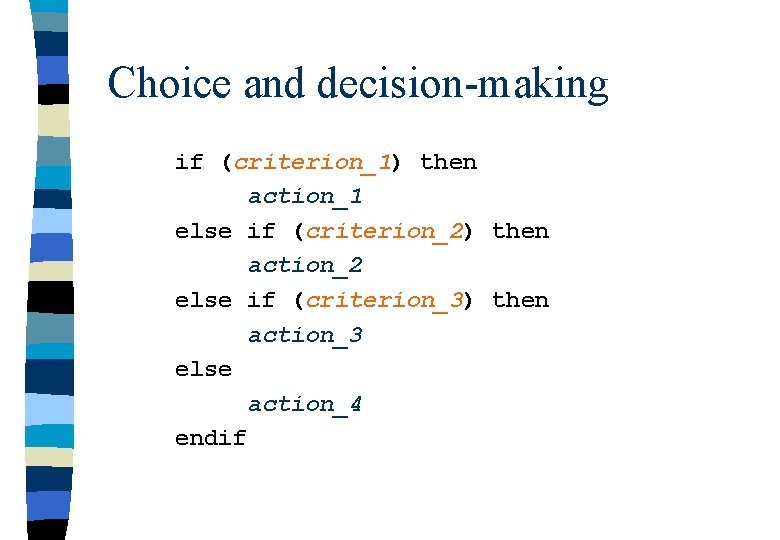
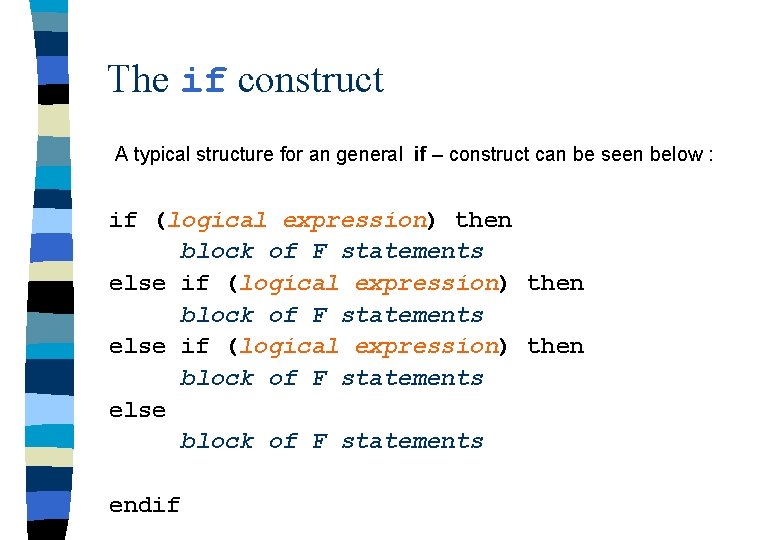
Choice and decision-making if (criterion_1) then action_1 else if (criterion_2) then action_2 else if (criterion_3) then action_3 else action_4 endif
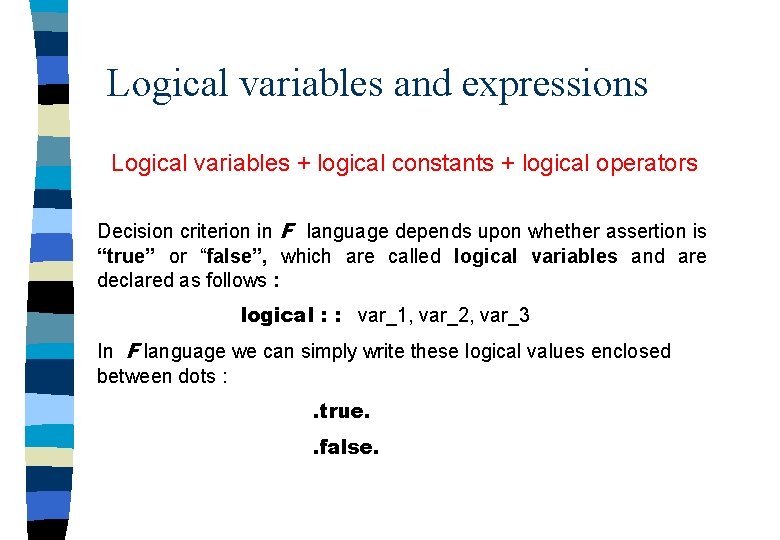
Logical variables and expressions Logical variables + logical constants + logical operators Decision criterion in F language depends upon whether assertion is “true” or “false”, which are called logical variables and are declared as follows : logical : : var_1, var_2, var_3 In F language we can simply write these logical values enclosed between dots : . true. . false.
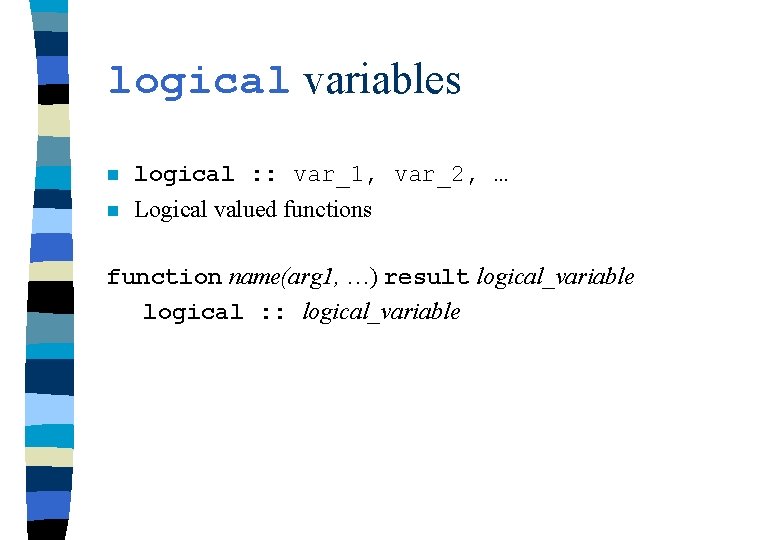
logical variables n logical : : var_1, var_2, … n Logical valued functions function name(arg 1, …) result logical_variable logical : : logical_variable
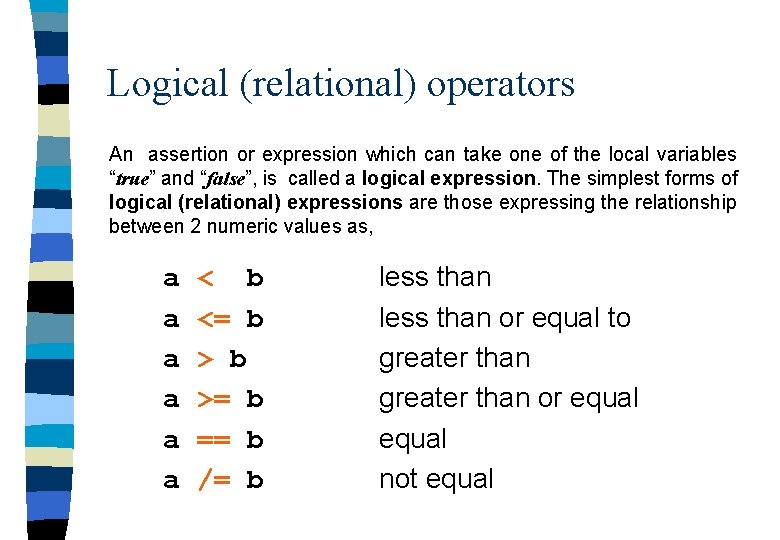
Logical (relational) operators An assertion or expression which can take one of the local variables “true” and “false”, is called a logical expression. The simplest forms of logical (relational) expressions are those expressing the relationship between 2 numeric values as, a a a < b <= b >= b == b /= b less than or equal to greater than or equal not equal
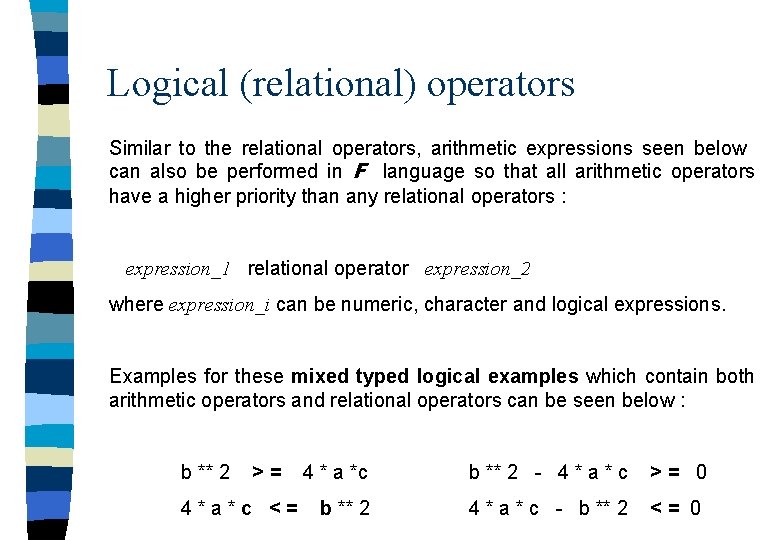
Logical (relational) operators Similar to the relational operators, arithmetic expressions seen below can also be performed in F language so that all arithmetic operators have a higher priority than any relational operators : expression_1 relational operator expression_2 where expression_i can be numeric, character and logical expressions. Examples for these mixed typed logical examples which contain both arithmetic operators and relational operators can be seen below : b ** 2 >= 4*a*c <= 4 * a *c b ** 2 - 4 * a * c >= 0 b ** 2 4 * a * c - b ** 2 <= 0
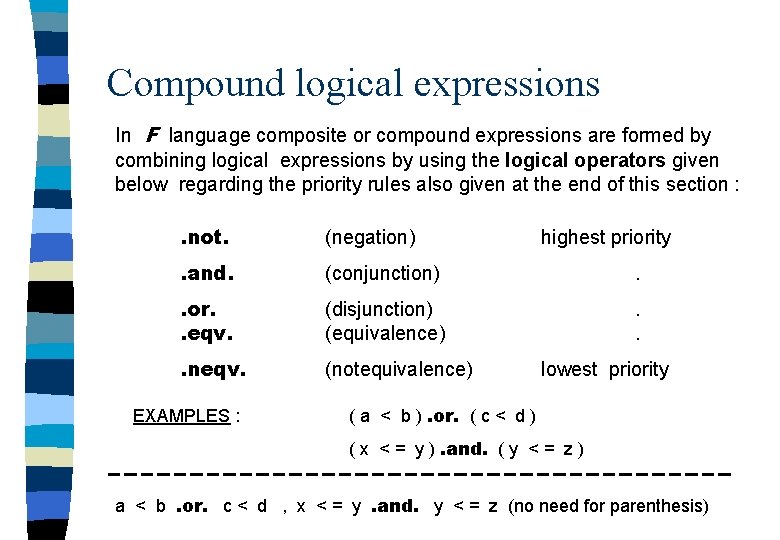
Compound logical expressions In F language composite or compound expressions are formed by combining logical expressions by using the logical operators given below regarding the priority rules also given at the end of this section : . not. (negation) . and. (conjunction) . . or. . eqv. (disjunction) (equivalence) . . . neqv. (notequivalence) EXAMPLES : highest priority lowest priority ( a < b ). or. ( c < d ) ( x < = y ). and. ( y < = z ) a < b. or. c < d , x < = y. and. y < = z (no need for parenthesis)
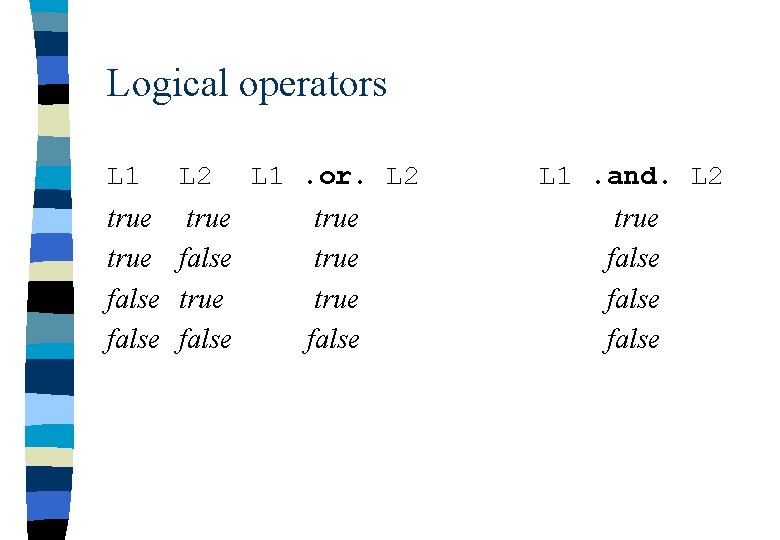
Logical operators L 1 L 2 true false L 1. or. L 2 L 1. and. L 2 true false
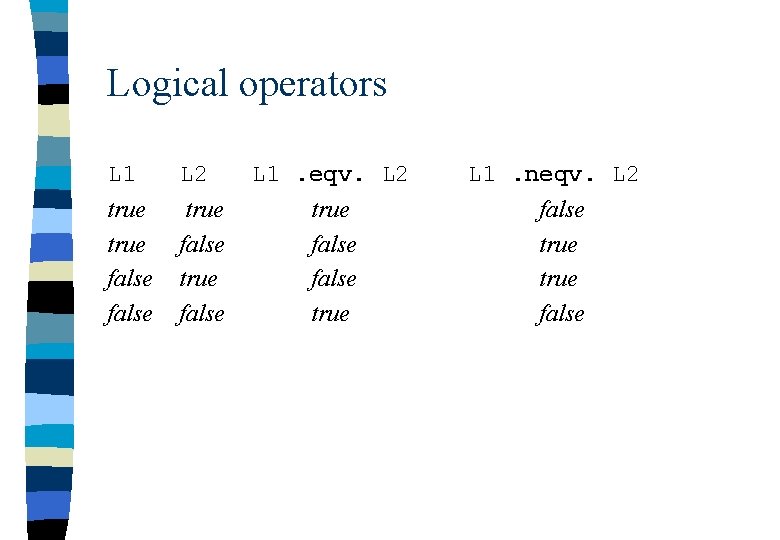
Logical operators L 1 L 2 true false L 1. eqv. L 2 true false true L 1. neqv. L 2 false true false
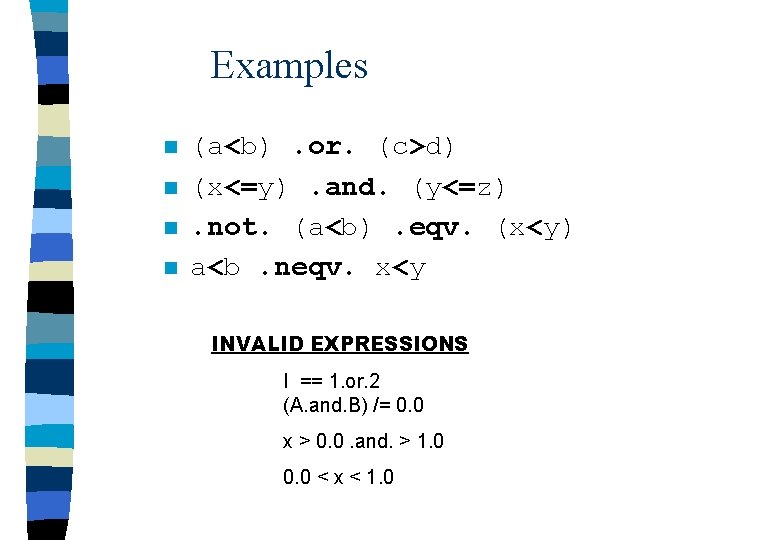
Examples n n (a<b). or. (c>d) (x<=y). and. (y<=z). not. (a<b). eqv. (x<y) a<b. neqv. x<y INVALID EXPRESSIONS I == 1. or. 2 (A. and. B) /= 0. 0 x > 0. 0. and. > 1. 0 0. 0 < x < 1. 0
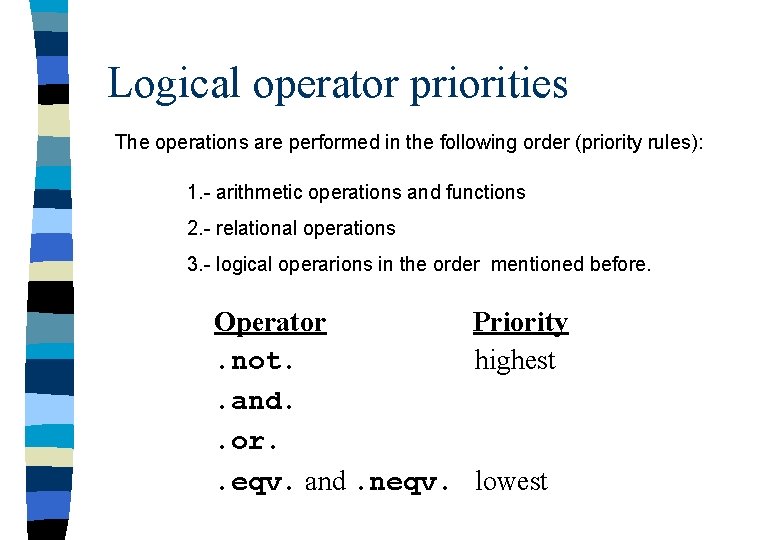
Logical operator priorities The operations are performed in the following order (priority rules): 1. - arithmetic operations and functions 2. - relational operations 3. - logical operarions in the order mentioned before. Operator Priority. not. highest. and. . or. . eqv. and. neqv. lowest
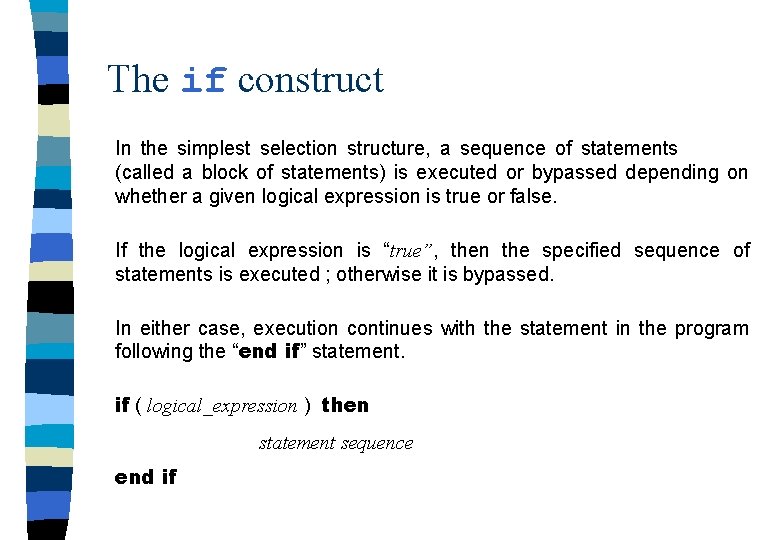
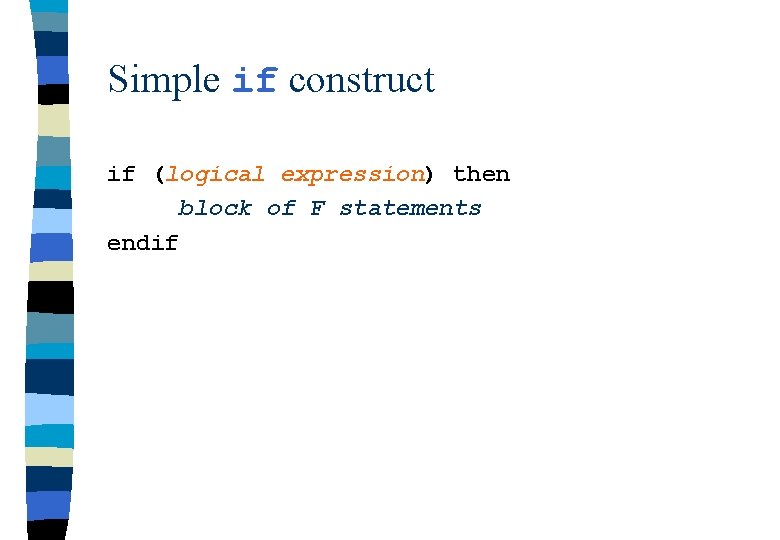
The if construct In the simplest selection structure, a sequence of statements (called a block of statements) is executed or bypassed depending on whether a given logical expression is true or false. If the logical expression is “true”, then the specified sequence of statements is executed ; otherwise it is bypassed. In either case, execution continues with the statement in the program following the “end if” statement. if ( logical_expression ) then statement sequence end if
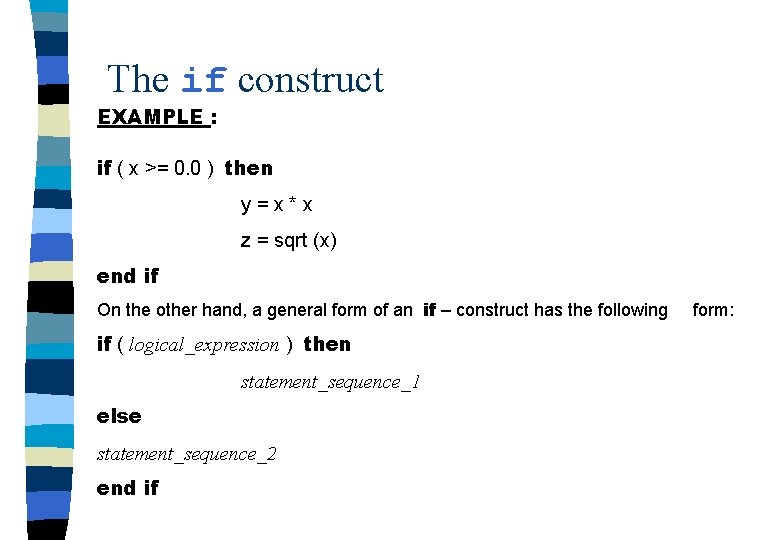
The if construct EXAMPLE : if ( x >= 0. 0 ) then y=x*x z = sqrt (x) end if On the other hand, a general form of an if – construct has the following if ( logical_expression ) then statement_sequence_1 else statement_sequence_2 end if form:
The if construct A typical structure for an general if – construct can be seen below : if (logical expression) then block of F statements else block of F statements endif
Simple if construct if (logical expression) then block of F statements endif
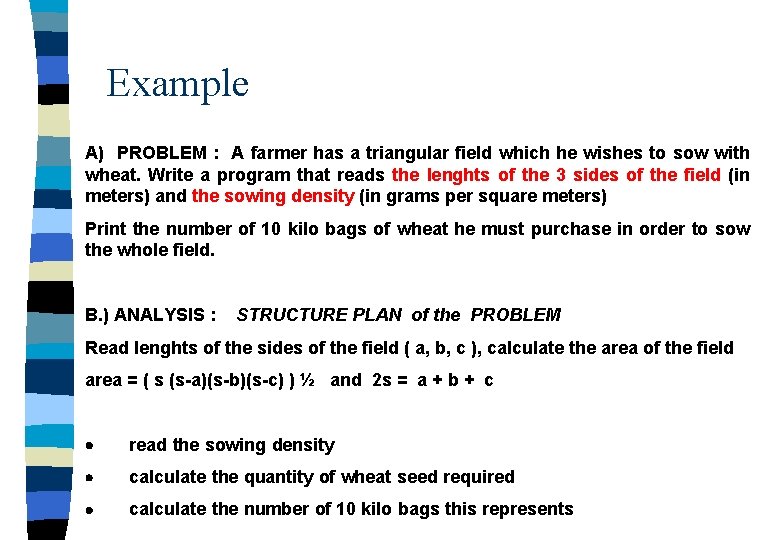
Example A) PROBLEM : A farmer has a triangular field which he wishes to sow with wheat. Write a program that reads the lenghts of the 3 sides of the field (in meters) and the sowing density (in grams per square meters) Print the number of 10 kilo bags of wheat he must purchase in order to sow the whole field. B. ) ANALYSIS : STRUCTURE PLAN of the PROBLEM Read lenghts of the sides of the field ( a, b, c ), calculate the area of the field area = ( s (s-a)(s-b)(s-c) ) ½ and 2 s = a + b + c · read the sowing density · calculate the quantity of wheat seed required · calculate the number of 10 kilo bags this represents
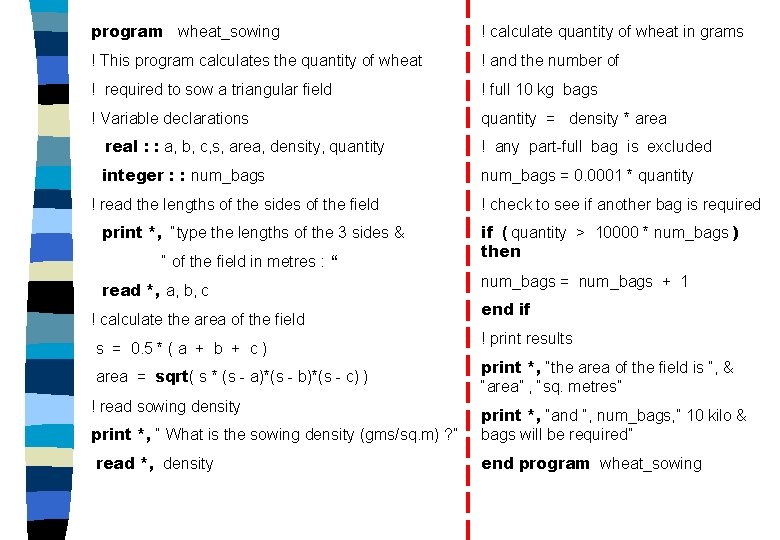
program wheat_sowing ! calculate quantity of wheat in grams ! This program calculates the quantity of wheat ! and the number of ! required to sow a triangular field ! full 10 kg bags ! Variable declarations quantity = density * area real : : a, b, c, s, area, density, quantity ! any part-full bag is excluded integer : : num_bags = 0. 0001 * quantity ! read the lengths of the sides of the field print *, “type the lengths of the 3 sides & “ of the field in metres : “ read *, a, b, c ! calculate the area of the field s = 0. 5 * ( a + b + c ) area = sqrt( s * (s - a)*(s - b)*(s - c) ) ! read sowing density ! check to see if another bag is required if ( quantity > 10000 * num_bags ) then num_bags = num_bags + 1 end if ! print results print *, “the area of the field is “, & “area” , “sq. metres” print *, “ What is the sowing density (gms/sq. m) ? ” print *, “and “, num_bags, ” 10 kilo & bags will be required” read *, density end program wheat_sowing
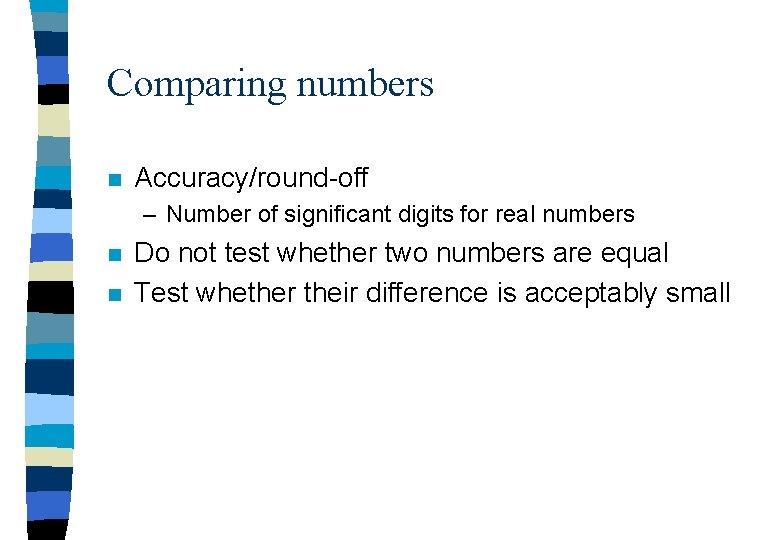
Comparing numbers n Accuracy/round-off – Number of significant digits for real numbers n n Do not test whether two numbers are equal Test whether their difference is acceptably small
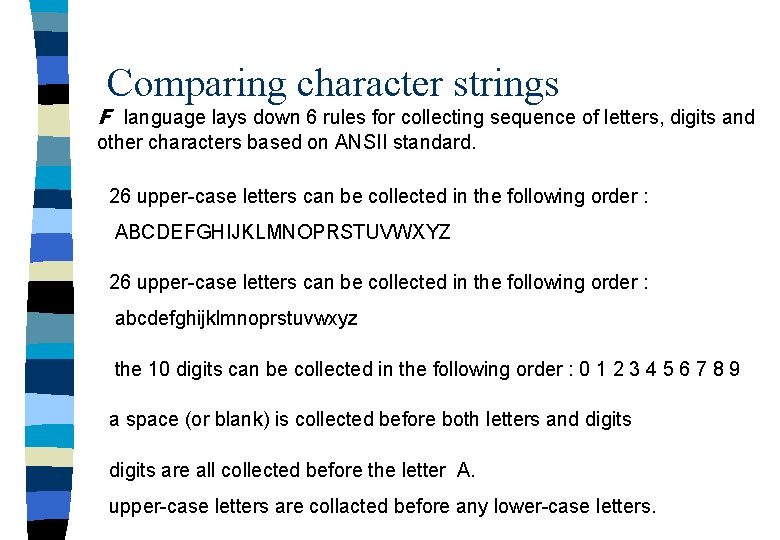
Comparing character strings F language lays down 6 rules for collecting sequence of letters, digits and other characters based on ANSII standard. 26 upper-case letters can be collected in the following order : ABCDEFGHIJKLMNOPRSTUVWXYZ 26 upper-case letters can be collected in the following order : abcdefghijklmnoprstuvwxyz the 10 digits can be collected in the following order : 0 1 2 3 4 5 6 7 8 9 a space (or blank) is collected before both letters and digits are all collected before the letter A. upper-case letters are collacted before any lower-case letters.
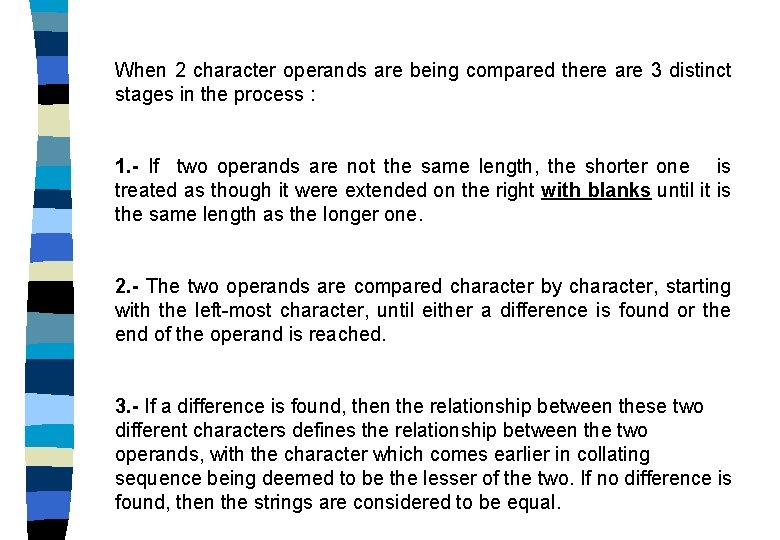
When 2 character operands are being compared there are 3 distinct stages in the process : 1. - If two operands are not the same length, the shorter one is treated as though it were extended on the right with blanks until it is the same length as the longer one. 2. - The two operands are compared character by character, starting with the left-most character, until either a difference is found or the end of the operand is reached. 3. - If a difference is found, then the relationship between these two different characters defines the relationship between the two operands, with the character which comes earlier in collating sequence being deemed to be the lesser of the two. If no difference is found, then the strings are considered to be equal.
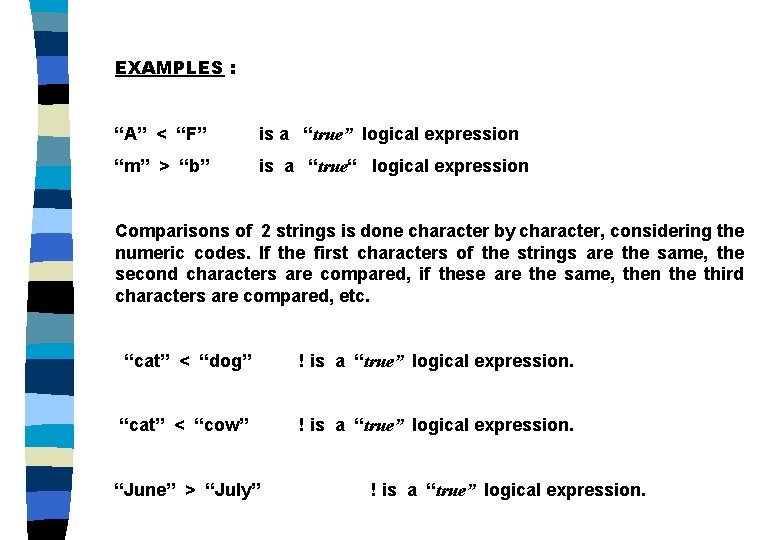
EXAMPLES : “A” < “F” is a “true” logical expression “m” > “b” is a “true“ logical expression Comparisons of 2 strings is done character by character, considering the numeric codes. If the first characters of the strings are the same, the second characters are compared, if these are the same, then the third characters are compared, etc. “cat” < “dog” ! is a “true” logical expression. “cat” < “cow” ! is a “true” logical expression. “June” > “July” ! is a “true” logical expression.
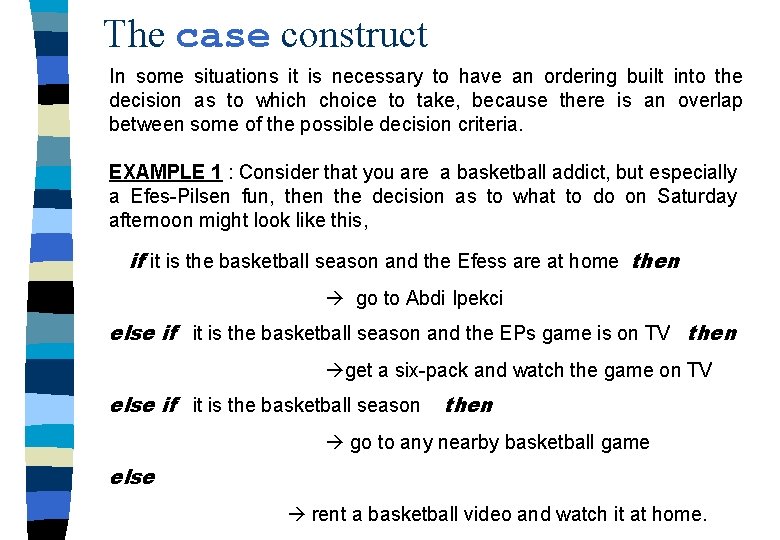
The case construct In some situations it is necessary to have an ordering built into the decision as to which choice to take, because there is an overlap between some of the possible decision criteria. EXAMPLE 1 : Consider that you are a basketball addict, but especially a Efes-Pilsen fun, then the decision as to what to do on Saturday afternoon might look like this, if it is the basketball season and the Efess are at home then go to Abdi Ipekci else if it is the basketball season and the EPs game is on TV then get a six-pack and watch the game on TV else if it is the basketball season then go to any nearby basketball game else rent a basketball video and watch it at home.
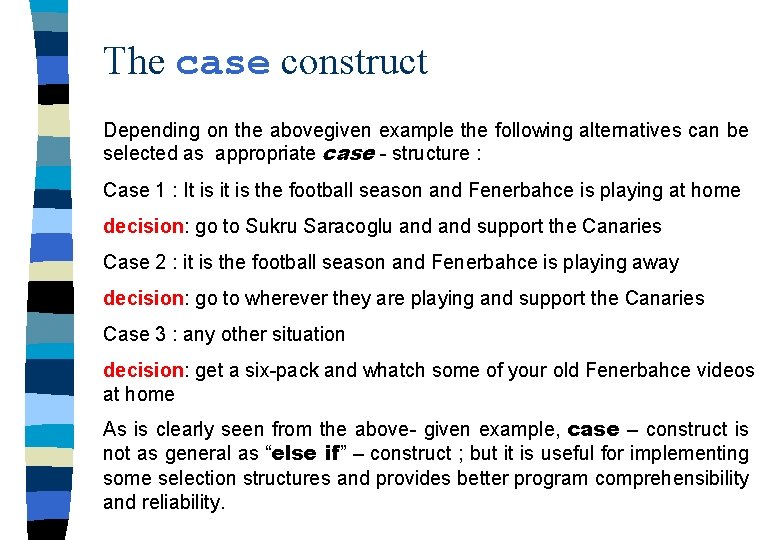
The case construct Depending on the abovegiven example the following alternatives can be selected as appropriate case - structure : Case 1 : It is it is the football season and Fenerbahce is playing at home decision: go to Sukru Saracoglu and support the Canaries Case 2 : it is the football season and Fenerbahce is playing away decision: go to wherever they are playing and support the Canaries Case 3 : any other situation decision: get a six-pack and whatch some of your old Fenerbahce videos at home As is clearly seen from the above- given example, case – construct is not as general as “else if” – construct ; but it is useful for implementing some selection structures and provides better program comprehensibility and reliability.
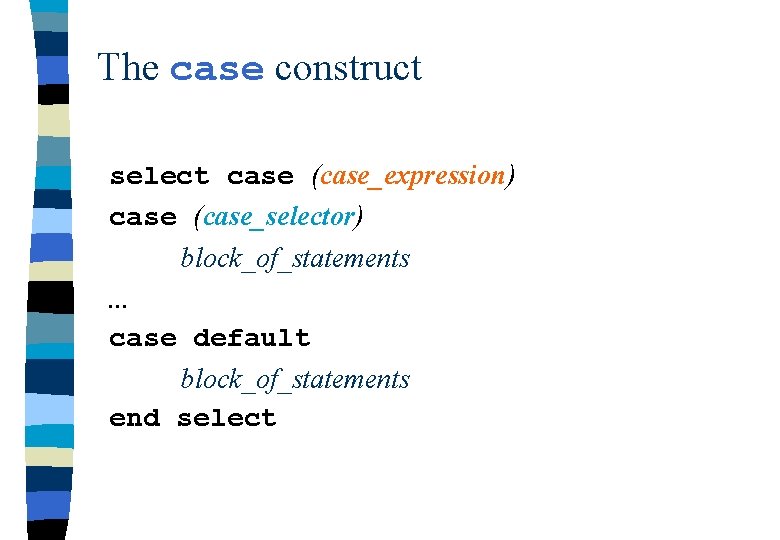
The case construct select case (case_expression) case (case_selector) block_of_statements. . . case default block_of_statements end select
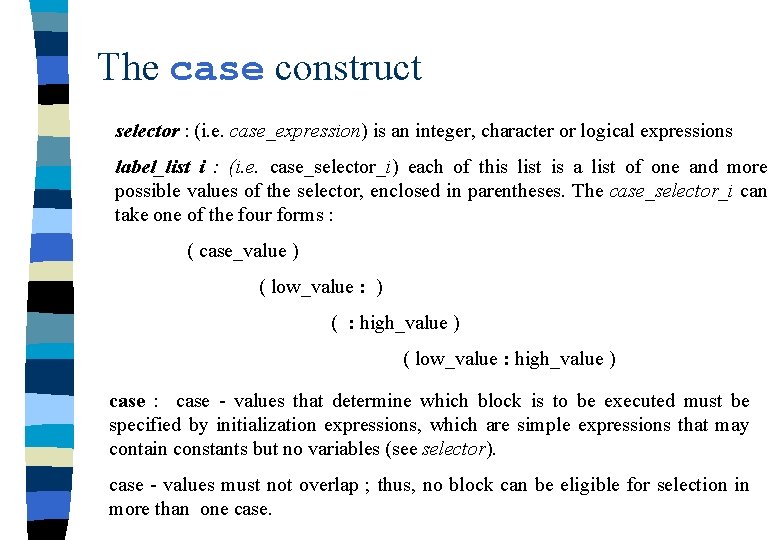
The case construct selector : (i. e. case_expression) is an integer, character or logical expressions label_list i : (i. e. case_selector_i) each of this list is a list of one and more possible values of the selector, enclosed in parentheses. The case_selector_i can take one of the four forms : ( case_value ) ( low_value : ) ( : high_value ) ( low_value : high_value ) case : case - values that determine which block is to be executed must be specified by initialization expressions, which are simple expressions that may contain constants but no variables (see selector). case - values must not overlap ; thus, no block can be eligible for selection in more than one case.
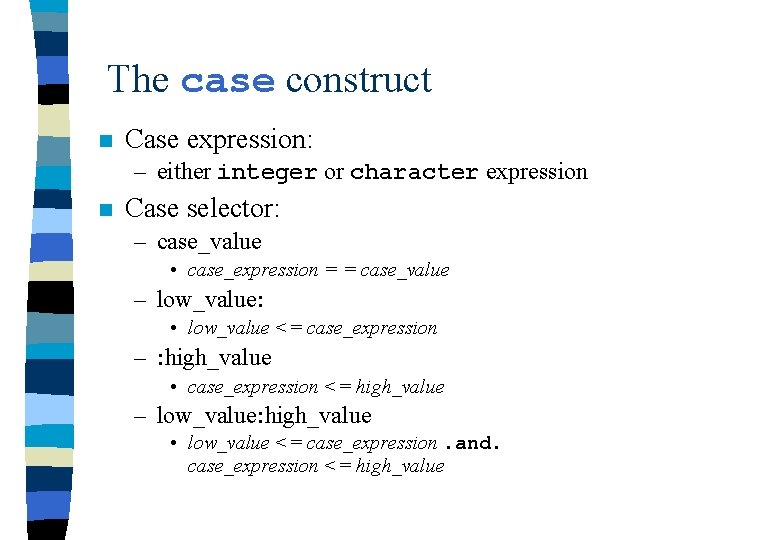
The case construct n Case expression: – either integer or character expression n Case selector: – case_value • case_expression = = case_value – low_value: • low_value <= case_expression – : high_value • case_expression <= high_value – low_value: high_value • low_value <= case_expression. and. case_expression <= high_value
Exacution of the case - construct Execution of the case – construct begins with evaluation of the selector expression in the “select case” – statement. The case – statements are then executed in the order of their appearance ; that is, in each case – statement, the value of selector expression is compared with the label-list item (in order) : 1. - if the value of selector expression is in the range of the label-list item, a match occurs. 2. - if no match occurs during examination of the label_list in all case statements and case default statement is present, case default is then selected for execution. 3. - if a case block is selected, its execution proceeds normally, beginning with the first statement in the block.