
Describing the Vendor Managed Inventory Process Concept Describing
Describing the Vendor Managed Inventory Process Concept
Describing the Vendor Managed Inventory Process

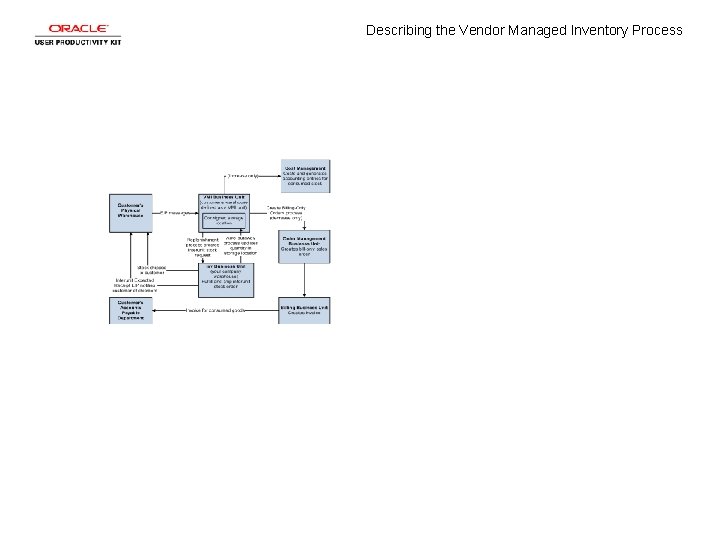
Describing the Vendor Managed Inventory Process Step 1 This diagram illustrates the vendor managed inventory (VMI) process flow for consigned items.
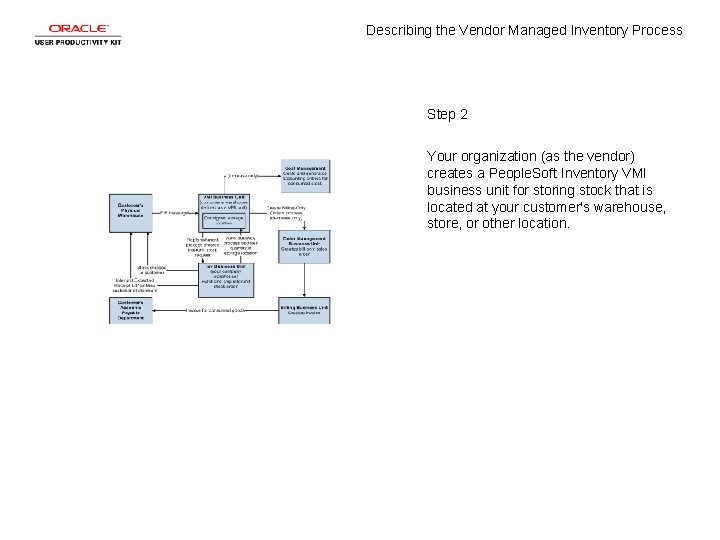
Describing the Vendor Managed Inventory Process Step 2 Your organization (as the vendor) creates a People. Soft Inventory VMI business unit for storing stock that is located at your customer's warehouse, store, or other location.
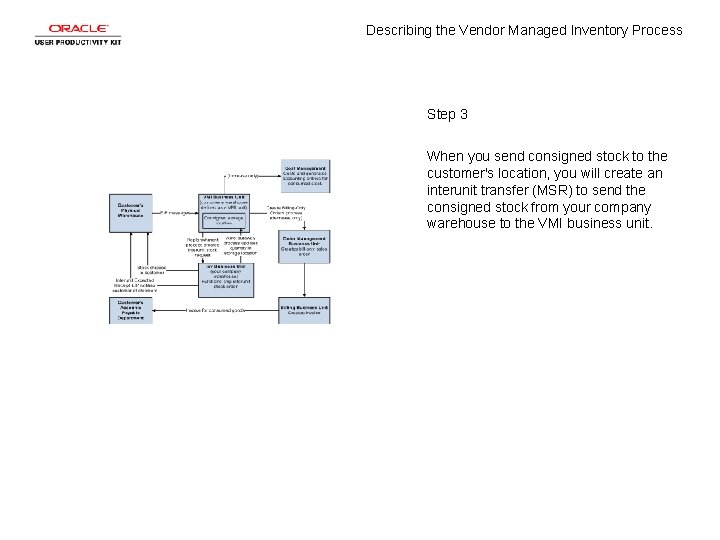
Describing the Vendor Managed Inventory Process Step 3 When you send consigned stock to the customer's location, you will create an interunit transfer (MSR) to send the consigned stock from your company warehouse to the VMI business unit.
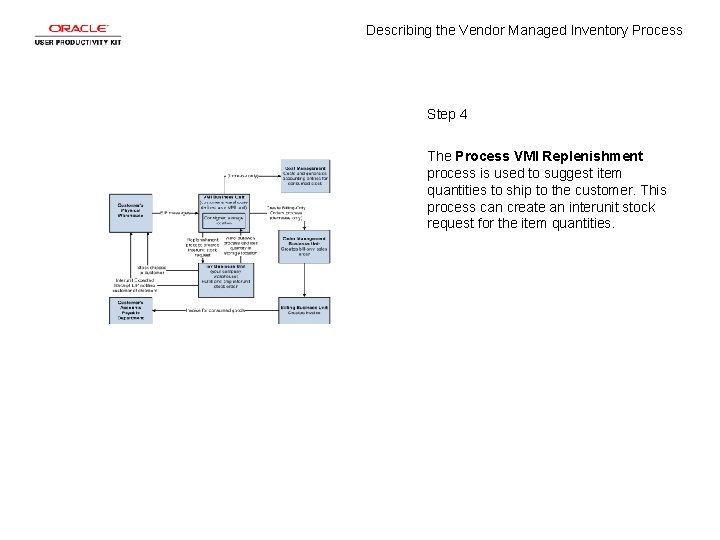
Describing the Vendor Managed Inventory Process Step 4 The Process VMI Replenishment process is used to suggest item quantities to ship to the customer. This process can create an interunit stock request for the item quantities.
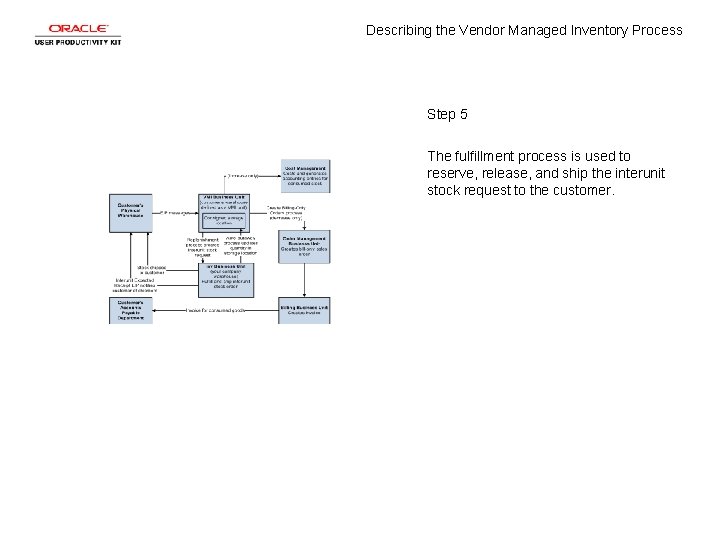
Describing the Vendor Managed Inventory Process Step 5 The fulfillment process is used to reserve, release, and ship the interunit stock request to the customer.
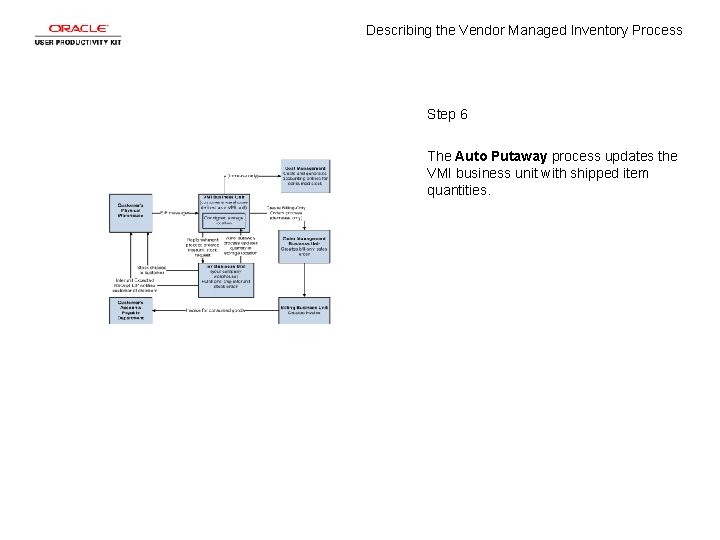
Describing the Vendor Managed Inventory Process Step 6 The Auto Putaway process updates the VMI business unit with shipped item quantities.

Describing the Vendor Managed Inventory Process Step 7 The Interunit Expected Receipt service operation can notify the customer that the shipment is in transit.
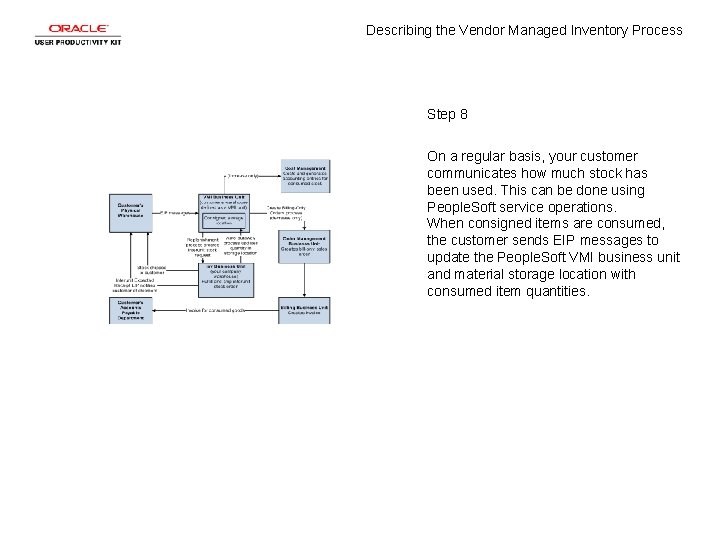
Describing the Vendor Managed Inventory Process Step 8 On a regular basis, your customer communicates how much stock has been used. This can be done using People. Soft service operations. When consigned items are consumed, the customer sends EIP messages to update the People. Soft VMI business unit and material storage location with consumed item quantities.
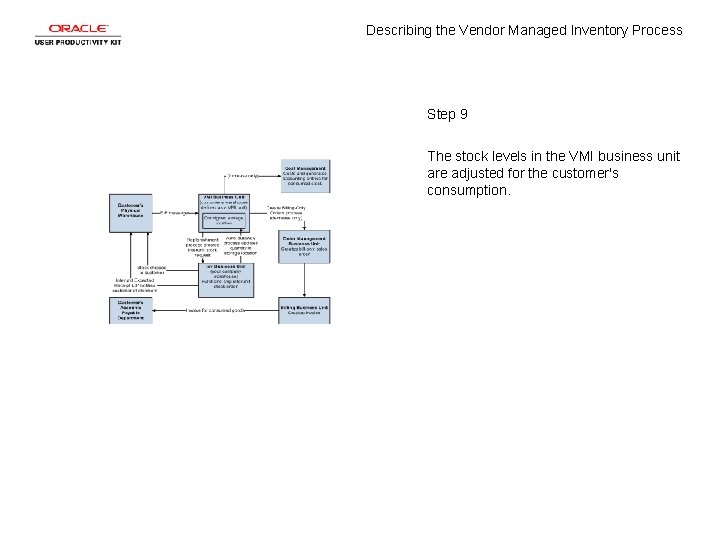
Describing the Vendor Managed Inventory Process Step 9 The stock levels in the VMI business unit are adjusted for the customer's consumption.
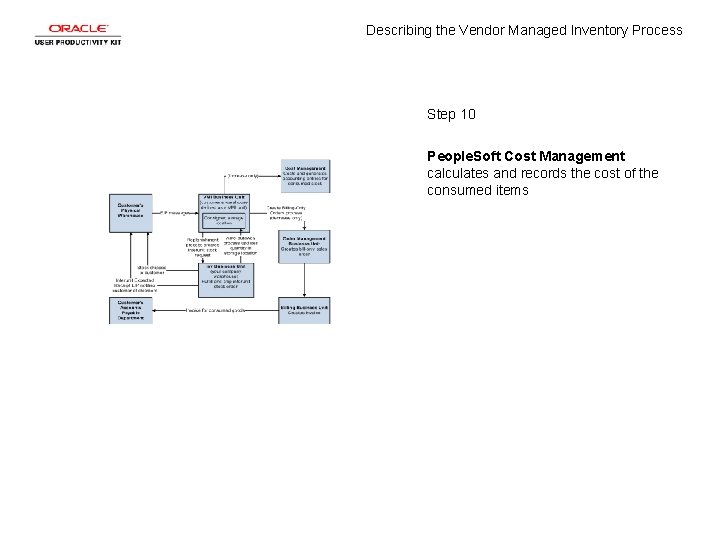
Describing the Vendor Managed Inventory Process Step 10 People. Soft Cost Management calculates and records the cost of the consumed items
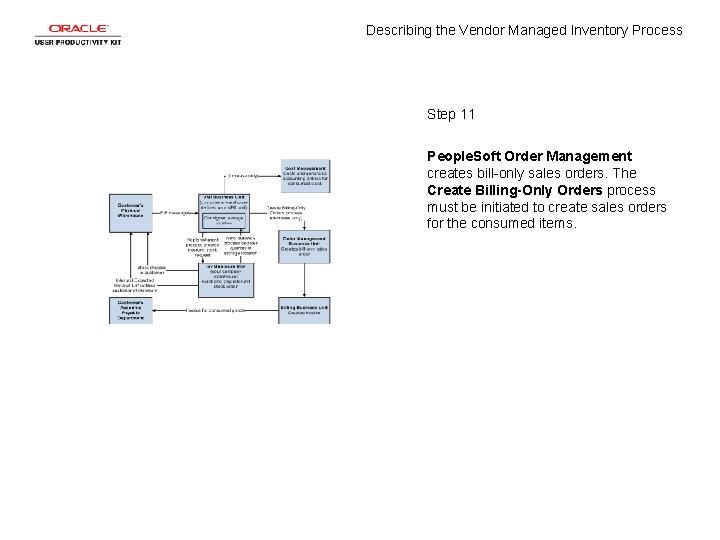
Describing the Vendor Managed Inventory Process Step 11 People. Soft Order Management creates bill-only sales orders. The Create Billing-Only Orders process must be initiated to create sales orders for the consumed items.
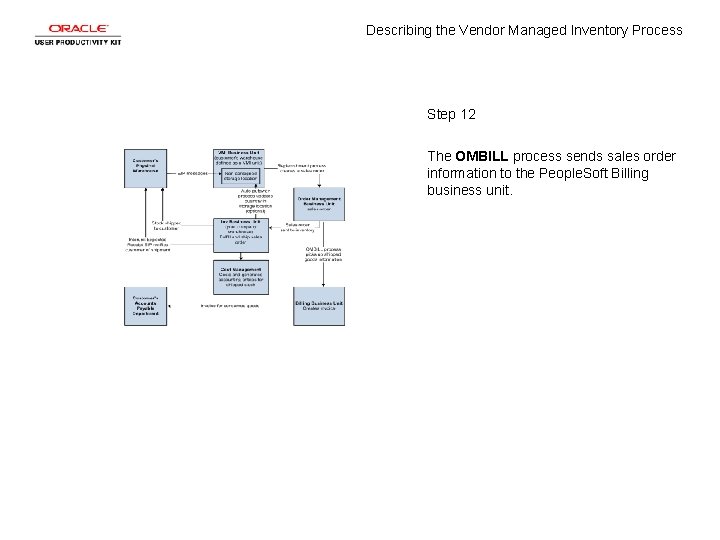
Describing the Vendor Managed Inventory Process Step 12 The OMBILL process sends sales order information to the People. Soft Billing business unit.
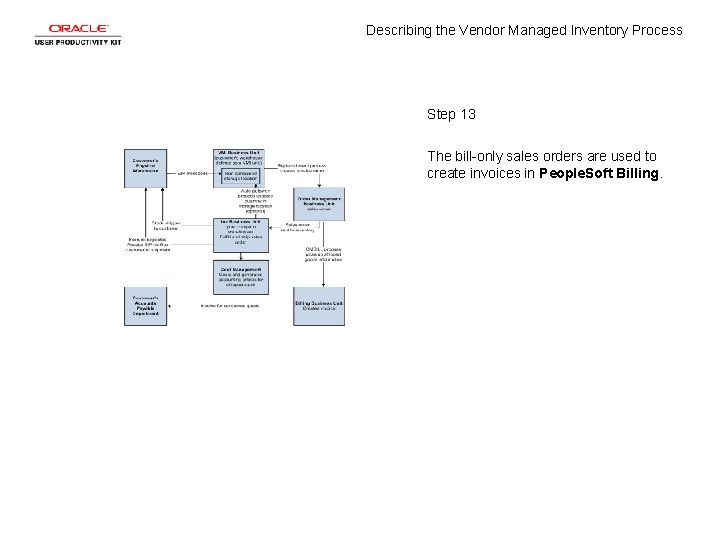
Describing the Vendor Managed Inventory Process Step 13 The bill-only sales orders are used to create invoices in People. Soft Billing.

Describing the Vendor Managed Inventory Process Step 14 This diagram illustrates the VMI process flow for non-consigned items.

Describing the Vendor Managed Inventory Process Step 15 For non-consigned inventory stock, the sales is recorded when stock is shipped to the customer location. The customer location is represented by an People. Soft VMI business unit.
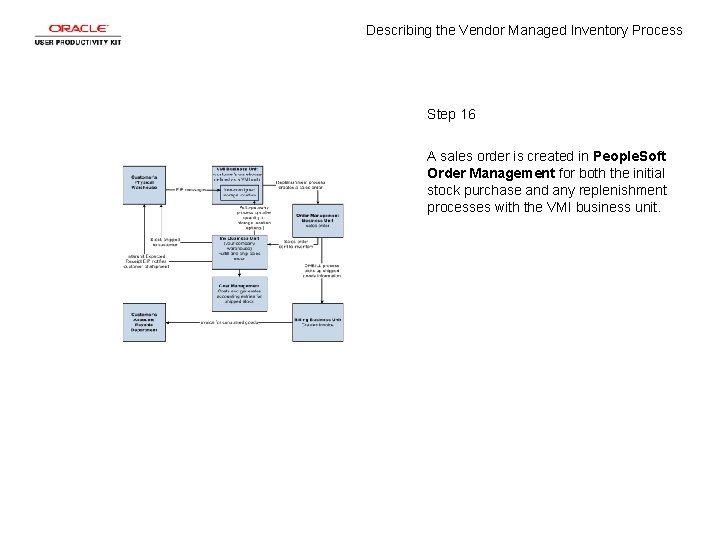
Describing the Vendor Managed Inventory Process Step 16 A sales order is created in People. Soft Order Management for both the initial stock purchase and any replenishment processes with the VMI business unit.
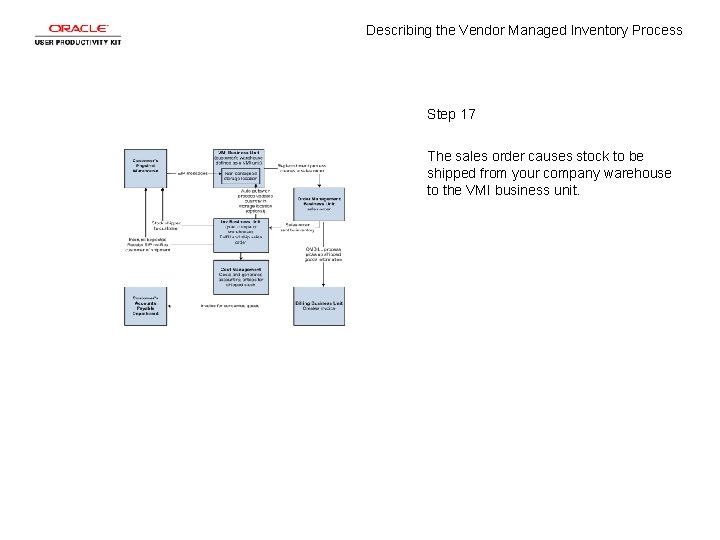
Describing the Vendor Managed Inventory Process Step 17 The sales order causes stock to be shipped from your company warehouse to the VMI business unit.
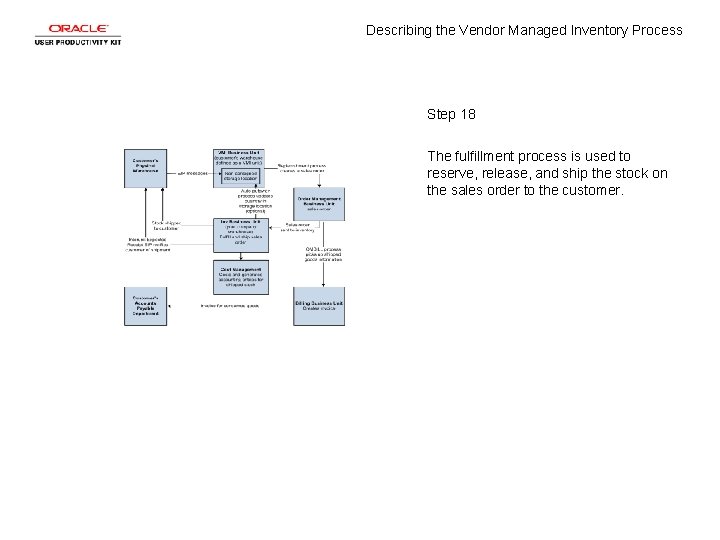
Describing the Vendor Managed Inventory Process Step 18 The fulfillment process is used to reserve, release, and ship the stock on the sales order to the customer.
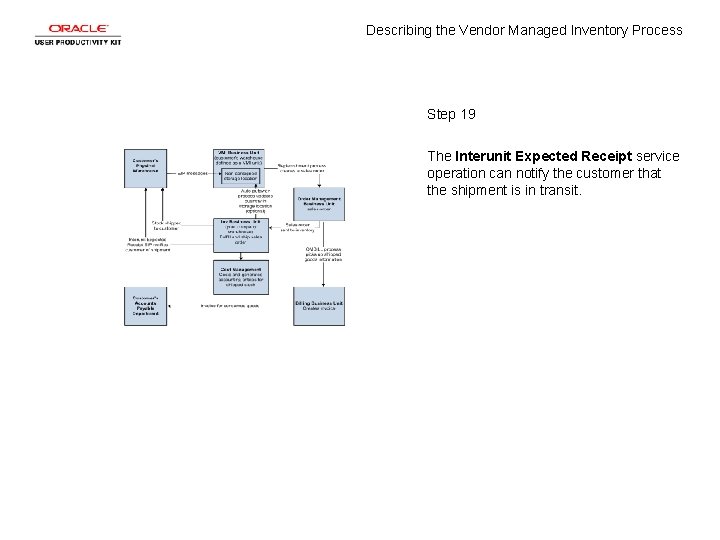
Describing the Vendor Managed Inventory Process Step 19 The Interunit Expected Receipt service operation can notify the customer that the shipment is in transit.
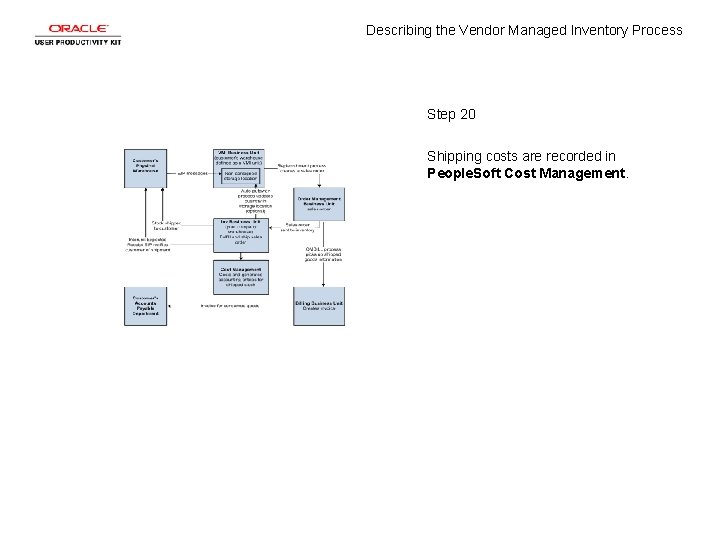
Describing the Vendor Managed Inventory Process Step 20 Shipping costs are recorded in People. Soft Cost Management.
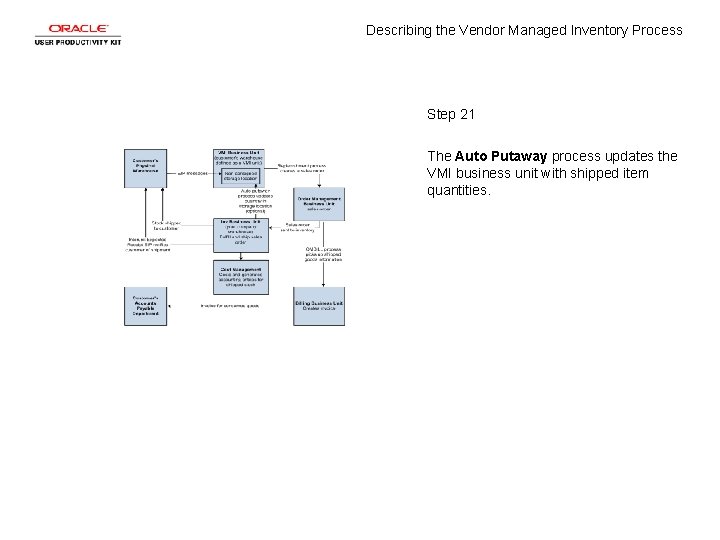
Describing the Vendor Managed Inventory Process Step 21 The Auto Putaway process updates the VMI business unit with shipped item quantities.
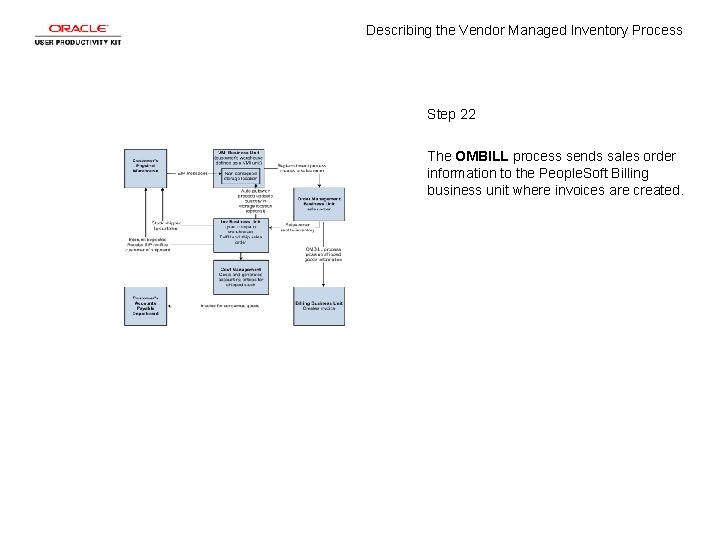
Describing the Vendor Managed Inventory Process Step 22 The OMBILL process sends sales order information to the People. Soft Billing business unit where invoices are created.
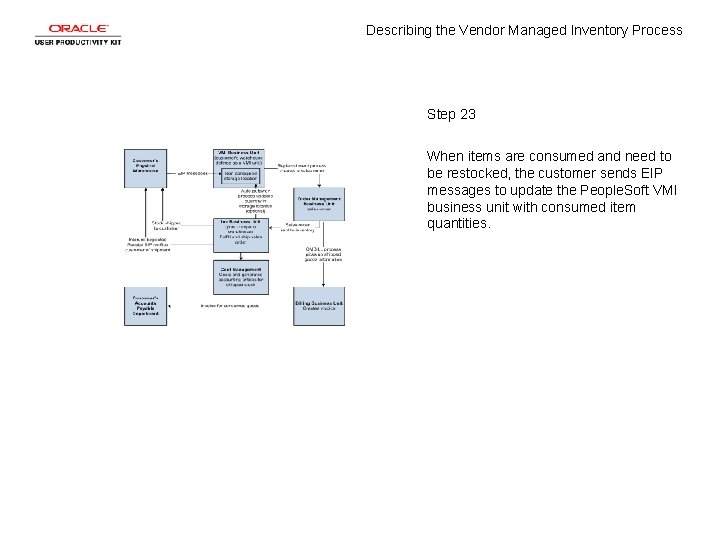
Describing the Vendor Managed Inventory Process Step 23 When items are consumed and need to be restocked, the customer sends EIP messages to update the People. Soft VMI business unit with consumed item quantities.
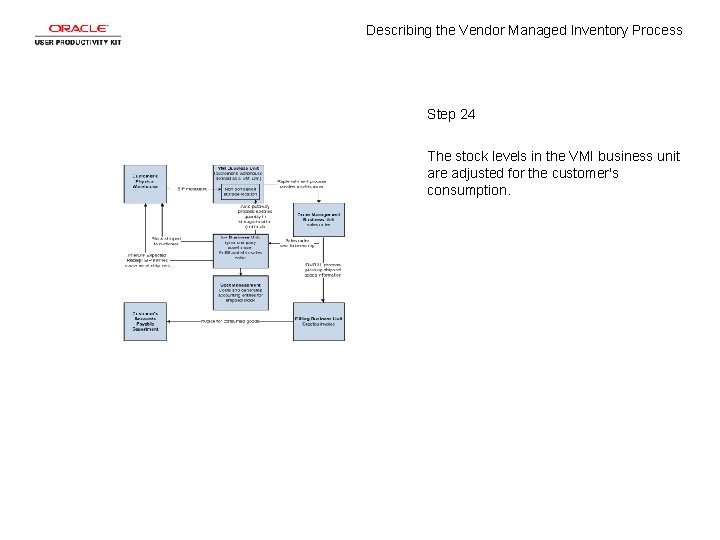
Describing the Vendor Managed Inventory Process Step 24 The stock levels in the VMI business unit are adjusted for the customer's consumption.
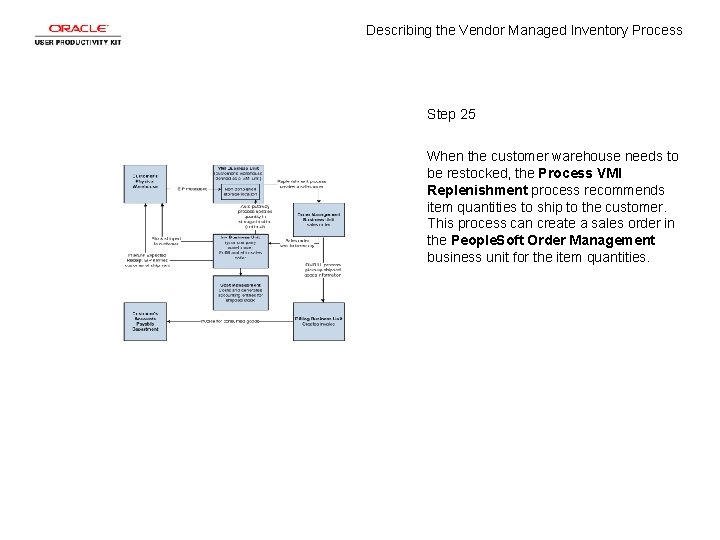
Describing the Vendor Managed Inventory Process Step 25 When the customer warehouse needs to be restocked, the Process VMI Replenishment process recommends item quantities to ship to the customer. This process can create a sales order in the People. Soft Order Management business unit for the item quantities.
Describing the Vendor Managed Inventory Process Step 26 To summarize, vendor managed inventory is a supply chain management strategy in which a vendor manages stock that is located at a customer location. The stock can be consigned or non-consigned. End of Procedure.
- Slides: 28