
Deploying Power BI to the Enterprise Patrick Le
Deploying Power BI to the Enterprise
Patrick Le. Blanc /guyinacube @patrickdba /guyinacube
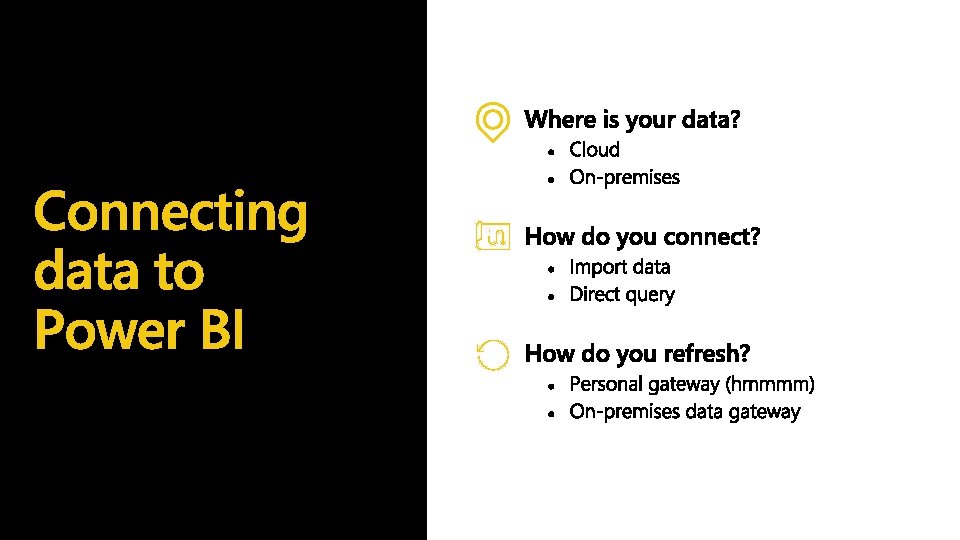
Agenda • What is Power BI? • Who are your consumers? • Why do you need governance? • How will the content be shared? • Data, how is it accessed, managed, refreshed, etc…? • What is your planned deployment process? • Train your Users!!!!
What is Power BI?
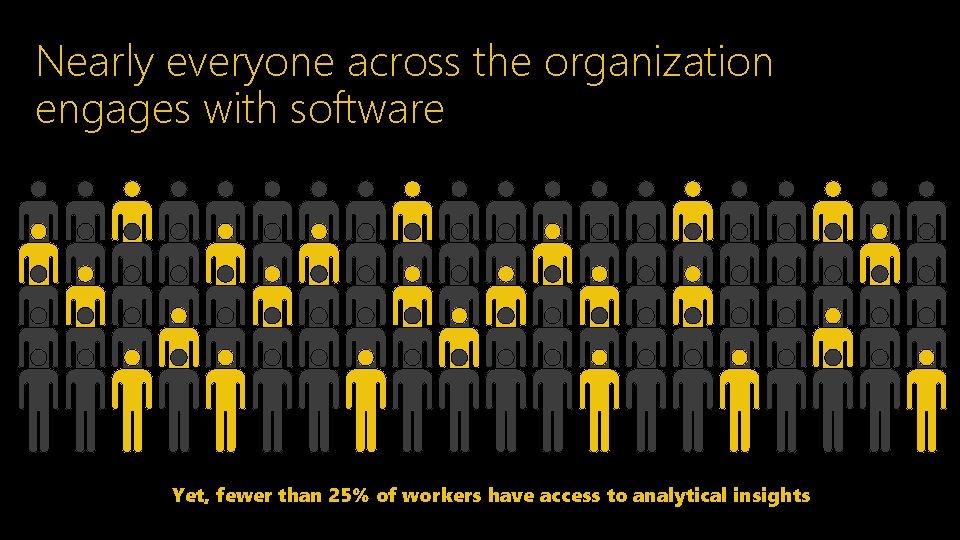
Nearly everyone across the organization engages with software Yet, fewer than 25% of workers have access to analytical insights

What if you could empower everyone with analytics anywhere decisions are made?
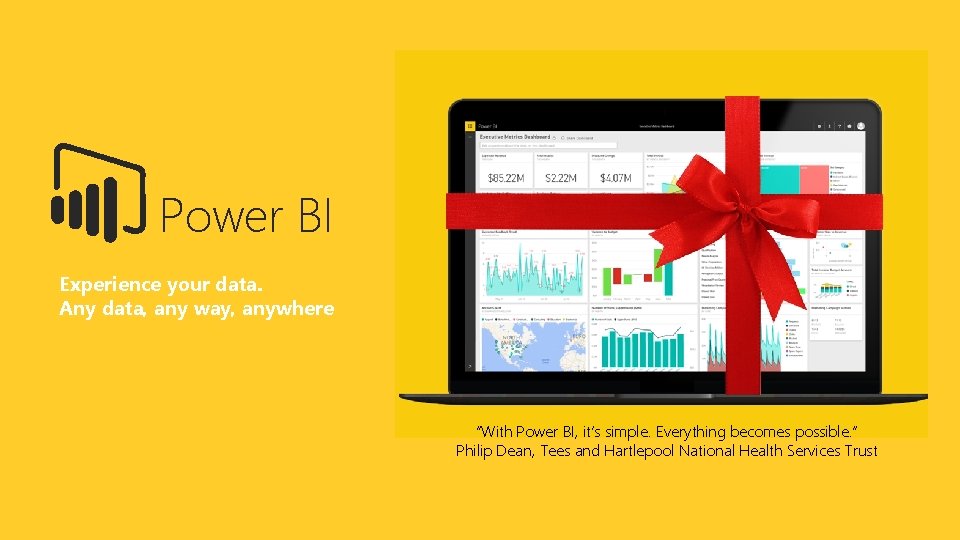
Power BI Experience your data. Any data, any way, anywhere “With Power BI, it’s simple. Everything becomes possible. ” Philip Dean, Tees and Hartlepool National Health Services Trust
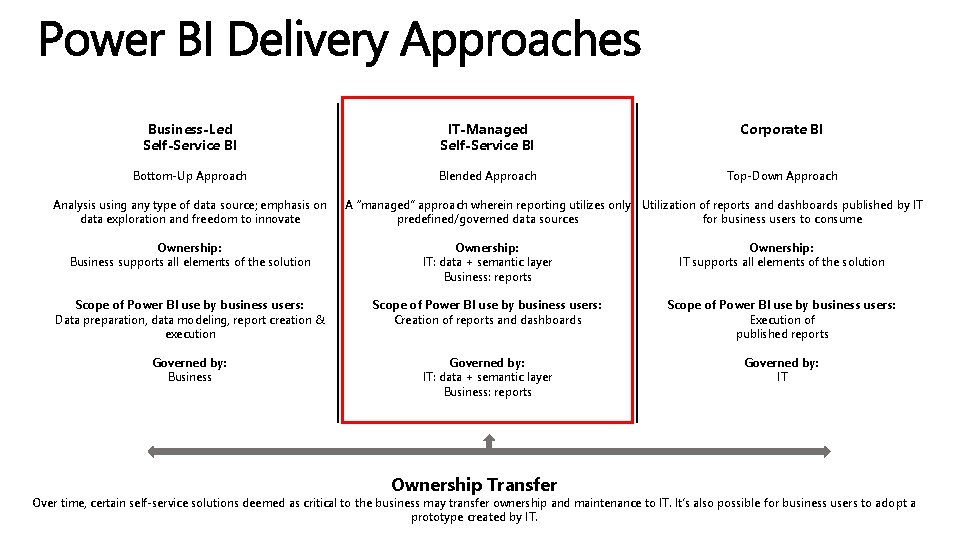
Business-Led Self-Service BI Bottom-Up Approach Analysis using any type of data source; emphasis on data exploration and freedom to innovate Ownership: Business supports all elements of the solution Scope of Power BI use by business users: Data preparation, data modeling, report creation & execution Governed by: Business IT-Managed Self-Service BI Blended Approach Corporate BI Top-Down Approach A “managed” approach wherein reporting utilizes only Utilization of reports and dashboards published by IT predefined/governed data sources for business users to consume Ownership: IT: data + semantic layer IT supports all elements of the solution Business: reports Scope of Power BI use by business users: Creation of reports and dashboards Execution of published reports Governed by: IT: data + semantic layer IT Business: reports Ownership Transfer Over time, certain self-service solutions deemed as critical to the business may transfer ownership and maintenance to IT. It’s also possible for business users to adopt a prototype created by IT.

Who are your consumers?
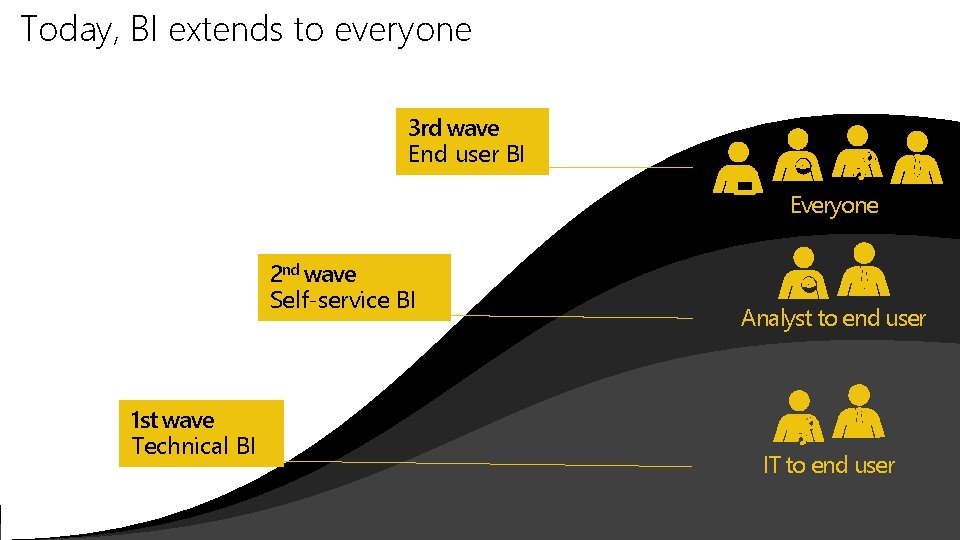
Today, BI extends to everyone 3 rd wave End user BI Everyone 2 nd wave Self-service BI 1 st wave Technical BI Analyst to end user IT to end user
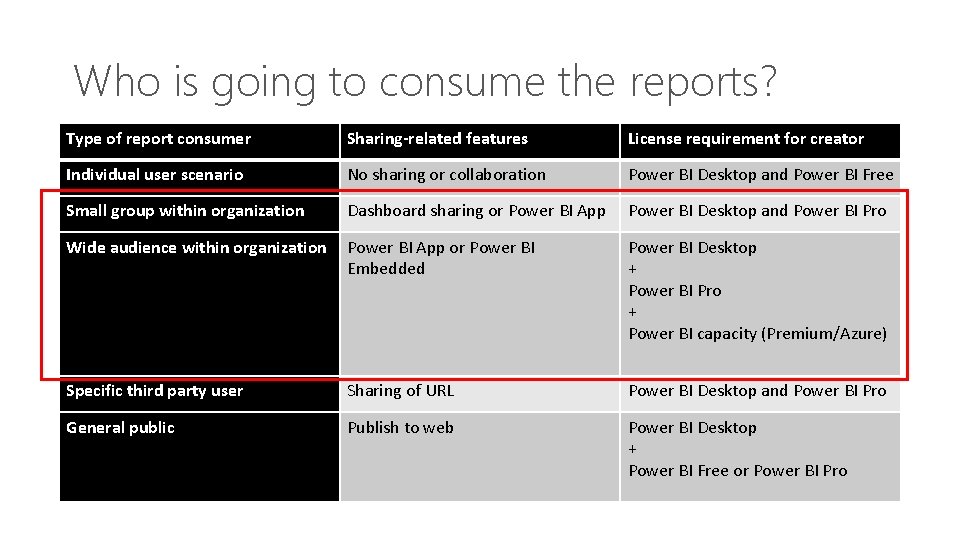
Who is going to consume the reports? Type of report consumer Sharing-related features License requirement for creator Individual user scenario No sharing or collaboration Power BI Desktop and Power BI Free Small group within organization Dashboard sharing or Power BI App Power BI Desktop and Power BI Pro Wide audience within organization Power BI App or Power BI Embedded Power BI Desktop + Power BI Pro + Power BI capacity (Premium/Azure) Specific third party user Sharing of URL Power BI Desktop and Power BI Pro General public Publish to web Power BI Desktop + Power BI Free or Power BI Pro
How does Self-service BI Start in an Enterprise?





Why you need Governance?

Training!!!
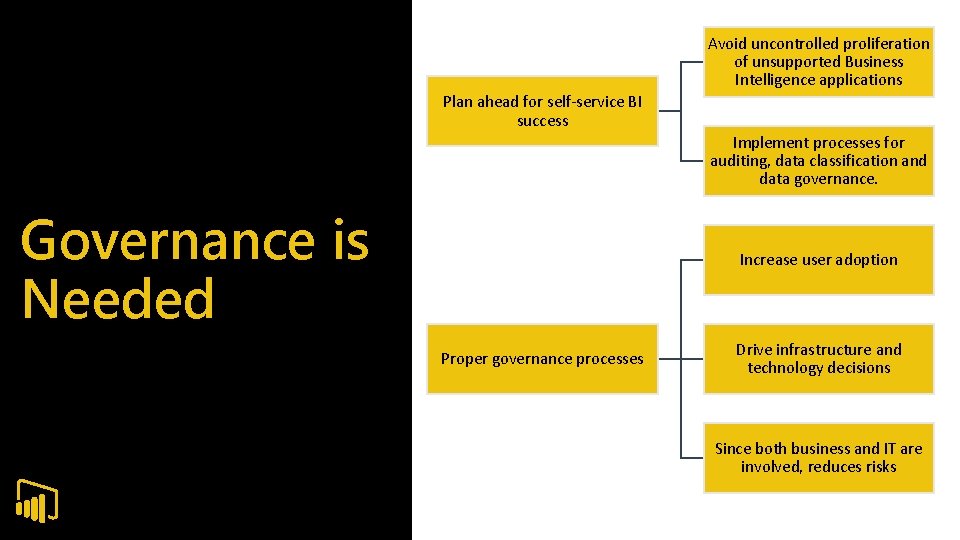
Avoid uncontrolled proliferation of unsupported Business Intelligence applications Plan ahead for self-service BI success Implement processes for auditing, data classification and data governance. Governance is Needed Increase user adoption Proper governance processes Drive infrastructure and technology decisions Since both business and IT are involved, reduces risks
Successful deployment of a managed selfservice BI platform requires the following elements for governance: What to Govern Published source data and business data models Power. BI. com sites or Power BI Report Server Security standards for accessing source data, and business information in reports, Power BI Desktop and Excel
Balance the needs of IT and the business Every enterprise is unique Implementing Governance Customized governance to environment and culture Determine initial principles and goals Clarify ownerships of business information and content
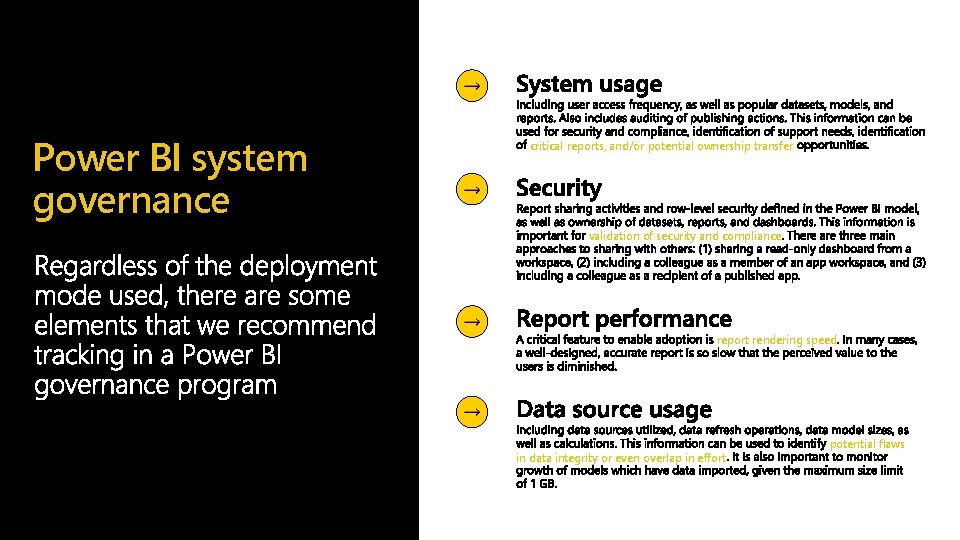
Power BI system governance critical reports, and/or potential ownership transfer validation of security and compliance report rendering speed in data integrity or even overlap in effort potential flaws
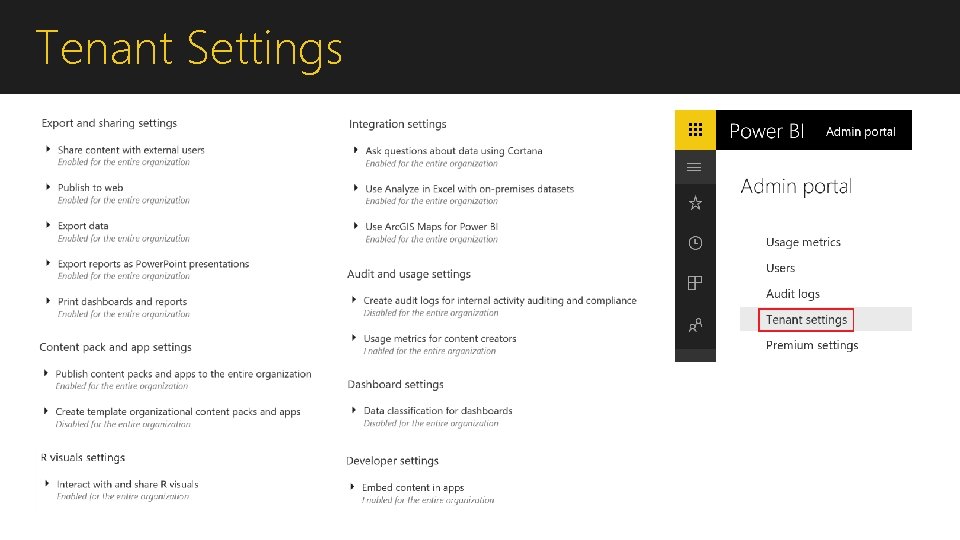
Tenant Settings
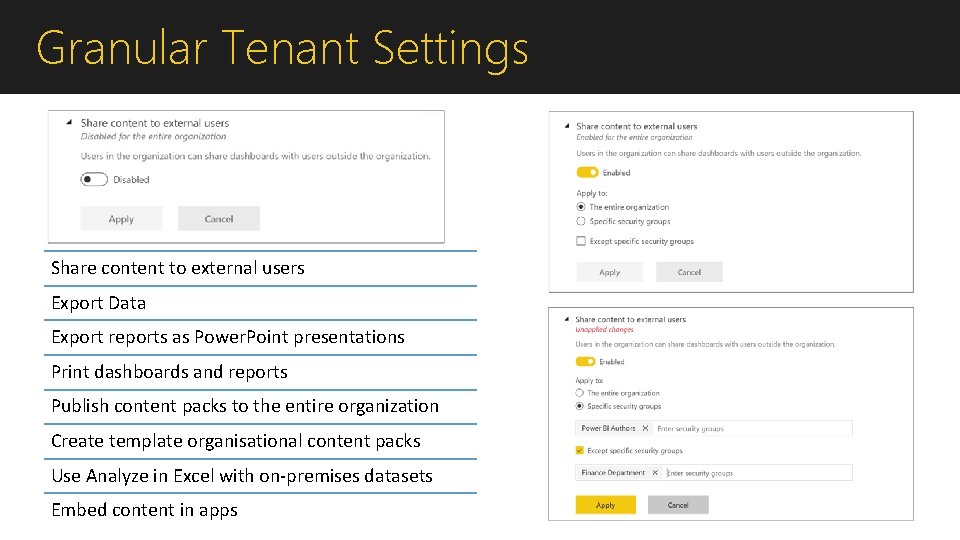
Granular Tenant Settings Share content to external users Export Data Export reports as Power. Point presentations Print dashboards and reports Publish content packs to the entire organization Create template organisational content packs Use Analyze in Excel with on-premises datasets Embed content in apps
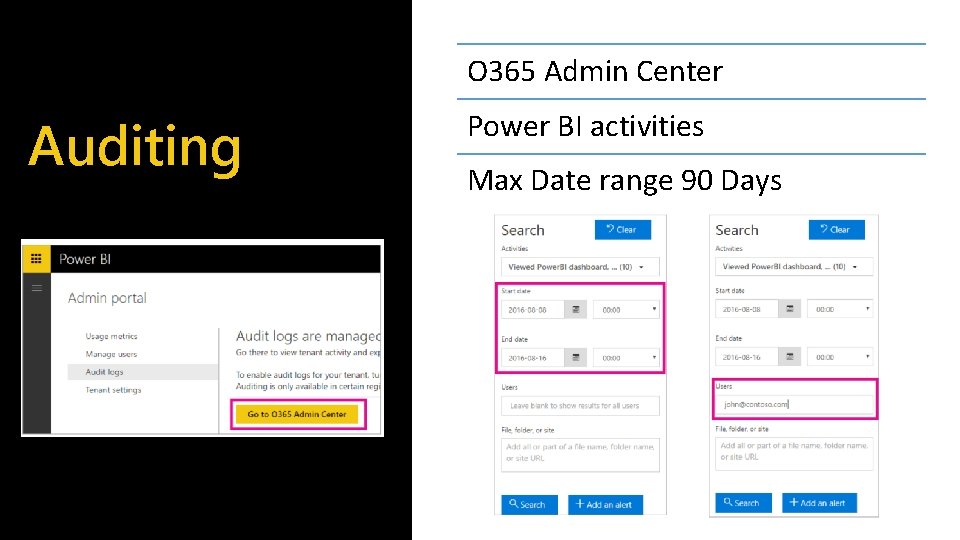
O 365 Admin Center Auditing Power BI activities Max Date range 90 Days
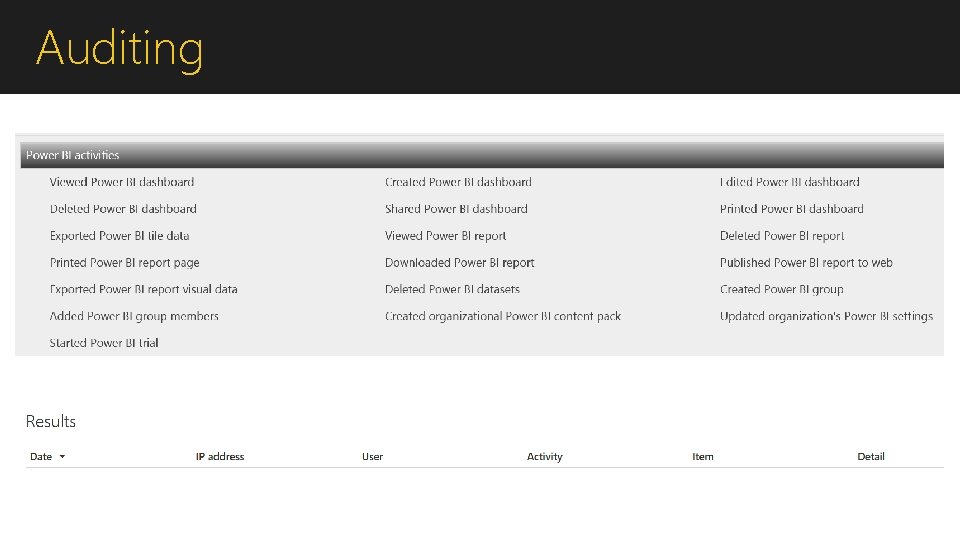
Auditing
Demonstration: 1. 2. 3. 4. Admin Settings Usage Metrics Audit Logs Neal Analytics Dashboard

How will the content be Shared?
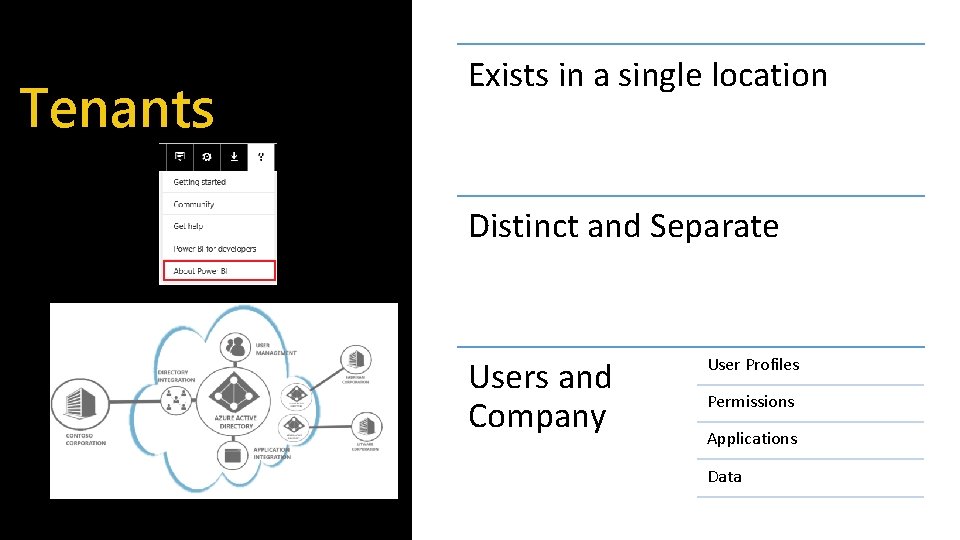
Tenants Exists in a single location Distinct and Separate Users and Company User Profiles Permissions Applications Data
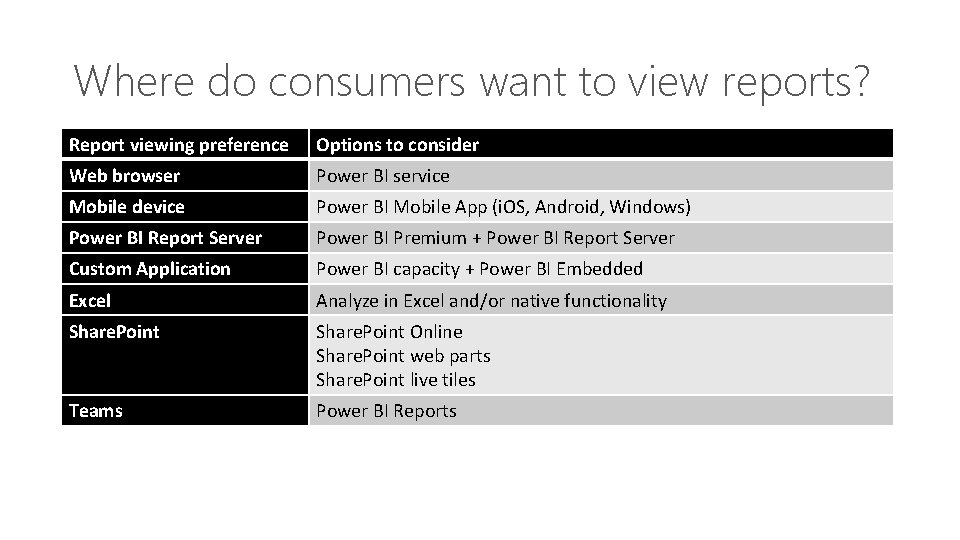
Where do consumers want to view reports? Report viewing preference Options to consider Web browser Power BI service Mobile device Power BI Mobile App (i. OS, Android, Windows) Power BI Report Server Power BI Premium + Power BI Report Server Custom Application Power BI capacity + Power BI Embedded Excel Analyze in Excel and/or native functionality Share. Point Online Share. Point web parts Share. Point live tiles Teams Power BI Reports
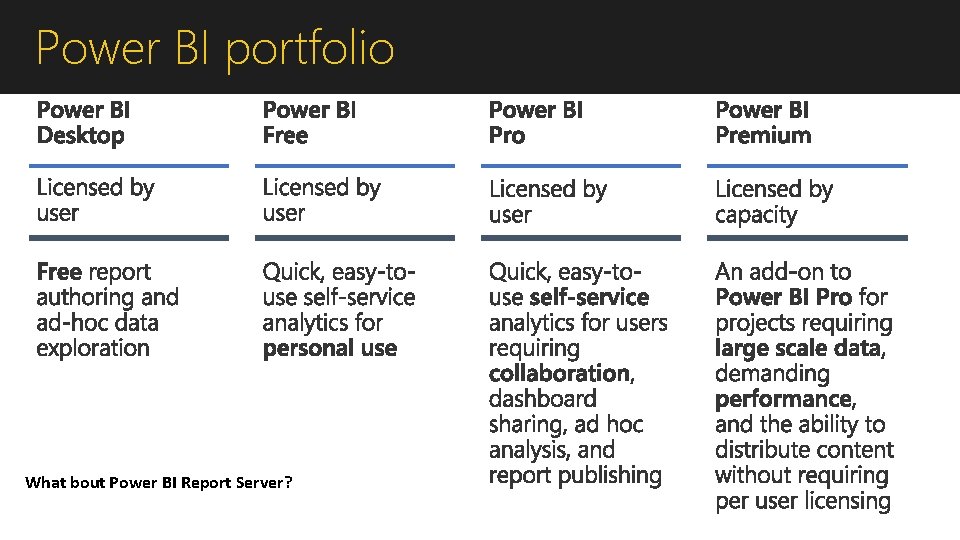
Power BI portfolio What bout Power BI Report Server?
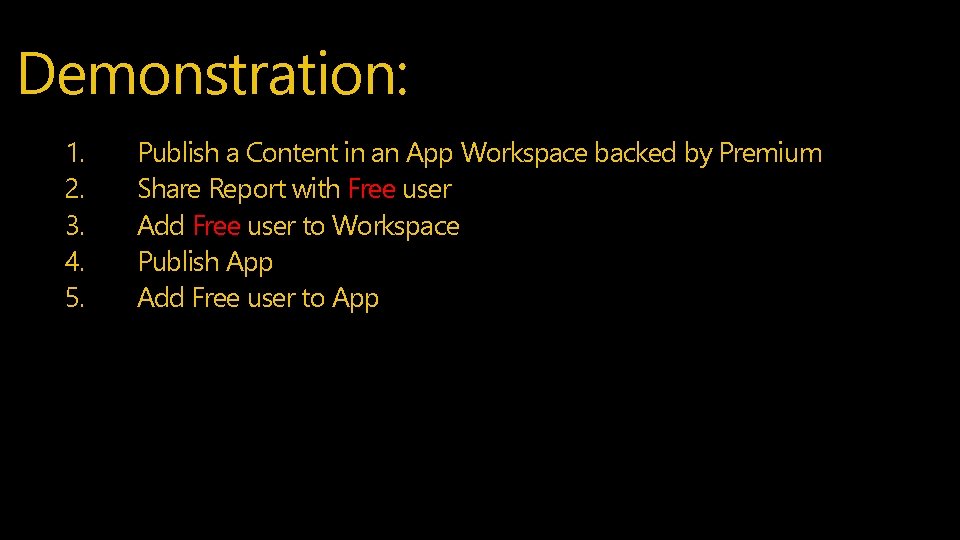
Demonstration: 1. 2. 3. 4. 5. Publish a Content in an App Workspace backed by Premium Share Report with Free user Add Free user to Workspace Publish App Add Free user to App

Where is the Data?
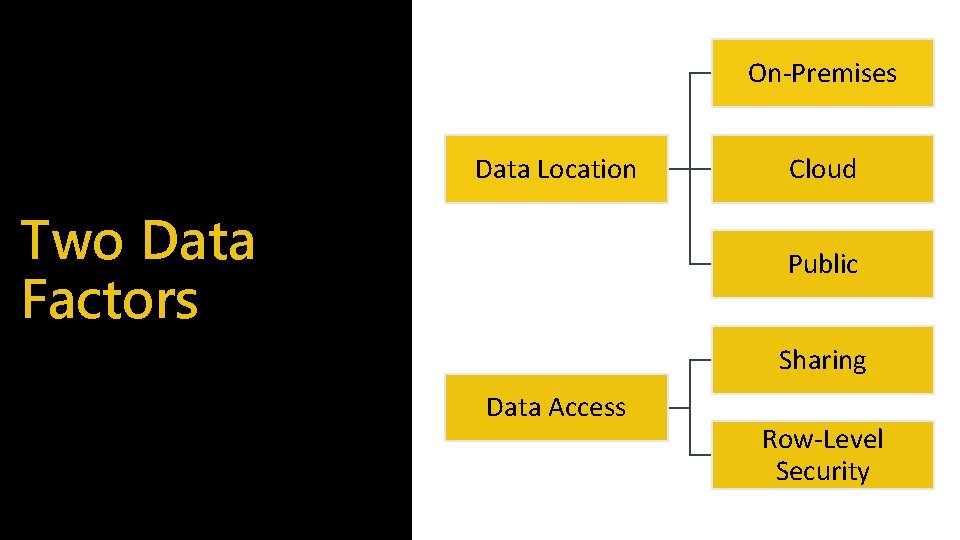
On-Premises Data Location Two Data Factors Cloud Public Sharing Data Access Row-Level Security
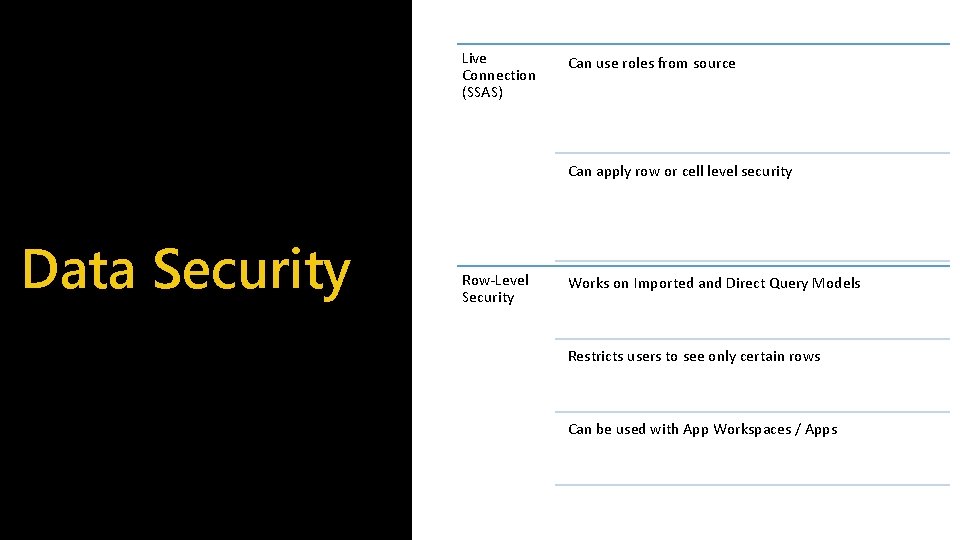
Live Connection (SSAS) Can use roles from source Can apply row or cell level security Data Security Row-Level Security Works on Imported and Direct Query Models Restricts users to see only certain rows Can be used with App Workspaces / Apps

Data Warehouse Semantic Model Power BI datasets Azure Analysis Services Common Data Service for Analytics
Demonstration: 1. 2. 3. Publish a report with cached dataset Convert dataset to Azure AS Rebind initial report to Azure AS
What is your deployment strategy?
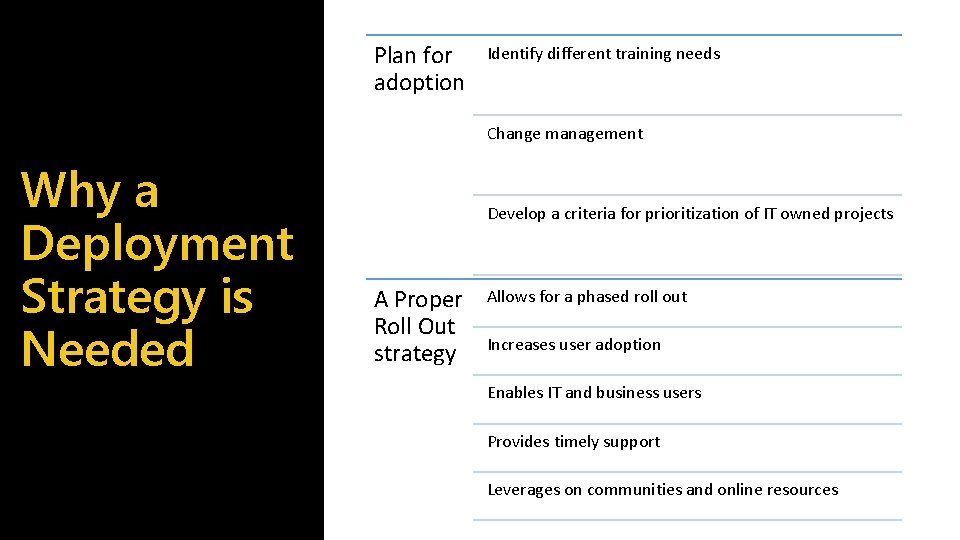
Plan for adoption Identify different training needs Change management Why a Deployment Strategy is Needed Develop a criteria for prioritization of IT owned projects A Proper Roll Out strategy Allows for a phased roll out Increases user adoption Enables IT and business users Provides timely support Leverages on communities and online resources
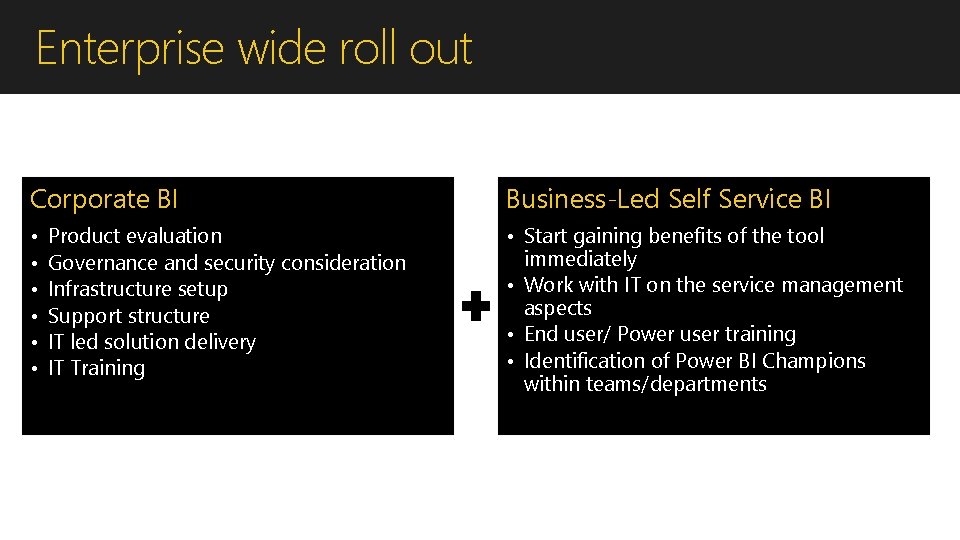
Enterprise wide roll out Corporate BI Business-Led Self Service BI • • Start gaining benefits of the tool immediately • Work with IT on the service management aspects • End user/ Power user training • Identification of Power BI Champions within teams/departments Product evaluation Governance and security consideration Infrastructure setup Support structure IT led solution delivery IT Training
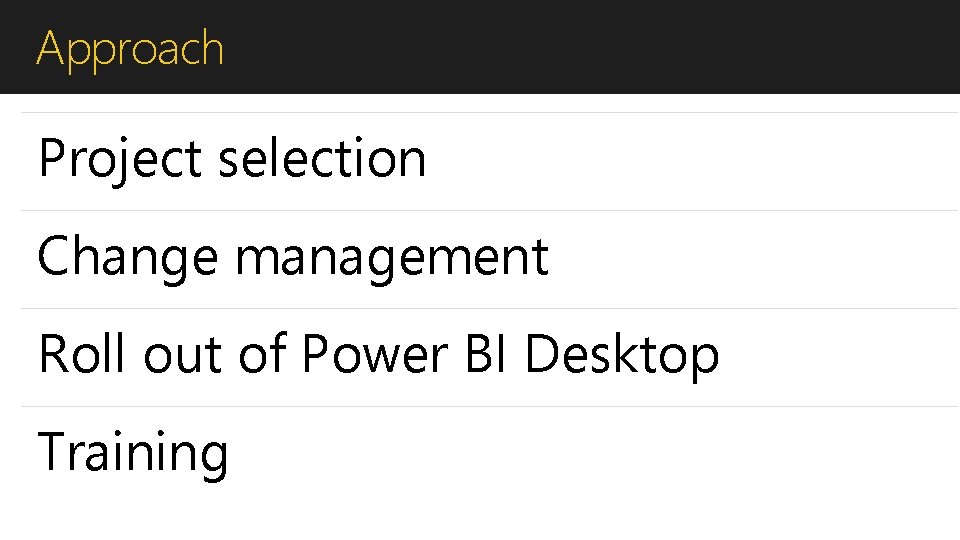
Approach Project selection Change management Roll out of Power BI Desktop Training
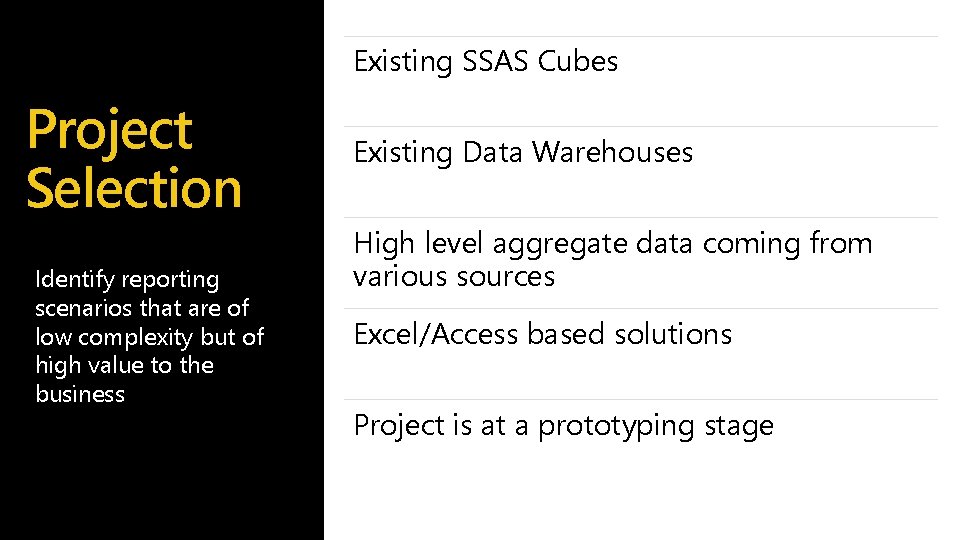
Existing SSAS Cubes Project Selection Identify reporting scenarios that are of low complexity but of high value to the business Existing Data Warehouses High level aggregate data coming from various sources Excel/Access based solutions Project is at a prototyping stage
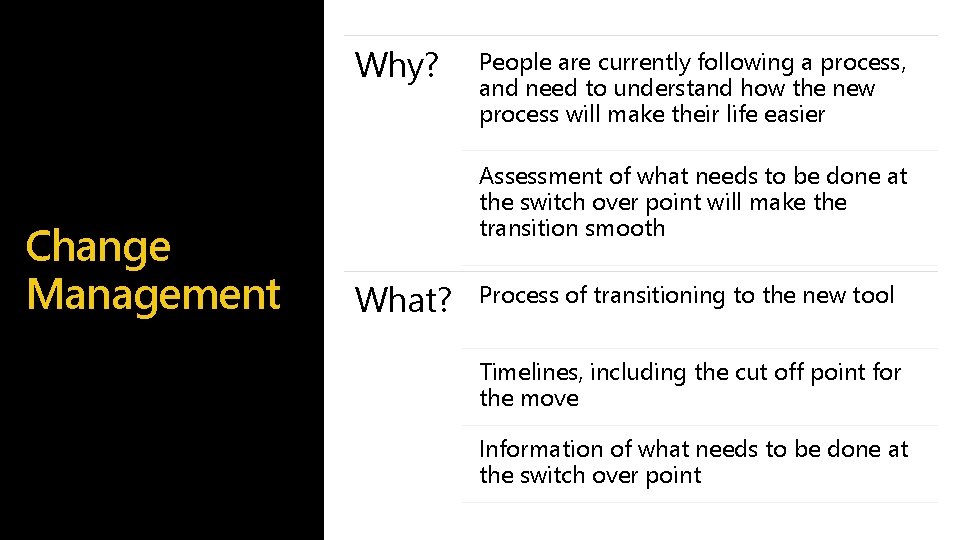
Why? Change Management People are currently following a process, and need to understand how the new process will make their life easier Assessment of what needs to be done at the switch over point will make the transition smooth What? Process of transitioning to the new tool Timelines, including the cut off point for the move Information of what needs to be done at the switch over point
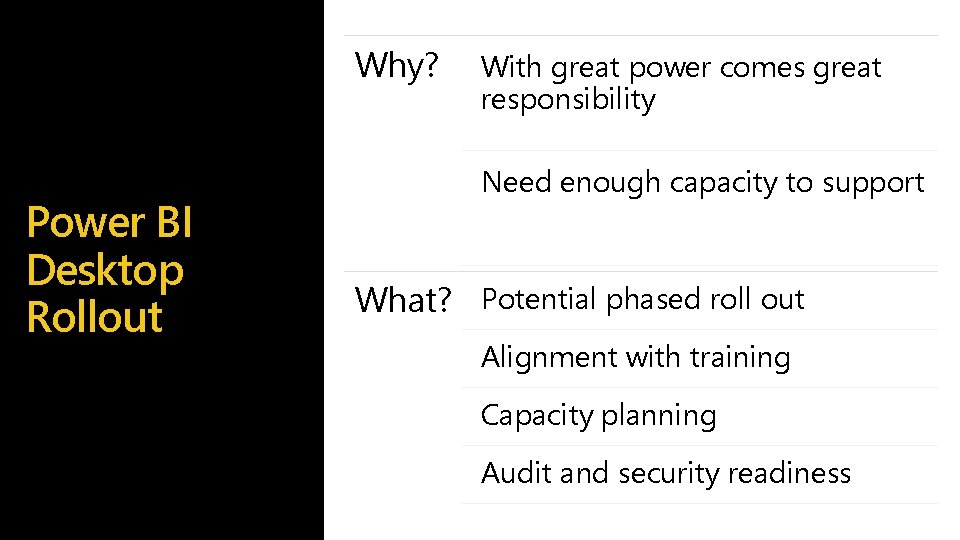
Why? Power BI Desktop Rollout With great power comes great responsibility Need enough capacity to support What? Potential phased roll out Alignment with training Capacity planning Audit and security readiness
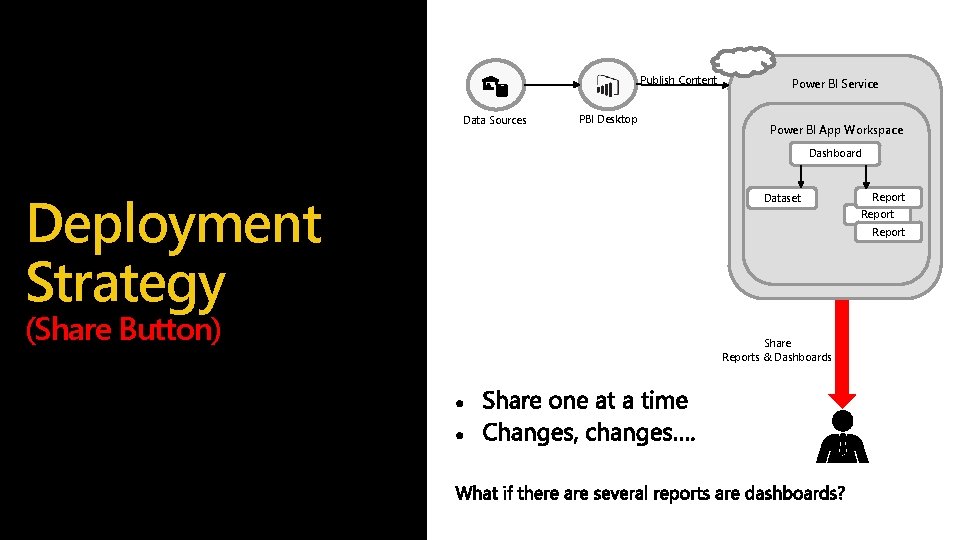
Publish Content Data Sources PBI Desktop Power BI Service Power BI App Workspace Dashboard Deployment Strategy (Share Button) Dataset Report Share Reports & Dashboards
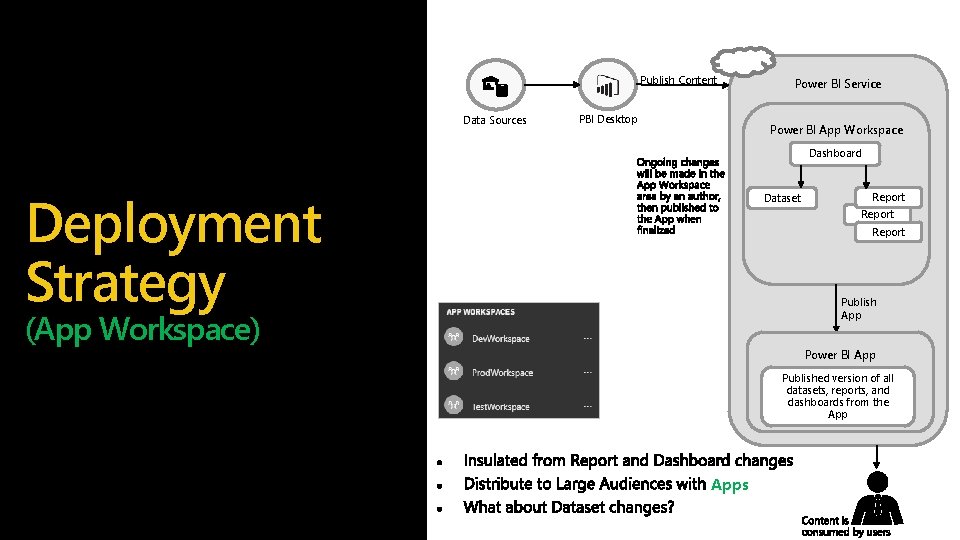
Publish Content Data Sources PBI Desktop Power BI Service Power BI App Workspace Dashboard Deployment Strategy Dataset Report Publish App (App Workspace) Power BI App Published version of all datasets, reports, and dashboards from the Apps
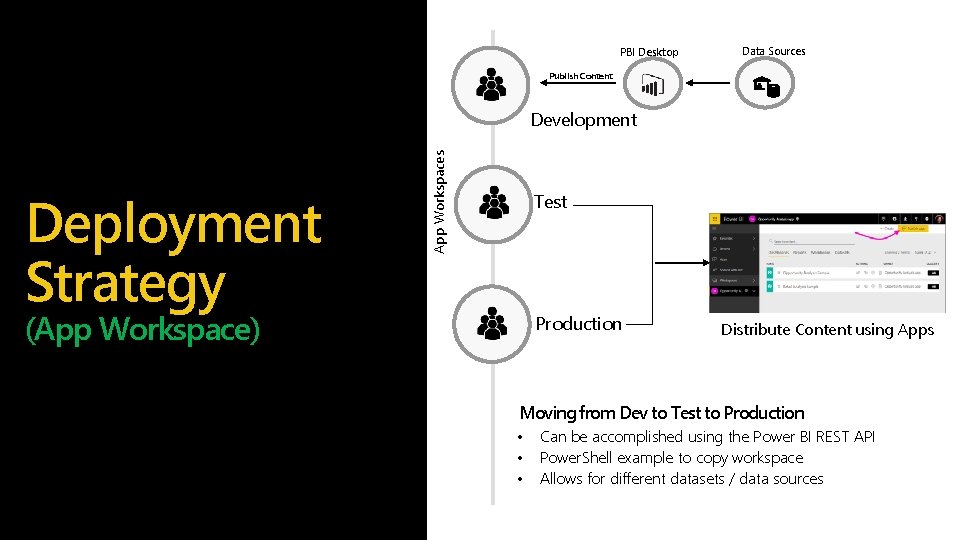
PBI Desktop Data Sources Publish Content Deployment Strategy App Workspaces Development Test (App Workspace) Production Distribute Content using Apps Moving from Dev to Test to Production • • • Can be accomplished using the Power BI REST API Power. Shell example to copy workspace Allows for different datasets / data sources
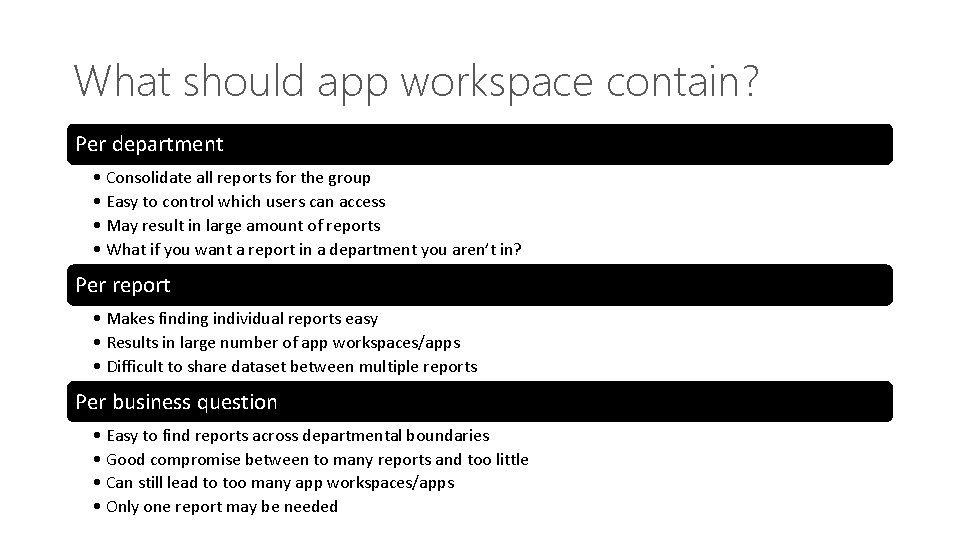
What should app workspace contain? Per department • Consolidate all reports for the group • Easy to control which users can access • May result in large amount of reports • What if you want a report in a department you aren’t in? Per report • Makes finding individual reports easy • Results in large number of app workspaces/apps • Difficult to share dataset between multiple reports Per business question • Easy to find reports across departmental boundaries • Good compromise between to many reports and too little • Can still lead to too many app workspaces/apps • Only one report may be needed
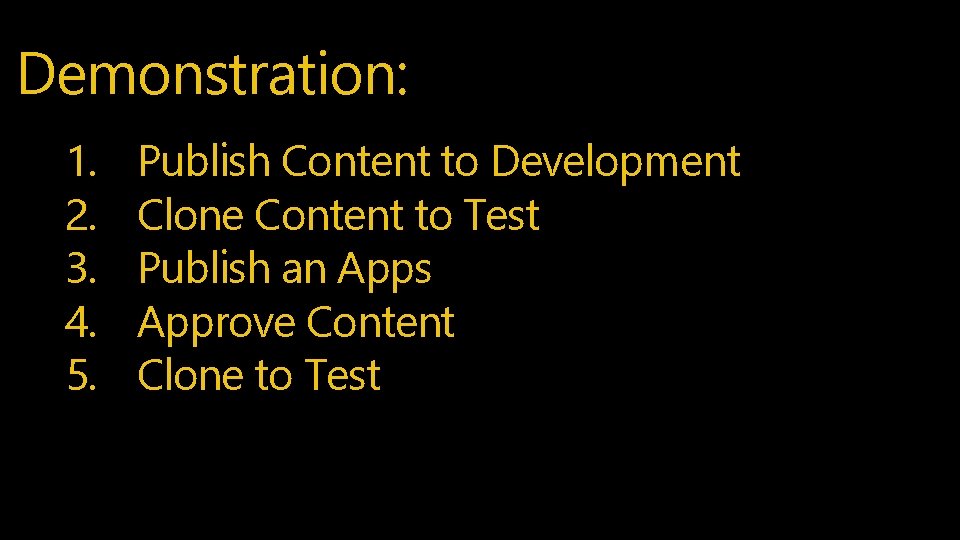
Demonstration: 1. 2. 3. 4. 5. Publish Content to Development Clone Content to Test Publish an Apps Approve Content Clone to Test

Train your users

pleblanc@microsoft. com
- Slides: 54