
Department of Computer Science Engineering Air University Intro
![Quiz Time [20 Mins] Marks[10] Write a program to check whether a triangle is](https://slidetodoc.com/presentation_image_h2/f7e0c0bc65277f7759acf2c8b19ff64a/image-2.jpg "Quiz Time [20 Mins] Marks[10] Write a program to check whether a triangle is")
- Slides: 29
Department of Computer Science & Engineering Air University Intro to Programming Week # 4 Switch Statement Lecture # 7 By: Saqib Rasheed
Quiz Time [20 Mins] Marks[10] Write a program to check whether a triangle is valid or not, when the three angles of the triangle are entered through the keyboard. A triangle is valid if the sum of all the three Angles is equal to 180 degrees CS 161 Intro To Programming
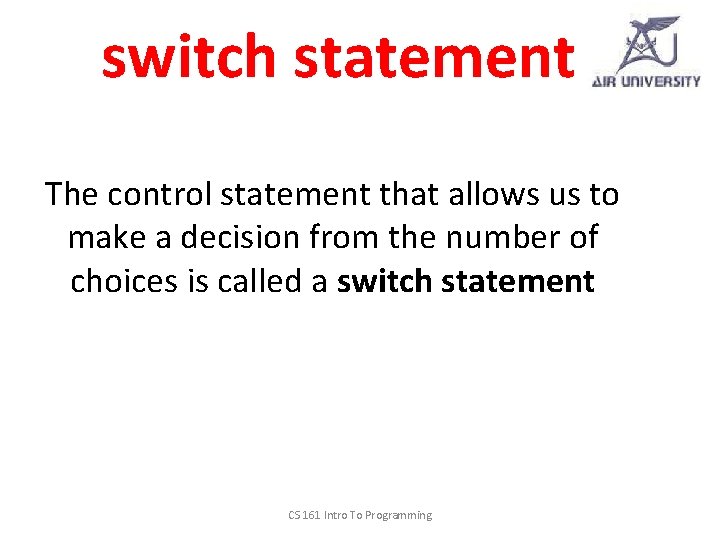
switch statement The control statement that allows us to make a decision from the number of choices is called a switch statement CS 161 Intro To Programming
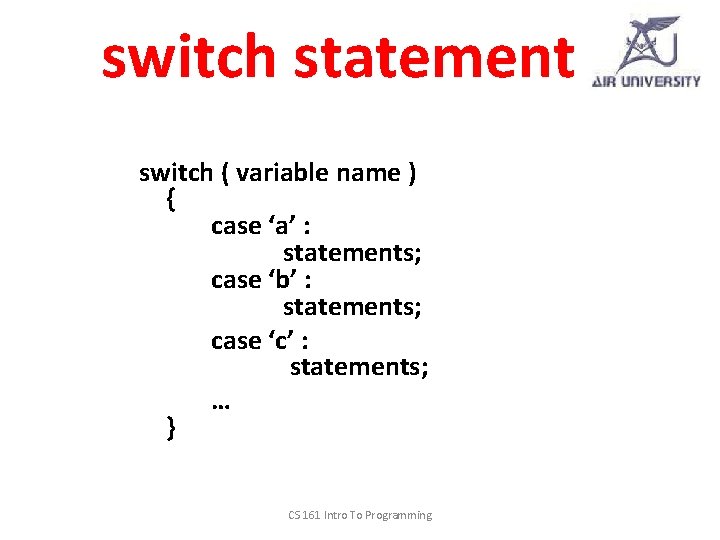
switch statement switch ( variable name ) { case ‘a’ : statements; case ‘b’ : statements; case ‘c’ : statements; … } CS 161 Intro To Programming
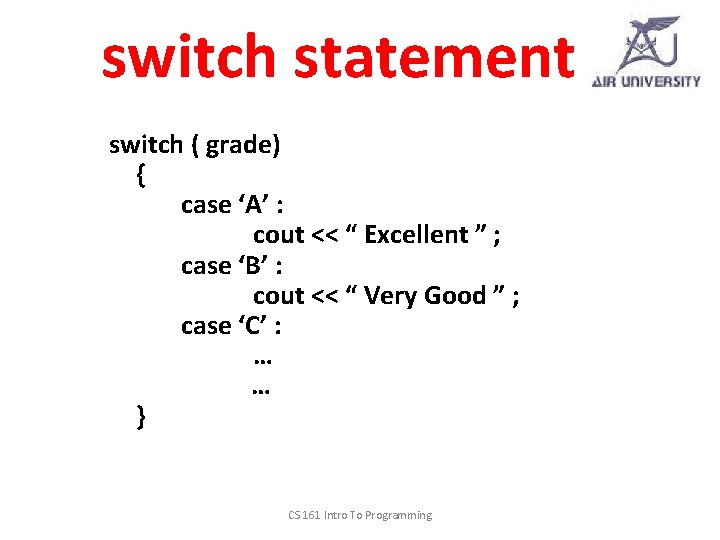
switch statement switch ( grade) { case ‘A’ : cout << “ Excellent ” ; case ‘B’ : cout << “ Very Good ” ; case ‘C’ : … … } CS 161 Intro To Programming
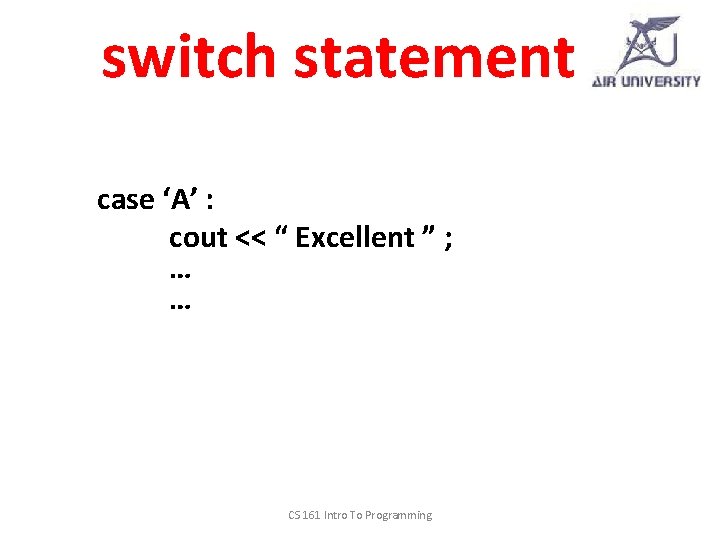
switch statement case ‘A’ : cout << “ Excellent ” ; … … CS 161 Intro To Programming
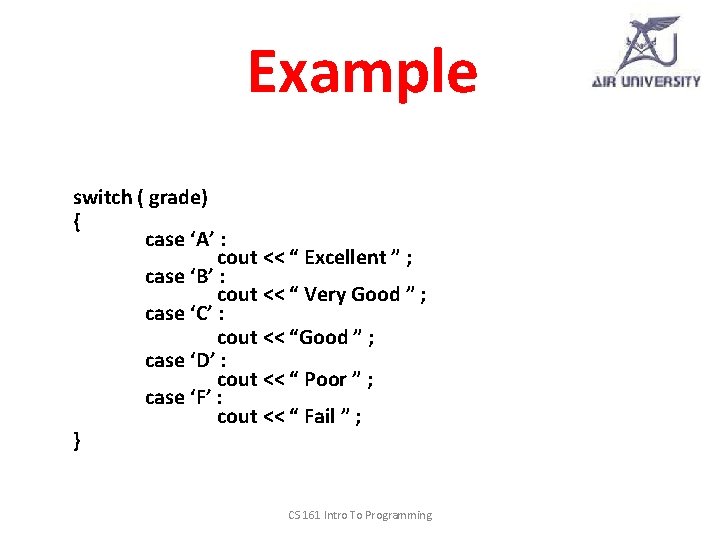
Example switch ( grade) { case ‘A’ : cout << “ Excellent ” ; case ‘B’ : cout << “ Very Good ” ; case ‘C’ : cout << “Good ” ; case ‘D’ : cout << “ Poor ” ; case ‘F’ : cout << “ Fail ” ; } CS 161 Intro To Programming
break; CS 161 Intro To Programming
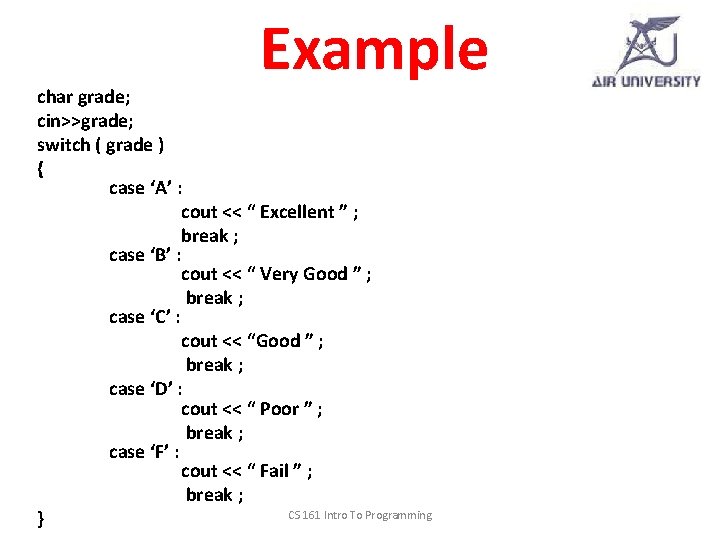
Example char grade; cin>>grade; switch ( grade ) { case ‘A’ : cout << “ Excellent ” ; break ; case ‘B’ : cout << “ Very Good ” ; break ; case ‘C’ : cout << “Good ” ; break ; case ‘D’ : cout << “ Poor ” ; break ; case ‘F’ : cout << “ Fail ” ; break ; CS 161 Intro To Programming }
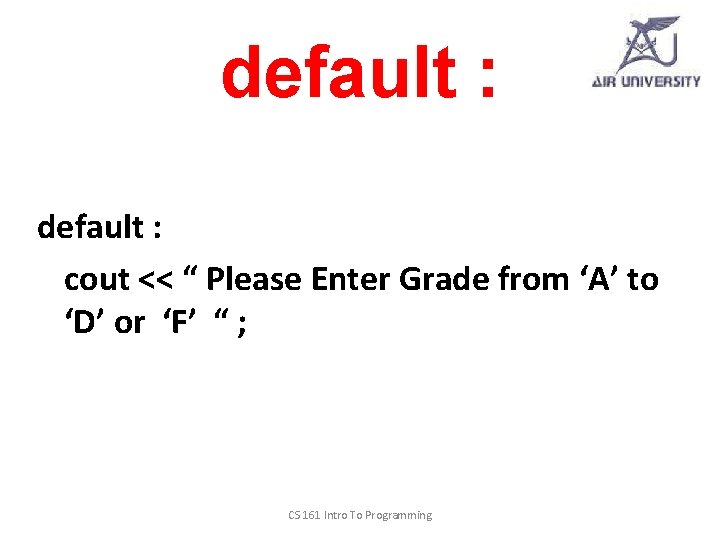
default : cout << “ Please Enter Grade from ‘A’ to ‘D’ or ‘F’ “ ; CS 161 Intro To Programming
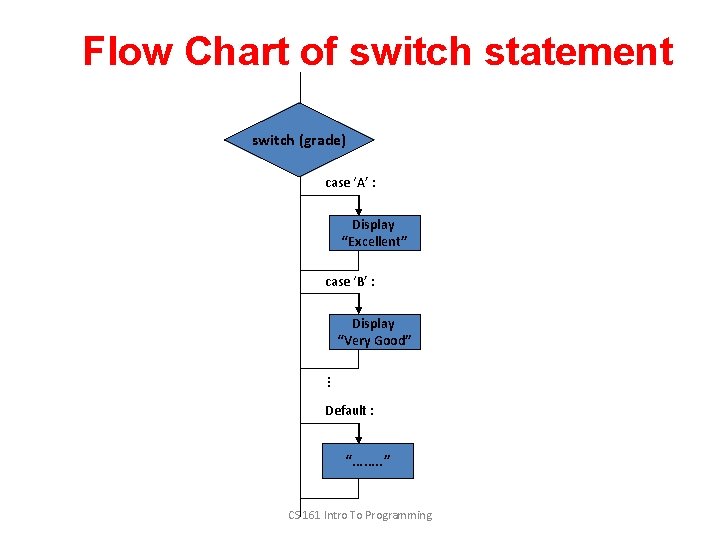
Flow Chart of switch statement switch (grade) case ‘A’ : Display “Excellent” case ‘B’ : Display “Very Good” … Default : “……. . ” CS 161 Intro To Programming
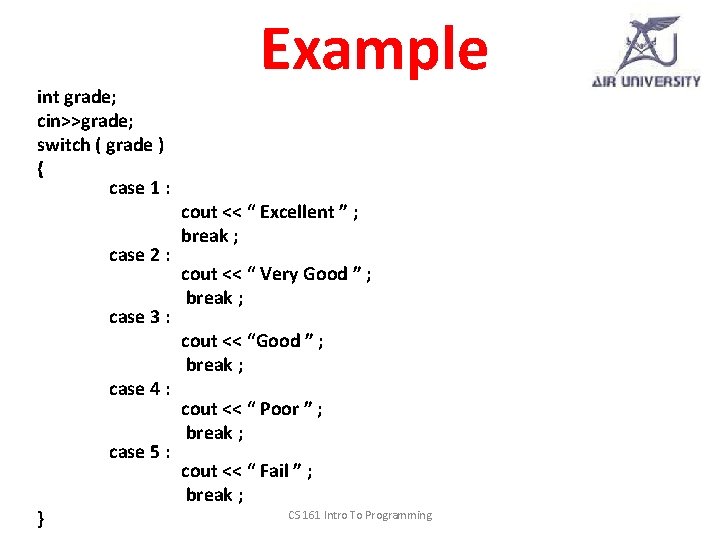
int grade; cin>>grade; switch ( grade ) { case 1 : case 2 : case 3 : case 4 : case 5 : } Example cout << “ Excellent ” ; break ; cout << “ Very Good ” ; break ; cout << “ Poor ” ; break ; cout << “ Fail ” ; break ; CS 161 Intro To Programming
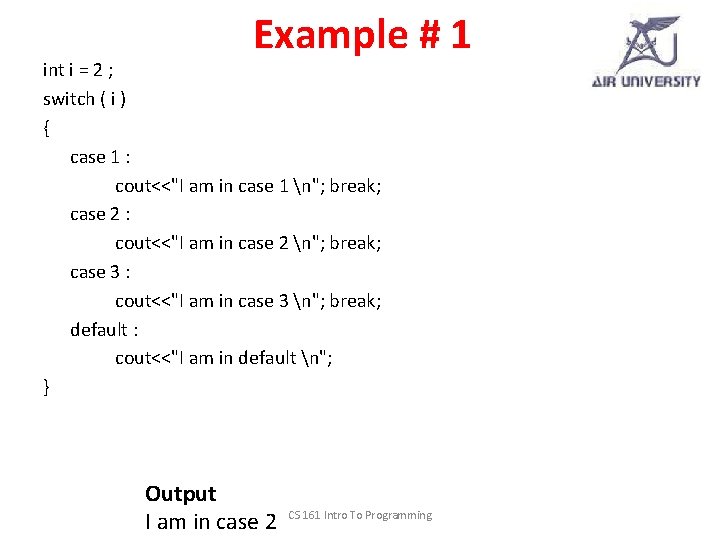
Example # 1 int i = 2 ; switch ( i ) { case 1 : cout<<"I am in case 1 n"; break; case 2 : cout<<"I am in case 2 n"; break; case 3 : cout<<"I am in case 3 n"; break; default : cout<<"I am in default n"; } Output I am in case 2 CS 161 Intro To Programming
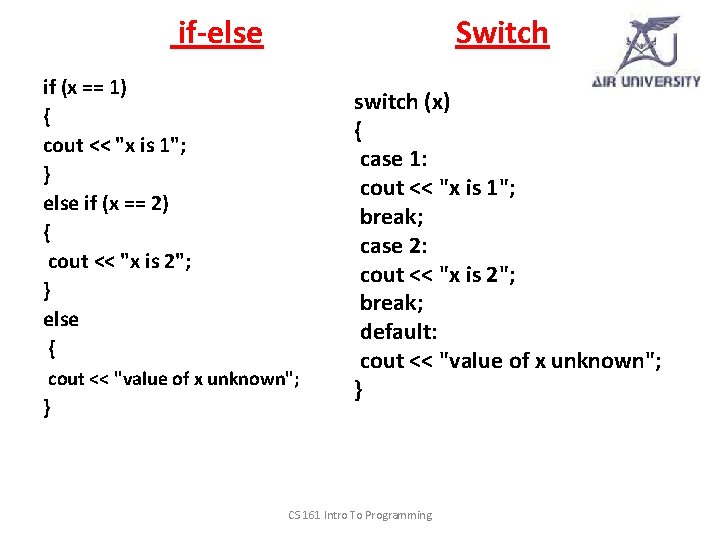
if-else Switch if (x == 1) { cout << "x is 1"; } else if (x == 2) { cout << "x is 2"; } else { cout << "value of x unknown"; } switch (x) { case 1: cout << "x is 1"; break; case 2: cout << "x is 2"; break; default: cout << "value of x unknown"; } CS 161 Intro To Programming
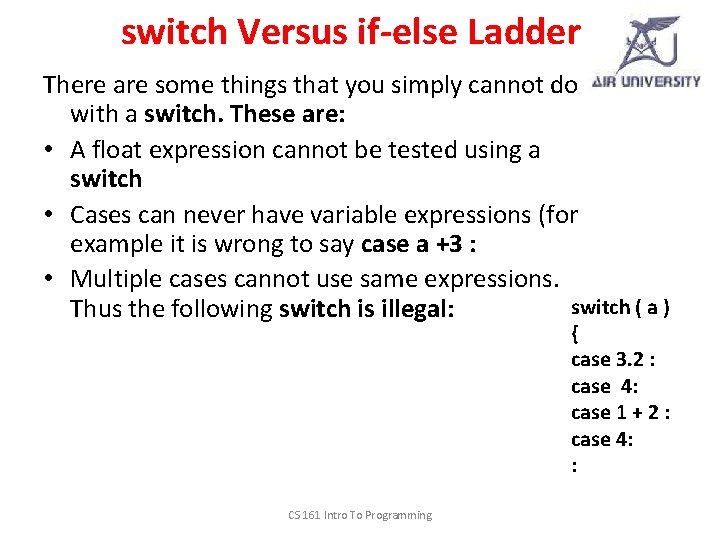
switch Versus if-else Ladder There are some things that you simply cannot do with a switch. These are: • A float expression cannot be tested using a switch • Cases can never have variable expressions (for example it is wrong to say case a +3 : • Multiple cases cannot use same expressions. switch ( a ) Thus the following switch is illegal: { case 3. 2 : case 4: case 1 + 2 : case 4: : CS 161 Intro To Programming
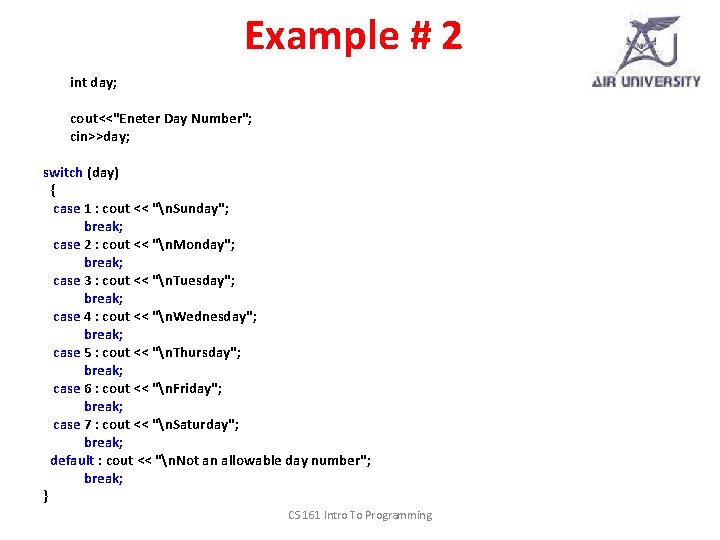
Example # 2 int day; cout<<"Eneter Day Number"; cin>>day; switch (day) { case 1 : cout << "n. Sunday"; break; case 2 : cout << "n. Monday"; break; case 3 : cout << "n. Tuesday"; break; case 4 : cout << "n. Wednesday"; break; case 5 : cout << "n. Thursday"; break; case 6 : cout << "n. Friday"; break; case 7 : cout << "n. Saturday"; break; default : cout << "n. Not an allowable day number"; break; } CS 161 Intro To Programming
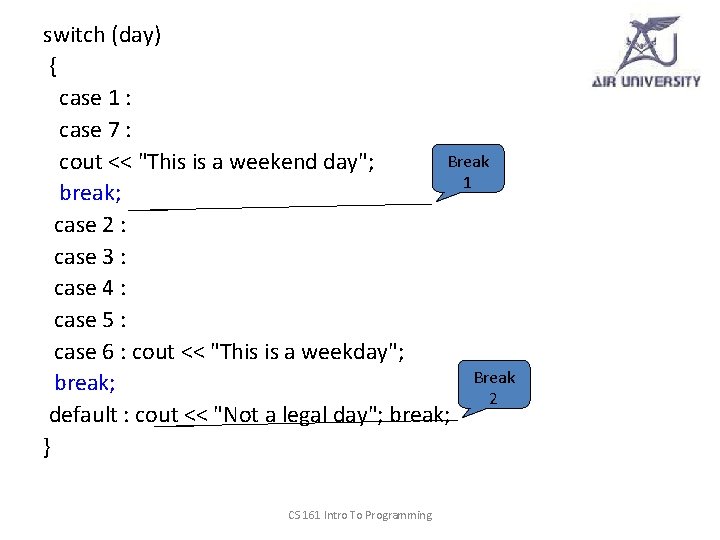
switch (day) { case 1 : case 7 : Break cout << "This is a weekend day"; 1 break; case 2 : case 3 : case 4 : case 5 : case 6 : cout << "This is a weekday"; Break break; 2 default : cout << "Not a legal day"; break; } CS 161 Intro To Programming
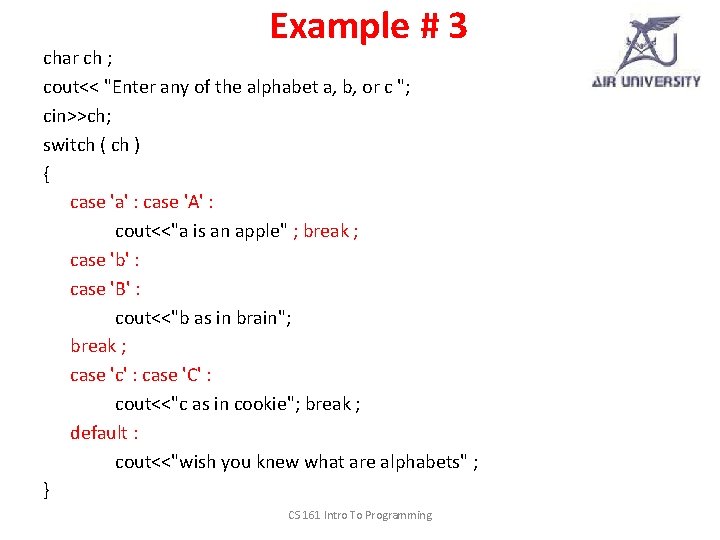
Example # 3 char ch ; cout<< "Enter any of the alphabet a, b, or c "; cin>>ch; switch ( ch ) { case 'a' : case 'A' : cout<<"a is an apple" ; break ; case 'b' : case 'B' : cout<<"b as in brain"; break ; case 'c' : case 'C' : cout<<"c as in cookie"; break ; default : cout<<"wish you knew what are alphabets" ; } CS 161 Intro To Programming
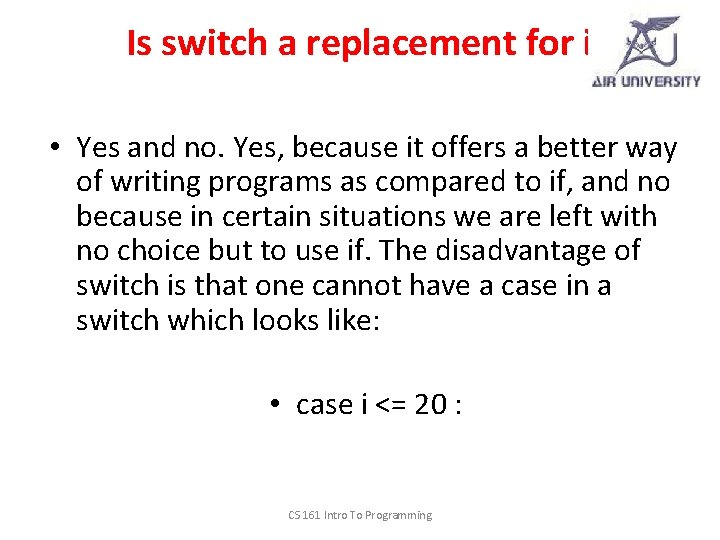
Is switch a replacement for if? • Yes and no. Yes, because it offers a better way of writing programs as compared to if, and no because in certain situations we are left with no choice but to use if. The disadvantage of switch is that one cannot have a case in a switch which looks like: • case i <= 20 : CS 161 Intro To Programming
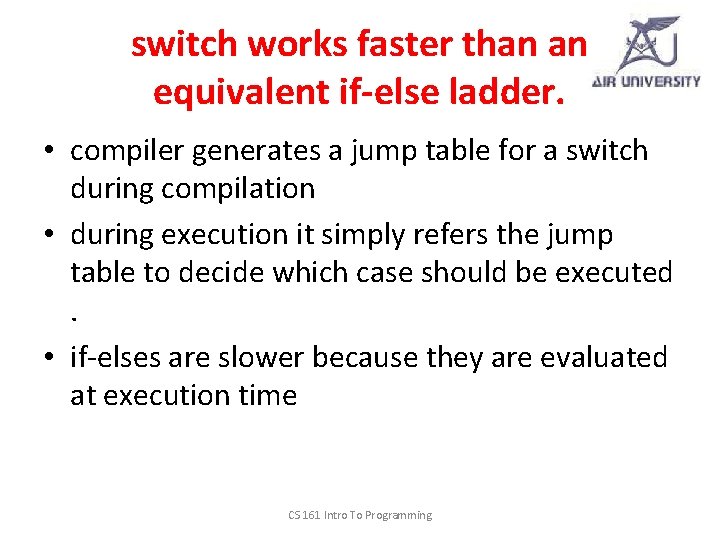
switch works faster than an equivalent if-else ladder. • compiler generates a jump table for a switch during compilation • during execution it simply refers the jump table to decide which case should be executed. • if-elses are slower because they are evaluated at execution time CS 161 Intro To Programming
Question # 1 Make a calculator using switch statement Ø It should take two numbers from user. Ø Ask the user the function to perform Ø Display the result CS 161 Intro To Programming
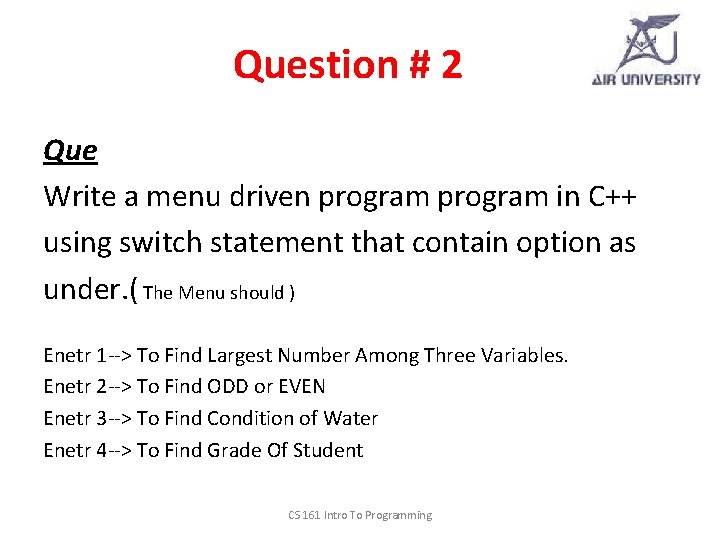
Question # 2 Que Write a menu driven program in C++ using switch statement that contain option as under. ( The Menu should ) Enetr 1 --> To Find Largest Number Among Three Variables. Enetr 2 --> To Find ODD or EVEN Enetr 3 --> To Find Condition of Water Enetr 4 --> To Find Grade Of Student CS 161 Intro To Programming
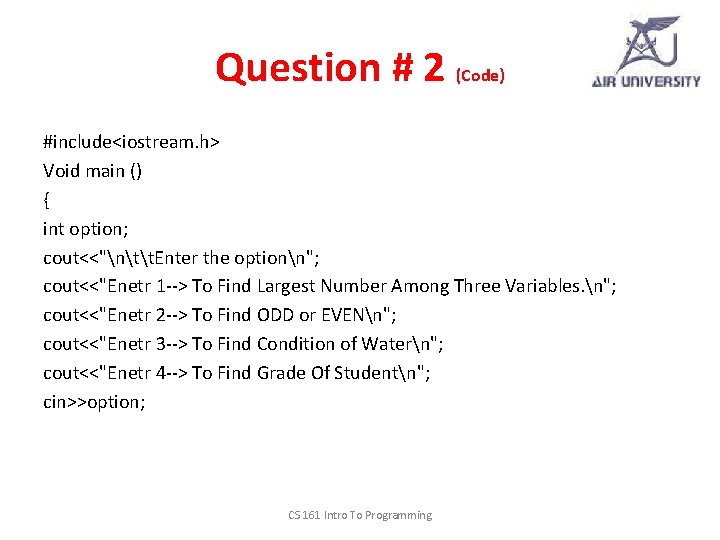
Question # 2 (Code) #include<iostream. h> Void main () { int option; cout<<"ntt. Enter the optionn"; cout<<"Enetr 1 --> To Find Largest Number Among Three Variables. n"; cout<<"Enetr 2 --> To Find ODD or EVENn"; cout<<"Enetr 3 --> To Find Condition of Watern"; cout<<"Enetr 4 --> To Find Grade Of Studentn"; cin>>option; CS 161 Intro To Programming
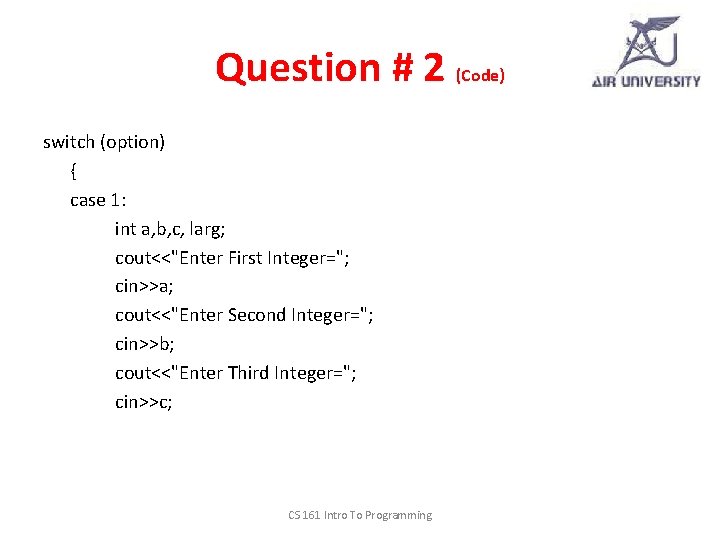
Question # 2 (Code) switch (option) { case 1: int a, b, c, larg; cout<<"Enter First Integer="; cin>>a; cout<<"Enter Second Integer="; cin>>b; cout<<"Enter Third Integer="; cin>>c; CS 161 Intro To Programming
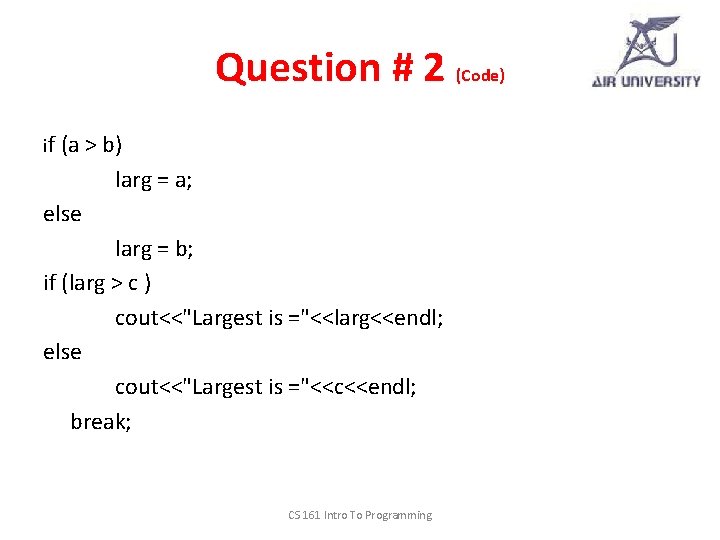
Question # 2 (Code) if (a > b) larg = a; else larg = b; if (larg > c ) cout<<"Largest is ="<<larg<<endl; else cout<<"Largest is ="<<c<<endl; break; CS 161 Intro To Programming
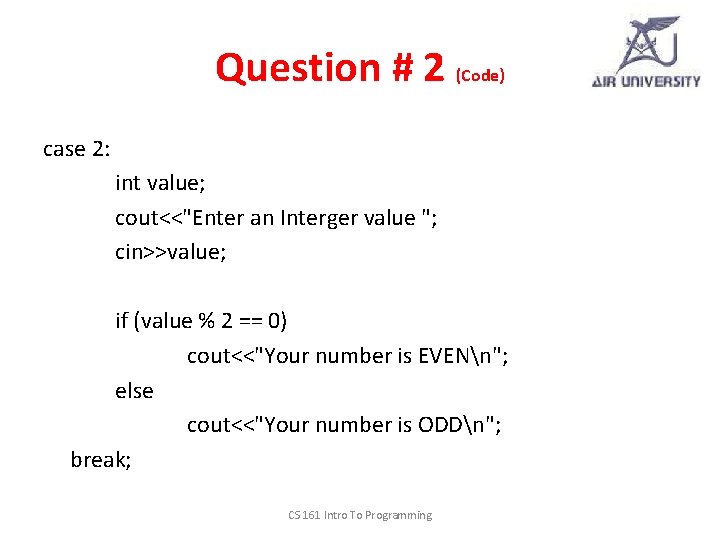
Question # 2 (Code) case 2: int value; cout<<"Enter an Interger value "; cin>>value; if (value % 2 == 0) cout<<"Your number is EVENn"; else cout<<"Your number is ODDn"; break; CS 161 Intro To Programming
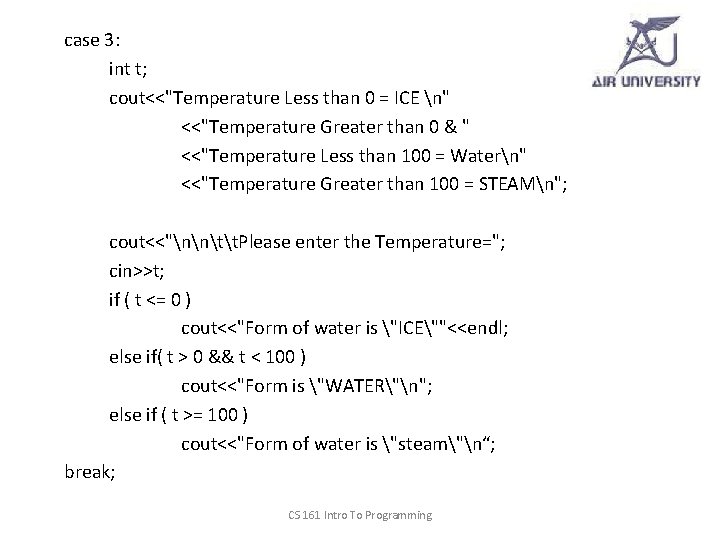
case 3: int t; cout<<"Temperature Less than 0 = ICE n" <<"Temperature Greater than 0 & " <<"Temperature Less than 100 = Watern" <<"Temperature Greater than 100 = STEAMn"; cout<<"nntt. Please enter the Temperature="; cin>>t; if ( t <= 0 ) cout<<"Form of water is "ICE""<<endl; else if( t > 0 && t < 100 ) cout<<"Form is "WATER"n"; else if ( t >= 100 ) cout<<"Form of water is "steam"n“; break; CS 161 Intro To Programming
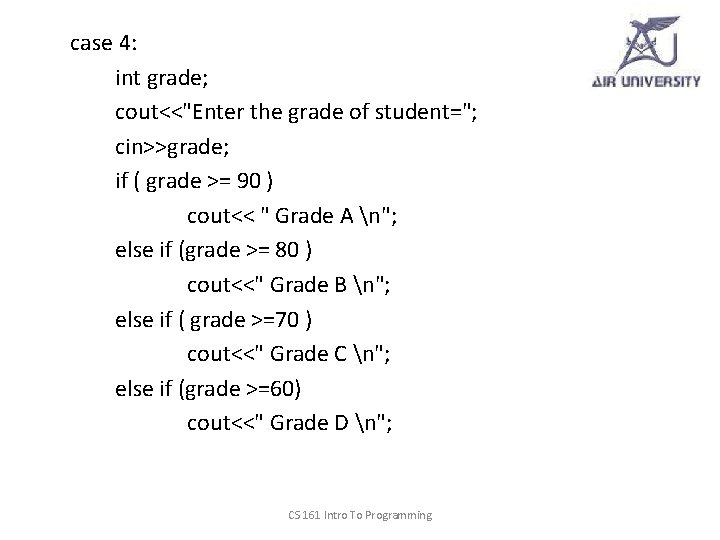
case 4: int grade; cout<<"Enter the grade of student="; cin>>grade; if ( grade >= 90 ) cout<< " Grade A n"; else if (grade >= 80 ) cout<<" Grade B n"; else if ( grade >=70 ) cout<<" Grade C n"; else if (grade >=60) cout<<" Grade D n"; CS 161 Intro To Programming
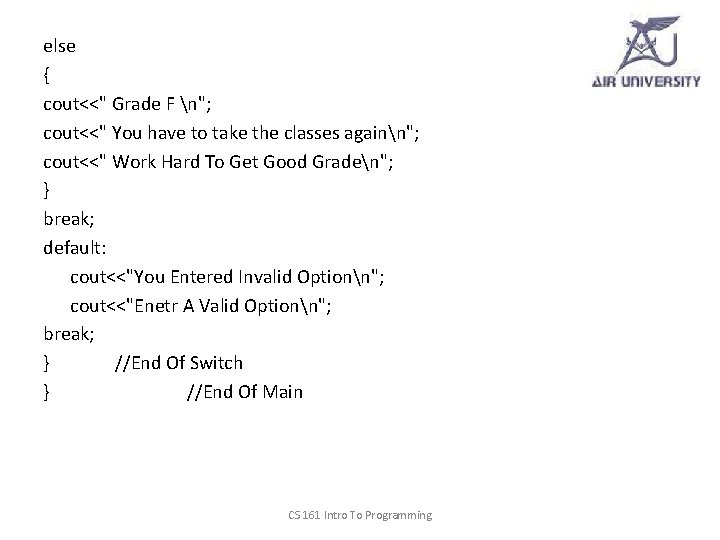
else { cout<<" Grade F n"; cout<<" You have to take the classes againn"; cout<<" Work Hard To Get Good Graden"; } break; default: cout<<"You Entered Invalid Optionn"; cout<<"Enetr A Valid Optionn"; break; } //End Of Switch } //End Of Main CS 161 Intro To Programming