
DEP 302 Server Consolidation Strategies Best Practices for
DEP 302 Server Consolidation Strategies & Best Practices for reducing costs in Windows Environments Troy Zaboukos troyza@microsoft. com Product Manager Windows Server Division Paul O’Connell paulocon@microsoft. com Principal Consultant Business Critical Services Microsoft UK
Agenda Approach to consolidation Tools & resources Consolidation Scenarios The Process of consolidation The Service to be consolidated Design Considerations Lessons learnt
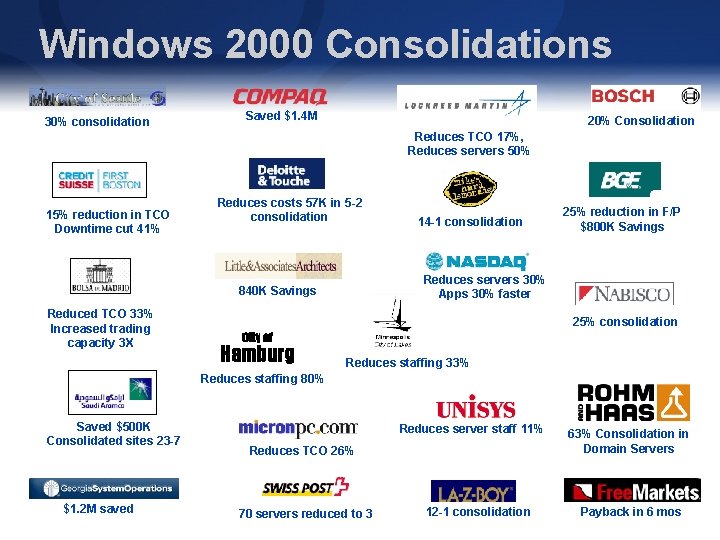
Windows 2000 Consolidations 30% consolidation Saved $1. 4 M 20% Consolidation Reduces TCO 17%, Reduces servers 50% 15% reduction in TCO Downtime cut 41% Reduces costs 57 K in 5 -2 consolidation 25% reduction in F/P $800 K Savings Reduces servers 30% Apps 30% faster 840 K Savings Reduced TCO 33% Increased trading capacity 3 X 14 -1 consolidation 25% consolidation City of Hamburg Reduces staffing 33% Reduces staffing 80% Saved $500 K Consolidated sites 23 -7 $1. 2 M saved Reduces server staff 11% Reduces TCO 26% 70 servers reduced to 3 12 -1 consolidation 63% Consolidation in Domain Servers Payback in 6 mos
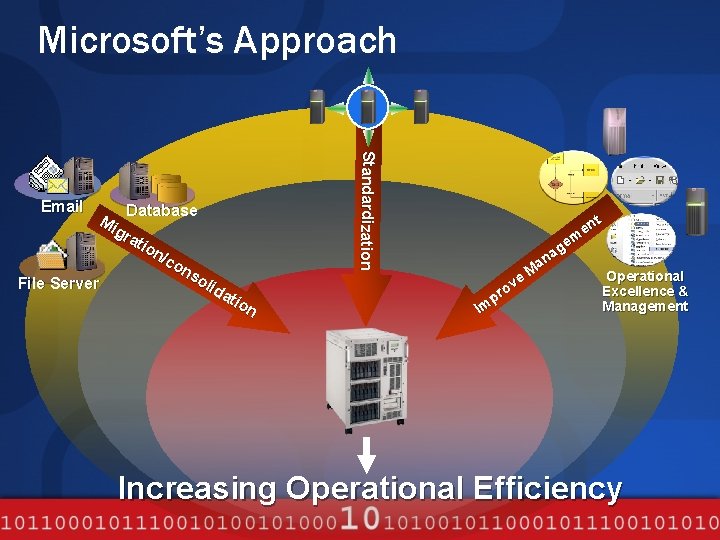
Microsoft’s Approach Database Mi gr ati on /co ns oli File Server da tio n Standardization Email t en em g a an M Operational e v o Excellence & pr Management m I Increasing Operational Efficiency
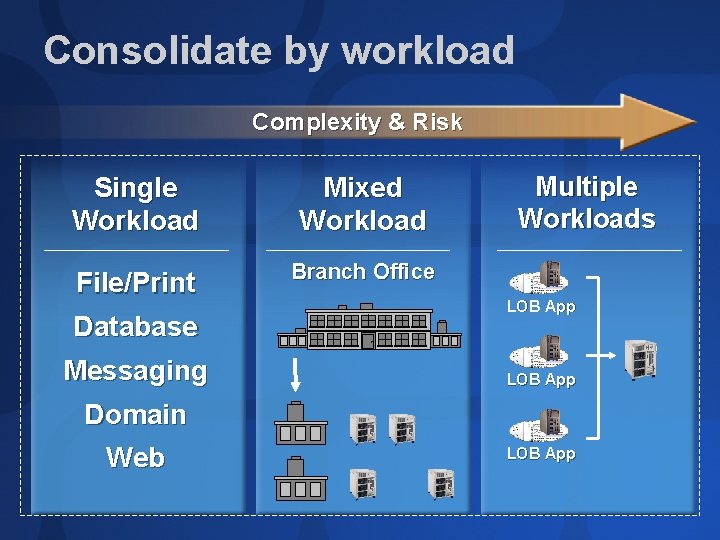
Consolidate by workload Complexity & Risk Single Workload Mixed Workload File/Print Branch Office Database Messaging Multiple Workloads LOB App Domain Web LOB App
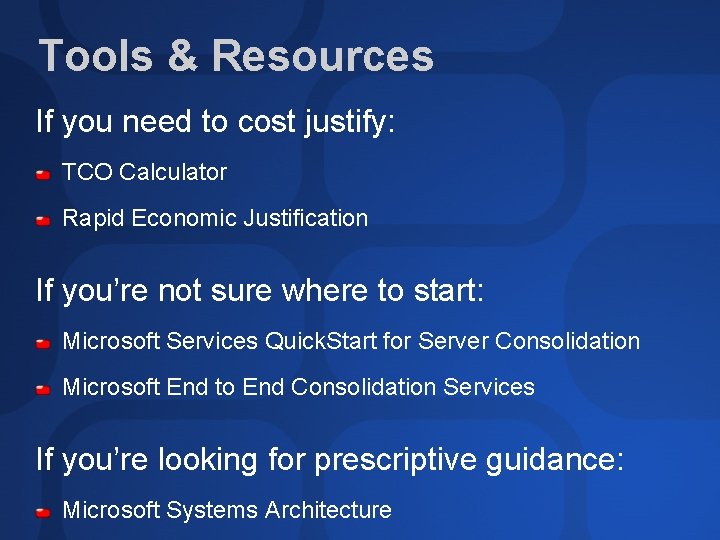
Tools & Resources If you need to cost justify: TCO Calculator Rapid Economic Justification If you’re not sure where to start: Microsoft Services Quick. Start for Server Consolidation Microsoft End to End Consolidation Services If you’re looking for prescriptive guidance: Microsoft Systems Architecture
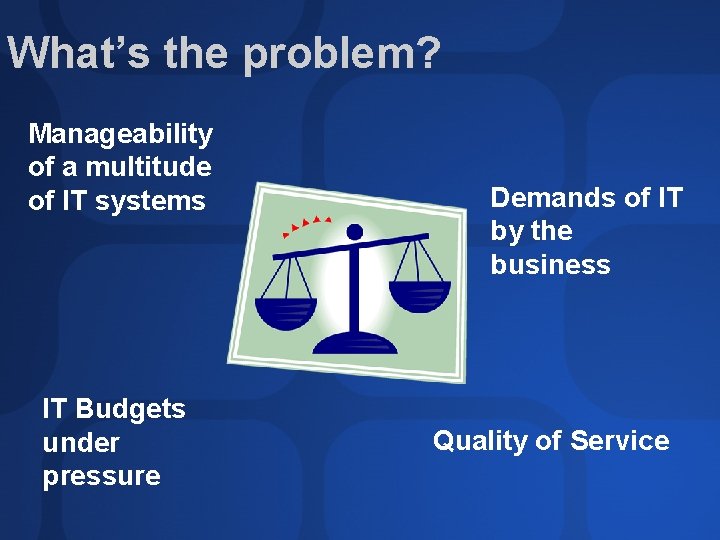
What’s the problem? Manageability of a multitude of IT systems IT Budgets under pressure Demands of IT by the business Quality of Service
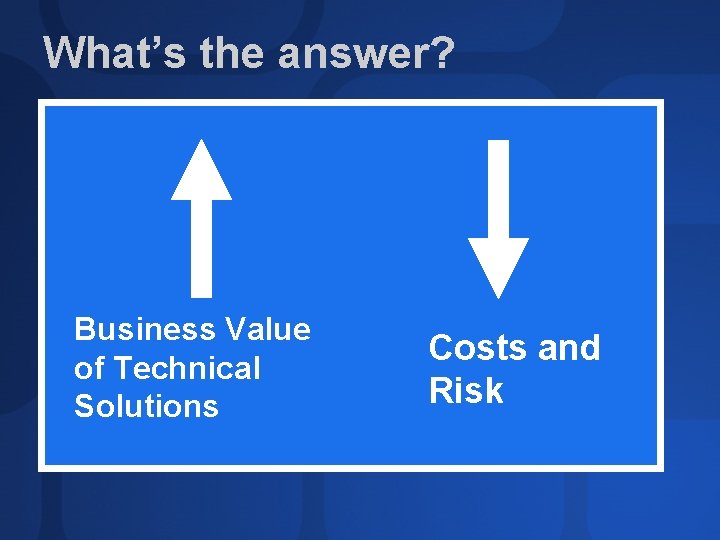
What’s the answer? Business Value of Technical Solutions Costs and Risk
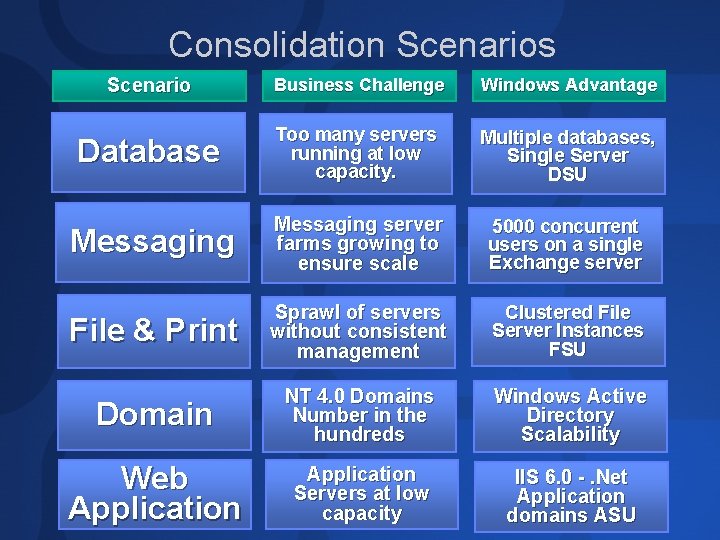
Consolidation Scenarios Scenario Business Challenge Windows Advantage Database Too many servers running at low capacity. Multiple databases, Single Server DSU Messaging server farms growing to ensure scale 5000 concurrent users on a single Exchange server File & Print Sprawl of servers without consistent management Clustered File Server Instances FSU Domain NT 4. 0 Domains Number in the hundreds Windows Active Directory Scalability Web Application Servers at low capacity IIS 6. 0 -. Net Application domains ASU
Server Consolidation The Process
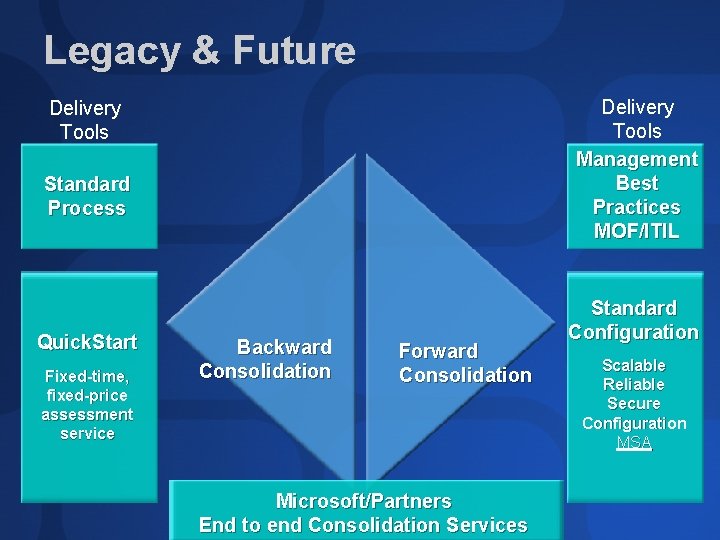
Legacy & Future Delivery Tools Management Best Practices MOF/ITIL Delivery Tools Standard Process Quick. Start Fixed-time, fixed-price assessment service Backward Consolidation Forward Consolidation Microsoft/Partners End to end Consolidation Services Standard Configuration Scalable Reliable Secure Configuration MSA
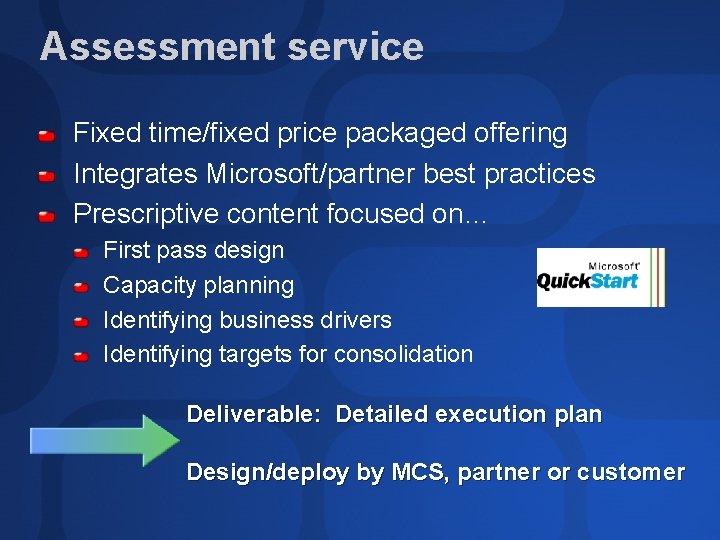
Assessment service Fixed time/fixed price packaged offering Integrates Microsoft/partner best practices Prescriptive content focused on… First pass design Capacity planning Identifying business drivers Identifying targets for consolidation Deliverable: Detailed execution plan Design/deploy by MCS, partner or customer
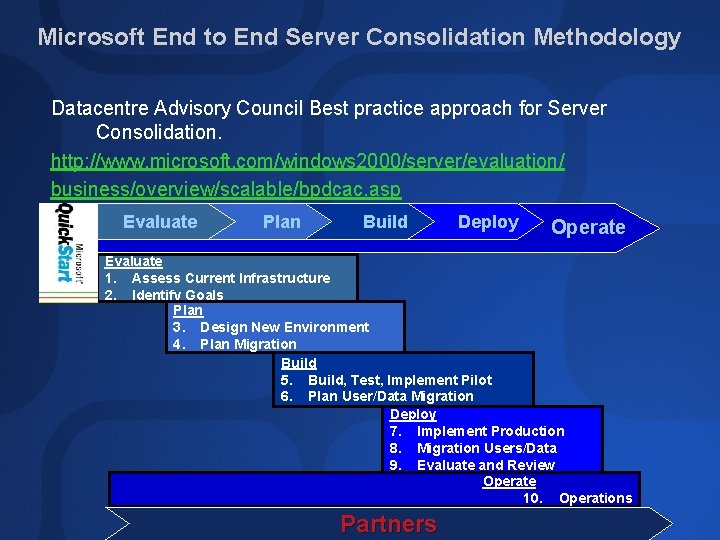
Microsoft End to End Server Consolidation Methodology Datacentre Advisory Council Best practice approach for Server Consolidation. http: //www. microsoft. com/windows 2000/server/evaluation/ business/overview/scalable/bpdcac. asp Evaluate Plan Build Deploy Operate Evaluate 1. Assess Current Infrastructure 2. Identify Goals Plan 3. Design New Environment 4. Plan Migration Build 5. Build, Test, Implement Pilot 6. Plan User/Data Migration Deploy 7. Implement Production 8. Migration Users/Data 9. Evaluate and Review Operate 10. Operations Partners
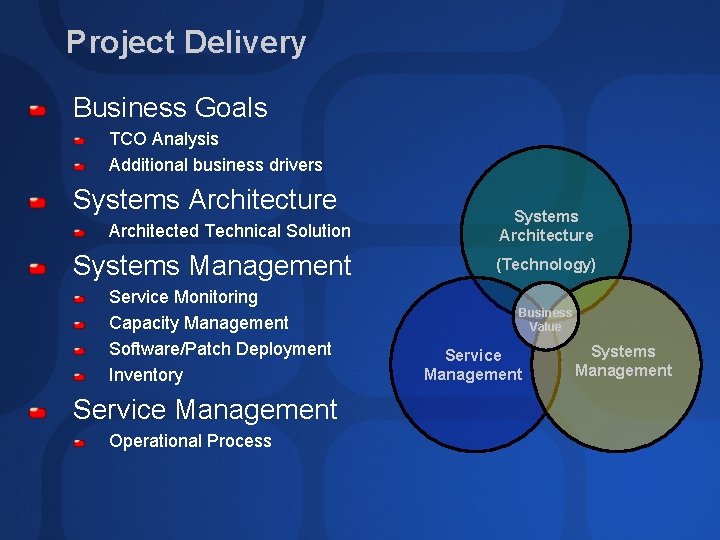
Project Delivery Business Goals TCO Analysis Additional business drivers Systems Architecture Architected Technical Solution Systems Architecture Systems Management (Technology) Service Monitoring Capacity Management Software/Patch Deployment Inventory Service Management Operational Process Business Value Service Management Systems Management
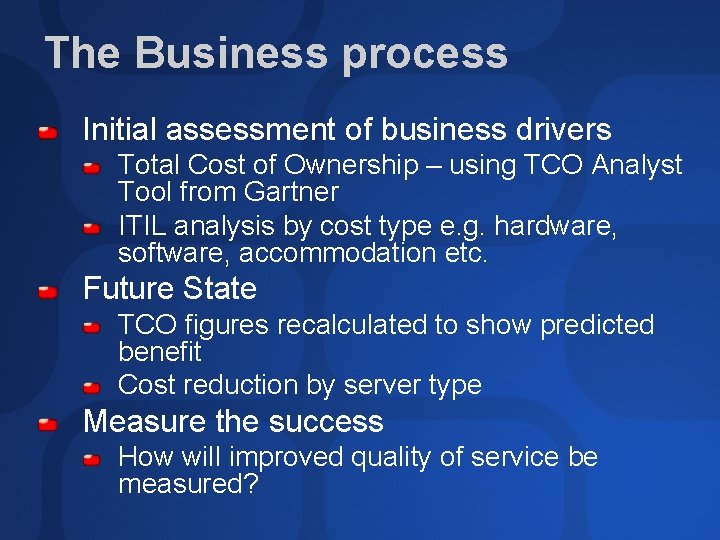
The Business process Initial assessment of business drivers Total Cost of Ownership – using TCO Analyst Tool from Gartner ITIL analysis by cost type e. g. hardware, software, accommodation etc. Future State TCO figures recalculated to show predicted benefit Cost reduction by server type Measure the success How will improved quality of service be measured?
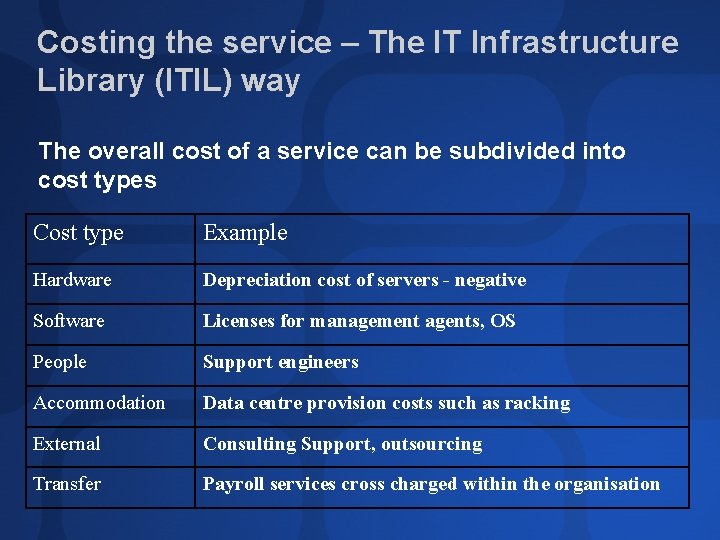
Costing the service – The IT Infrastructure Library (ITIL) way The overall cost of a service can be subdivided into cost types Cost type Example Hardware Depreciation cost of servers - negative Software Licenses for management agents, OS People Support engineers Accommodation Data centre provision costs such as racking External Consulting Support, outsourcing Transfer Payroll services cross charged within the organisation
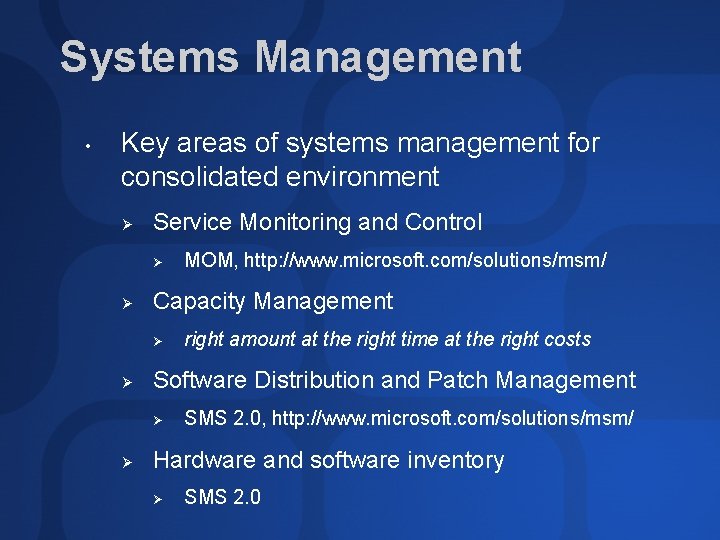
Systems Management • Key areas of systems management for consolidated environment Ø Service Monitoring and Control Ø Ø Capacity Management Ø Ø right amount at the right time at the right costs Software Distribution and Patch Management Ø Ø MOM, http: //www. microsoft. com/solutions/msm/ SMS 2. 0, http: //www. microsoft. com/solutions/msm/ Hardware and software inventory Ø SMS 2. 0
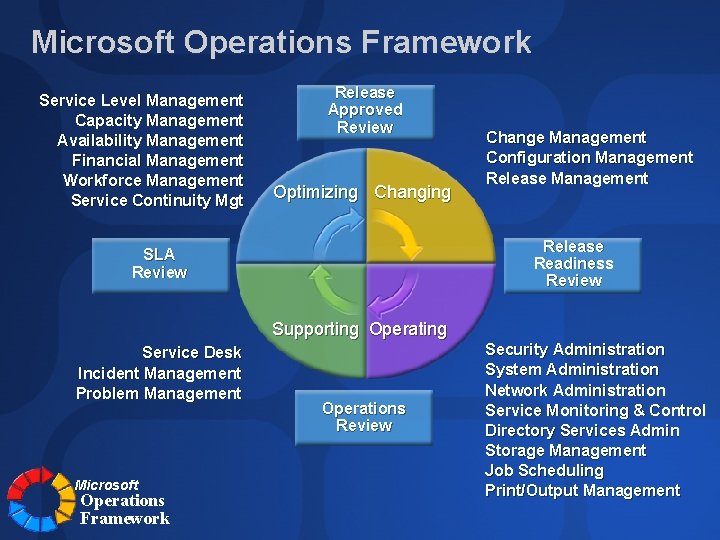
Microsoft Operations Framework Service Level Management Capacity Management Availability Management Financial Management Workforce Management Service Continuity Mgt Release Approved Review Optimizing Change Management Configuration Management Release Readiness Review SLA Review Supporting Operating Service Desk Incident Management Problem Management Microsoft Operations Framework Operations Review Security Administration System Administration Network Administration Service Monitoring & Control Directory Services Admin Storage Management Job Scheduling Print/Output Management
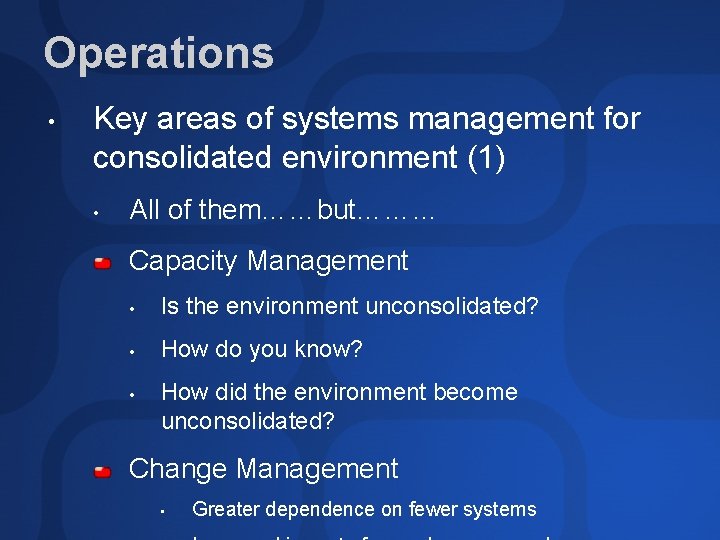
Operations • Key areas of systems management for consolidated environment (1) • All of them……but……… Capacity Management • Is the environment unconsolidated? • How do you know? • How did the environment become unconsolidated? Change Management • Greater dependence on fewer systems
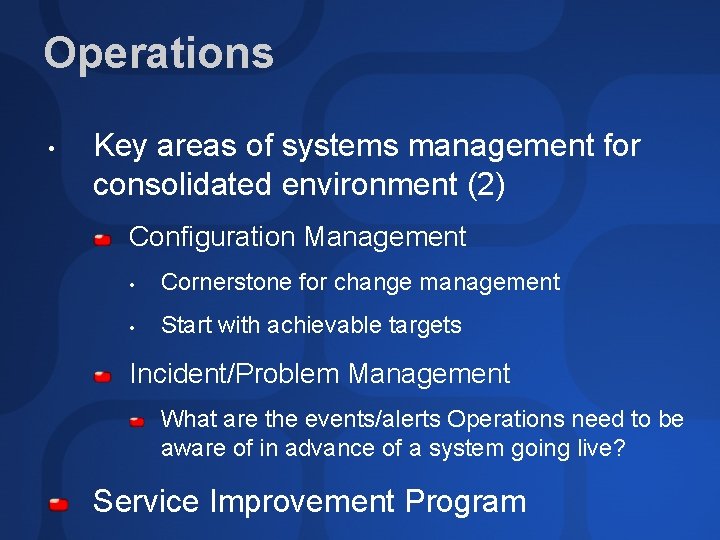
Operations • Key areas of systems management for consolidated environment (2) Configuration Management • Cornerstone for change management • Start with achievable targets Incident/Problem Management What are the events/alerts Operations need to be aware of in advance of a system going live? Service Improvement Program
Server Consolidation The services
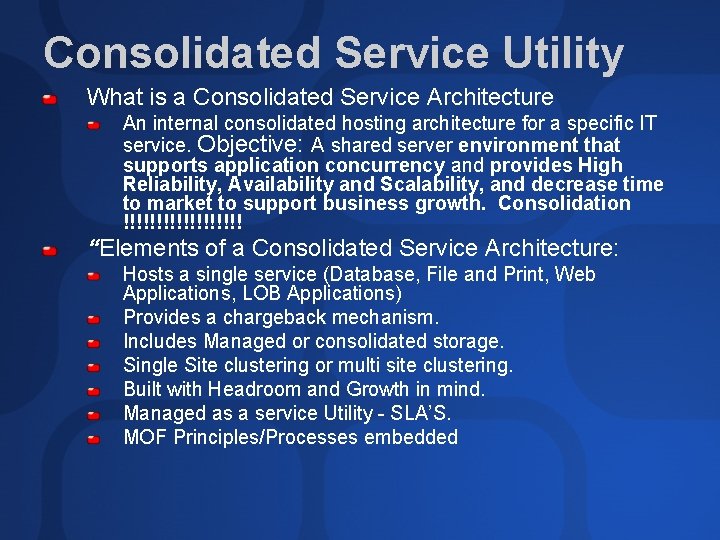
Consolidated Service Utility What is a Consolidated Service Architecture An internal consolidated hosting architecture for a specific IT service. Objective: A shared server environment that supports application concurrency and provides High Reliability, Availability and Scalability, and decrease time to market to support business growth. Consolidation !!!!!!!!! “Elements of a Consolidated Service Architecture: Hosts a single service (Database, File and Print, Web Applications, LOB Applications) Provides a chargeback mechanism. Includes Managed or consolidated storage. Single Site clustering or multi site clustering. Built with Headroom and Growth in mind. Managed as a service Utility - SLA’S. MOF Principles/Processes embedded
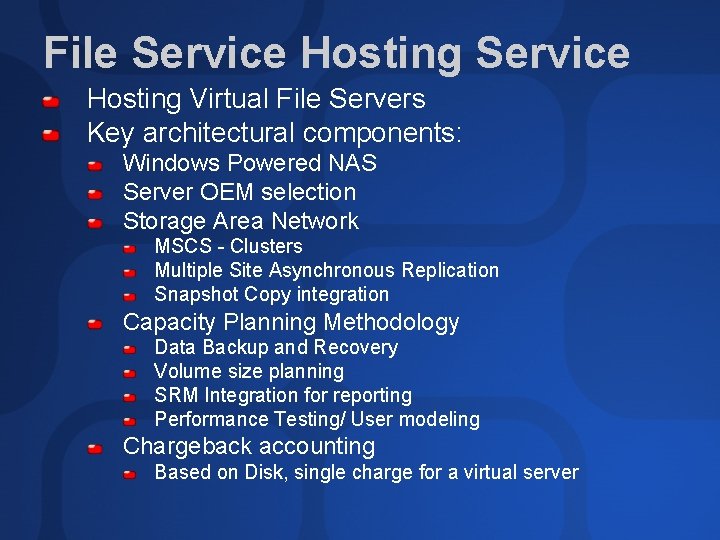
File Service Hosting Virtual File Servers Key architectural components: Windows Powered NAS Server OEM selection Storage Area Network MSCS - Clusters Multiple Site Asynchronous Replication Snapshot Copy integration Capacity Planning Methodology Data Backup and Recovery Volume size planning SRM Integration for reporting Performance Testing/ User modeling Chargeback accounting Based on Disk, single charge for a virtual server
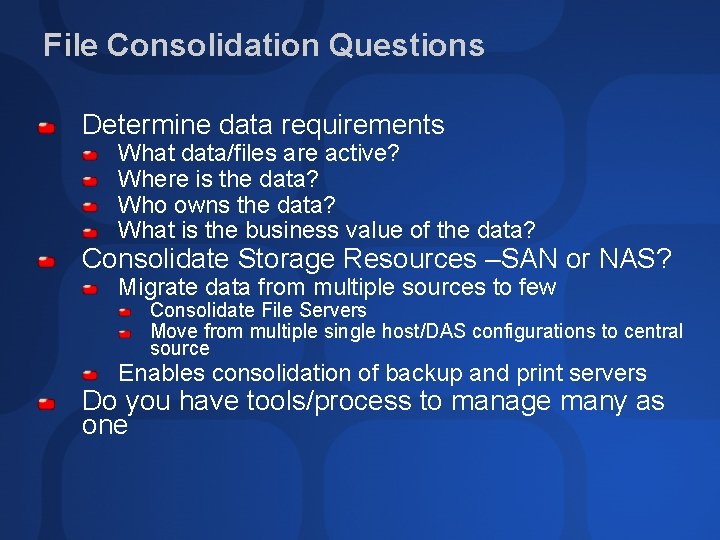
File Consolidation Questions Determine data requirements What data/files are active? Where is the data? Who owns the data? What is the business value of the data? Consolidate Storage Resources –SAN or NAS? Migrate data from multiple sources to few Consolidate File Servers Move from multiple single host/DAS configurations to central source Enables consolidation of backup and print servers Do you have tools/process to manage many as one
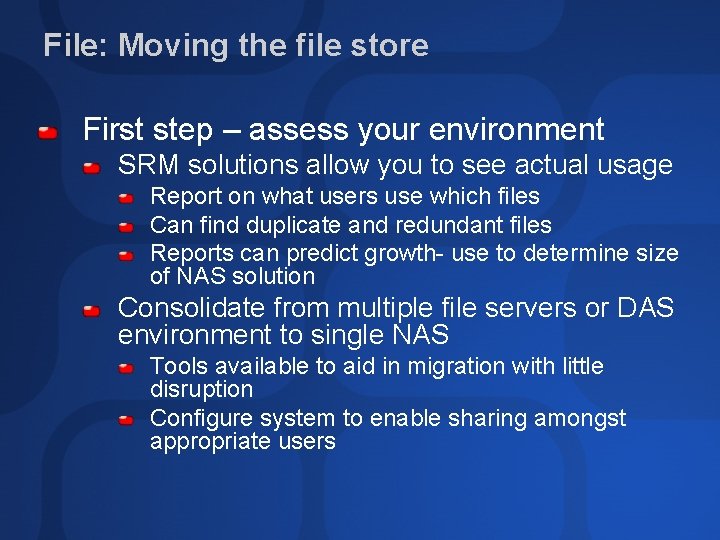
File: Moving the file store First step – assess your environment SRM solutions allow you to see actual usage Report on what users use which files Can find duplicate and redundant files Reports can predict growth- use to determine size of NAS solution Consolidate from multiple file servers or DAS environment to single NAS Tools available to aid in migration with little disruption Configure system to enable sharing amongst appropriate users
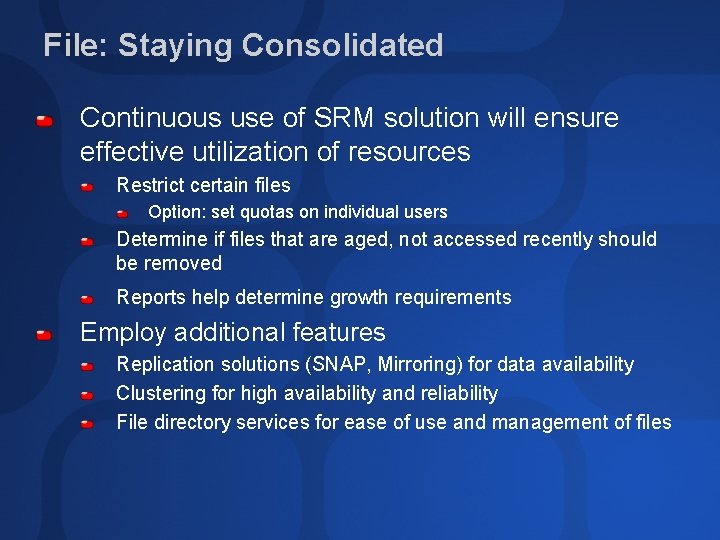
File: Staying Consolidated Continuous use of SRM solution will ensure effective utilization of resources Restrict certain files Option: set quotas on individual users Determine if files that are aged, not accessed recently should be removed Reports help determine growth requirements Employ additional features Replication solutions (SNAP, Mirroring) for data availability Clustering for high availability and reliability File directory services for ease of use and management of files
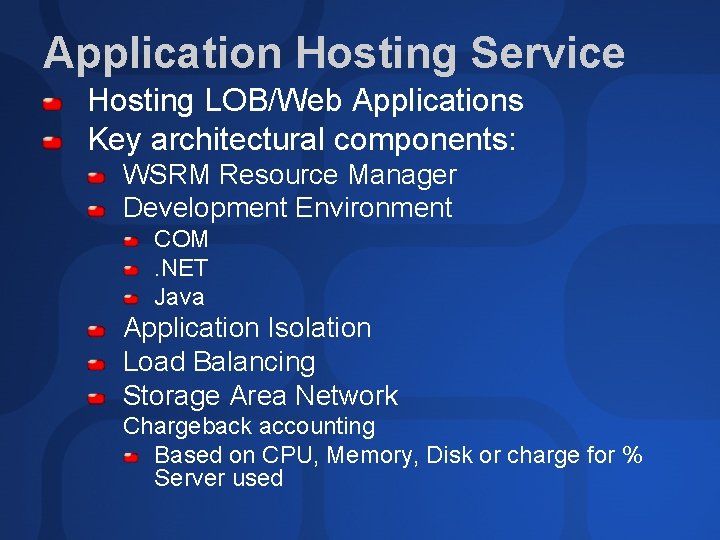
Application Hosting Service Hosting LOB/Web Applications Key architectural components: WSRM Resource Manager Development Environment COM. NET Java Application Isolation Load Balancing Storage Area Network Chargeback accounting Based on CPU, Memory, Disk or charge for % Server used
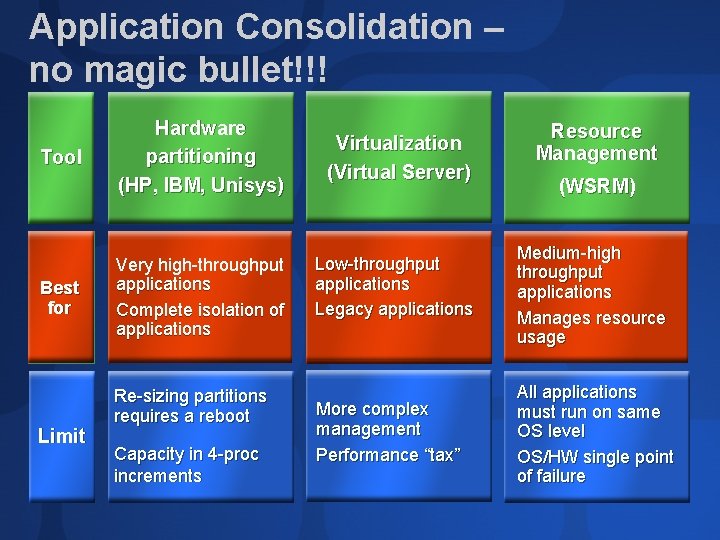
Application Consolidation – no magic bullet!!! Tool Best for Limit Hardware partitioning (HP, IBM, Unisys) Very high-throughput applications Complete isolation of applications Re-sizing partitions requires a reboot Capacity in 4 -proc increments Virtualization (Virtual Server) Resource Management (WSRM) Low-throughput applications Legacy applications Medium-high throughput applications Manages resource usage More complex management Performance “tax” All applications must run on same OS level OS/HW single point of failure
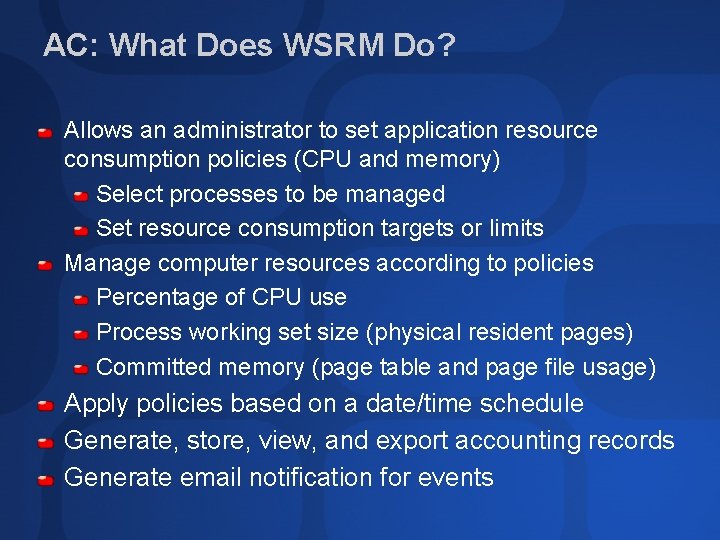
AC: What Does WSRM Do? Allows an administrator to set application resource consumption policies (CPU and memory) Select processes to be managed Set resource consumption targets or limits Manage computer resources according to policies Percentage of CPU use Process working set size (physical resident pages) Committed memory (page table and page file usage) Apply policies based on a date/time schedule Generate, store, view, and export accounting records Generate email notification for events
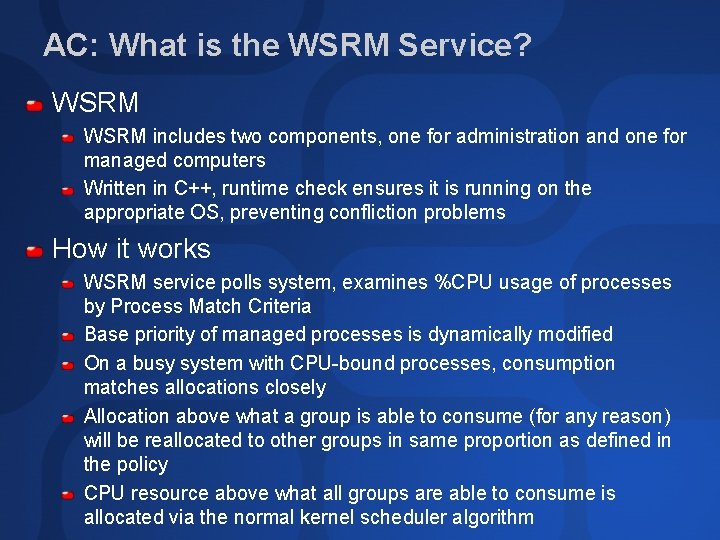
AC: What is the WSRM Service? WSRM includes two components, one for administration and one for managed computers Written in C++, runtime check ensures it is running on the appropriate OS, preventing confliction problems How it works WSRM service polls system, examines %CPU usage of processes by Process Match Criteria Base priority of managed processes is dynamically modified On a busy system with CPU-bound processes, consumption matches allocations closely Allocation above what a group is able to consume (for any reason) will be reallocated to other groups in same proportion as defined in the policy CPU resource above what all groups are able to consume is allocated via the normal kernel scheduler algorithm
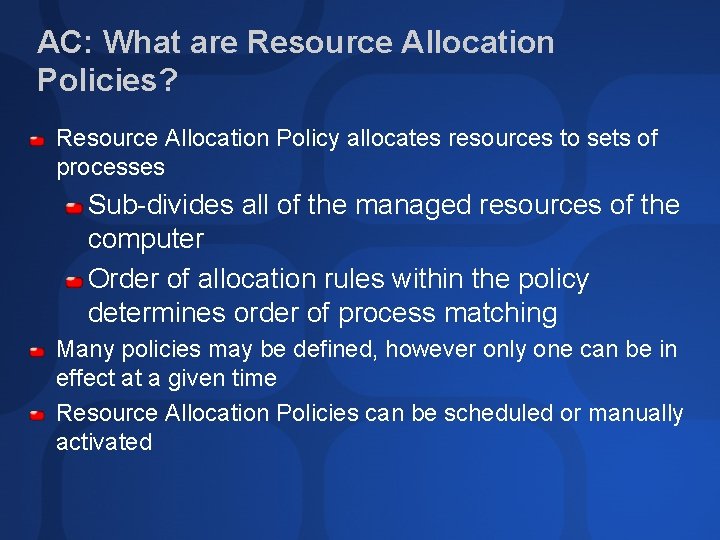
AC: What are Resource Allocation Policies? Resource Allocation Policy allocates resources to sets of processes Sub-divides all of the managed resources of the computer Order of allocation rules within the policy determines order of process matching Many policies may be defined, however only one can be in effect at a given time Resource Allocation Policies can be scheduled or manually activated
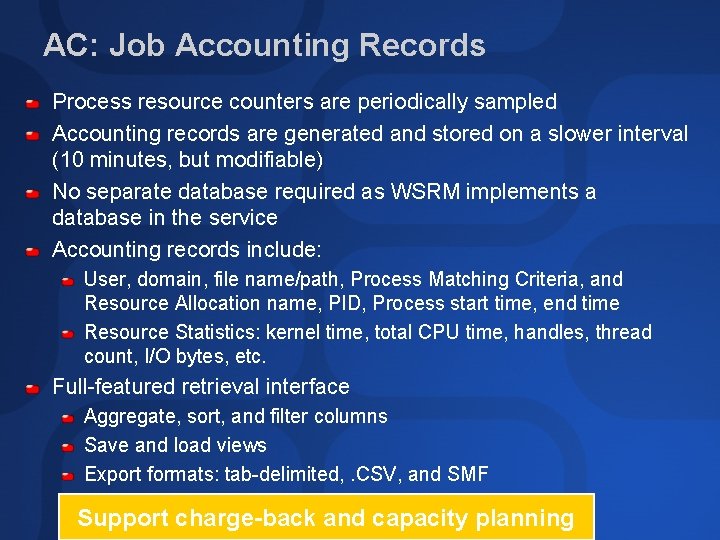
AC: Job Accounting Records Process resource counters are periodically sampled Accounting records are generated and stored on a slower interval (10 minutes, but modifiable) No separate database required as WSRM implements a database in the service Accounting records include: User, domain, file name/path, Process Matching Criteria, and Resource Allocation name, PID, Process start time, end time Resource Statistics: kernel time, total CPU time, handles, thread count, I/O bytes, etc. Full-featured retrieval interface Aggregate, sort, and filter columns Save and load views Export formats: tab-delimited, . CSV, and SMF Support charge-back and capacity planning
AC: Limitations in WSRM No 64 -bit client support until Whidbey (64 -bit VS. NET, released first on Longhorn) Does not manage key system services (including itself). This is by design. Not for use on systems being managed by other RM tools Proccon, ESS, or other Job Object oriented tools Aurema, or other process-oriented tools Does not manage other types of memory resources AWE memory/Large page memory/Locked memory OS Pool memory (paged or non-paged) Does not manage I/O
AC: WSRM Availability Timing WSRM final release shipped with Windows Server 2003 final release WSRM is not built-in to Windows Server 2003 Separate CD & separate installation process Only Enterprise and Datacenter Editions (32 and 64 bit) Correct platform is verified at install and startup Administrative UIs are supported on back level platforms W 2 K (all SKUs) XP Professional WS 3 (all 32 -bit SKUs) WSRM will be fully integrated into next major Windows release
Data. Base Hosting Service Hosting Multiple Instances of a RDBMS Key architectural components: Resource Manager Server OEM selection Storage Area Network MSCS - Clusters Data Replication Multiple Site Asynchronous Replication Snapshot Copy integration/VDS for Storage automation Capacity Planning Methodology Database Profiling (DSS, OLAP, OLTP) I/O and Network key performance Factors Pre and Post Consolidation analysis Capacity modeling tools (BMC Perform and Predict) Chargeback accounting Based on Disk, CPU, Memory and Geosite Recovery
Server Consolidation Design Considerations and lessons learnt
Consolidation Planning Design Considerations Operational Mindset in a Consolidated Service environment Services and Agent Glut Pre Consolidation and Post Consolidation Capacity processes Data Centre Operations Involvement early Design should meet the stated goal: Save money, raise quality of service
Consolidation Planning Design Considerations Capacity Planning is King To Cluster or not to Cluster Understand Granular Access Requirements Managed Storage Backup and Recoverability Role of a Resource Manager Data. Center or Enterprise Edition Management Infrastructure
Consolidation Lessons Learned Backup and Recoverability Procedure walk through Storage Area Network planning There is no real prescribed method of doing chargeback for resource allocation Enterprise Server Hardware selection BMC Perform and Predict excellent tool for capacity management and modeling Many software agents are not cluster aware
Consolidation Lessons Learned Disk I/O and Network Utilization planning Selecting a Resource Manager WSRM Windows Server 2003 Aurema Arm. Tech (Windows 2000) Process Control HP RPM Toolset Create a Plan to move maxed resources Test, Test

Q&A
Community Resources http: //www. microsoft. com/communities/default. mspx Most Valuable Professional (MVP) http: //www. mvp. support. microsoft. com/ Newsgroups Converse online with Microsoft Newsgroups, including Worldwide http: //www. microsoft. com/communities/newsgroups/default. mspx User Groups Meet and learn with your peers http: //www. microsoft. com/communities/usergroups/default. mspx

evaluations

© 2003 Microsoft Corporation. All rights reserved. This presentation is for informational purposes only. MICROSOFT MAKES NO WARRANTIES, EXPRESS OR IMPLIED, IN THIS SUMMARY.
- Slides: 44