
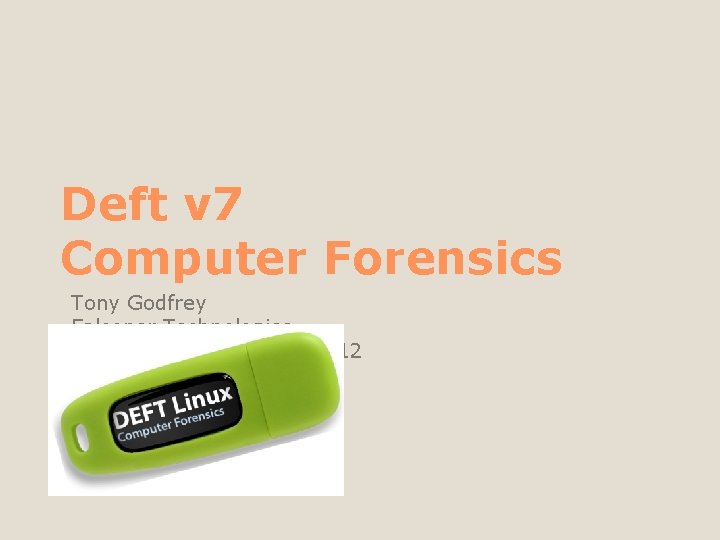
Deft v 7 Computer Forensics Tony Godfrey Falconer












- Slides: 112
Deft v 7 Computer Forensics Tony Godfrey Falconer Technologies Ohio HTCIA – Salt Fork 2012
Hello & Welcome
Tony Godfrey is the CEO / Linux Consultant of Falconer Technologies. He founded his company in 2003 which is a consulting firm specializing in Linux, Macintosh, & Windows for the Small to Medium size business and Non. Profit Organizations. Tony has written several articles on the body of knowledge of security administration, is a regular contributor to a variety of Linux forums and publications, and has written technical content for Linux Administration education nation-wide at the college level. He also teaches topics covering Linux, Network/WAN integration, Cisco routers, Cybercrime and System Forensics. Who?
The term "live" derives from the fact that these "distros", or software distributions, each contain a complete, functioning and operational operating system on the distribution medium. A live distro does not alter the operating system or files already installed on the computer hard drive unless instructed to do so. Live distros often include mechanisms and utilities for more permanent installation, including disk partitioning tools. A “live” environment?
The default option, however, is to allow the user to return the computer to its previous state when the live distro is ejected and the computer is rebooted. It is able to run without permanent installation by placing the files that typically would be stored on a hard drive into RAM, typically in a RAM disk. However, this does cut down on the RAM available to applications, reducing performance somewhat. Certain live distros run a graphical user interface in as little as 32 MB RAM. A “live” environment?
A “distro” is a Linux distribution. This means someone has taken an existing platform and custom tailored it to fulfill a unique need. Debian is a core distribution (like Slackware or Gentoo). Ubuntu (ease of use) and Knoppix (the network administrator’s Swiss Army knife) are offshoots of Debian. Linux “Distro”
The objective of the Lubuntu project is to create a variant of Ubuntu that is lighter, less resource hungry and more energy-efficient by using lightweight applications and LXDE, The Lightweight X 11 Desktop Environment, as its default GUI. This makes it perfect for Deft So…. what is Lubuntu?
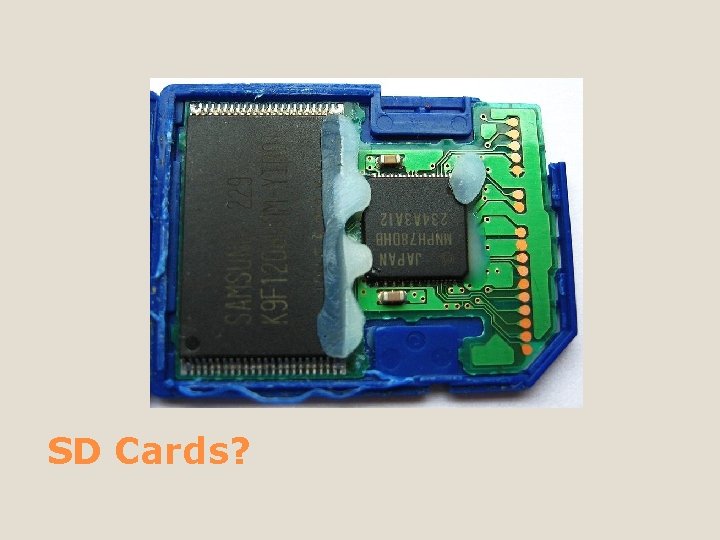
Secure Digital (SD) is a non-volatile memory card format developed by manufacturers for use in portable devices. Today it is widely used in digital cameras, handheld computers, Media Players, mobile phones, GPS receivers, and video game consoles. Standard SD card capacities range from 4 MB to 4 GB, and for high capacity SDHC cards from 4 GB to 32 GB as of 2008. The SDXC (e. Xtended Capacity), a new specification announced at the 2009 CES, will allow for 2 TB capacity cards. SD Cards?
SD Cards?
Memory card interfaces are rated about 15 k-20 k duty cycles (assume you remove and reinsert once a day until it gives up the ghost, about 40 to 50 years). The USB interface is rated between 1 -5 k cycles (3 -15 years). Which is better?
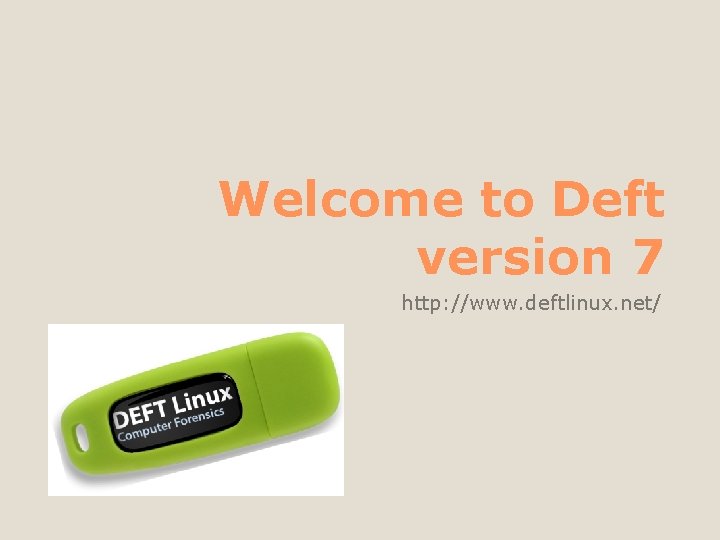
Welcome to Deft version 7 http: //www. deftlinux. net/
Dexterous Nimble Skillful Clever What does “deft” mean?
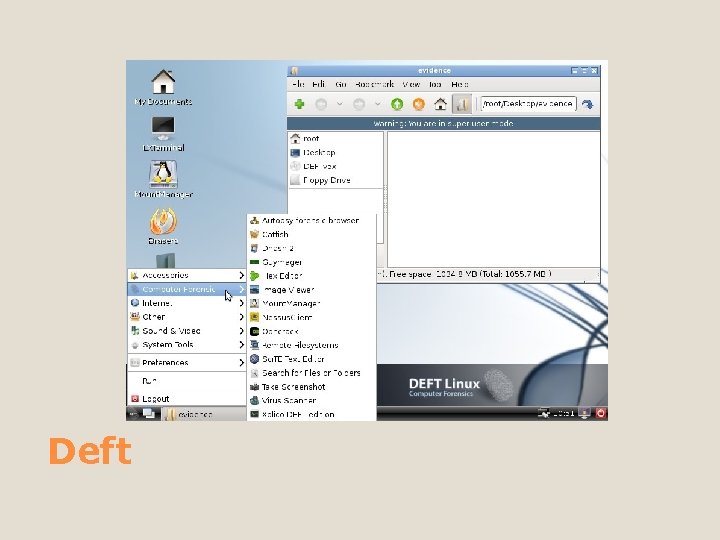
Deft
The “DEFT team” is pleased to announce the release of the stable version of DEFT 7, the first toolkit able to perform Computer Forensics, Mobile Forensics, Network Forensics, Incident Response and Cyber Intelligence. What is Deft?
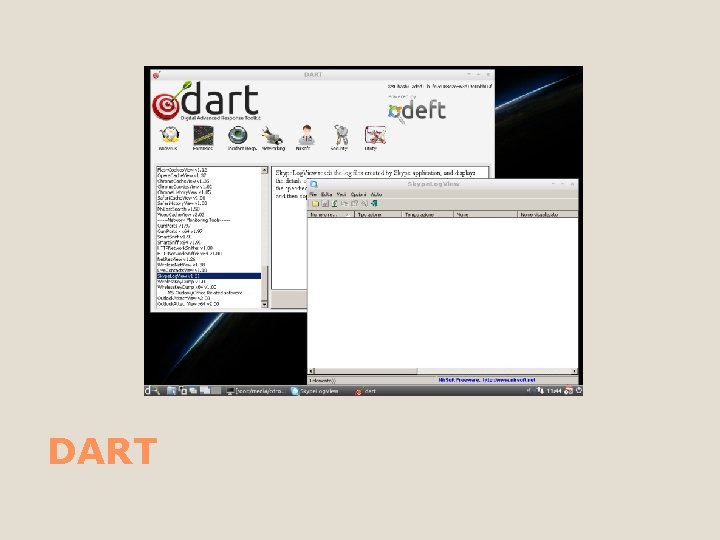
A GNU/Linux based system optimized for Computer Forensics and Cyber Intelligence activities, installable or able to run in live mode DART (Digital Advanced Response Toolkit) is a graphical user interface that handles – in a save environment – the execution of “Incident Response” and Live Forensics tools. What is in it?
DEFT 7 is based on the new Kernel 3 (Linux side) and the DART (Digital Advanced Response Toolkit) with the best freeware Windows Computer Forensic tools. It’s a new concept of Computer Forensic system that use LXDE as desktop environment and WINE for execute Windows tools under Linux and mount manager as tool for device management. More stuff…
It is a very professional and stable system that includes an excellent hardware detection and the best free and open source applications dedicated to Incident Response, Cyber Intelligence and Computer Forensics. DEFT is meant to be used by the Military, Police, Investigators, IT Auditors and Individuals DEFT is 100% made in Italy More stuff…
Please take a look at the NOTES section of this slide What is in it?
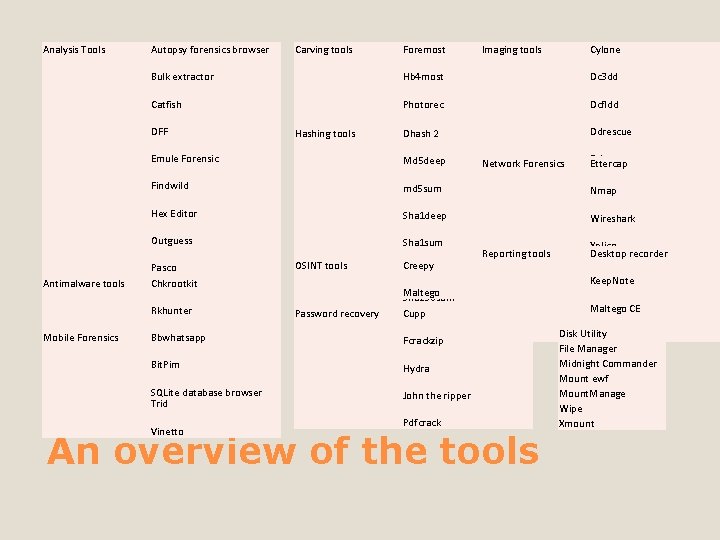
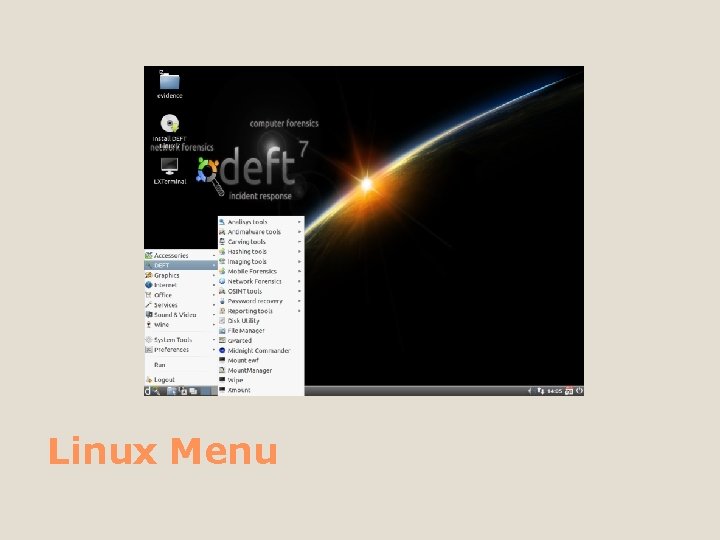
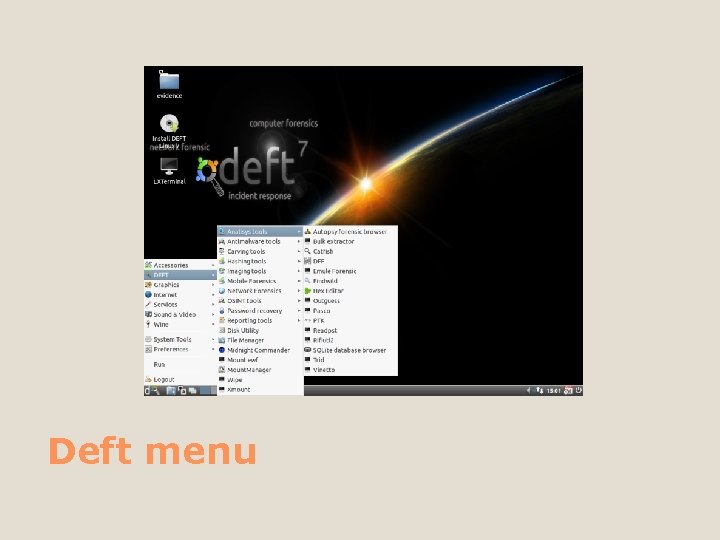
Analysis Tools Autopsy forensics browser Mobile Forensics Foremost Imaging tools Cylone Bulk extractor Hb 4 most Dc 3 dd Catfish Photorec Dcfldd Scalpel Dhash 2 Ddrescue DFF Antimalware tools Carving tools Hashing tools Emule Forensic Test Disk Md 5 deep Findwild md 5 sum Dhash Nmap 2 Hex Editor Sha 1 deep Guymager Wireshark Outguess Sha 1 sum Pasco Chkrootkit PTK Rkhunter Readpst Bbwhatsapp Virus Scanner Rifiuti 2 Bit. Pim SQLite database browser Trid Vinetto OSINT tools Creepy Sha 256 deep Password recovery Maltego Sha 256 sum Cupp Sha 512 sum Fcrackzip Network Forensics Reporting tools Hydra John the ripper Pdfcrack An overview of the tools Dd rescue Ettercap Xplico Desktop recorder Xprobe 2 Keep. Note Maltego CE Disk Utility Sci. TE Text Editor File Manager Midnight Commander Mount ewf Mount. Manage Wipe Xmount
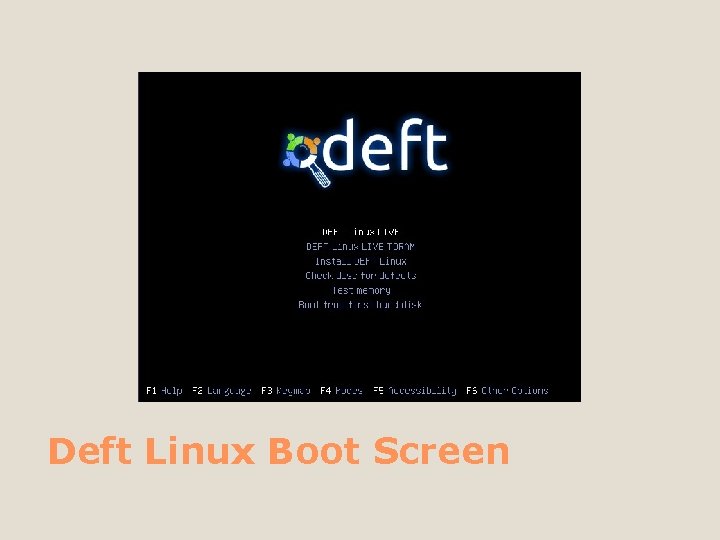
Deft Linux Boot Screen
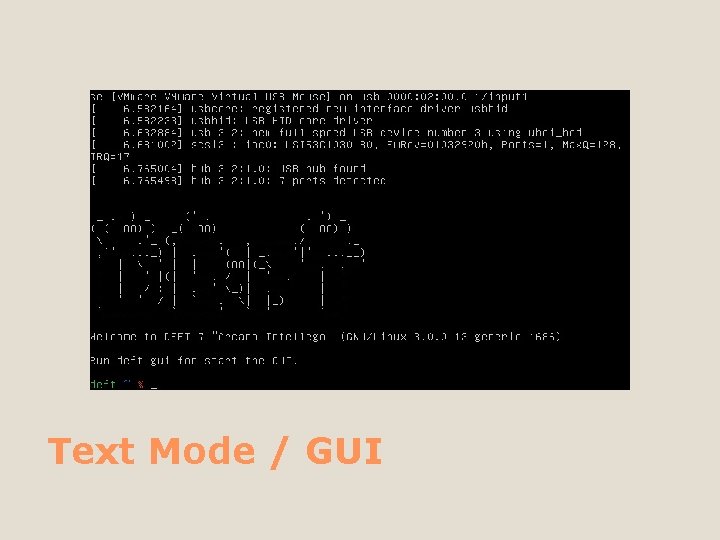
Text Mode / GUI
Linux Menu
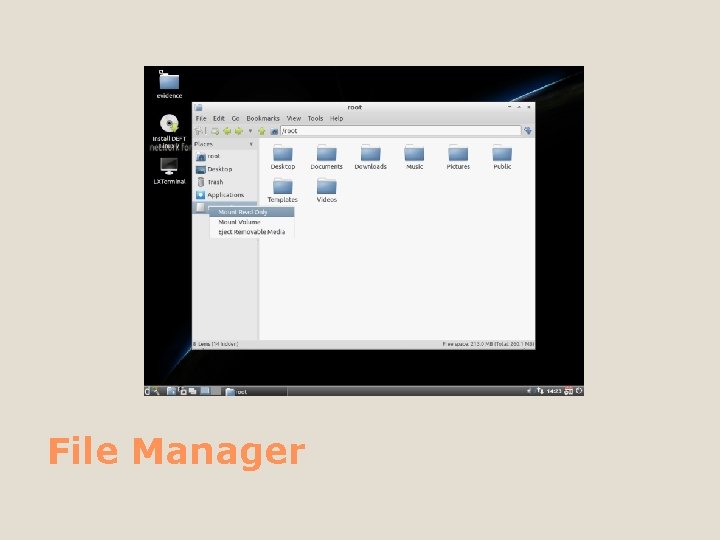
File Manager
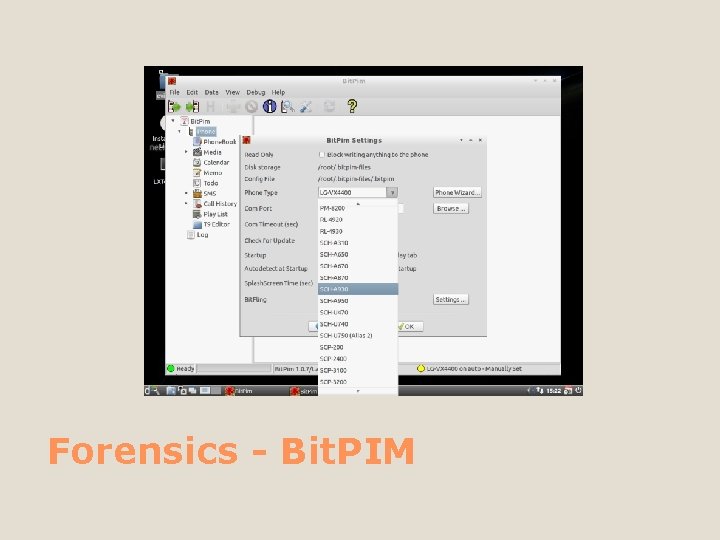
Forensics - Bit. PIM
Keep. Note
Maltego
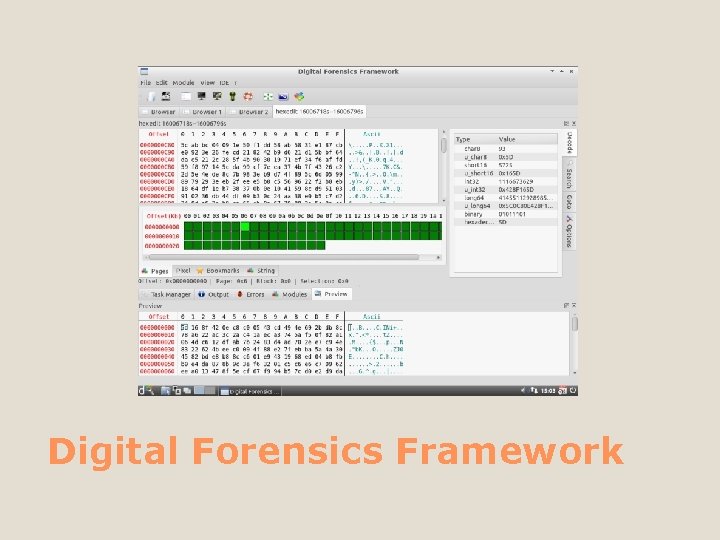
Digital Forensics Framework
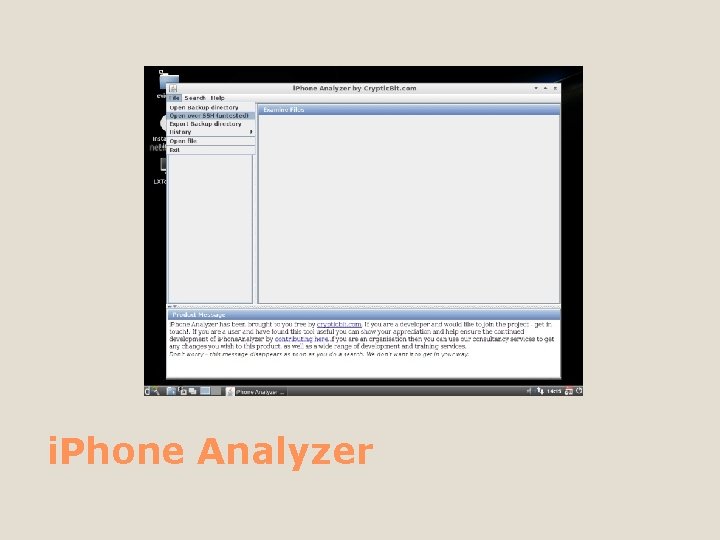
i. Phone Analyzer
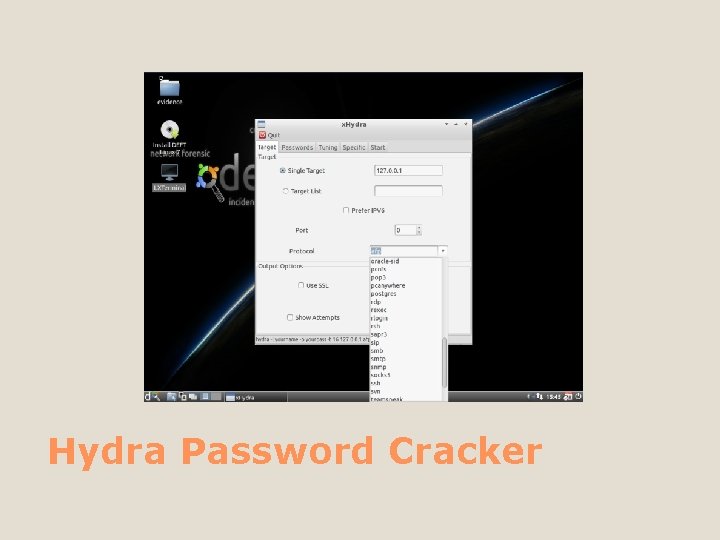
Hydra Password Cracker
DART
Let’s get started with an installation Installation Time!
Hold Up! Installation Type There are different methods of installing it to a USB flashie, hard drive, or virtual environment
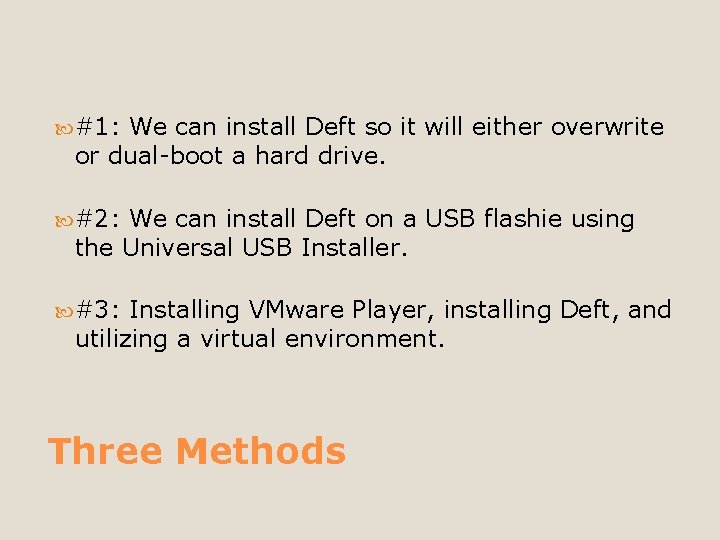
#1: We can install Deft so it will either overwrite or dual-boot a hard drive. #2: We can install Deft on a USB flashie using the Universal USB Installer. #3: Installing VMware Player, installing Deft, and utilizing a virtual environment. Three Methods
Directly Go to the hard drive to “Install Slide A” Method #1
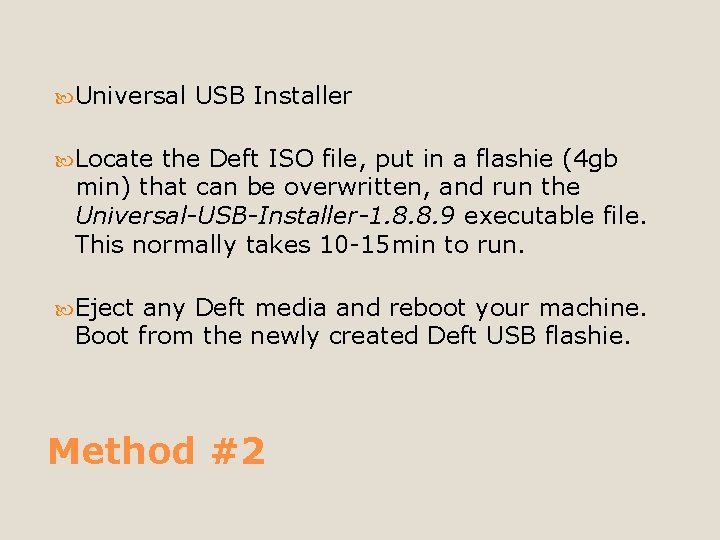
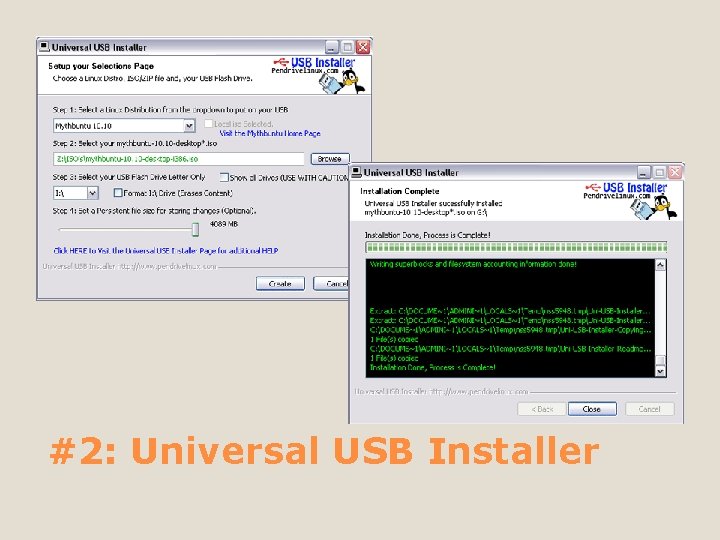
Universal USB Installer Locate the Deft ISO file, put in a flashie (4 gb min) that can be overwritten, and run the Universal-USB-Installer-1. 8. 8. 9 executable file. This normally takes 10 -15 min to run. Eject any Deft media and reboot your machine. Boot from the newly created Deft USB flashie. Method #2
#2: Universal USB Installer
A virtual machine (VM) is a software implementation of a computing environment in which an operating system or program can be installed and run. The virtual machine typically emulates a physical computing environment, but requests for CPU, memory, hard disk, network and other hardware resources are managed by a virtualization layer which translates these requests to the underlying physical hardware. Virtual Environment?
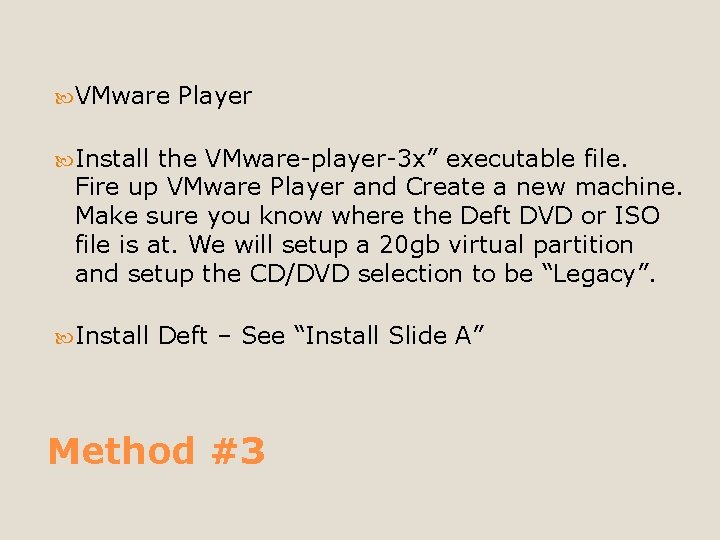
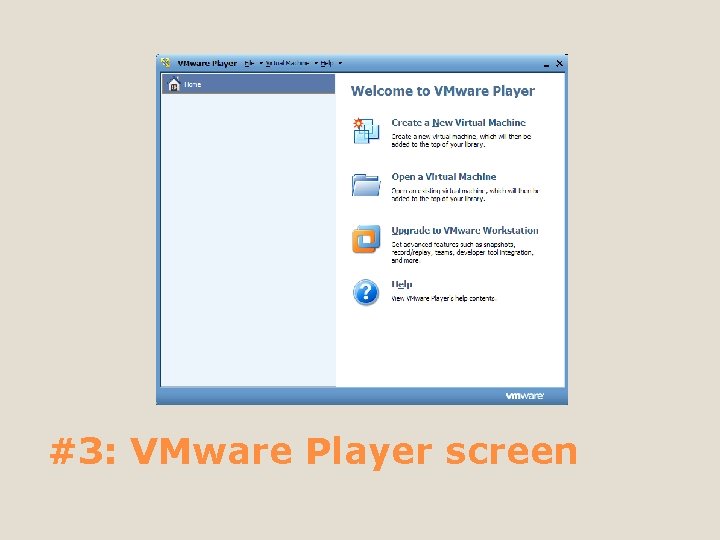
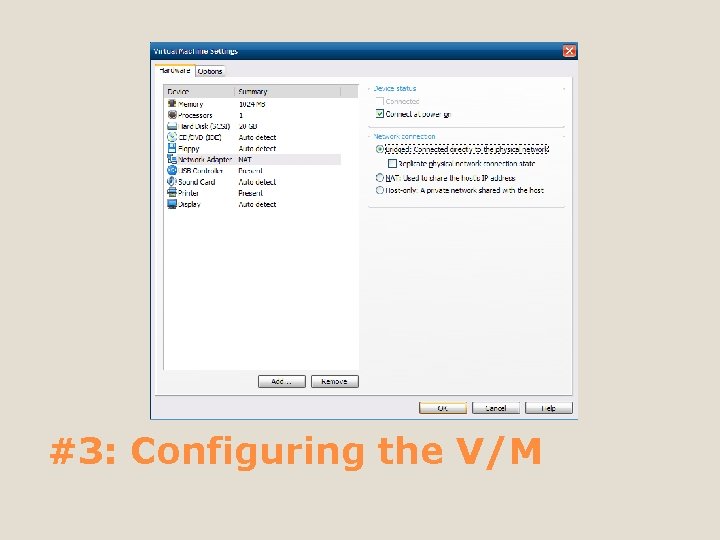
VMware Player Install the VMware-player-3 x” executable file. Fire up VMware Player and Create a new machine. Make sure you know where the Deft DVD or ISO file is at. We will setup a 20 gb virtual partition and setup the CD/DVD selection to be “Legacy”. Install Deft – See “Install Slide A” Method #3
#3: VMware Player screen
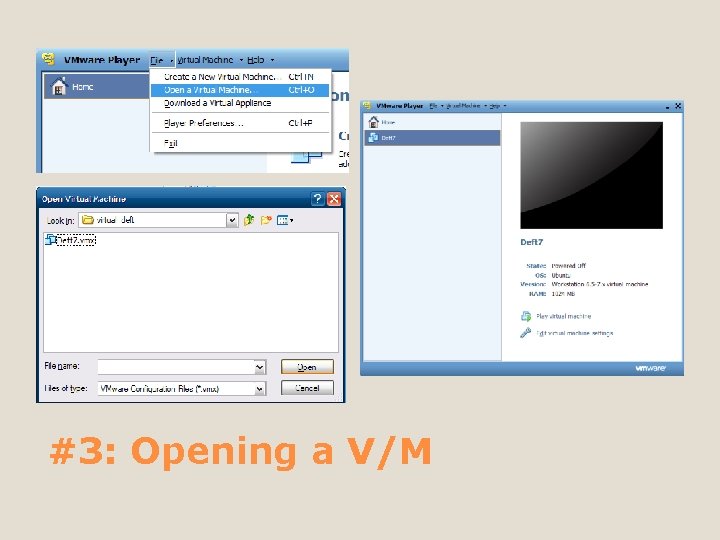
#3: Opening a V/M
#3: Configuring the V/M
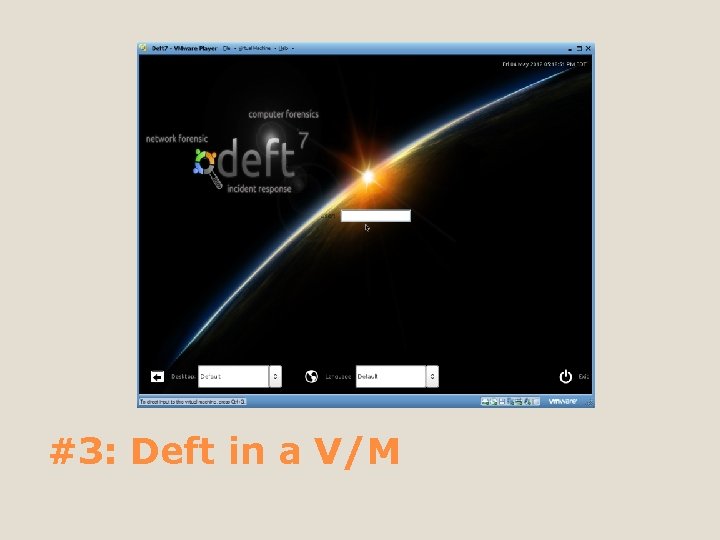
#3: Deft in a V/M
Install Slide A Its actually the next slide….
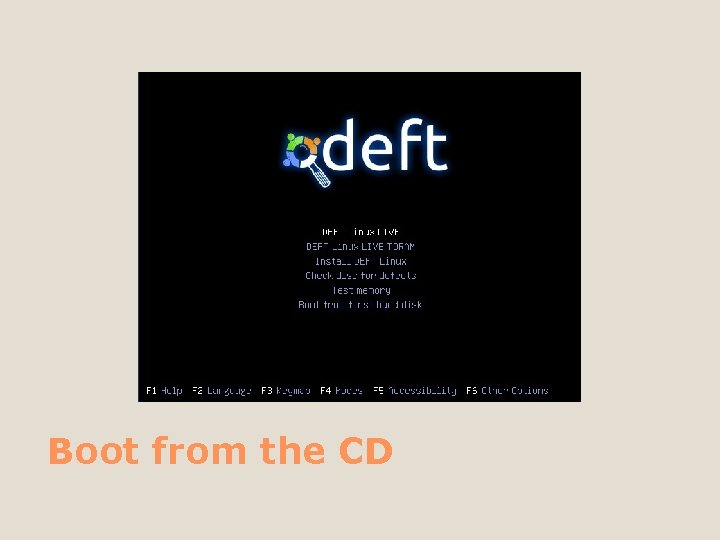
Boot from the CD
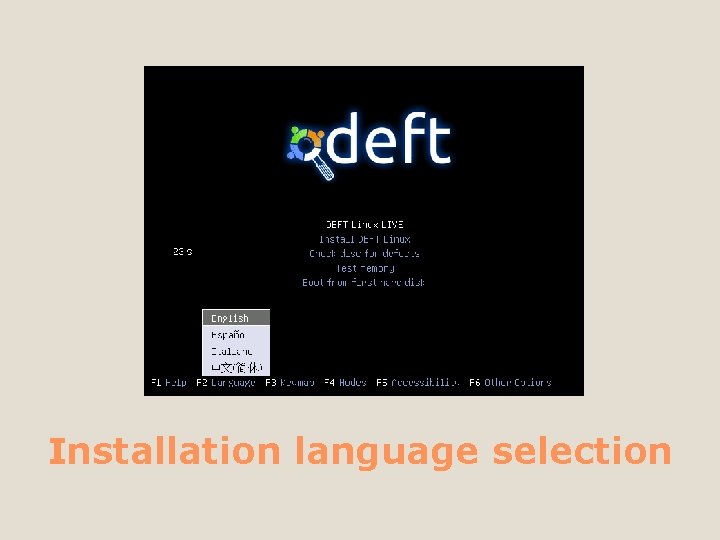
Installation language selection
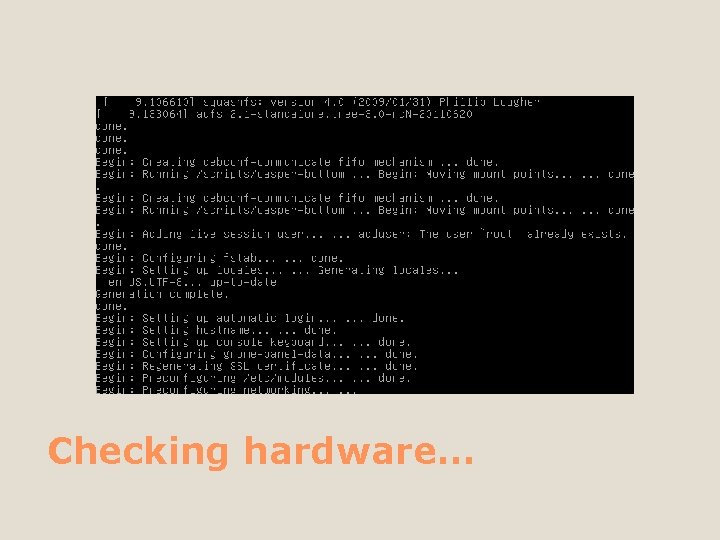
Checking hardware…
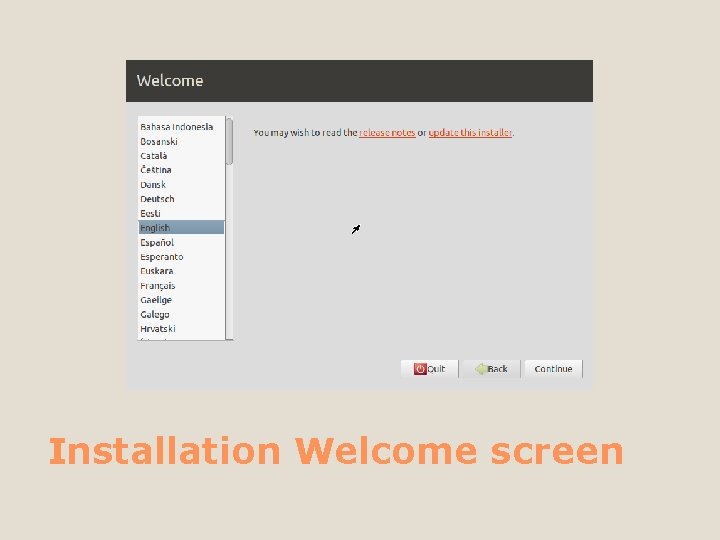
Installation Welcome screen
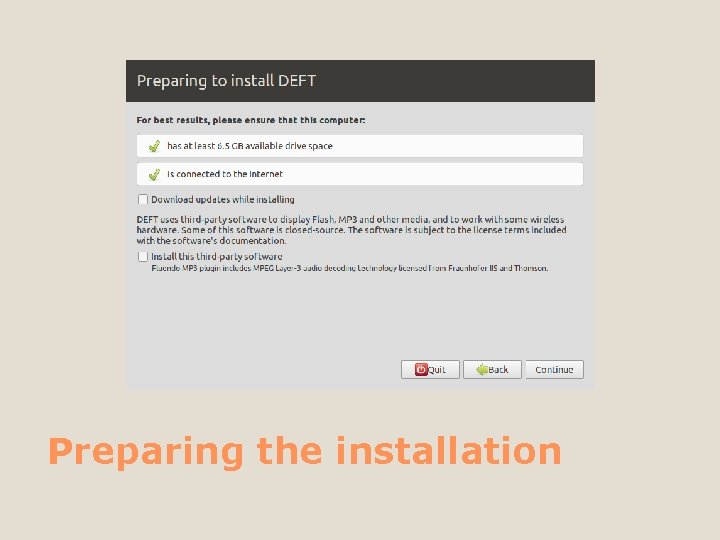
Preparing the installation
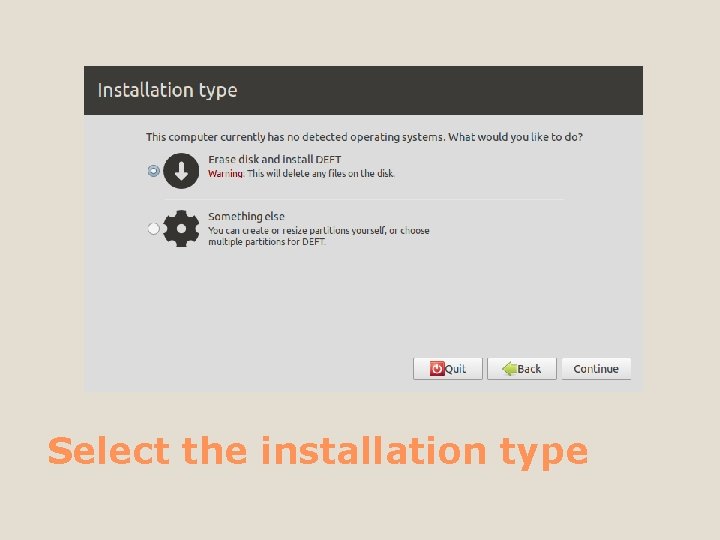
Select the installation type
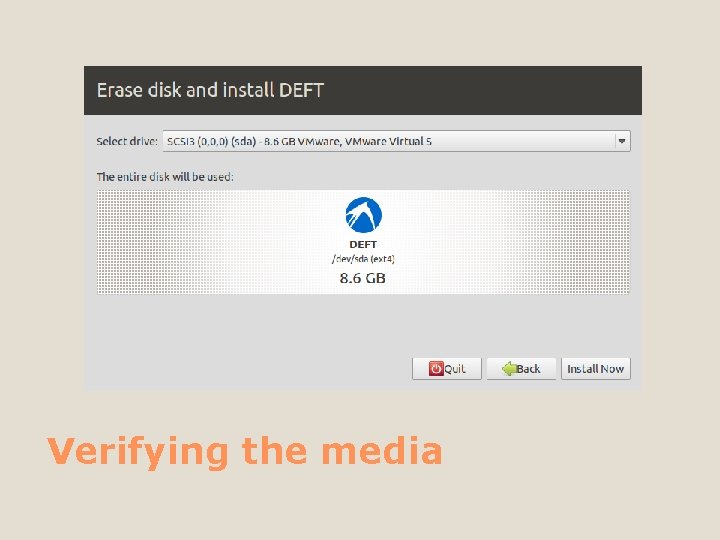
Verifying the media
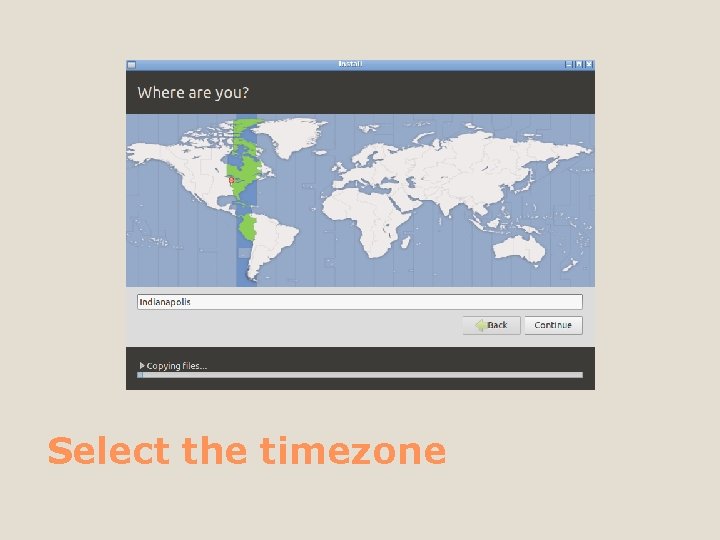
Select the timezone
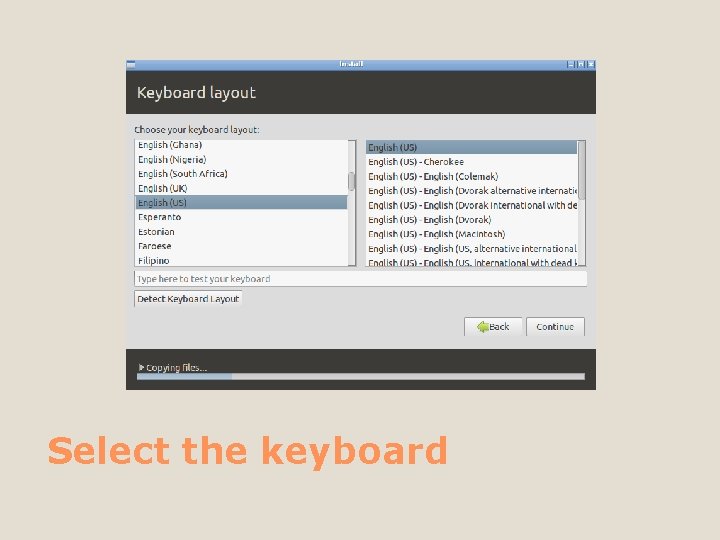
Select the keyboard
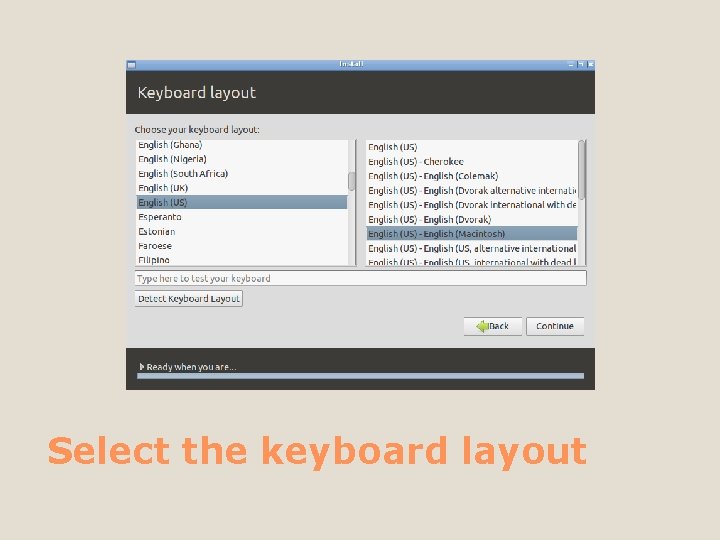
Select the keyboard layout
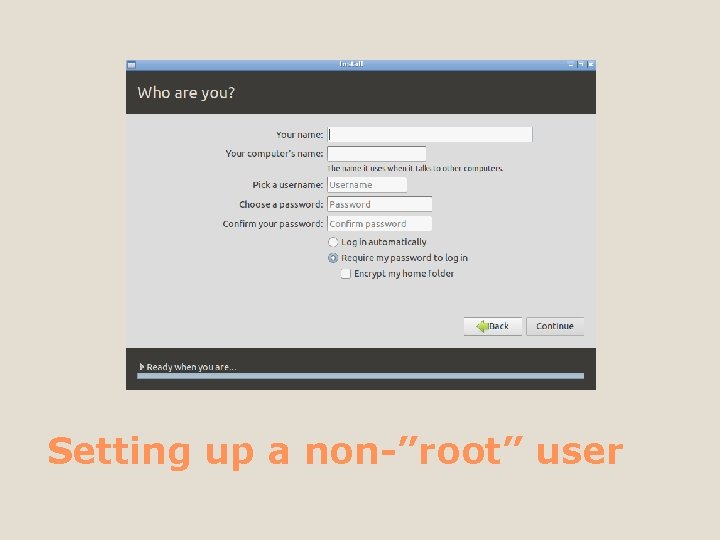
Setting up a non-”root” user
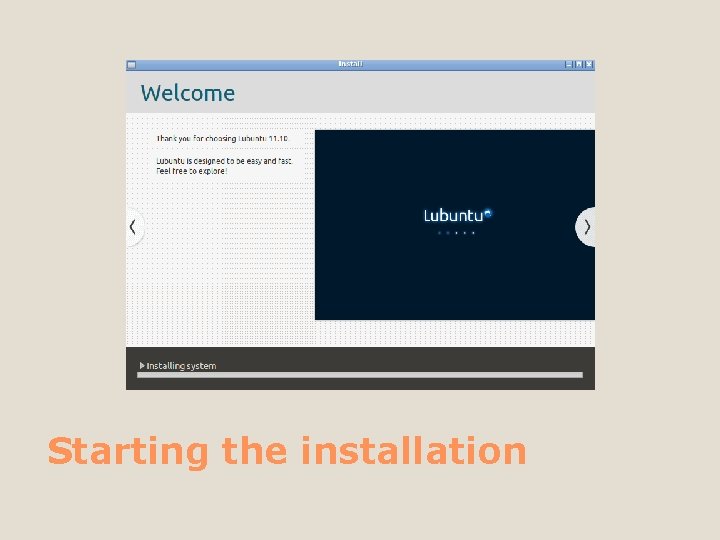
Starting the installation
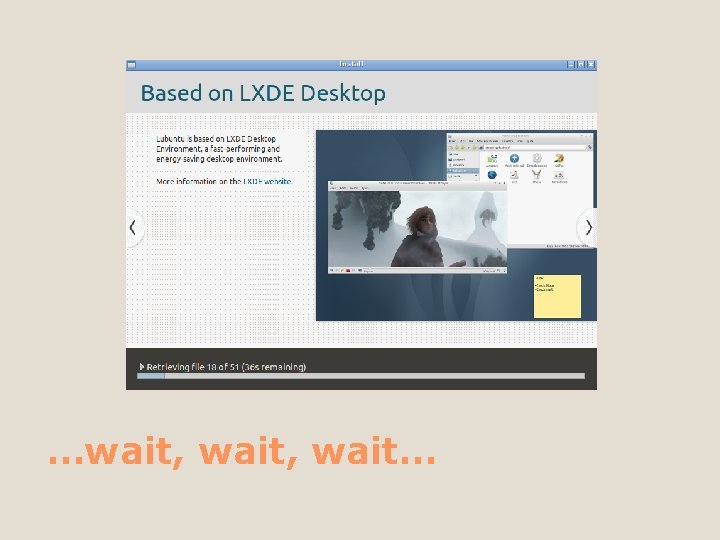
…wait, wait…
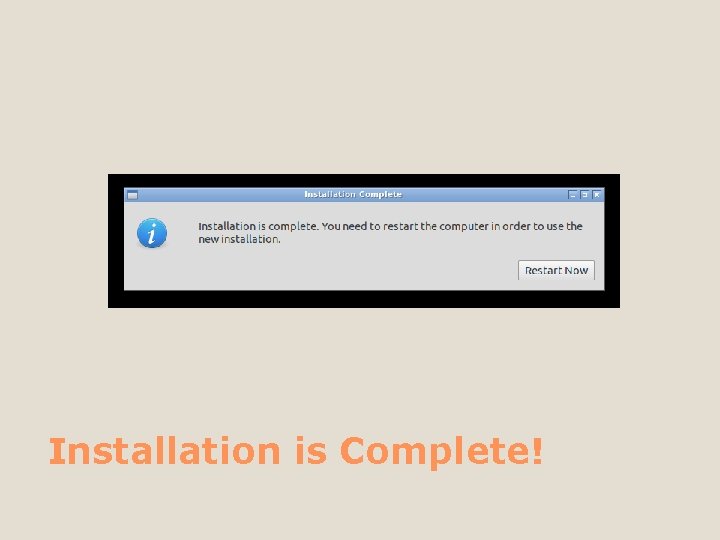
Installation is Complete!
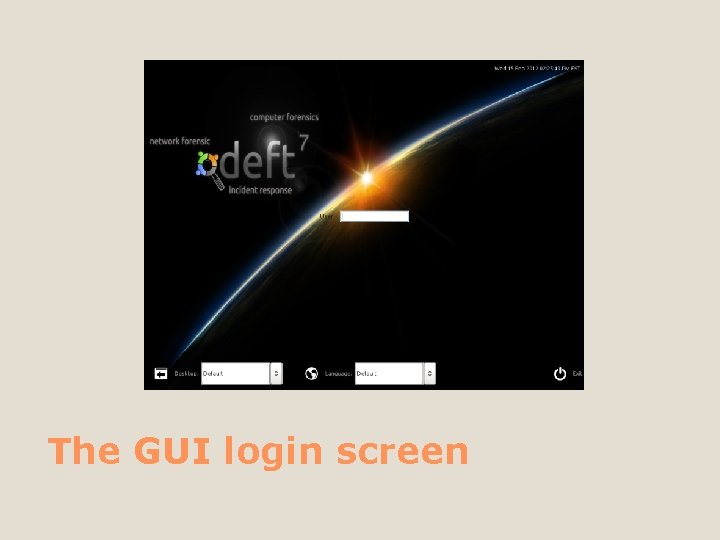
The GUI login screen
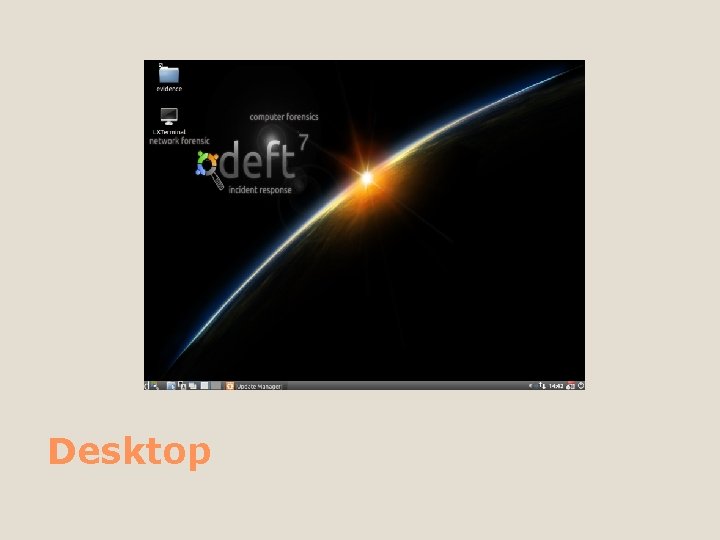
Desktop
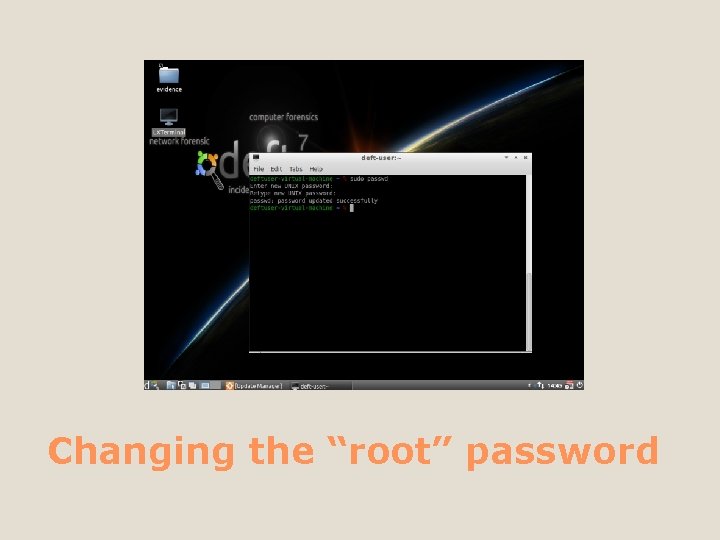
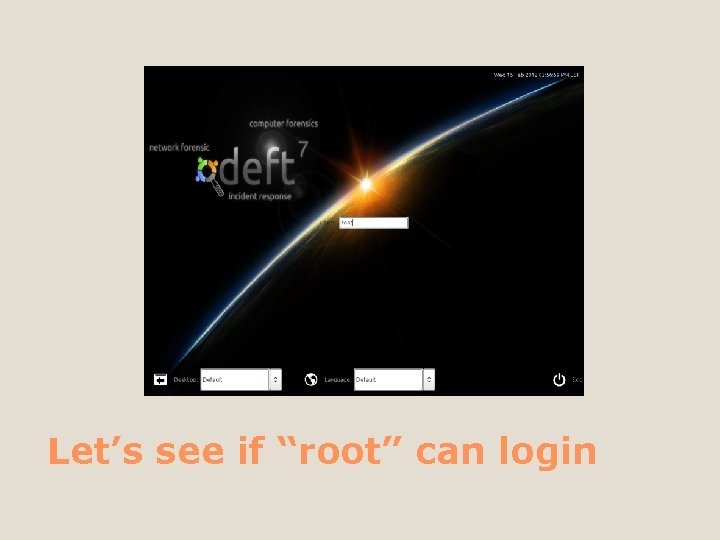
Changing the “root” password
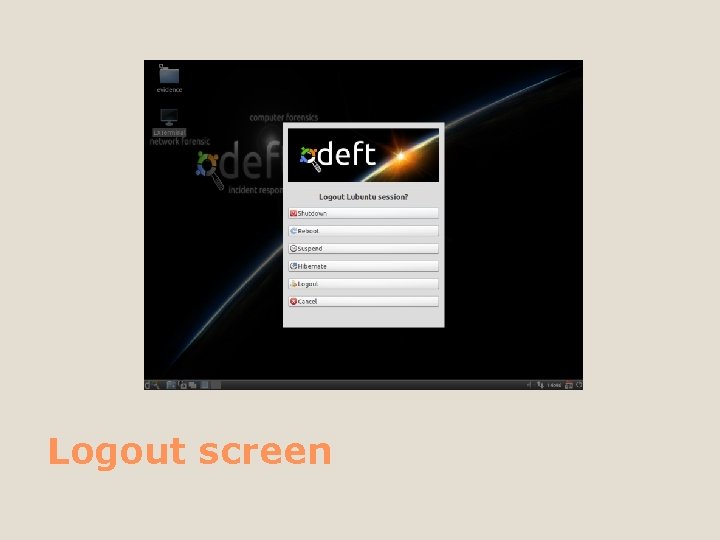
Logout screen
Let’s see if “root” can login
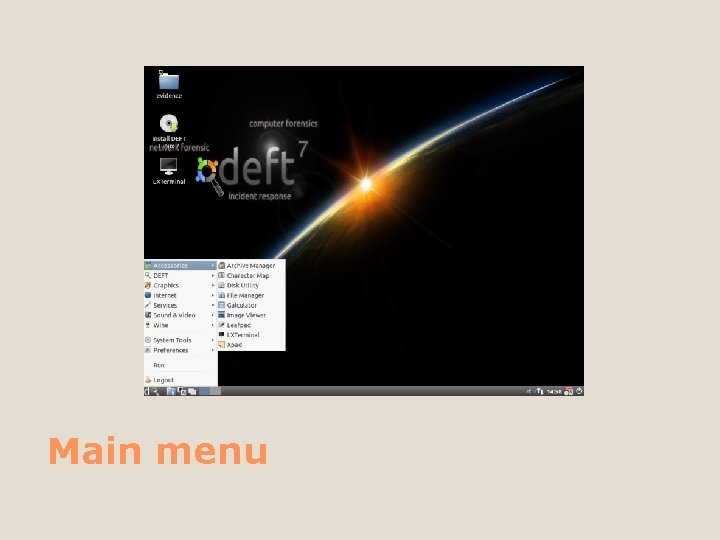
Main menu
Deft menu
Lab #1 Spend some time reviewing the GUI and getting comfortable with this environment.
…continuing…
The Autopsy Forensic Browser is a graphical interface to the command line digital investigation analysis tools in Deft. Together, they can analyze Windows and UNIX disks and file systems (NTFS, FAT, UFS 1/2, Ext 2/3). Autopsy Forensic Browser
Deft and Autopsy are both Open Source and run on UNIX platforms (you can use Cygwin to run them both on Windows). As Autopsy is HTML-based, you can connect to the Autopsy server from any platform using an HTML browser. Autopsy provides a "File Manager"-like interface and shows details about deleted data and file system structures. Autopsy Forensic Browser
A dead analysis occurs when a dedicated analysis system is used to examine the data from a suspect system. In this case, Autopsy and Deft are run in a trusted environment, typically in a lab. Autopsy and TSK support raw, Expert Witness, and AFF file formats. Analysis Mode: Dead
A live analysis occurs when the suspect system is being analyzed while it is running. In this case, Autopsy and Deft are run from a CD in an untrusted environment. This is frequently used during incident response while the incident is being confirmed. After it is confirmed, the system can be acquired and a dead analysis performed. Analysis Mode: Live
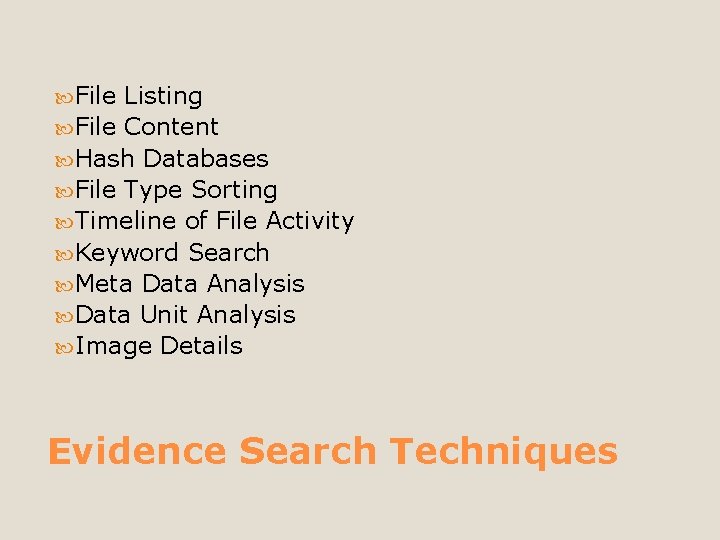
File Listing File Content Hash Databases File Type Sorting Timeline of File Activity Keyword Search Meta Data Analysis Data Unit Analysis Image Details Evidence Search Techniques
Lab #2 Access the Autopsy Forensics Browser, then connect to the suspect machine. Let’s review these tools: File Listing, File Content, Hash Databases, File Type Sorting, Timeline of File Activity, Keyword Search, Meta Data Analysis, Data Unit Analysis, & Image Details
…continuing…
A rootkit is a program that runs on *nix-based OSes, that allows a remote user to execute certain code or commands. There are many different types of rootkits. Some mount themselves among legit daemons and "hide" themselves often reporting results, output, or data to a remote server. What is a “rootkit”?
Rkhunter is much like a virus scanner for a Windows system. It has definitions to help identify rootkits and reports them. Just like anything, rkhunter isn't 100%, but it weeds out the majority of rootkits. Upon running rkhunter, various system files, conf files, and bin directories are examined. rkhunter
The results are cross-referenced against the results of infected systems (from the definitions) and the results are compiled. This is where *nix systems really shine. While your OS may vary, and how it's compiled or configured, the file system and configuration is basically the same. This allows programs like rkhunter to provide results with a fairly small window for error or false positive. rkhunter
Lab #3 Let’s fire up rkhunter!
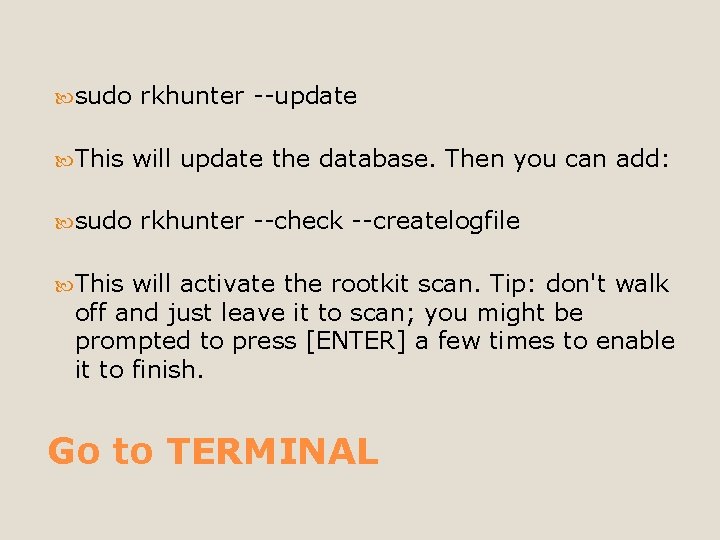
sudo This sudo rkhunter --update will update the database. Then you can add: rkhunter --check --createlogfile This will activate the rootkit scan. Tip: don't walk off and just leave it to scan; you might be prompted to press [ENTER] a few times to enable it to finish. Go to TERMINAL
…continuing…
Data carving is the process of extracting a collection of data from a larger data set. Data carving techniques frequently occur during a digital investigation when the unallocated file system space is analyzed to extract files. The files are "carved" from the unallocated space using file type specific header and footer values. File system structures are not used during the process. This is exactly how Photo. Rec works. What is Data Carving?
The first step has been to use Photo. Rec. Version 6. 5 -WIP (WIP=Work In Progress) is considered. Photo. Rec has scanned the image file for known headers and has successfully recognized all JPEG, OLE/Office, HTML and ZIP headers. There are no false positives. Photo. Rec
The JPEG footer, used to determine the file size and validity of a recovered JPEG, is checked by Photo. Rec using libjpeg. ZIP footers are detected but the file integrity isn't checked. OLE file format is very complex - its internals are similar to a file system but Photo. Rec is able to get the file size by analyzing the FAT. After a UTF 8 to ASCII translation, Photo. Rec calculates the index of coincidence to determine if a sector holds text or random data. Photo. Rec
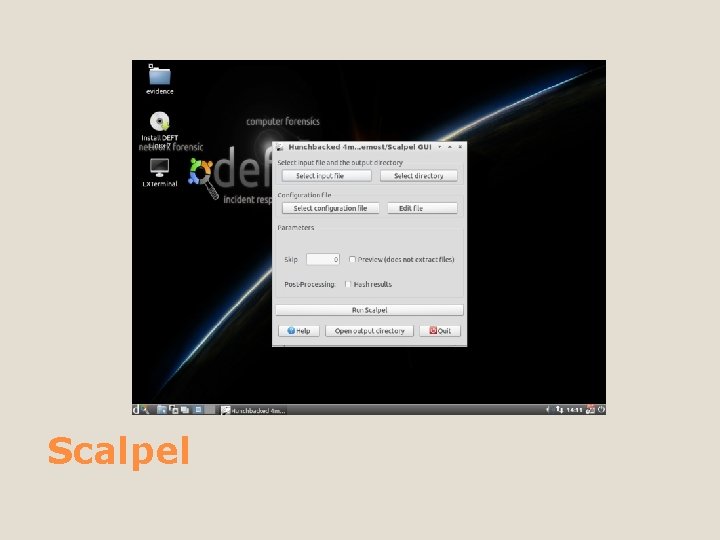
Scalpel is a fast file carver that reads a database of header and footer definitions and extracts matching files or data fragments from a set of image files or raw device files. Scalpel is file system-independent and will carve files from FAT, NTFS, ext 2/3, HFS+, or raw partitions. It is useful for both digital forensics investigation and file recovery. Scalpel
Scalpel
Lab #4 Let’s fire up Photo. Rec and Scalpel
…continuing…
#1: To cut #2: A technique for locating data in a file by applying a transformation, usually arithmetic, to a key. Hashing
md 5 deep is a set of programs to compute MD 5, SHA-1, SHA-256, Tiger, or Whirlpool message digests on an arbitrary number of files. md 5 deep is similar to the md 5 sum program found in the GNU Coreutils package. The application’s features include recursive operation, comparison mode, time estimation, piecewise hashing, and file type mode. md 5 deep
…continuing…
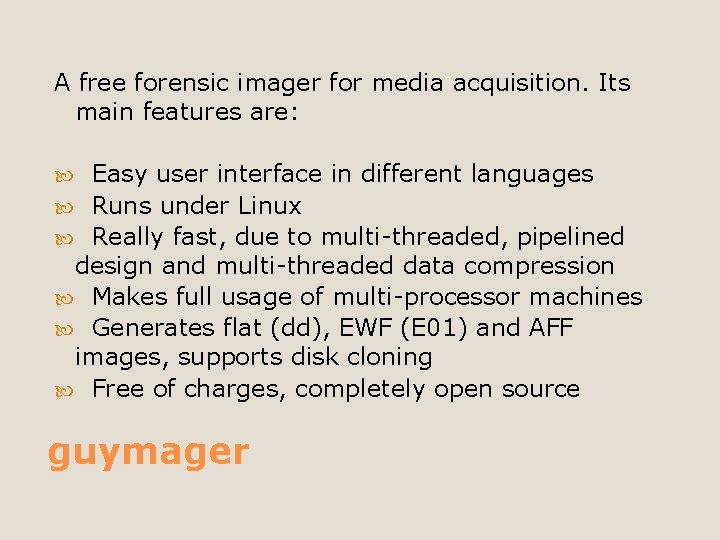
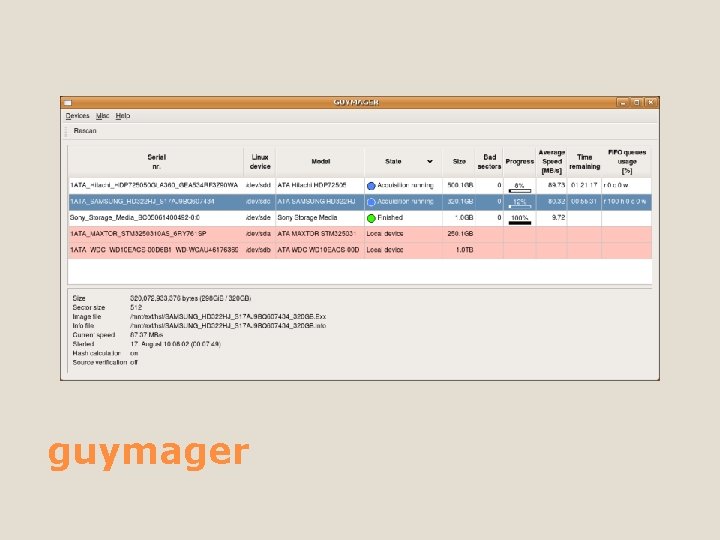
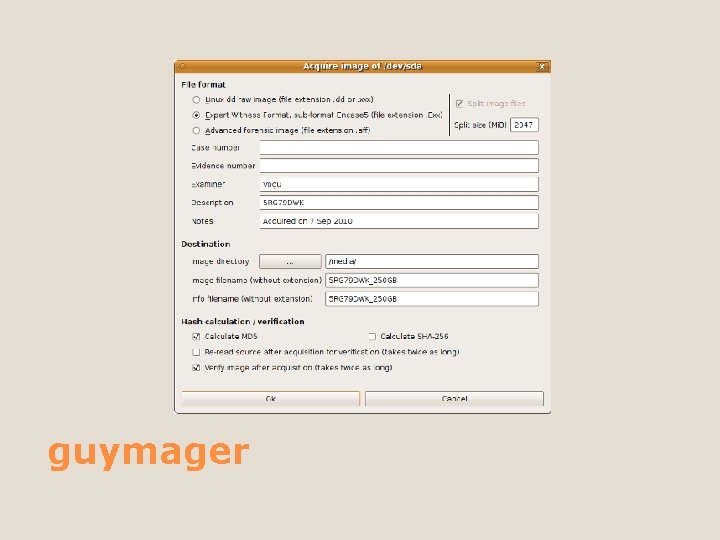
A free forensic imager for media acquisition. Its main features are: Easy user interface in different languages Runs under Linux Really fast, due to multi-threaded, pipelined design and multi-threaded data compression Makes full usage of multi-processor machines Generates flat (dd), EWF (E 01) and AFF images, supports disk cloning Free of charges, completely open source guymager
guymager
guymager
…continuing…
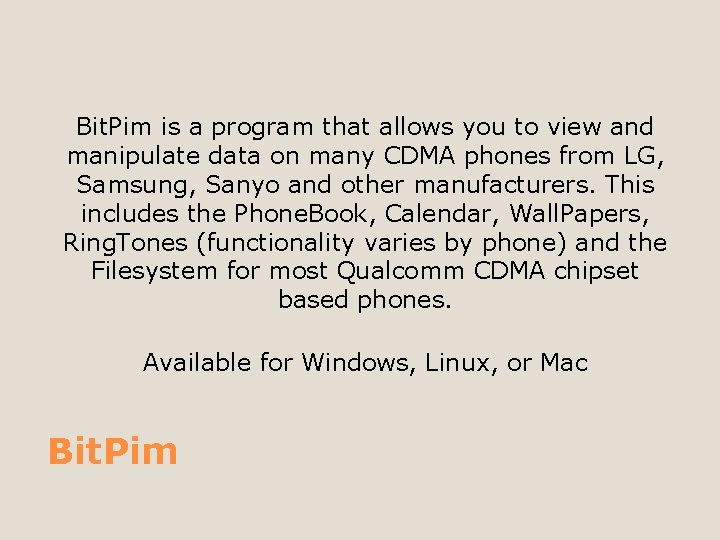
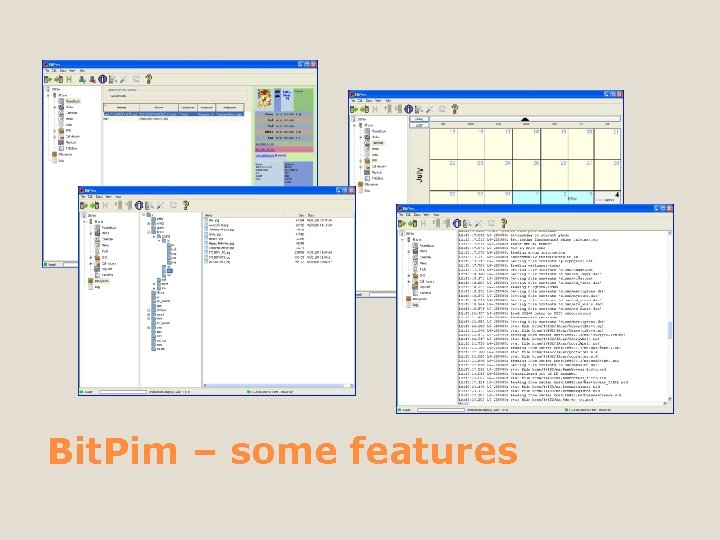
Bit. Pim is a program that allows you to view and manipulate data on many CDMA phones from LG, Samsung, Sanyo and other manufacturers. This includes the Phone. Book, Calendar, Wall. Papers, Ring. Tones (functionality varies by phone) and the Filesystem for most Qualcomm CDMA chipset based phones. Available for Windows, Linux, or Mac Bit. Pim
Bit. Pim – some features
…continuing…
Wireshark is the world's foremost network protocol analyzer. It lets you capture and interactively browse the traffic running on a computer network. It is the de facto (and often de jure) standard across many industries and educational institutions. Wireshark
Network administrators use it to troubleshoot network problems Network security engineers use it to examine security problems Developers use it to debug protocol implementations People use it to learn network protocol internals Wireshark examples
…continuing…
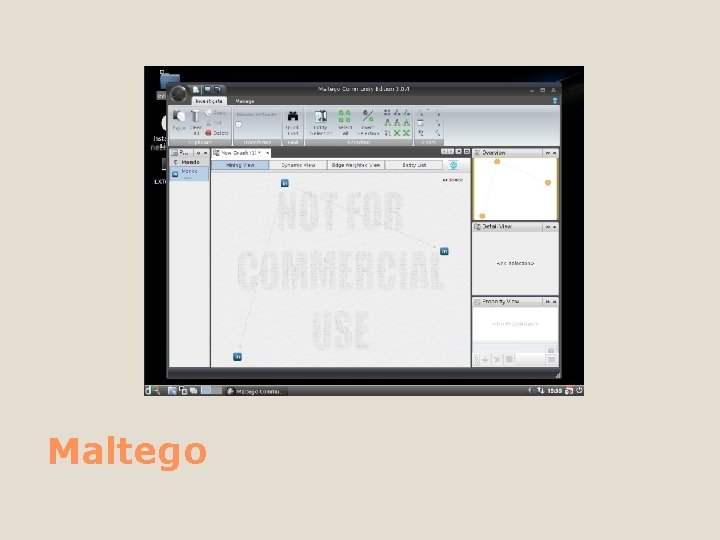
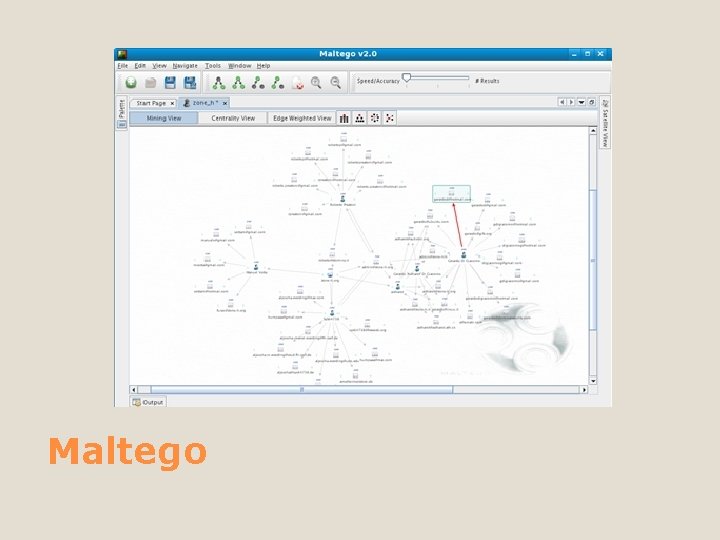
Maltego is an open source intelligence and forensics application. It will offer you timely mining and gathering of information as well as the representation of this information in a easy to understand format. Maltego
Maltego
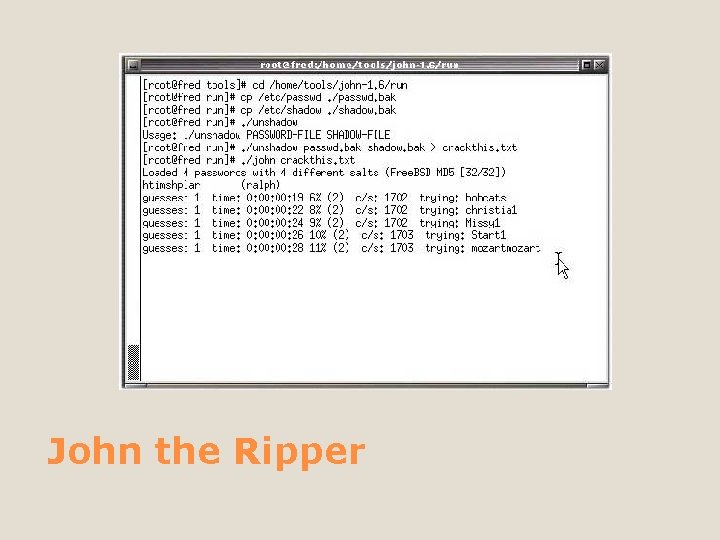
John the Ripper is free and Open Source software, distributed primarily in source code form. If you would rather use a commercial product tailored for your specific operating system, please consider John the Ripper Pro, which is distributed primarily in the form of "native" packages for the target operating systems and in general is meant to be easier to install and use while delivering optimal performance. John the Ripper
John the Ripper
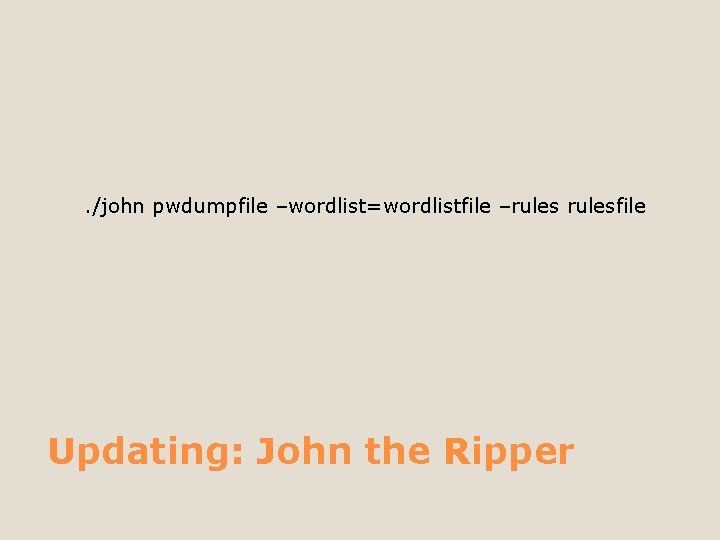
. /john pwdumpfile –wordlist=wordlistfile –rulesfile Updating: John the Ripper
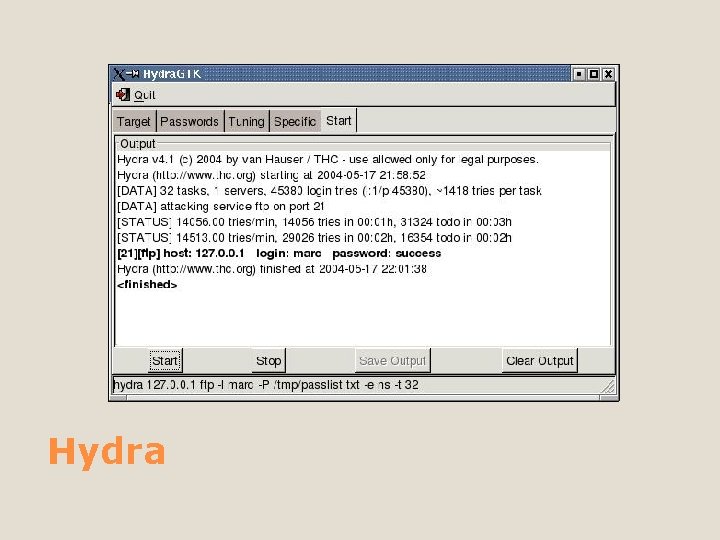
A Fast network authentication cracker which supports many different services. It uses a dictionary attack to test for weak or simple passwords on one or many remote hosts running a variety of different services such as TELNET, FTP, HTTPS, HTTP-PROXY, SMBNT, MS-SQL, MYSQL, REXEC, RSH, RLOGIN, CVS, SNMP, SMTP-AUTH, SOCKS 5, VNC, POP 3, IMAP, NNTP, PCNFS, ICQ, SAP/R 3, LDAP, Postgre. SQL, Teamspeak, Cisco auth, Cisco enable, and Cisco AAA Hydra
Hydra
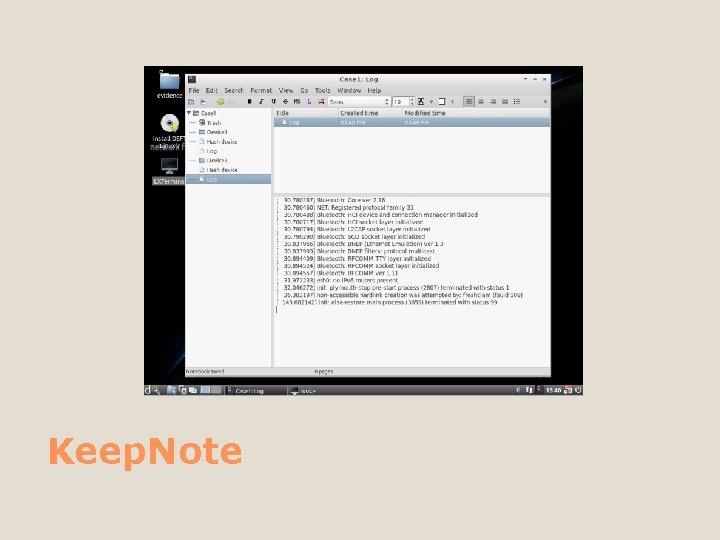
A simple but effective tool for saving and using notes for class, lab, meetings, papers, accounts, journals, and more as XML or HTML files. You can insert or attach images, spreadsheets, and other files, too. Keep. Note offers a lot of flexibility, but it leaves out bells and whistles like contact managers, task schedulers, and other distractions from the job at hand. Its main job is to replace that stack of notebooks you're lugging around. Keep. Note
We have touched on at least one tool in each major section of Deft. Please feel free to utilize many of the others in an installed, live, or virtual environment. In conclusion
Questions?
“Perfection is not attainable, but if we chase perfection we can catch excellence. ” Coach Lombardi
Thank you for your time. Falconer Technologies Tony. Godfrey@Falconer. Technologies. com 877 / TUX RULZ or 877 / 889 -7859 Thank you!