
Defining Classes and Methods Chapter 4 1 Key


- Slides: 40
Defining Classes and Methods Chapter 4. 1
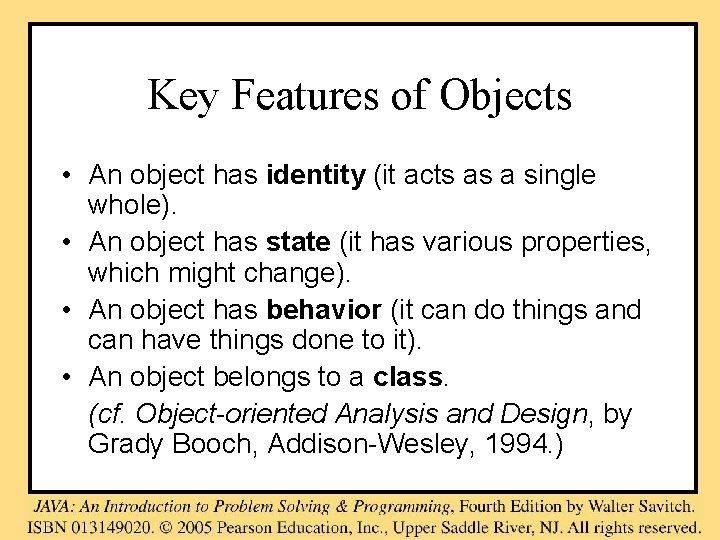
Key Features of Objects • An object has identity (it acts as a single whole). • An object has state (it has various properties, which might change). • An object has behavior (it can do things and can have things done to it). • An object belongs to a class. (cf. Object-oriented Analysis and Design, by Grady Booch, Addison-Wesley, 1994. )
Objects of a Class
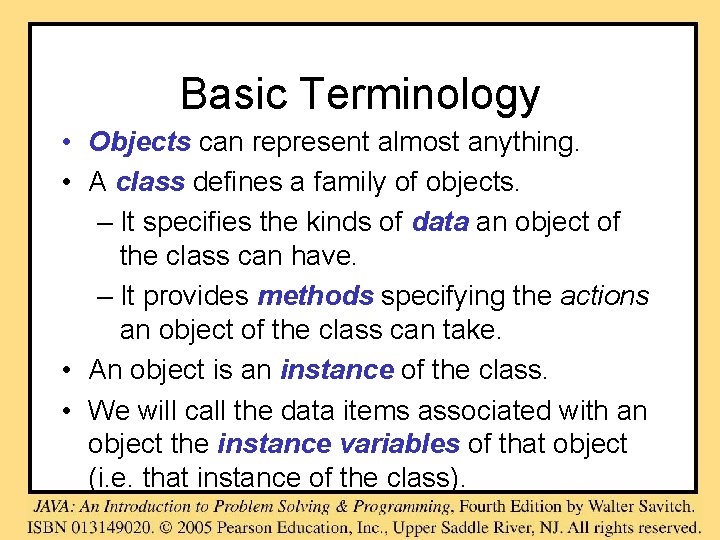
Basic Terminology • Objects can represent almost anything. • A class defines a family of objects. – It specifies the kinds of data an object of the class can have. – It provides methods specifying the actions an object of the class can take. • An object is an instance of the class. • We will call the data items associated with an object the instance variables of that object (i. e. that instance of the class).
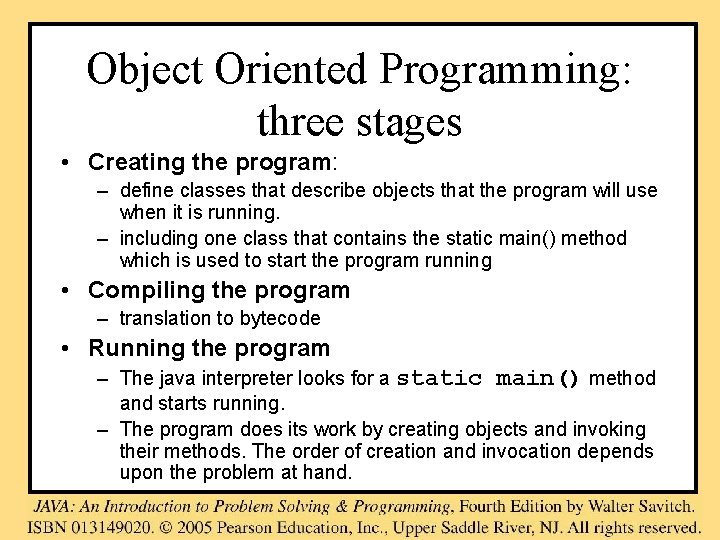
Object Oriented Programming: three stages • Creating the program: – define classes that describe objects that the program will use when it is running. – including one class that contains the static main() method which is used to start the program running • Compiling the program – translation to bytecode • Running the program – The java interpreter looks for a static main() method and starts running. – The program does its work by creating objects and invoking their methods. The order of creation and invocation depends upon the problem at hand.
Class Files and Separate Compilation • Each Java class definition should be in a file by itself. • A Java class can be compiled before it is used in a program • If all the classes used in a program are in the same directory (folder) as the program file, you do not need to import them.
Syntax of Class Definitions class Class. Name { Descriptions of the instance variables and methods each object will have and the constructors that initialize a new object. }
Class Definition • Often the class definition is segmented for clarity as follows class Class. Name { // Description of the variables. // Description of the constructors. // Description of the methods }
Checkpoint • A program is a class that has a method named main • Does every class require a main( ) method?
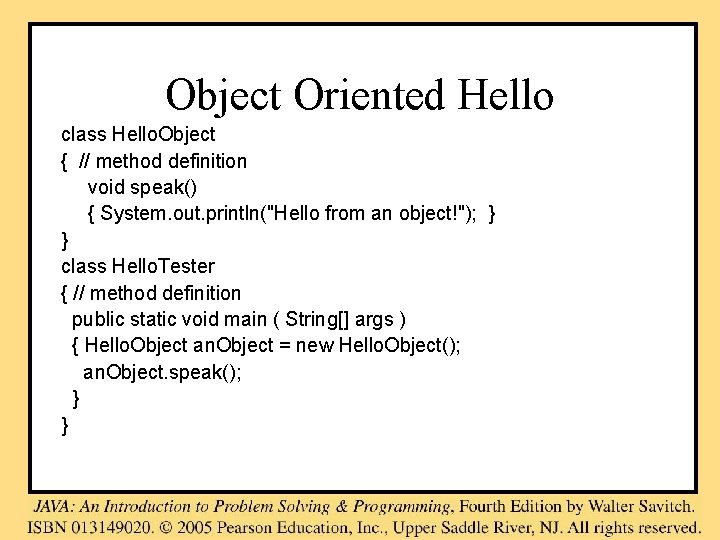
Object Oriented Hello class Hello. Object { // method definition void speak() { System. out. println("Hello from an object!"); } } class Hello. Tester { // method definition public static void main ( String[] args ) { Hello. Object an. Object = new Hello. Object(); an. Object. speak(); } }
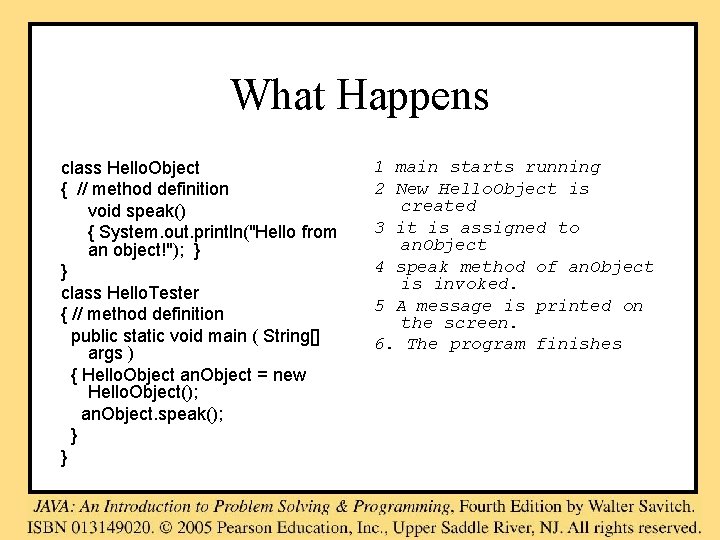
What Happens class Hello. Object { // method definition void speak() { System. out. println("Hello from an object!"); } } class Hello. Tester { // method definition public static void main ( String[] args ) { Hello. Object an. Object = new Hello. Object(); an. Object. speak(); } } 1 main starts running 2 New Hello. Object is created 3 it is assigned to an. Object 4 speak method of an. Object is invoked. 5 A message is printed on the screen. 6. The program finishes
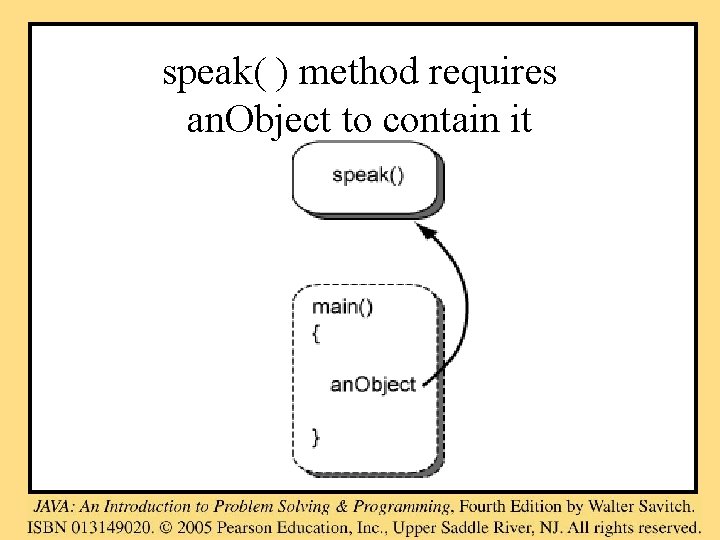
speak( ) method requires an. Object to contain it
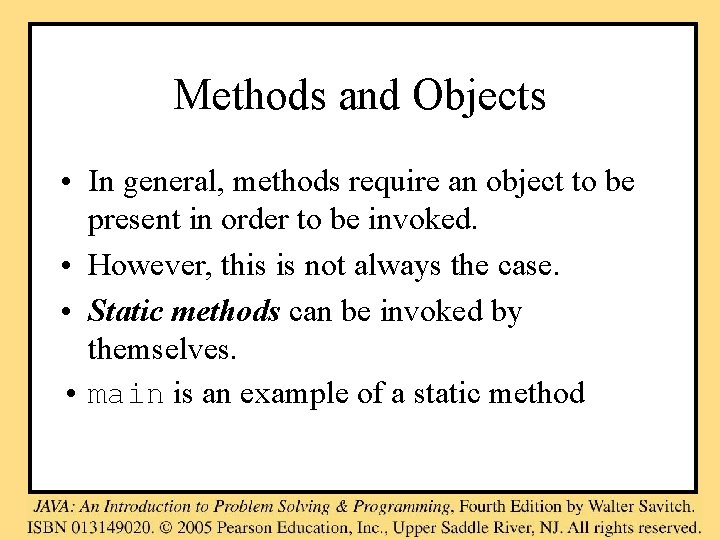
Methods and Objects • In general, methods require an object to be present in order to be invoked. • However, this is not always the case. • Static methods can be invoked by themselves. • main is an example of a static method
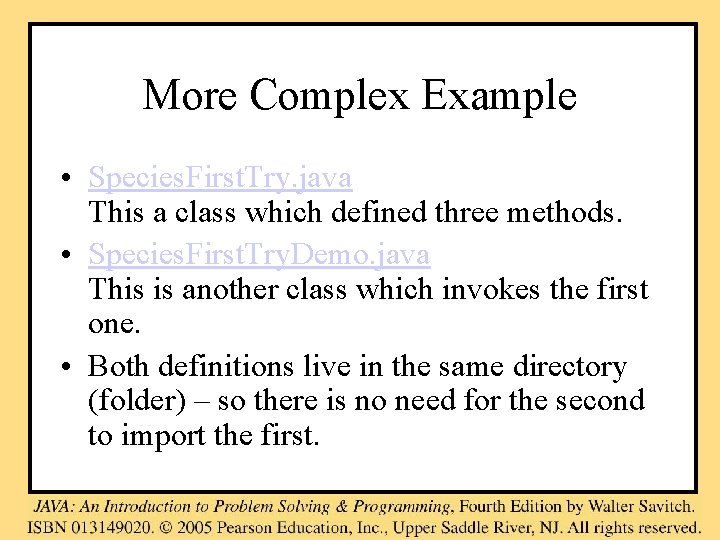
More Complex Example • Species. First. Try. java This a class which defined three methods. • Species. First. Try. Demo. java This is another class which invokes the first one. • Both definitions live in the same directory (folder) – so there is no need for the second to import the first.
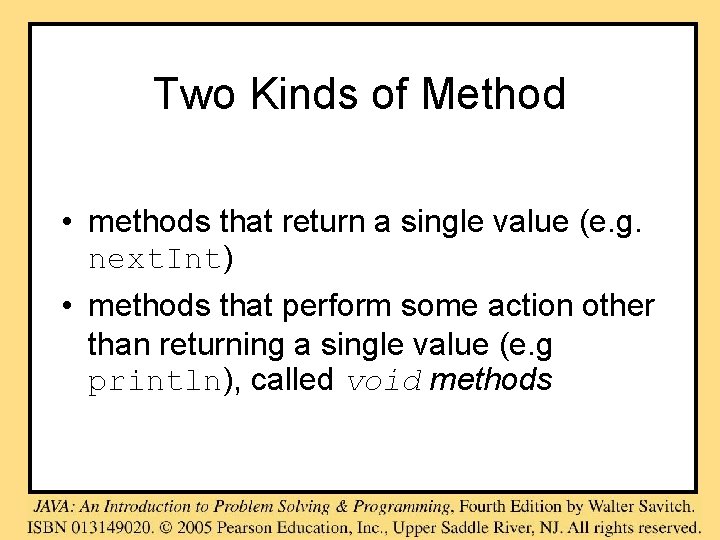
Two Kinds of Method • methods that return a single value (e. g. next. Int) • methods that perform some action other than returning a single value (e. g println), called void methods
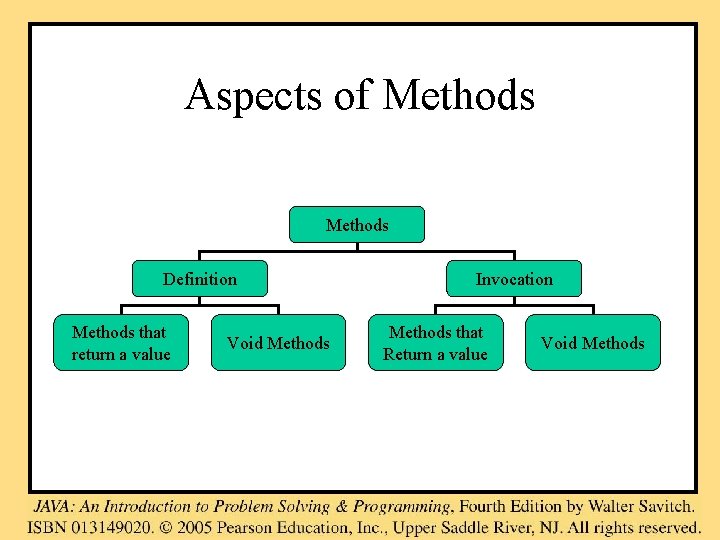
Aspects of Methods Definition Methods that return a value Void Methods Invocation Methods that Return a value Void Methods
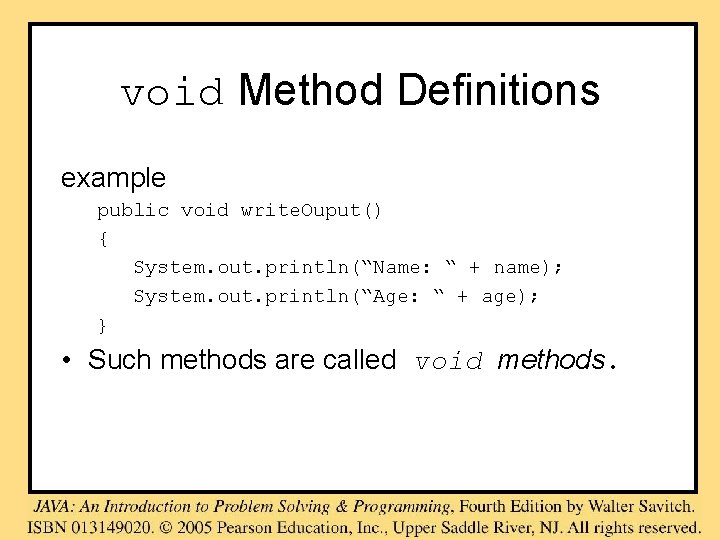
void Method Definitions example public void write. Ouput() { System. out. println(“Name: “ + name); System. out. println(“Age: “ + age); } • Such methods are called void methods.
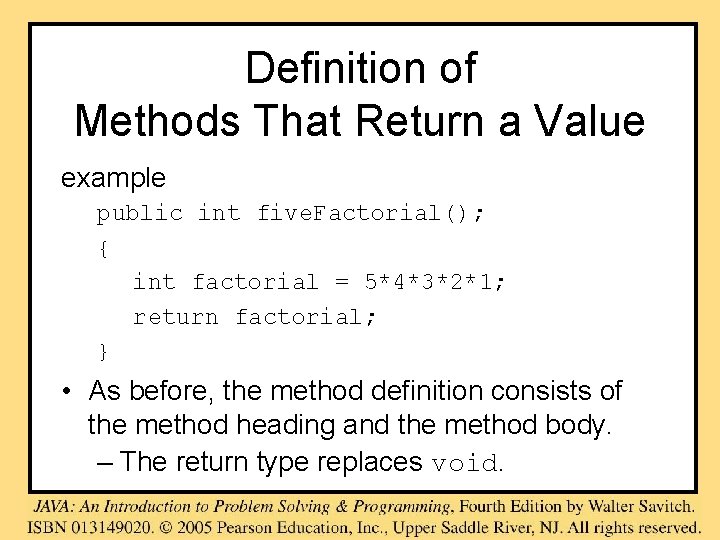
Definition of Methods That Return a Value example public int five. Factorial(); { int factorial = 5*4*3*2*1; return factorial; } • As before, the method definition consists of the method heading and the method body. – The return type replaces void.
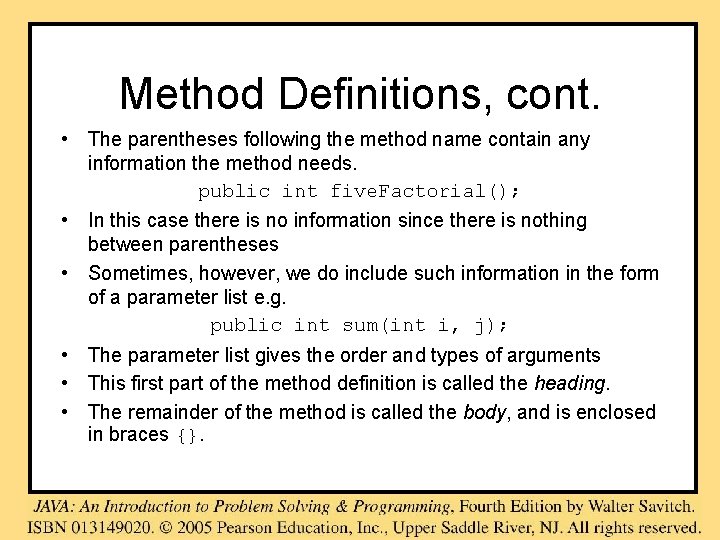
Method Definitions, cont. • The parentheses following the method name contain any information the method needs. public int five. Factorial(); • In this case there is no information since there is nothing between parentheses • Sometimes, however, we do include such information in the form of a parameter list e. g. public int sum(int i, j); • The parameter list gives the order and types of arguments • This first part of the method definition is called the heading. • The remainder of the method is called the body, and is enclosed in braces {}.
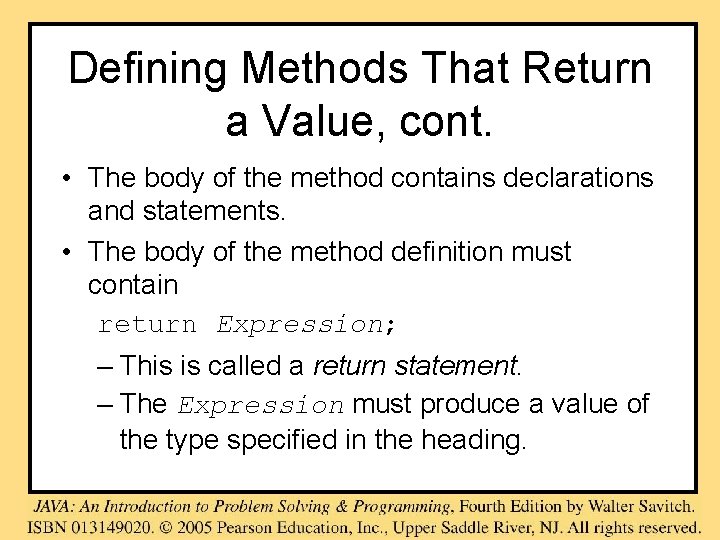
Defining Methods That Return a Value, cont. • The body of the method contains declarations and statements. • The body of the method definition must contain return Expression; – This is called a return statement. – The Expression must produce a value of the type specified in the heading.
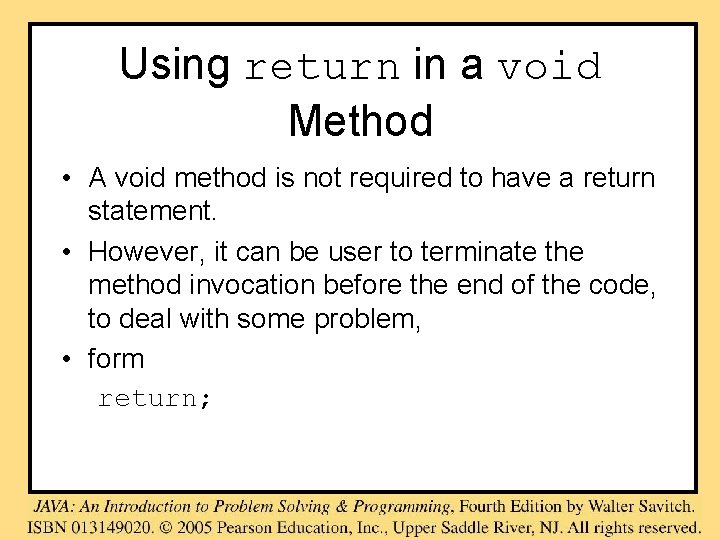
Using return in a void Method • A void method is not required to have a return statement. • However, it can be user to terminate the method invocation before the end of the code, to deal with some problem, • form return;
Invocation of Methods that Return a Value example int next = keyboard. next. Int(); – keyboard is the calling object. – keyboard. nextint() is the invocation. – You can use the invocation any place that it is valid to use of value of the type returned by the method.
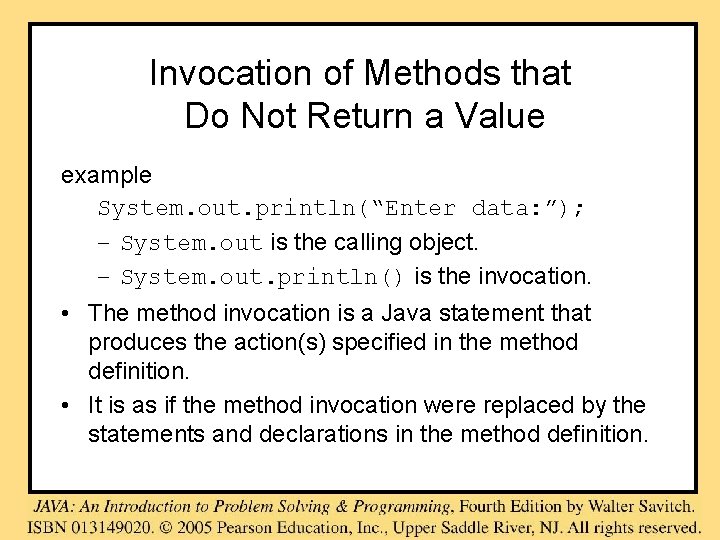
Invocation of Methods that Do Not Return a Value example System. out. println(“Enter data: ”); – System. out is the calling object. – System. out. println() is the invocation. • The method invocation is a Java statement that produces the action(s) specified in the method definition. • It is as if the method invocation were replaced by the statements and declarations in the method definition.
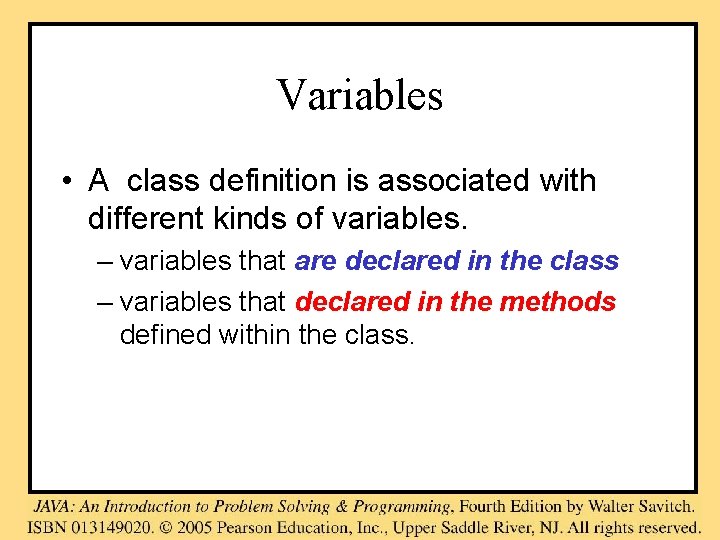
Variables • A class definition is associated with different kinds of variables. – variables that are declared in the class – variables that declared in the methods defined within the class.
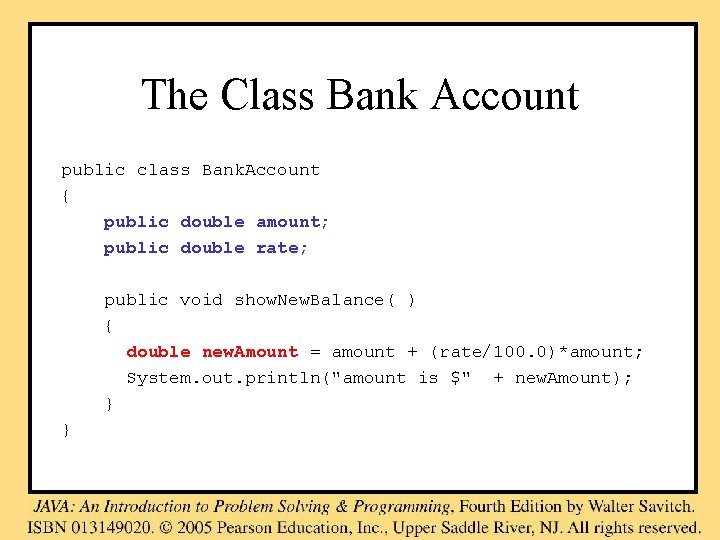
The Class Bank Account public class Bank. Account { public double amount; public double rate; public void show. New. Balance( ) { double new. Amount = amount + (rate/100. 0)*amount; System. out. println("amount is $" + new. Amount); } }
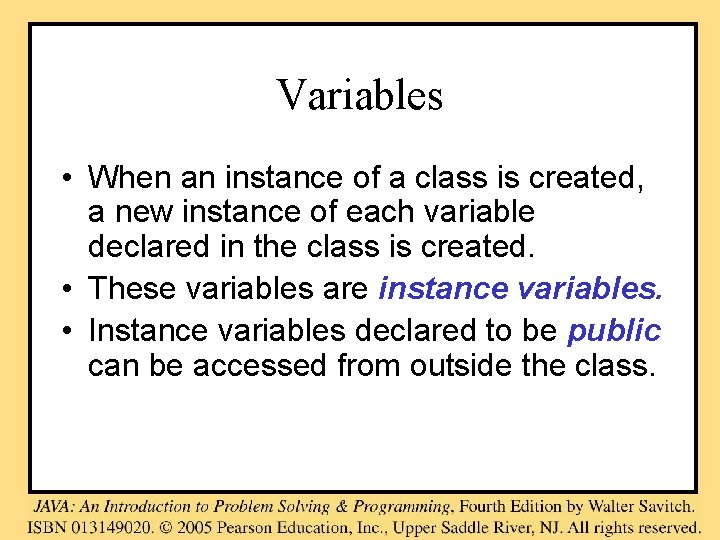
Variables • When an instance of a class is created, a new instance of each variable declared in the class is created. • These variables are instance variables. • Instance variables declared to be public can be accessed from outside the class.
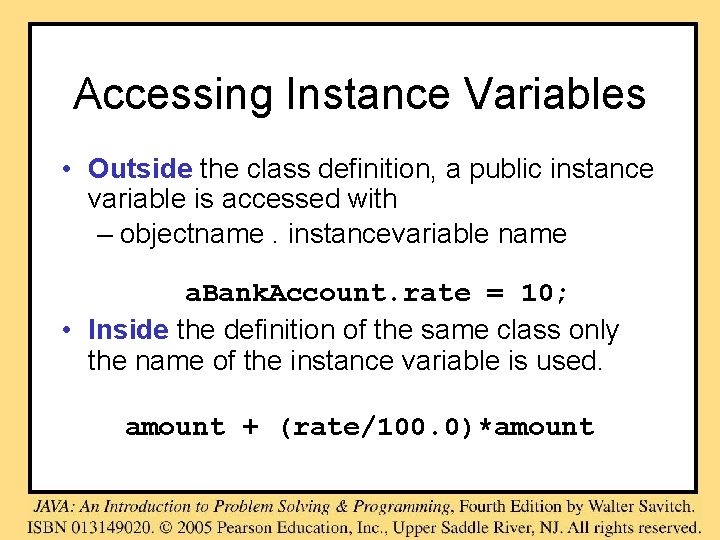
Accessing Instance Variables • Outside the class definition, a public instance variable is accessed with – objectname. instancevariable name a. Bank. Account. rate = 10; • Inside the definition of the same class only the name of the instance variable is used. amount + (rate/100. 0)*amount
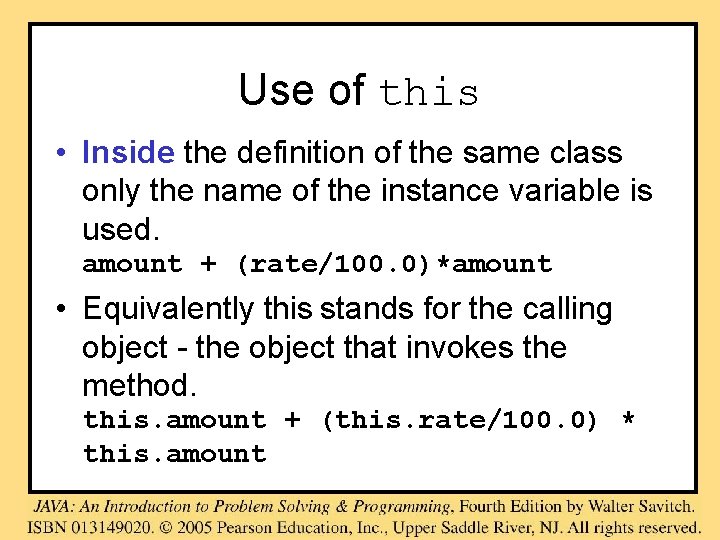
Use of this • Inside the definition of the same class only the name of the instance variable is used. amount + (rate/100. 0)*amount • Equivalently this stands for the calling object - the object that invokes the method. this. amount + (this. rate/100. 0) * this. amount
Local Variables • Variables that belong to the methods are private to the method. • They are called local variables • They cannot be accessed from outside the method in which they are defined.
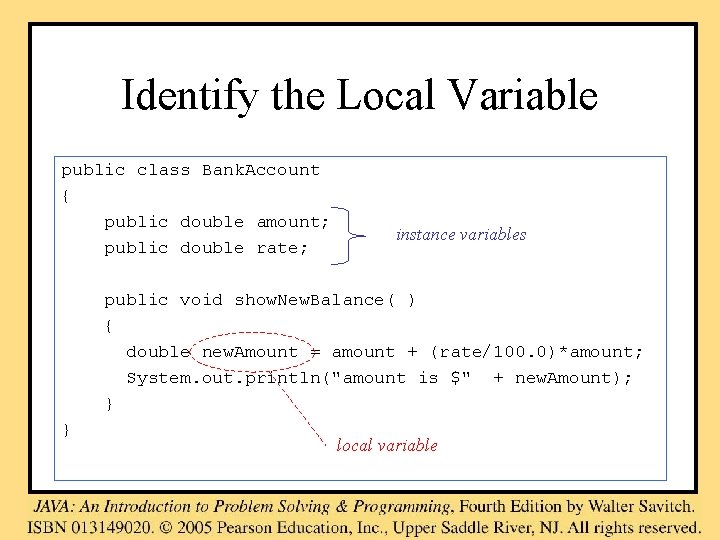
Identify the Local Variable public class Bank. Account { public double amount; public double rate; instance variables public void show. New. Balance( ) { double new. Amount = amount + (rate/100. 0)*amount; System. out. println("amount is $" + new. Amount); } } local variable
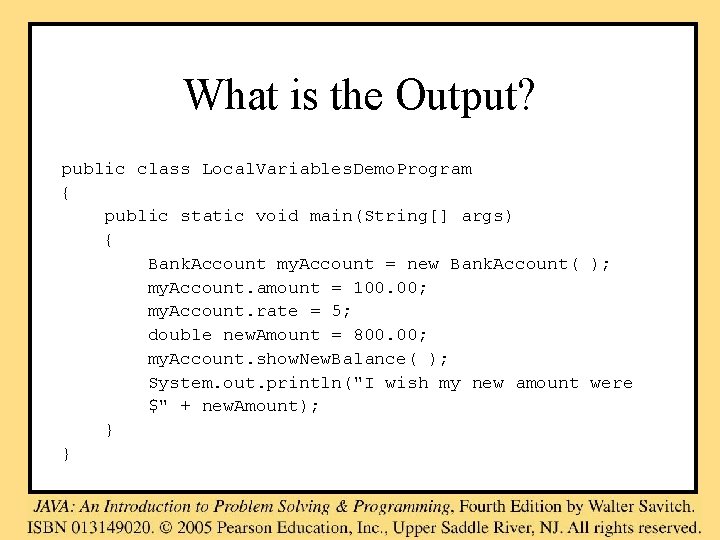
What is the Output? public class Local. Variables. Demo. Program { public static void main(String[] args) { Bank. Account my. Account = new Bank. Account( ); my. Account. amount = 100. 00; my. Account. rate = 5; double new. Amount = 800. 00; my. Account. show. New. Balance( ); System. out. println("I wish my new amount were $" + new. Amount); } }
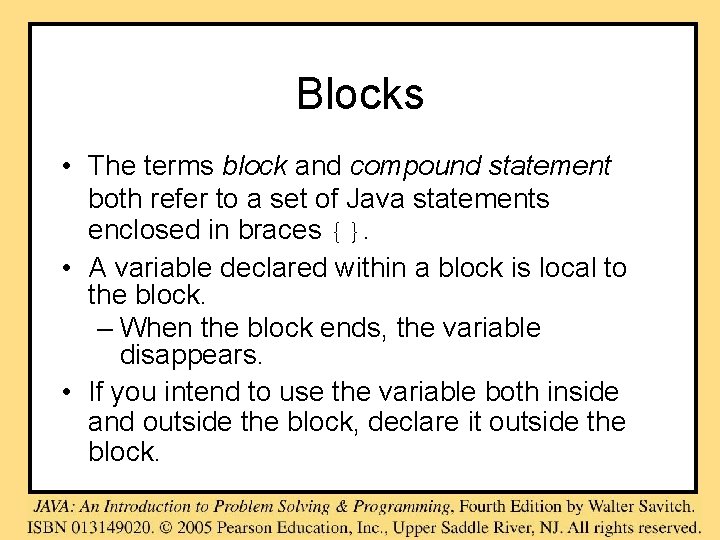
Blocks • The terms block and compound statement both refer to a set of Java statements enclosed in braces {}. • A variable declared within a block is local to the block. – When the block ends, the variable disappears. • If you intend to use the variable both inside and outside the block, declare it outside the block.
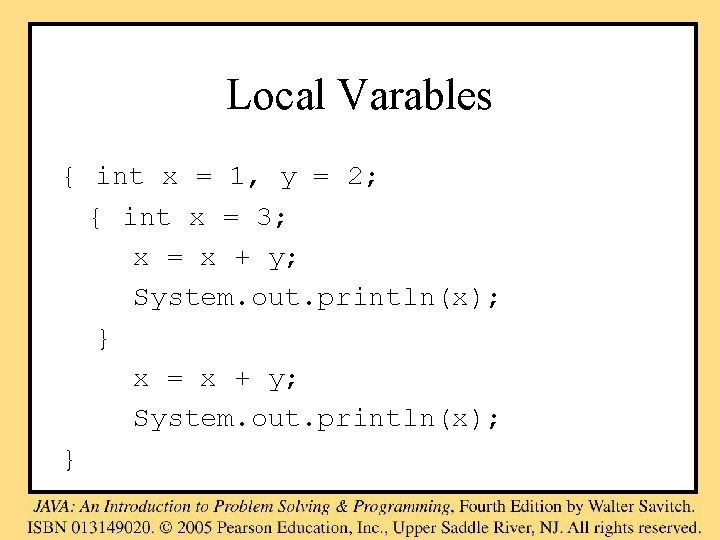
Local Varables { int x = 1, y = 2; { int x = 3; x = x + y; System. out. println(x); }
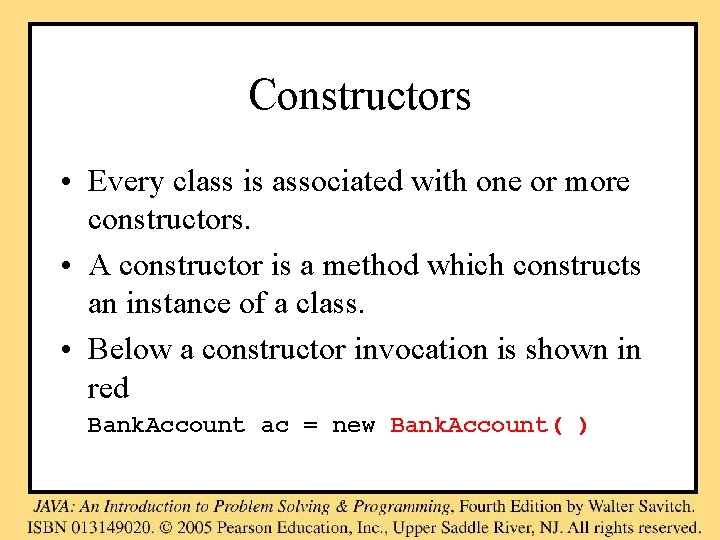
Constructors • Every class is associated with one or more constructors. • A constructor is a method which constructs an instance of a class. • Below a constructor invocation is shown in red Bank. Account ac = new Bank. Account( )
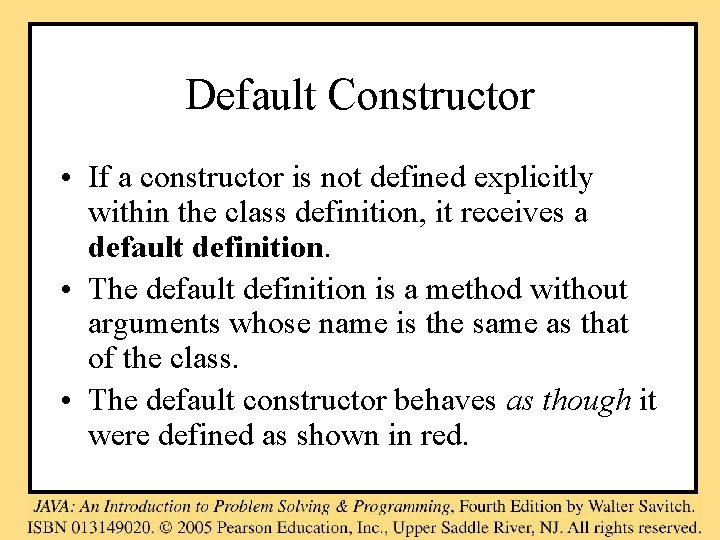
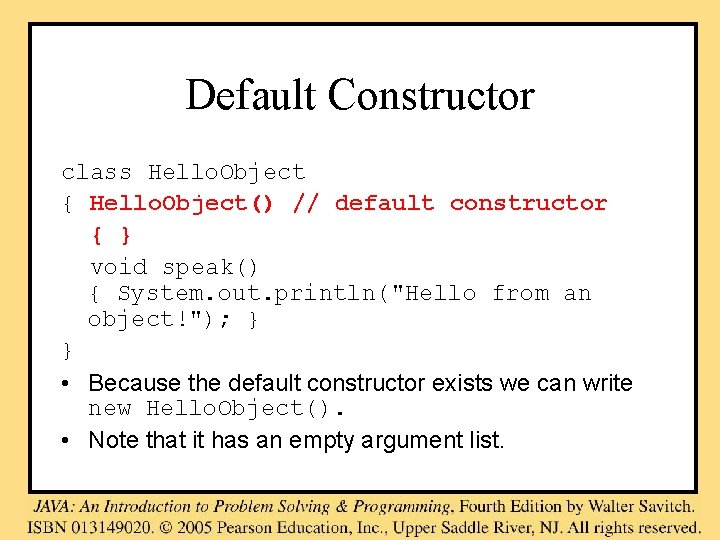
Default Constructor • If a constructor is not defined explicitly within the class definition, it receives a default definition. • The default definition is a method without arguments whose name is the same as that of the class. • The default constructor behaves as though it were defined as shown in red.
Default Constructor class Hello. Object { Hello. Object() // default constructor { } void speak() { System. out. println("Hello from an object!"); } } • Because the default constructor exists we can write new Hello. Object(). • Note that it has an empty argument list.
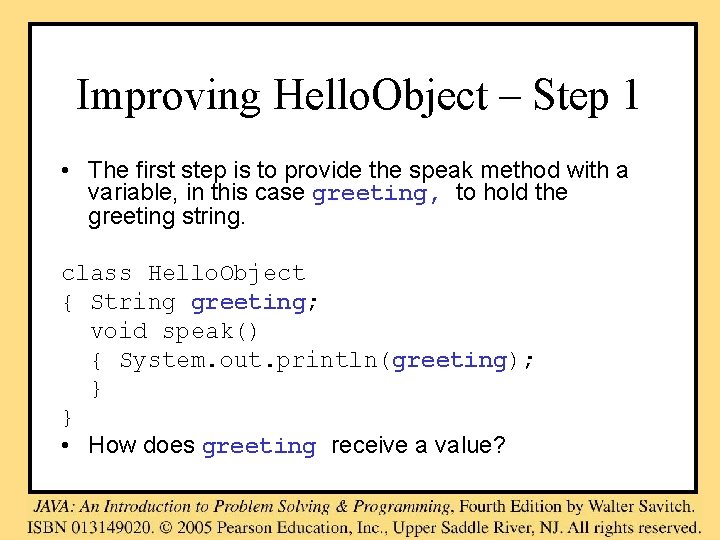
Improving Hello. Object – Step 1 • The first step is to provide the speak method with a variable, in this case greeting, to hold the greeting string. class Hello. Object { String greeting; void speak() { System. out. println(greeting); } } • How does greeting receive a value?
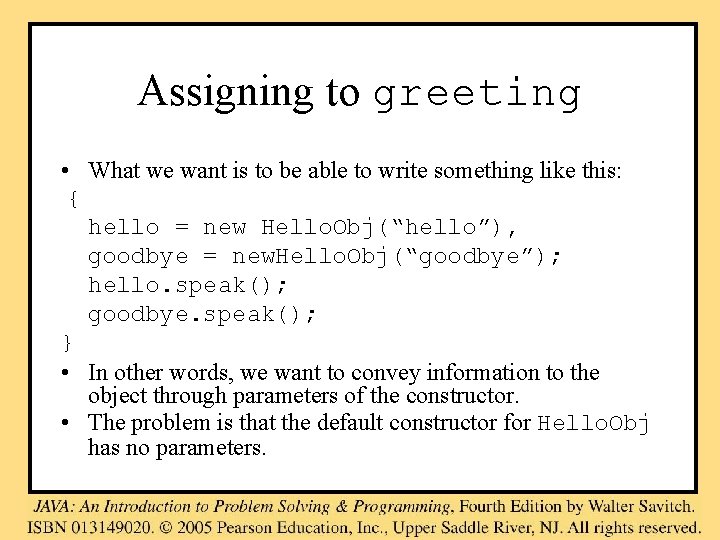
Assigning to greeting • What we want is to be able to write something like this: { hello = new Hello. Obj(“hello”), goodbye = new. Hello. Obj(“goodbye”); hello. speak(); goodbye. speak(); } • In other words, we want to convey information to the object through parameters of the constructor. • The problem is that the default constructor for Hello. Obj has no parameters.
• The instance variable has to be set by the constructor – which means that the constructor has to have one parameter. • We therefore cannot use the default constructor, and have to write our own. • Further details are given in Kjell Chapter 30
How Values are Transmitted • The method invocation, e. g. Hello. Object(″Goodbye″) evaluates the supplied argument (actual parameter) • The value of the argument is assigned to the method's corresponding formal parameter. • The method computes with the parameter set to that value. • This is known as the call-by-value mechanism.